OpenAI has officially launched GPT Image 1.5 — its most advanced image generation model yet. The new model is already live on Overchat AI, and you can start creating with GPT Image 1.5.
This is OpenAI's most capable text-to-image and image-to-image model to date. It features better instruction following, it’s more precise when editing images, and it generates up to 4x faster.
What's more, it can do many things that Nano Banana Pro and FLUX.2 [max] can. While a full comparison is coming soon, here's what you should know about the new model right now.
GPT Image 1.5 is OpenAI's successor to GPT Image 1, bringing more reliable instruction following, a better grasp of physics and 3D space, and access to real-time data and world information.
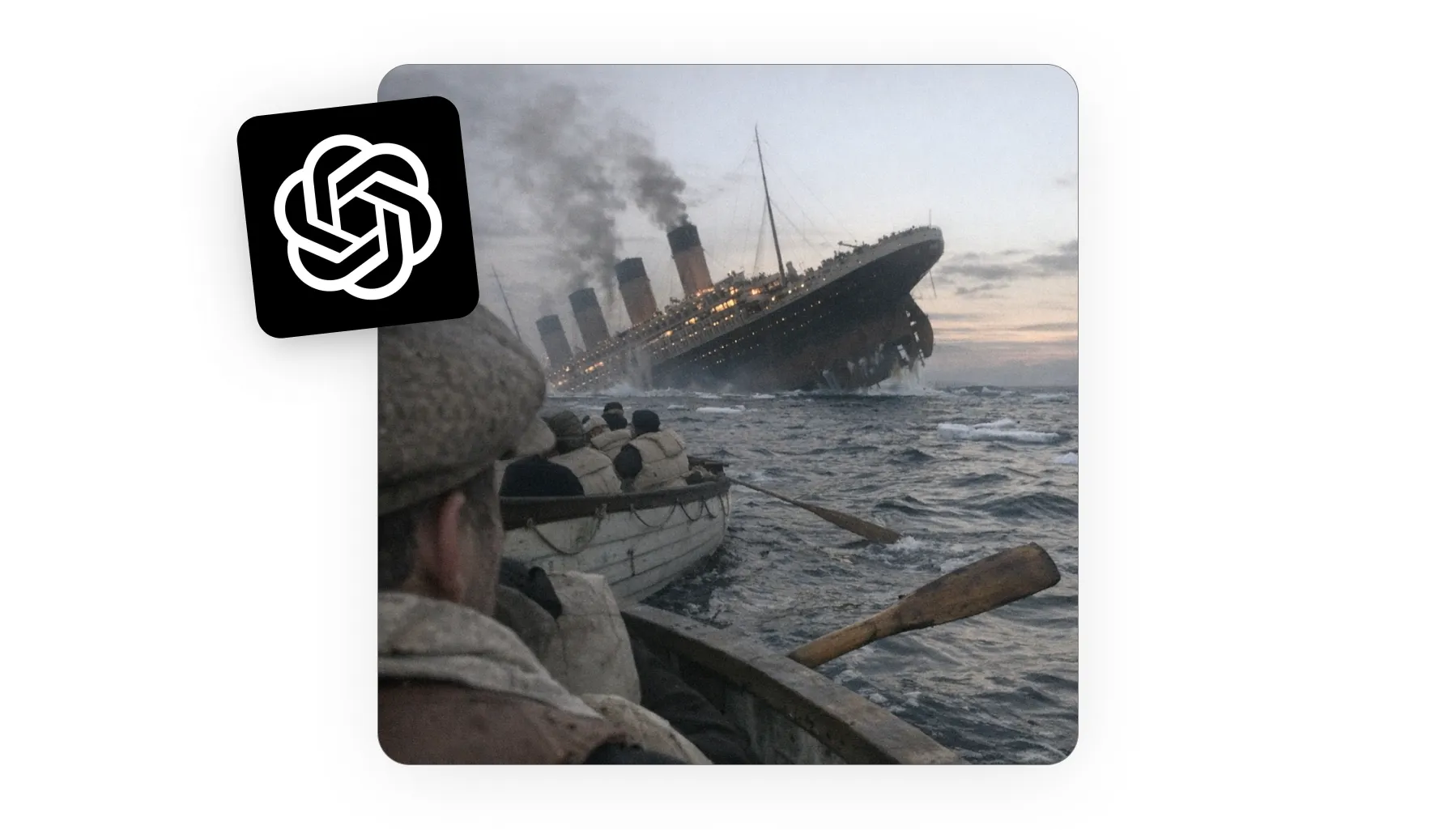
Real-world knowledge is a standout — feed it coordinates and a date, and it generates a realistic image of a well-known event that happened there.
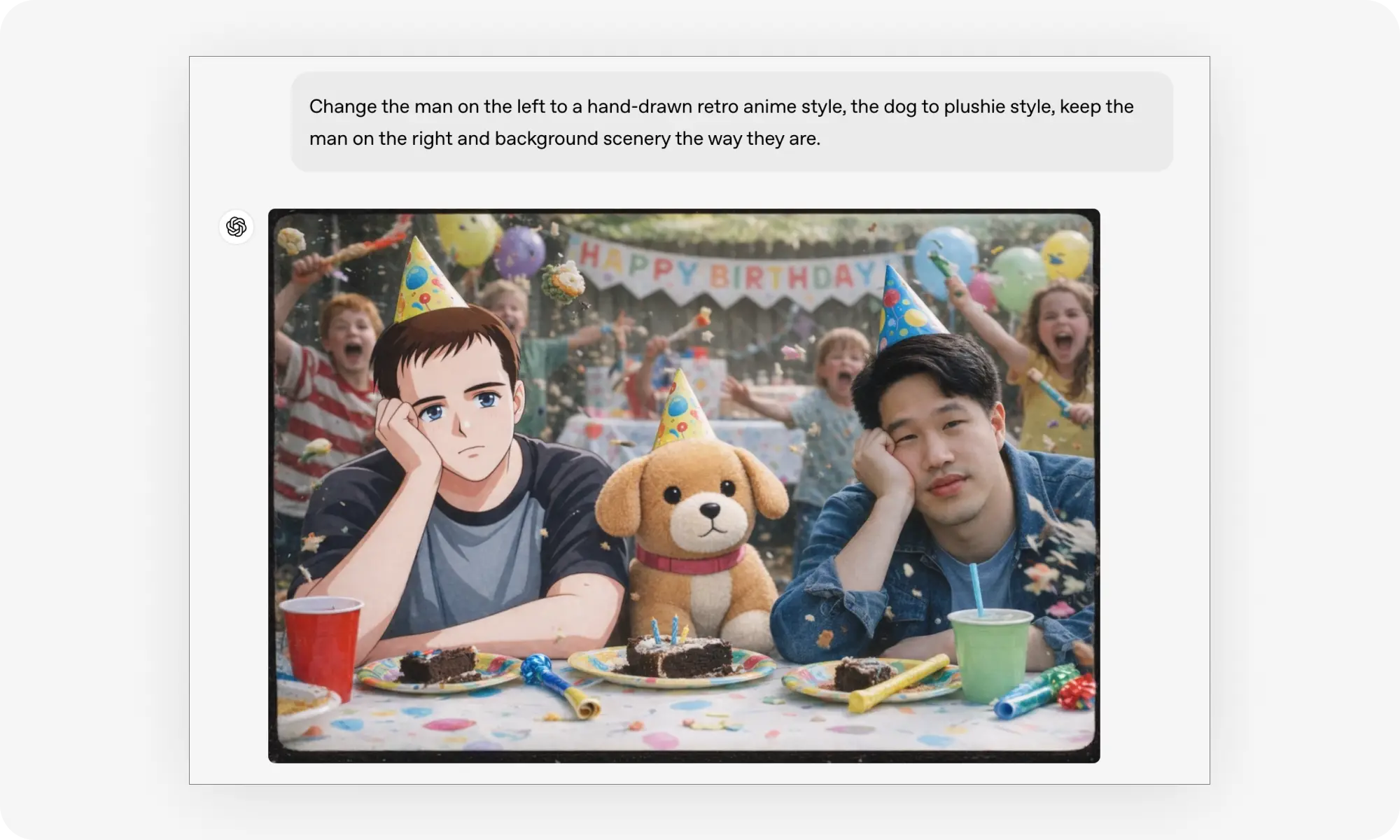
Precision editing is significantly improved: add, subtract, combine, blend, move, morph, or erase objects and people with natural language — without the usual back-and-forth iterations.
Restyling is creative and polished — you get vibrant, professional-looking results without needing to master prompt engineering.
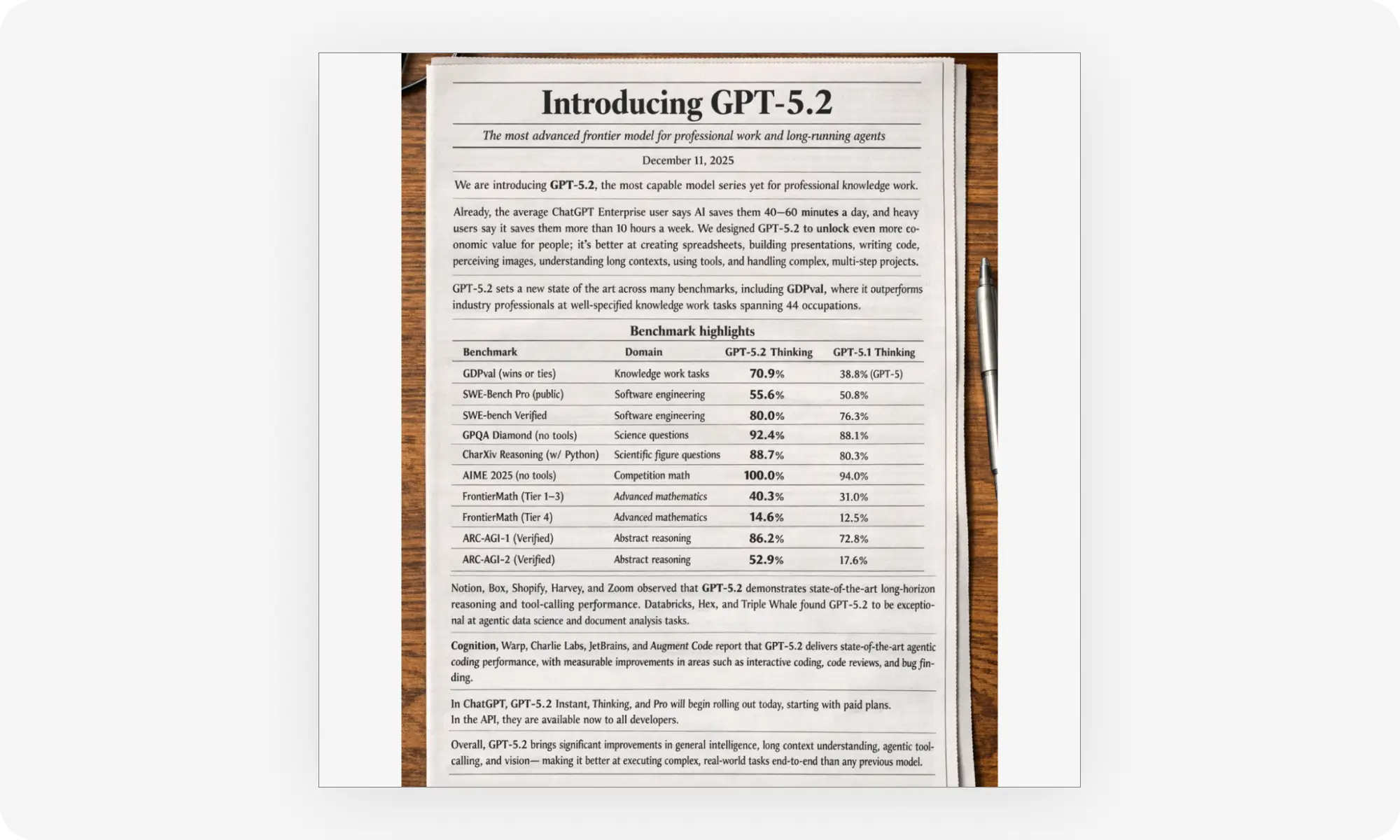
Text rendering is the model's strongest suit, described as the best ever seen — capable of generating full newspaper layouts, articles, ads, flyers, business cards, and math formulas, all sharp, readable, and naturally integrated into the image.
Quality-of-life upgrades: far more detailed faces in crowd scenes, more natural realistic images (lighting, reflections, imperfections), and roughly 4x faster generation than the previous version.
Available now on Overchat AI and rolling out globally in ChatGPT — it works automatically across models, so you don't need to select it manually.
A direct head-to-head against Nano Banana Pro and FLUX.2 [max] is in the works to settle which is currently the best AI image generator.
What is GPT Image 1.5?
GPT Image 1.5 is OpenAI's latest image generation and editing model. It's the successor to GPT Image 1, designed to deliver results that better match your vision.
The model follows instructions more reliably, paying attention to even the smallest details, and has an understanding of physics, 3D space and lighting. It also has access to real-time data and world information. For example, you can provide the model with coordinates and a date, and it will generate a realistic image of what happened at that time and in that place, provided that the event is well known.
Core Features Of GPT Image 1.5
Let's take a look at the features of this new image generation model. It has some truly impressive capabilities that make it stand out.
Precise Edits
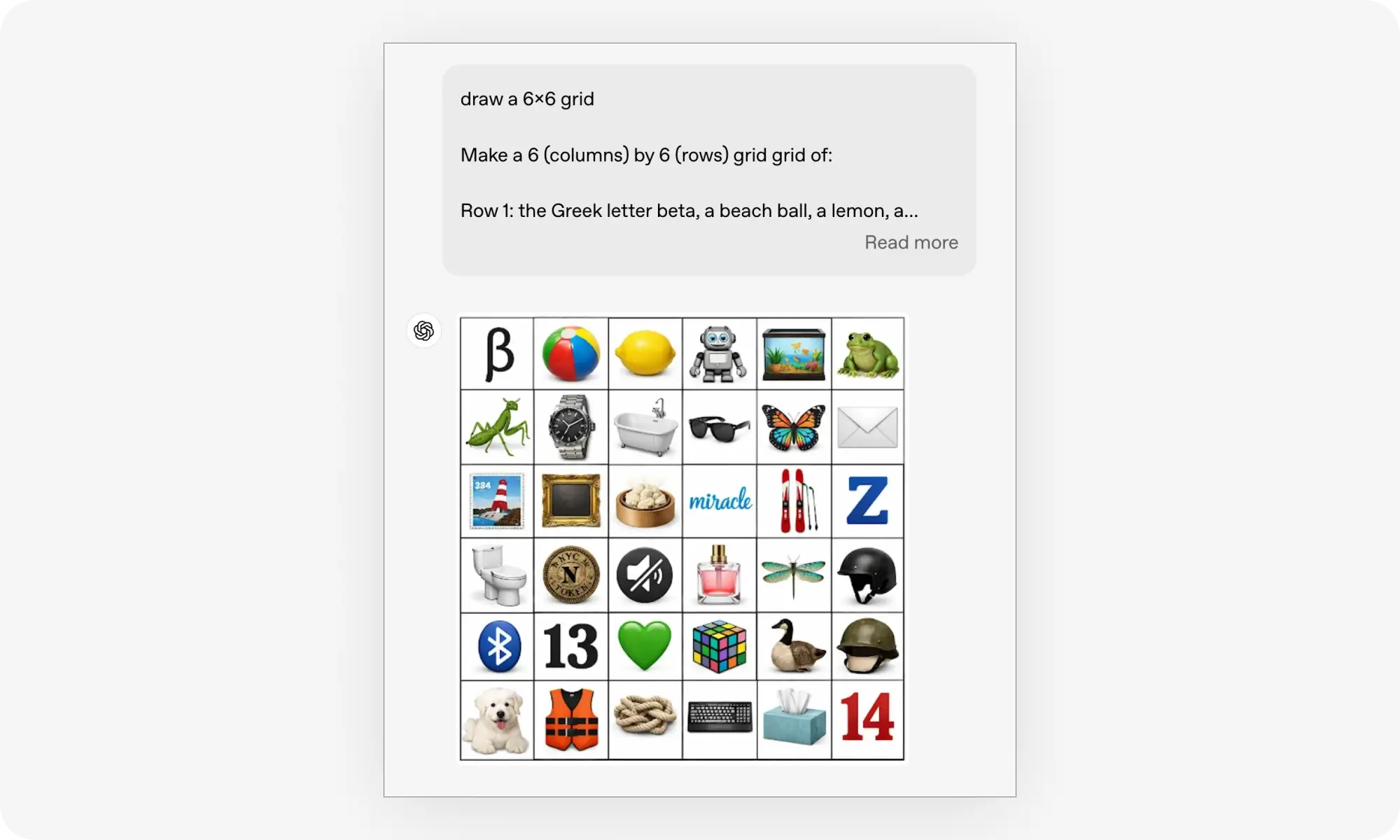
Ask GPT Image 1.5 to edit an existing image by removing, adding or changing any of the elements, and it will do exactly that — nothing more, nothing less. In this example, for instance, the model was asked to create a grid layout and place a specific object in each cell, which it did perfectly.
With this model, you can:
Add
Subtract
Combine
Blending
Move
Morph
And erase objects and people
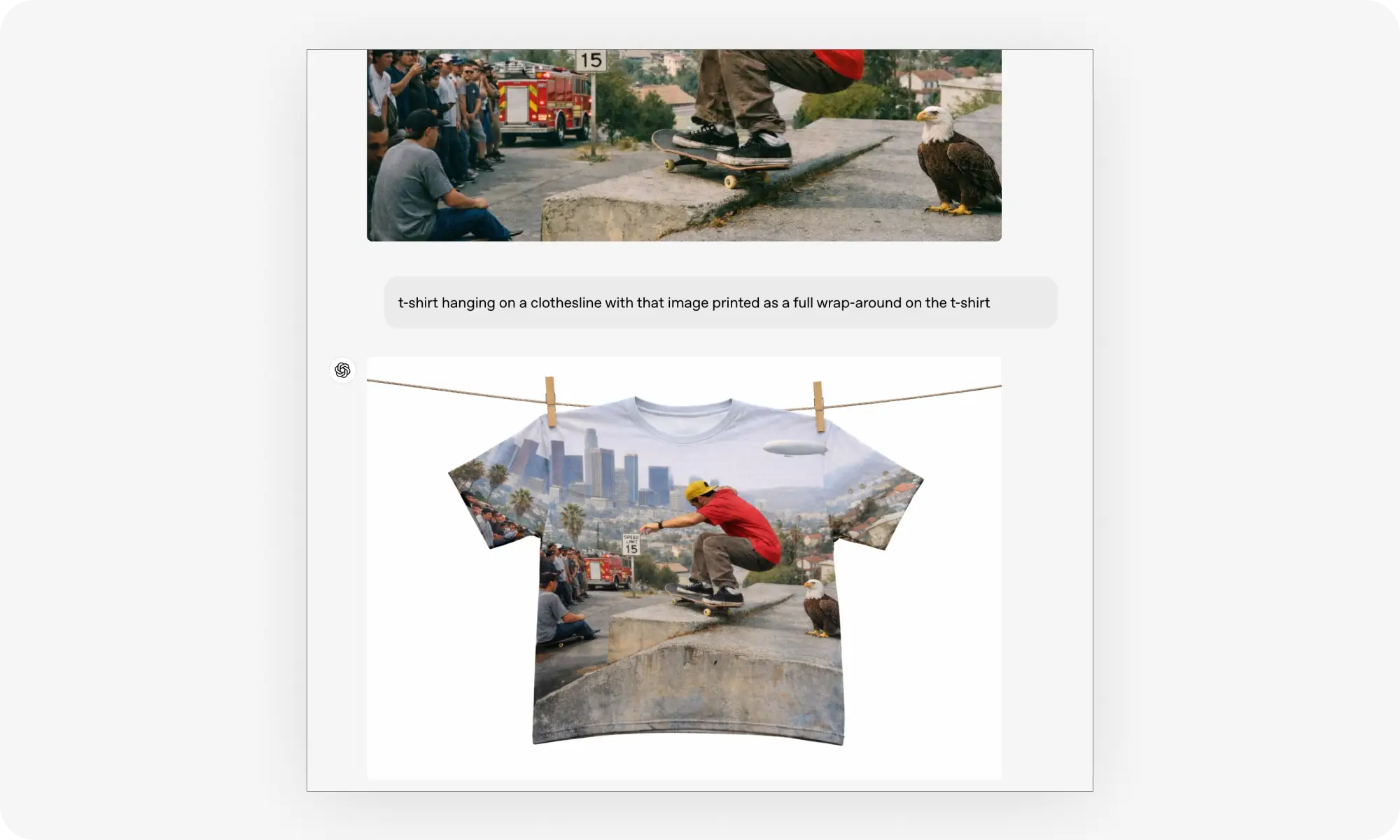
Here’s another example: an image generated by the model was printed on a T-shirt.
While most image-to-image AI models today can edit images using natural language commands, the precision of these edits is sometimes lacking. GPT Image 1 is a significant improvement in this regard. Use it to professionally edit your own images and achieve stunning results for the first time, without having to make repeated changes.
Restyle Images
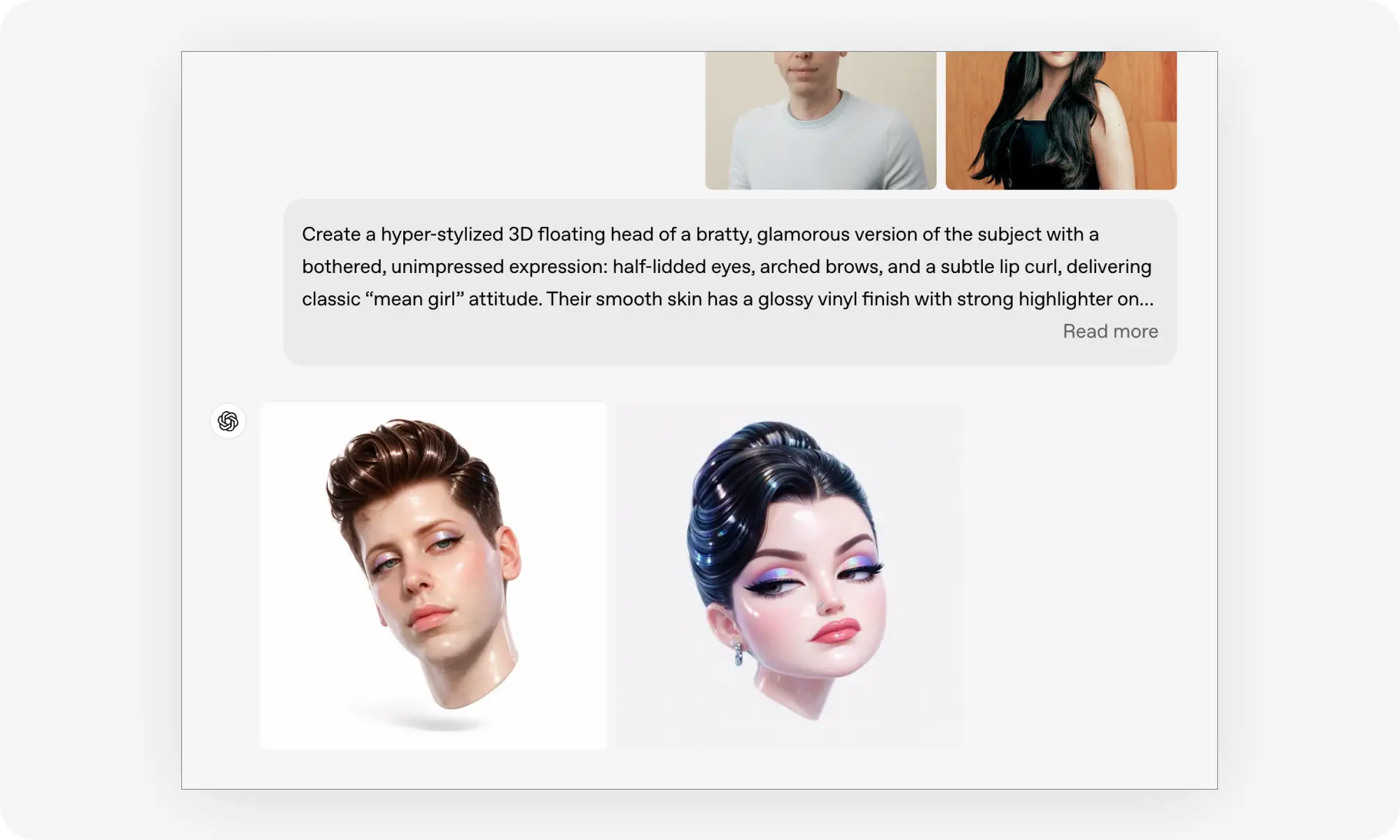
The model's creativity really comes to the fore when you ask it to produce specific styles. It produces stunning, vibrant results that look professional rather than like an imitation. Achieving eye-catching visuals without mastering specific prompting techniques has always been challenging, but this model enables you to achieve stunning results without prompt engineering.
For example, consider how it interpreted this request to turn a portrait into a glamour shot:
Thanks to the model’s ability to edit images with precision, you can then edit the image in a series of consistent steps, evolving your images forever.
Instruction Following
GPT Image 1.5 follows instructions more reliably than the initial version. This enables more precise edits as well as more intricate original compositions, where relationships between elements are preserved as intended.
The model can handle complex multi-element requests, like arranging multiple subjects with specific poses and interactions. This improvement means you spend less time iterating and more time getting the exact result you're picturing.
Text Rendering
This model boasts the most impressive text rendering we have ever seen, period. It can generate entire pages of fine text and then modify it accurately. You could use it to create anything from full newspaper layouts to maths formulas or posters, or even as a very expensive typewriter to write a book. It really is that accurate.
The only limit to what you can create is your imagination, as you can generate:
Realistic newspaper layouts
Full articles
Ads
Websites
Flyers
Business cards
What’s more, the text appears sharp, readable, and it is naturally integrated into the image — not pasted on.
Valuable Quality-Of-Life Improvements
Beyond the core features, OpenAI team has upgraded GPT Image 1.5 in a couple of important ways that make working with it more enjoyable, and, in certain edge cases, significantly improves the quality of the output.
In images containing many small faces, each face appears much more detailed. This is important for scenes featuring crowds or groups of people.
Realistic images have been upgraded to look more natural, with realistic lighting, reflections and imperfections that reflect the real world.
The model can generate images four times faster, which is a significant improvement given that the previous generation was sometimes painfully slow.
Where to Access GPT Image 1.5
GPT Image 1.5 is available now across multiple platforms. Here's where you can access it today.
Overchat AI
The fastest way to try GPT Image 1.5 is on Overchat AI. You can start generating images with the model right now.
ChatGPT
GPT Image 1.5 is rolling out to all ChatGPT users globally. It works across models, so you don't need to select anything in order to use it.
Bottom Line
OpenAI has officially launched GPT Image 1.5, their most capable general-purpose image generation model to date. Given that Flux and Nano Banana have made the previous generation of GPT Image practically obsolete, this update was long overdue. However, the initial results look extremely promising. We’re already working on a full comparison in which we’ll pit Nano Banana Pro, Flux.2 [max] and GPT Image 1.5 against each other to once and for all determine the best AI image generator.
The new model is already live on Overchat AI, and you can start creating with GPT Image 1.5 here.
Frequently Asked Questions (FAQ)
What is GPT Image 1.5?
GPT Image 1.5 is the most advanced image generation and editing model made by OpenAI. It's the next version of GPT Image 1.
How does GPT Image 1.5 compare to Nano Banana Pro and FLUX.2 [max]?
All three models can create and edit images, but GPT Image 1.5 is especially impressive thanks to it's accuracy, accurate text rendering, and fast generation speed.
What can GPT Image 1.5 do?
GPT Image 1.5 can:
Create images from text prompts
Edit images based on natural language commands
Understand complex instructions and follow them accurately
Transform style of existing images
Make images with text, such as ads and posters
Render lots of text accurately
Where can I try GPT Image 1.5?
The fastest way to access GPT Image 1.5 is through Overchat AI, where you can start generating now. It's also available in ChatGPT for all users, and via OpenAI's API for developers.