Envie uma foto e receba a versão em estilo anime em um clique. A IA redesenha a cena mantendo o rosto reconhecível — em cerca de 30 segundos você tem a ilustração pronta para baixar.
A ferramenta roda sobre um modelo de geração de imagem treinado para reinterpretar a foto sem perder a semelhança. Você envia uma imagem e recebe uma ilustração nova — não um filtro aplicado por cima da original.
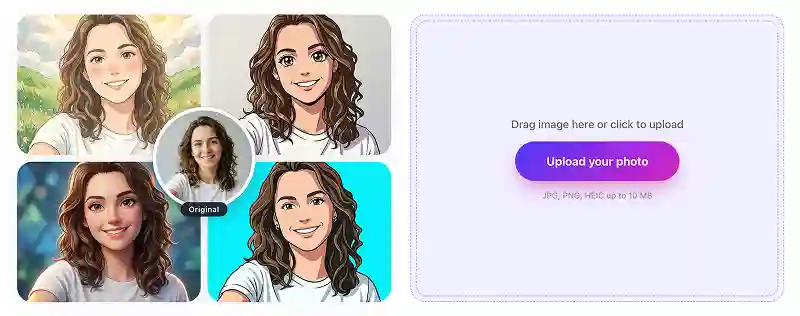
Escolha uma foto da galeria ou tire uma selfie na hora e envie para a ferramenta.
Um modelo de imagem-para-imagem redesenha a sua foto no estilo anime escolhido.
Em cerca de 30 segundos a ilustração fica pronta em alta definição, sem marca d'água, para baixar e postar.
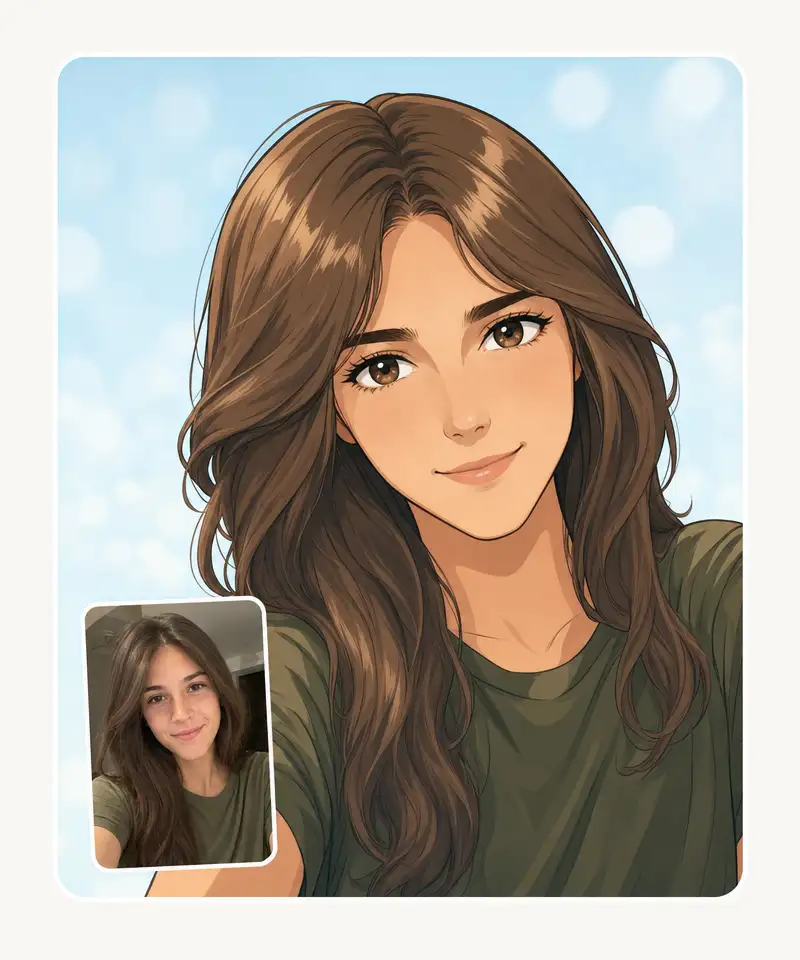
A ferramenta gera retratos anime limpos, cenários completos e personagens originais — não é um filtro de desenho. Sombreado cel, olhos expressivos, traço firme, e a geometria do rosto continua sendo a sua.
Pele em sombreado cel, olhos expressivos, contorno definido e blocos de cor limpos — o tipo de resultado que sai da mão de um ilustrador, não de um filtro de um clique. As proporções reais do seu rosto são preservadas.
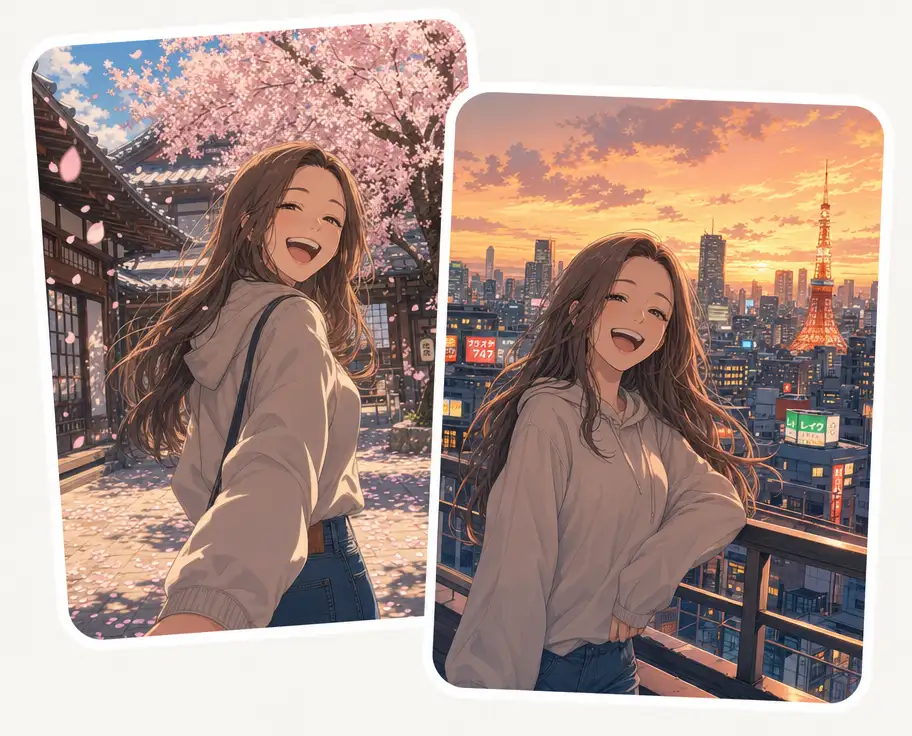
Coloque o personagem num pátio coberto de pétalas de cerejeira, num telhado de Tóquio ao pôr do sol, num beco cyberpunk ou numa cabine de nave. O cenário inteiro é pintado no mesmo estilo do personagem.
Descreva o personagem como você explicaria para um mangaká — espadachina de cabelo prateado com olhos de cores diferentes e sobretudo militar rasgado, ou uma barista raposa num café dos anos 1970 — e a IA desenha.
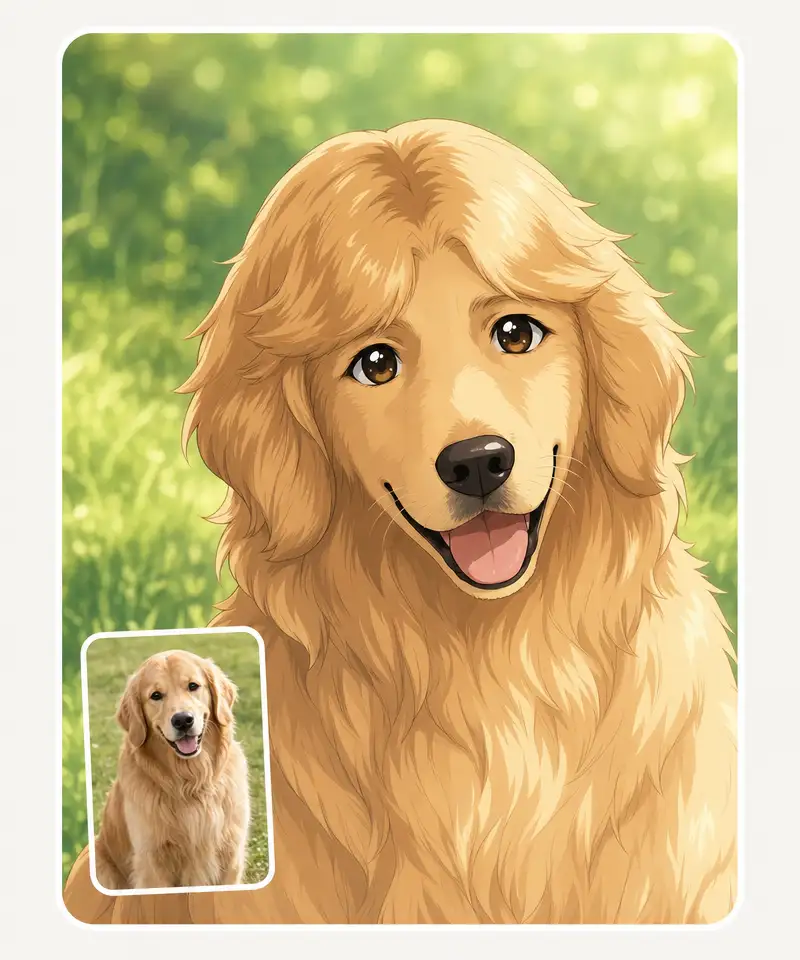
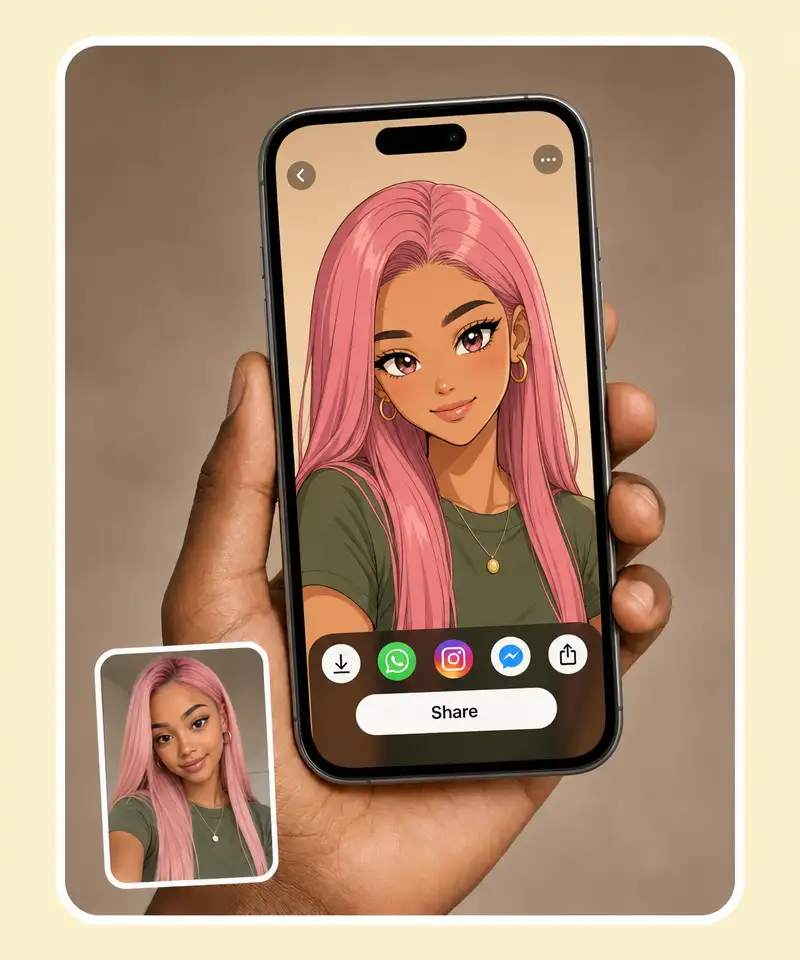
O resultado sai em alta definição, com detalhe suficiente para papel de parede de celular, foto de perfil, pôster e produto impresso. O traço aguenta ampliação e a cor não suja quando você dá zoom.
POR QUE USAR
O visual pintado à mão que lembra os filmes do Studio Ghibli, com aparência de aquarela e traço desenhado.
Sua foto vira arte em pixel, no estilo dos jogos japoneses de 8 e 16 bits.
Envie uma foto sua com a pessoa amada e receba os dois desenhados no estilo do anime que vocês gostam.
Transforme a foto em personagem do universo de JoJo e descubra qual seria o seu Stand.
Sua foto vira uma ilustração em preto e branco de alto contraste, saída direto de um volume de mangá.
Vire um personagem de anime do futuro, com próteses e implantes tecnológicos.
Junte-se a milhares de pessoas que já usam o Overchat AI para editar imagens, escrever e criar vídeos.
O Overchat AI traz para você o poder dos melhores modelos de IA do mundo: GPT, Claude, Gemini, Mistral e outros.

Você envia a foto, escolhe o estilo e espera cerca de 30 segundos. Por trás, a geração usa o modelo GPT Image 2, um dos mais capazes disponíveis hoje para imagem.
Não exatamente. Um filtro distorce os pixels que já existem; aqui o modelo desenha uma imagem inteiramente nova, mais parecido com o que um ilustrador faria ao redesenhar a sua foto no estilo do anime.
É simples: 1. Envie uma foto em que o seu rosto apareça com clareza. 2. Escolha o estilo que você prefere. 3. Espere alguns segundos e baixe o resultado.
Dá. A página traz estilos que vão do mangá em preto e branco e do clássico pintado à mão até versões em pixel e cyberpunk, além do filtro de JoJo e do modo casal. Cada um muda traço, paleta e sombreado.

A chinesa Baidu lançou discretamente um modelo tão bom quanto o DeepSeek e o ChatGPT — o ERNIE 4.5 entrega desempenho excepcional por uma fração do custo, e quase ninguém fora da China tinha ouvido falar dele.

Se você está se perguntando o que é o DeepSeek AI, a resposta é simples: um laboratório chinês de pesquisa em IA que constrói grandes modelos de linguagem. A empresa lançou vários modelos entre o fim de 2024 e o começo de 2025 que competem diretamente com os da OpenAI e da Anthropic.

O ChatGPT Plus custa US$ 20 por mês mais impostos, e o plano Pro, US$ 200 por mês mais impostos. Nem todo mundo está disposto a pagar isso por um chatbot, especialmente se os recursos premium não fizerem diferença no dia a dia. Daí a pergunta óbvia.
Disponível na web, no iOS e no Android. Leve o seu assistente de IA para onde você for.



.svg)
