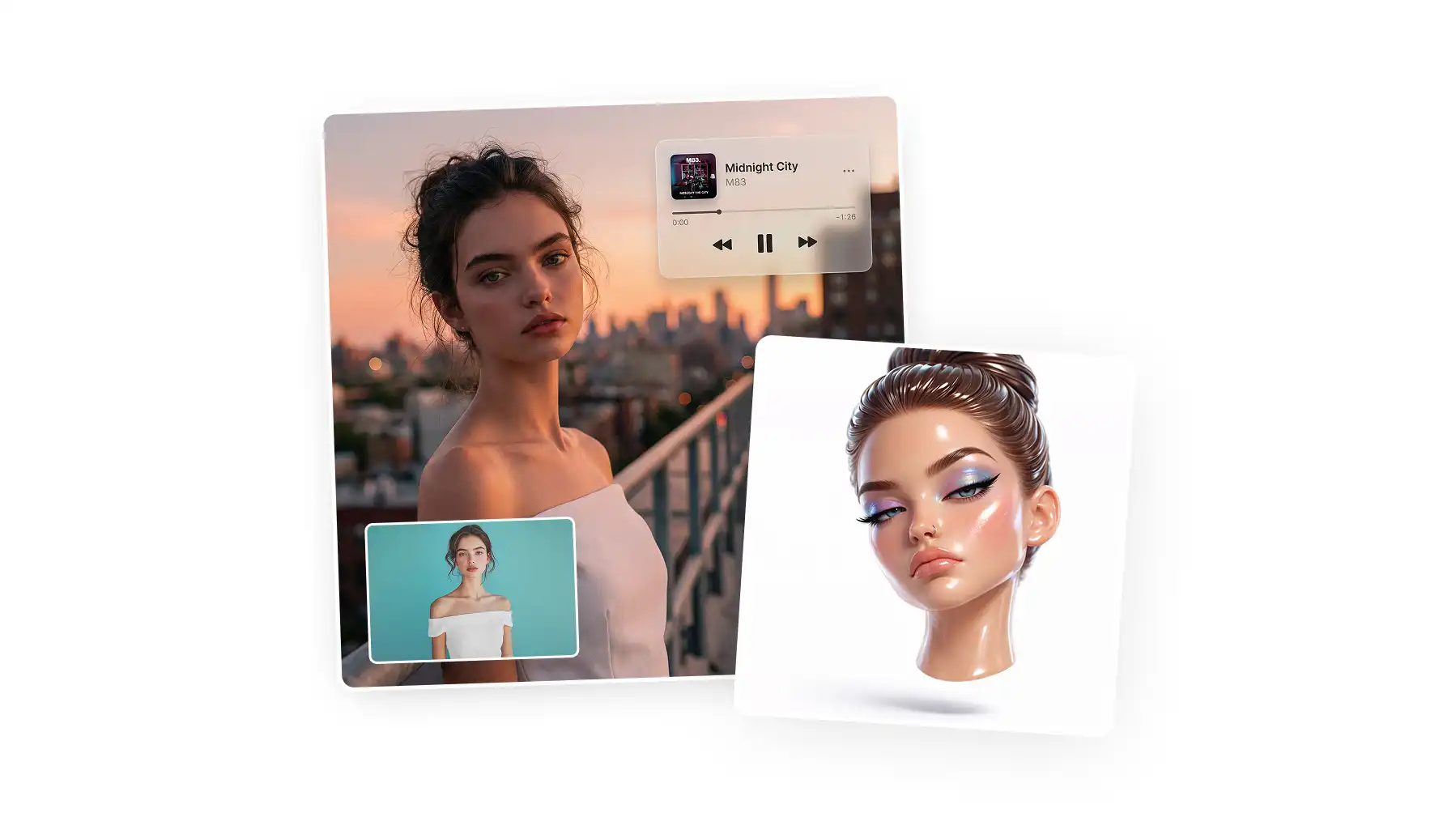
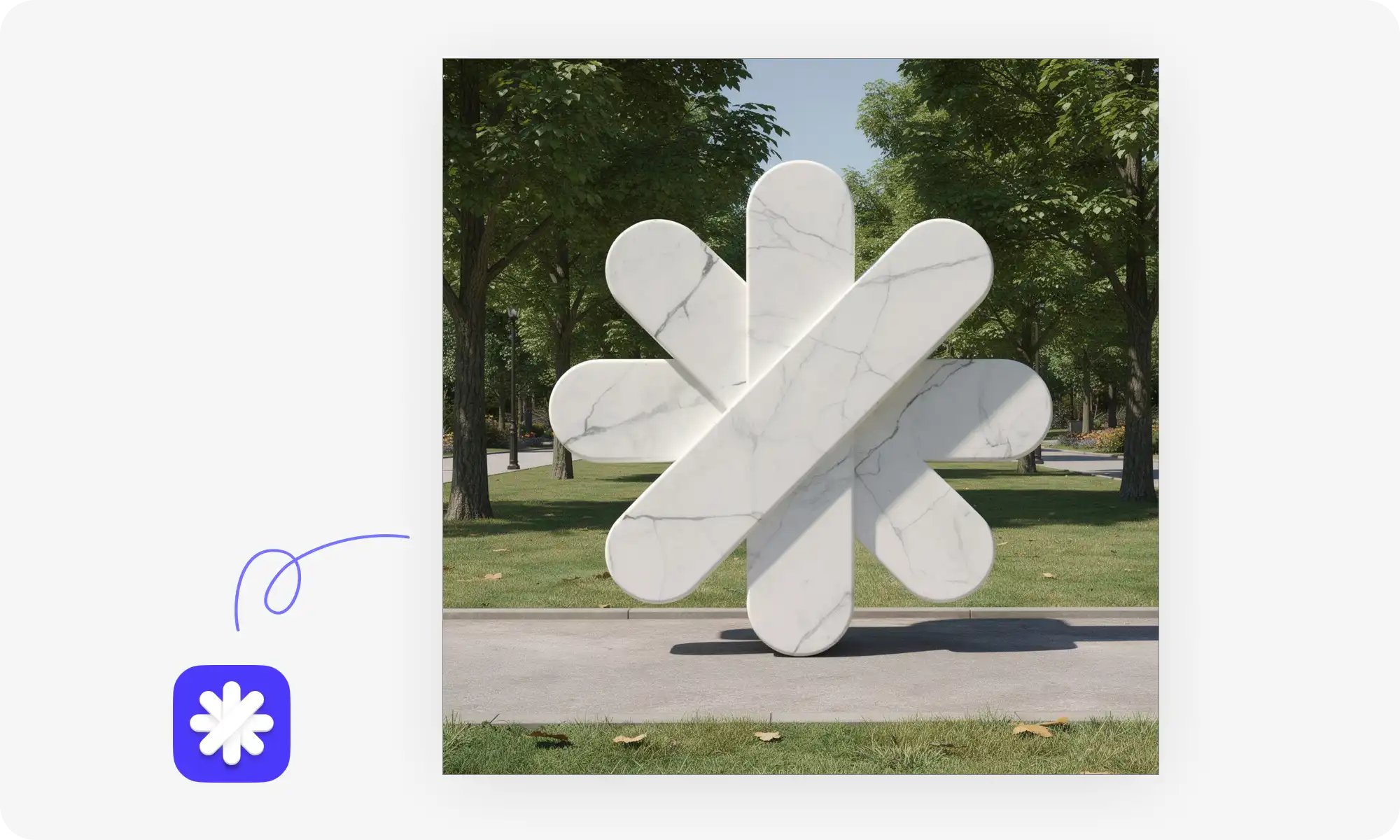
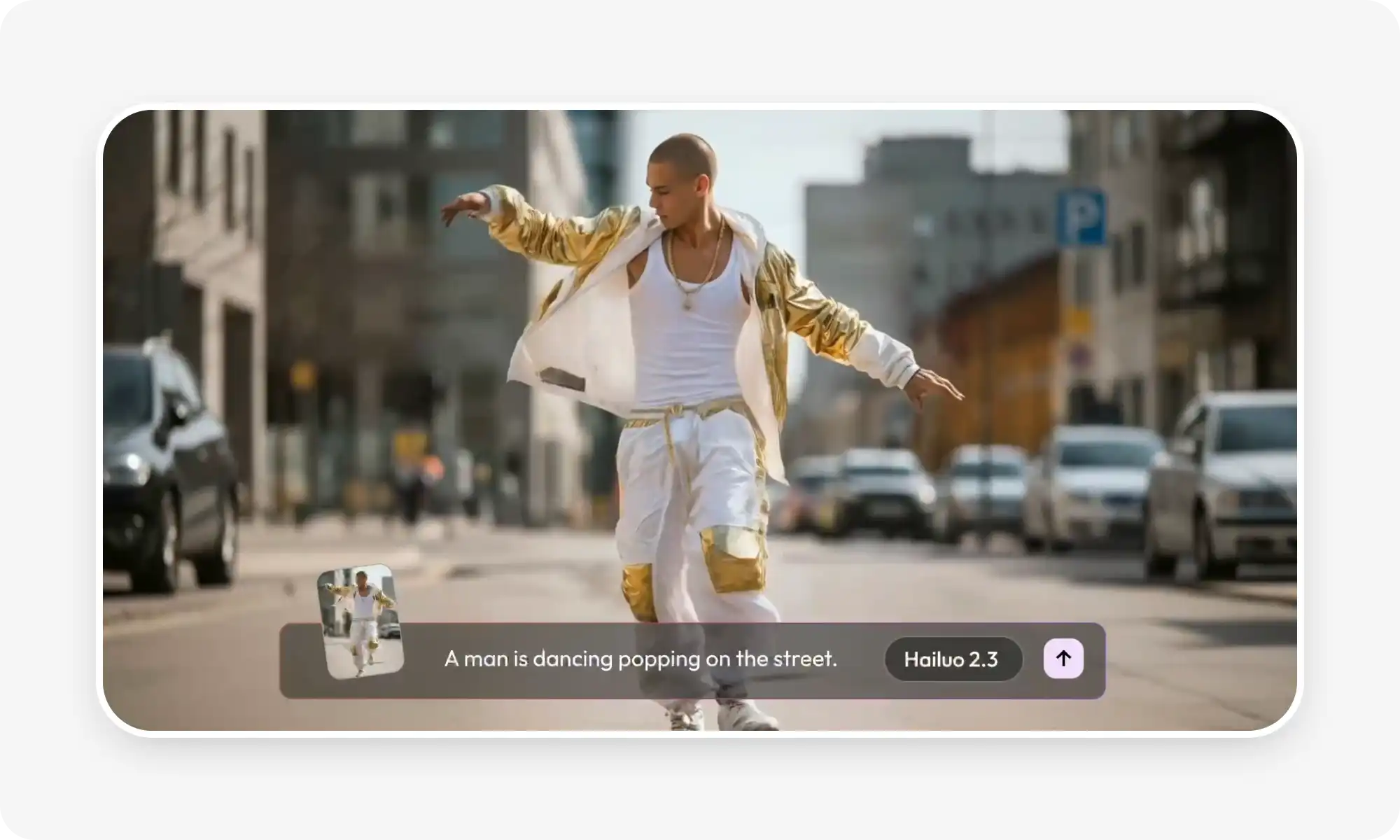
What can AI do in practical terms? AI already handles tasks that once required hours of human effort, from writing blog posts to editing photos to creating video content.
In this article, then, we’re going to look at what you can accomplish with AI tools today.
AI writing tools cover four core areas: drafting (full articles, emails, scripts from a single prompt), editing (grammar, tone, style guides, reading level), translation (better context preservation than Google Translate and no word limits), and summarization (condensing 50-page reports into one page thanks to 1M+ token context windows).
AI image tools generate original images from text prompts and edit existing ones using plain English — no layers, masks, or selection tools required.
AI video tools handle both creation (clips from prompts, animated stills) and post-production (removing filler words, cutting silence, adding subtitles, style transfer) that used to take manual editors hours.
Three things AI does better than humans: processing large datasets fast, spotting patterns humans miss (e.g., early disease signs in medical scans), and maintaining consistency across repetitive work without fatigue.
Practical use across fields looks similar: marketing teams generate ad copy and visuals, customer service deploys chatbots, doctors analyze scans, developers debug code, analysts process reports, teachers create personalized practice problems.
Modern AI has a near-zero learning curve because it's conversational — you describe what you want and iterate on prompts instead of navigating menus.
The workflow that tends to work: you set the direction, AI generates options, you pick and refine.
1. Writing
What can AI do for writers and content creators?
Writes first drafts
Rewrite clunky sentences
Adapts content for different audiences
Many professional writers already use AI to co-create, providing the direction, and using an AI assistant to generate the words.
Drafting
AI writing tools can create a lot of content from little — by accepting a single prompt or idea, they can turn it into a complete article, email, social media post, even movie script. All they need to get started is a topic or outline. The output isn't always perfect, but it gives you something to work with instead of a blank page.
Editing
While AI tools are very useful for writing, arguably, they’re even better at editing content that’s already been written — by another AI assistant or human. As an editor, AI excels at:
Fixing grammar
Adjusting tone
Simplifying complex sentences
Cutting unnecessary words
Rewriting content to match a specific style guide or reading level
Translation
AI translates text between languages while preserving context and nuance better than word-for-word translation, which is why AI-powered translators are a much better alternative to Google Translate. Additionally, most AI-powered translators don’t have the word limit that Google Translate has, allowing you to work with much larger documents.
Summarization
An AI assistant can read a 50-page report and give you a one-page summary of the most important information. This works because modern AI tools have very large token context windows — they can handle up to and over 1 million tokens. This helps them to remember and understand a lot of information.
2. Creating and Editing Images
What an AI assistant can do with images goes beyond simple filters. Modern AI generates original images from text descriptions and selectively edits photos — making workflows that once required professional software skills simple two click jobs.
AI Text-to-Image Generation
With AI image generators, you can describe what you want to see, and AI will create it, giving you the ability to create unique, artistic images in seconds. Modern AI image generators understand composition, lighting, color theory, and artistic styles.
For example, designers already use AI to create:
Concept art and mockups
Product visualizations
Marketing materials
Social media graphics
Website illustrations
Critically, AI generates each image from scratch based on your description, so every image it creates is 100% original..
Photo Editing
With AI, you generate new images from scratch, but you can also edit images: remove backgrounds, change colors, add or remove objects, and fix imperfections.
In the past, these types of modifications required technical knowledge and skill, but today you don't need to understand layers, masks, or selection tools. Instead, just describe the edits you want in plain English and the AI will create that content.
Want to extend a photo's background or swap out a sky? Try Overchat AI image editor — your best AI-powered Photoshop alternative.
Video Generation
AI video tools generate videos from text prompts, edit footage automatically, and add effects that would take manual editors hours to create. The technology handles both creation and post-production tasks.
What can AI agents do with video generation?
Create short clips from written descriptions
Animate still images
Edit existing videos
Remove filler words
Cut silence
Add subtitles
Looking for the best AI video generator to create new videos from text or animate images? Try Sora 2 on Overchat AI — and start creating stunning videos from simple text prompts today.
Here's what AI handles in video editing:
Task
What AI Does
Time Saved
Subtitle generation
Transcribes speech and syncs text to video
75-90%
Scene detection
Identifies and marks distinct scenes automatically
60-80%
Color grading
Matches colors across clips for consistency
50-70%
Audio cleanup
Removes background noise and balances levels
40-60%
AI Style Transfer
AI applies artistic styles to video footage, making real clips look like paintings or animations. It also generates transitions, adds motion graphics, and creates visual effects without requiring specialized software knowledge.
What AI Does Differently Than Humans
What can AI do that humans can't? It comes down to these 3 applications:
AI processes large datasets quickly
AI spots patterns in complex datasets
AI maintains consistency in repetitive tasks
Speed and scale: AI tools can analyze thousands of documents in minutes, or personalizes content for millions of users simultaneously. A human team would need weeks or months to accomplish the same volume of work. This speed advantage matters most for tasks with high volume and clear parameters. Since AI doesn't get tired, it doesn't need breaks, which is why it can produce consistent quality from the first item to the millionth.
Pattern recognition: AI is very good at spotting correlations and patterns that humans miss in large datasets. For instance, in medical images, an AI tool can spot early signs of disease that a human doctor would have missed, because the patterns AI finds aren't always obvious or intuitive — it discovers relationships in data that might take human researchers years of analysis to uncover.
Consistency in repetitive work. Humans get bored, make typos, and lose focus during repetitive tasks, but AI tools maintain the same attention and accuracy even when working on the thousandth task.
How do different people use AI?
AI tools work differently in different fields, but they all have the same basic abilities. This is why most professionals use them in similar ways. For example:
Marketing teams use AI to write ad copy, generate product images, and create video ads. Customer service departments use AI chatbots to answer common questions and pass on complex issues to humans. Doctors and nurses use AI to look at scans, predict how patients will do, and write notes about patients.
Developers use AI to write code, fix errors and explain complicated functions. Financial analysts use it to process reports, generate summaries, and identify trends. Teachers use it to create practice problems, give feedback on writing, and make learning materials that are exactly right for each student.
Bottom Line
You don't need technical skills to use modern AI tools. Most of the work is done through simple text prompts where you describe what you want in easy-to-understand language. The AI understands what you want and gives you the results. Start with a task that you do regularly. Find an AI tool designed for that task. Try it out with a small project. Check that the output is good enough for you. Change your prompts so that they work and don't work.
It doesn't take as long to learn as traditional software because you're not dealing with a bunch of commands and menus, you're just chatting. Let the AI assistant take care of the technical side of content creation, and you take care of the creative side and make the final decisions. You decide the direction, the AI suggests options, and you choose what works.