


What you can do with AI lip sync
Give a video new words, bring a photo to life or dub a clip into another language
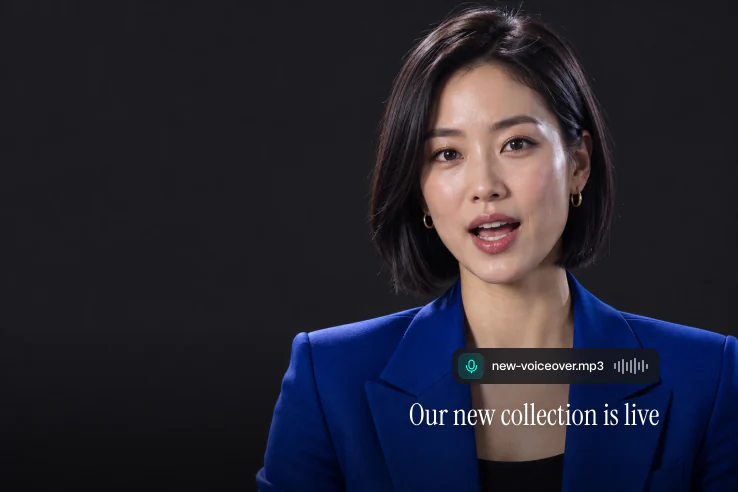
Lip sync any video to new audio
Upload a clip and a new voice track. The lips move to the new words, while the face, the head and the background stay as they were
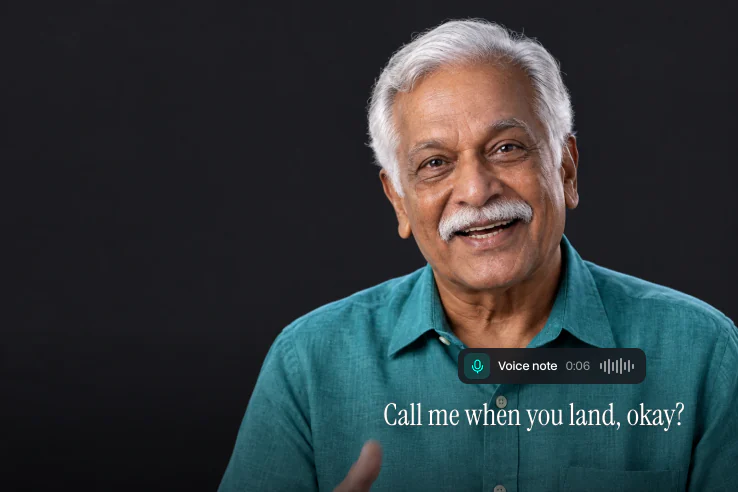
Make a photo talk
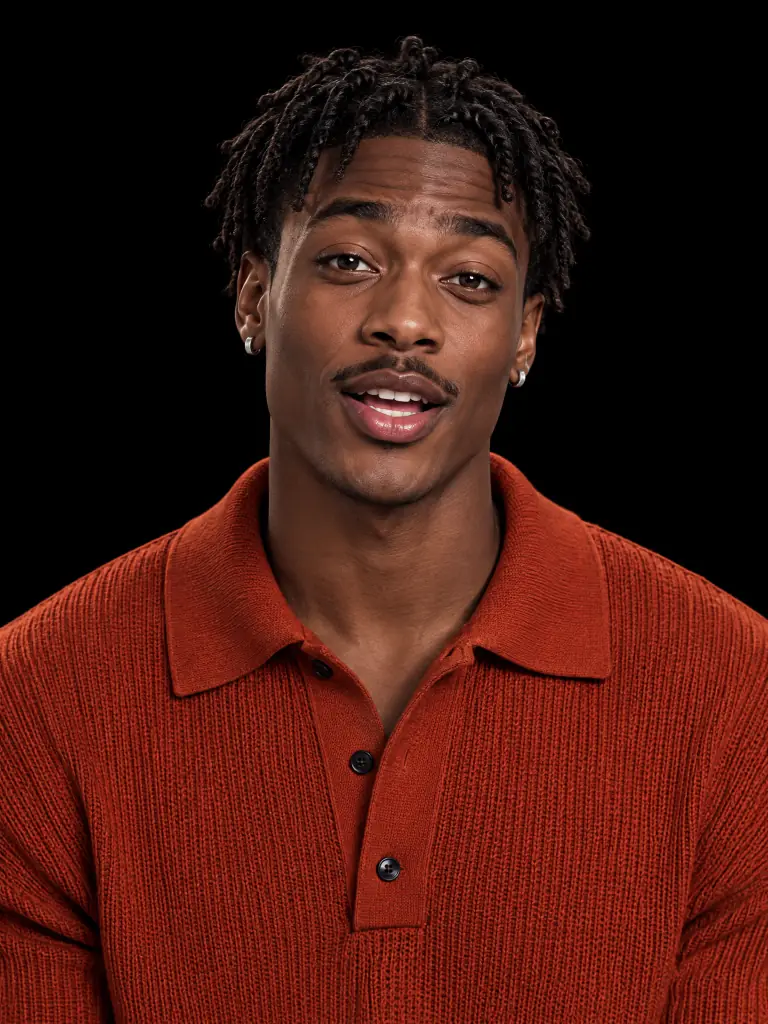
Turn one portrait into a talking video. Add a voice note and the face says it with natural head moves and blinks
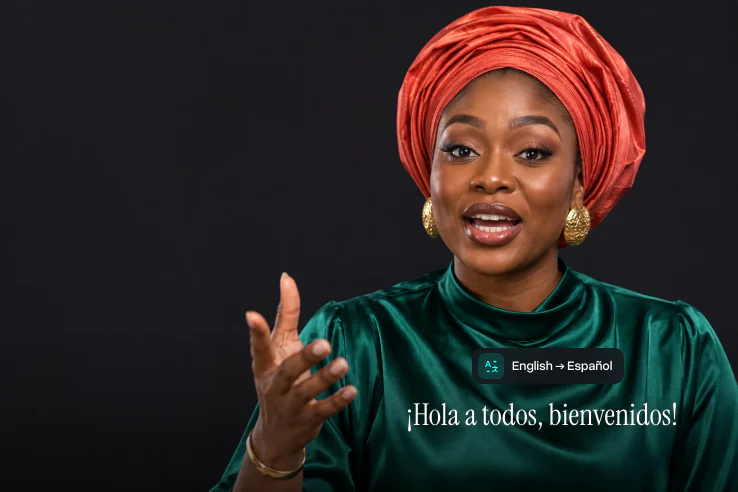
Dub a video into another language
Add a translated voiceover to your video. The speaker’s lips follow the new language, so the dub looks like the original
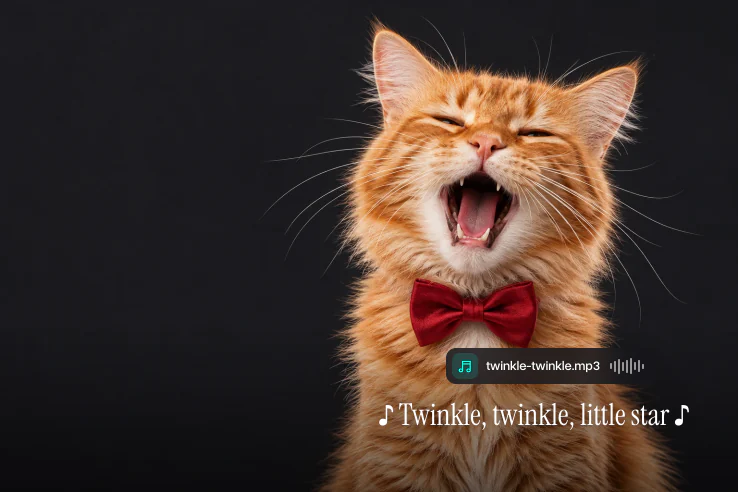
Make a photo sing
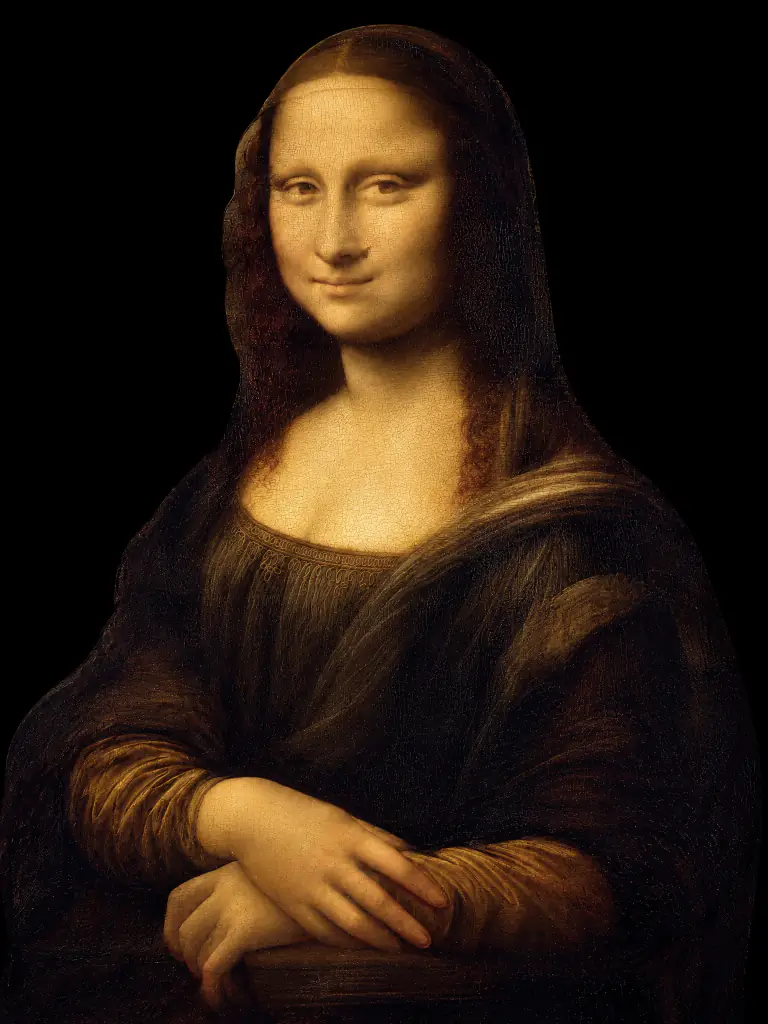
Add a song and watch a person, a painting or even your cat sing it. AI lip sync works with singing as well as speech
How to lip sync a video with AI
Get a lip-synced video in 3 steps
- 01
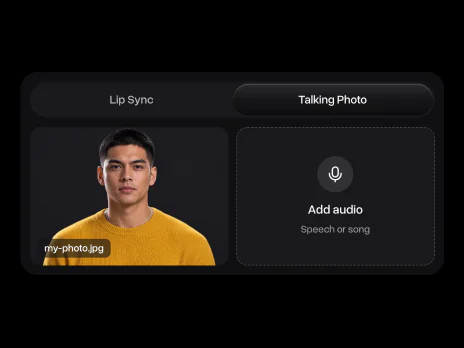
Add a video or a photo
Pick Lip Sync for a video or Talking Photo for a still. Use one person with a clear, front-facing face
- 02
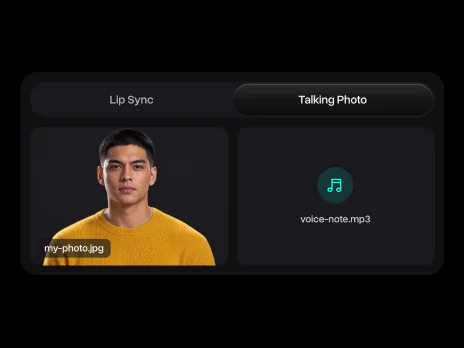
Add the audio
Upload a voice recording, a voiceover or a song. Clear speech without loud music gives the cleanest sync
- 03
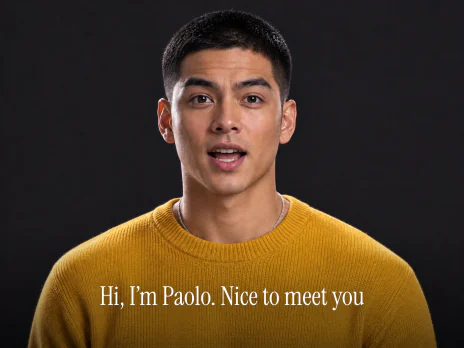
Sync the lips
Click Sync lips and get the same face saying your audio, ready to post
AI lip sync use cases
From viral videos to dubbing and ads, here is what people make with it
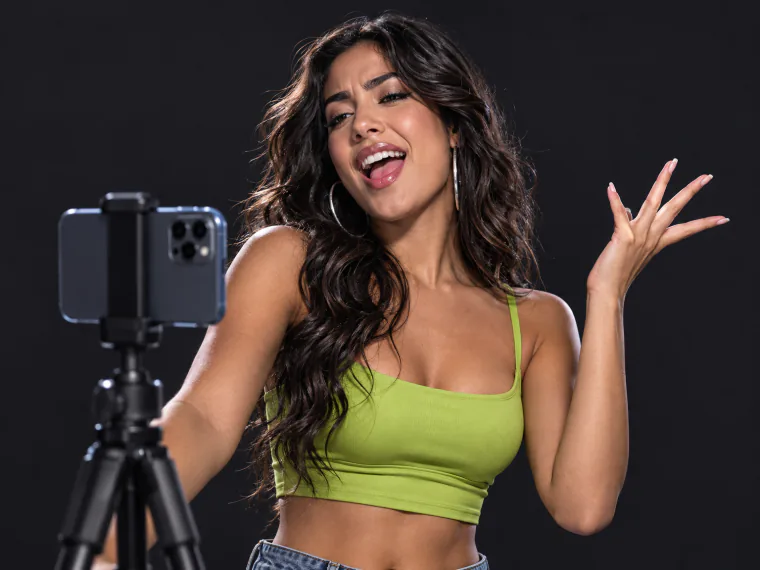
Make Reels and TikToks where any face lip syncs to a trending song or audio clip
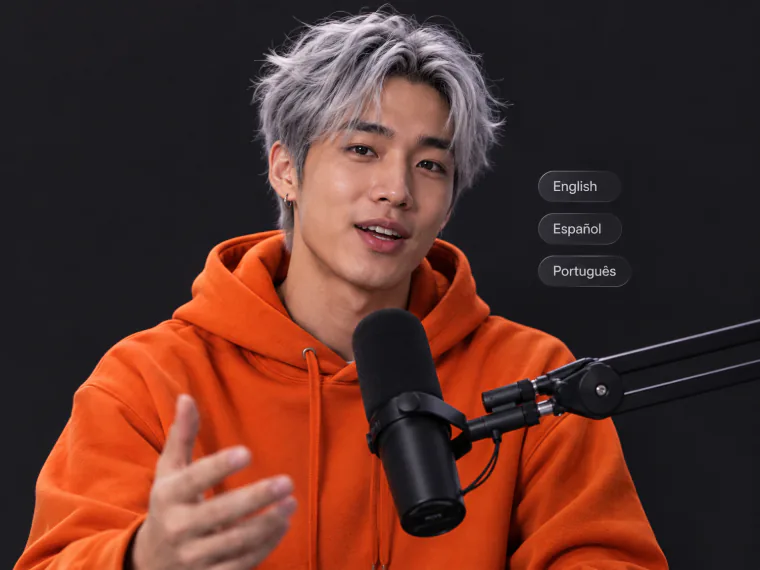
Reach viewers in other languages. Add a translated voiceover and keep your own face and timing
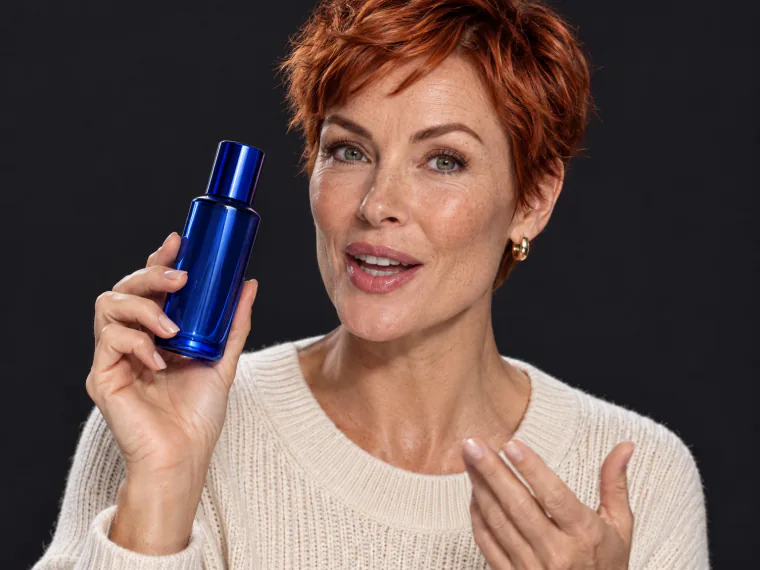
Record one UGC ad, then make versions in other languages or with a new hook without a new shoot
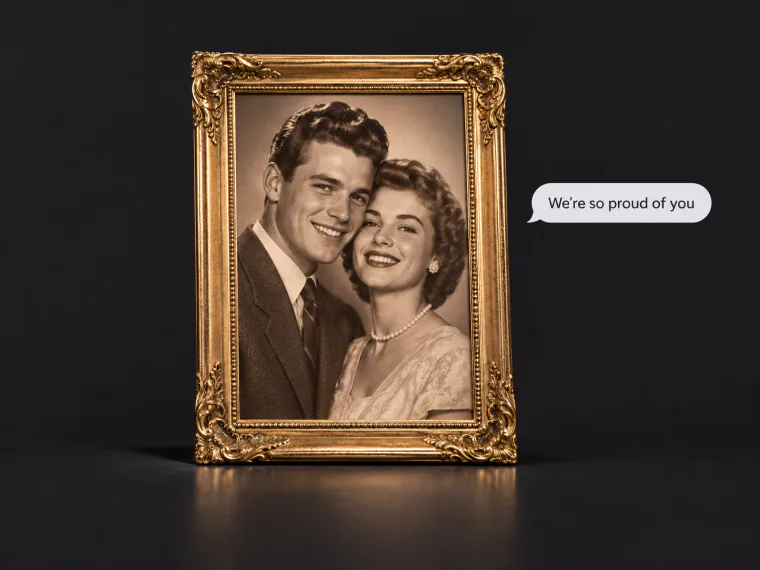
Add a voice message to a portrait of your grandparents and share the talking photo with the family
Said the wrong number or name? Record the right line and sync it to the take you already have
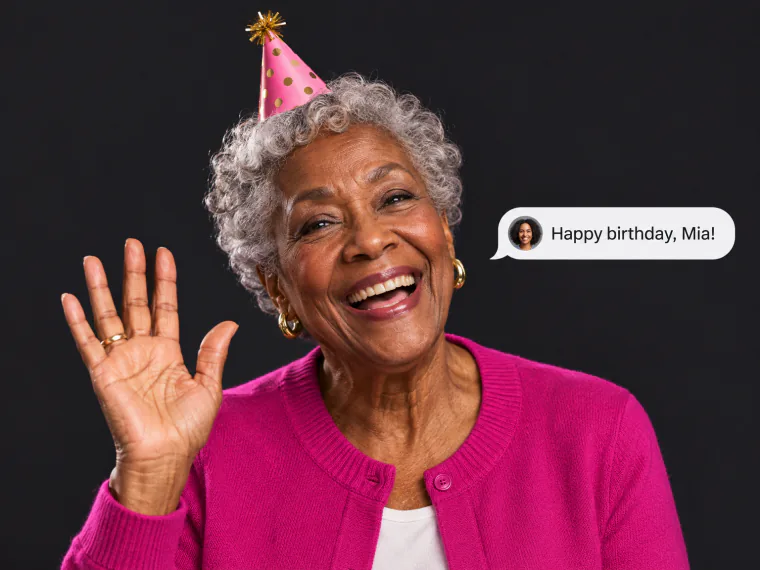
Make a photo wish someone a happy birthday or a merry Christmas in your own voice
Explore more AI video tools
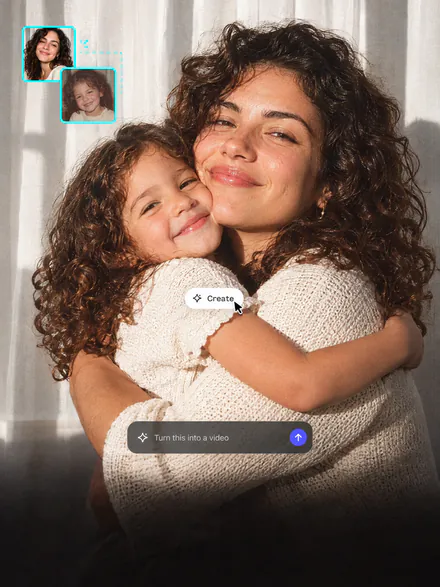
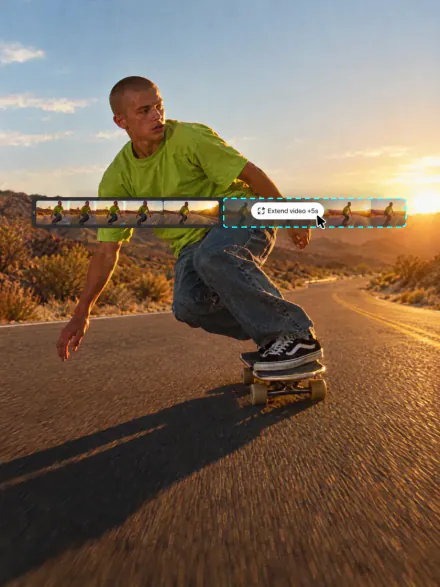
Animate old photos, make UGC ads or extend any clip. All in Overchat AI

AI lip sync FAQ
If you have any questions,
reach out to us at hello@overchat.ai
AI lip sync makes the mouth in a video or a photo move to an audio track. The AI matches mouth shapes to the sounds of speech or singing, so the person looks like they say the new words
Choose Lip Sync, add the video and the audio, and click Sync lips. The face and the scene stay as they were, and only the mouth follows the new audio
Yes. Switch to Talking Photo, add a portrait and a voice track, and the photo turns into a talking video
Yes. Add a song as the audio and the face sings along. Vocals without loud music sync best
Yes. Lip sync follows the sounds in the audio, so it works with any language. To dub a video, add a translated voiceover
One person, a clear front-facing face, good light and a mouth you can see. Faces turned to the side or covered by a hand or a microphone sync worse
Yes. Record a voice note or upload any audio file, and the face speaks in your voice
Yes, if the face has a clear mouth. Paintings like the Mona Lisa, cartoon characters and pets all work


