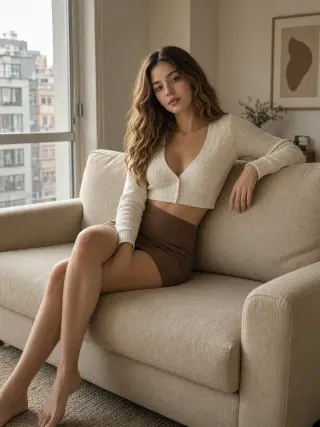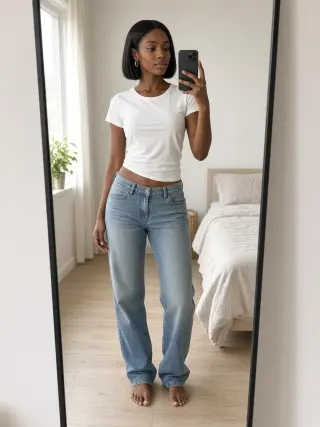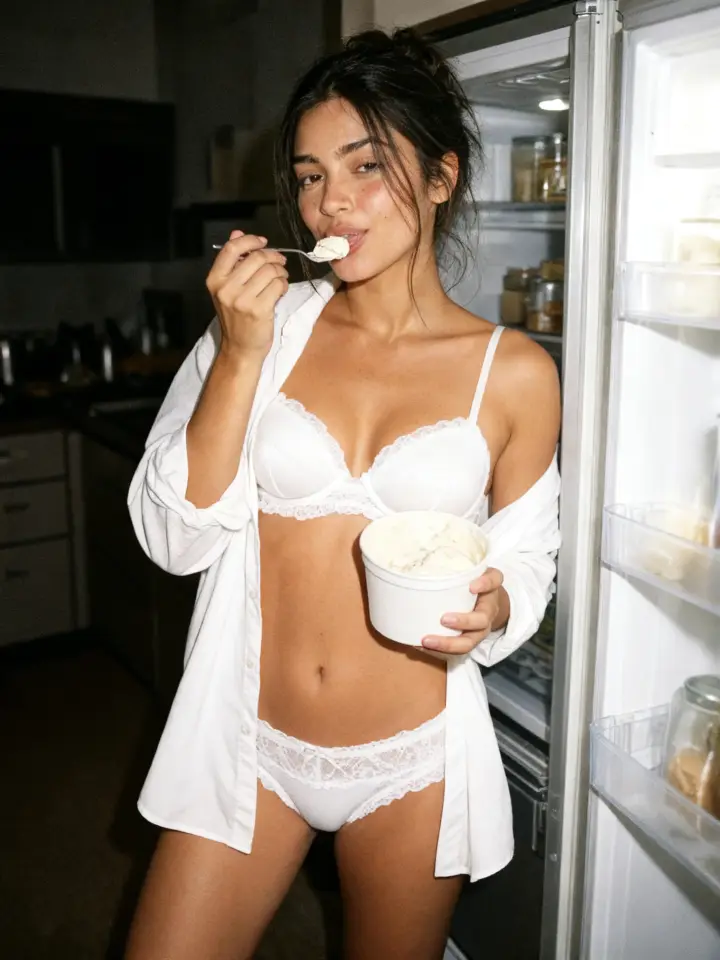
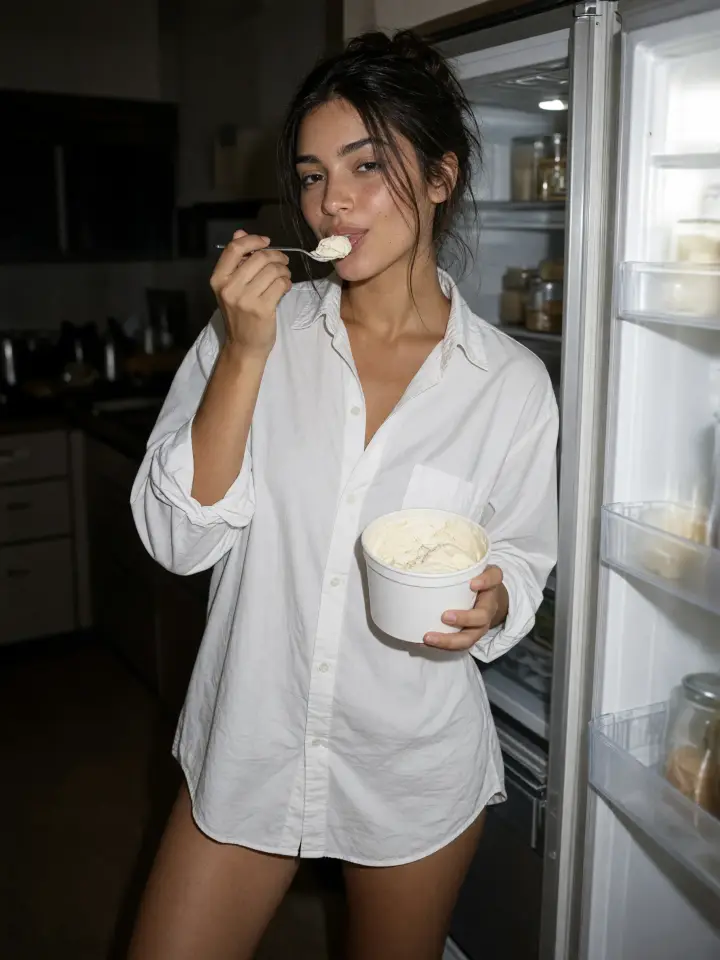
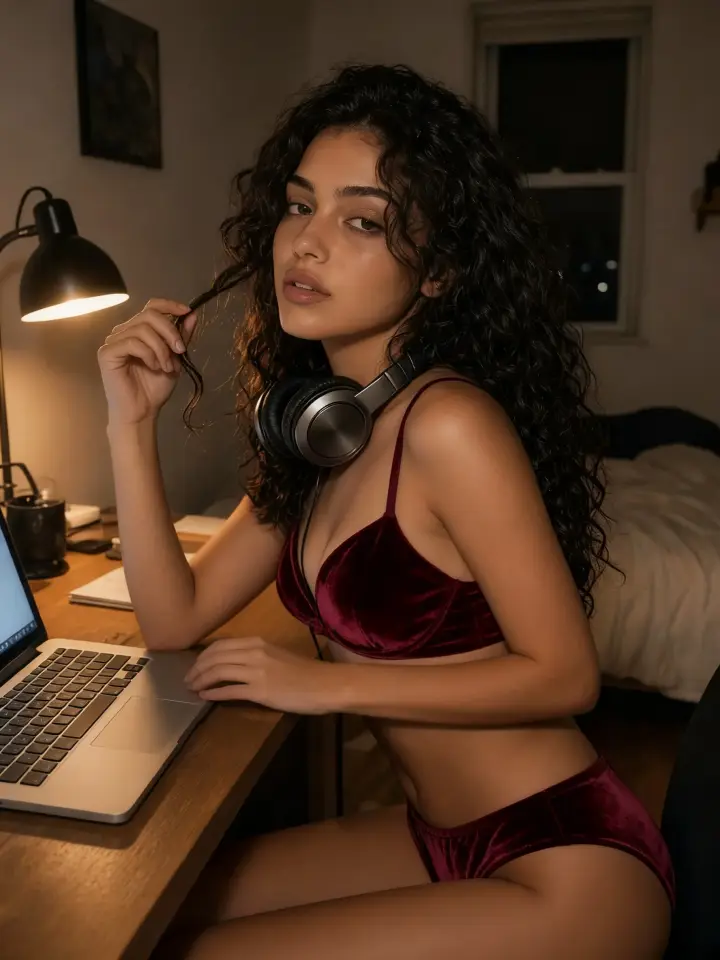
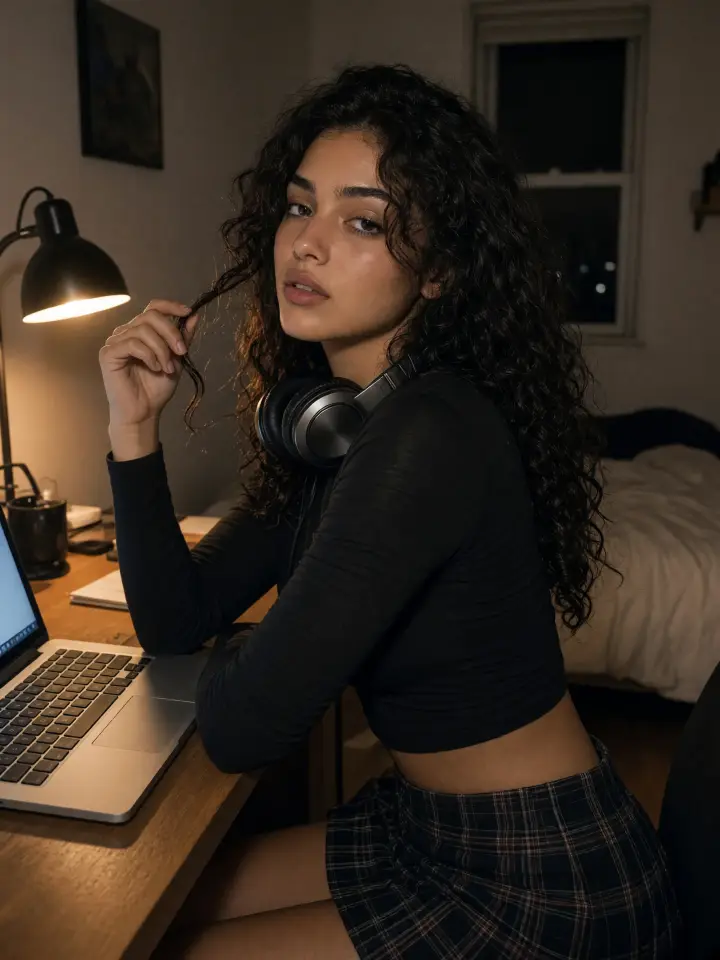
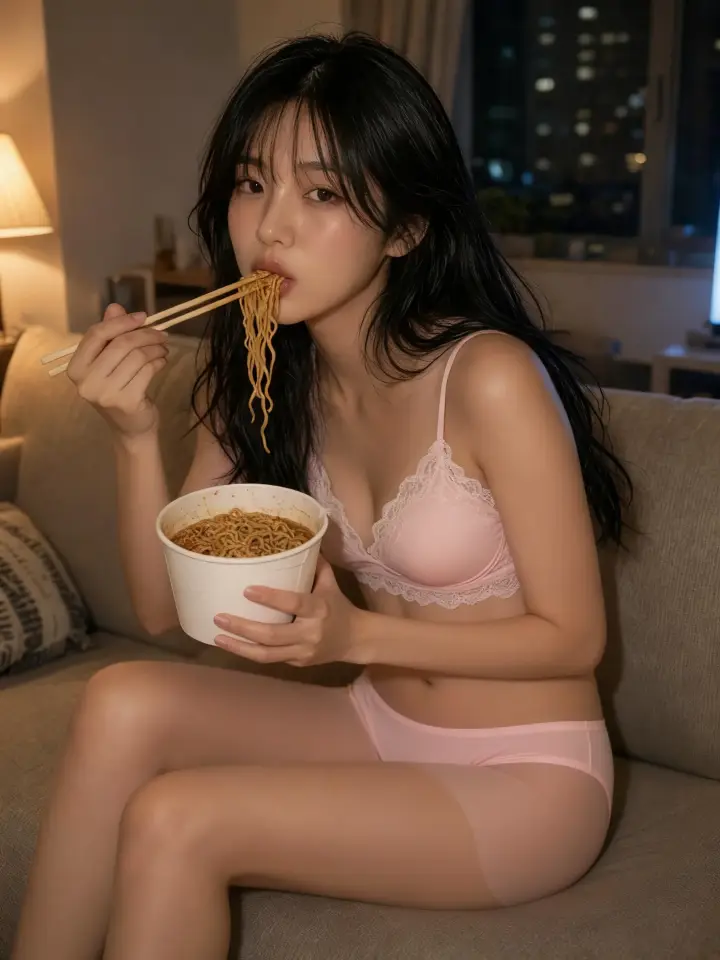
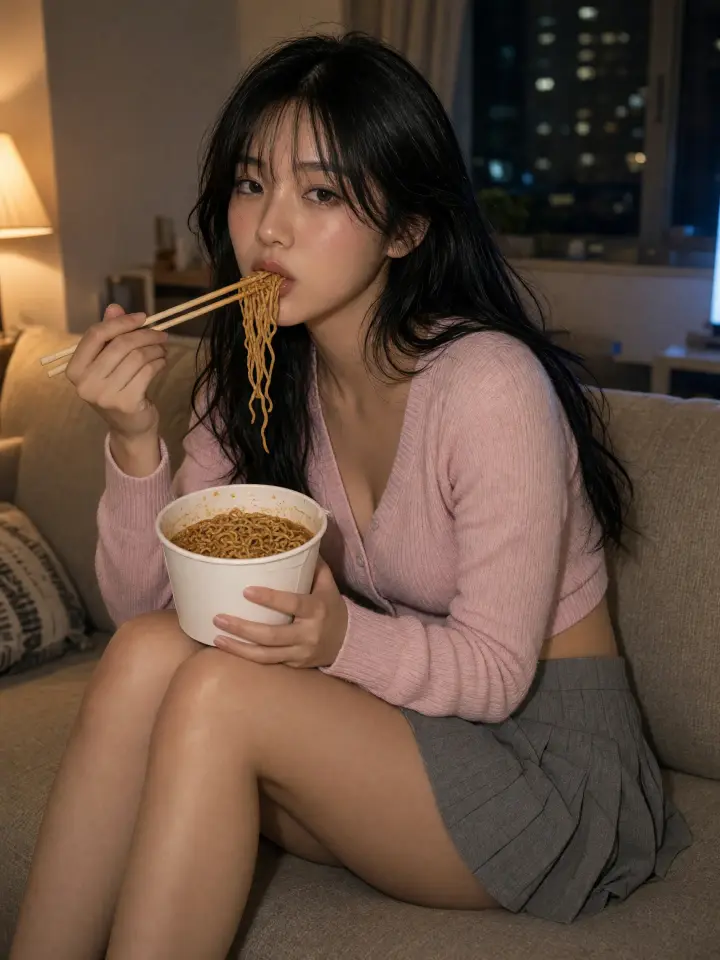
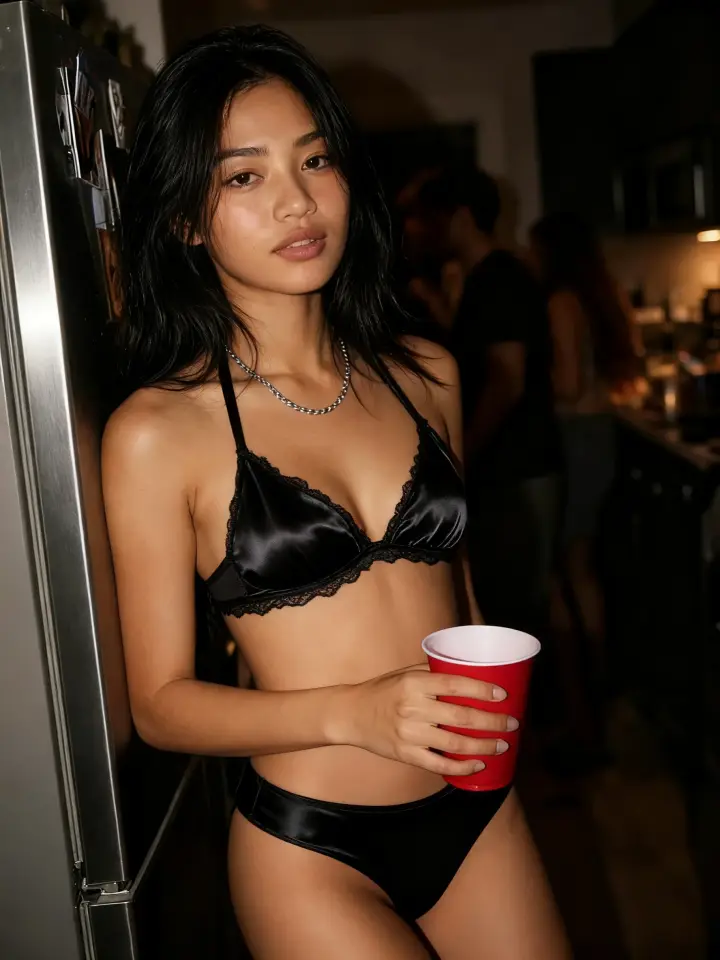
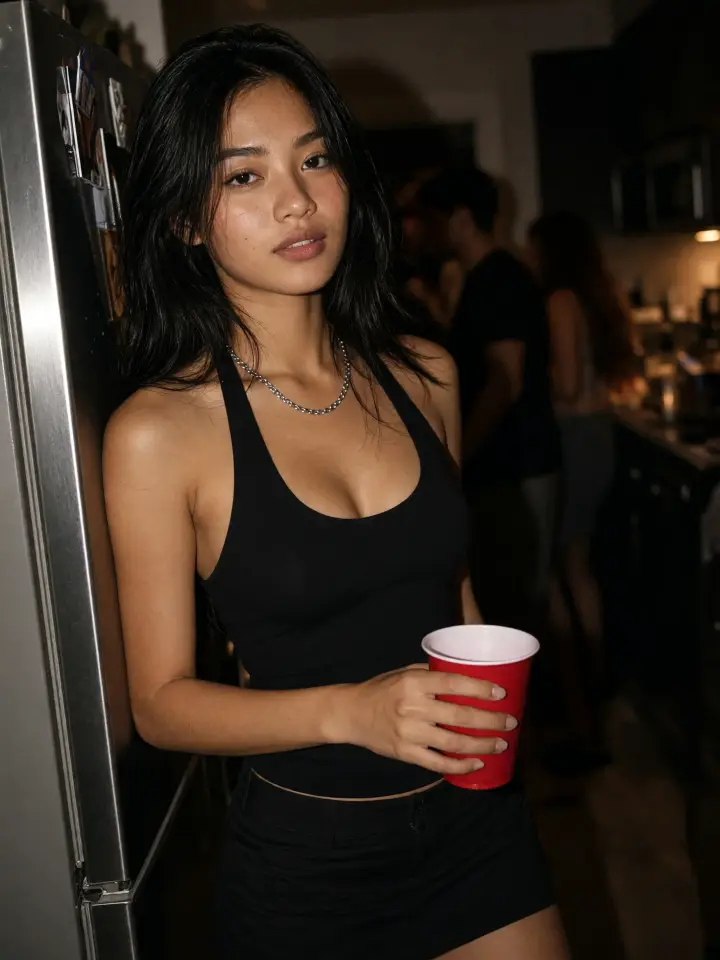
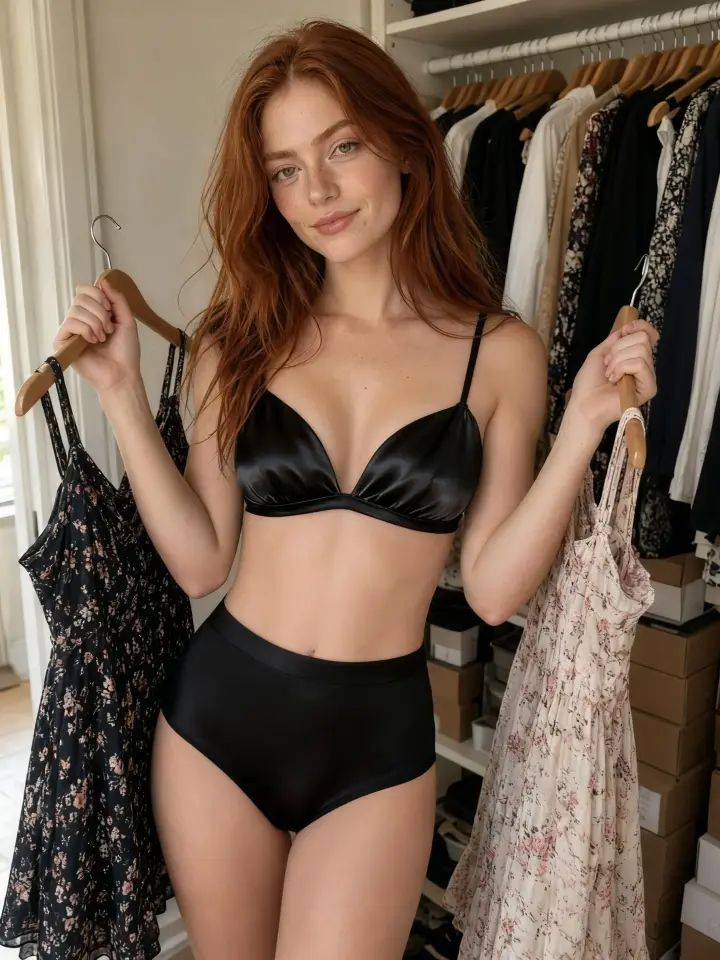
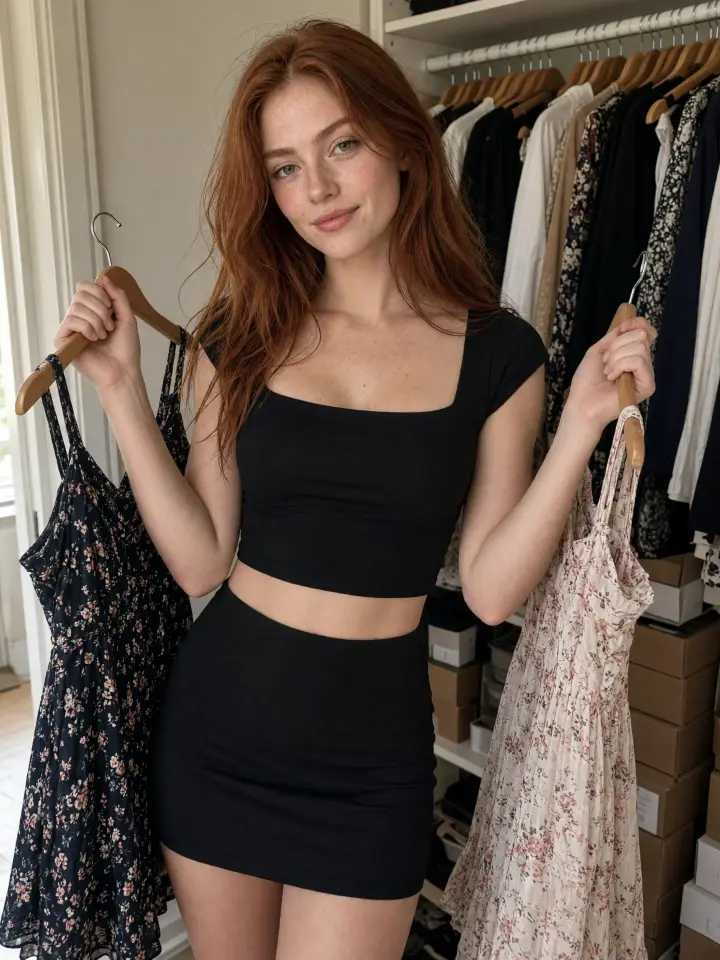
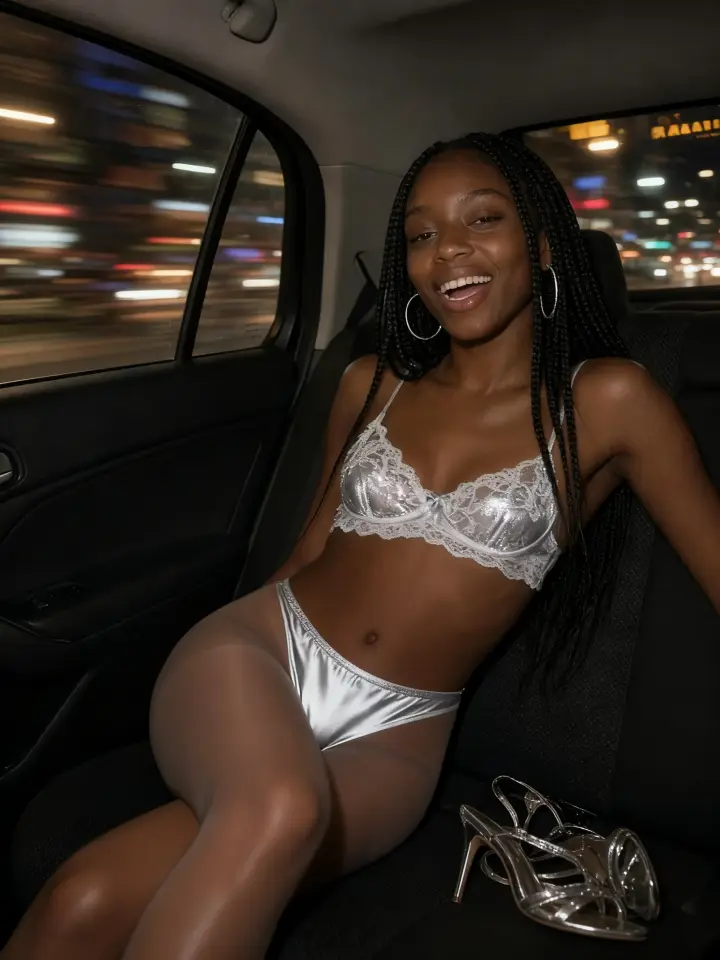
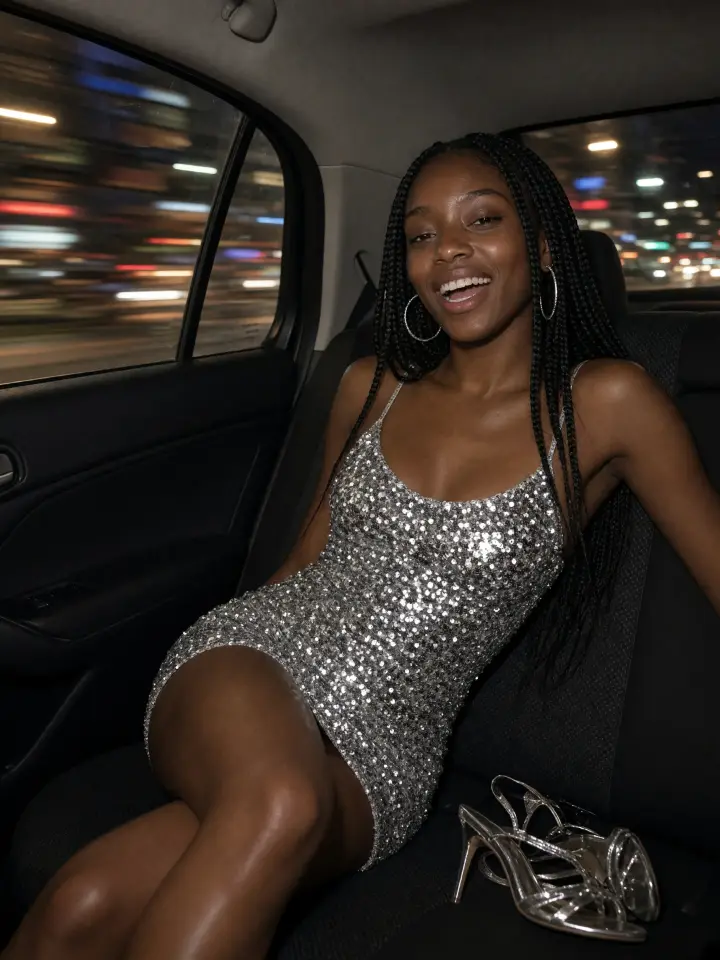
Upload a photo, pick a lingerie set and see it on you in seconds. Your face, pose and background stay exactly as they were.
Tap any photo to try the same set on your own picture.
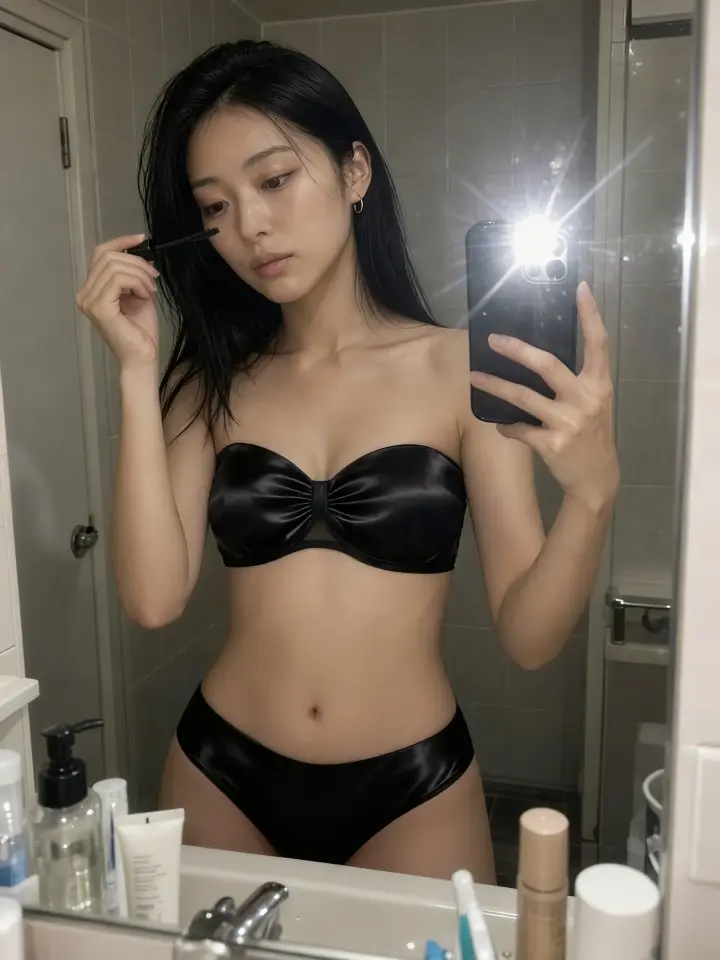
Lingerie is hard to judge from a product page: the model has a different body, the light is perfect, and returns take time. With a virtual lingerie try-on you see the set on your own figure first. Take a mirror selfie in whatever you are wearing, describe the bra and briefs you are thinking about, and compare the result with your photo.
Try the same picture in a balconette and a bralette, in lace and in satin, in black and in red. When one version clearly works better, you know which cut and color to put in the cart.
Try it on your photo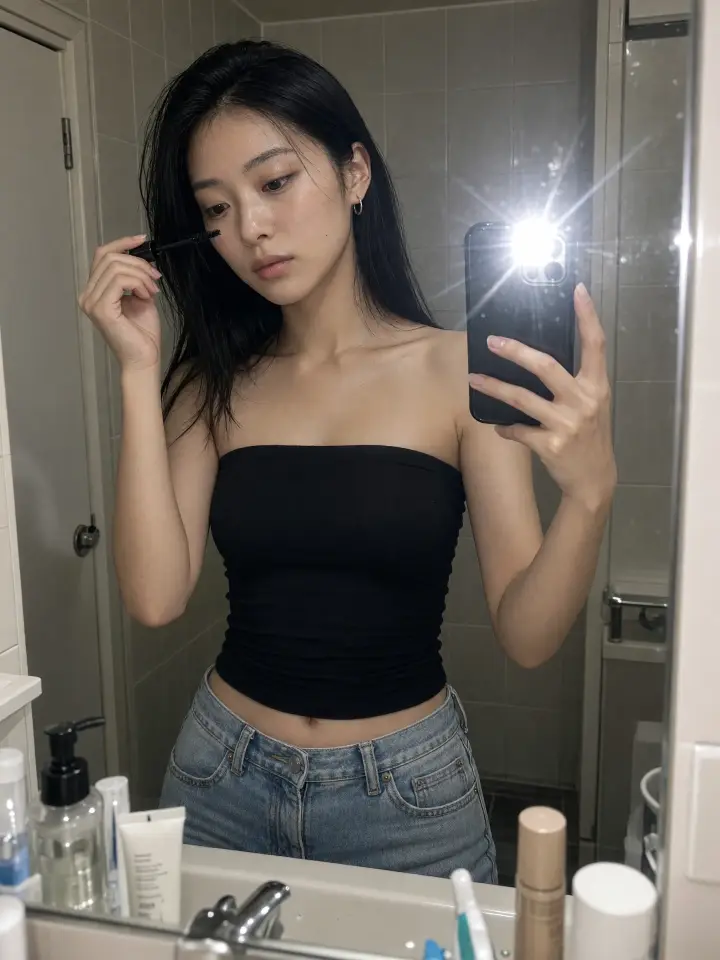
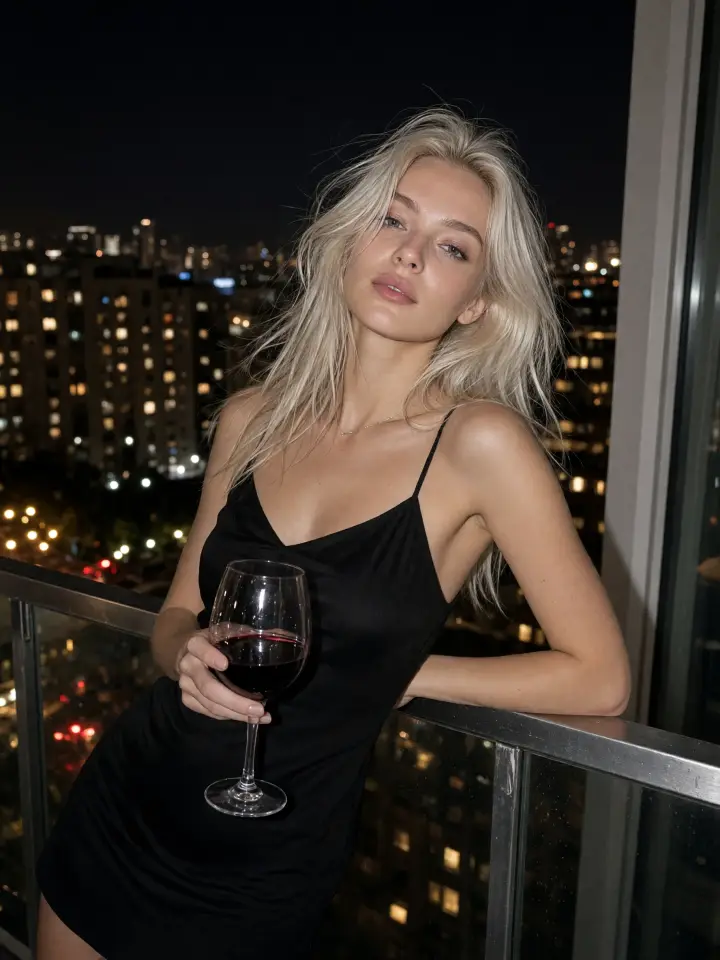
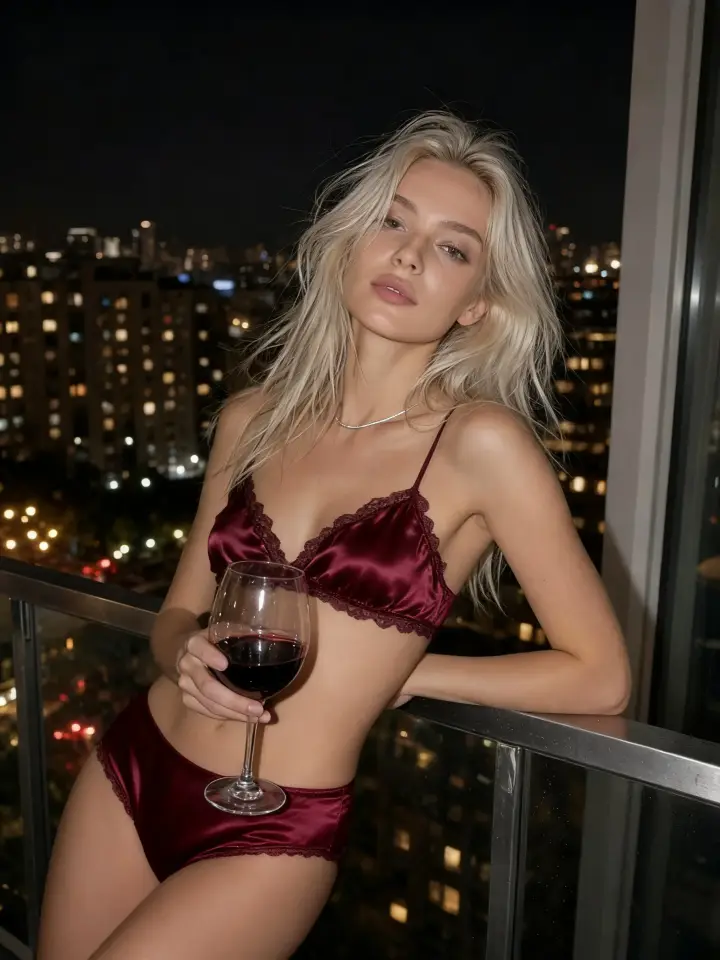
A boudoir session is planned around the outfit, and buying five sets just to test them is expensive. Upload a photo from your phone and try corsets, bodysuits, lace sets and satin two-pieces on it before the shoot. You will see which colors suit your skin tone and which cuts work with your favorite poses.
Save the versions you like and show them to your photographer as a mood board, so the session starts with a clear plan instead of a pile of outfits.
Try it on your photoCreators use an AI lingerie filter to plan content before they buy or shoot anything. Start from a regular selfie, a mirror shot or a golden-hour photo, and the new set keeps the same light, grain and background, so it sits naturally in a photo dump next to your real pictures.
Use it to test a look for a sponsored post, pick a color before a collection launch or preview a set a brand is about to send you. Upload only photos of yourself or of people who agreed to it.
Try it on your photo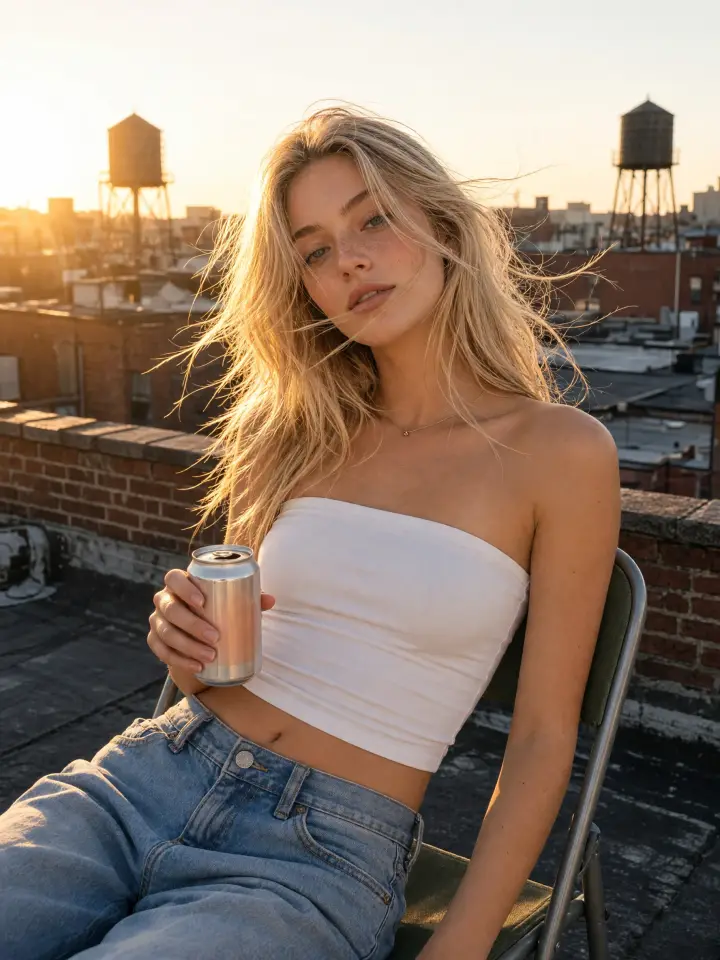
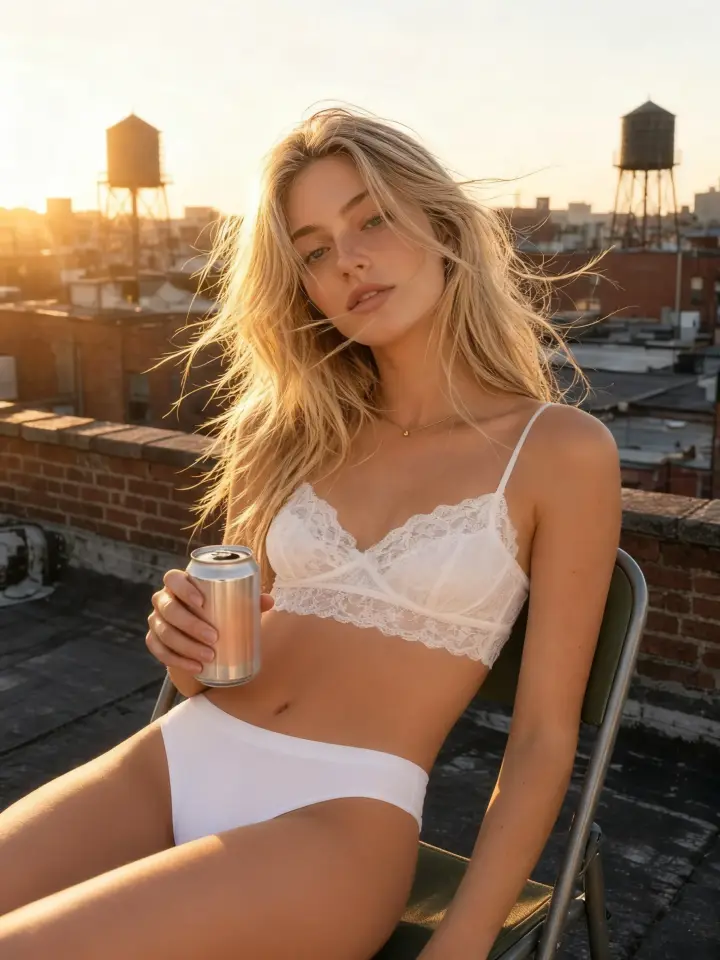
There is no fixed list of styles to pick from. Type the set in plain words, for example “black lace balconette bra with a garter belt”, “burgundy velvet bralette and high-waisted briefs” or “white satin bodysuit with thin straps”. The AI redraws only the outfit and leaves the face, hair, hands, pose and room as they were.
Short prompts work best: one color, one fabric and one or two details about the cut. If the first result is close but not quite right, change a single word and generate again.
Try it on your photoSeeing the same set in another color is often what makes the decision. Keep your photo loaded and switch the prompt from red to champagne, emerald or baby blue, or from lace to satin, silk or velvet. Every version keeps the same pose and light, so you compare the lingerie and nothing else.
Download the versions you like and put them side by side before you order, or send them to a friend and ask which one works.
Try it on your photo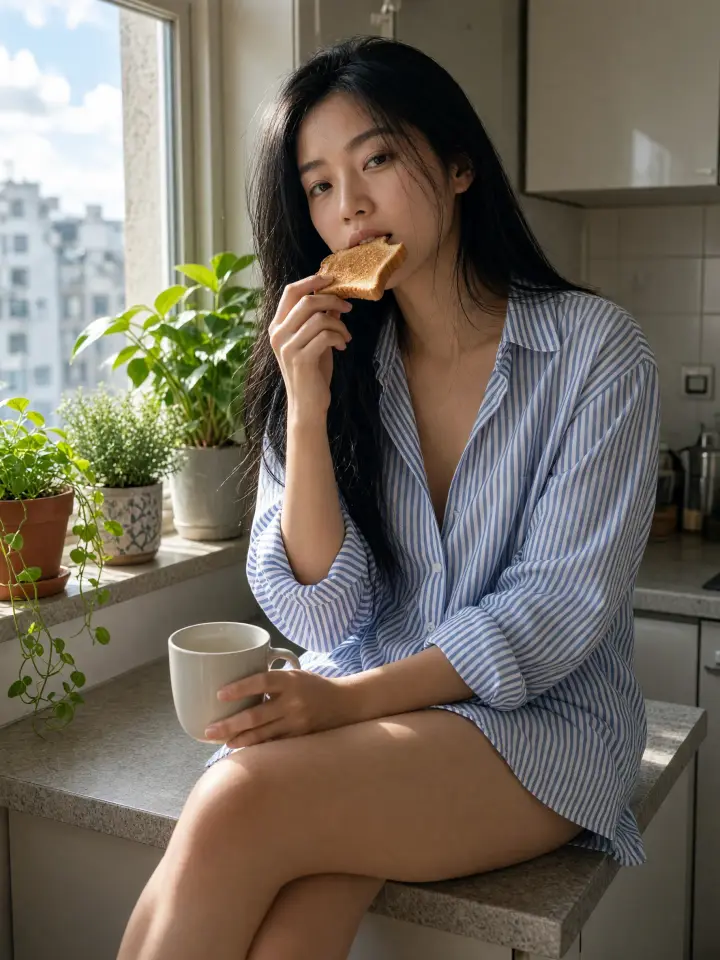
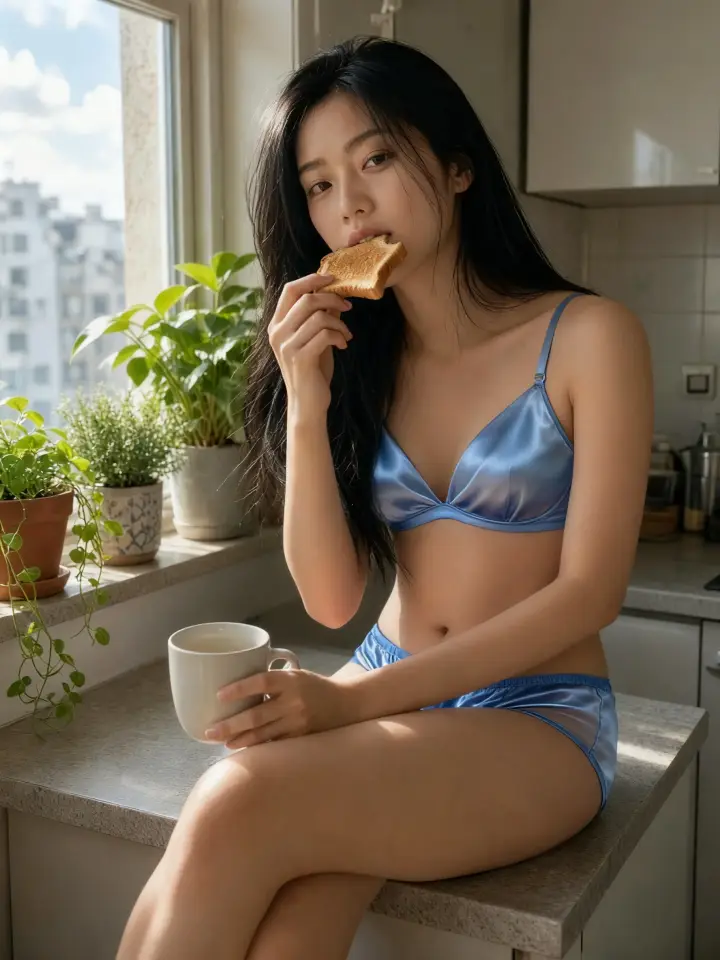
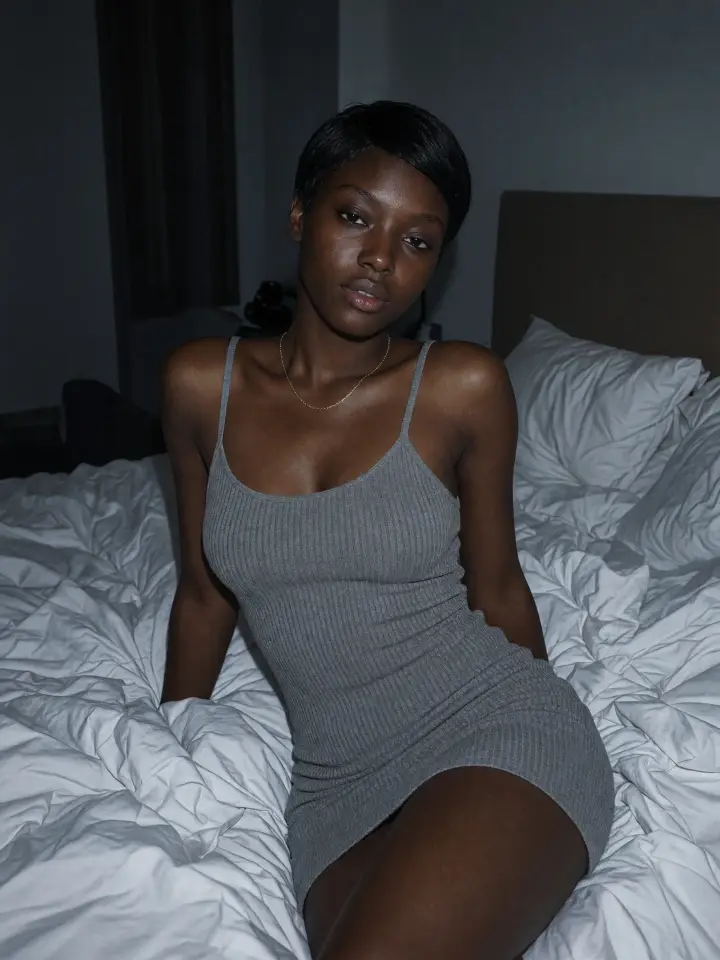
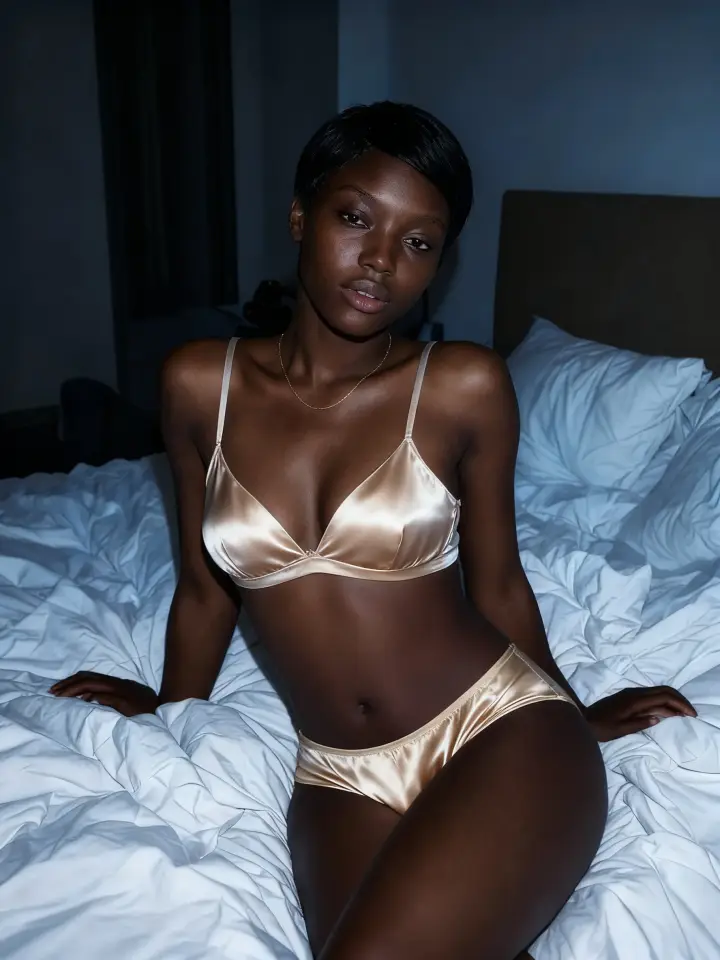
The edit keeps your body shape and skin tone, so you see how a cut looks on your figure, not on a model’s. That makes it easy to test the styles that usually flatter each shape.
For an hourglass figure, try balconette bras and corsets that follow the waist. For a pear shape, a structured bra with high-waisted briefs balances the silhouette. Bodysuits and babydolls suit an apple shape, push-up bras and bandeau tops add curves to a rectangle shape, and high-cut briefs make the legs look longer on a petite frame.
Try it on your photoUse a clear photo where you are visible from the chest to the hips. Mirror selfies work well. JPG, PNG, WEBP and HEIC are supported.
Write the set in a few words: color, fabric and cut, like “black lace balconette bra and briefs” or “white satin bodysuit”. You can also tap any example in the gallery to copy its set.
Your photo is ready in under a minute. Download it, copy it, or change the prompt and try another set on the same photo.
What is an AI lingerie generator?

An AI lingerie generator is a tool that edits a photo so the person in it appears in lingerie. Overchat AI replaces only the clothes: the face, body shape, pose and background stay the same.
Can I see what I look like in lingerie using AI?
Yes. Upload a photo of yourself, describe the set you want to try, for example “red lace bra and matching briefs”, and press Generate. The Seedream 4 model redraws the outfit on your photo and leaves the rest of the picture as it was. The result is ready in under a minute.
Is the AI lingerie generator free?
Yes. Sign in to Overchat AI with Google, Apple or email: the free plan gives you 100 credits a day, and one lingerie edit costs 50 credits.
Can I upload my own photo?
Yes, as long as the photo is of you or of an adult who agreed to it. Do not upload photos of minors or of other people without their consent.
What photos work best for AI lingerie try-on?
A clear phone photo where you are visible at least from the chest to the hips. Mirror selfies and full-length shots work well. Good light helps; heavy blur, strong filters and baggy layers that hide your shape make the result less accurate. JPG, PNG, WEBP and HEIC files are supported.
What types of lingerie can I try on?
Any set you can describe: lace bralettes, balconette and push-up bras, satin and silk sets, velvet, corsets, bodysuits, bandeau tops, garter belts and high-waisted or high-cut briefs, in any color. Write it in the text box, or tap an example in the gallery to copy its description.
Can this tool create nude or explicit images?
No. It only changes the clothes in a photo into lingerie. Nude, see-through and explicit edits are not supported, and photos of minors are not allowed.
Is AI lingerie try-on safe to use?
Your photo is uploaded only to create your result, and it is not shown to other visitors of this page. Use photos of yourself or of adults who agreed to it.
Can I try different lingerie on the same photo?
Yes. After the first result, change the text and press Generate again. Your photo stays loaded, so you can compare several sets, colors and fabrics in a row.
Does it work for all body types?
Yes. The edit keeps your body shape and skin tone and fits the new set to your figure as it is in the photo.