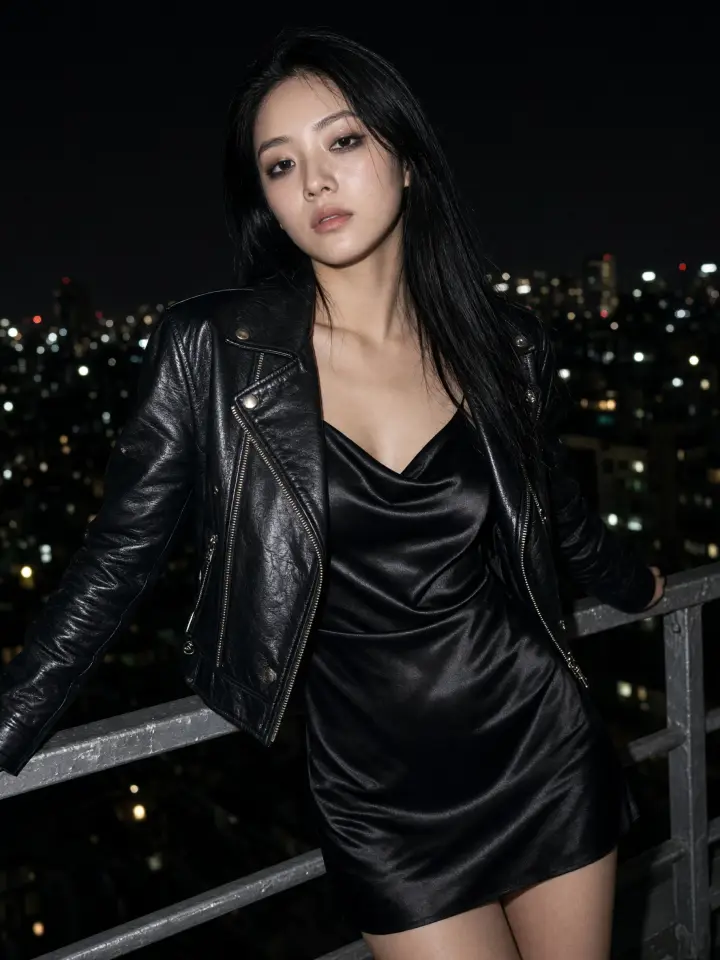






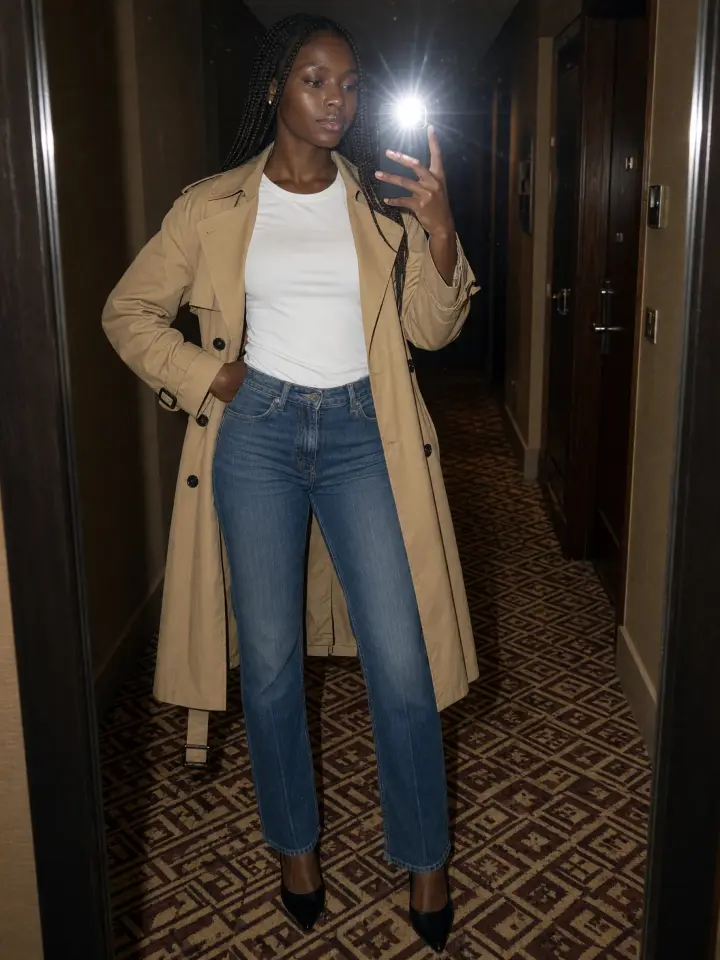


Remove a jacket, a coat or any clothing item from a photo with a text prompt. Your face, pose and background stay exactly as they were.
Tap any photo to copy its edit and run it on your own picture.
Fix a photo instead of reshooting it. A long puffer coat hides the dress, a blazer covers the shirt, a jacket spoils an otherwise good mirror selfie: write “remove the puffer coat” and the AI takes off only that layer, leaving the outfit underneath, the pose and the background as they were.
It works on mirror selfies, street photos and night shots, on photos of women and of men.
Try it on your photo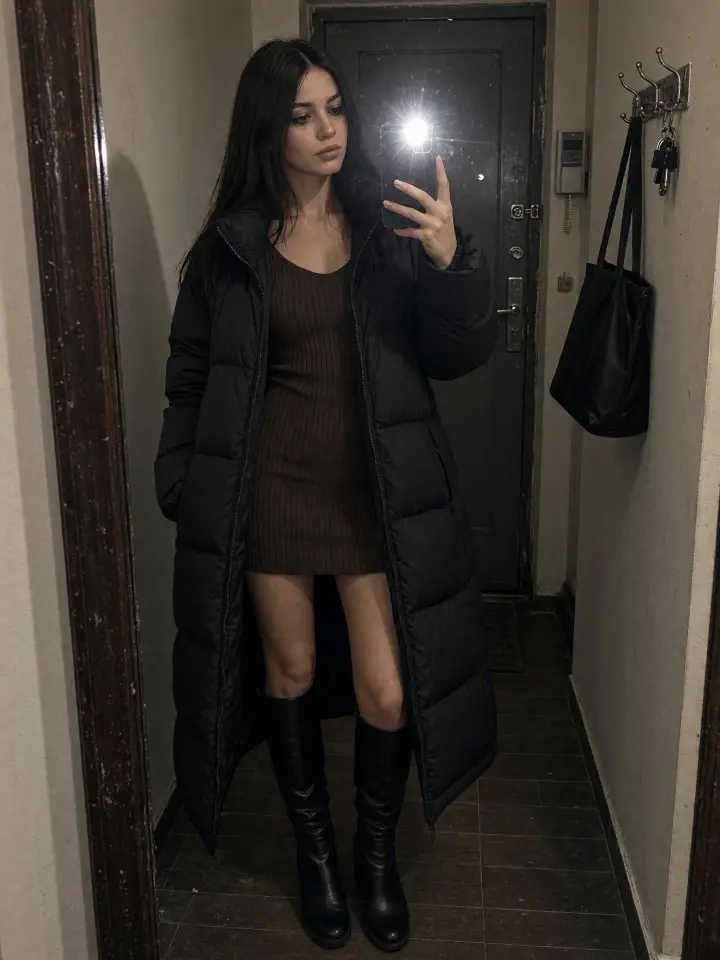
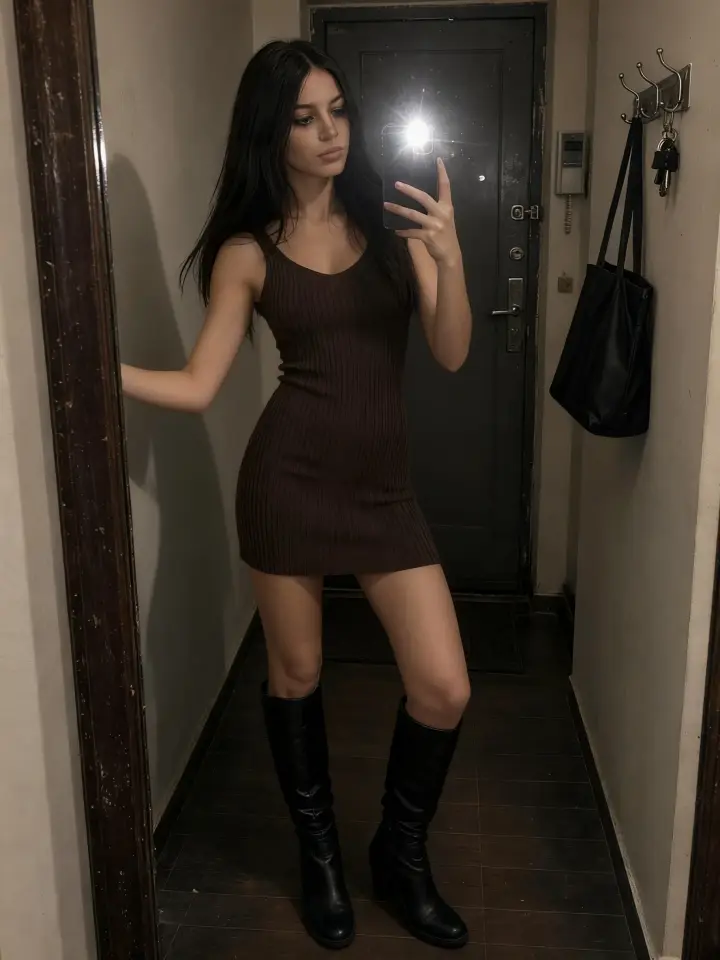
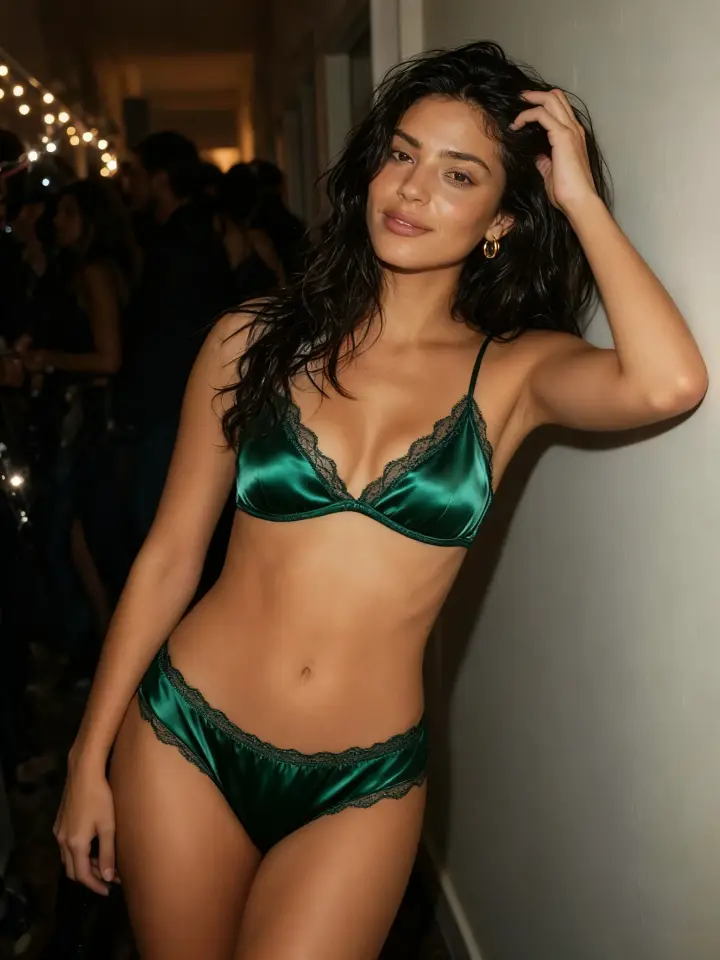
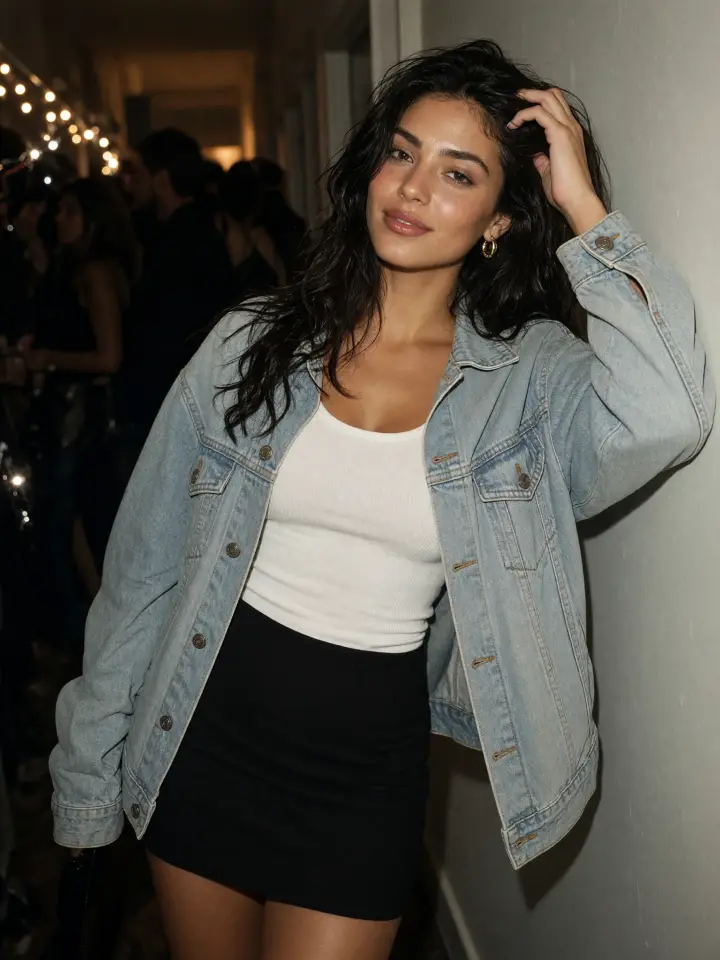
Turn one photo into several campaign visuals without a new shoot: the full outfit, the same look without the jacket, or a lingerie set for an underwear brand, like the emerald satin set in this party photo. Every version keeps the same model, pose and light, so the series looks consistent.
Use photos of models and people who agreed to the edit.
Try it on your photoSee how an outfit works without its top layer before you put it together for real. Remove the flannel shirt and check whether the tank top and jeans hold up on their own, or take off a coat to see the dress underneath.
It is a quick way to plan a look, refresh an old picture for Instagram or post a simpler version of an outfit. Upload only photos of yourself or of adults who agreed to it.
Try it on your photo



Describe what to remove in plain words: “remove the blazer”, “remove the trench coat”, “remove the hoodie”. The AI reads the prompt and edits only the items you named; there are no masks or brushes and no area to select by hand.
Name one item per edit for the cleanest result. To remove several layers at once, name each of them.
Try it on your photoThe AI changes the clothing you named and leaves the rest of the image unchanged: face, hair, hands, body proportions, background and light. The result looks like the same photo, not a new one.
In this photo the shirt, the top and the trousers are gone, and the rest is untouched: the hand on the window frame, the hair, the morning light and the shadows on the floor.
Try it on your photo

Satin, lace, cotton, denim and leather come out with natural highlights, folds and seams, and the skin under a removed layer keeps its tone and texture. Here the bathrobe is gone and the black lace set picks up the warm lamp light of the hotel room.
Each edit takes under a minute, so you can try a few versions of the same photo in a row.
Try it on your photoUse a clear photo where the clothes you want to remove are fully visible. Mirror selfies and full-length shots work well. JPG, PNG, WEBP and HEIC are supported.
Name the item, like “remove the jacket” or “remove the coat, keep the sweater”. You can also say what stays underneath: “remove the dress, leave a black satin bra and briefs”. Or tap any example in the gallery to copy its edit.
Your photo is ready in under a minute. Download it, copy it, or change the text and remove another layer from the same photo.
What is an AI clothing remover?

An AI clothing remover is a tool that takes a clothing item off a person in a photo, such as a jacket, a coat or a shirt, and draws what is underneath. Overchat AI removes only the items you name and keeps the face, pose and background the same.
How do I remove clothes from a photo with AI?
Upload a photo, write which item to remove, for example “remove the jacket”, and press Generate. The Seedream 4 model takes off that layer and leaves the rest of the picture as it was. The result is ready in under a minute.
Is the AI clothing remover free?
Yes. Sign in to Overchat AI with Google, Apple or email: the free plan gives you 100 credits a day, and one edit costs 50 credits.
What is the difference between an AI clothes remover and an AI clothes changer?
A clothes remover takes items off and shows what is under them: the top under a coat, or a lingerie set under a dress. A clothes changer puts a new outfit on the person instead. This tool is a remover: it takes items off, and the only thing it adds is the lingerie set you name when you go down to lingerie.
Can it remove a jacket without changing the rest of the photo?
Yes. Name only the jacket in your prompt. The AI removes that layer and keeps the clothes under it, the face, hair, hands, accessories and background.
Do I need photo editing skills to use it?
No. You upload a photo and describe in words what to remove; there are no masks, brushes or layers to work with.
Does it work on photos of men?
Yes. Remove a leather jacket, a coat, a hoodie or a blazer from a man's photo the same way: name the item, and the shirt or sweater under it stays.
What photos work best?
A clear phone photo where the clothes you want to remove are fully visible. Mirror selfies and full-length shots work well. Good light helps; heavy blur and strong filters make the result less accurate. JPG, PNG, WEBP and HEIC files are supported.
Is the AI clothing remover safe and private?
Your photo is uploaded only to create your result, and it is not shown to other visitors of this page. Upload only photos of yourself or of adults who agreed to it.
Can I remove several layers at once?
Yes. Name every item in one prompt, for example “remove the jacket and the shirt”, or remove them one by one: your photo stays loaded after each result.