Vibe Coding has transformed the way we develop software. What used to require years of programming expertise can now be achieved with patience and the ability to clearly articulate what you want the AI agent to build.
It turns out that lots of people want to build software; they just didn’t know how. When they flooded the market, it created an industry that is growing rapidly, from an estimated $32 billion in 2024 to over $207 billion by 2032, with many new and improved tools entering the market.
However, this raises a new question: which Vibe coding tools should you use, given the vast number available today? We’ve tested the leading platforms to find out which ones deliver on their promises and which ones burn through credits without producing any results.
In this guide, we’ll cover the best AI vibe coding tools and provide all the information you need about each notable option.
Vibe coding is building software by describing what you want in plain language and letting AI write the code — the term was coined by Andrej Karpathy, and by 2028 it's projected to account for 40% of new enterprise software.
Lovable is the most popular vibe coding tool — great front-end output, clear step-by-step explanations, Supabase + GitHub integration. Works best for small apps and MVPs; code quality degrades as projects grow due to context limits. Credits burn fast.
Replit plans app architecture before coding, gives deep control over databases and schemas, and offers flexible deployment (VM, static HTML, autoscaling). Higher learning curve, tokens deplete quickly, and the AI sometimes claims fixes that didn't actually work. $25/month for the full experience.
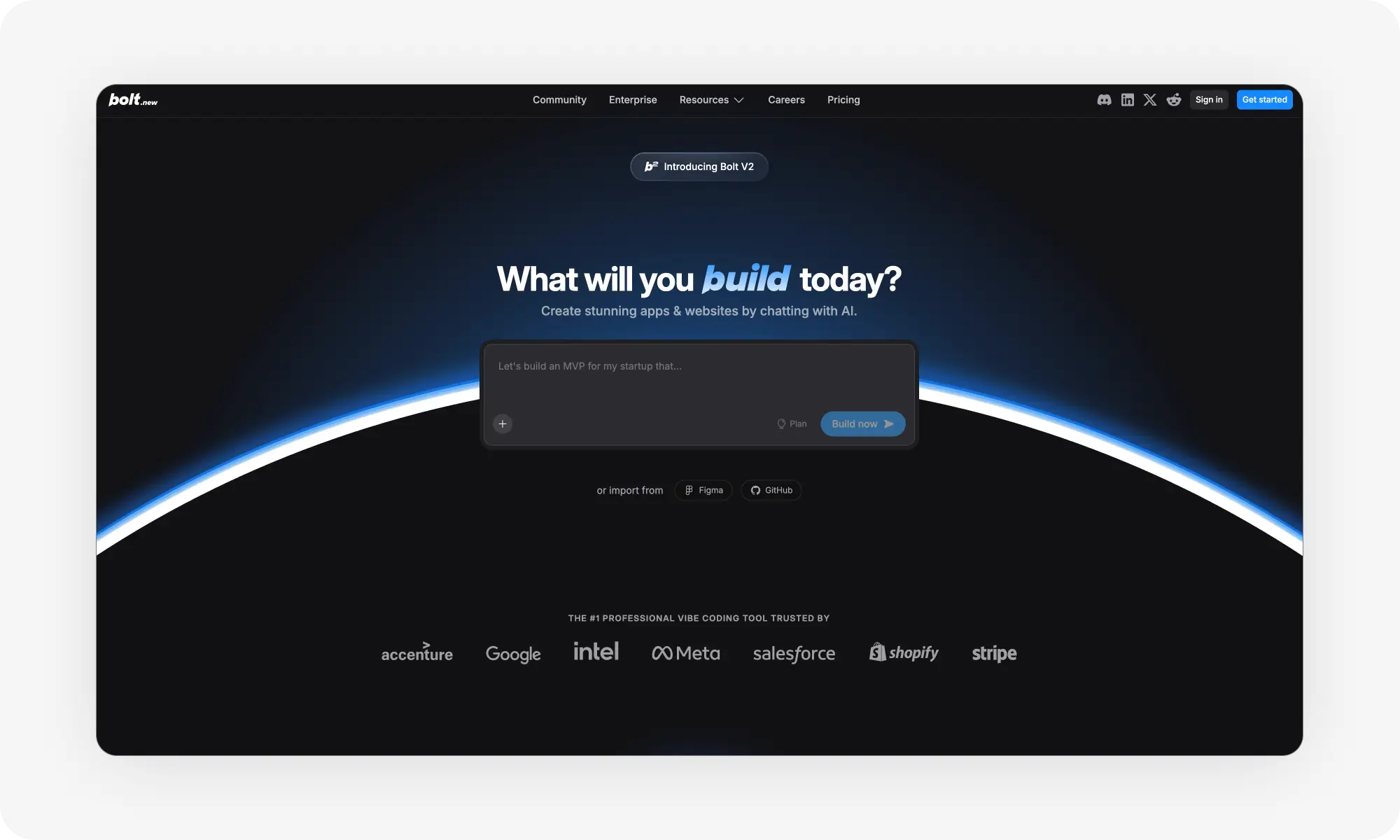
Bolt is Lovable's main competitor for beginners — prompt enhancement turns rough ideas into proper specs, plus Target File and Lock File features protect working code. More integrations (Stripe, Figma) and a generous 1M free monthly tokens (~40 prompts) before hitting the $20/month plan.
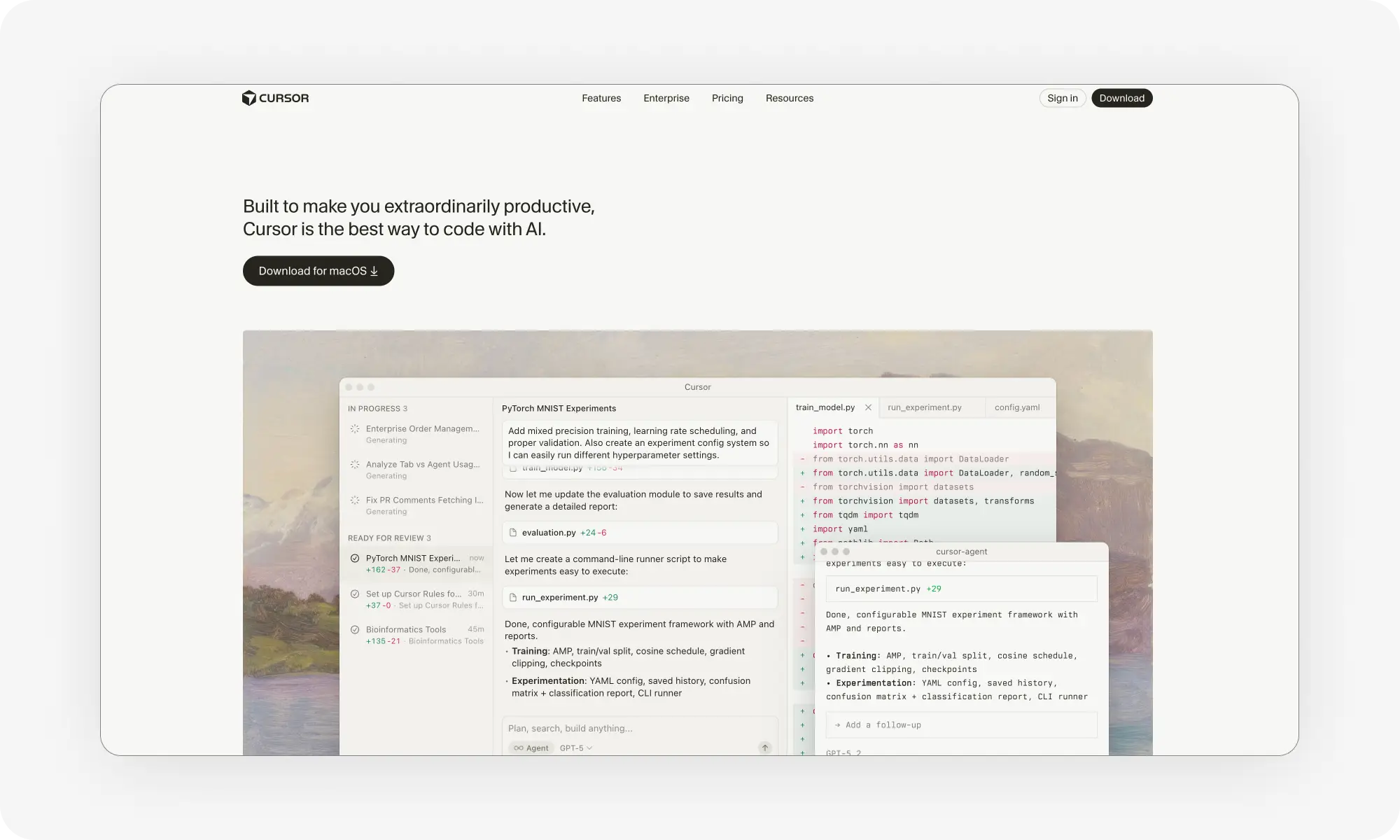
Cursor is the pro-grade AI IDE built on VS Code — reads entire codebases and suggests detailed improvements across performance, UX, accessibility, and security. Best workflow: prototype in Lovable/Bolt, sync to GitHub, continue in Cursor. Free plan is limited; $20/month removes completion caps.
Honorable mentions: Claude Code (CLI for developers), v0 by Vercel (clearest build process visibility), GitHub Copilot (pair programmer in your IDE), Windsurf (AI-powered IDE add-on).
Known limitations: security vulnerabilities appear often (authentication, input validation), tokens burn fast on debugging, code quality varies, and tools struggle with large-scale architecture — so human review before deployment remains essential.
What is vibe coding?
Vibe coding defines a way of building software where you describe the end result in plain language, and the AI writes the code. It changes your role from a developer to an architect or a director, giving instructions and pointers to the AI.
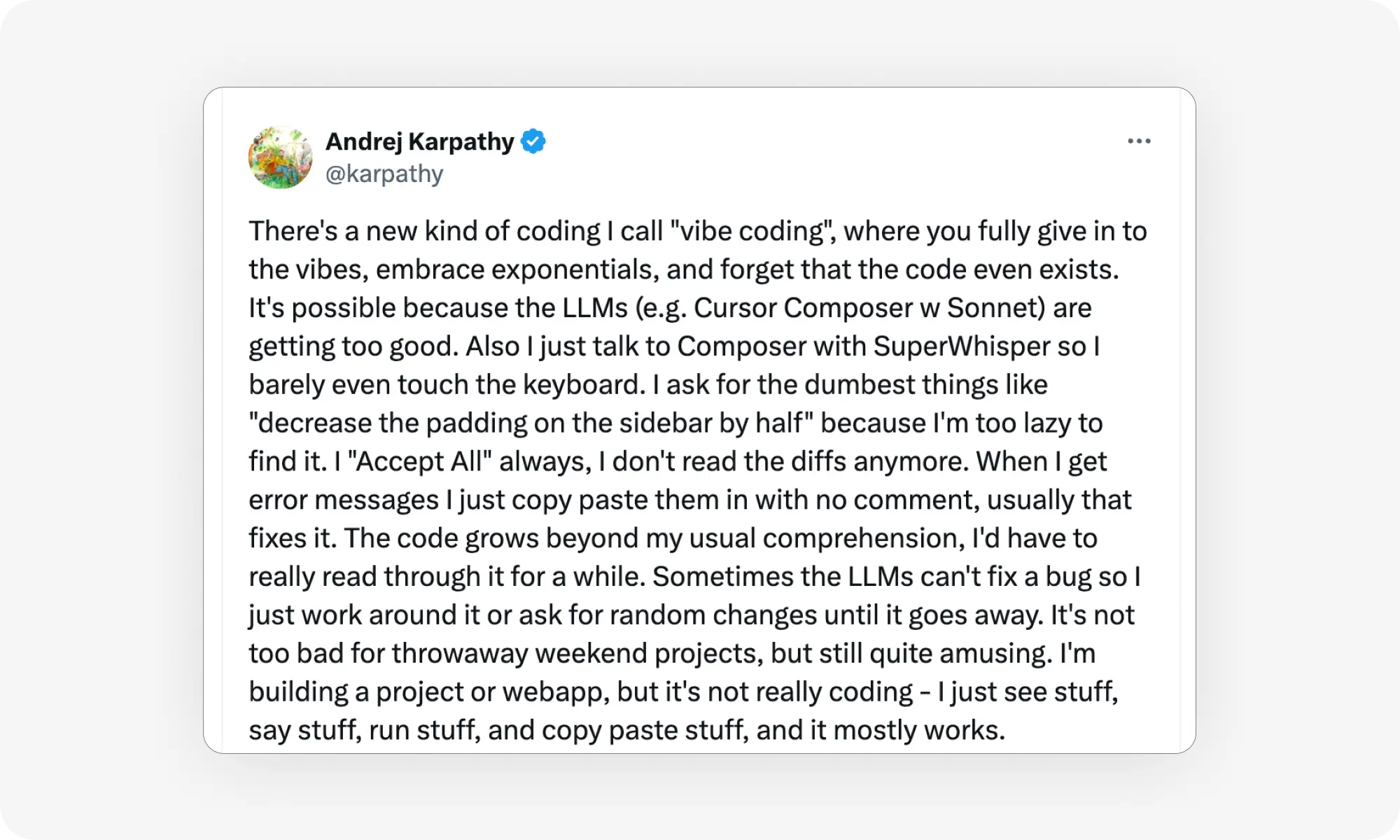
The term was originally coined in a tweet by Andrej Karpathy, Slovak-born AI researcher who co-founded OpenAI and world at Tesla as the Director of AI, leading Autopilot's computer vision).
The approach changes your role from typing syntax to directing what gets built. It works through large language models (like Gemini 3 Pro Thinking and Claude Opus 4.5) that understand both natural language and programming languages.
With vibe coding, you can:
Create prototypes
debug existing code
build complete applications
Deploy them to the cloud
All without writing a single line of code. In fact, by 2028, researchers think that vibe coding will account for 40% of new enterprise software, and companies like Microsoft and Google already report that AI writes up to 30% of their code.
Best vibe coding tools compared
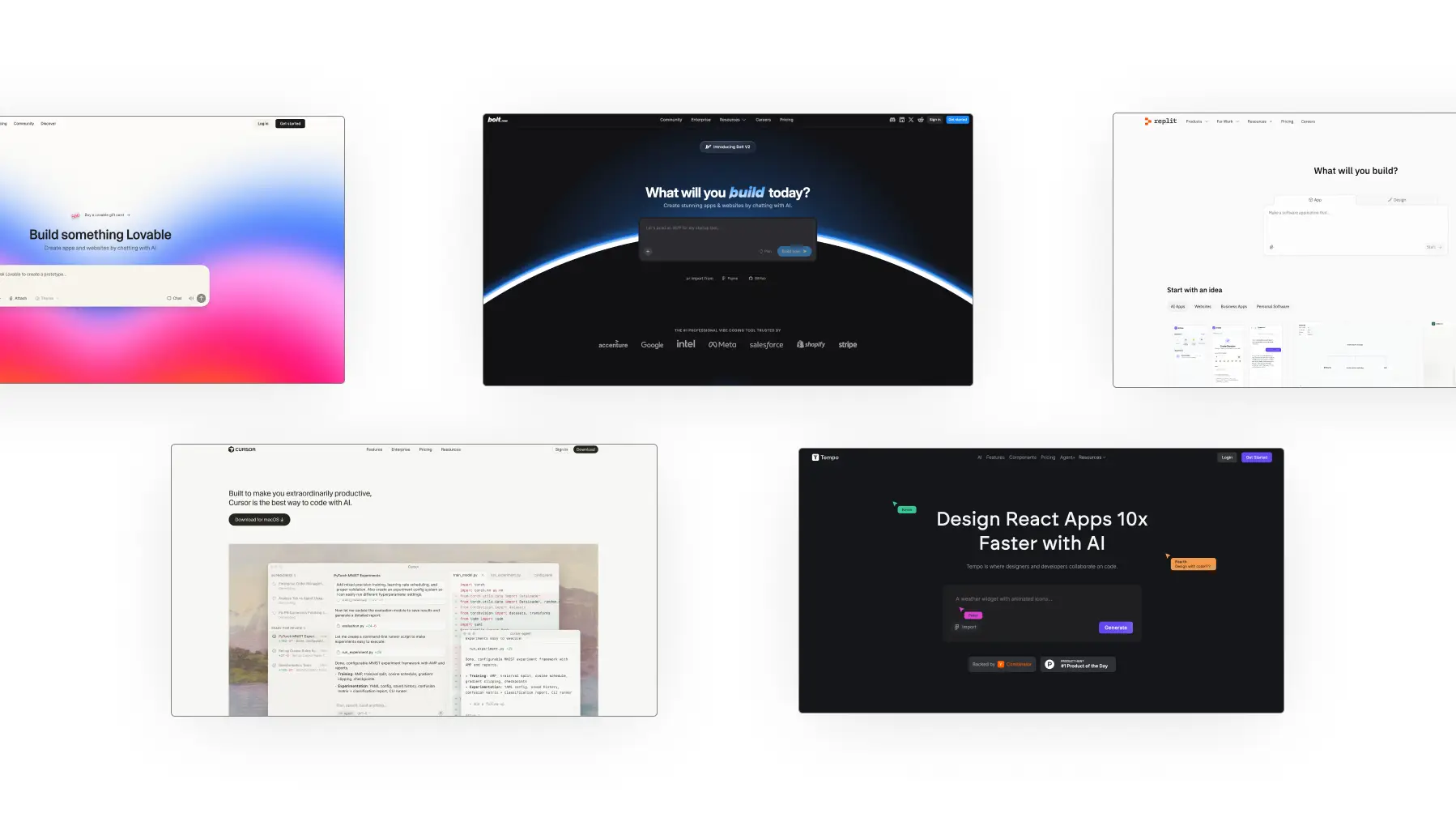
We tested over 30 different coding tools for creating vibes, asking them to build all kinds of things: simple banner designs, landing pages, and entire applications with their own backends and databases. Here’s how the top ones we enjoyed using the most compare at a glance:
Tool
Best For
Starting Price
Free Plan
Key Strength
Lovable
Beginners
$25/month
30 credits/month (5/day max)
Balanced ease of use with solid outputs
Replit
Small to mid-sized projects
$25/month
10 checkpoints
Planning before building with deep database controls
Bolt
Flexibility
$20/month
1M tokens/month
Stripe, Figma, Supabase integrations
Cursor
Debugging and refinement
$20/month
200 completions, 50 requests/month
AI-powered code improvement with detailed breakdowns
Tempo Labs
Design-focused apps
$30/month
30 prompts/month (5/day max)
Free error fixing and visual design tools
You can’t go wrong with any of these platforms, as they all confidently solve most tasks. However, there are nuances between them in terms of workflow, interface details and overall feel. Let's take a closer look at each tool (in no particular order).
1. Lovable
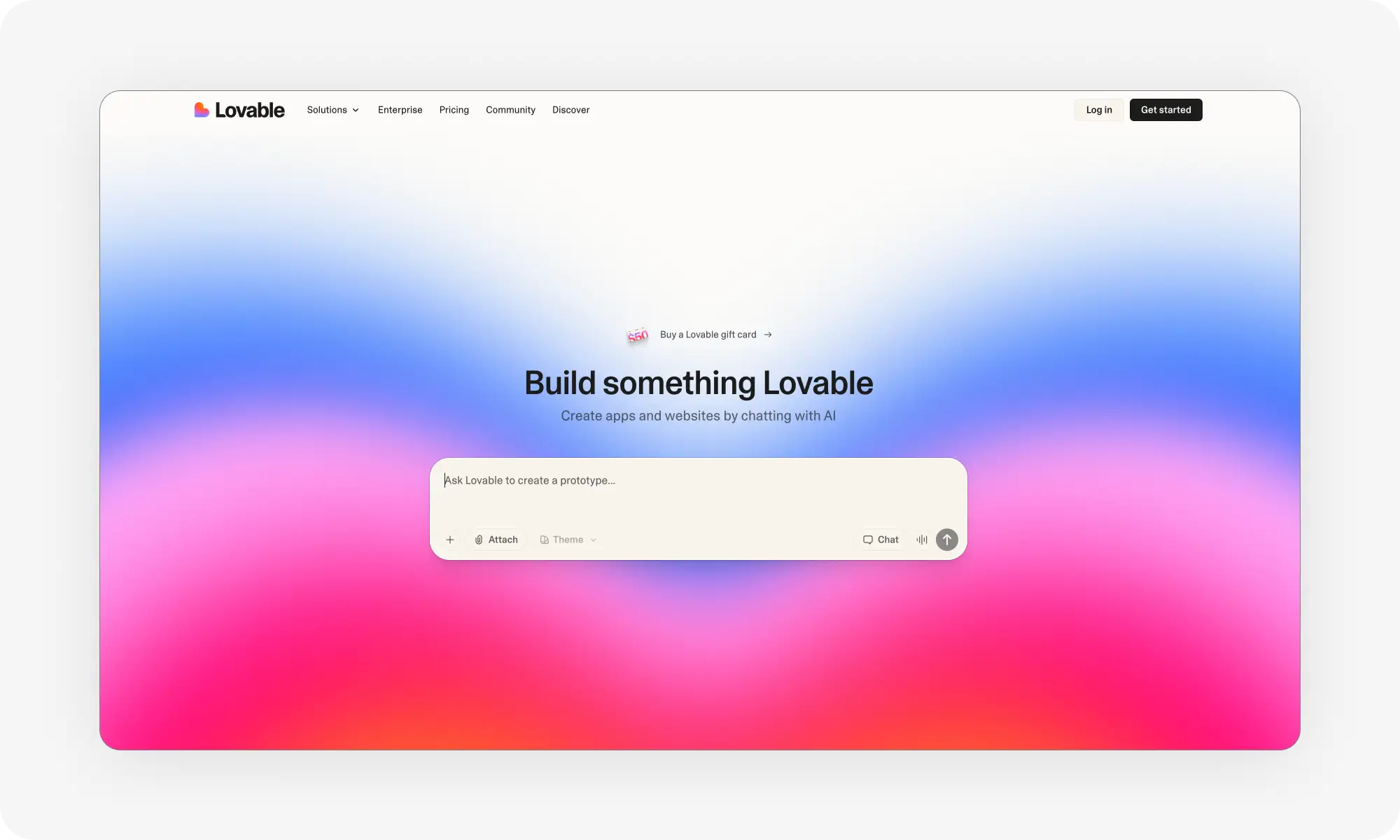
Lovable is probably the most popular vibe coding tool — it’s the one that made vibe coding mainstream. Anyone can create a working app by typing a single sentence on the homepage of their website.
At least, that’s how it seems at first — and it's mostly true — but the reality is a little more complicated. Let us explain.
One of Lovable's biggest strengths is its ability to strike a balance between ease of use and output quality — it's one of the best we've tested, particularly in terms of front-end design.
The tool generates clean designs without requiring detailed prompt engineering with modern UI components and pleasing aesthetics. The interface explains what it is implementing before writing code, which helps you to understand the building process.
After each prompt, Lovable breaks down what it changed and how. This transparency gives you control without overwhelming you with technical details, enabling even those without programming knowledge to follow the logic of what is being built.
Furthermore, the platform handles backend tasks through Supabase integration. Supabase is a lightweight, modern database that’s ideal for simple apps. This covers user authentication and data storage in one workflow. It also connects to GitHub for version control, enabling you to export working code before making significant modifications.
However, as the app grows, you’ll find that parts of it start to malfunction and the quality of the code deteriorates. This is due to context engineering constraints: as your AI assistant’s memory fills up, it starts to forget parts of the code it has written. Lovable's ease of use, where context engineering is automatic, is a disadvantage here. Nevertheless, for quick testing and small apps, this is an excellent coding tool.
Lovable pros:
✅ Generates polished designs from basic prompts without extra direction
✅ Clear explanations at each step help you understand what's happening
Lovable cons:
❌ Credits burn quickly, especially when iterating on complex features
❌ Limited control compared to developer-focused tools like Cursor
The credit system can feel restrictive. Complex prompts consume more tokens, and the free tier's 5-credit daily limit means progress comes in short bursts. But for learning vibe coding or building minimum viable products, Lovable delivers consistent results.
2. Replit
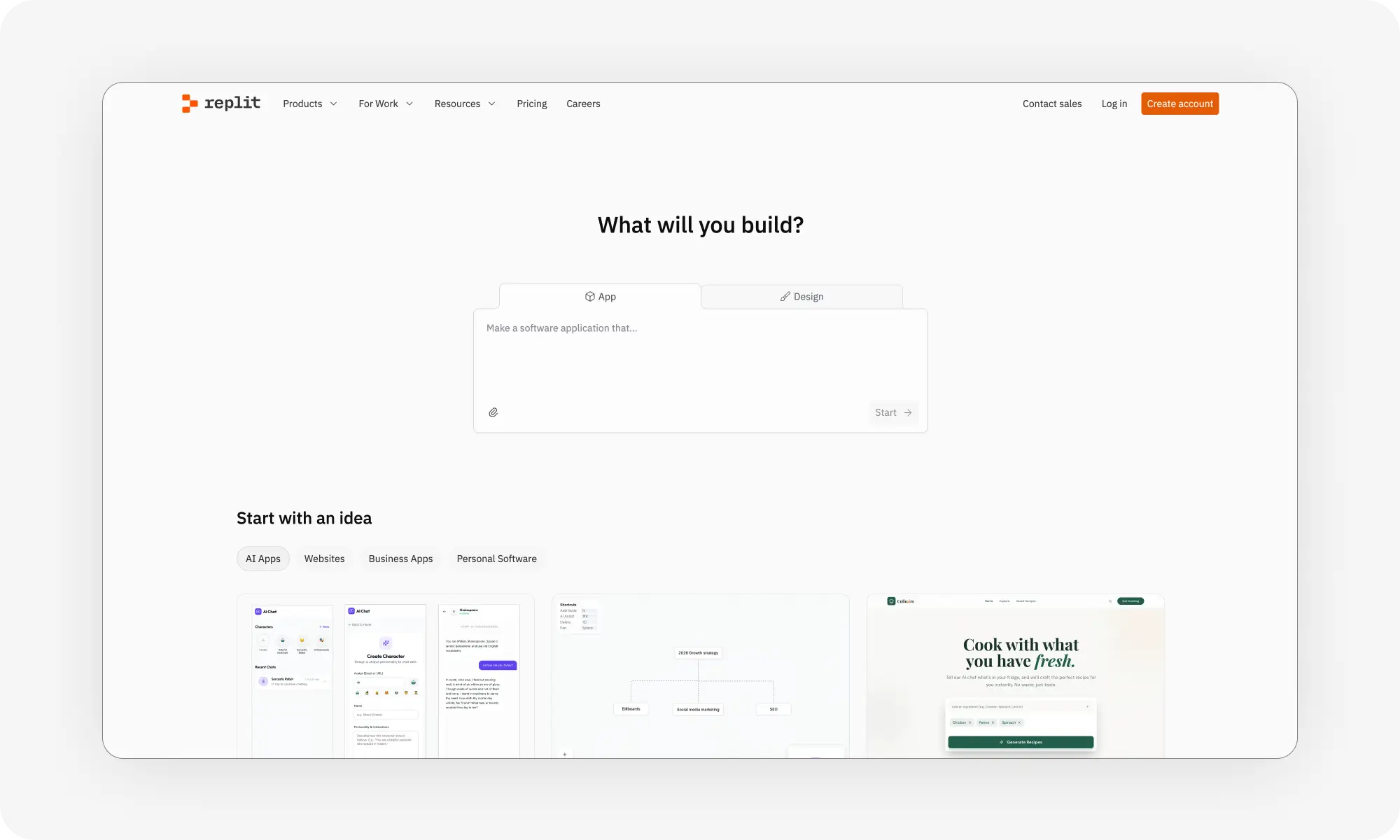
Replit takes a thoughtful approach to coding — and while the learning curve is higher than Lovable, it’s better suited to complex projects. This is evident from the start. Even before writing anything, the AI asks questions about your project and what you need. This helps set up a solid structure from the start.
The tool gives you lots of control. For example, you can tweak databases, manually edit schemas, and inspect every data structure. The IDE has professional tools built in: a terminal for running commands, security checks, and options for user authentication and external integrations. Everything is cloud-based, so you can access your projects from anywhere.
Deployment options are equally flexible. Launch your app as a virtual machine, a static HTML page, or an autoscaling instance that adjusts to demand — handy if your project grows beyond a prototype.
Pros:
✅ AI plans app structure before coding, helping avoid architecture mistakes
✅ Flexible deployment options and built-in security tools
Cons:
❌ AI can claim fixes that sometimes don’t work
❌ Less control once you’re locked into the platform
❌ You run out of tokens very quickly
The AI can be frustrating at times. If you report a missing feature, it might say it fixed it even when nothing changes. Testing and re-prompting are often needed.
Replit is best for mid-sized projects where planning and professional tools matter. The $25/month plan unlocks all advanced AI features, which is worth it if you use it regularly.
3. Bolt
Bolt competes directly with Lovable as the best vibe-coding tool for beginners. The user experience between these two platforms is very similar. Where Bolt beats Lovable is in the integrations department, as well as its more generous free tier.
The platform starts with prompt enhancement. Click the button in the input field and it transforms rough ideas into proper product requirements. This helps if you're not sure how to structure your initial request.
Then, Bolt installs dependencies automatically and breaks down file creation step by step. When errors appear, it detects them and offers to debug without you asking. The terminal in the Code tab lets you run commands if needed.
Two features in the Code tab prove invaluable as projects grow:
Target file lets you direct prompts to modify specific files only
Lock file prevents AI from changing code that already works perfectly. Lock files as soon as you get functionality right to avoid breaking things later.
In terms of integrations, there’s Supabase again which handles backend needs, GitHub, naturally, for version control, Stripe — for processes payments, then Figma — for using your designs instead of starting from scratch.
Bolt pros:
✅ Stripe and Figma integrations streamline common workflows
✅ 1M free monthly tokens (150k daily) let you build substantial projects before paying
Bolt cons:
❌ More errors earlier in the building process compared to Lovable
❌ Each prompt uses about 25k tokens, so the free tier depletes fast
You'll get only roughly 40 prompts before hitting the monthly limit. Still, that's enough to test whether Bolt fits your workflow before committing to the $20/month plan.
4. Cursor
Cursor is the most popular AI-powered IDE, built on top of Visual Studio Code — the most popular traditional IDE. This is what “real” programmers are using, a serious tool for serious work. This means less hand holding — to make the most of it, it’s best to have at least some familiarity with software development workflows (though, not necessarily coding itself).
The workflow works like this: ideally, build your app in Lovable or Bolt, then sync to GitHub, and then open it in Cursor to keep working on it.
When you ask Cursor how to improve your app, it reads the entire codebase and delivers detailed breakdowns. The suggestions cover performance optimization, user experience, accessibility, security, and code quality. From here, similar to other tools, you can sit back and watch code generate in real time through the chat interface.
Unlike pure vibe coding platforms, Cursor requires more technical knowledge. You'll run a local server to preview changes. You'll navigate file structures. But the AI guides you through roadblocks that would have stopped you cold in the past.
Cursor pros:
✅ AI-powered improvement suggestions with file-level detail and line counts
✅ Classic VSCode experience familiar to developers, with unlimited completions on paid
plans
Cursor cons:
❌ Steeper learning curve than beginner-focused platforms
❌ No built-in preview requires running local servers to see changes
The free plan includes 200 completions and 50 requests monthly, plus a 2-week pro trial. The $20/month paid plan removes completion limits and increases requests to 500.
5. Tempo Labs
Traditionally, when teams work on a new product or feature, the process starts with prototyping, where the general app flow is planned. This is followed by a design stage, where the product obtains its visual identity. Only then is any code written. Vibe Coding generally works the other way around — they start by writing code.
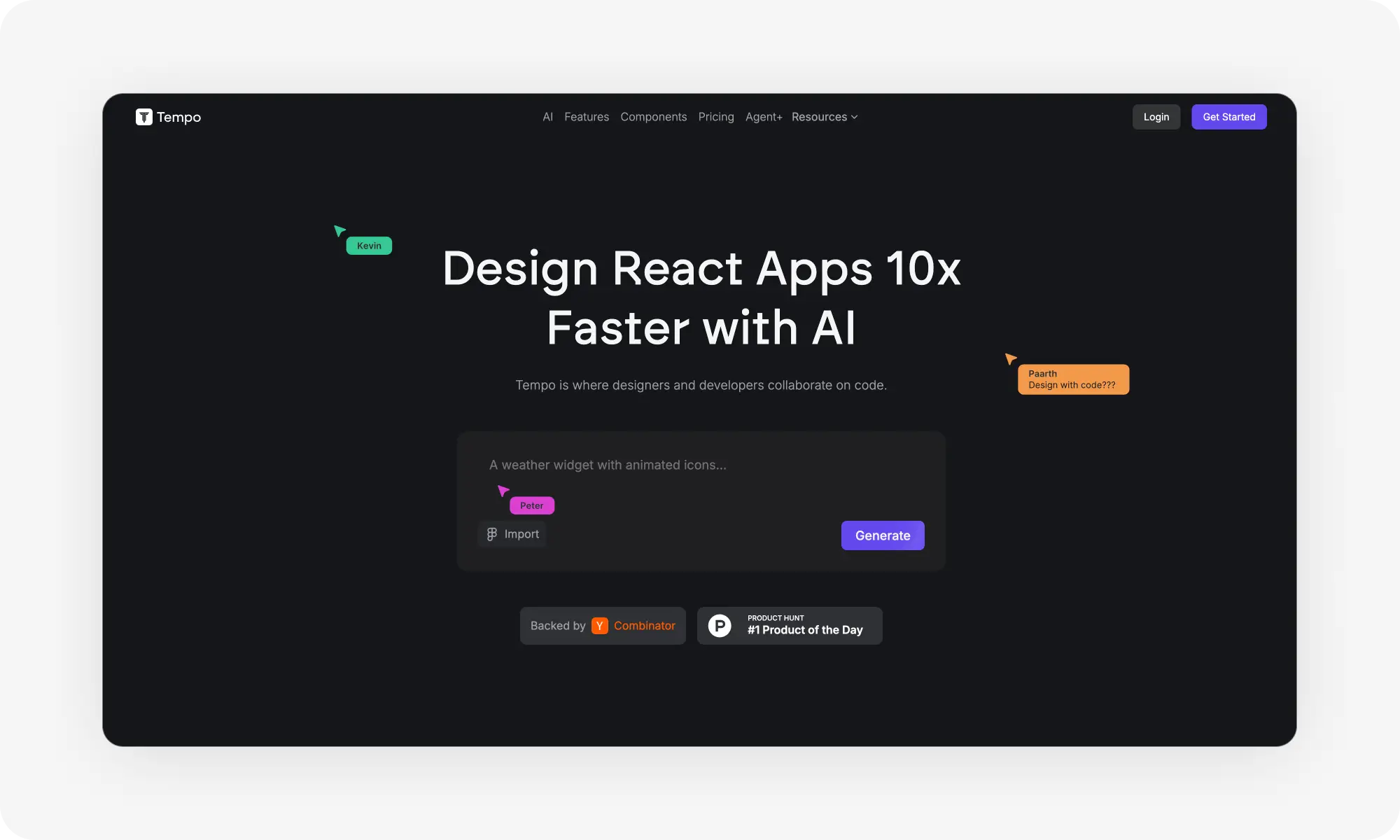
The team behind Tempo Labs believes that the way most vibe coding tools work is backwards, which is why they created a design-firstvibe coding software. When you send your initial prompt, Tempo creates a visual flow diagram. You see all screens with arrows showing how users navigate between them. This product thinking prevents the messy interfaces that plague many AI-generated apps.
One standout feature — free error fixing. Most platforms burn credits when debugging, but Tempo removes that penalty, letting you iterate on fixes without watching your budget evaporate. The platform integrates with Supabase, Figma, and VS Studio Code to support this workflow.
Tempo Labs pros:
✅ Error fixes don't consume credits, removing the penalty for debugging
✅ Visual user flow diagrams and design system generation keep UX focused
Tempo Labs cons:
❌ Limited to React, Vite, and Tailwind stack only
❌ Smaller integration ecosystem compared to Bolt or Lovable
The technology restrictions matter if your project needs different frameworks. But within its scope, Tempo produces polished apps with solid user experience.
Fun fact: For $4,000 monthly, Tempo's team will build 1-3 features per week with 72-hour turnaround, bringing human expertise to vibe coding, though it's priced for businesses rather than solo builders.
Honorable mentions
These tools didn’t quite make it onto our list of favourites, mainly due to their steeper learning curves. However, if you enjoy having more control and learning more complex workflows, they could be perfect for you.
Claude Code: Built by Anthropic, Claude Code runs through command-line interfaces and APIs. However, this tool targets developers who want to integrate AI into existing workflows rather than beginners starting fresh.
v0 by Vercel: This platform provides the clearest view of what's happening behind the scenes. Every coding action includes detailed breakdowns. The interface is addictive for people who want to understand the building process. The free $5 credit depletes quickly though, pushing most users toward the $20/month plan.
GitHub Copilot: The most recognized AI coding tool functions as a pair programmer inside your IDE. It runs on the latest frontier models and integrates seamlessly with VS Code. But watch for insecure or buggy code generation if you don't review outputs carefully.
Windsurf: This IDE add-on extends developer environments with AI chat and autocomplete. It's faster and more intuitive than some alternatives but requires existing coding knowledge.
The limitations of vibe coding
Vibe coding speeds up development, but it’s not problem-free. Understanding these limitations prevents costly mistakes.
Security vulnerabilities appear frequently in AI-generated code. The tools don't always implement proper authentication, input validation, or data protection. You need human review for security issues before deployment.
Cost control can be difficult. AI tools consume tokens fast, especially when debugging or iterating. Free tiers run out quickly on real projects. Budget accordingly and lock working code to prevent unnecessary changes.
Code quality varies. Sometimes AI generates clean, efficient code. Other times it creates circular dependencies, breaks existing functionality, or claims it fixed bugs when nothing changed.
Vibe-coding tools struggle with complex, large-scale projects. You’ll still need to handle architecture decisions, performance optimization, and refactoring.
Frequently Asked Questions (FAQs)
What does vibe coding mean?
Vibe coding means building software by describing what you want in natural language instead of manually writing code. You provide prompts to AI tools that generate the implementation for you.
How to start vibe coding?
Pick one platform from the list above and create and write a clear prompt describing what you want to build, including the main features and how users will interact with it. Send the prompt and wait for the AI to generate your first version. Use follow-up prompts to fix issues or add new functionality.
What are the main benefits of vibe coding?
Vibe coding eliminates the need to learn programming syntax and languages, so even non-technical users can build functioning MVPs and even fully-fledged SaaS products without hiring developers.
Who coined the term vibe coding?
Andrej Karpathy coined the term vibe coding. He's a prominent AI researcher formerly at Tesla and OpenAI. The phrase captures how developers now describe the feeling or vibe of what they want rather than writing explicit instructions in programming languages.
Bottom Line
Thanks to vibe coding, anyone can now build fully functional applications without knowing how to write a single line of code. All you need is a clear idea of what you want to build and some patience.
Key takeaways:
Vibe coding is the process of building software with AI by describing what you want to build
The term was coined by Andrej Karpathy to describe AI-assisted development
Among the advantages of vibe coding are faster prototyping and eliminated syntax barriers
Lovable, Bolt, Cursor, Tempo Labs, and Replit are the best AI vibe coding tools
Vibe coding has limitations, namely security vulnerabilities and unpredictable code quality
To start vibe coding, pick any tool from this list and describe what project you want to build (start with something simple, like a to-do app)
The tools available to us in 2026 are already impressive, but they will undoubtedly improve further in the coming months. Who knows? Perhaps soon we’ll be able to build entire enterprise-grade apps from a single text prompt, not just MVPs.