Best Audio to Text Converters: Where to Transcribe Audio
Last Updated:
2026-09-26
Best Audio to Text Converters: Where to Transcribe Audio
Here’s a fun fact you might not know: transcribing just one hour of audio by hand usually takes around three to four hours. So if you’ve been doing it manually — like I used to — you know how time-consuming (and honestly pretty tedious) it can be. AI can do the same job in about a minute, and it’s often even more accurate.
We tested some of the most popular audio-to-text tools to see which ones produce results you can trust, and combined the best ones into this list. Here’s everything you need to know.
AI transcription is the process in which a speech model turns sound into words, giving you written text from an audio file.
Not all audio to text tools can accurately handle accents, noise, and multi-speaker recordings.
When choosing a tool, look for one that supports speaker labels, timestamps, and different export formats (TXT is good for copy and pasting, but if you want to use the transcription for subtitles you’ll need SRT or VTT).
Most online tools offer either a free trial or a free plan with some limitations — like restricting how much audio you can transcribe at once — so you can test them out first. In some cases, you might even find that the free version is all you need.
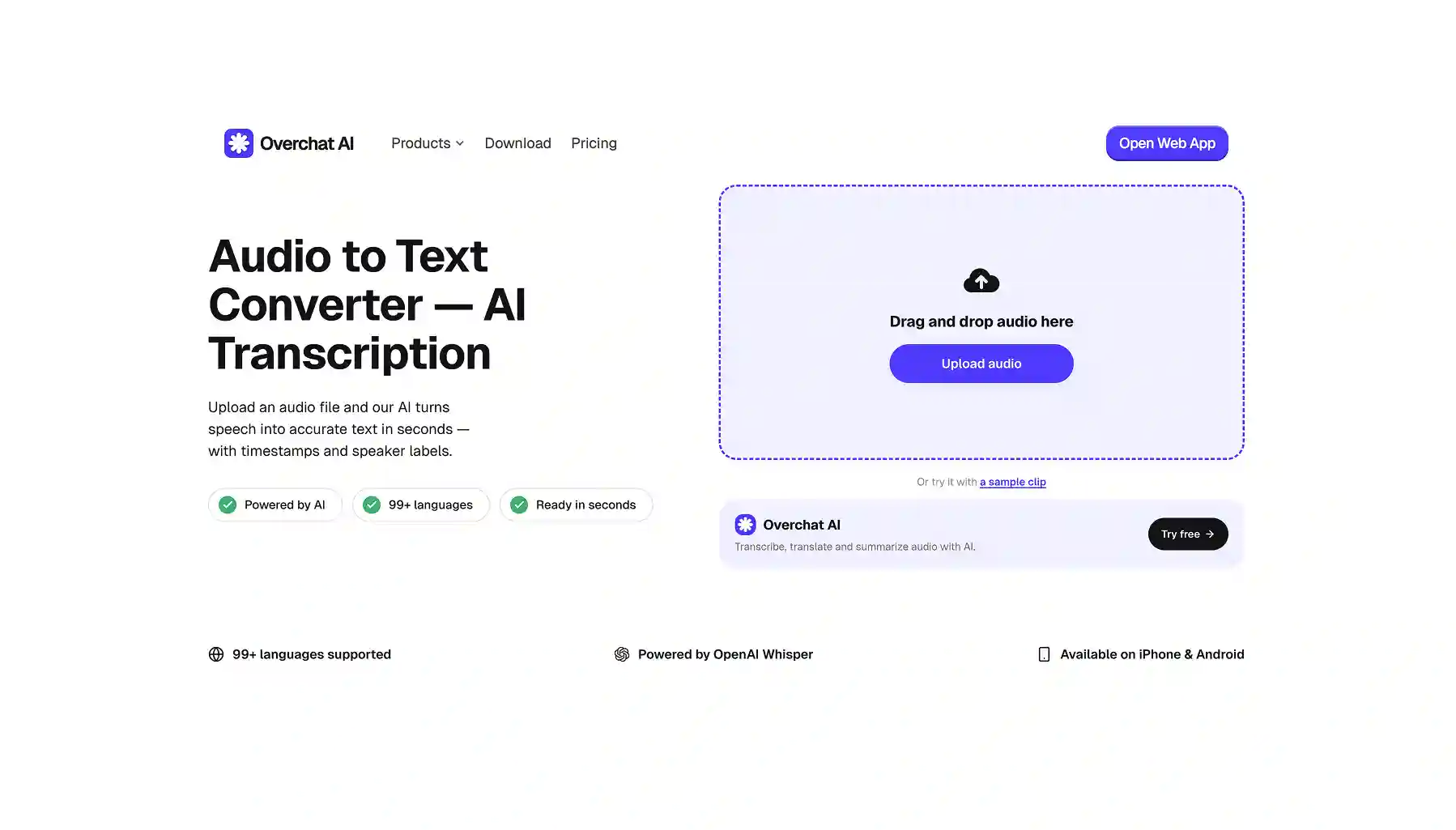
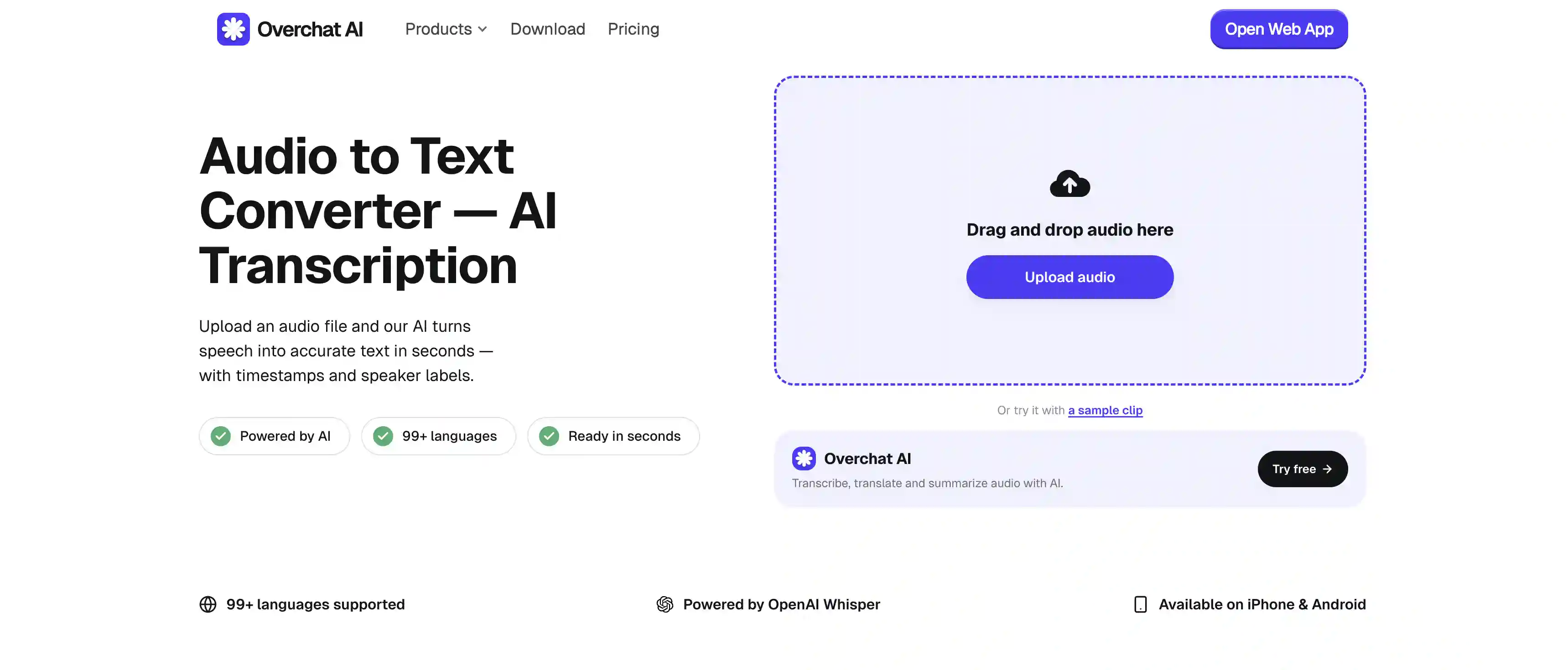
Overchat AI has one of the best audio to text converters: it runs on OpenAI Whisper, supports 99+ languages, adds speaker labels and timestamps, exports to TXT/SRT/VTT, and needs no signup to try.
How AI Audio-to-Text Conversion Works
AI audio-to-text converters are based on a single end-to-end neural network. The most popular one is OpenAI's Whisper, which several tools in this list run on.
Whisper is a Transformer encoder-decoder model, which is the same family of architecture that powers the GPT models behind ChatGPT.
It takes the audio, converts it into a spectrogram (a visual map of which frequencies are loud at each moment), and feeds that through the network, which outputs text, predicting each word from the audio and the words it has already written.
Whisper is very accurate because of two things:
It has been trained on roughly 680,000 hours of audio across 99 languages, so it has heard enough accents, noise, and recording conditions to stay accurate.
Because it predicts text the way a language model does, it adds punctuation and capitalization on its own, and uses sentence context to pick the right word when the audio is unclear.
Is AI audio transcription more accurate than the old-school software released before 2020? Yes — much more so. Older tools used an acoustic model that matched sound to phonemes, a pronunciation dictionary, and a language model that guessed likely word sequences, often glued together with Hidden Markov Models.
Each part had to be tuned by hand, and wasn’t particularly reliable when the audio contained accents, background noise, or any audio that didn't match the training conditions.
What’s more, even if they could handle the transcription itself, working out who is saying what is even more difficult and it’s an entirely different step.
The takeaway for picking a tool: look for AI-powered audio to text converters, particularly those that explicitly say they’re powered by OpenAI Whisper models, which are among the most accurate ones.
5 of the Best AI Audio-to-Text Tools Compared
We tested the most popular online tools and made a shortlist of just 5 you need to try first and foremost. Here's a table showing how they compare at the high level:
Tool
We liked it for...
Overchat AI
A free, no-signup transcription tool powered by Whisper AI — one of the most accurate models on the market.
HappyScribe
An optional human review for near-perfect accuracy on important work
ElevenLabs
The highest accuracy with audio-event tags and a strong developer API
AudioToText.com
A simple free tool you can use without installing
NoteGPT
Being able to batch transcribe 20 files at a time
1. Overchat AI Audio to Text Converter
Overchat AI Audio to Text Converter is the best overall. It runs on OpenAI Whisper, so the accuracy is very high even on complex recordings.
To use the tool:
Upload the file in MP3, WAV, M4A, AAC, FLAC, or OGG
Wait roughly 40 seconds
Receive your transcript
Overchat AI detects who is speaking, splits the text into speaker turns, and aligns a timestamp with every line. It covers 99+ languages.
You can export TXT for a plain transcript, SRT or VTT for subtitles on YouTube, TikTok, Premiere, or Final Cut, or copy the text to clipboard.
The reason Overchat AI earns the top spot is a combination of just how easy it is to use, plus the accuracy of the transcripts which, in our testing, came up almost perfect on every single run with only minor and very rare inconsistencies.
Pros:
✅ Free with no signup to try it
✅ Runs on OpenAI Whisper
✅ Speaker labels and per-line timestamps
✅ Pulls audio straight out of MP4 and MOV video
✅ 99+ languages
2. HappyScribe Audio to Text
HappyScribe supports 120+ languages, accepts 45+ audio formats with no file-size limit, and includes an online editor where you can fix, highlight, and search the transcript before exporting.
Export covers Word, PDF, TXT, SRT, VTT. It's SOC 2 and GDPR compliant, which matters for sensitive recordings. The free tier is a 10-minute trial, after which it moves to a subscription or pay-as-you-go pricing. There’s also an option of human review as a paid add-on, which, we feel, is where the value is when you transcribe something that’s very important to get right word for word.
Pros:
✅ Optional human review for accuracy close to 99%
✅ 120+ languages and 45+ formats
✅ Built-in editor
✅ SOC 2 and GDPR compliant
Cons:
❌ Free tier is only a 10-minute trial
❌ Human review costs extra and takes hours to a day
❌ Full use needs a subscription or pay-as-you-go credits
❌ Overkill for quick transcripts
3. ElevenLabs Audio to Text
ElevenLabs has developed its own speech-to-text model called Scribe, and it’s one of the most accurate speech to text technologies on the market.
Like Overchat AI, it also adds speaker labels and word-level timestamps, as well as audio-event tags that mark non-speech sounds like laughter or applause, so the transcript reflects the tone of the recording.
Scribe supports 99 languages (just like Whisper) and has a word-level editor where you click any word to cut, fix, or reformat. Export supports TXT, DOCX, PDF, JSON, SRT, VTT, HTML. There’s also JSON output plus a well-documented API.
Pros:
✅ Scribe is highly accurate
✅ Adds audio-event tags (laughter, applause)
✅ Built-in editor
✅ Offers an API for developers
Cons:
❌ Requires signup before you can transcribe anything
❌ Credit-based pricing
4. AudioToText
AudioToText also identifies multiple speakers with timestamps, and supports 15+ audio formats.
The tool claims a 99% accuracy, and while in our testing this didn’t feel exactly right, the accuracy is still very respectable even on the free tier, which is why we’ve decided to include it on the list.
In terms of export options, it supports TXT, DOCX, or SRT — slightly more limited than other tools on this list.
However, we should note that AudioToText doesn’t reveal what model it runs with, and we’d guess it’s not frontier level, which might explain a slight accuracy drop compared to the other tools on this list.
Pros:
✅ No signup
✅ Files encrypted in processing and deleted afterward
✅ Speaker detection, timestamps, and 15+ formats
✅ Fast — most files done in two to five minutes
Cons:
❌ Not as accurate as some other tools
❌ Little public detail on the underlying model
❌ Less proven than some other tools on the list
❌ No editor
5. NoteGPT Audio to Text Converter
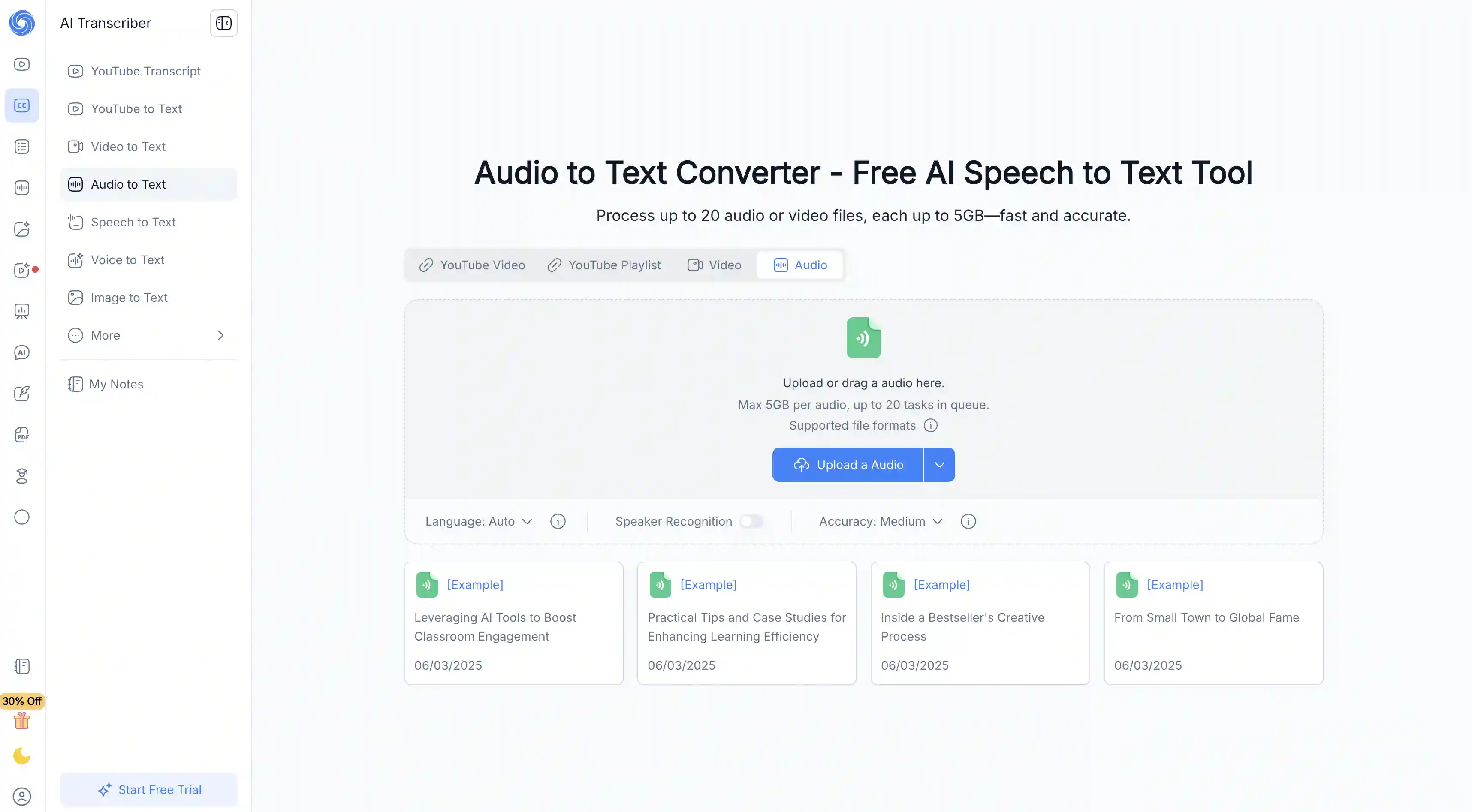
NoteGPT also has speaker recognition, which you can toggle, and an accuracy setting you can raise for important files.
NoteGPT started as a learning platform, so there are many things you can do with the transcript once it’s done. For example, run it through the platform's summarizer, mind-map generator, or flashcard maker in the same place.
Also, in NoteGPT you can queue up to 20 files at once, each up to 1GB, which we found very impressive.
Pros:
✅ Up to 20 files at once, 1GB each
✅ Speaker recognition
✅ Built-in summaries
✅ Handles video files and long recordings without trouble
Cons:
❌ Tuned for notes
❌ Heaviest features need a paid plan
❌ Not as good for subtitles
Frequently Asked Questions (FAQ)
What is the best app to convert audio to text?
Overchat AI is the best audio to text converter. It runs on OpenAI Whisper, covers 99+ languages, adds timestamps, and exports to TXT, SRT, and VTT. It’s highly accurate and is suitable for accuracy-critical work.
How do I convert audio to text for free?
Go to Overchat AI audio to text converter, upload your audio file, and download or copy the text. The transcription process takes from about 40 seconds to several minutes. This depends on the length of your audio sample.
How accurate is AI audio transcription?
Accuracy of AI models like Whisper hovers around 95-99%. Factors that decrease accuracy are loud background noise, strong accents, poor microphones, and very low sample rates of the recording.
Can AI tell who is speaking in a recording?
Yes — this is called speaker diarization. The tool separates voices and labels them (for example, Overchat AI uses labels Speaker 1, Speaker 2, and so on).
How do I transcribe an interview or a meeting?
Upload the recording to an AI transcription tool that supports speaker labels, like Overchat AI. The AI will label the speakers and timestamp the lines so you can see who said what and when.
Can I get subtitles (SRT or VTT) from an audio file?
Yes. Overchat AI exports directly to SRT and VTT, which are the subtitle formats YouTube, TikTok, Premiere, and Final Cut use.
Bottom Line
AI transcription is the process of converting spoken audio into written text using a speech recognition model.
Not all audio-to-text tools can accurately handle accents, background noise, or recordings with multiple speakers.
When choosing a tool, look for features like speaker labels, timestamps, and support for different export formats. TXT files are great for copying and editing text, while SRT or VTT files are better if you plan to use the transcription for subtitles.
Most online tools offer either a free trial or a free plan with limitations — such as caps on audio length or transcription minutes — so you can test them before committing. In some cases, the free version may be more than enough for your needs.
Overchat AI offers one of the better audio-to-text converters available. It runs on OpenAI Whisper, supports 99+ languages, includes speaker labels and timestamps, exports to TXT/SRT/VTT formats, and lets you try it without signing up.