YouTube is home to many useful videos and tutorials containing information from some of the best creators on the planet that you won’t find elsewhere. However, not everyone has the time to watch videos for 30 minutes or more, especially if they are looking for specific information in hour-long content.
If this is a problem you have faced before, you should use YouTube transcript generators to understand videos in seconds and save hours of your time. These AI-powered tools allow you to paste a link and get all the text from the video with timestamps.
In this article, we’ll cover the top five free YouTube transcript generators of 2026 and explain why you should use each one. Let's get started.
A YouTube transcript generator turns video audio into timestamped text using AI speech recognition, with top tools hitting over 90% accuracy even with accents or background noise.
Why use one: scan a 20-minute video in under a minute, repurpose videos into blog posts or newsletters, make content accessible, and boost SEO (search engines can read transcripts but can't watch videos).
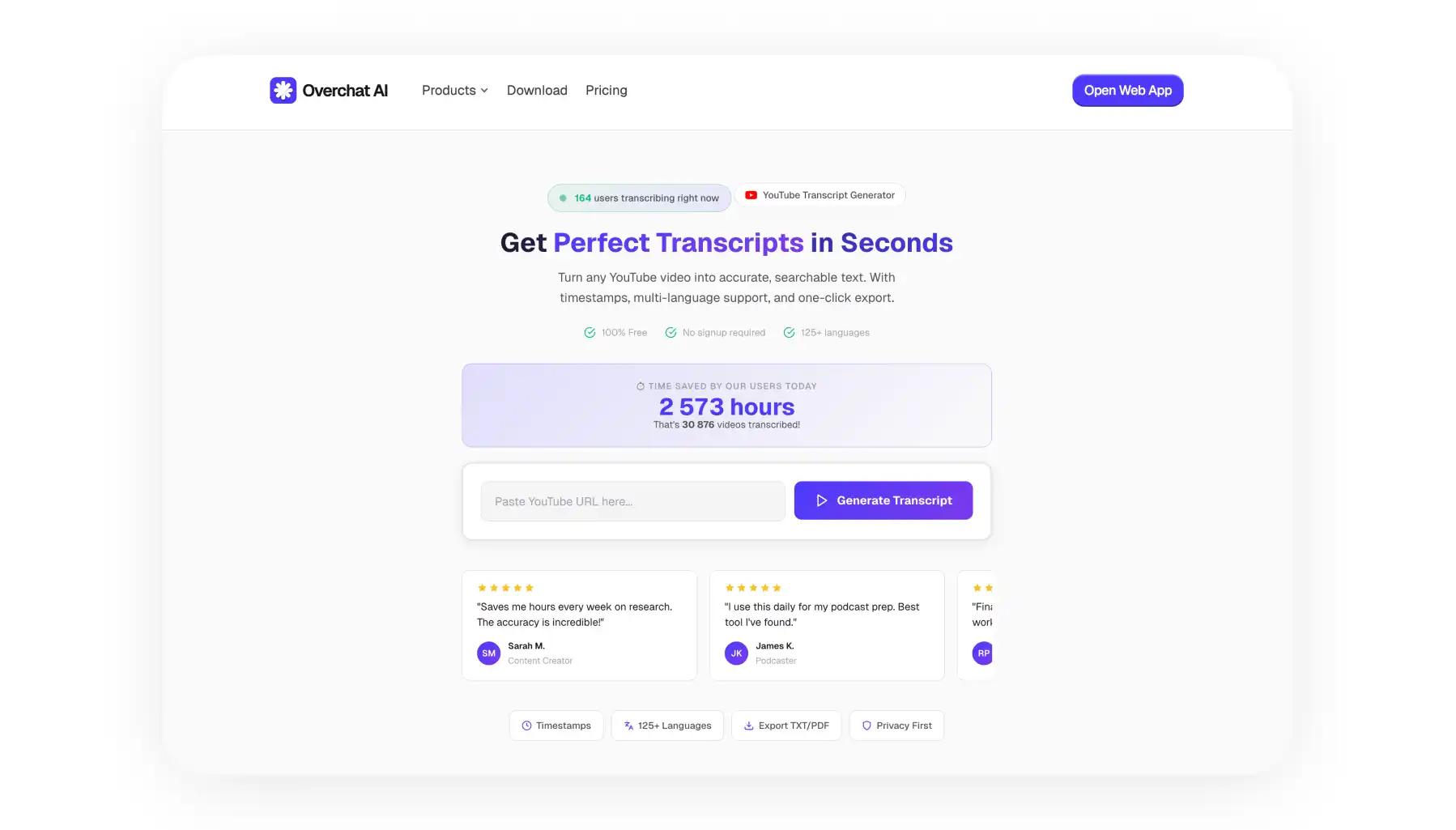
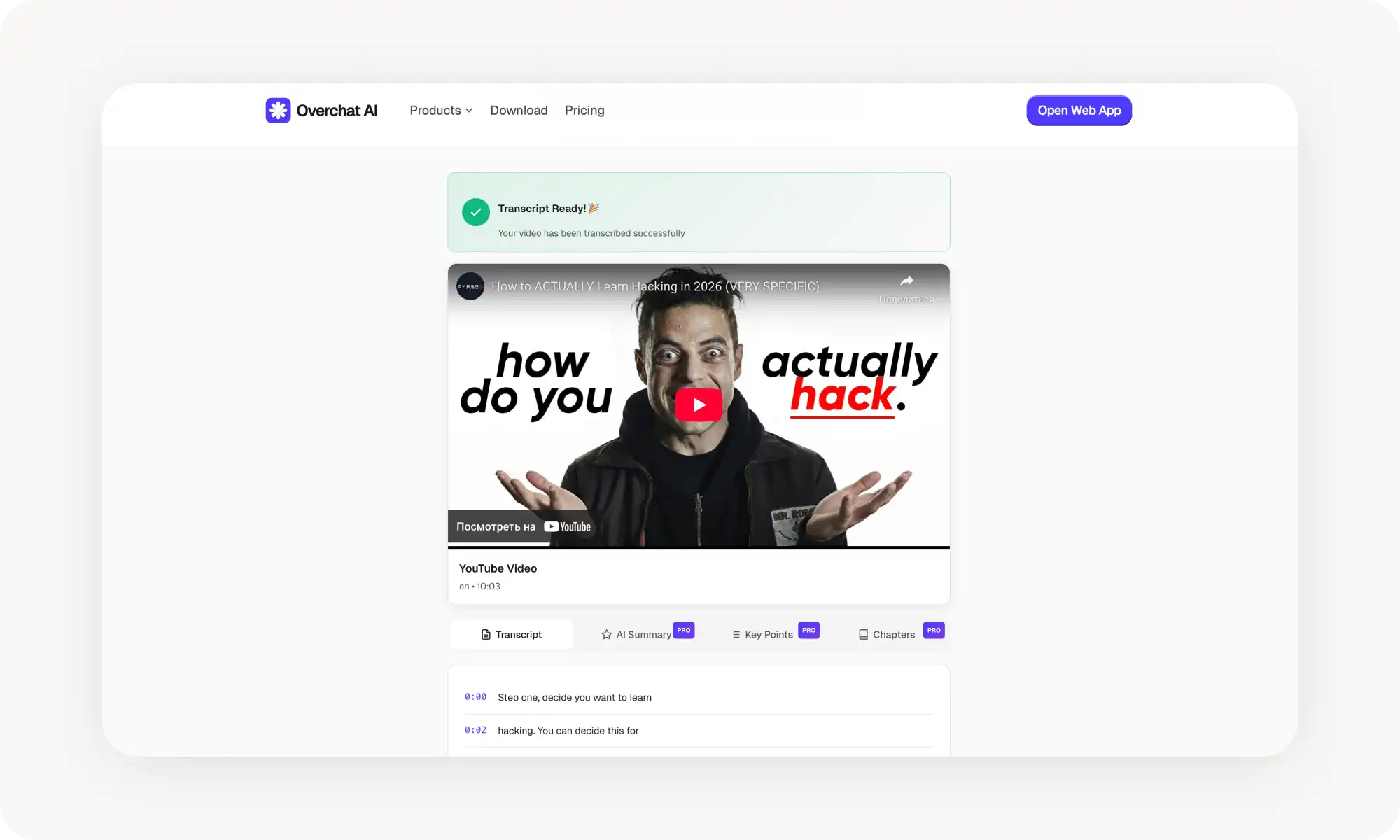
Overchat AI goes beyond transcription — adds summaries, AI chat so you can ask questions about the video, and automatic key-point extraction with timestamped quotes.
Tactiq is business-focused with real-time transcription, speaker identification, and Slack/Notion integrations. More expensive, and AI features lean toward meetings rather than general content.
NoteGPT targets students with timestamped notes that link back to specific video moments, Q&A tied to timestamps, and multi-language translation. Interface feels cluttered.
YouTube-Transcript.io is the minimalist option — paste a URL, get a transcript in seconds, with exports in .txt, .srt, .vtt, and .csv. Free tier has a 25-token limit.
Descript combines transcription with video editing — edit the video by editing the transcript, and auto-removes filler words. Highest accuracy in testing, but has a learning curve and is expensive.
YouTube's own auto-transcribe is worth knowing — click the three dots under any video and Show transcript. Free and accurate, but no AI features; useful for grabbing text to paste into a chatbot.
What is a Transcript Generator
A YouTube video transcript generator is an online tool that converts audio to text and adds timestamps. For YouTube videos, it transcribes the dialogue or narration to create a readable document. People usually use transcript generators to quickly understand videos, search for specific content or edit videos.
Many transcript generators use artificial intelligence and neural networks for speech recognition in 2026, making them highly accurate — even videos where people speak with thick accents or where there is a lot of background noise are transcribed accurately.
The best tools achieve over 90% accuracy, which is more than enough to understand the entire video without losing context.
Furthermore, some tools include built-in AI features, providing not only the transcript, but also a summary and an integrated chat function where you can ask questions about the video, just as you would if you pasted it into ChatGPT.
In summary, a transcript generator is a tool that converts YouTube videos into timestamped text.
Why You Should Use a Transcript Generator
First of all, transcripts make video content accessible to hard-of-hearing viewers. They also help non-native speakers who process written information faster than spoken English. However, there are many other benefits that aren’t apparent at first.
For instance, reading is better than watching when you need specific information. You can scan a transcript in under a minute instead of scrubbing through a 20-minute video, which is extremely valuable when you want to create study notes.
You can repurpose video transcripts into blog posts, social media posts, or email email newsletters — saving many hours of manual work by getting that text instantly.
Finally, transcripts are important for SEO. That’s because search engines can't watch videos, but they can read text. Therefore, if you have a webpage that contains YouTube videos, adding a transcript underneath instantly improves the SEO potential of that page, helping you rank higher in search results.
5 of the Best YouTube Transcript Generators Compared
We’ve tested over 30 popular YouTube transcript tools on accuracy, speed, features, and pricing. Here's how our top-5 favourite picks stack up at a glance:
Platform
Accuracy
AI Features
Price
Best For
Overchat AI
97+%
Summary, chat, quotes
Free unlimited transcripts, AI features for $5.99/week
Most users
Tactiq
92%
Meeting summaries
$10/month
Businesses
NoteGPT
94%
Q&A, timestamped notes
Free + $9.99/month
Students
YouTube Transcript
88%
Chat, quotes
Free up to 20 uses
Quick transcripts
Descript
96%
Editing
$12/month
Content creators
Below, we compare each of them in more detail — and highlight what we liked about each tool (in no particular order):
The tool generates summaries that condense hour-long videos into digestible paragraphs. You can chat with the video content through an AI interface that answers questions about what was said.
The platform extracts key points and pulls direct quotes with timestamps. This makes it perfect for researching or for anyone who needs to cite specific moments from videos.
Overchat AI Pros:
✅ Highly accurate transcription even with technical jargon
✅ AI chat feature lets you ask questions about the video
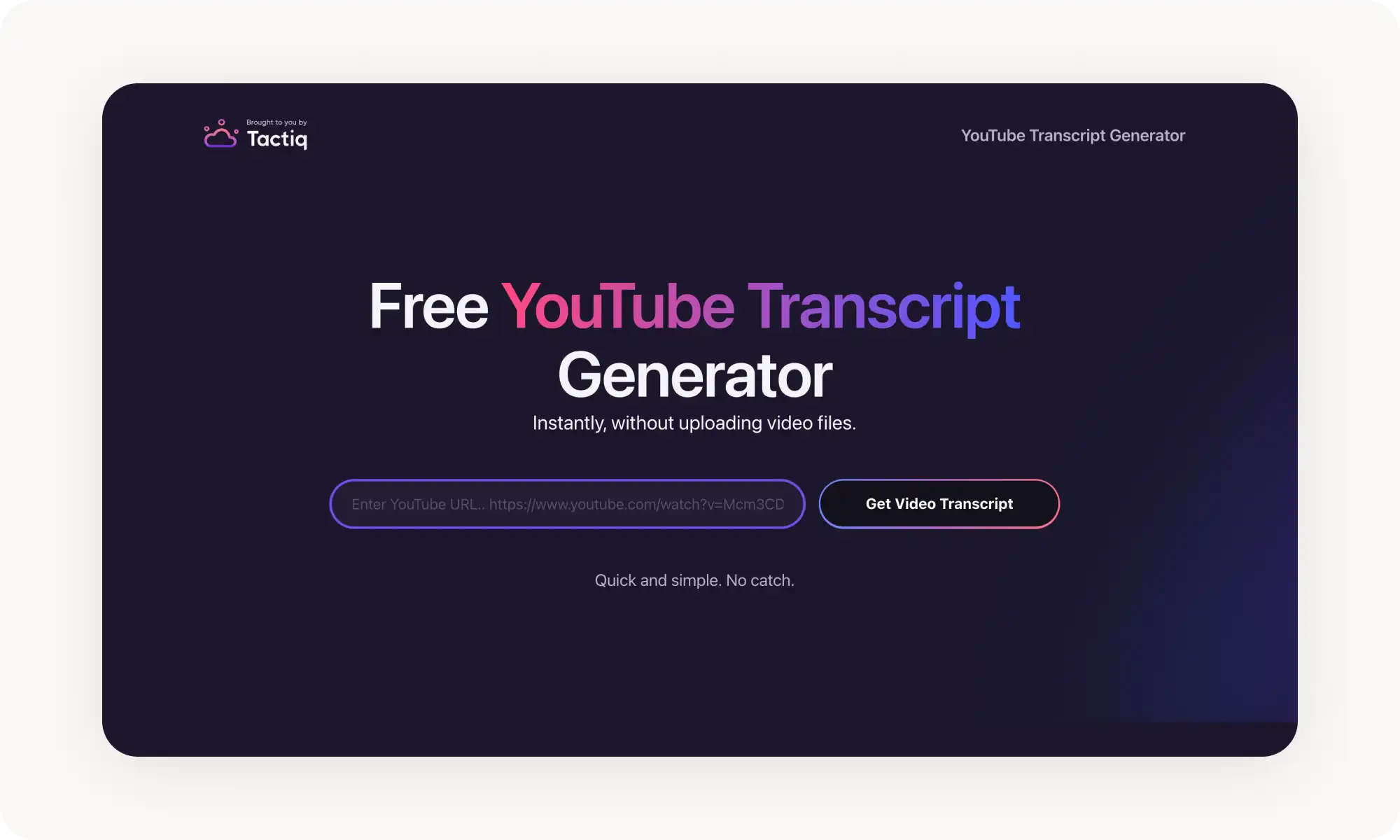
Tactiq started as a meeting transcription tool but now handles YouTube videos. The platform focuses on business use cases with features like action item detection and speaker separation. Meeting summaries highlight decisions made and tasks assigned.
The Chrome extension makes Tactiq convenient for quick transcriptions. You activate it while watching YouTube, and it captures everything in real time. Integration with tools like Slack and Notion helps teams share transcripts across their workflow.
Tactiq Pros:
✅ Real-time transcription as videos play
✅ Strong integration with business tools
✅ Speaker identification for multi-person videos
✅ Clean, professional formatting
Tactiq Cons:
❌ More expensive than alternatives
❌ AI features focus on meetings, not general content
NoteGPT
NoteGPT targets students and learners with educational features. The tool creates timestamped notes that link back to specific video moments. You can ask questions about the content, and the AI references the exact timestamp where the answer appears.
The platform organizes transcripts into structured outlines. This helps students review lectures and create study guides. NoteGPT also offers translation into multiple languages, making international educational content accessible.
NoteGPT pros:
✅ Timestamped notes link to video moments
✅ Q&A feature with timestamp references
✅ Affordable pricing for students
✅ Multi-language translation
NoteGPT cons:
❌ Interface feels cluttered with features
❌ Slower processing for longer videos
YouTube-Transcript[.]io
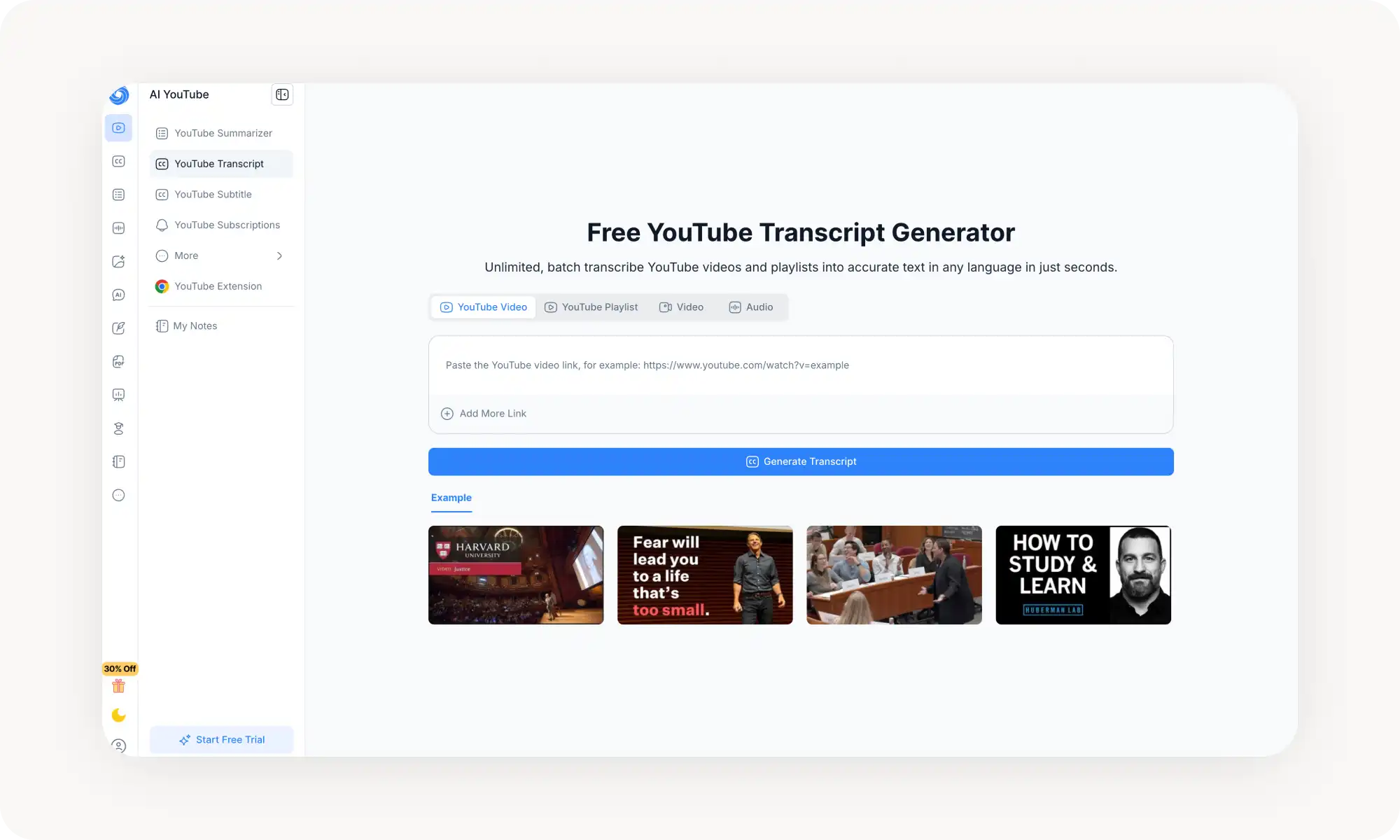
YouTube-Transcript[.]io keeps things simple. You paste a video URL, and the tool generates a complete transcript in seconds. The platform focuses on speed and ease of use rather than advanced features.
The tool offers AI-powered summaries that condense lengthy videos into brief overviews. You can download transcripts in multiple formats including .txt, .srt, .vtt, and .csv files. A one-click copy button makes it simple to grab the transcript and paste it wherever you need it.
The platform supports all languages available in the original video's closed captions. The free plan includes a monthly token allowance that covers basic usage. This makes it accessible for people who need occasional transcripts without committing to a subscription.
YouTube-Transcript[.]io Pros:
✅ Fast and straightforward process
✅ Multiple export formats available
✅ AI summarization for quick insights
✅ Free tier with 25 tokens included
YouTube-Transcript[.]io Cons:
❌ Limited tokens on free plan
Descript
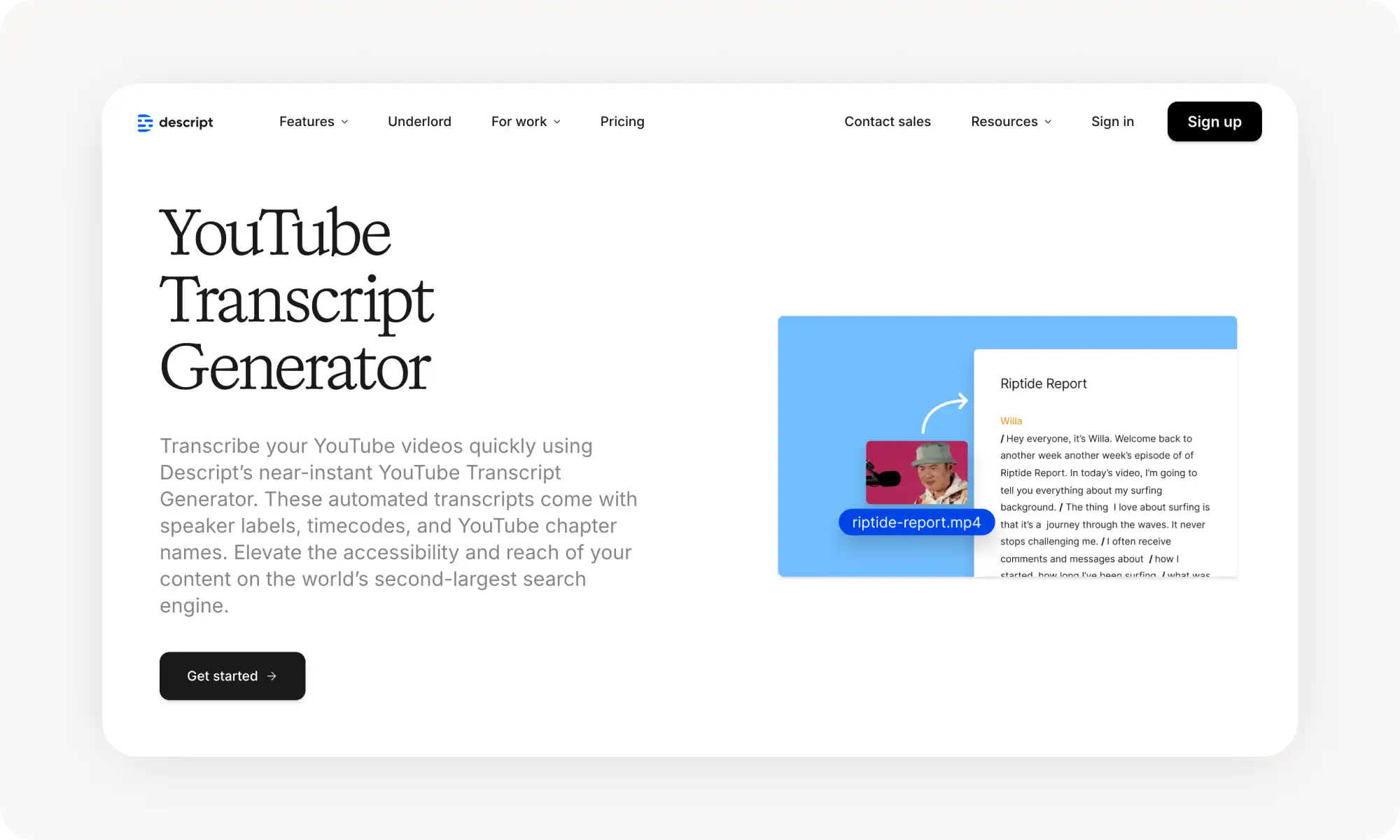
Descript combines transcription with video editing capabilities. You edit videos by editing the transcript, which makes content creation much faster. The tool automatically removes filler words like "um" and "uh" from both text and audio.
The platform shines for content creators who need to clip segments from long videos. You select text in the transcript, and Descript creates a video clip of that section. Collaboration features let teams work together on transcripts and edits.
Descript Pros:
✅ Highest accuracy in testing
✅ Edit video by editing text
✅ Removes filler words automatically
✅ Strong team collaboration tools
Descript Cons:
❌ Expensive
❌ Has a learning curve
❌ More features than needed for simple transcription
YouTube Auto-Transcribe
We should also mention that YouTube has a built-in auto-transcribe feature, which generates transcripts for free.
To access it:
Clicking the … (three dots) under any video
Selecting Show transcript
This works in multiple languages and the transcriptions are generally quite accurate. However, this option lacks any sort of AI component, smart quotes or chat functionality. Nevertheless, it's useful to be aware of its existence. If you ever need to quickly transcribe a video on YouTube to paste into an AI chatbot, it's already there.
Bottom Line
YouTube transcript generators save time and make video content more accessible.
Key takeaways:
A YouTube transcript generator converts video audio into searchable, readable text using AI speech recognition technology.
Transcripts help you find specific information quickly, improve video SEO, make content accessible, and let you repurpose video content into other formats.
Overchat AI, Tactiq, NoteGPT, YouTube-Transcript.io, Descript, and YouTube's built-in tool were our top picks for 2026.
Most platforms offer free trials, so test them with your actual videos before paying.
The next time you find yourself about to waste hours watching a YouTube tutorial video, stop and ask yourself: wouldn't you get the same information in seconds by reading the transcript? In many cases, the answer is yes.



![YouTube-Transcript[.]io Transcript Generator screenshot](https://cdn.prod.website-files.com/67b459f31ecf92c899354e98/696e905a6285196789bd4daa_transcript-gen-4.webp)