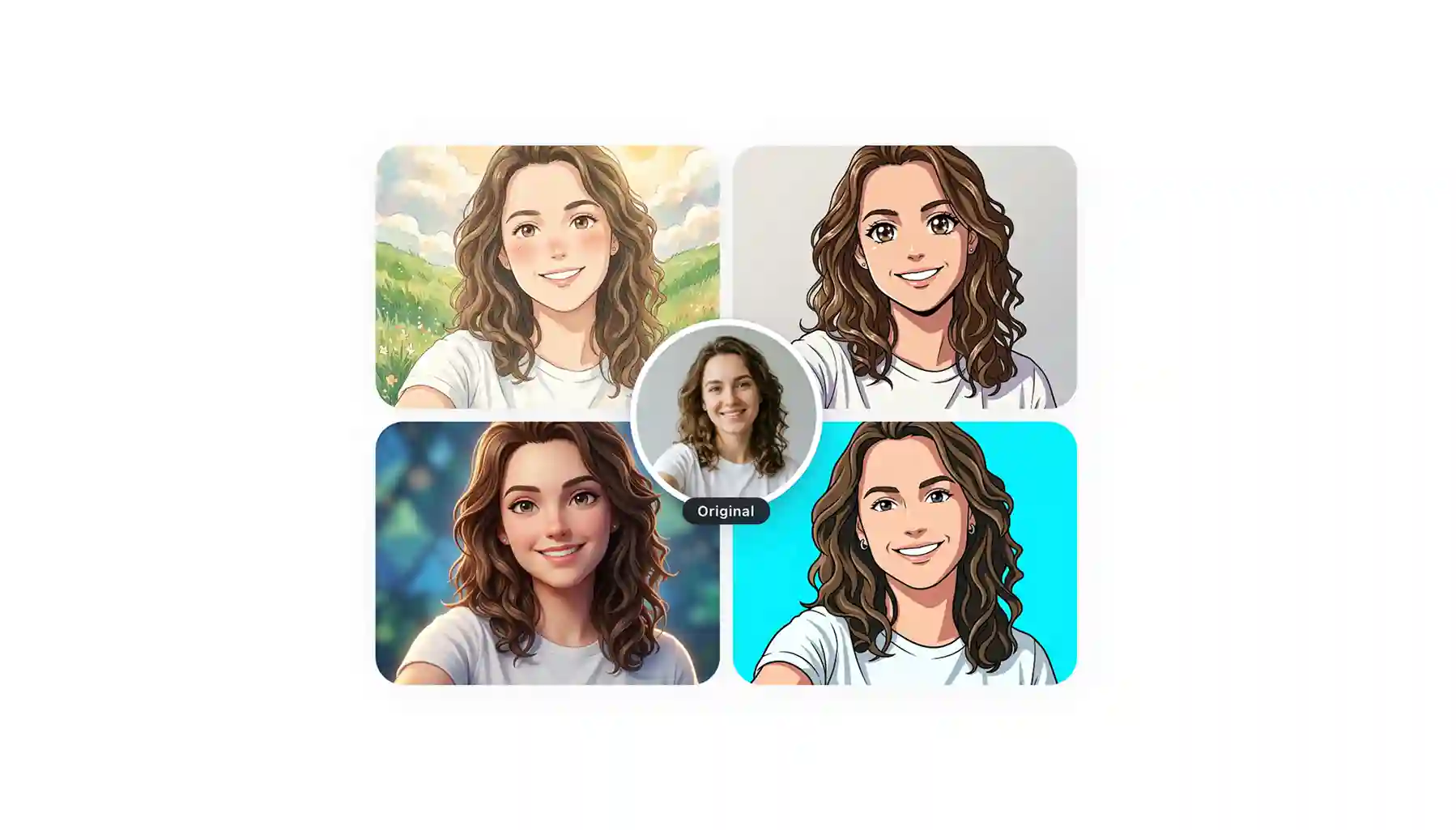
If you want to turn a photo into anime, you’ve probably already noticed there are hundreds of online tools claiming they can do it. Maybe you’ve even tried a few yourself and ended up disappointed with the results.
Here’s the thing: while most photo-to-anime converters rely on AI image models, not all of them use high-quality ones. In fact, many tools use cheaper or outdated models that struggle to produce realistic results.
We tested more than 20 photo-to-anime tools so you don’t have to, and in this article, we’ve rounded up the top five. We’ll cover what they are, how they work, and which ones are actually worth trying.
Photo-to-anime tools use AI to redraw your image from scratch. This is different from applying a filter.
Popular photo to anime styles include classic anime, Ghibli, manga, 3D, and cyberpunk. Look for a tool that supports multiple styles.
Free tiers exist almost everywhere, but they differ a lot in watermarks, credit limits, and output resolution.
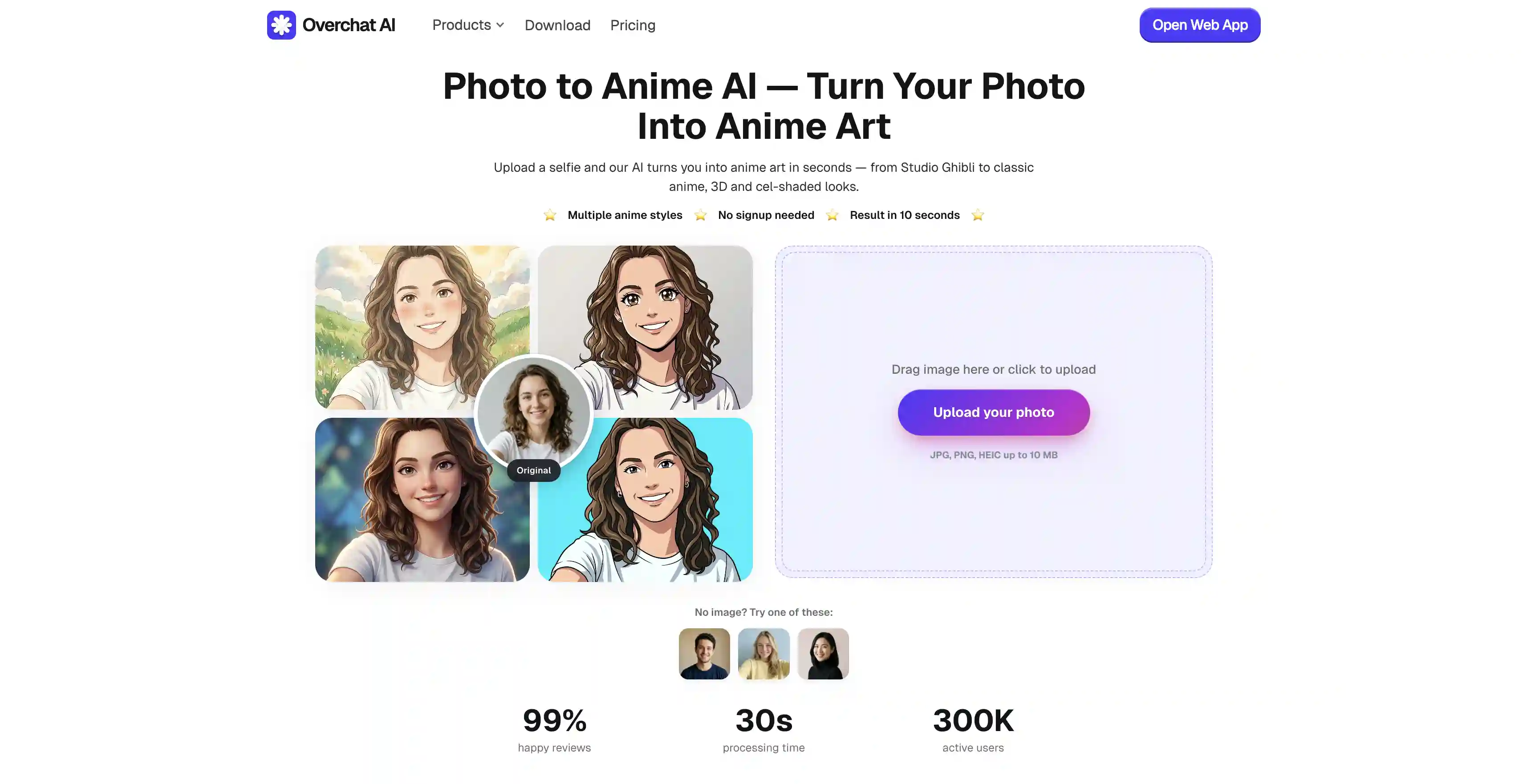
Overchat AI has the best photo-to-anime tool on the market right now: it runs on GPT Image 2, offers 10+ styles, renders an HD image in about 30 seconds, and works on web, iOS, and Android.
A Quick History of the Photo to Anime Trend
Before we start breaking down specific tools, it’s worth taking a minute to understand how they work — and where the trend of turning photographs into anime drawings originated.
The first experiments with such tools are actually really old and date back to the GAN era, roughly 2019 onward, with tools like AnimeGAN. However, it was on March 25, 2025 that OpenAI added image generation directly inside GPT-4o — GPT Image — and that changed everything. They introduced an image generation model like nothing we had seen before: it could take an image, transform its style, but also perfectly keep the likeness, and people quickly caught on that they could even recreate famous styles, such as Studio Ghibli, just by asking.
The same day the feature launched, a Seattle software engineer named Grant Slatton posted this photo of his family and dog at the beach in Studio Ghibli style:
That post made the Ghibli filter trend go viral and people started Ghiblifying everything they could. Sam Altman changed his own X profile picture to a Ghibli version of himself. But the trend got so popular that after a while it drew formal copyright complaints. And in a couple of months many users noted that the OpenAI model started having trouble replicating the authentic Ghibli style look — whether that was due to the copyright claim or not we can only speculate, as no official communication from OpenAI was posted acknowledging this.
Still, the Photo to anime trend was born, and many tools popped up doing the same thing — some much better than that original GPT Image could at the time.
5 of the Best Photo-to-Anime Tools Compared
We looked at basically every photo-to-anime tool available and narrowed it to these five. Here's how they stack up at a glance.
Platform
We liked it for...
Overchat AI
Uses the successor to the original GPT Image 1 — GPT Image 2, supports 10+ styles, works on the web, iOS, and Android. Delivers the best quality.
Canva — Animeify
Converting inside a full design editor.
AIEnhancer
Being free with no watermark.
Facewow
Trying one photo across a huge range of looks.
Drawever
Dialing in the result with a strength slider, plus an Edit button and photo-to-video
1. Overchat AI Photo to Anime
Overchat AI Photo to Anime converter is the best tool on this list because it runs on the best image model available right now — GPT Image 2 from OpenAI — and that shows.
Unlike a simple filter, the tool works more like how an anime or manga artist would draw you — it takes your photo as a reference and generates a completely new, one-of-one image.
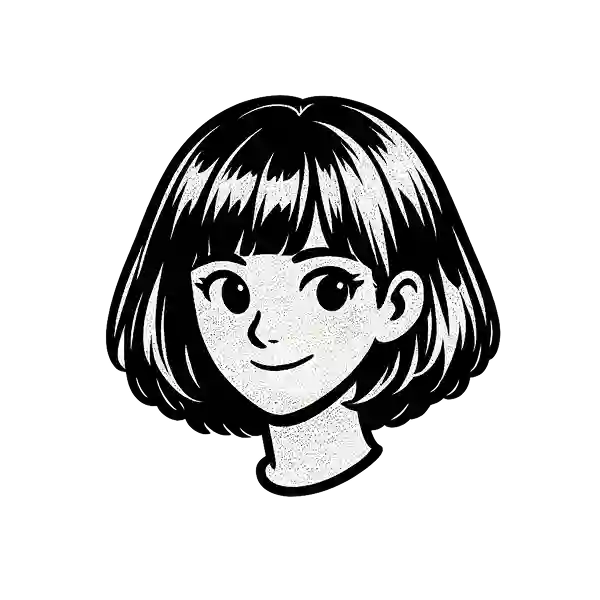
You get more than ten style options, from classic Ghibli-style, to retro pixel anime, JoJo (complete with a Stand), high-contrast black-and-white manga, cyberpunk, and more.
Click Generate and wait ~30 seconds while the AI redraws the image
Download the HD result and share it anywhere
Pros:
✅ Best-in-class image quality thanks to GPT Image 2
✅ 10+ styles
✅ Output in ~30 seconds
✅ Works on web, iOS, and Android
2. Canva — Animeify
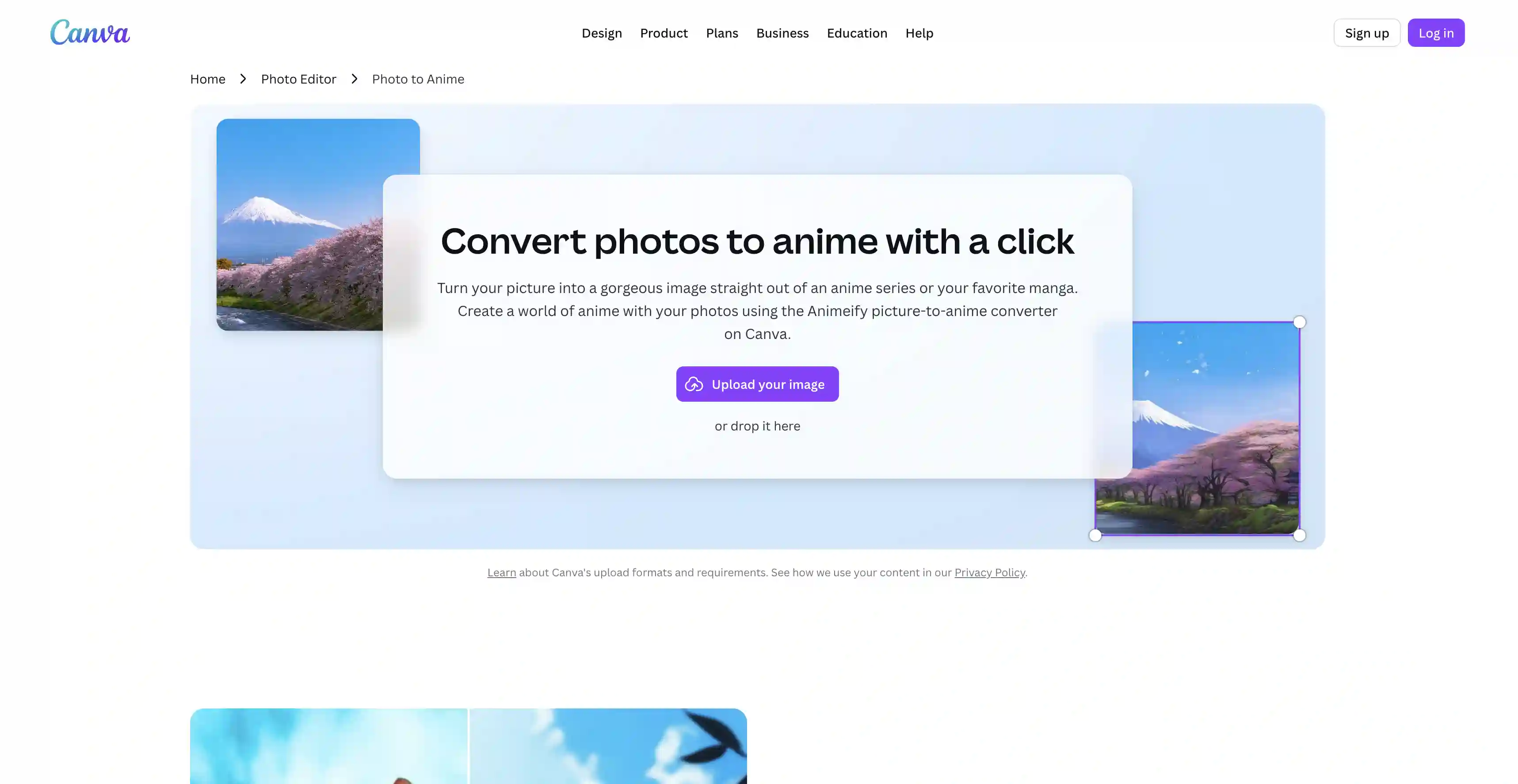
Animeify is the photo-to-anime app built into Canva's editor.
It’s inside Canva, which means that once your photo is anime-fied, you can use the platform’s other features to edit it. Draw speech bubbles, change the background, or run Image Animate to turn the result into a short video.
The trade-off is the model and the metering. The output quality is good but not at the GPT Image 2 tier, and the app runs on a small free credit allowance (of just eight credits at the time of writing) after which you wait for them to refresh or buy more.
Pros:
✅ Sits inside a full design editor
✅ Works on desktop and mobile, including on the go
✅ Easy if you already use Canva for other work
Cons:
❌ Free credits are limited
❌ Output quality is not top-tier
❌ Requires a Canva account and working inside the editor
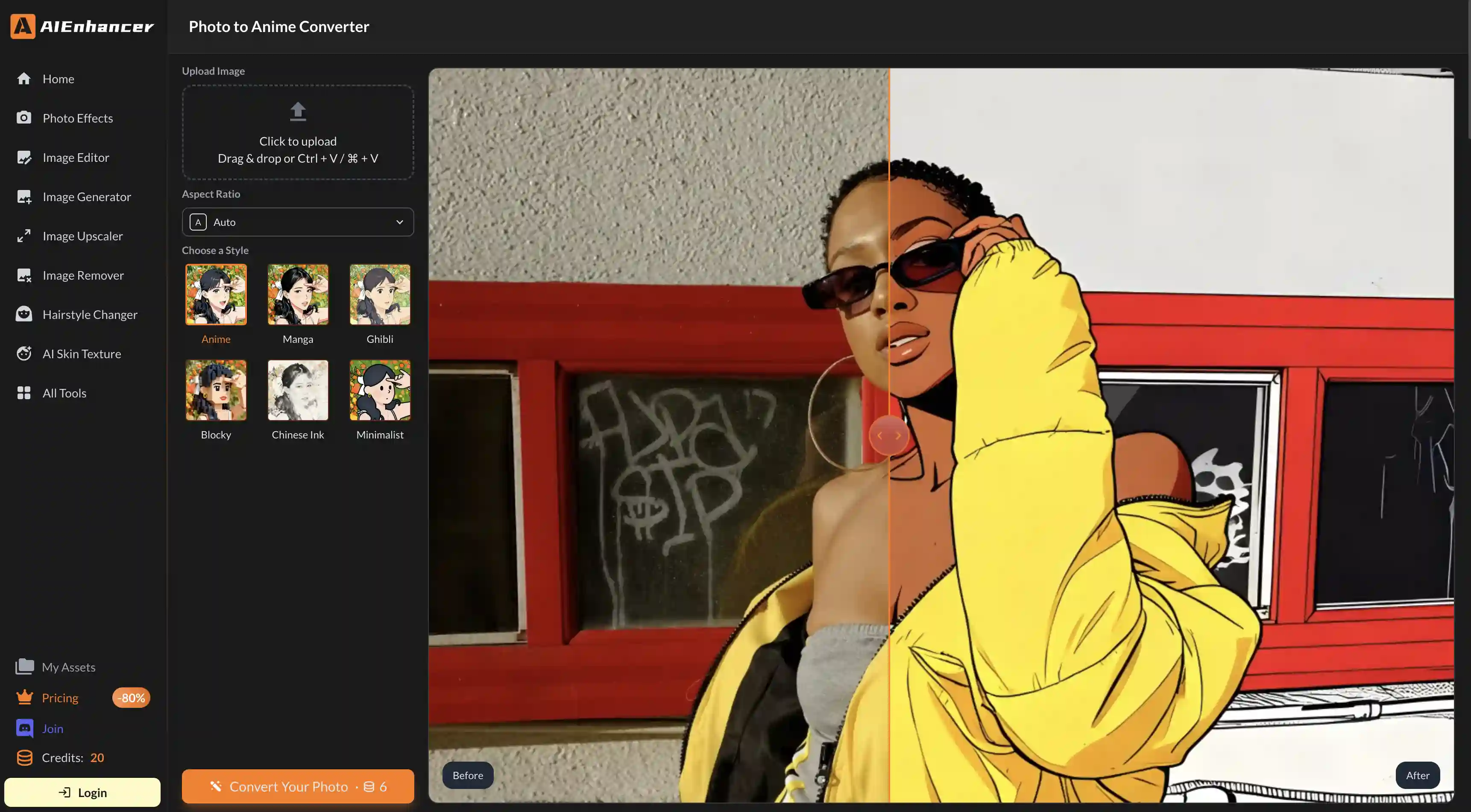
3. AIEnhancer Photo to Anime Converter
AIEnhancer supports six styles — Anime, Manga, Ghibli, Blocky, Chinese Ink, and Minimalist. Chinese Ink and Minimalist are unique looks for this tool.
Conversion is fast, and you can set an aspect ratio before generating. For a fast, free anime version with no watermark, it does exactly what it says.
Pros:
✅ Generous free tier
✅ Six styles
✅ Aspect ratio controls
✅ Works quickly
Cons:
❌ No editing
❌ No broader toolkit around it
❌ Image quality is decent but not as good as results from GPT Image 2-powered tools
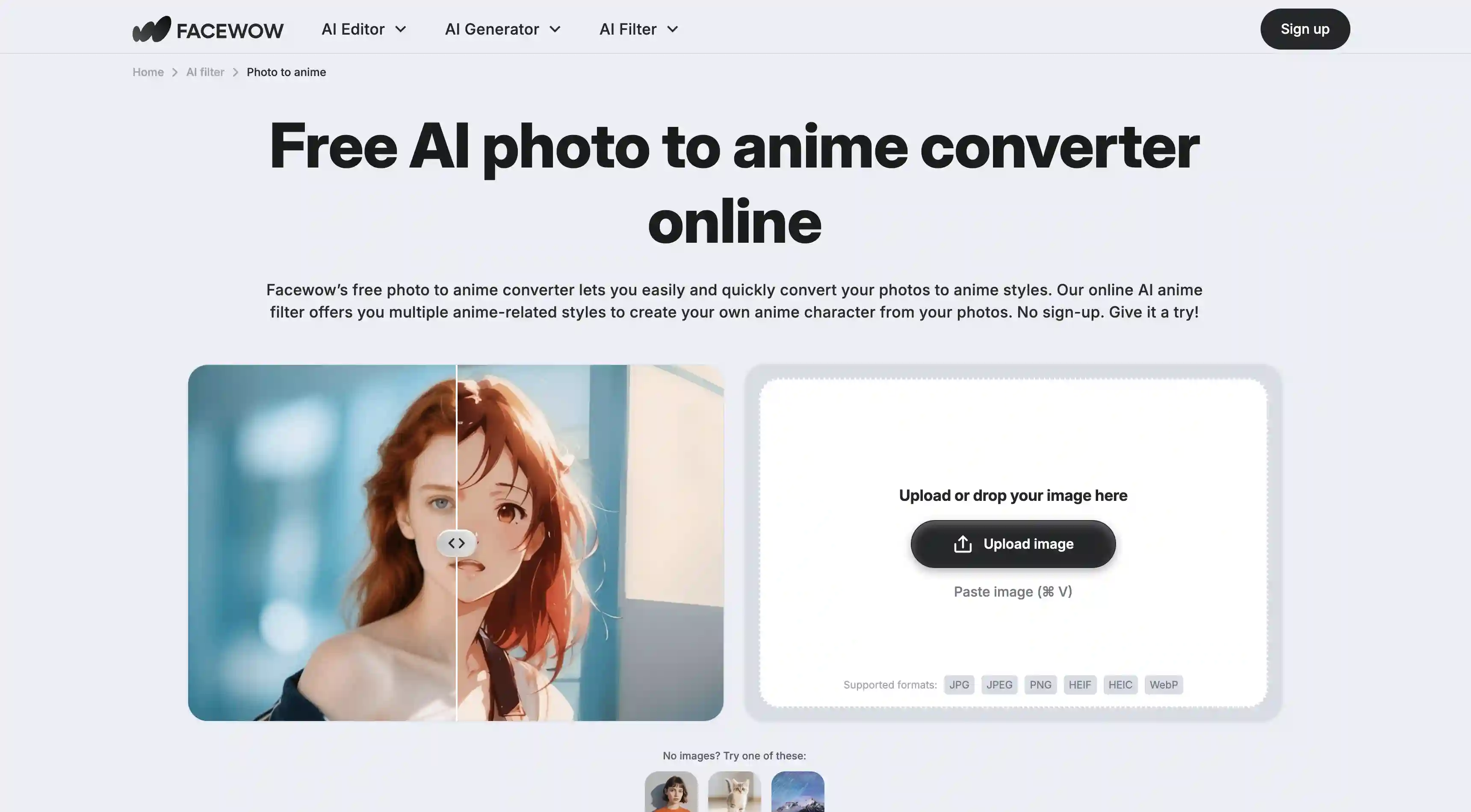
4. Facewow Photo to Anime Filter
Facewow has a library of more than a hundred AI filters, and photo to anime is one of them.
The strength here is the range of anime styles: classic, 90s, aesthetic, Japanese, Studio Ghibli, chibi, manga line art, cyberpunk, and a 2D-to-3D mode, so you can try the same photo across many looks.
The downside of being a 100-filter generalist is that no single anime style is as polished as you'd get from a tool that does only anime and runs on a strong model.
Pros:
✅ A generous free tier
✅ Very wide style variety within anime, plus a 2D-to-3D mode
✅ Good for rapidly testing many looks
Cons:
❌ Anime styles are a bit generic
❌ Output quality is not as high as some other tools on this list
❌ Quality isn’t consistent between styles
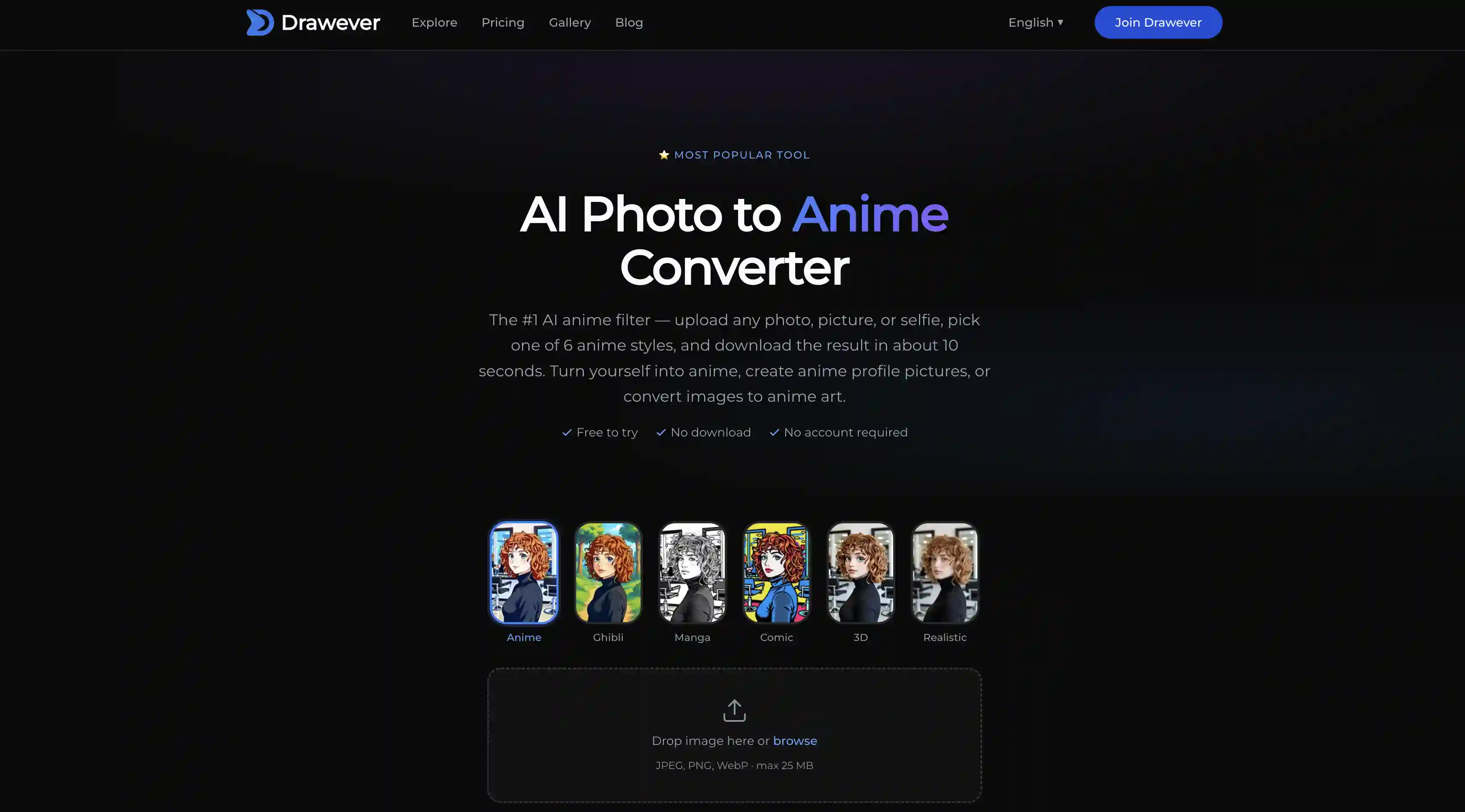
5. Drawever Photo to Anime
Drawever offers six styles: Japanese Anime, Ghibli, Manga, Comic, 3D, and Realistic. It also has two features the others on this list don't: a strength slider and a post-generation Edit button.
The intensity slider: at a low setting you still clearly look like yourself with anime-style shading, and at a high setting it completely redraws the image. The Edit button: you can make targeted tweaks through follow-up text prompts in the same interface.
The catch is the model: signup is required for the 10 free credits, and the underlying generation, while good, doesn't hit the GPT Image 2 level.
Pros:
✅ Strength slider
✅ Post-generation Edit button
✅ Photo-to-video option with AI audio
✅ Explicitly states that your photos are auto-deleted after 15 minutes, which is a good privacy signal
✅ Commercial rights on paid tier
Cons:
❌ Requires a signup
❌ Free tier is limited
❌ No batch processing
Frequently Asked Questions (FAQ)
What is the best photo-to-anime app?
Overchat AI is the best photo-to-anime app. It runs on GPT Image 2, the most capable image model at the time of writing, which is why it delivers high-fidelity images and can nail different anime aesthetics. GPT Image 2 is also considered a direct next-generation successor to the model that started the whole photo to anime viral trend in the first place. Overchat AI supports 10+ styles, generates images in about 30 seconds, and works on web, iOS, and Android.
How can I turn myself into an anime character?
Upload a selfie or photo to any photo-to-anime tool on this list, choose a style, and wait a few seconds for the AI to do its magic — that’s generally all it takes.
Is a photo-to-anime converter the same as an anime filter?
No. Filters edit the original photo, which means that they modify existing pixels. You can only do this so much before introducing artifacts. AI image generators, on the other hand, produce a new image from scratch using your photo as a reference. The result is closer to an original artwork than to an image modified by a filter.
Why does my photo-to-anime result not look like me?
You’re probably using the wrong tool. Capturing likeness while faithfully reproducing a specific artistic style is not an easy thing to do for most AI image generators. Tools that can do this reliably are GPT Image 1 on the highest quality setting, GPT Image 1.5, GPT Image 2, and the Nano Banana family of AI image models. Most of the other widely available image generators aren’t advanced enough, but some platforms still choose to use them to cut costs.
Can I turn a pet photo into anime?
Yes, absolutely. You can animefy pet photos, group photos, full-body shots, and even landscapes and cityscapes just as well.
How do I make a Studio Ghibli-style photo?
Just pick a photo-to-anime tool that has a Ghibli style option, like Overchat AI, and select that style from the gallery before hitting Generate.
Bottom Line
A photo-to-anime tool redraws your image rather than applying a filter to it, that's why the output can keep your likeness and still look like real anime.
Preserving likeness while applying a simplified artistic style is difficult, which is why only the tools powered by the best AI image generators can handle it.
Overchat AI offers the best Photo to Anime tool, it is powered by GPT Image 2, has 10+ styles, and works on all your devices.
Whichever tool you pick, for the best results upload a high resolution image with at least 800px on the long edge, so that the AI tool can see your face clearly.