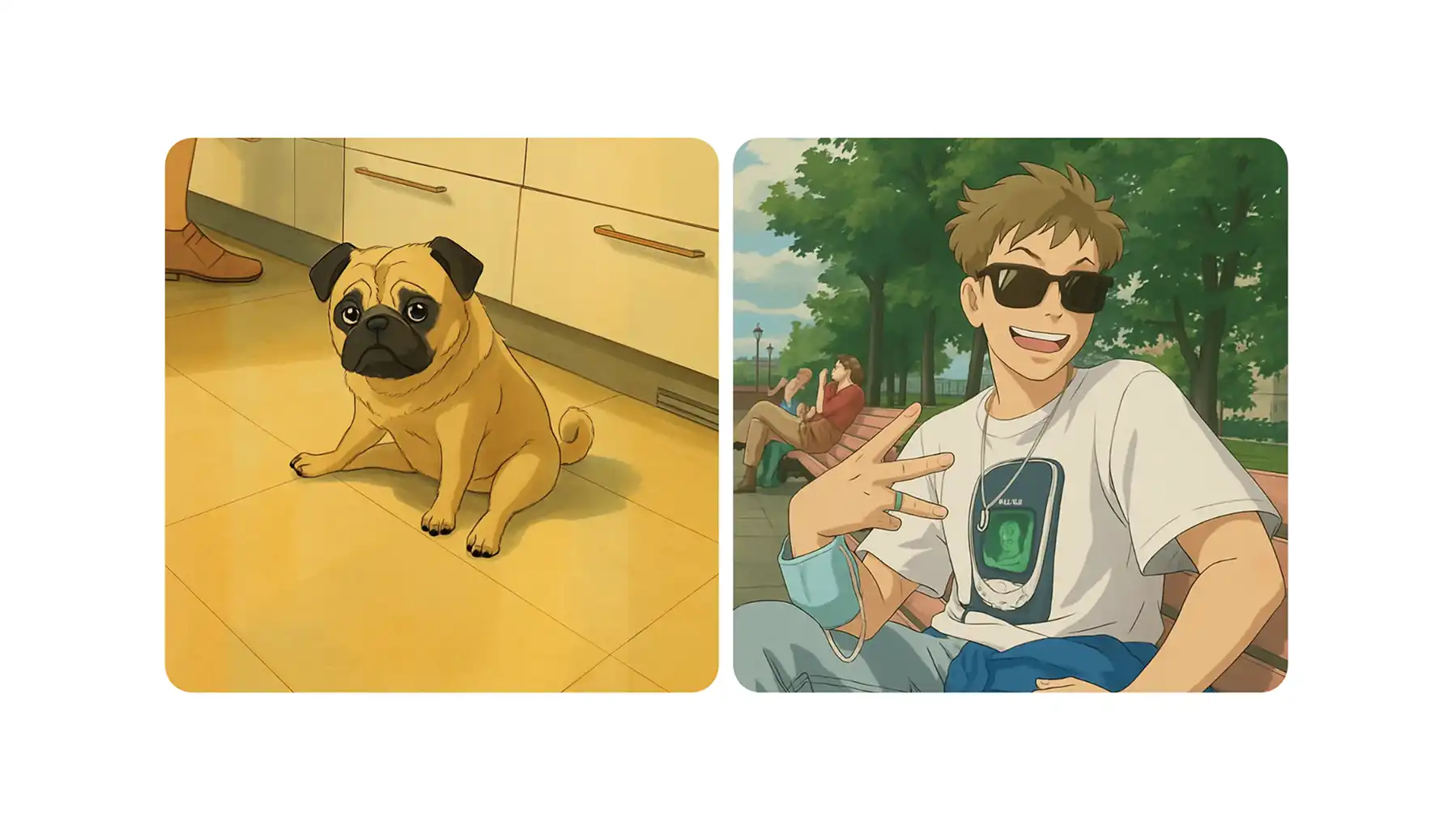
Studio Ghibli generators let you turn any image into a Studio Ghibli–style artwork in a single click. If you’ve ever wondered how to make your selfie look like an illustration straight out of a film by Hayao Miyazaki, this article will walk you through the best options.
I’ll review my top five picks, break down their pros and cons, and show you which generators are actually worth using — and which ones you should probably skip.
After testing more than a dozen tools that claim to recreate the iconic Studio Ghibli aesthetic, I narrowed the list down to five that deliver the most accurate results and are the easiest to use.
AI Studio Ghibli filters use image-to-image generation models to repaint photos in the iconic art style of films like Spirited Away and My Neighbor Totoro — not just apply a surface filter.
True AI-powered tools (backed by models like Nano Banana 2/Pro, Qwen Image, or GPT Image 1.5) produce painterly, handcrafted results, while cheaper copycat tools just layer cell-shading effects that look flat.
Overchat AI is the top pick, offering a dedicated Ghibli filter with no signup, no watermarks, HD downloads, and bonus AI video tools (Sora 2, Kling 3) to animate your Ghibli artwork.
EaseMate AI stands out for offering multiple AI models (GPT-Image, Midjourney, Flux Kontext) so you can regenerate and compare results across different engines.
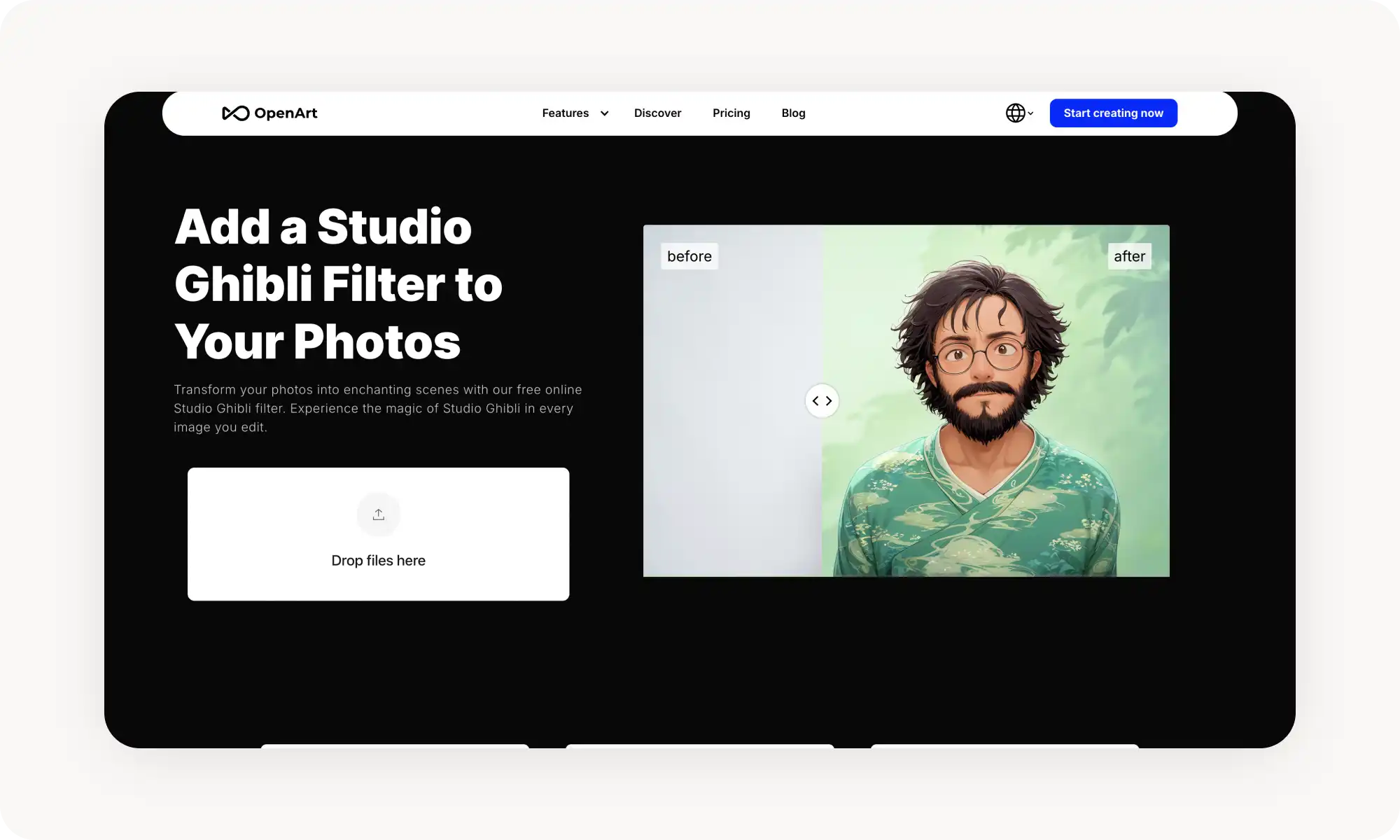
OpenArt is the most powerful option for serious creators, with a full creative suite including style transfer, inpainting, custom model training, and batch processing — but overkill for casual users.
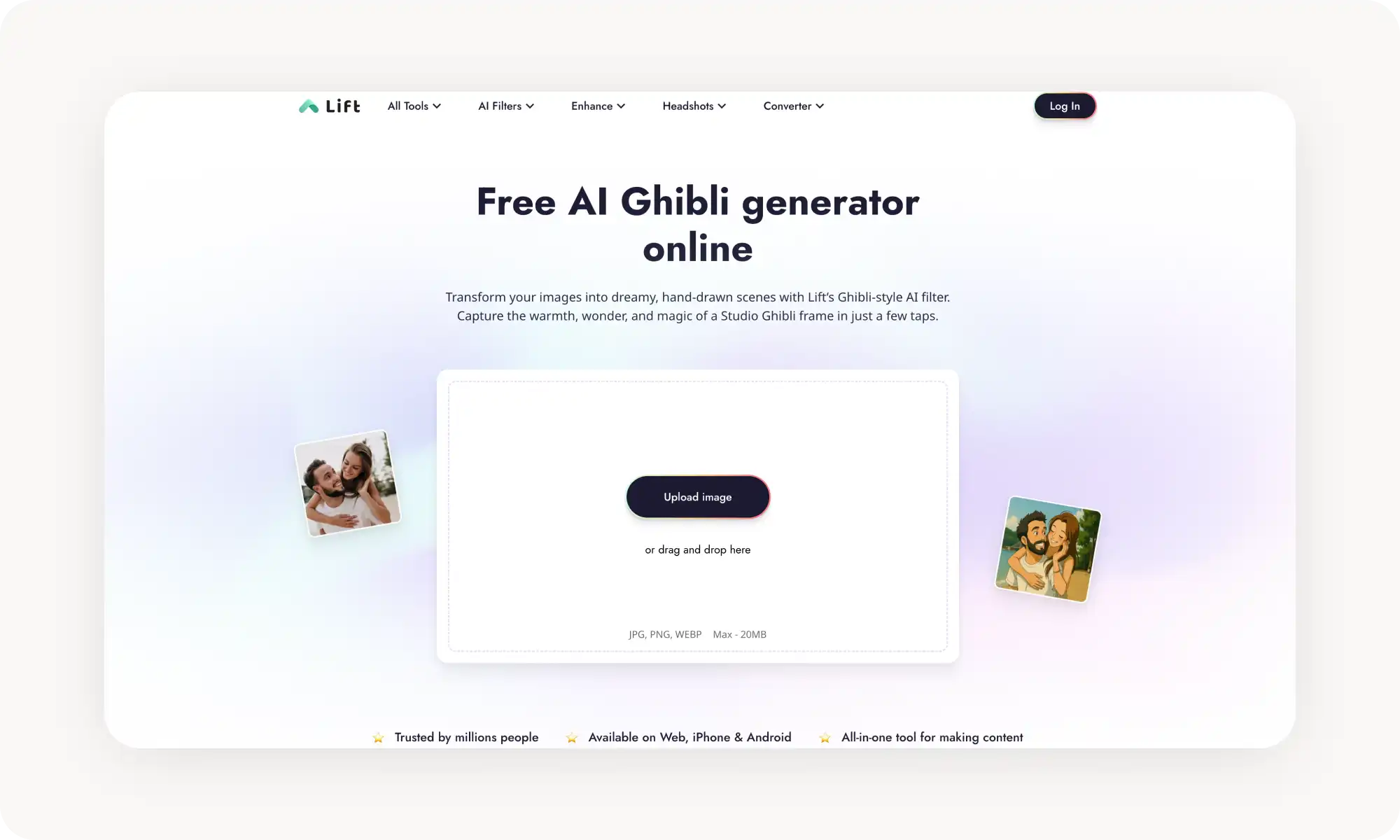
Lift takes a mobile-first approach with iOS, Android, and web apps, plus a wide range of other AI filters (clay, anime, cartoon, Lego) to experiment with.
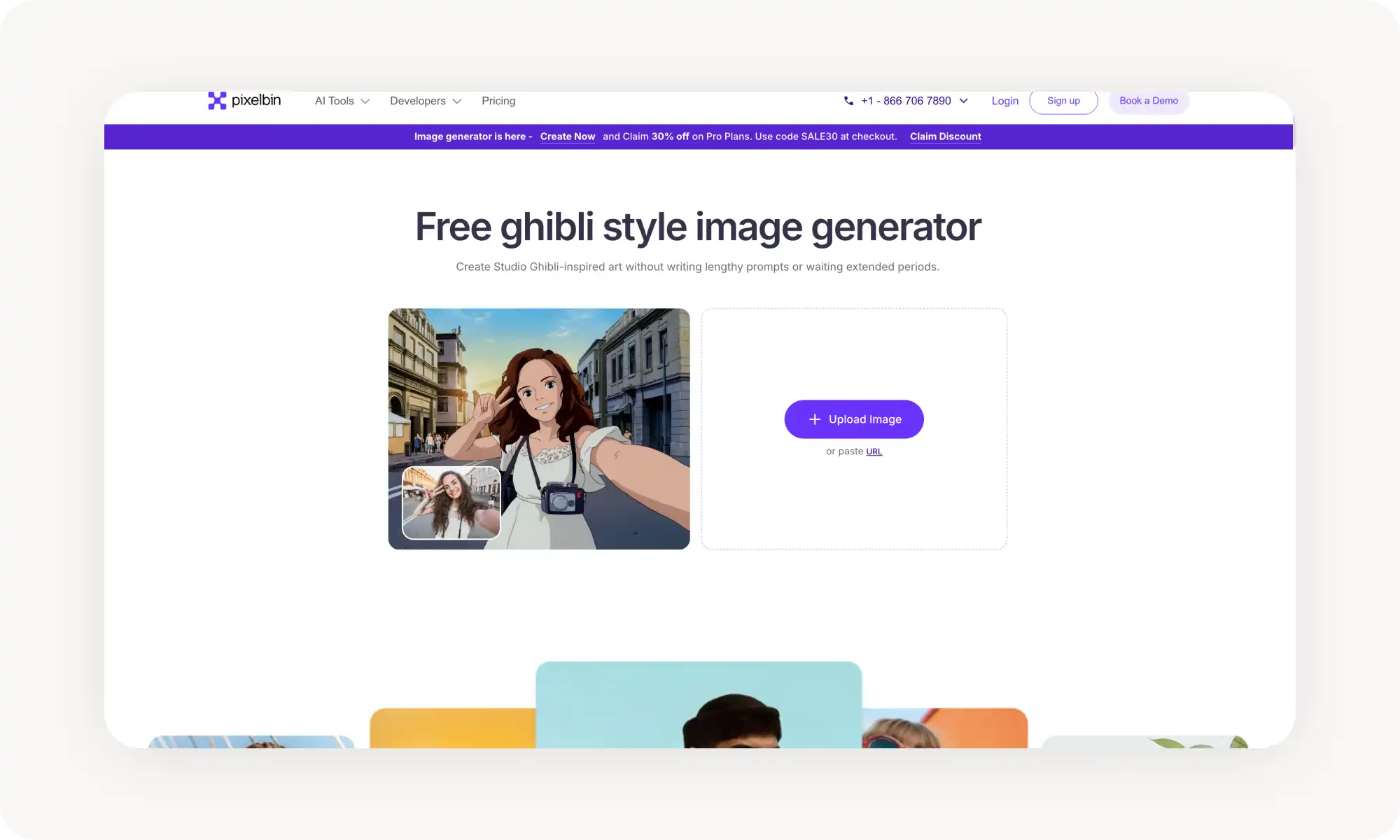
Pixelbin integrates Ghibli conversion with broader image tools (upscaling, background removal, watermark removal), but limits free users to just 3 uses per month.
These tools work on portraits, pets, landscapes, and memes, producing results in 10–40 seconds — though directly replicating specific copyrighted characters like Totoro could raise legal concerns.
What is an AI Studio Ghibli Filter?
An AI Studio Ghibli filter is an image-to-image AI tool designed to turn photos (or any photorealistic image) into illustrations in the iconic Studio Ghibli style, made famous by films like Spirited Away, My Neighbor Totoro, and Princess Mononoke.
These tools typically rely on image generation technology such as Stable Diffusion. The AI model analyzes the original image using computer vision, then “repaints” it in the Ghibli style, creating an entirely new image that still closely resembles the original. In a way, it’s similar to how a human artist might create an illustration using a photo as a reference.
In the final result, the composition, subjects, and lighting of your photo usually stay the same — but everything is re-rendered in Ghibli’s signature visual style.
How to Choose a Studio Ghibli Image Generator?
When image-to-image AI generators first became good enough, turning photos into Studio Ghibli–style art quickly became one of the most viral trends online — and it’s still going strong today. Naturally, that popularity has led to a wave of copycat tools, and not all of them actually use advanced AI models.
When choosing a platform, make sure it clearly says that it’s powered by AI. That’s important because only true image-to-image generation can produce convincing results. Some tools cut corners by simply applying a stylized filter to your photo. Those results usually look flat — more like a cell-shading effect layered on top of a picture rather than a real illustration.
Second, pay attention to the actual AI model behind the tool. Different models replicate the Studio Ghibli aesthetic with varying levels of accuracy. For the best results, look for tools powered by models such as:
Nano Banana 2 or Nano Banana Pro
Qwen Image or Qwen Image 2
GPT Image or GPT Image 1.5
Note: these aren’t the names of the platforms you’ll use to convert your image. They’re the underlying AI image models that power the generator itself.
5 of the Best AI Studio Ghibli Image Generators Compared
After testing over 20 Ghibli-style generators, here are the ones I liked the most. I focused on tools that produce the best image quality and are the easiest to use. To even make it into my testing roster, a tool had to include a dedicated Ghibli-style filter or interface. The table below gives a quick overview of my top picks.
Platform
Free Plan?
Works Without Sign-up?
Price
Overchat AI
✓
✓
$5.99/wk or $49.99/yr
EaseMate AI
✓
✓
From $8.99/mo or $89.99/yr
OpenArt
✓
✗
From $14/seat/mo
Lift
✓
✓
From $10/mo
Pixelbin
✓
✓
From $9/mo
That was a summary of my favorite tools, and below is a more detailed review of each one.
Overchat AI
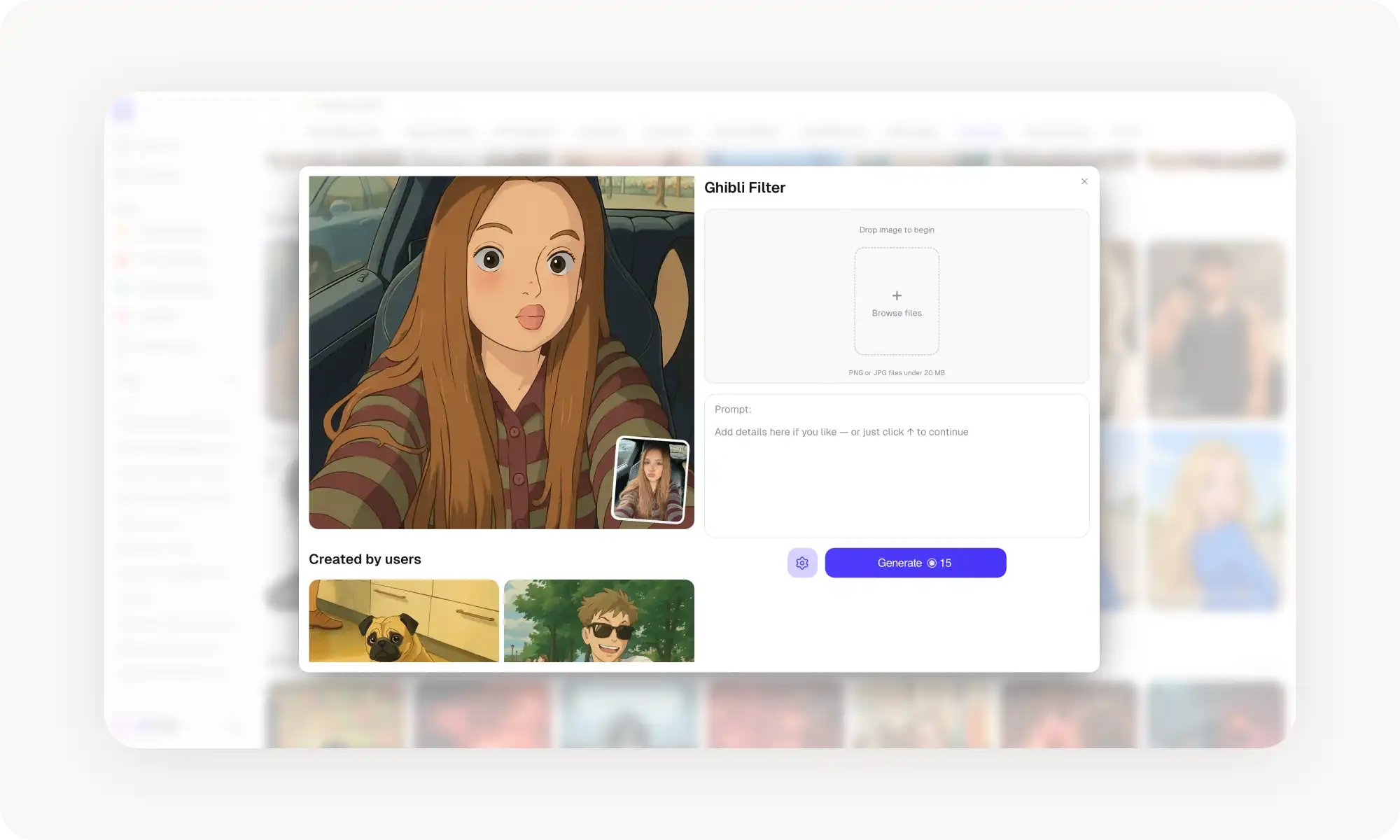
Overchat AI Ghibli filter offers a dedicated app specifically for turning photos into Studio Ghibli art. It's free, works entirely online, and produces results that capture the Ghibli aesthetic perfectly.
To use the tool requires just two steps:
Upload your photo
Click Add Ghibli filter and download the result
The result definitely has that "wow" factor. It genuinely looks like a Ghibli-style illustration with trademark painterly textures, lots of detail, and a handcrafted aesthetic. You can use it for everything from selfies to landscapes, but it works best for portraits, memes, and pictures of pets.
I also like that it works without signing up and lets you download HD-quality results without watermarks, which is rare for a free tool. Signing up unlocks access to more generations. Paid plans unlock access to pro models, such as Nano Banana 2, which offer even better results than the free version. However, the free version is sufficient for most people. It's worth noting that Overchat AI is an all-in-one AI platform that also has image-to-video tools. You can use these tools to animate your Ghibli artwork with models like Sora 2 or Kling 3, which is a nice bonus.
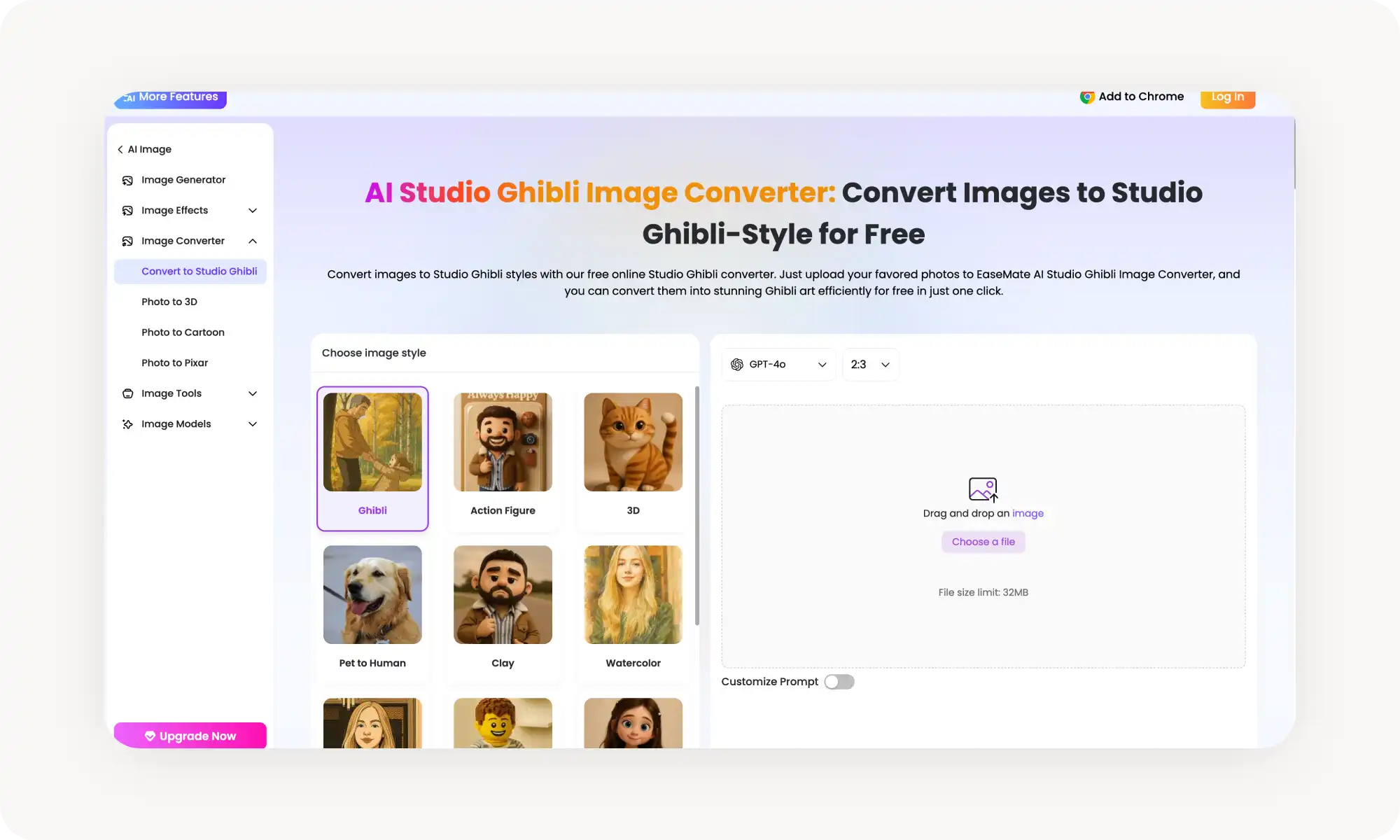
EaseMate AI Studio Ghibli Image Converter is part of a larger all-in-one AI platform, and it's one of the more versatile options on this list. The Ghibli converter itself is simple — upload an image and the AI automatically transforms it — but the platform offers flexibility that dedicated tools don't.
What sets EaseMate apart is its access to multiple AI models. You can generate your Ghibli image using the default model, then switch to GPT-Image, Midjourney, or Flux Kontext to regenerate and compare results. Pretty cool how you can see how the output differs from one model to another.
Free users can generate without registration for their first use, and signing up unlocks 30 free credits plus daily check-in bonuses. Downloads come without watermarks.
Pros:
✅ Multiple AI models to choose from (GPT-4o, Midjourney, Flux)
✅ No watermarks on downloads
✅ Free credits for new users and daily check-ins
Cons:
❌ Interface is busy — lots of tools competing for attention
❌ Free credits run out with heavy use
❌ Results can vary depending on which AI model you choose
OpenArt
OpenArt's Studio Ghibli filter is the best option on this list for users who want serious creative control. That’s because OpenArt is a full AI art platform with features like style transfer, inpainting, model training, and batch creation — and the Ghibli filter is just one part of a much larger creative suite.
The Ghibli filter itself is straightforward: upload your image, and the AI applies a Ghibli-style transformation. But where OpenArt really shines is in the advanced features. You can train custom models based on your own reference images, use style references to guide the aesthetic, fix specific parts of an image with inpainting, and even create bulk Ghibli transformations.
If you're a designer, content creator, or artist who wants more than a simple filter, OpenArt is the most powerful option here. But if you just want to Ghibli-fy a selfie in ten seconds, it's probably overkill.
Pros:
✅ Full creative suite — style transfer, inpainting, model training
✅ Batch processing for multiple images
✅ Privacy-focused
✅ Supports custom style references beyond just Ghibli
Cons:
❌ Requires an account
❌ More complex interface — steeper learning curve
❌ Best features are behind paid plans
Lift
Lift's AI Ghibli filter is built with a mobile-first philosophy that makes it ideal for people who want to create Ghibli art on their phone. The platform is available on iOS, Android, and web, and the interface is designed around quick, tap-based interactions.
What I particularly liked about Lift is the quality of the rendering, as it does a good job maintaining that authentic feel. Beyond the Ghibli filter, Lift offers a wide range of other AI filters — clay, anime, cartoon, Lego, DALL·E-style, and more — so you can experiment with different aesthetics.
Pros:
✅ Available on iOS, Android, and web
✅ Fast, simple mobile-first interface
✅ Intelligent rendering adapts to different scenes
✅ Wide range of other AI filter styles available
Cons:
❌ Best features require a paid plan
❌ Free tier is limited in daily uses
❌ Less suitable for bulk or professional workflows
Pixelbin
Pixelbin is primarily an AI-powered image management and optimization platform, so the Ghibli generator sits alongside a broader toolkit that includes background removal, image upscaling, watermark removal, and cartoon conversion. This makes it useful if you want to do additional editing after your Ghibli conversion — for example, upscaling the result for print or removing a background element.
The free tier gives you three uses per month without needing to sign up. After that, you can create an account to get additional free credits, or purchase a paid plan for heavier use. The tool works entirely in the browser on any device.
Pros:
✅ No watermarks on downloads
✅ No sign-up required for first three uses
✅ Additional AI editing tools (upscaling, background removal) built in
Cons:
❌ Only 3 free uses per month — quite limited
❌ No customization or style options — you get what the AI decides
❌ Less control over the final result compared to prompt-based tools
Frequently Asked Questions (FAQ)
What is the best free AI Studio Ghibli image generator?
If I had to choose one tool, Overchat AI is, in my opinion, the best free Studio Ghibli image generator. It requires no sign-up, produces results with no watermarks, and delivers an authentic Ghibli aesthetic. The tool is entirely browser-based and processes images in seconds.
How do AI Ghibli image generators work?
AI Ghibli image generators use machine learning AI models trained on visual data to recognize the elements of Studio Ghibli's art style. When you upload a photo, the AI analyzes its composition, subjects, and lighting, then generates an entirely new image that preserves the recognizable elements of your original while rendering everything in the Ghibli aesthetic. This is fundamentally different from a simple filter overlay — the AI is reconstructing the image from scratch.
Is it legal to create Ghibli-style images with AI?
Creating Ghibli-style images for personal use is generally considered acceptable, as art styles themselves are not copyrightable. However, generating images that directly replicate specific copyrighted characters (like Totoro or No-Face) or reproduce specific scenes from Ghibli films could raise copyright concerns.
Can I use these tools on my phone?
Yes, absolutely. Most of the tools on this list work in mobile browsers, and some — like Overchat AI — have dedicated iOS and Android apps.
How to convert an Image to Ghibli-style?
It’s dead simple — just pick any tool from this list, open its Ghibli filter page, upload your image, and click Generate. The whole process is basically one click.
You’ll usually wait about 10–40 seconds, depending on the tool and how busy the AI model is. After that, your image is ready to download and share on social media, or use however you like.
Ghibli-style images look like hand-painted illustrations that took hours to create, but in reality, you can generate them in seconds with AI.
Bottom Line
To sum up the basics, AI Studio Ghibli image generators use artificial intelligence to transform photos into Ghibli-style cartoon illustrations.
Key takeaways:
AI Ghibli image generators are online tools that use advanced AI models to reimagine your photos in the Studio Ghibli art style — not just apply a filter.
They work on portraits, pets, landscapes, memes, and virtually any other type of image.
They're accessible online, require no design skills, and typically produce a finished image in under 30 seconds. The results are remarkably convincing.
Overchat AI is one of the best free AI Ghibli image generators, offering high-quality output with no sign-up and no watermarks.
I tested each of the tools in this article on multiple images, and they all produce genuinely appealing results. Since they all offer a free trial, I recommend trying a few of them and seeing which one you like best. So go ahead — Ghibli-fy everything you’ve ever photographed.