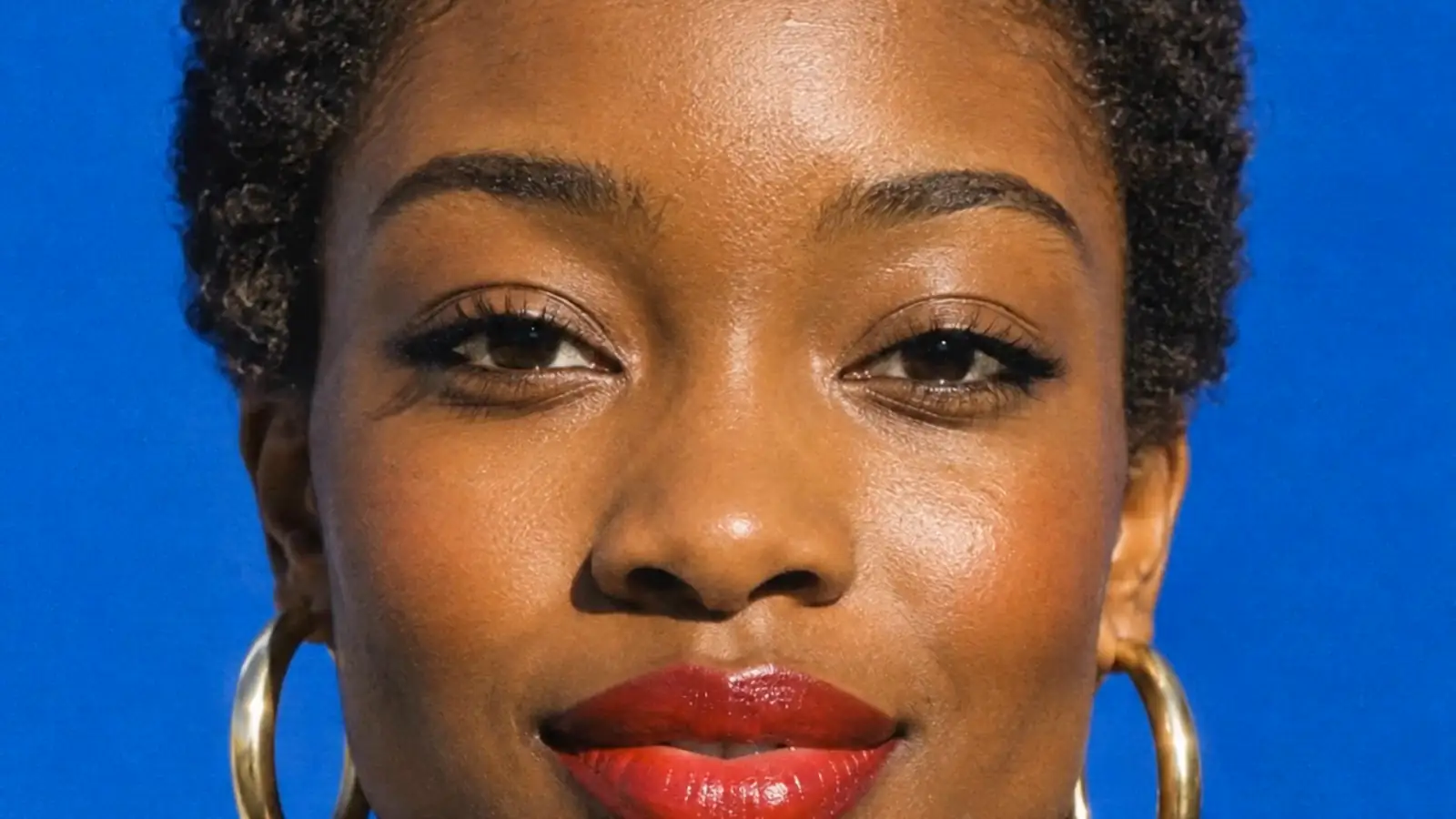
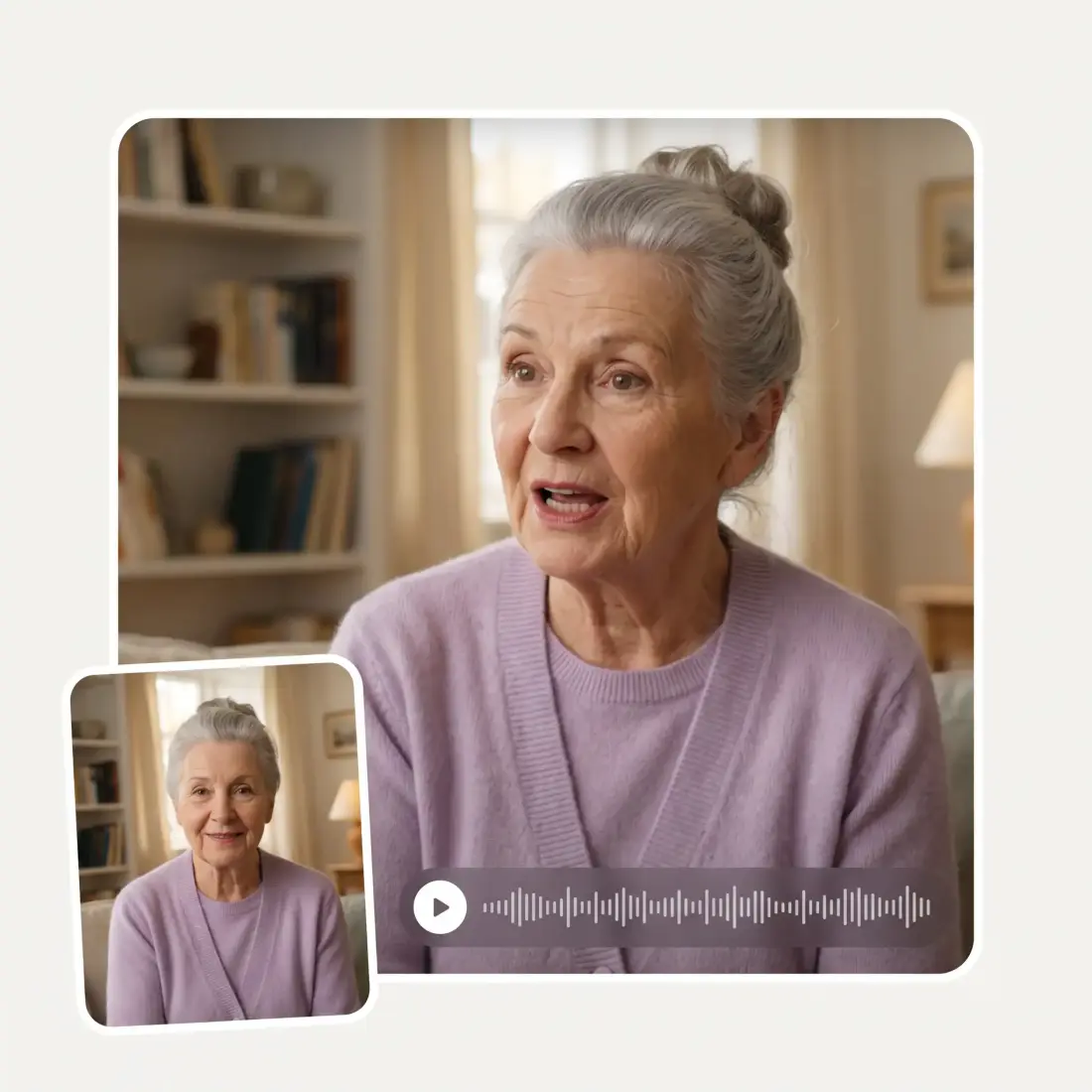
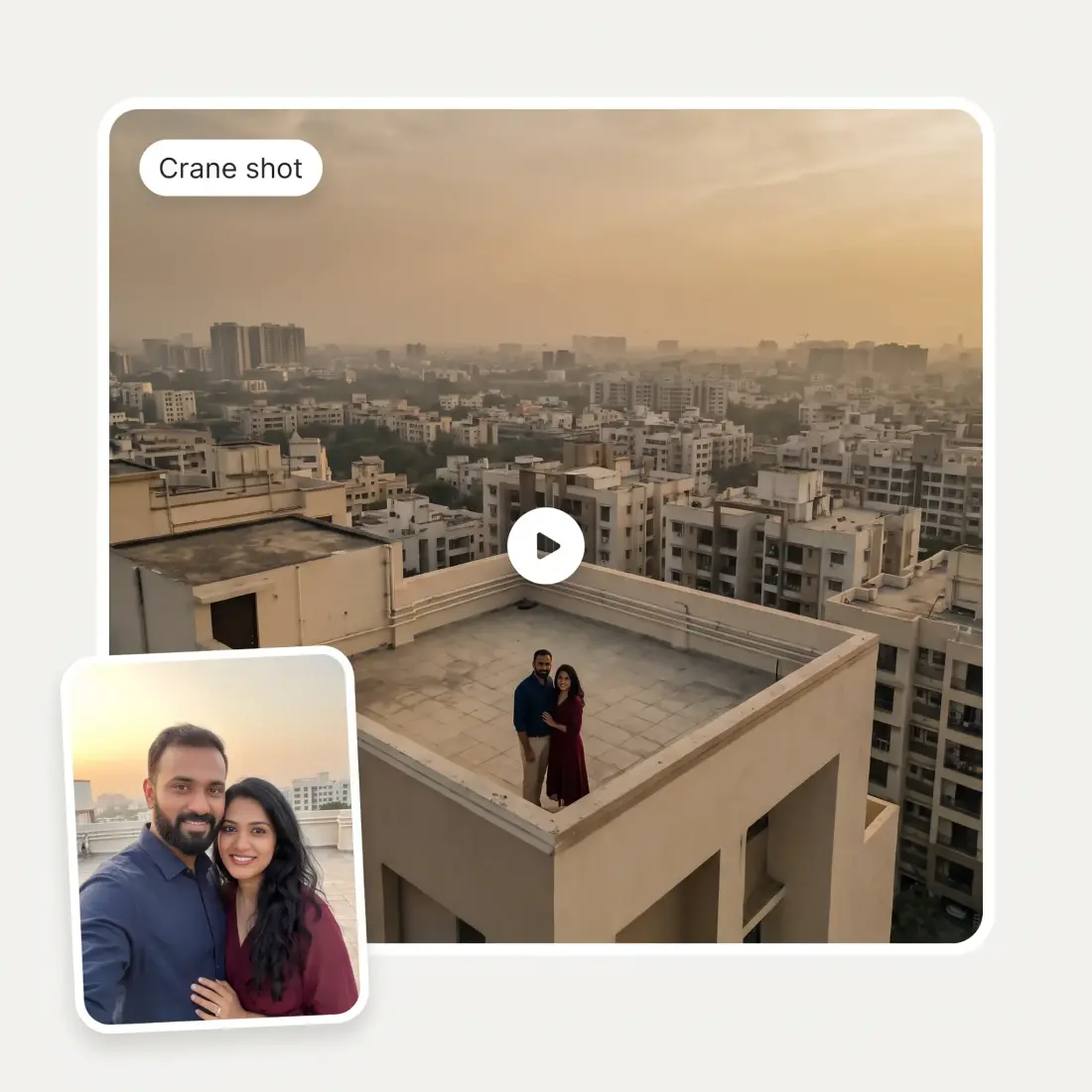
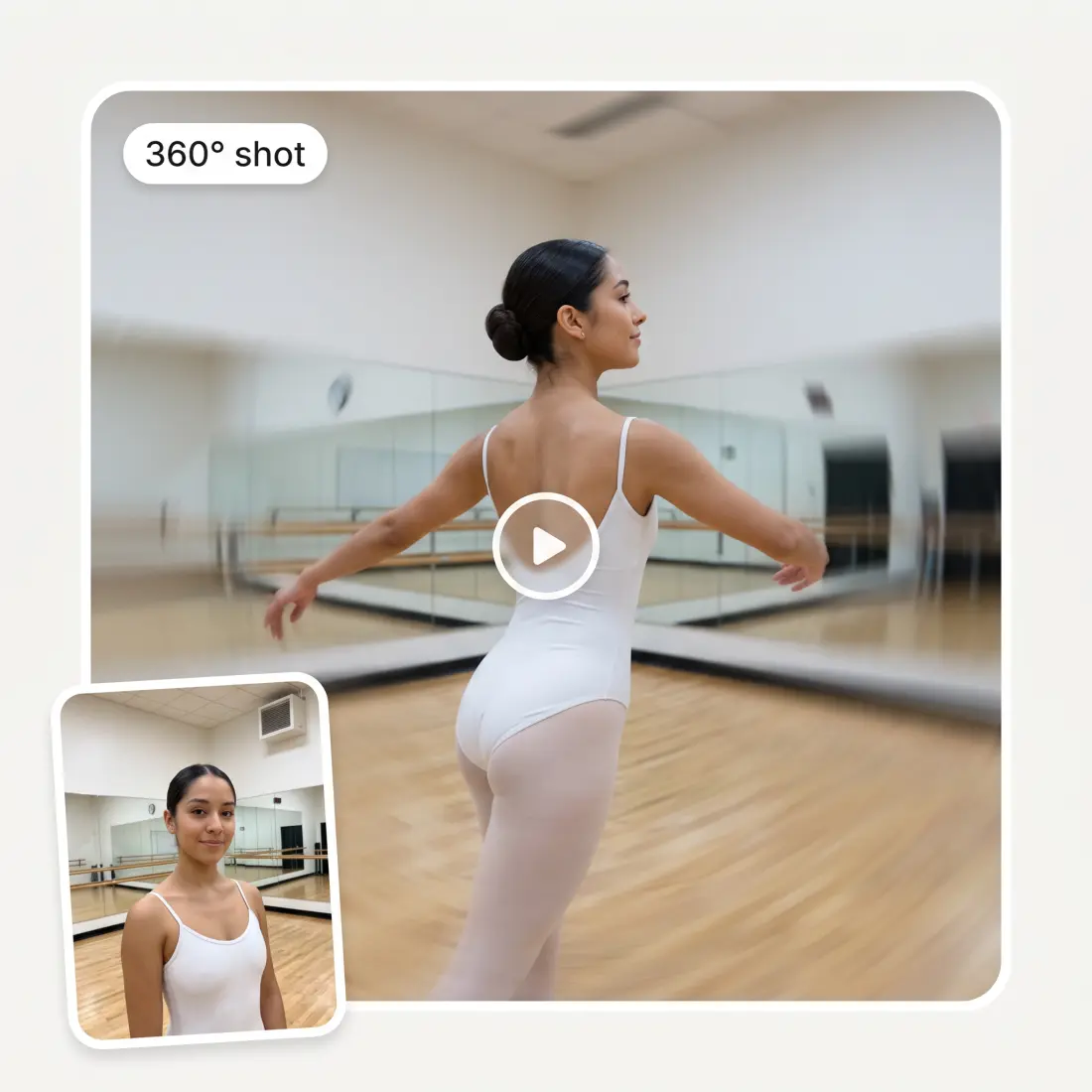
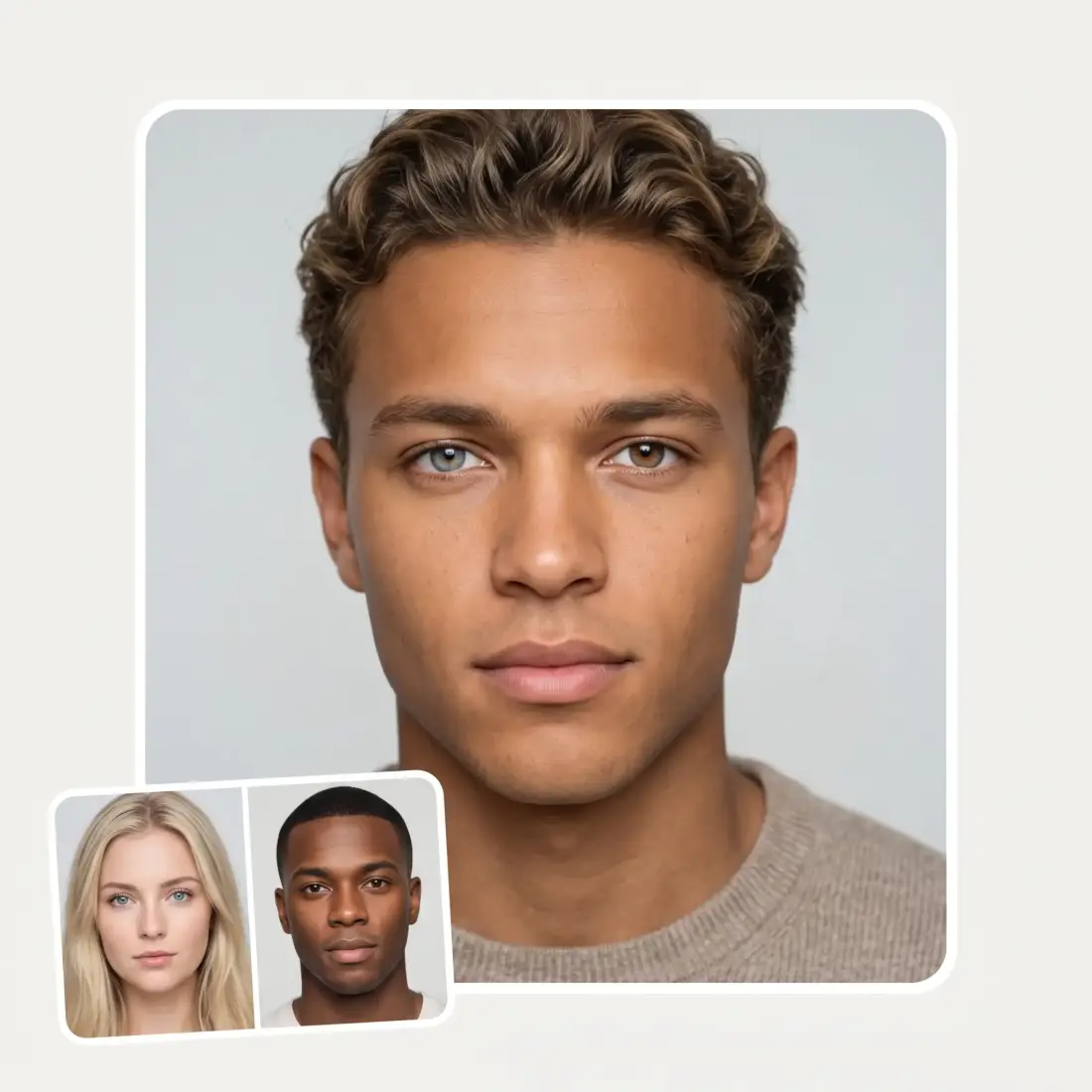
Upload a face photo and get a zoom video: the camera rushes into the eye, dives in from space, or crash-zooms into the face.
Opening the video generator…
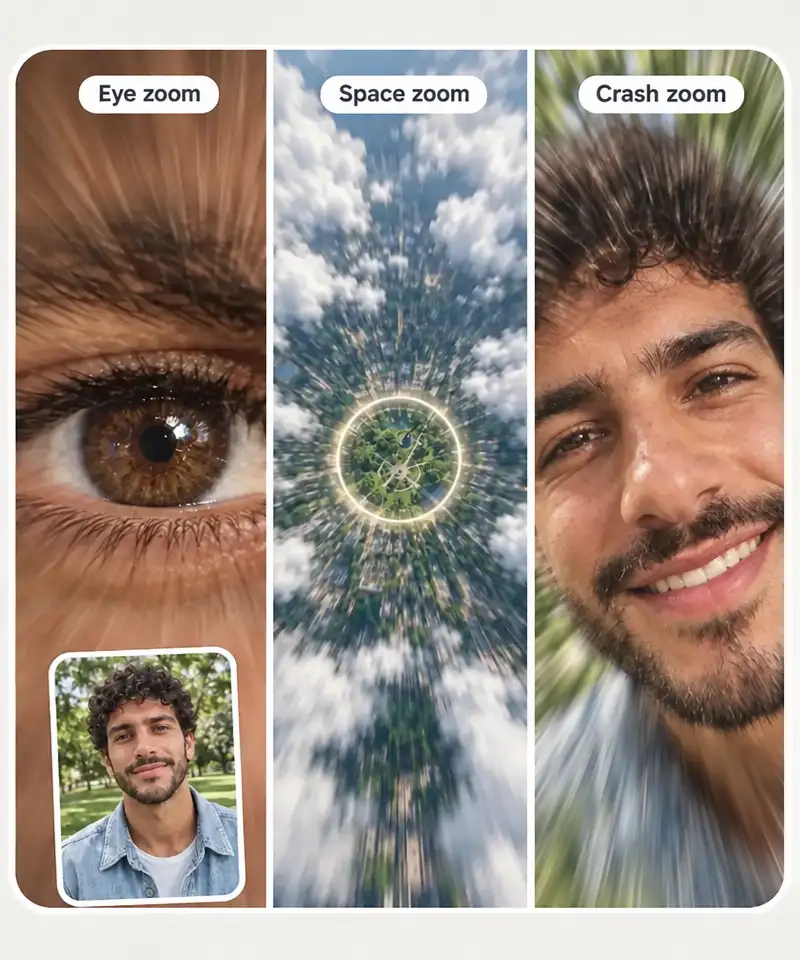
Three face zoom styles
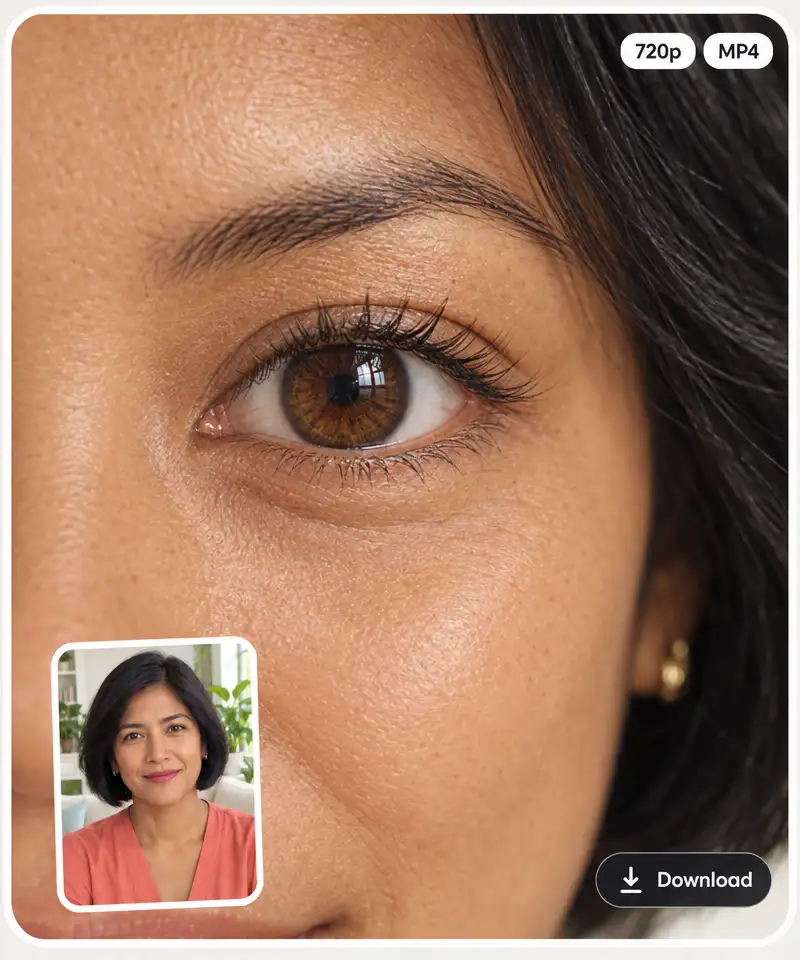
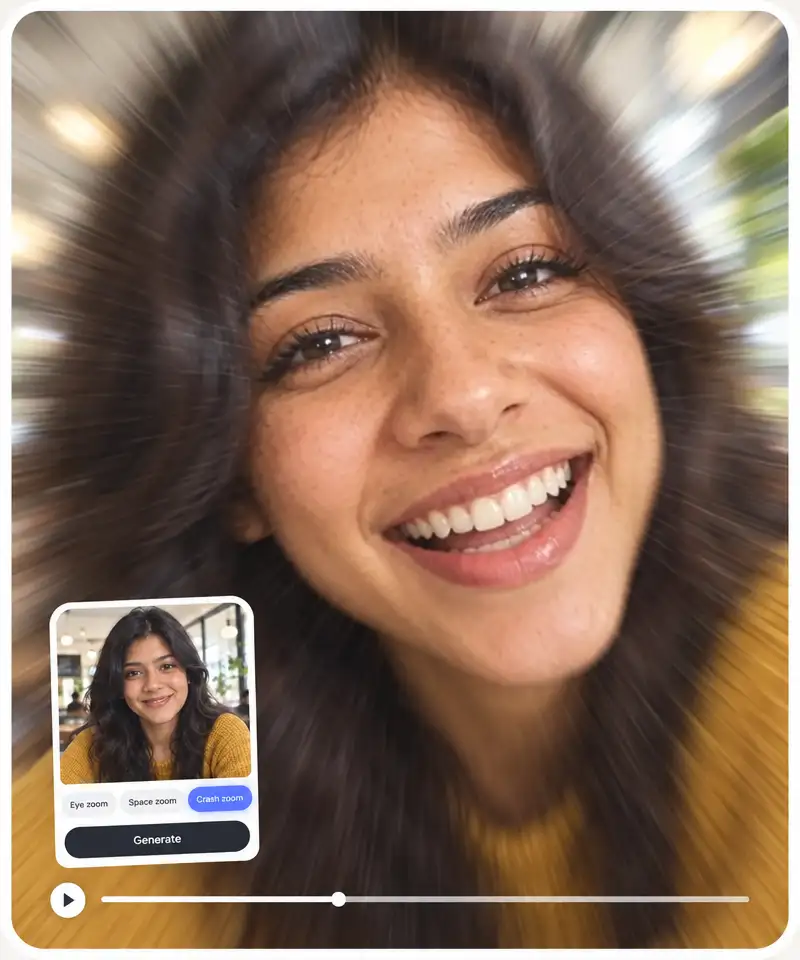
Eye zoom rushes the camera into the iris, Space zoom dives in from orbit down to the face, and Crash zoom snaps from a wide shot straight into a close-up of the face.
A face zoom video from one photo
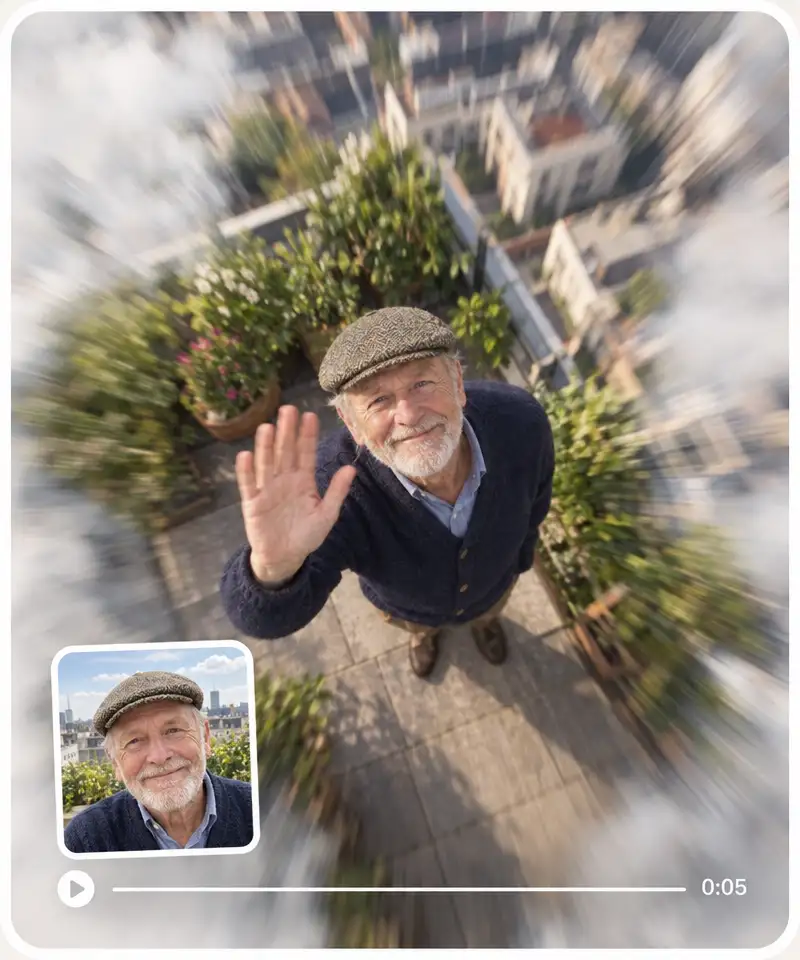
No filming and no camera effect: upload one still photo and get a 5 to 6 second zoom video made from it.
Vertical clips for TikTok and Reels
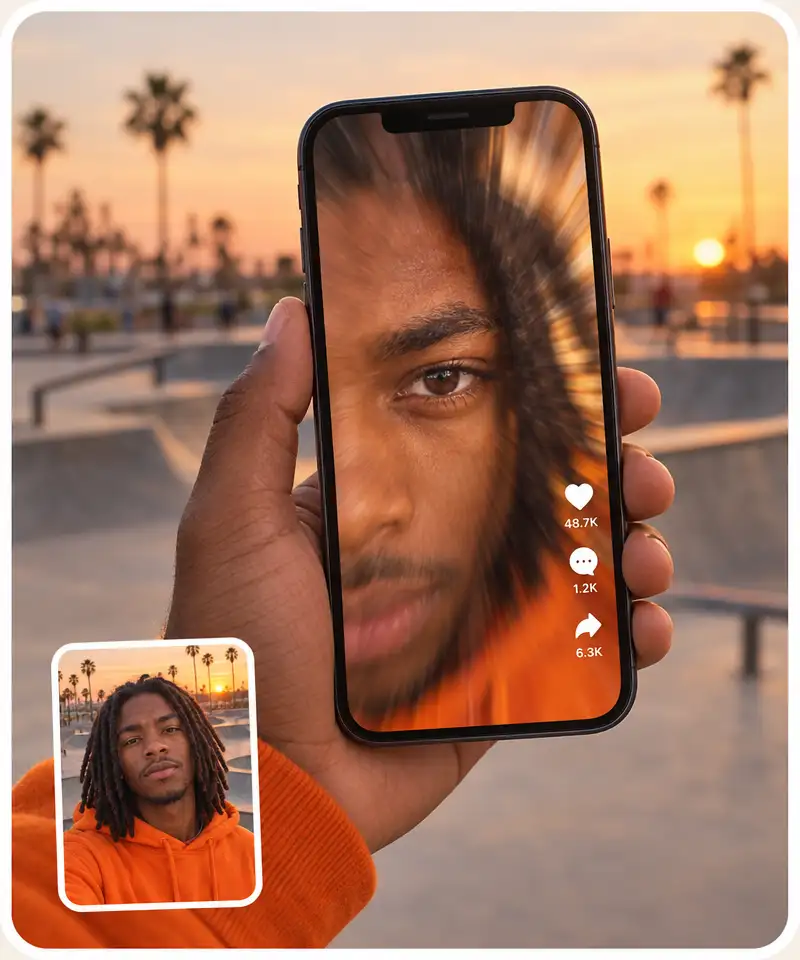
The video keeps the shape of your photo, so a vertical selfie comes out as a vertical clip ready for TikTok, Reels and Shorts.
Sharp MP4 video, up to 1080p
Eye zoom and Space zoom come out in 720p or 1080p, Crash zoom in 720p. Download the MP4 from the Overchat AI video generator.
How to make a face zoom video from a photo
1
Upload a face photo
Drop, upload or paste a clear photo of a face (JPG, PNG or HEIC), or tap "Try it on this face" to use a sample portrait.
2
Choose a zoom style
Pick Eye zoom, Space zoom or Crash zoom. The background video switches to show what each style does.
3
Click Generate
The Overchat AI video generator opens with your photo and the zoom style already set, and makes the video, usually in about a minute.
4
Download and share
Download the MP4 from the video generator, or run the same photo through another zoom style.
Who the AI face zoom filter is for
📱
TikTok and Reels creators
Get the viral face zoom clip from one photo, without filming yourself or hunting for the camera effect.
😂
Meme makers
Zoom into a surprised, smug or confused face and turn a reaction photo into a meme that hits harder.
🎂
Friends with a birthday to roast
Turn a friend's photo into a dramatic zoom for a birthday story or a group chat joke.
🎵
Music and lyric video makers
Drop a space zoom or an eye zoom into a music visualizer or a lyric video as a quick transition shot.
📣
Social media managers
Make a scroll-stopping short clip from a team photo or a headshot for a post or a story.
👨👩👧
Families
Turn a portrait of your partner, kid or grandparent into a funny zoom video to send to the family chat.
What people say about Overchat AI
★★★★★
I've started to use overchat last week and it feels very promising. Lots of AI models in one place saves a lot of money in comparison if you buy subscriptions for each one.
Georgy P
Armenia · Trustpilot, 14 Jul 2026
★★★★★
im really into ai apps and that one is good, helps me with my arts and homework. i draw ai vids for inst and generate images with my characters, many widgets and models! like it
Rita Semenova
Germany · Trustpilot, 14 Aug 2026
★★★★★
I like how it keeps everything organized. One subscription is enough for all major AI models, which helps me avoid paying for multiple platforms.
Staria Quinn
United States · Trustpilot, 16 Nov 2025
★★★★★
Affordable and simple to use. I like that I don't have to pay for several different services anymore.
Dylan Thompson
United States · Trustpilot, 28 Oct 2025
★★★★★
Good and easy to use
Kanan Safarli
United Kingdom · Trustpilot, 23 Jul 2026
★★★★★
It's a nice place to be. I love it
Fabiyi Oluwakemi Phillips
Nigeria · Trustpilot, 23 Jul 2026
Frequently Asked Questions
What is a face zoom filter?
A face zoom filter is an effect that rushes the camera in on a face, often all the way into an eye, for a dramatic or funny close-up. It took off on TikTok as a camera effect. The Overchat AI version makes the same kind of zoom video from a still photo.
How do I make a face zoom video from a photo?
Upload a face photo, choose Eye zoom, Space zoom or Crash zoom, and click Generate. The Overchat AI video generator opens with your photo and the style set, and in about a minute you get a 5 to 6 second video to download.
How do I get the face zoom filter on TikTok?
On TikTok, Face Zoom is a camera effect: open the camera, tap Effects, search for "Face Zoom" and record your face. To start from a photo you already have, make the clip here, download the MP4 and upload it to TikTok like any other video. Eye zoom and Space zoom clips have no sound, so add a track in TikTok.
Does the face zoom filter work on photos or videos?
It works on photos: you upload a still image and get a video back. It does not add a zoom to a video you have already filmed.
Can I change how the zoom looks?
You choose one of three styles. Eye zoom ends inside the iris, Space zoom starts from orbit and dives down to the face, and Crash zoom snaps from a wide shot into a close-up of the face. The speed and depth of the zoom are fixed for each style.
What photo works best?
A clear, front-facing photo of one person with eyes open and good light. For Eye zoom, a close-up portrait gives the cleanest dive into the eye. For Crash zoom, a waist-up or full-body shot gives the zoom room to travel. Small faces in group shots give weaker results.
Is the face zoom filter free?
Creating an Overchat AI account is free, but a face zoom video costs 400 credits (Crash zoom 500), and the free plan's 100 daily credits do not cover one. You need a paid plan or a credit pack to make the video.
Does the eye close-up show my real eye?
No. The AI generates the close-up from your photo, so the iris and skin look realistic but are not a magnified copy of your real eye. Treat it as a fun effect, not a mirror.
{"@context":"https://schema.org","@graph":[{"@type":"WebApplication","@id":"https://overchat.ai/ai-tools/ai-face-zoom-filter#app","name":"AI Face Zoom Filter","url":"https://overchat.ai/ai-tools/ai-face-zoom-filter","description":"Upload a face photo and get a face zoom video: the camera rushes into the eye, dives in from space or crash-zooms into the face. Ready in about a minute.","applicationCategory":"MultimediaApplication","operatingSystem":"Web","browserRequirements":"Requires JavaScript","offers":{"@type":"Offer","price":"14.99","priceCurrency":"USD","availability":"https://schema.org/InStock","url":"https://overchat.ai/pricing"},"publisher":{"@type":"Organization","name":"Overchat AI","url":"https://overchat.ai/"},"image":"https://cdn.prod.website-files.com/673728fe79d73c09073776cb/6ad1cab49635d64ce05bdfa9_ai-face-zoom-filter-hero-after.webp"},{"@type":"BreadcrumbList","itemListElement":[{"@type":"ListItem","position":1,"name":"Home","item":"https://overchat.ai/"},{"@type":"ListItem","position":2,"name":"Video","item":"https://overchat.ai/video"},{"@type":"ListItem","position":3,"name":"AI Face Zoom Filter","item":"https://overchat.ai/ai-tools/ai-face-zoom-filter"}]},{"@type":"FAQPage","mainEntity":[{"@type":"Question","name":"What is a face zoom filter?","acceptedAnswer":{"@type":"Answer","text":"A face zoom filter is an effect that rushes the camera in on a face, often all the way into an eye, for a dramatic or funny close-up. It took off on TikTok as a camera effect. The Overchat AI version makes the same kind of zoom video from a still photo."}},{"@type":"Question","name":"How do I make a face zoom video from a photo?","acceptedAnswer":{"@type":"Answer","text":"Upload a face photo, choose Eye zoom, Space zoom or Crash zoom, and click Generate. The Overchat AI video generator opens with your photo and the style set, and in about a minute you get a 5 to 6 second video to download."}},{"@type":"Question","name":"How do I get the face zoom filter on TikTok?","acceptedAnswer":{"@type":"Answer","text":"On TikTok, Face Zoom is a camera effect: open the camera, tap Effects, search for \"Face Zoom\" and record your face. To start from a photo you already have, make the clip here, download the MP4 and upload it to TikTok like any other video. Eye zoom and Space zoom clips have no sound, so add a track in TikTok."}},{"@type":"Question","name":"Does the face zoom filter work on photos or videos?","acceptedAnswer":{"@type":"Answer","text":"It works on photos: you upload a still image and get a video back. It does not add a zoom to a video you have already filmed."}},{"@type":"Question","name":"Can I change how the zoom looks?","acceptedAnswer":{"@type":"Answer","text":"You choose one of three styles. Eye zoom ends inside the iris, Space zoom starts from orbit and dives down to the face, and Crash zoom snaps from a wide shot into a close-up of the face. The speed and depth of the zoom are fixed for each style."}},{"@type":"Question","name":"What photo works best?","acceptedAnswer":{"@type":"Answer","text":"A clear, front-facing photo of one person with eyes open and good light. For Eye zoom, a close-up portrait gives the cleanest dive into the eye. For Crash zoom, a waist-up or full-body shot gives the zoom room to travel. Small faces in group shots give weaker results."}},{"@type":"Question","name":"Is the face zoom filter free?","acceptedAnswer":{"@type":"Answer","text":"Creating an Overchat AI account is free, but a face zoom video costs 400 credits (Crash zoom 500), and the free plan's 100 daily credits do not cover one. You need a paid plan or a credit pack to make the video."}},{"@type":"Question","name":"Does the eye close-up show my real eye?","acceptedAnswer":{"@type":"Answer","text":"No. The AI generates the close-up from your photo, so the iris and skin look realistic but are not a magnified copy of your real eye. Treat it as a fun effect, not a mirror."}}]}]}

.webp)