13 Best Artlist Alternatives in 2026, Tested for AI Video, Music and Stock
Last Updated:
2026-10-27
13 Best Artlist Alternatives in 2026, Tested for AI Video, Music and Stock
Artlist is somewhat unusual among AI content creation platforms. It combines AI image, video, and audio generation with a library of licensed stock assets, all in one place. However, it isn't necessarily the best choice for everyone. You might not need everything it offers, and getting access to all its features can quickly become expensive.
With that in mind, we've put together 13 Artlist alternatives covering AI image and video generation, music and sound effects, stock footage, and templates. Artlist does a good job of bringing all these tools together, but that doesn't mean it's the best option in every category. Depending on what you're looking for, a more specialized platform might be a better fit.
While Artlist is a powerful platform, its pricing isn't particularly flexible.
While its stock library and AI tools are sold as separate subscriptions, which is useful if you don't need both, only the cheapest music plan and the AI plans offer monthly billing. All other plans are billed annually, which means paying a substantial amount upfront. To give you an idea of how much that can cost, here's a breakdown of Artlist's pricing:
Plan
What's included
Price per month, billed yearly
Price per month, billed monthly
Music & SFX Social
Music and sound effects for your own channels
$9.99
$14.99
Music & SFX Pro
Music and sound effects for client and commercial work
$24.92
No monthly plan
Footage & Templates
Footage up to 8K, templates and LUTs
$31.99
No monthly plan
Max
Music, sound effects, footage, templates, plugins and 7,500 AI credits
$39.99
No monthly plan
AI Starter
AI images, video, voiceovers and music with 16,500 credits
$11.99
$19.99
Beyond the large upfront payments, Artlist doesn't always offer the best value for money.
For example, generating a 5-second Seedance 2.5 video at 720p costs 3,000 credits. The base Max plan gives you just 7,500 credits per month, meaning you can generate only two such videos before running out.
Artlist credits also don't roll over to the next month, unlike on some competing platforms. And if you're unhappy with a generated video, trying again costs the full amount, whereas some competitors offer discounted or even free retries.
In AI creator communities on Reddit, including r/aitubers and r/generativeAI, users often group Artlist with Adobe and Akool as platforms that charge both a subscription fee and expensive generation credits. Some creators also report that roughly half their generations end up unusable. Of course, failed generations are part of working with AI, regardless of which platform you use. But when every retry costs thousands of credits, experimenting can get expensive quickly.
Another reason to consider alternatives is Artlist's licensing. The Music & SFX Social plan covers content published on your own channels, but if you create videos for clients, you'll need Music & SFX Pro, which costs $299 per year with no monthly billing option.
In that sense, Artlist is a little like Adobe: you get a solid collection of creative tools, but you pay a premium for having everything in one place. The difference is that Artlist has plenty of alternatives worth considering, especially if you only need some of its features. Let's look at them.
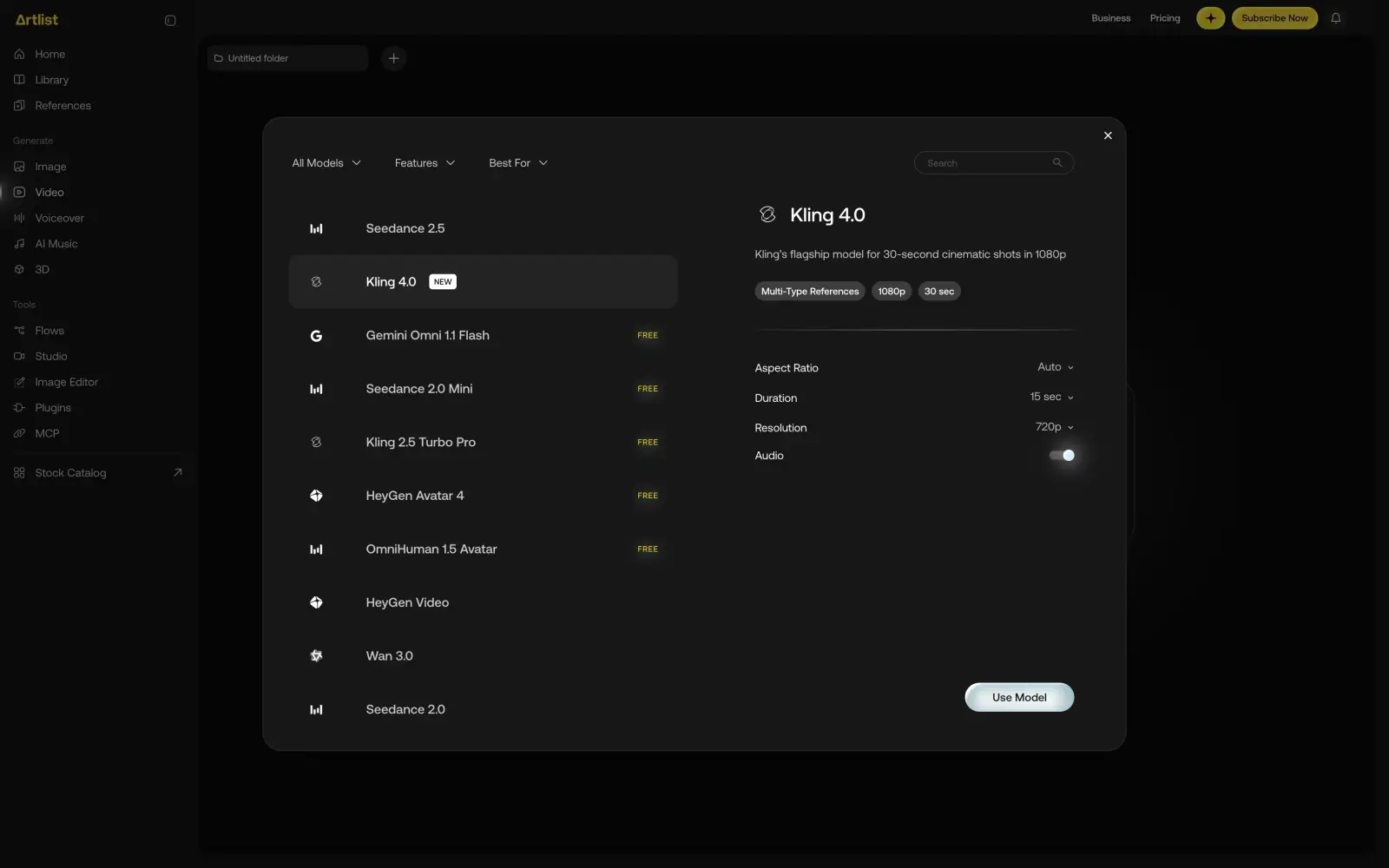
Artlist AI toolkit with the video model picker open on Kling 4.0
Best Artlist alternatives compared on prices
Most AI video generators use credits to charge for each video you create. However, credits have different values on different platforms — much like currencies. For example, 100 credits on one platform might be worth considerably more than 100 credits on another.
So, to make a fair comparison, we converted the credit cost of each generation into US dollars based on each platform's subscription pricing and the number of credits included. This lets us compare how much you're actually paying for a video and which platforms offer the best value for money.
Here's how the prices compare:
Video
Seedance 2.5 is a popular video generation model that's available in most of these apps, so we'll use it for this conversion. The table below shows what one 5-second Seedance 2.5 video at 720p costs:
App
Plan
Price per month
Credits per video
Price per video
Artlist
AI Starter
$11.99
3,000
$2.18
Overchat AI
Pro
$4.17
3,104
$1.62
Dreamina
Basic
$14
185
$1.64
Higgsfield
Plus
$47
About 35
$1.37
Magnific
Premium
$14.50
About 2,200
$1.60
Krea
Basic
$5
About 850
$0.85
Kling 4.0 is one of the newest video models on Artlist, but Artlist shows its exact price only after you subscribe. In the other apps, a 5-second Kling 4.0 video at 1080p costs the following:
App
Plan
Price per month
Credits per video
Price per video
Overchat AI
Pro
$4.17
936
$0.49
Kling AI
Standard
$8.80
75
$1.00
Magnific
Premium
$14.50
About 1,400
$1.02
Runway
Standard
$12
118
$2.27
Image
Image models are much cheaper than video models in every app, but the difference between apps is still noticeable. The table below shows the price of one image at 1K–2K with Nano Banana Pro and GPT Image 2.5:
App
Plan
Nano Banana Pro, credits
Nano Banana Pro, price
GPT Image 2.5, credits
GPT Image 2.5, price
Artlist
AI Starter
160
$0.12
40
$0.03
Overchat AI
Pro
150
$0.08
25
$0.01
Krea
Basic
About 78
$0.08
About 128
$0.13
Runway
Standard
20
$0.38
No GPT Image 2.5
No GPT Image 2.5
Magnific stands apart here: on every paid plan, Nano Banana Pro and Nano Banana 2 images don't use credits at all.
Sound
Artlist sells music in two ways: a library of licensed tracks and AI music generation in the toolkit. The table below compares the music libraries from this list. Most of them have two tiers, one for your own channels and one for client work:
Library
Plan for your own channels
Price per month, billed yearly
Plan for client work
Price per month, billed yearly
Artlist
Music & SFX Social
$9.99
Music & SFX Pro
$24.92
Epidemic Sound
Creator
$9.99
Pro
$16.99
Uppbeat
Essentials
$6.99
Pro
$14.99
Envato
Core
$16.50
Core
$16.50
AI music costs much less than a library subscription if you need a few tracks a month. On Artlist, a song with Lyria 3 Pro costs from 300 credits, or about $0.22 on AI Starter. Runway charges 8 credits for a Lyria 3 Pro song, which is about $0.15 on Standard, and Magnific charges 160 credits for a Lyria 3 song, about $0.12 on Premium. Suno, a dedicated AI music app, costs $8 a month billed yearly for Pro, which includes commercial rights.
Best Artlist alternatives at a glance
Since Artlist covers so many things at once, the alternatives in this list fall into four groups:
AI video and image generators
Music and sound effect libraries
Stock footage and templates
Services that combine stock assets with AI
Here's a table that lists all Artlist alternatives:
App
Category
Best for
Free plan
Paid plan price
Overchat AI
AI video and images
The newest video and image models in one subscription
100 credits a day
$4.17/month
Kling AI
AI video
Kling 4.0 straight from its developer
No monthly credits
$8.80/month
Dreamina
AI video and images
Free video generation every day
120 credits a day
$14/month
Krea
AI video and images
A low price per video
100 compute units a day
$5/month
Runway
AI video
Editing real footage with AI
125 credits once
$12/month
Higgsfield
AI video
Cinematic camera moves
No free credits
$19/month
Epidemic Sound
Music and sound effects
A music library like Artlist's with monthly billing
30-day free trial
$9.99/month
Uppbeat
Music and sound effects
Music for YouTube on a small budget
3 downloads a month
$6.99/month
Suno
AI music
Original songs for your videos
50 credits a day
$8/month
Storyblocks
Stock footage and templates
Unlimited stock footage with music
No free plan
$21/month
Motion Array
Stock footage and templates
Templates for Premiere Pro and After Effects
Free assets with an account
$24.99/month
Envato
Stock and AI
Music, footage and templates for client work
Free files every month
$16.50/month
Magnific
Stock and AI
Stock images and unlimited Nano Banana Pro
Limited daily generations
$14.50/month
Now let's look at each app in more detail. We'll start with AI video and image generators.
AI video and image generators
These apps replace Artlist's AI toolkit. Some of them have the same models as Artlist at a lower price per video, and some are made by the companies that build the models.
1. Artlist vs Overchat AI
Overchat AI is an all-in-one AI app we've built with video, image, audio and chat models in one subscription. It offers access to about 20 video generation models, including Kling 4.0, Seedance 2.5, Veo 3.1 and MiniMax H3, through a single AI video creative suite, as well as image generation models like GPT Image 2.5, Nano Banana Pro, Seedream 5 and Flux 2 Max through the AI image generator. More than a million creators use Overchat AI on the web and in its iOS and Android apps.
Overchat AI web app home screen with one prompt box for chat, images and video
When you're not sure which model to use for a shot, on Pro, you can send the same prompt to several models at once and compare the results side by side — all in a single feed, with up to 4 video models on the same prompt at the same time.
Overchat AI video studio with Seedance 2.5 selected and the price of 3,104 credits on the Generate button
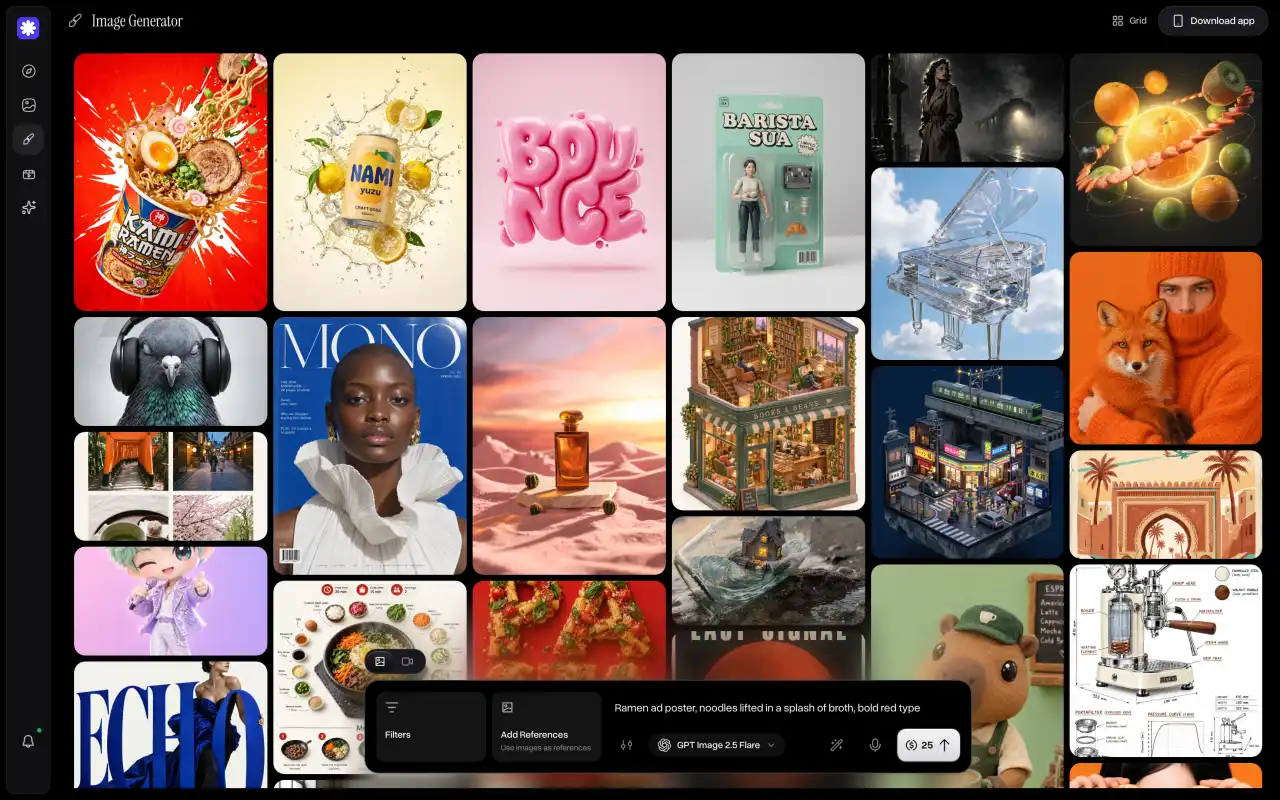
When it comes to image generation, on Pro, you can pick up to 4 models and ask for up to 8 images from each one, so a single prompt can give you up to 32 images at the same time — this is a very useful feature, because, coupled with some of the best rates per image in the space, you can iterate quickly and save hours of work. An image with GPT Image 2.5 costs 25 credits, which is about $0.01 on the yearly plan.
Overchat AI image studio with GPT Image 2.5 and a feed of generated images
When it comes to value, here's how these apps compare:
Plan or generation
Artlist
Overchat AI
Free plan
A few free generations
100 credits a day
Cheapest AI plan, per month, billed yearly
$11.99
$4.17
Seedance 2.5 video, 5 seconds, 720p
$2.18
$1.62
Kling 4.0 video, 5 seconds, 1080p
Shown only to subscribers
$0.49
Nano Banana Pro image
$0.12
$0.08
GPT Image 2.5 image
$0.03
$0.01
Choose Overchat AI when you mostly use Artlist for AI video and images and want the newest models at a lower price per video, with monthly or yearly billing.
2. Artlist vs Kling AI
Kling AI is the official app for Kling, the video models made by the Chinese tech company Kuaishou. The newest one, Kling 4.0, came out globally on October 15, 2026. Artlist offers Kling 4.0 too, but in the Kling AI app, you get it straight from the developer and pay Kuaishou's own price.
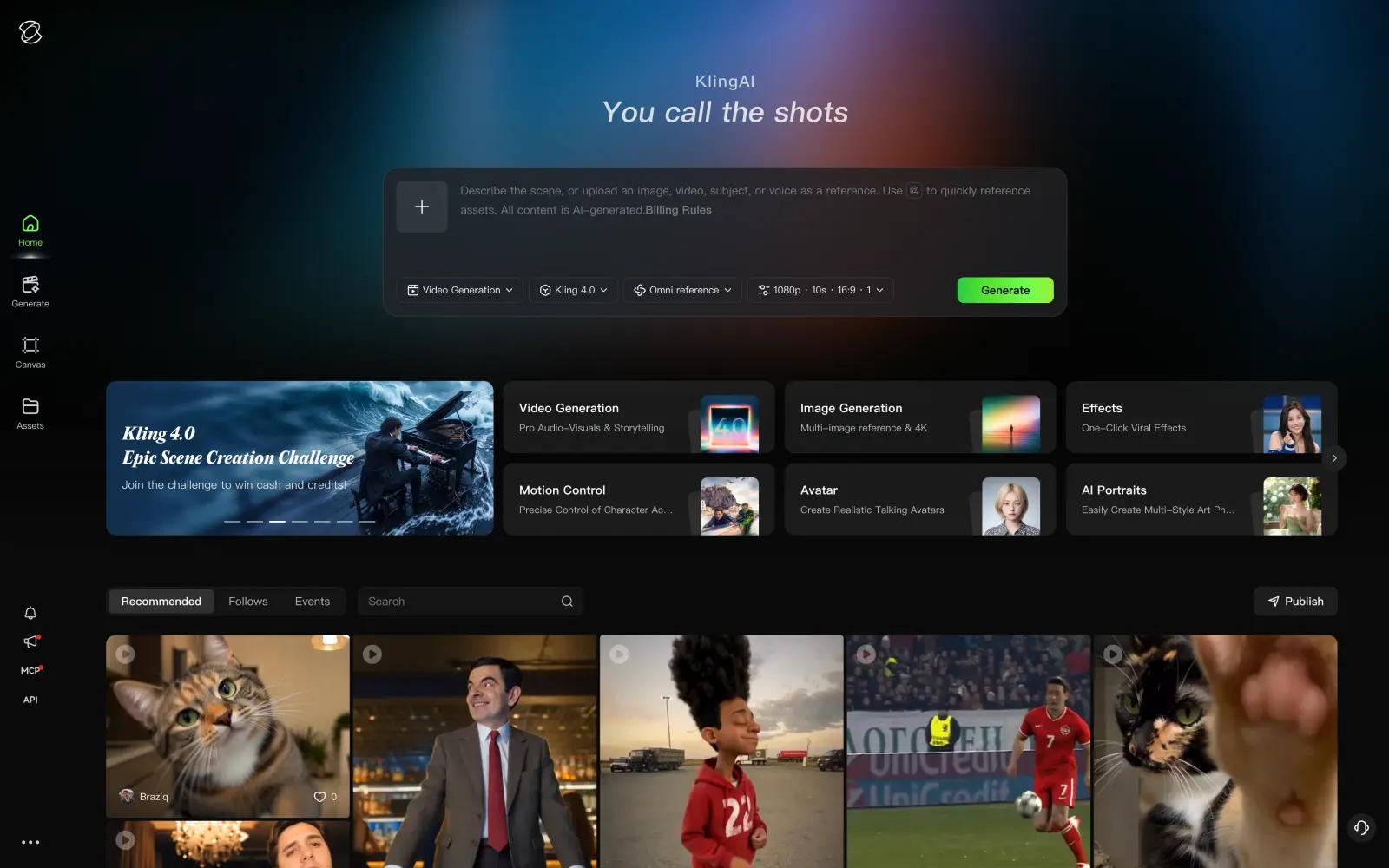
Kling AI home page with Kling 4.0 selected in the prompt box
When you need a long shot, you don't have to stitch several short clips together — Kling 4.0 creates videos up to 30 seconds long in one generation. You can also set up to 10 keyframes, which is useful when the camera or the character has to hit specific points in the scene, and you want the model to follow them.
When it comes to value, here's how these apps compare:
Plan or generation
Artlist
Kling AI
Free plan
A few free generations
No monthly credits
Cheapest paid plan, per month
$11.99
$8.80
Kling 4.0 video, 5 seconds, 720p
Shown only to subscribers
$0.67
Kling 4.0 video, 5 seconds, 1080p
Shown only to subscribers
$1.00
On Kling AI, a 5-second Kling 4.0 video costs 50 credits at 720p and 75 credits at 1080p, and the Standard plan includes 660 credits a month. Credits you buy on top of a plan stay valid for two years, so you don't lose them in a slow month. Videos made on the free plan are for non-commercial use only. Kling AI also has only Kuaishou's own models, so for Seedance, Veo or Sora you'll need another app.
Choose Kling AI when you make most of your videos with Kling and want its new features first, like 30-second shots and keyframes.
3. Artlist vs Dreamina
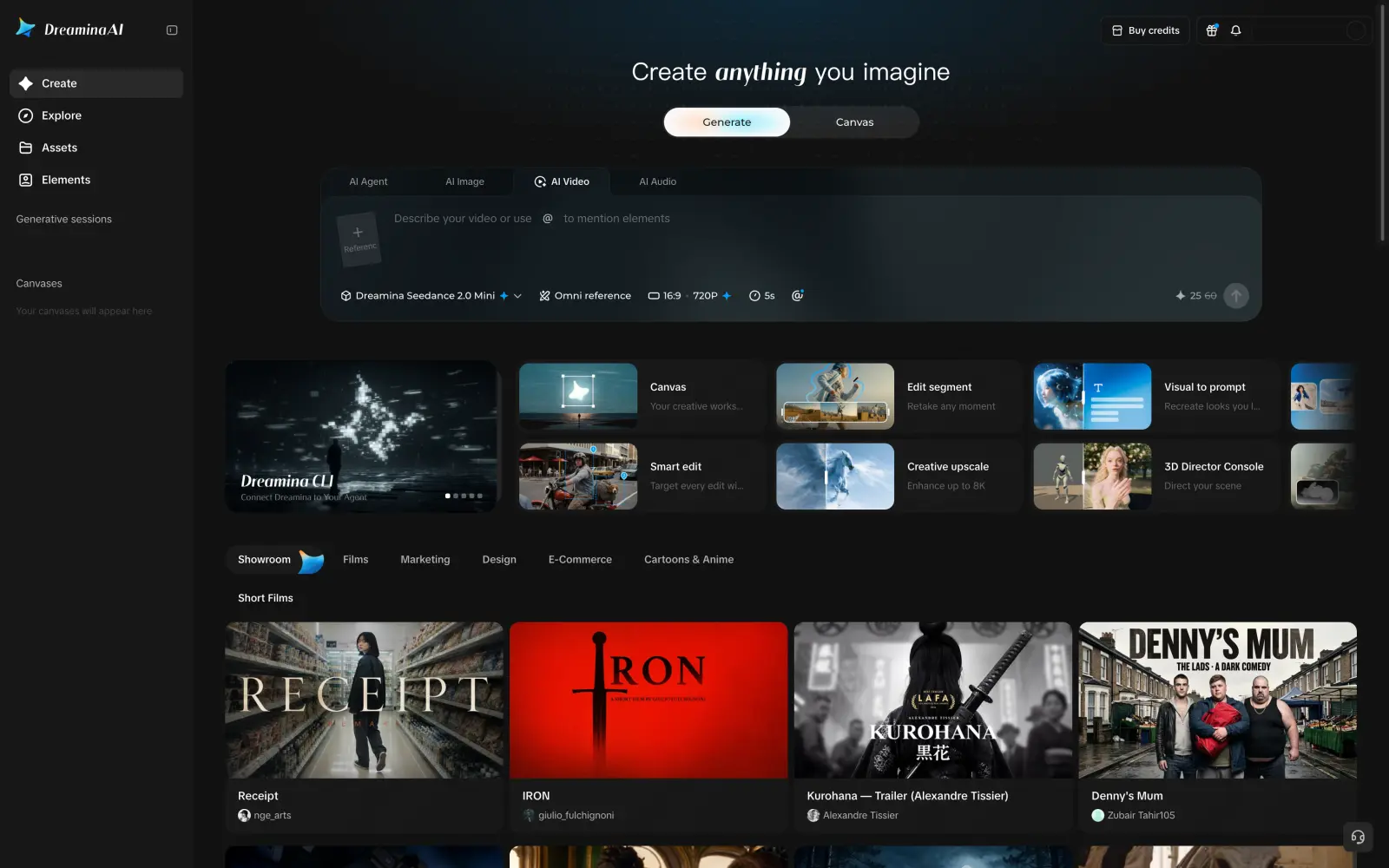
Dreamina is an AI image and video app from ByteDance, made by the team behind CapCut. It runs on ByteDance's own models: Seedance 2.5 for video, Seedream 5.0 for images and OmniHuman 1.5 for talking avatars.
Dreamina AI video generator with Seedance 2.0 Mini selected
When you want to try AI video without paying, Dreamina is one of the few apps that lets you generate every day for free. Free accounts get 120 credits a day, which is enough for a short Seedance 2.0 Mini video at 720p, although free videos have a watermark. Artlist, by comparison, gives you a few free generations once, and after that, you need a subscription.
If you make explainers or ads with a presenter, Dreamina can also turn a photo of a person into a talking avatar. OmniHuman 1.5 animates the photo and syncs the lips to your audio, so you don't need to film anyone.
When it comes to value, here's how these apps compare:
Plan or generation
Artlist
Dreamina
Free plan
A few free generations
120 credits a day
Cheapest paid plan, per month, billed yearly
$11.99
$14
Seedance 2.5 video, 5 seconds, 720p
$2.18
$1.64
On paid plans, Seedance 2.5 costs 37 credits per second at 720p, and Basic includes 1,575 credits a month, which is enough for about eight 5-second videos.
Choose Dreamina when you want to make AI videos for free every day or use Seedance more than other models.
4. Artlist vs Krea
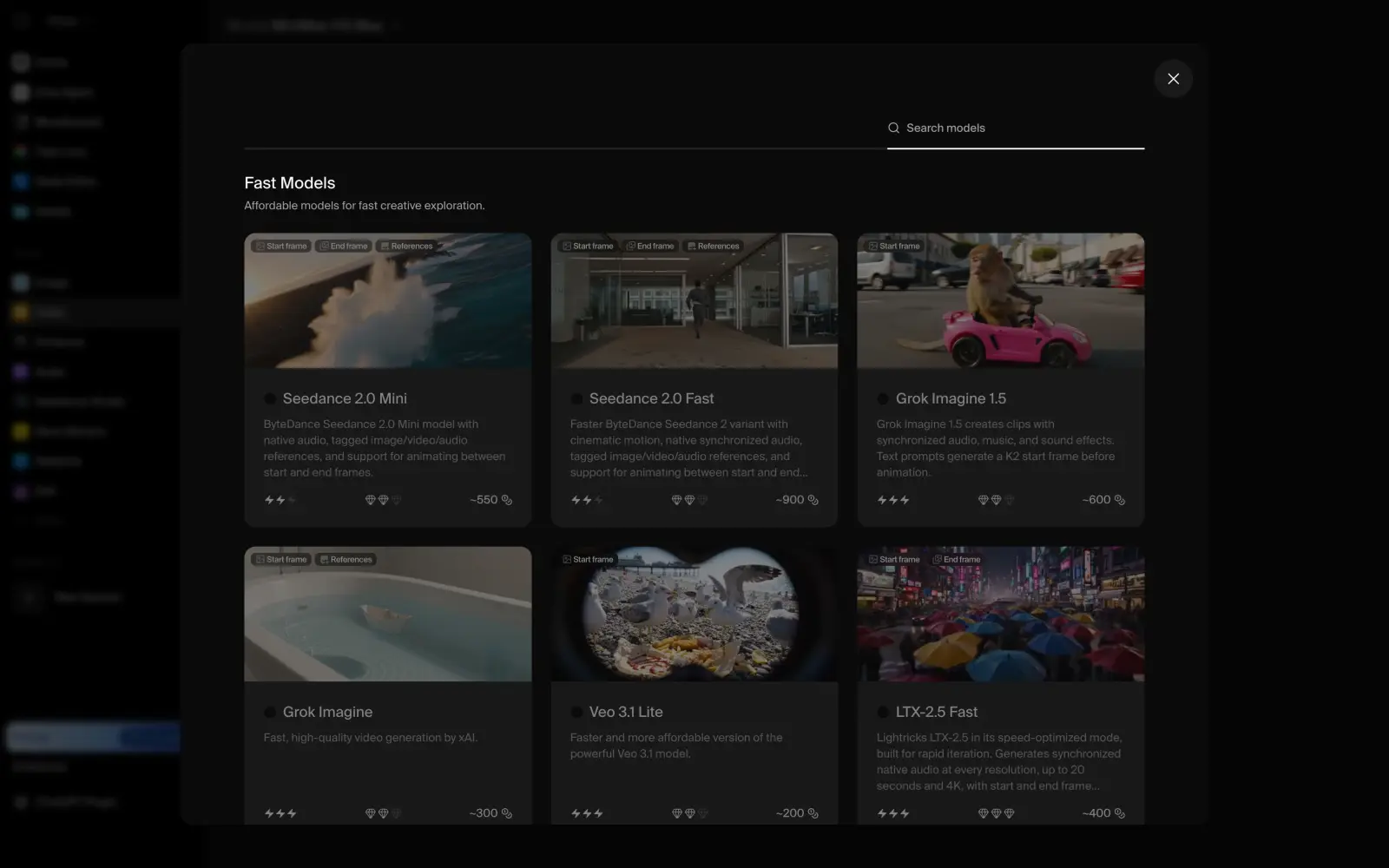
Krea is an AI creative suite with 37 video models and 39 image models, a real-time canvas and a node editor for building workflows.
Krea video model gallery with approximate prices for each model
When you're choosing between models, it helps to know how much a generation will cost before you run it. In Krea, every model card shows its approximate price in compute units, so you can compare models by cost right in the gallery.
A common problem with AI video is that the same character looks different from shot to shot. Krea solves it with LoRA training: you upload photos of a character or a style, and Krea trains a small model that keeps it the same in every image. Pro supports up to 50 training images, and Max supports up to 2,000.
When it comes to value, here's how these apps compare:
Plan or generation
Artlist
Krea
Free plan
A few free generations
100 compute units a day
Cheapest paid plan, per month, billed yearly
$11.99
$5
Seedance 2.5 video, 5 seconds, 720p
$2.18
$0.85
Nano Banana Pro image
$0.12
$0.08
GPT Image 2.5 image
$0.03
$0.13
A Seedance 2.5 video costs about 850 compute units in Krea, and Basic includes 5,000 units a month, which makes Krea the cheapest app for Seedance 2.5 in this list. Free accounts get 100 units a day, but the commercial license starts from Basic.
Choose Krea when you want the lowest price per video and need the same character or style across many images.
5. Artlist vs Runway
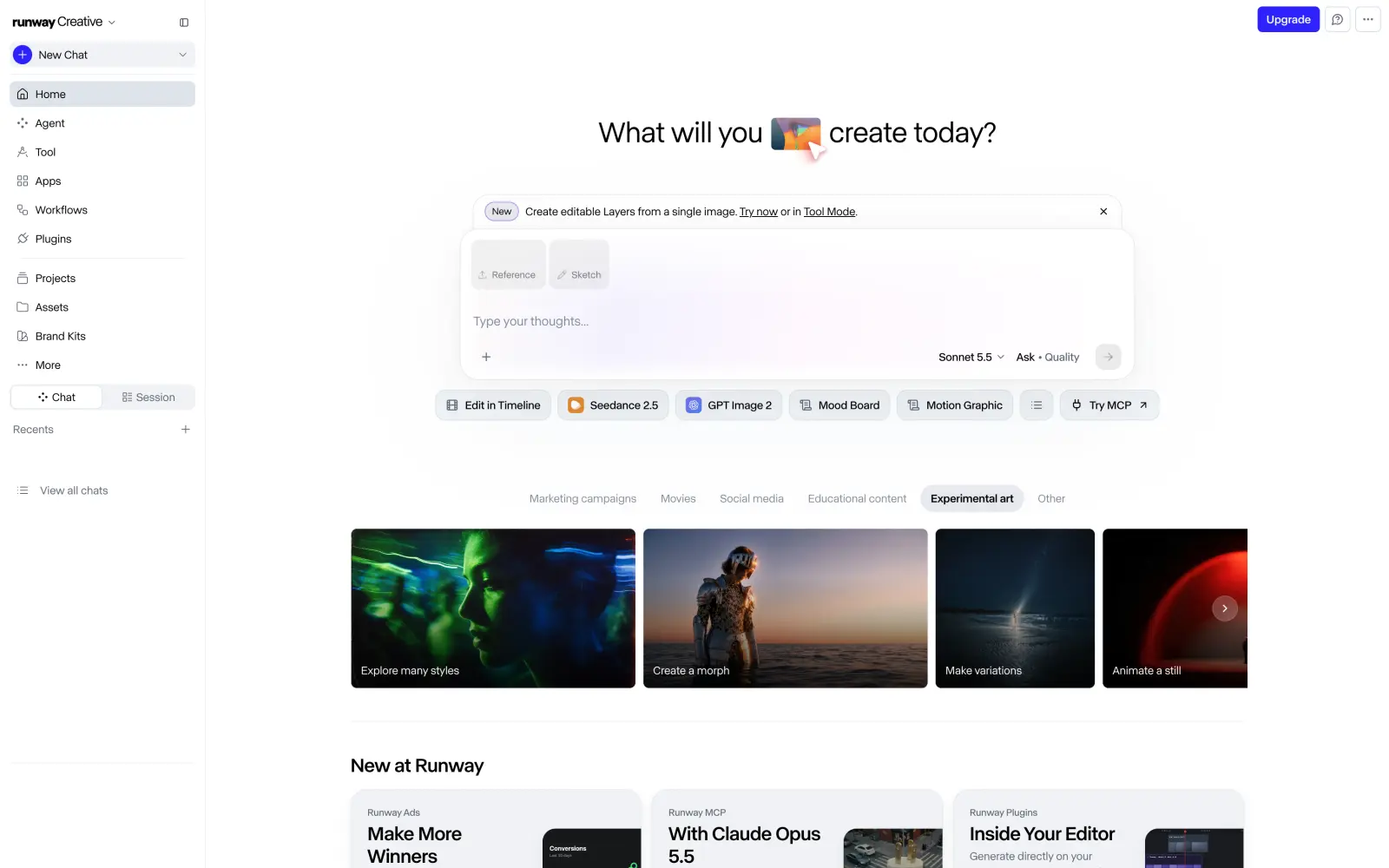
Runway is a New York-based AI video company that develops its own models: Gen-4.5 for video and Aleph 2.0 for editing existing footage. It also has third-party models, including Kling 4.0, Seedance 2.5 and Nano Banana Pro.
Runway home page with the agent prompt box and shortcuts to Seedance 2.5 and GPT Image 2
When you already have footage and want to change something in it, you don't need to shoot the scene again. Aleph 2.0 edits a video by a text prompt, so you can change the light, the weather or an object in the shot and keep the rest of the footage as it is.
When it comes to value, here's how these apps compare:
Plan or generation
Artlist
Runway
Free plan
A few free generations
125 credits once
Cheapest paid plan, per month, billed yearly
$11.99
$12
Kling 4.0 video, 5 seconds, 1080p
Shown only to subscribers
$2.27
Nano Banana Pro image
$0.12
$0.38
Lyria 3 Pro song
$0.22
$0.15
Runway is more expensive per video than most apps here. Standard includes 625 credits a month, which is about 52 seconds of Gen-4.5 video, and video models need a paid plan. Until November 30, 2026, Runway also gives 25% off Kling 4.0.
Choose Runway when you work with real footage and want to edit it with Aleph.
6. Artlist vs Higgsfield
Higgsfield is an AI video platform known for its camera-movement presets and Cinema Studio. It has Kling 4.0, Seedance 2.5, Veo 3.1, Sora 2 and Higgsfield's own Soul image models.
Higgsfield AI video generator page with Seedance 2.0 in the prompt box
When you want a shot to look like it was filmed on a real set, Cinema Studio lets you choose the camera, the lens and the shots for a scene. Camera-movement presets also save you from describing every camera move in the prompt, which is handy when you make a lot of short cinematic clips.
When it comes to value, here's how these apps compare:
Plan or generation
Artlist
Higgsfield
Free plan
A few free generations
No free credits
Cheapest paid plan, per month, billed yearly
$11.99
$19
Cheapest plan with Seedance 2.5, per month, billed yearly
$11.99
$47
Seedance 2.5 video, 5 seconds, 720p
$2.18
$1.37
Higgsfield's free tier has a few models, but every result has a watermark. Starter doesn't include Seedance 2.5, so for it you need Plus with 1,200 credits a month. Credits also expire every month, which is one of the reasons many creators look for Higgsfield alternatives too.
Choose Higgsfield when you make cinematic shots and want ready-made camera moves and visual effects.
Music and sound effects
These apps replace Artlist's music and SFX catalog. The libraries have monthly billing and cheaper plans for client work, which is where Artlist is the most expensive, and Suno generates original songs instead.
7. Artlist vs Epidemic Sound
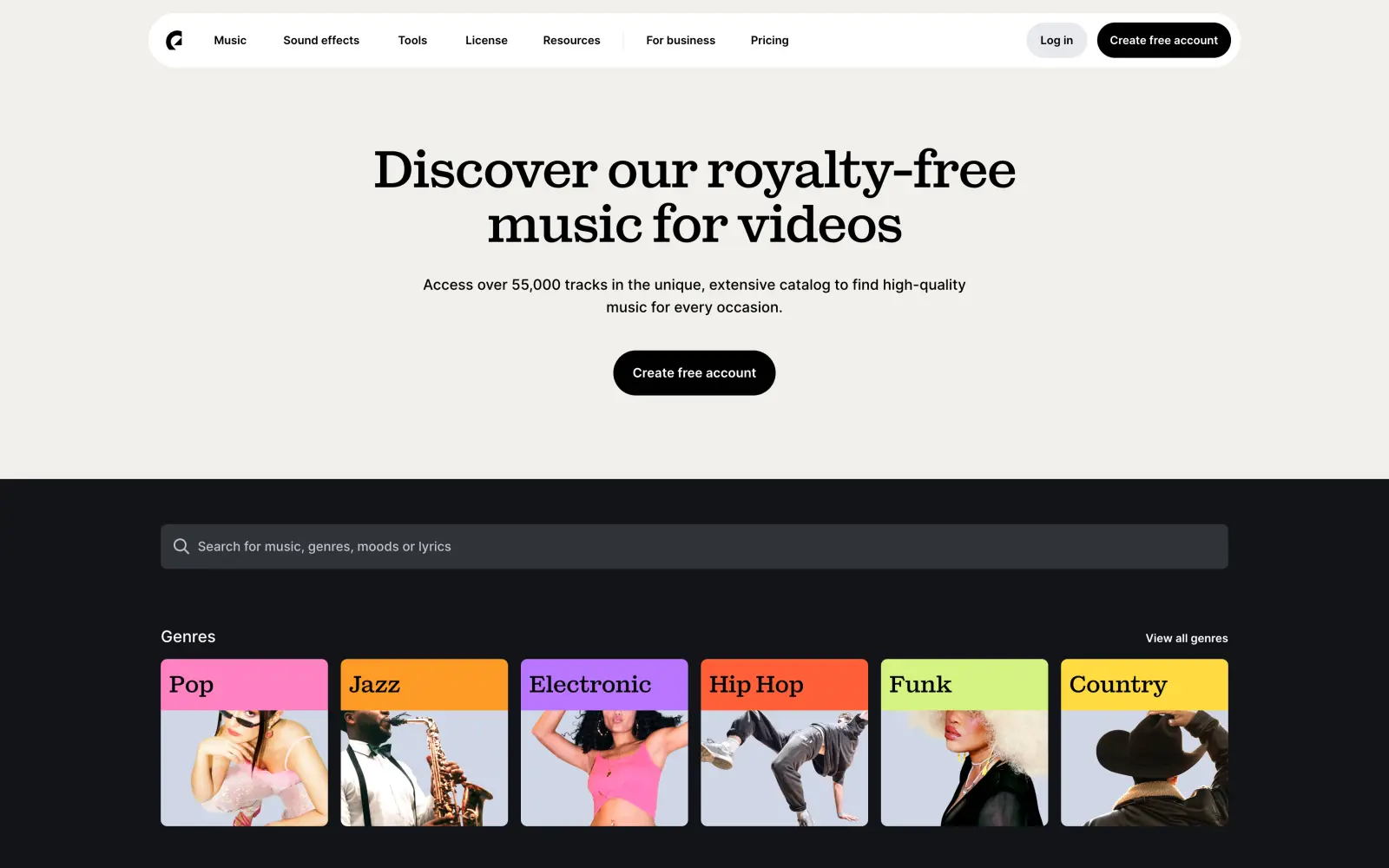
Epidemic Sound is a Swedish music library for creators, founded in Stockholm in 2009. Its catalog has more than 55,000 tracks and a large sound effects library, and every plan includes unlimited downloads.
Epidemic Sound music catalog page with search and genres
When a track is longer or shorter than your video, you don't have to cut it by hand. Epidemic Sound's AI tools adapt a track to the length you need, and every plan includes 250,000 credits a month, which is enough for up to 250 track adaptations or 5 hours of AI voiceovers.
When it comes to value, Epidemic Sound is the closest replacement for Artlist's music library, and it's cheaper for client work. Here's how these apps compare:
Plan
Artlist
Epidemic Sound
Free trial
No free trial
30 days
Your own channels, per month, billed yearly
$9.99
$9.99
Your own channels, billed monthly
$14.99
$17.99
Client work, per month, billed yearly
$24.92
$16.99
Client work, billed monthly
No monthly plan
$39.99
Creator covers social media, podcasts, websites and sponsored posts on your own channels, and Pro adds digital ads and client work. You can try any plan free for 30 days before you pay.
Choose Epidemic Sound when you need a music library like Artlist's with monthly billing and a cheaper plan for client work.
8. Artlist vs Uppbeat
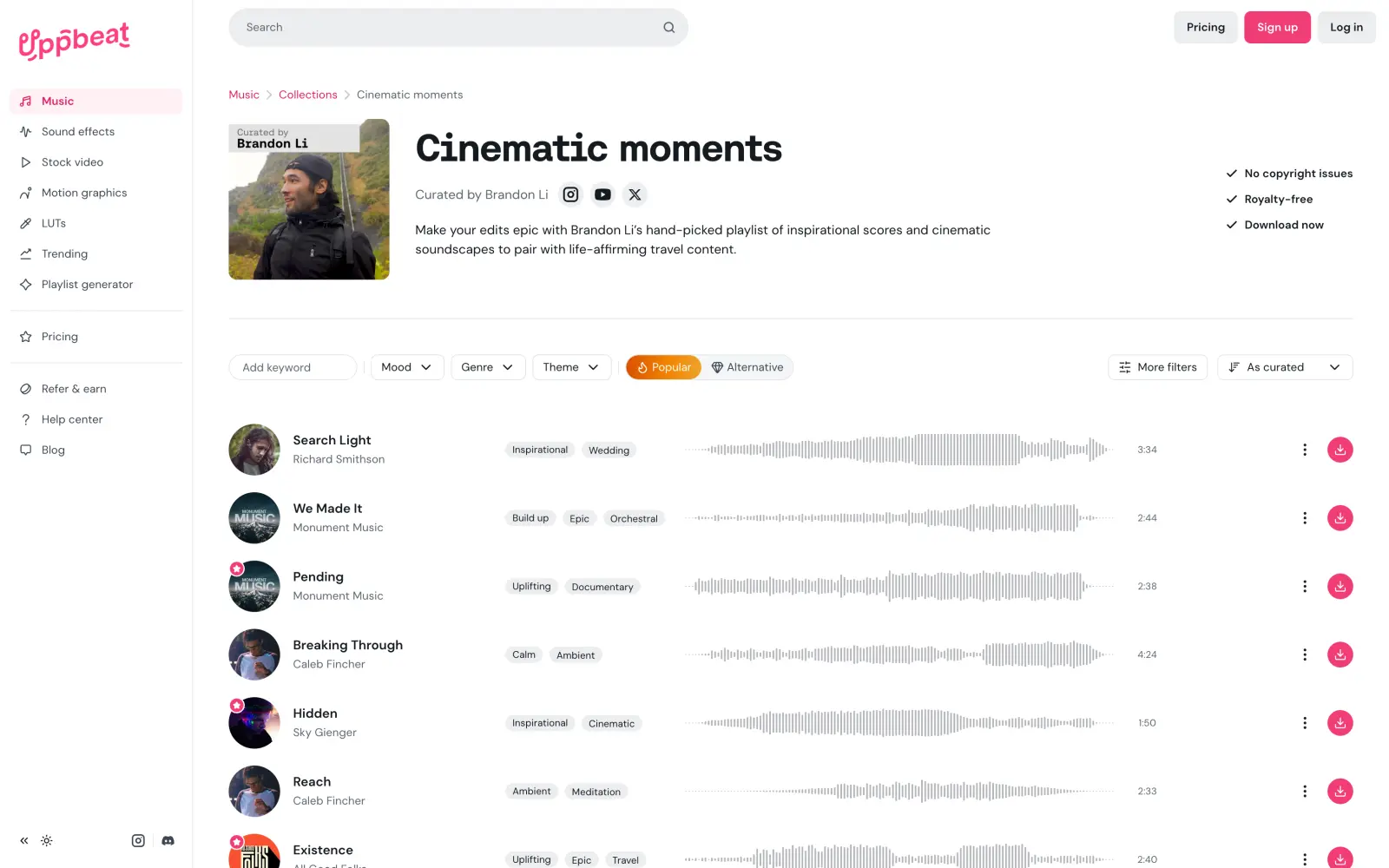
Uppbeat is a music and sound effects library for YouTubers with a free plan. A free account gets 3 downloads a month for use on your own channels, and every paid plan gives you unlimited downloads.
Uppbeat music collection with tracks, tags and download buttons
When you post on YouTube, a copyright claim can take away the money a video earns. Uppbeat lets you safelist your YouTube channels, so tracks from your plan don't trigger claims: one channel on Essentials and up to 10 channels on Pro.
When it comes to value, here's how these apps compare:
Plan
Artlist
Uppbeat
Free plan
No free downloads
3 downloads a month
Your own channels, per month, billed yearly
$9.99
$6.99
Your own channels, billed monthly
$14.99
$8.99
Client work, per month, billed yearly
$24.92
$14.99
Client work, billed monthly
No monthly plan
$24.99
Besides client projects, Pro adds 4K stock video and WAV files, and it costs about $10 a month less than Artlist's plan for client work.
Choose Uppbeat when you make videos for YouTube and want music for free or on a small budget.
9. Artlist vs Suno
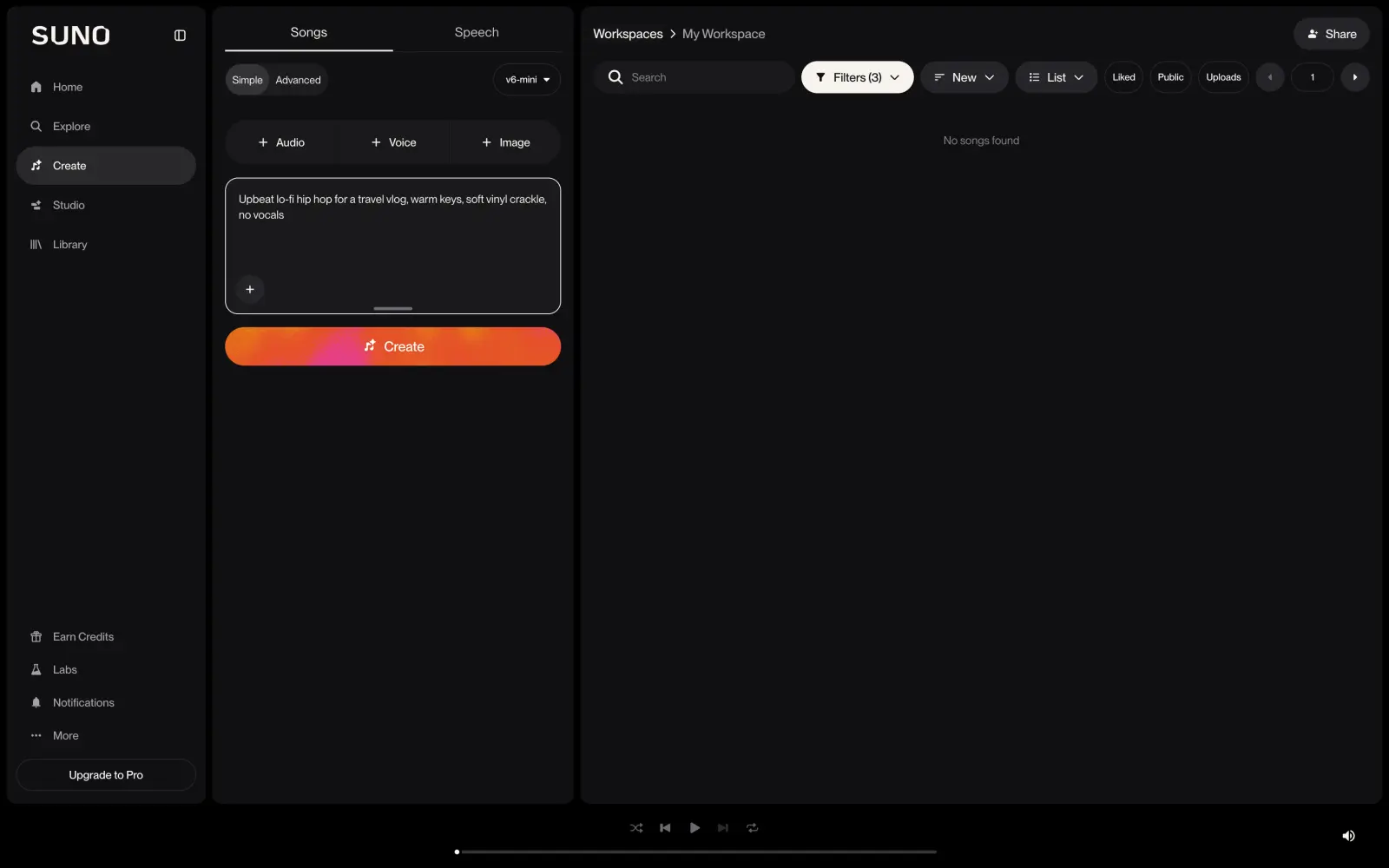
Suno is an AI music generator that creates full songs with vocals from a text description or your own lyrics. It's one of the most popular AI music apps, and Artlist doesn't have its models.
Suno create page with a song description for a travel vlog
When you use a library, other creators can pick the same track for their videos. In Suno, every song is generated for you, so you can describe the mood, the instruments and the length you need and get a track no one else has. On paid plans, you can also split a song into stems and adjust the vocals or the drums separately.
When it comes to value, here's how these apps compare:
Plan
Artlist
Suno
Free plan
2 free songs
50 credits a day
Cheapest paid plan with commercial use, per month, billed yearly
$11.99
$8
Music models
Lyria 3 and Lyria 3 Pro
Suno v6 and v6-wild
The free plan uses the v6-mini model and doesn't include commercial rights. Premier costs $24 a month billed yearly and adds Studio, an AI-powered audio workstation where you can edit your songs.
Choose Suno when you want an original song for your video and can't find a fitting track in a library.
Stock footage and templates
These services replace Artlist's footage and templates catalog. Both include music in some plans, which Artlist's Footage & Templates plan doesn't.
10. Artlist vs Storyblocks
Storyblocks is a stock library with unlimited downloads of video, templates, images and audio. Its catalog includes footage up to 8K, and it also has an AI toolkit for video generation, image generation and AI video editing.
Storyblocks stock footage search results for mountain sunrise
When you need both footage and music for the same video, Storyblocks lets you get them in one plan. Unlimited All Access includes footage, templates, music and sound effects, and it costs less than Artlist's footage plan alone, which doesn't include music at all.
When it comes to value, here's how these apps compare:
Plan
Artlist
Storyblocks
Free plan
No free downloads
No free plan
Footage and templates, per month, billed yearly
$31.99
$21
Footage, templates and music, per month, billed yearly
$39.99
$30
Every Storyblocks plan also includes AI credits: 3,000 on Essentials and 4,500 on Unlimited All Access. There's no free plan or free trial, so you can only browse the library before you pay.
Choose Storyblocks when you download a lot of stock footage and want music in the same plan.
11. Artlist vs Motion Array
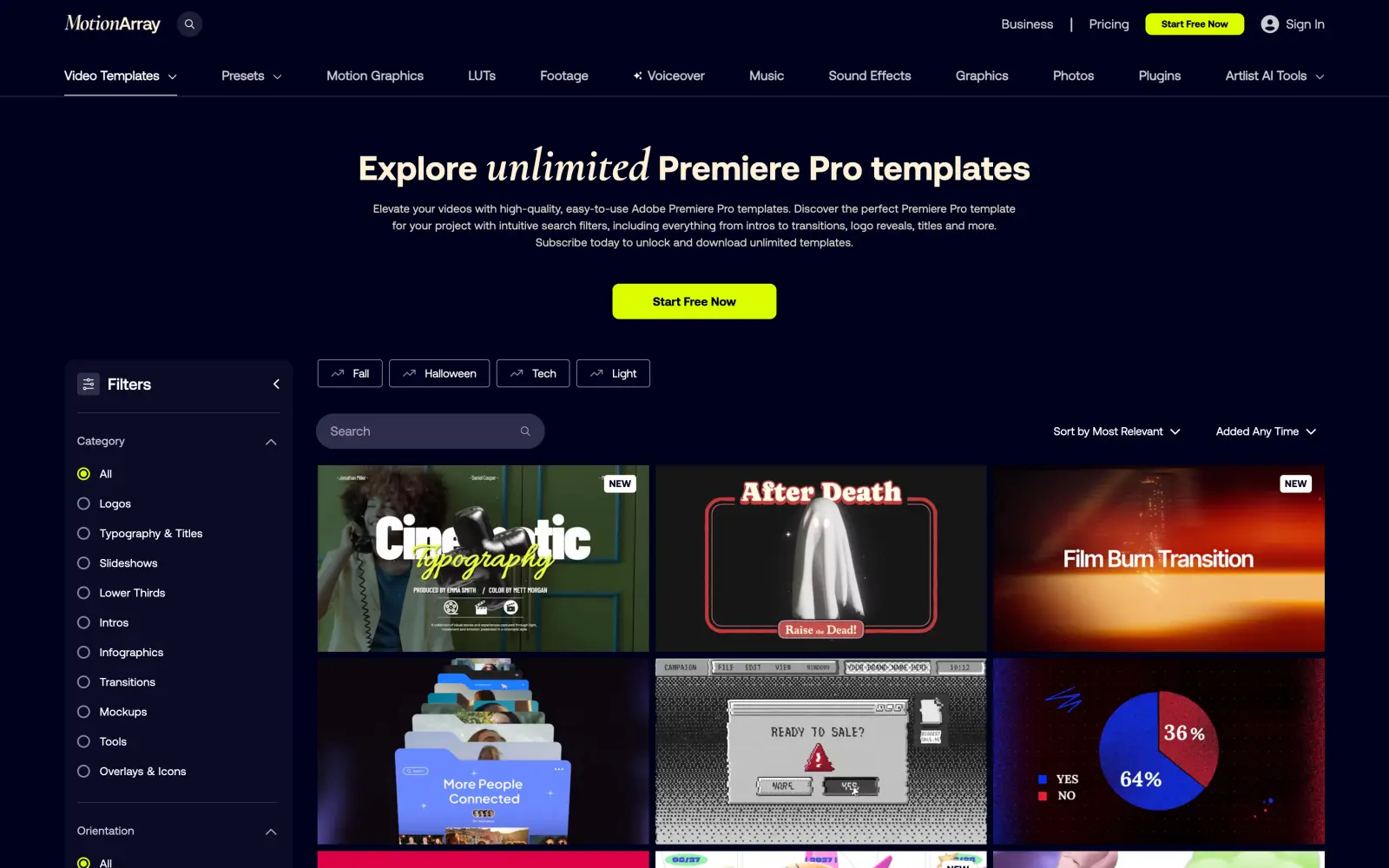
Motion Array is a library of video templates and presets for Premiere Pro, After Effects and DaVinci Resolve. It also has stock footage, music and sound effects. Motion Array belongs to Artlist, and its menu even links to Artlist's AI tools.
Motion Array Premiere Pro templates page with filters and template previews
When you edit in Adobe apps, templates save a lot of time on titles, transitions and logo reveals: you drop a template into your project and change the text and the footage. Motion Array is built around this workflow, and its plugins work right inside Premiere Pro and After Effects.
When it comes to value, here's how these apps compare:
Plan
Artlist
Motion Array
Free plan
No free downloads
Free assets with an account
Plan with all assets, per month, billed yearly
$39.99
$24.99
Plan with all assets, billed monthly
No monthly plan
$39.99
A free account gives you a few hundred free templates, songs and sound effects, so you can try the library before paying.
Choose Motion Array when you edit in Premiere Pro or After Effects and need templates, presets and plugins.
Stock and AI in one subscription
These services combine a stock library with AI generation, like Artlist Max, but at a lower price.
12. Artlist vs Envato
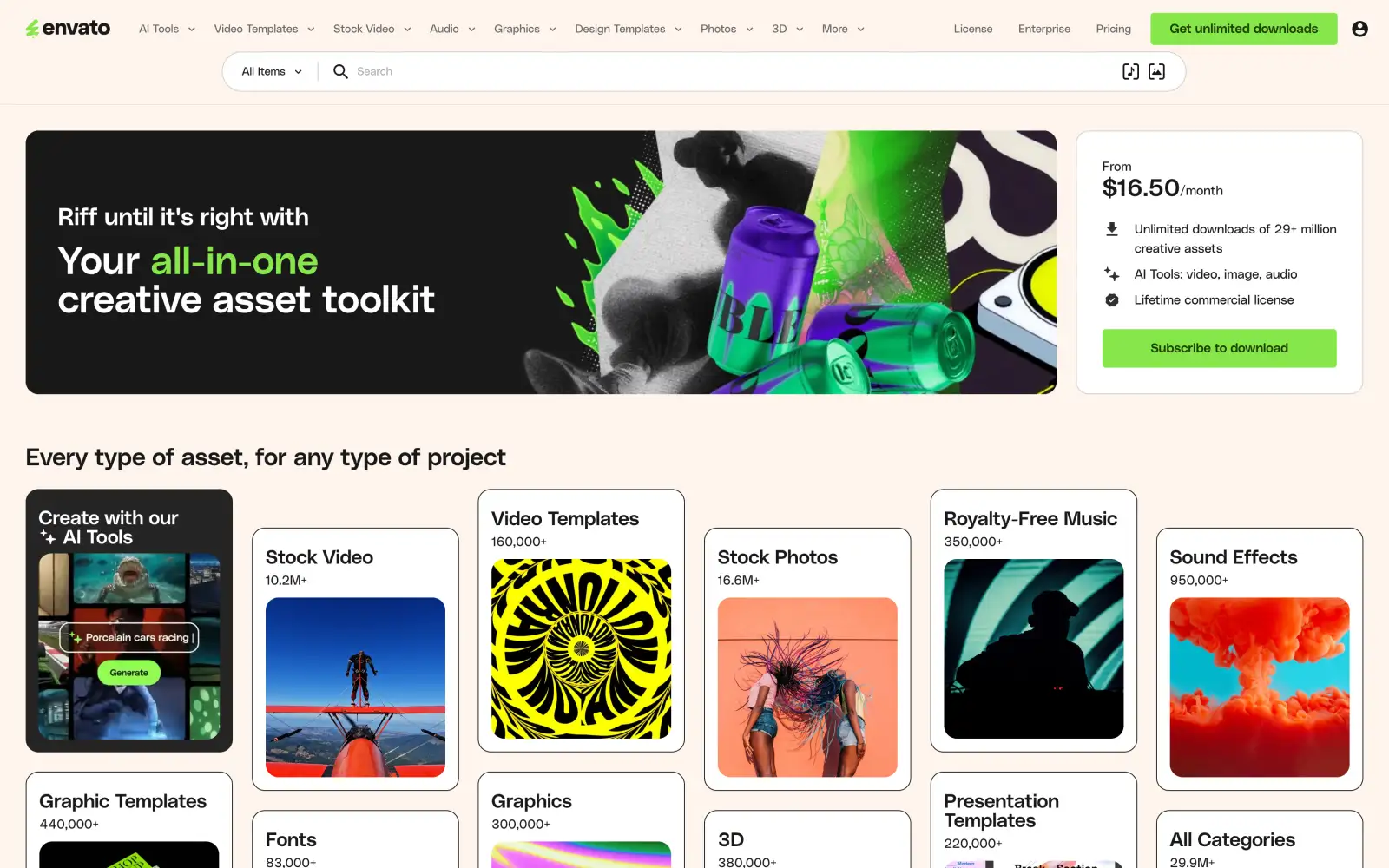
Envato is an Australian company that runs Envato Elements, a subscription library with more than 29 million assets. It has over 10 million stock videos, 160,000 video templates, 350,000 music tracks and 950,000 sound effects, plus fonts, graphics and 3D models.
Envato Elements home page with AI tools and asset categories
When you work on client projects, licensing is often the hardest part to get right. On Envato, each download is licensed for one project, and the license covers commercial and client work on every plan, including the cheapest one.
When it comes to value, here's how these apps compare:
Plan
Artlist
Envato
Free plan
No free downloads
Free files every month
Music, footage and templates, per month, billed yearly
$39.99
$16.50
Music, footage, templates and more AI credits, per month, billed yearly
$39.99
$39
Core includes 20 AI credits a month, and Plus includes 200 credits for AI generation with models like Nano Banana 2, Seedance 2.0 and MiniMax H3. Without a subscription, you can still download a selection of free files that changes every month.
Choose Envato when you need music, footage and templates in one plan and work on client projects.
13. Artlist vs Magnific (formerly Freepik)
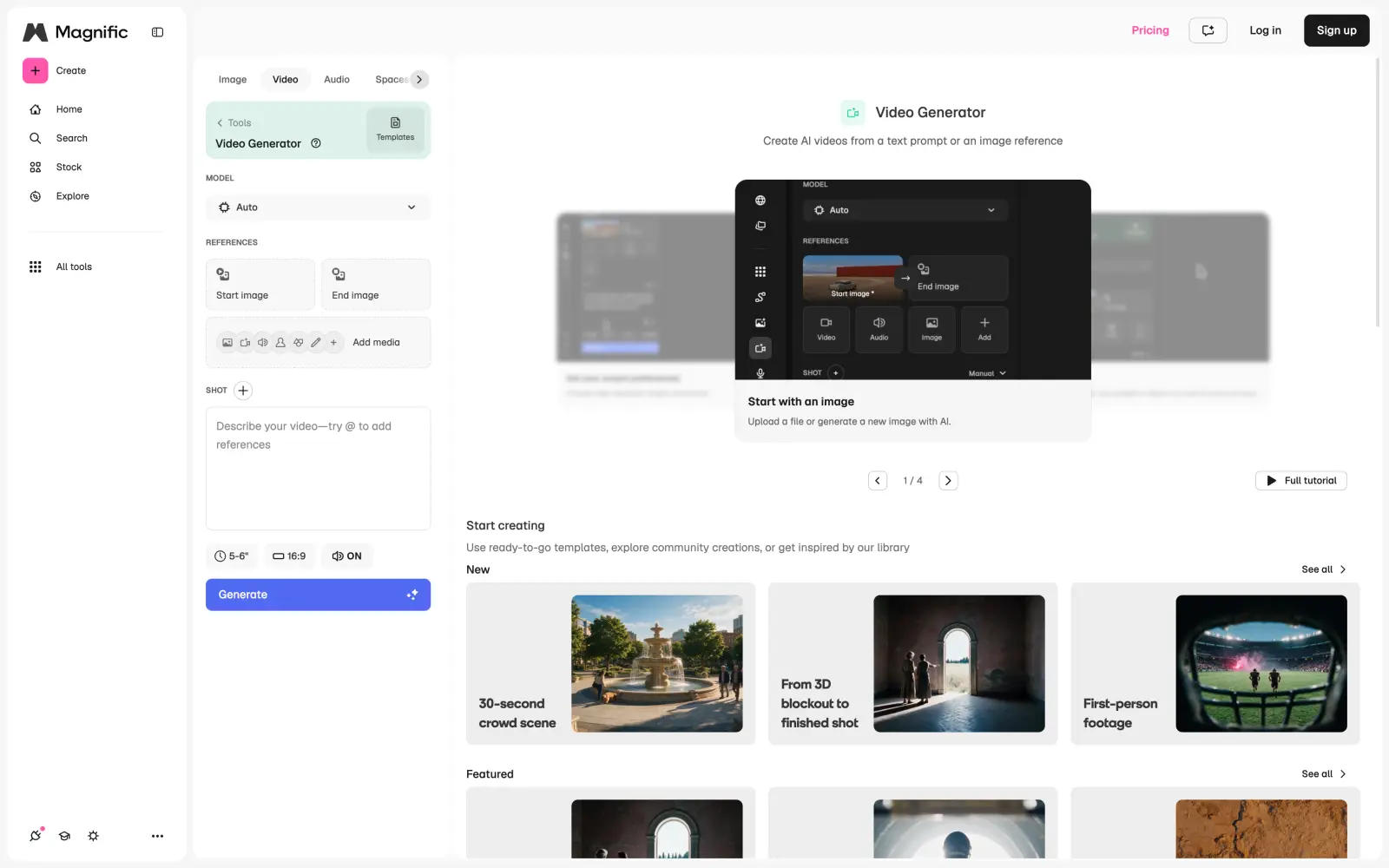
Magnific is the new name of Freepik, the Spanish stock image company. In April 2026, Freepik renamed itself after Magnific, the AI upscaler it bought in 2024, and now combines more than 250 million stock photos, videos and vectors with AI image, video and audio models.
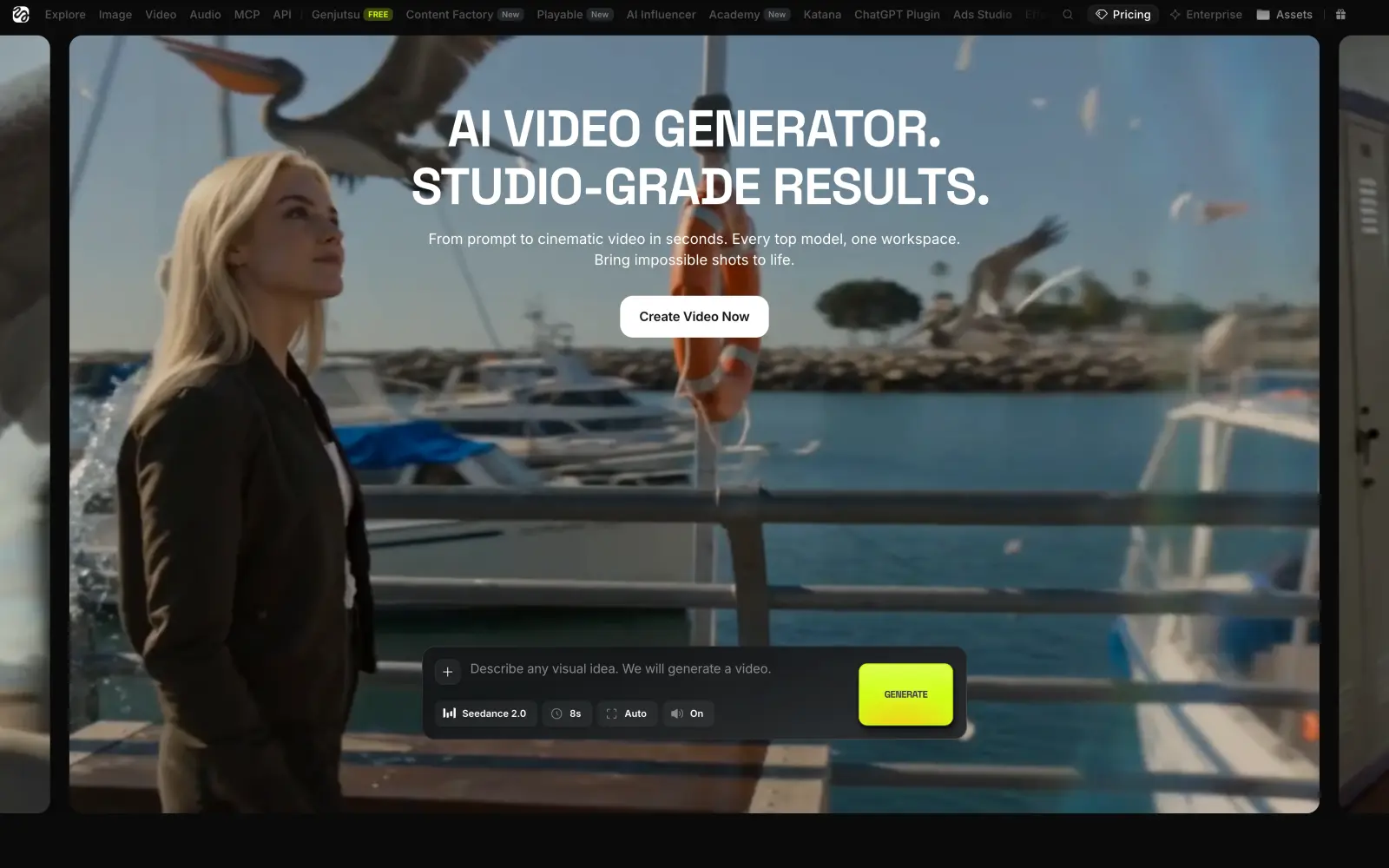
Magnific video generator with model, references and prompt settings
When your workload changes from month to month, monthly credits are a problem: they expire in quiet months and run out in busy ones. Magnific doesn't reset credits every month. Premium includes 240,000 credits a year, and they stay valid for the whole year. On top of that, Nano Banana Pro, Nano Banana 2 and Kling 2.5 don't use credits at all on any plan, so for image work, you can generate as much as you need.
When it comes to value, here's how these apps compare:
Plan or generation
Artlist
Magnific
Free plan
A few free generations
Limited daily generations
Cheapest AI plan, per month, billed yearly
$11.99
$14.50
Seedance 2.5 video, 5 seconds, 720p
$2.18
$1.60
Nano Banana Pro image
$0.12
No credits needed
Lyria 3 song
$0.11
$0.12
Music rights for commercial use start from Premium+. The free plan gives you a limited number of generations a day, but its results can't be used commercially.
Choose Magnific when you need stock images and AI images together and generate a lot of images with Nano Banana Pro.
Cheaper ways to replace Artlist Max
Artlist Max costs $39.99 a month billed yearly and includes the music and footage libraries with 7,500 AI credits. You can cover the same tasks with two cheaper subscriptions. The table below shows a few combinations with yearly billing:
Combination
What it covers
Price per month, billed yearly
Overchat AI Pro and Uppbeat Essentials
AI video, images and songs, plus music and sound effects for your own channels
$11.16
Overchat AI Pro and Envato Core
AI video, images and songs, plus music, sound effects, footage and templates for client work
$20.67
Overchat AI Pro and Epidemic Sound Pro
AI video, images and songs, plus music and sound effects for client work and ads
$21.16
Artlist Max
Music, sound effects, footage, templates and 7,500 AI credits
$39.99
In every combination, Overchat AI Pro also adds 8,000 AI credits a month for video and image generation.
What happens to your Artlist license when you cancel
Artlist's license covers every project you published while your subscription was active, and it stays valid after you cancel. You can't use downloaded tracks, footage or templates in new projects once the subscription ends, so finish and publish the projects that use Artlist assets before you cancel.
The rules for AI are different. Videos, images and songs you generated in the AI toolkit stay yours after you cancel. Unused credits expire together with the subscription.
Artlist gives refunds within 14 calendar days of a new payment or renewal, but only if you haven't downloaded, generated or published anything during that time. Some Trustpilot reviewers also say that auto-renewal turned back on after they canceled, so check your account settings after canceling.
FAQ
Below are answers to the most common questions about Artlist and its alternatives.
What is the best Artlist alternative?
Overchat AI is the best Artlist alternative for AI video and images. It has Kling 4.0, Seedance 2.5, Veo 3.1 and GPT Image 2.5 in one subscription, and a 5-second Kling 4.0 video costs about $0.44 on the yearly plan. For music, the closest replacement is Epidemic Sound.
What is the best free Artlist alternative?
Uppbeat is the best free alternative for music: a free account gets 3 downloads a month for your own channels. For AI video, Dreamina gives 120 free credits a day, and Overchat AI gives 100 free credits a day, which is enough for a 10-second Grok Imagine Lite video.
Which Artlist alternative is best for AI video?
Overchat AI is the best Artlist alternative for AI video. It has about 20 video models in one subscription, including Kling 4.0, Seedance 2.5 and Veo 3.1, and you can compare several models on the same prompt.
Is Epidemic Sound better than Artlist?
For music, Epidemic Sound is the better deal. Its Creator plan costs the same $9.99 a month as Artlist's Music & SFX Social, but every Epidemic Sound plan can be paid monthly, and the plan for client work costs $16.99 a month billed yearly instead of $24.92 on Artlist. Artlist is better if you also need footage, templates and AI tools from one company.
Does Artlist have a monthly plan?
Yes, but only for some plans. Music & SFX Social costs $14.99 a month and AI Starter costs $19.99 a month when billed monthly. Music & SFX Pro, Footage & Templates and Max are billed only yearly.
Can I use Artlist music after I cancel?
Yes, in projects you published while your subscription was active. You can't use Artlist tracks in new projects after the subscription ends.
Which Artlist alternative is the best value?
Overchat AI Pro with Uppbeat Essentials is the best value. Together they cost $11.16 a month billed yearly and cover AI video, AI images, AI songs and a music library for your own channels, which is less than a third of Artlist Max.