AI avatar generators are the best alternative if you need a talking head video quickly and don't have a professional studio setup or the budget for professional video production. But which one should you choose?
In this article, we compare nine of the best AI avatar generators available in 2026 to help you decide which is worth your time. Let's get started.
An AI avatar generator is an online app that creates a video of a digital presenter who speaks a script you provide. The tool takes a photo, which it animates, and, sometimes, a voice sample that is cloned and used to narrate the video, as well as a script. Avatar generators are used by marketing teams, companies, digital creators, and camera-shy people to create videos of themselves. Overchat AI is one of the best AI avatar generators in 2026.
What is an AI avatar generator? — an AI avatar generator is an online app that uses an image-to-video model to animate a still picture and turn it into a talking-head style video.
How does an AI avatar generator work? — an AI avatar generator uses a photo, a text script, and a speech synthesis, or video generation model with built-in support for voices, to create a realistic talking avatar.
Who can use an AI avatar generator? — marketers, teachers, content creators, or anyone who wants to make videos but doesn't want to film themselves, or stutters on camera.
What are AI avatar generators used for? — To create social media videos, explainers, and presentations.
Can AI avatar generators create videos in different languages? — Yes, absolutely, for example, Overchat AI supports over 30 languages.
Overchat AI is one of the best AI avatar generators, because it turns a single photo into a talking video, supports over 30 languages, and sits inside the Overchat AI all-in-one platform, so the avatar video you generate can feed into the other image and video tools, such as a video background remover.
Why choose Overchat AI for avatar videos? — Overchat AI combines AI avatar generation with a complete suite of image and video tools, making it easy to create, edit, and enhance content from a single platform.
What is an AI avatar generator?
An AI avatar generator is usually an online app, powered by artificial intelligence, where you can create a video presenter and have them voice over scripts that you either upload or type yourself.
They're used to create professional talking-head videos when you don't have access to recording equipment, can't voice the video yourself professionally, or need a voiceover in another language.
As such, AI avatar generators are a strong alternative to platforms like Fiverr, where a single creator-narrated video can cost hundreds of dollars. They not only save time, but are often much cheaper. Most AI avatar generators cost under $20/month and allow you to create multiple videos, or come included as part of a broader AI subscription.
In terms of workflows, there are two major approaches:
You upload a still image and a script, and the AI turns them into a speaking avatar.
You create an AI influencer that you can save and reuse across multiple videos.
Here's the short version:
What it is
An online, AI-powered app where you create a video presenter and have them voice over scripts you upload or type.
What it's for
Professional talking-head videos when you don't have recording equipment, can't voice the video yourself professionally, or need a voiceover in another language.
Why use it
A strong alternative to platforms like Fiverr, where a single creator-narrated video can cost hundreds of dollars — it saves time and is often much cheaper.
What it costs
Most cost under $20/month for multiple videos, or come included as part of a broader AI subscription.
How it works
Upload a still image and a script and the AI turns them into a speaking avatar, or create an AI influencer you can save and reuse across multiple videos.
Now that we understand what these tools are and how they work, let's talk about what the best AI avatar generators to use in 2026 are.
The best AI avatar generators
Here are the nine tools we rate most highly, starting with our top pick.
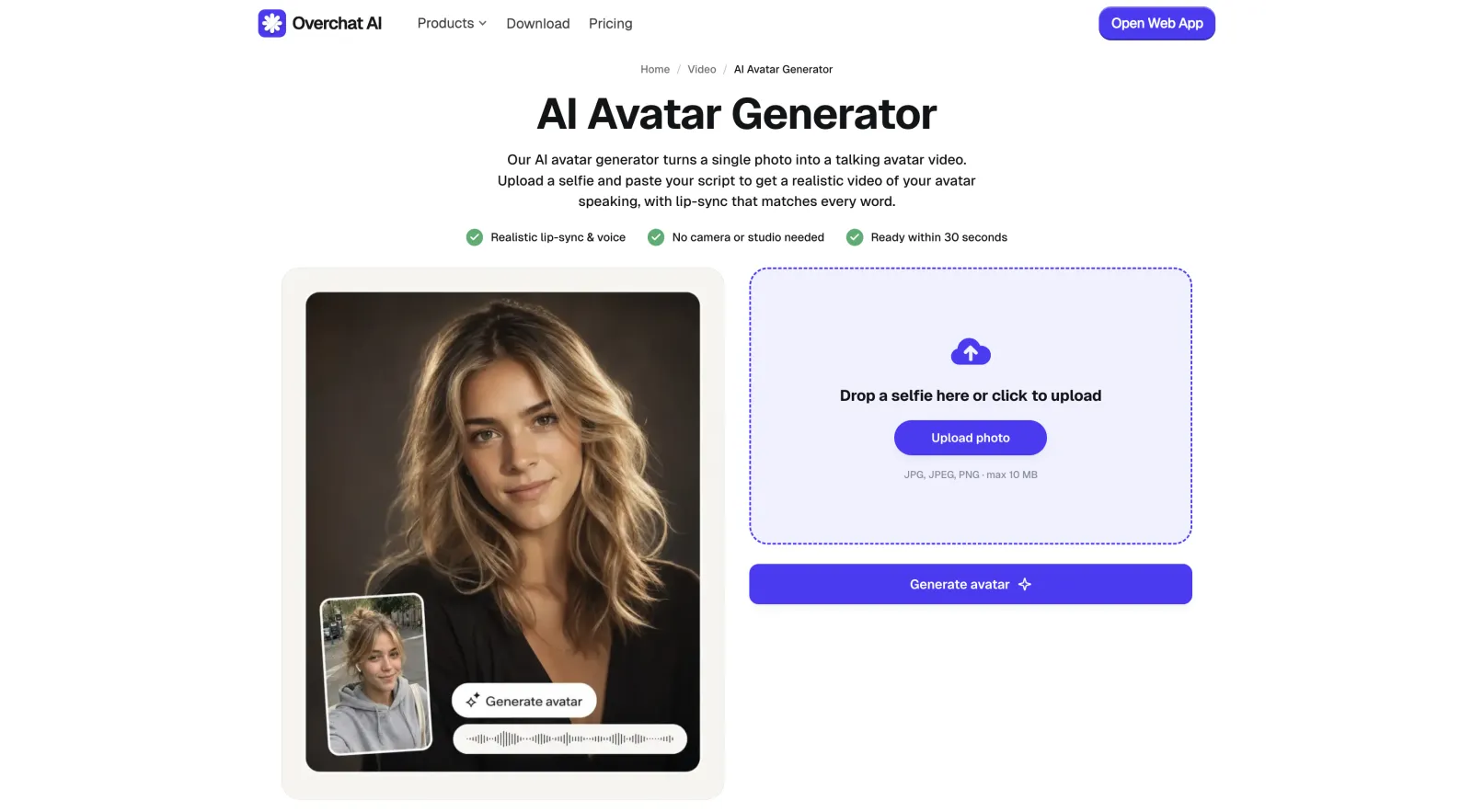
1. Overchat AI Avatar Generator
Overchat AI Avatar Generator is one of the best AI avatar generators in 2026 — the platform is praised for ease of use and easy access to some of the most powerful AI tools, and the avatar creation tool is no exception.
Overchat AI Avatar Generator
Overchat AI is part of an all-in-one AI platform encompassing over 150 specialised tools. It also gives you access to the latest video generation models, including xAI's Grok Imagine 1.5, Bytedance's Seedance 2.0, and the powerful open-source AI model Happy Horse.
The Overchat AI team has excellent expertise in creating AI-powered tools and in selecting the most suitable AI technology for each task. This has enabled them to develop a generator that produces natural and highly realistic results and is also easy to use.
Please note, however, that Overchat AI does not have SCORM export or LMS integration, which limits its usefulness for formal education use cases.
Price:
Plan
Monthly
Yearly
Pro
$14.99/mo
$49.99/yr
Pros:
✅ The best AI video models like Seedance 2.0 and Happy Horse
✅ High quality
✅ Photo-to-video
✅ Part of a powerful all-in-one AI platform
Cons:
❌ No SCORM or LMS features for formal e-learning
❌ Not built around a stock library of pre-made corporate presenters
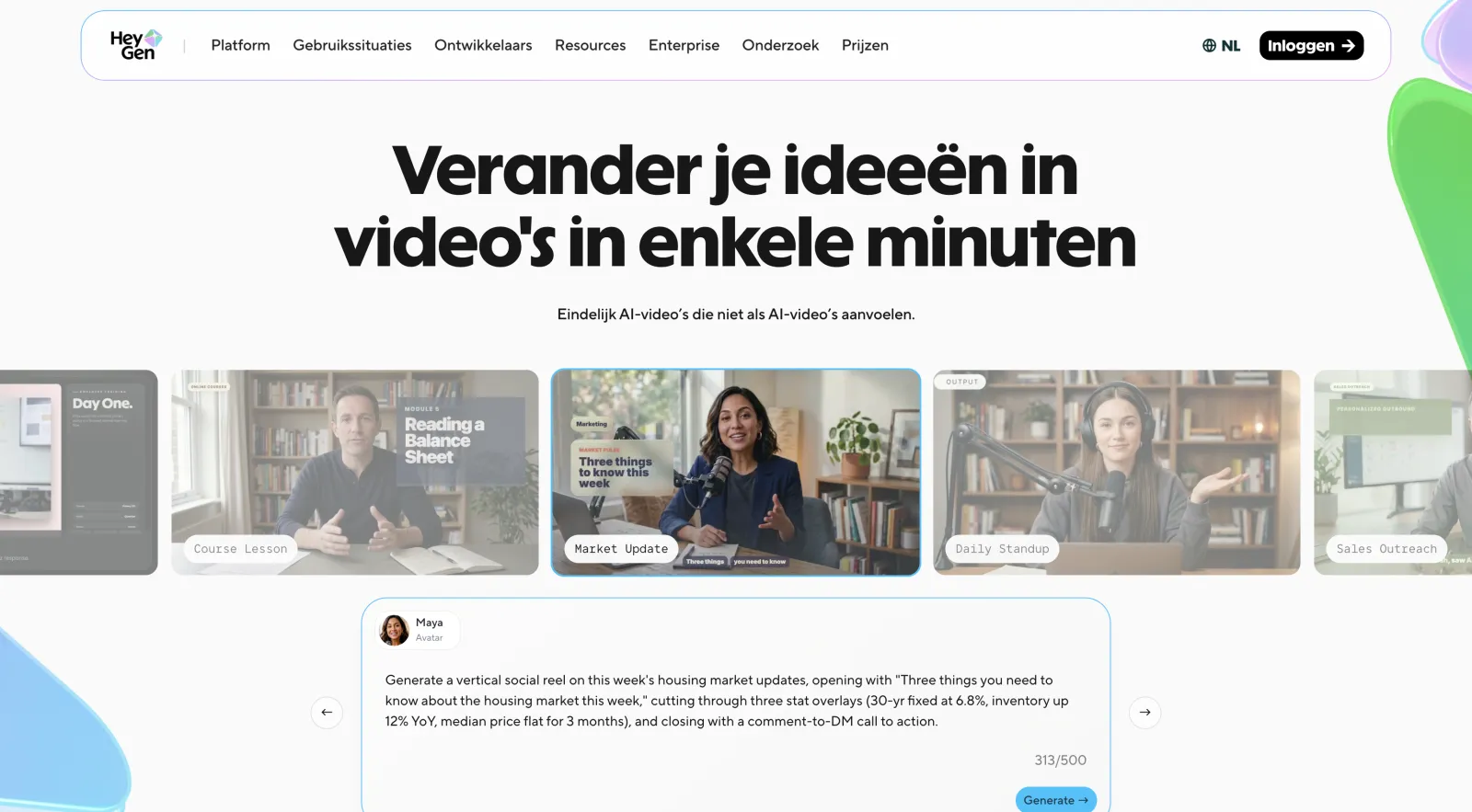
2. HeyGen
HeyGen is one of the most polished dedicated avatar tools on the market, built by a Los Angeles team of former ByteDance engineers and aimed squarely at realistic talking-head video.
HeyGen AI avatar generator
The current generation, Avatar IV, generates a talking video from a single photo. It uses an audio-to-expression engine that reads vocal tone, rhythm, and pacing frame by frame, then drives lip-sync, eye movement, head tilt, and hand gestures to match. You can also record a custom digital twin of yourself and use that as the presenter instead of a stock face.
The feature set is broad enough that it covers most use cases short of formal e-learning:
Avatars
230+ stock, plus custom digital twins
Languages
175+ languages and dialects
Core model
Avatar IV (photo-to-video)
API
Yes — Avatar IV and Avatar V; Avatar V is $0.05/second
Free plan
3 videos/month, watermarked
The platform uses a credits system, where each generation costs a certain number of credits, and the amount is based on the engine. For example, premium Avatar IV video costs 20 credits per minute.
The Creator plan includes 200 credits a month, so roughly 10 minutes of premium avatar video, and unused credits don't roll over. Extra credit packs start at $15 for 300 credits.
Price:
Plan
Price
Free
$0
Creator
$29/mo
Pro
$99/mo
Business
$149/mo
Pros:
✅ Top-tier lip-sync and realism
✅ 175+ languages
✅ Large avatar library
✅ Custom digital twins
Cons:
❌ Credit costs add up fast for premium video
❌ Credits expire monthly
❌ Watermark on the free plan
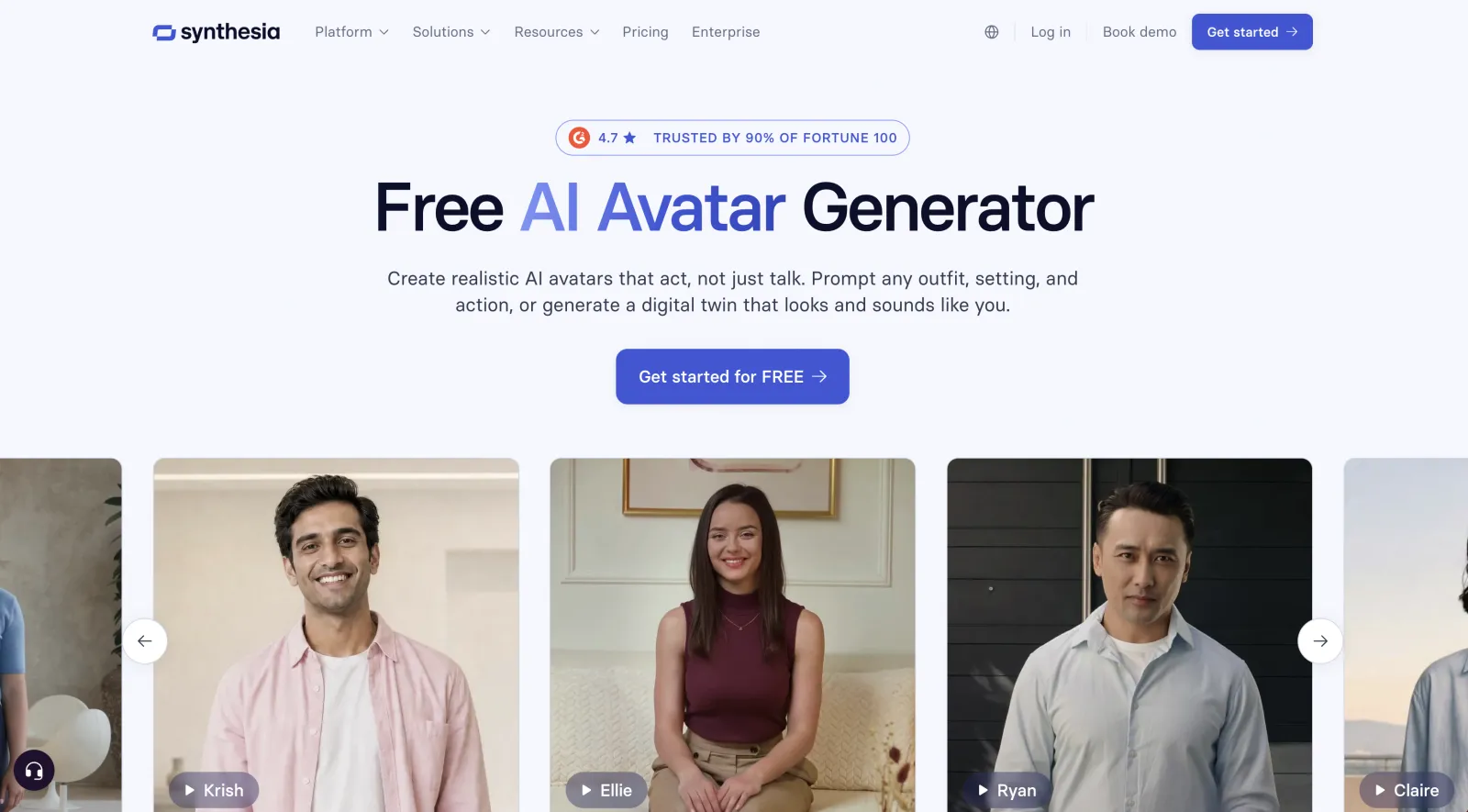
3. Synthesia
Synthesia is one of the biggest names in the AI avatar space and is primarily aimed at businesses creating training, onboarding, compliance, and internal communication videos.
Synthesia AI avatar generator
While many avatar tools focus on social media content, Synthesia has spent years building features for large organizations:
Avatars
240+ stock avatars; custom avatars available
Languages
160+
Free plan
10 min/month, watermarked
Best for
Training, onboarding, compliance
AI Playground
Includes access to selected AI video models
Synthesia is a strong choice for companies that need a reliable and scalable way to create internal video content. For individual creators, however, the platform can feel expensive compared to more flexible alternatives.
Price:
Plan
Monthly
Yearly
Free
$0
$0
Starter
$29/mo
$18/mo
Creator
$89/mo
$64/mo
Enterprise
Custom
Custom
Pros:
✅ Built specifically for business and training content
✅ Large avatar and language library
✅ Strong collaboration and security features
✅ Easy to scale across teams
Cons:
❌ Watermark on the free plan
❌ More corporate-focused than creator-focused
❌ Higher pricing than many alternatives
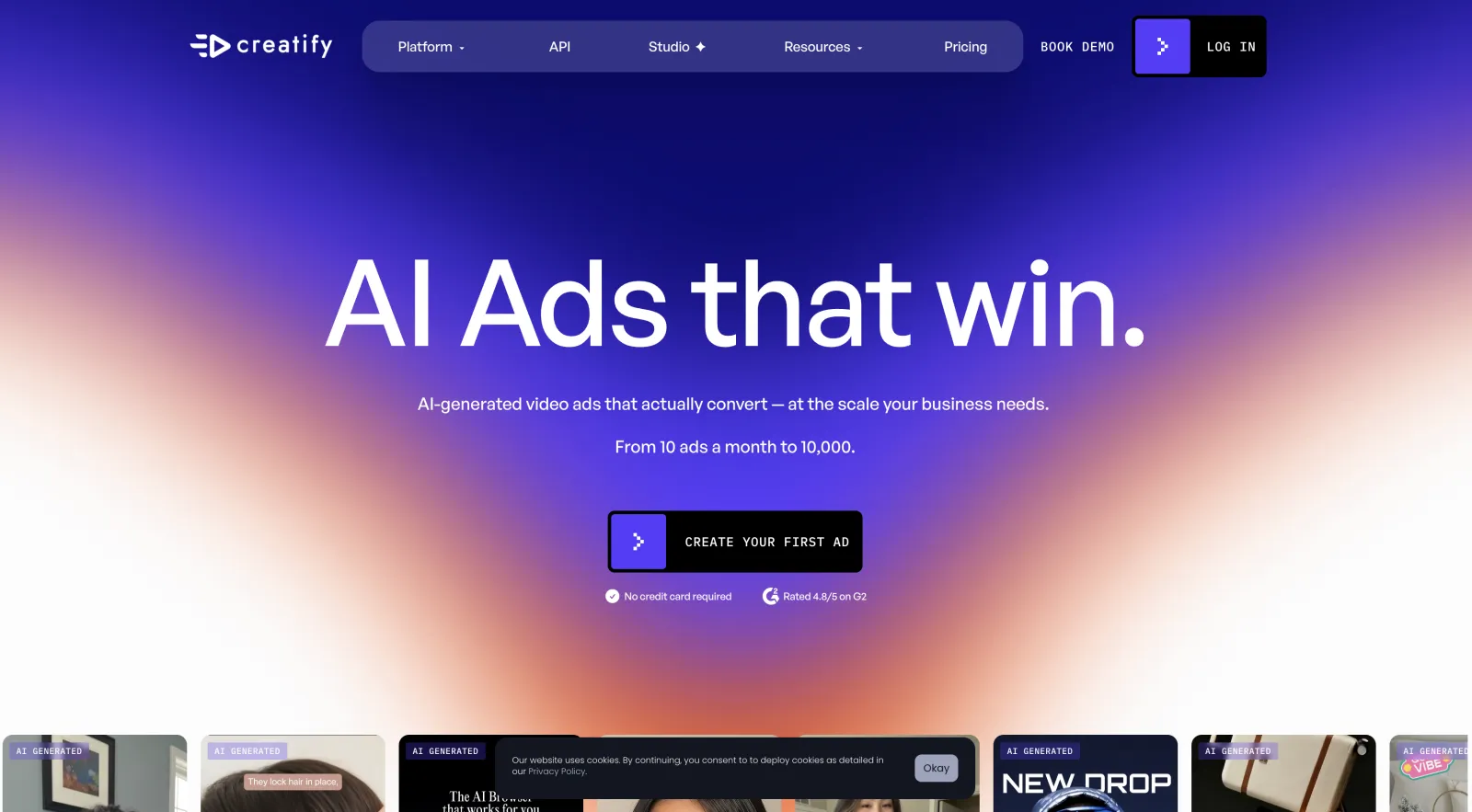
4. Creatify
Creatify is designed for creating advertising videos as quickly as possible, allowing users to paste a product URL and generate a complete avatar-led ad based on the product page.
Creatify AI avatar generator
Creatify is heavily focused on short-form marketing content for TikTok, Reels, Shorts, and other vertical video formats. It also includes tools for creating multiple ad variations. Some of its most notable features include:
Large library of creator-style avatars
Product-page-to-video generation
AI-generated marketing scripts
Bulk ad creation tools
Multi-language support
The biggest drawback is the credit-based pricing system. Depending on the type of video you generate, monthly credits can disappear surprisingly fast.
Price:
Plan
Price
Free
$0
Starter
$33/mo
Pro
$49/mo
Enterprise
Custom
Pros:
✅ Built specifically for advertising content
✅ Product URL to video workflow
✅ Fast batch generation
✅ Large creator-style avatar library
Cons:
❌ Credit system can be confusing
❌ Monthly limits can feel restrictive
❌ Less customization than some competitors
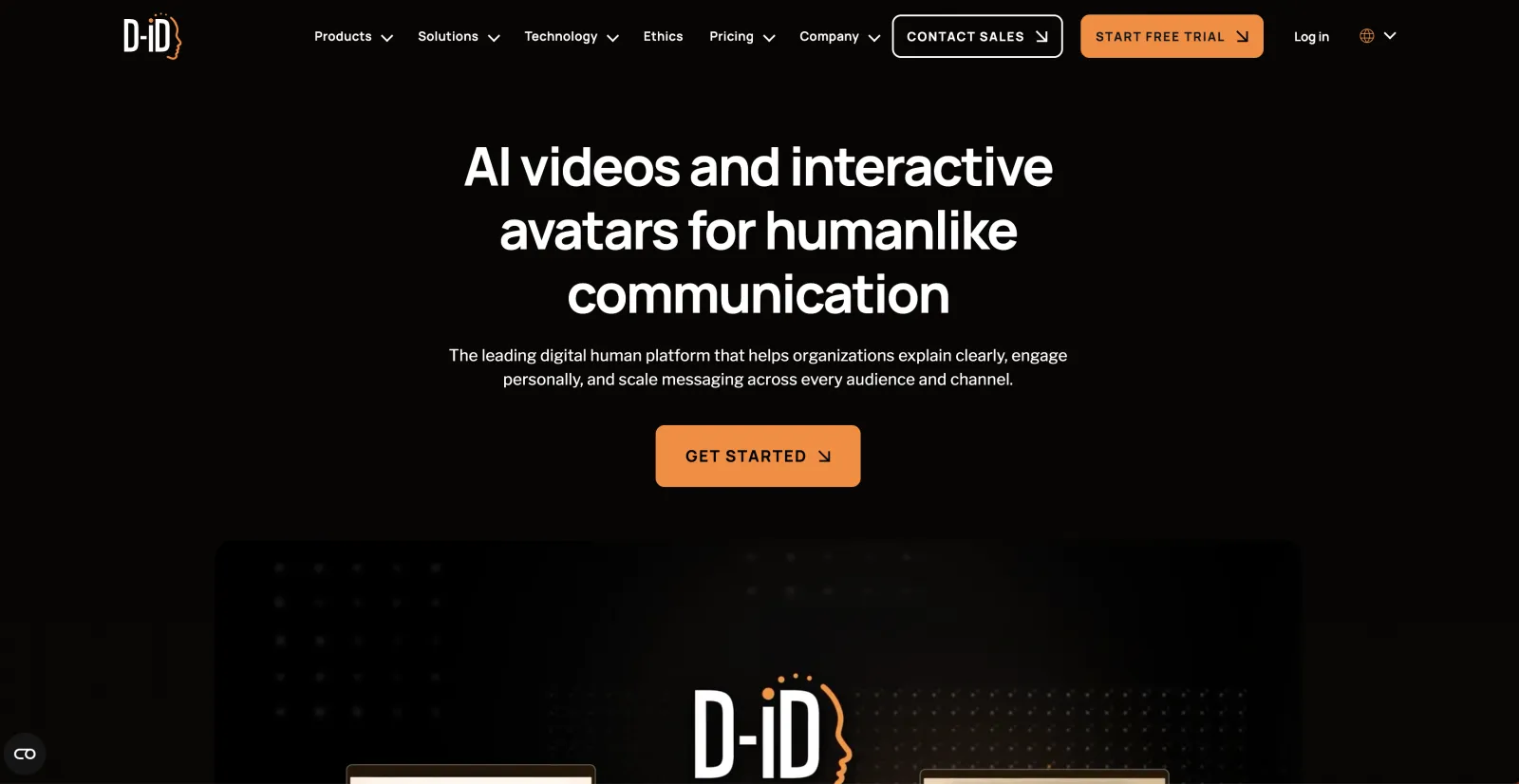
5. D-ID
D-ID is one of the companies that originally helped to popularize photo-to-video avatars. To that end, they've developed original text-to-avatar technology and an entire facial animation system.
D-ID AI avatar generator
D-ID allows you to upload a photo and turn it into a talking presenter with realistic lip-sync and facial movement. The company has also invested heavily in conversational AI avatars that can interact with users in real time.
Languages
100+
Strength
Photo-to-video avatars
Video translation
Available
API
Yes
Free access
Limited trial
D-ID also features a powerful API, something developers and enterprise clients will appreciate.
Price:
Plan
Monthly
Yearly
Trial
$0
$0
Lite
$5.99/mo
$4.70/mo
Pro
$49.99/mo
$16/mo
Advanced
$299.99/mo
$108/mo
Enterprise
Custom
Custom
Pros:
✅ Strong photo-to-video technology
✅ Real-time avatar capabilities
✅ Video translation tools
✅ Developer-friendly API
Cons:
❌ No permanent free plan
❌ Usage costs can add up
❌ Better suited for technical users than beginners
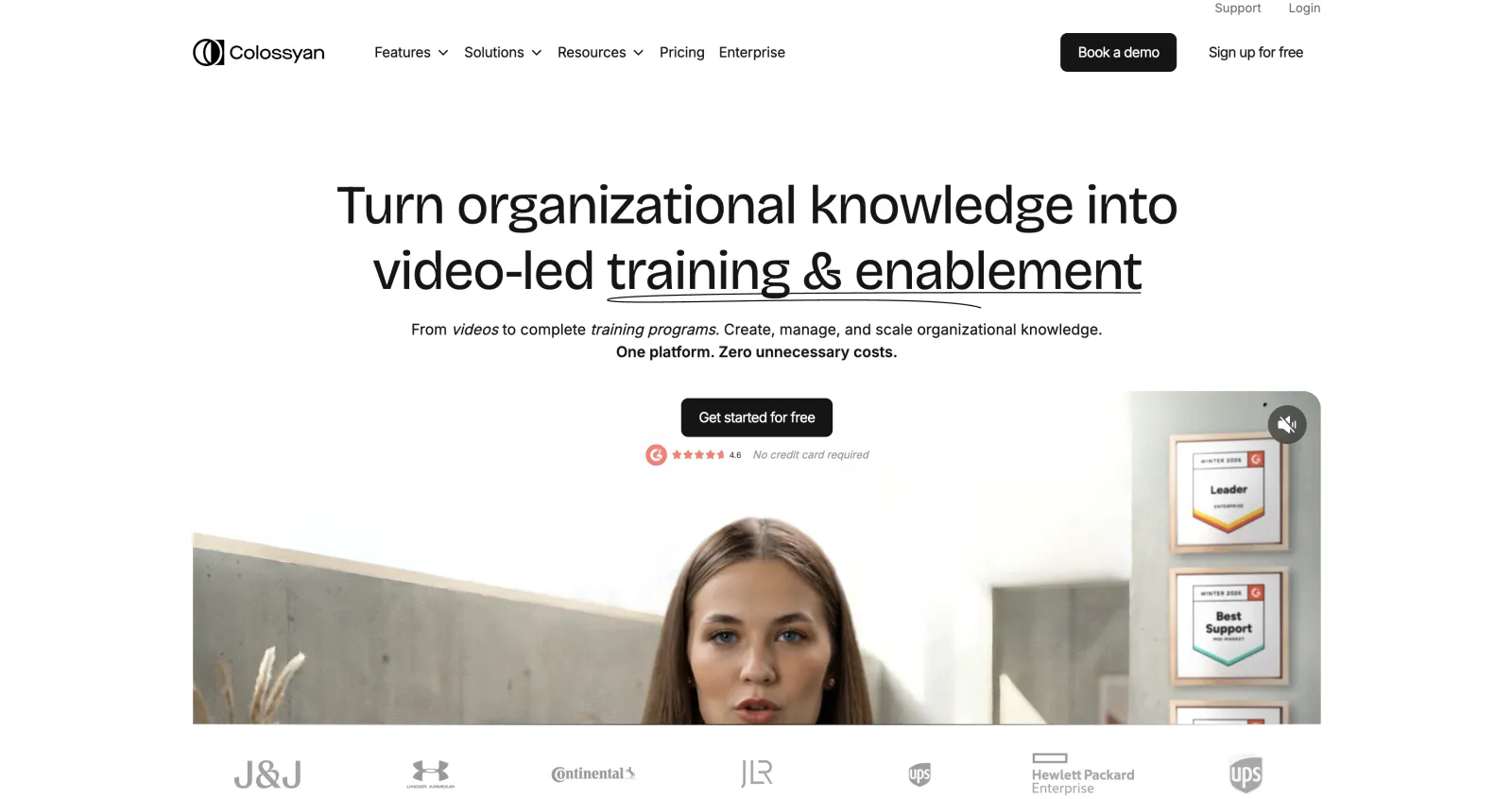
6. Colossyan
Colossyan is an ed-tech focused platform that supports interactive elements, where viewers can participate and interact with the avatars in real-time. The platform is often used for employee training programs. Key features include:
Colossyan AI avatar generator
Interactive quizzes
Branching scenarios
SCORM export
LMS integration
Automatic translation
Custom avatars
If your goal is social media content or marketing videos, many of these features will likely go unused, but for learning and development teams, they're very powerful.
Price:
Plan
Monthly
Yearly
Free
$0
$0
Starter
$27/mo
$19/mo
Business
$88/mo
$70/mo
Enterprise
Custom
Custom
Pros:
✅ Excellent for e-learning workflows
✅ SCORM export support
✅ Interactive training features
✅ Custom avatars available
Cons:
❌ Less useful for social media content
❌ Free plan limitations
❌ Some translation features require higher plans
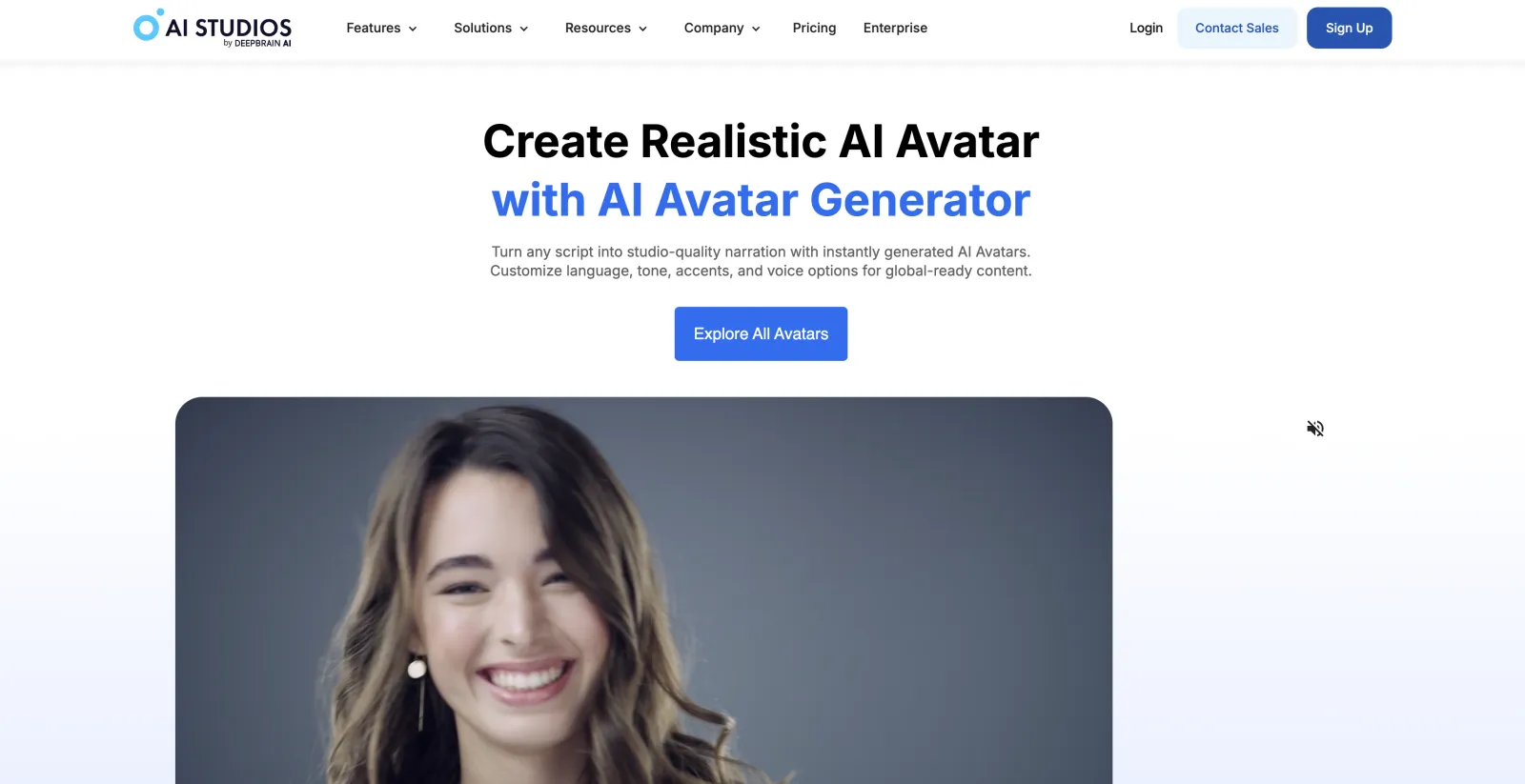
7. AI Studios
AI Studios is developed by DeepBrain AI and targets businesses that need multilingual avatar videos for training, communication, and presentations.
AI Studios AI avatar generator
The platform supports script-based video generation, custom avatars, voiceovers, and translation features. Overall, it competes most directly with Synthesia and Colossyan rather than creator-focused tools like Overchat AI, Creatify or HeyGen.
Languages
150+
Voices
1,000+
Avatars
Stock and custom
Export
Up to 1080p
Free plan
Available
AI Studios offers a solid feature set across the board, although it can be difficult to identify a single area where it clearly outperforms its biggest competitors.
Price:
Plan
Price
Free
$0
Personal
$24/mo
Team
$55/seat/mo
Enterprise
Custom
Pros:
✅ Large language library
✅ Extensive voice options
✅ Custom avatars
✅ Free plan available
Cons:
❌ Strong competition from Synthesia and Colossyan
❌ Usage limits on lower plans
❌ Primarily aimed at business users
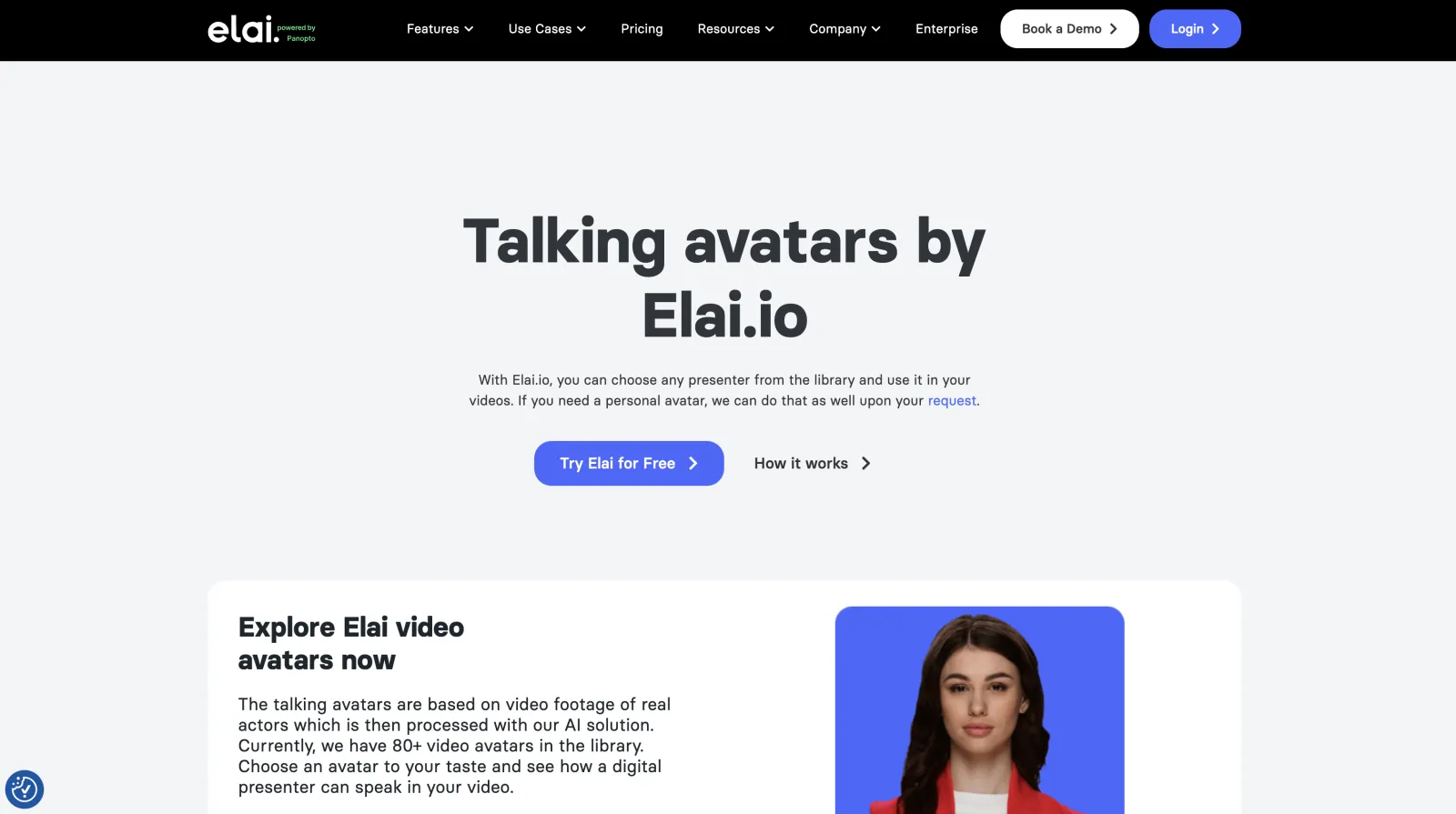
8. Elai
Elai is another avatar platform focused on business and educational content. Following its acquisition by Panopto, the product has become even more closely aligned with learning and training workflows.
Elai AI avatar generator
The platform includes a broad set of avatar creation features alongside voice cloning, translation tools, and interactive content options.
Notable features include:
80+ avatars
75+ supported languages
Voice cloning
Interactive learning elements
Multiple avatar styles
One of Elai's strengths is accessibility. The interface is straightforward and relatively easy for beginners to learn compared to some enterprise-focused competitors.
Price:
Plan
Price
Free
$0
Basic
$23/mo
Advanced
$60/mo
Enterprise
Custom
Pros:
✅ Easy to use
✅ Voice cloning support
✅ Good language coverage
✅ Interactive features included
Cons:
❌ Limited free usage
❌ Avatar realism trails market leaders
❌ Team costs increase quickly
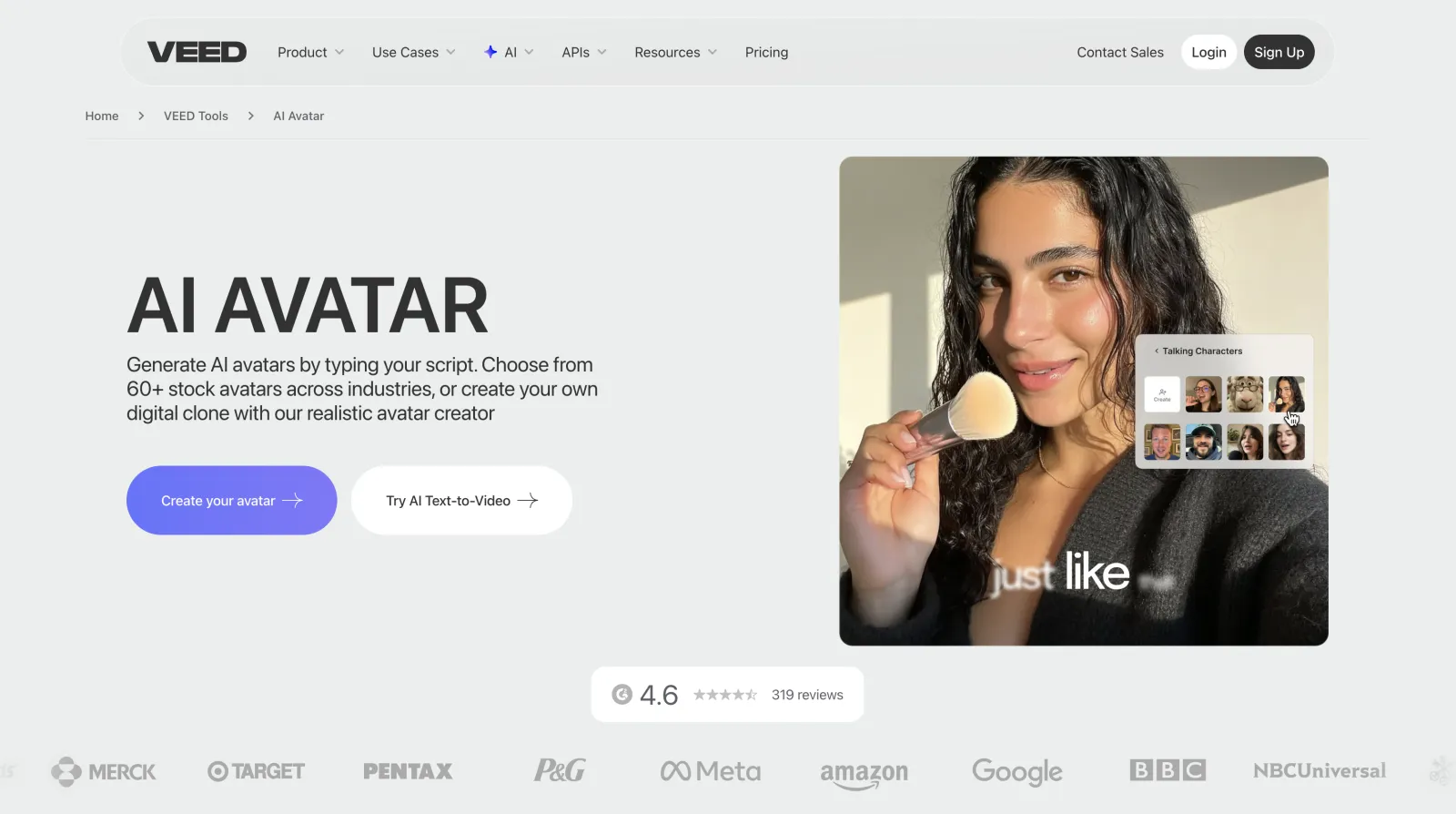
9. VEED
VEED, much like Overchat AI, is a full, AI-powered online video editor that includes avatar generation among its many AI features. Nevertheless, VEED's avatars are excellent, which is why we couldn't make this list without including them.
VEED AI avatar generator
As a platform, VEED is very convenient for creators who already edit videos there — instead of generating an avatar in one app and bringing it over into another editor, you can go from idea to finished product in one place. Very handy.
Languages
120+
Auto subtitles
125+
Core product
Online video editor
Free plan
Available with limitations
VEED is also among the most affordable avatar generators:
Price:
Plan
Monthly
Yearly
Free
$0
$0
Lite
$24/mo
$12/mo
Pro
$55/mo
$29/mo
Pros:
✅ Full video editor included
✅ Strong subtitle tools
✅ Large language support
✅ Convenient all-in-one workflow
Cons:
❌ Watermark on free plan
AI avatar generators compared
Each tool here is built around a different job, so the fastest way to narrow the list is to match it to what you're making. Here's how the nine line up, with the cheapest paid plan for reference.
Tool
Best for
Paid from
Overchat AI
Photo-to-video inside an all-in-one AI platform
$14.99/mo
HeyGen
The most realistic talking-head video
$29/mo
Synthesia
Enterprise training and compliance video
$29/mo
Creatify
UGC-style video ads from a product URL
$33/mo
D-ID
Developers and real-time avatar agents
$5.99/mo
Colossyan
Interactive L&D video with SCORM export
$27/mo
AI Studios
Corporate multilingual video
$24/mo
Elai
A genuinely usable free tier
$23/mo
VEED
Avatars inside a full browser video editor
$24/mo
How we picked these AI avatar generators
The most important factor for us was avatar quality. We ruled out tools that produced poor-quality videos with bad lip-syncing, awkward eye movement or an uncanny effect, as these are not acceptable in 2026.
We also considered voice quality, language support and the flexibility of each platform, as well as the ease of use of the interface and whether the learning curve is too steep.
Finally, we excluded tools priced for the largest enterprise clients, where plans run into hundreds or thousands of dollars per month. Wherever possible, we looked beyond the headline subscription price to consider how much video can realistically be created before hitting limits.
How to create an AI avatar video
Creating an AI avatar video is fairly straightforward, and most platforms follow roughly the same workflow:
Choose an avatar. Upload a photo, select one of the platform's stock presenters, or create a custom avatar based on yourself.
Add a script. Type your script manually or upload an audio recording. Most tools also let you choose from multiple voices and languages.
Generate the video. The AI creates a talking-head video based on your avatar and script. Depending on the platform and video length, this usually takes anywhere from a few seconds to a few minutes.
Download or edit. Export the finished video or continue editing it by adding subtitles, music, transitions, or other effects.
How to choose an AI avatar generator
Before looking at features, decide what type of videos you want to create.
If your goal is training, onboarding, or educational content: look for features such as SCORM export, quizzes, branching scenarios, and LMS integration. Most AI avatar tools don't offer these, which is why platforms like Colossyan and Synthesia are popular with learning and development teams.
If you're creating marketing content, social media videos, or product ads, those enterprise features usually don't matter. Instead, pay attention to avatar quality, voice quality, generation speed, and how easy it is to create multiple videos without running into expensive credit limits.
It's also worth looking at the broader ecosystem around the avatar generator. Are there additional AI features as part of the same subscription? If you're producing content regularly, having everything in one place can be valuable.
Ultimately, the most important factor is the actual video quality — no matter how pleasing the tool is to use or how cheap it is, if the videos look fake, it won't be effective. Look for tools that support the latest generation of AI video models, such as Seedance 2.0, Happy Horse, Kling o3 and Grok Imagine 1.5, to judge quality. Overchat AI, for example, supports all of the above.
Which AI avatar generator should you use?
If you're not sure where to start, Overchat AI is probably the safest choice. The avatar generator is easy to use, produces consistently good results, and comes as part of an all-in-one AI platform with over 150 tools and models.
That matters because creating the avatar video is usually only one step in the workflow. You may also need image generation, video editing, background removal, upscaling, or other AI tools afterward. Having everything available under a single subscription is often more convenient — not to mention much cheaper — than stitching together multiple services.