Turns out, productive people usually rely on lots of different apps. In one study of Fortune 500 employees, workers switched between apps and websites about 1,200 times a day. But what if you could eliminate that friction and do 90% of that work with less than 10% of those apps?
In this article, we've put together a list of the 15 best productivity apps that you can use to supercharge your workflows. We'll break down what to use each for, what makes it useful, and how much it costs. Let's get started.
A productivity app, sometimes called a productivity tool, is an application that helps you plan, organize and streamline a particular workflow, ultimately helping you stay more organized and work faster, or do repeating tasks with less effort.
The category includes programs like to-do list apps, calendars, time management apps and note-taking apps, to name a few, although in 2026, with the emergence of AI, apps that do automation by using artificial intelligence and autonomous agents are becoming the fastest-growing subcategory of productivity software.
What makes a good productivity app?
The productivity apps market is huge — worth close to $80 billion a year — and includes hundreds of thousands of web, desktop, mobile apps, and browser plugins.
It's impossible to cover all of them in one article, so to narrow down the list, and to make sure we're not just including the apps based on popularity (because the most popular apps aren't always necessarily the best), we've used the following criteria:
The app should work across your devices and keep your data in sync, so that you're never disconnected from your data or workflows, even on the go.
The app should integrate with the tools you already use, such as Gmail, Google Calendar, Outlook and Slack — because, let's be honest, if the app requires you to completely replace your existing stack, you'll probably stop using it after trying it.
The app should have some sort of a free plan or a free trial that you can use to test it on real-life tasks, to judge if it suits your needs.
Finally, although there are productivity-focused command line tools, we've excluded those, as they require a steep learning curve and, unless you're a technical person, would initially slow down your work, because you have to learn the tool to use it instead of streamlining it from day one.
The best productivity apps at a glance
With the above criteria in mind, the table below gives you a quick look at the 15 best apps for productivity we've selected:
App
Best for
Platforms
Free plan
Paid plans from
Todoist
To-do lists
Web, Windows, Mac, Linux, iOS, Android
Yes
$5 per month
Overchat AI
All-in-one AI app
Web, iOS, Android
Yes
$4.17 per month
Notion
All-in-one workspace
Web, Windows, Mac, iOS, Android
Yes
$10 per member per month
Google Calendar
Calendar
Web, iOS, Android
Yes
Free, Workspace from $7 per user per month
Sunsama
Daily planning
Web, Windows, Mac, Linux, iOS, Android
14-day trial
$17 per user per month
Reclaim.ai
AI time blocking
Web
Yes
$10 per user per month
Trello
Visual project management
Web, Windows, Mac, iOS, Android
Yes
$5 per user per month
Toggl Track
Time tracking
Web, Windows, Mac, iOS, Android
Yes, for up to 3 users
$9 per user per month
Freedom
Blocking distractions
Windows, Mac, iOS, Android, browser extension
Yes
$3.33 per month
Brain.fm
Focus music
Web, Windows, Mac, iOS, Android
Free trial
$8.33 per month
Obsidian
Personal notes
Windows, Mac, Linux, iOS, Android
Yes, the app is free
Sync from $4 per month
Granola
AI meeting notes
Mac, Windows, iOS, Android
Yes
$14 per user per month
Wispr Flow
Dictation
Mac, Windows, iOS, Android
Yes
$12 per user per month
Zapier
Automation
Web
Yes
$19.99 per month
ChatGPT
AI assistant
Web, Windows, Mac, iOS, Android
Yes
$8 per month
Note: The prices in the table are quoted per month with annual billing where it's available.
With that out of the way, let's talk about each app in more detail:
1. Todoist — best for to-do lists
Todoist is a to-do list app for capturing tasks and organizing them into projects, labels and filters. More than 50 million people use it, which makes it one of the most popular to-do list apps.
The hardest part of keeping a to-do list is getting everything into it, and this is where Todoist's AI features help — it's arguably the most streamlined task capture experience.
If a task comes to mind while you're away from the keyboard, you can just say it out loud, and Todoist's voice feature, Ramble, splits what you said into separate tasks with dates and priorities.
Or, after a meeting, you can paste your notes, add a PDF or take a photo of a handwritten list, and Todoist will pull the tasks out of it for you.
And if you already plan your day with Claude or ChatGPT, official connectors let the AI assistant add and update tasks in Todoist directly.
Platforms: Web, Windows, Mac, Linux, iOS, Android, Apple Watch, Wear OS
Price:
Plan
Billed monthly
Billed annually
Includes
Beginner
Free
Free
Up to 5 projects, no calendar layout or time blocking
Pro
$7 per month
$5 per month ($60 per year)
Calendar layout, time blocking, custom reminders and unlimited voice input
Business
$10 per user per month
$8 per user per month ($96 per year)
A shared team workspace with roles and permissions
2. Overchat AI — best all-in-one AI app
Overchat AI is an all-in-one AI app we've built that gives access to AI models from OpenAI, Anthropic, Google and other companies with one subscription.
Instead of paying for ChatGPT, Claude and Gemini separately, you can switch between GPT-6 Astra, Claude Opus 5.5 and Gemini 4 Argon in the same app and use the model that handles a task best.
Most everyday AI tasks at work are about text: answering emails, drafting documents or making sense of a long report. In Overchat AI, you can do all of that in one chat, for example, attach a PDF, summarize it and then ask the model to draft a reply based on it.
If you need visuals for a presentation or a post, image and video models like GPT Image 2.5 and Seedance 2.5 are in the same app, so you don't need a separate subscription for them.
And if you publish texts written with AI, the AI detector shows how likely they are to be flagged as AI-generated, and the humanizer rewrites them to sound more natural.
Overchat AI gives access to the models but not to first-party features such as ChatGPT's Codex or Claude Code.
Platforms: Web, iOS, Android
Price:
Plan
Billed monthly
Billed annually
Includes
Free
Free
Free
100 credits a day, about 100 messages to GPT-6 Luna
Pro
$14.99 per month
$4.17 per month ($49.99 per year)
8,000 credits a month, about 2,660 messages to GPT-6 Astra
3. Notion — best all-in-one workspace
Notion is a workspace app that combines documents, wikis and databases. It's used by tens of thousands of organizations to sometimes replace internal wikis, documentation platforms, and even entire intranets, but you can also use it to track personal projects and keep thoughts and information organized.
The magic of Notion is that you can build almost any system out of its pages and databases, from a personal task list to a project tracker or a team wiki, and keep all of it in one app. Notion is used at OpenAI, Figma and Toyota, among many others.
Because everything in Notion is built from pages and databases, you can preview the same information in different views: a table when you're planning, a board when you're tracking progress, and a calendar or timeline when you need to see deadlines. When a page is ready, you can share it with your team or publish it as a website.
On the Business plan, Notion AI takes over the routine part of this work. Instead of editing pages one by one, you can ask its agent to turn meeting notes into tasks, draft a document or update many database pages at once. It can also record and summarize your meetings and answer questions using information from connected tools like Slack and Google Drive.
The main drawback of Notion is the setup: you have to build your system yourself before it starts saving you time.
Platforms: Web, Windows, Mac, iOS, Android
Price:
Plan
Billed monthly
Billed annually
Includes
Free
Free
Free
Unlimited pages for one person, a limited AI trial
Plus
$12 per member per month
$10 per member per month ($120 per year)
For small teams, a limited AI trial, free for students
Business
$24 per member per month
$20 per member per month ($240 per year)
Notion AI with agents, meeting notes and search, within monthly AI credits
Enterprise
Custom pricing
Custom pricing
Advanced security and admin controls
4. Google Calendar — best calendar app
Google's calendar app is all you need for scheduling events, sharing calendars and letting other people book time with you. It comes free with any Google account and connects to almost every other productivity app, including most of the apps on this list.
Besides events, Google Calendar covers a few things people often install separate apps for.
For example, you can block time for tasks right in the calendar, so your to-do list and your meetings are in one view. If you work with people in other countries, you can show up to three time zones side by side. And instead of emailing back and forth to find a time for a call, you can share a booking page where other people pick a free slot themselves.
Finding a time that works for everyone gets harder the more people you invite, so on Google Workspace plans starting with Business Standard, Gemini suggests meeting times based on everyone's availability.
Platforms: Web, iOS, Android, Wear OS, Apple Watch (no desktop app)
Price:
Plan
Billed monthly
Billed annually
Includes
Google account
Free
Free
Calendar, time blocks for tasks and one basic booking page
Workspace Business Starter
$8.40 per user per month
$7 per user per month ($84 per year)
Business email and Gemini in Gmail, one basic booking page
Workspace Business Standard
$16.80 per user per month
$14 per user per month ($168 per year)
Full booking pages with reminders and payments, Gemini meeting time suggestions
Workspace Business Plus
$26.40 per user per month
$22 per user per month ($264 per year)
Everything in Standard, plus Vault and 5 TB of storage per user
5. Sunsama — best for daily planning
Sunsama is a daily planner app that pulls tasks from your other tools and your calendar into one plan for the day.
It's the best app for daily planning because it walks you through planning every morning: you choose which tasks fit into today, and Sunsama warns you when you've planned more work than you have time for. In 2025, Wirecutter, The New York Times' product review site, named Sunsama the best scheduling tool.
Most people keep tasks in several places at once. Sunsama pulls tasks from everywhere into one list, so you plan the day in one place instead of checking every app.
You then drag tasks onto your calendar to timebox them, or let Sunsama find the next free slot for each task. At the end of the day, a shutdown routine helps you review what you got done.
If you'd rather not move tasks around by hand, you can ask Sunsama's AI assistant, Sunny, in a chat or by voice to create, move or timebox them for you.
Platforms: Web, Windows, Mac, Linux, iOS, Android
Price:
Plan
Billed monthly
Billed annually
Includes
Free trial
Free for 14 days
—
All Pro features, no credit card needed
Pro
$22 per user per month
$17 per user per month ($204 per year)
Unlimited integrations, timeboxing, focus mode and the AI assistant
Enterprise
Custom pricing
Custom pricing
SSO, SCIM and audit logs
6. Reclaim.ai — best for AI time blocking
Reclaim.ai is an AI calendar app that automatically schedules focus time, habits, tasks and meetings in your Google or Outlook calendar.
Unlike a regular calendar, Reclaim keeps adjusting your schedule as the week changes: when a new meeting lands on top of your focus time, Reclaim moves the focus block to another free slot.
Focus time and breaks are usually the first things to disappear from a busy calendar. In Reclaim, you set goals, such as a number of focus hours per week or a daily lunch break, and Reclaim finds time for them and marks it as busy so colleagues can't book over it. Tasks from Todoist, Asana, Jira and Google Tasks get scheduled the same way, so you have time set aside for them before the deadline.
When plans change, you don't have to move everything by hand: you can ask Reclaim's AI assistant to find a meeting slot or rearrange your day and check the changes before they're applied.
Reclaim.ai has been owned by Dropbox since 2024, but it still works as a separate product.
Platforms: Web, on top of Google Calendar or Outlook (no mobile apps)
Price:
Plan
Billed monthly
Billed annually
Includes
Lite
Free
Free
1 user, scheduling one week ahead
Starter
$12 per user per month
$10 per user per month ($120 per year)
Up to 10 users, scheduling 8 weeks ahead, all task integrations
Business
$18 per user per month
$15 per user per month ($180 per year)
Up to 100 users, scheduling 12 weeks ahead, unlimited booking links
Enterprise
—
$22 per user per month ($264 per year)
More than 100 users, SSO and SCIM
7. Trello — best for visual project management
Trello is a project management app from Atlassian that organizes work as cards on boards. A Trello board shows the whole project at once: each card is a task, and you move cards between lists such as To Do, Doing and Done as the work progresses.
Tasks often arrive in emails and Slack messages, where they're easy to lose. In Trello, you can forward such a message to your personal Inbox, and it becomes a card you can sort into a board later. When it's time to do the work, the Planner lets you drag cards onto your Google or Outlook calendar to block time for them. For steps you repeat all the time, like moving a card to Done or setting a due date, you can create rules, and Trello's built-in automation will do them for you.
Platforms: Web, Windows, Mac, iOS, Android
Price:
Plan
Billed monthly
Billed annually
Includes
Free
Free
Free
Up to 10 boards per workspace and 10 collaborators, no AI
Standard
$6 per user per month
$5 per user per month ($60 per year)
Unlimited boards, AI features and the full Planner
Premium
$12.50 per user per month
$10 per user per month ($120 per year)
Calendar, timeline, table and dashboard views, unlimited automation
Enterprise
—
$17.50 per user per month ($210 per year)
Unlimited workspaces and company-wide admin controls
8. Toggl Track — best for time tracking
Toggl Track is a time tracking app that records how long you spend on projects and tasks and turns that data into reports. It's the best app for time tracking because starting a timer takes one click in any of its apps, including a browser extension that adds a timer button to tools like Jira, Gmail, Notion and Asana.
If you forget to start the timer, the desktop app can record which apps and websites you used and let you turn them into time entries later. Calendar events can also become time entries automatically, so you don't have to log your meetings by hand.
The reports show where your time actually goes, which helps when you want to see how long a project really took or how much of your week goes to meetings. If you bill clients by the hour, paid plans also let you set billable rates, so Toggl calculates how much to charge for the time you tracked.
New users now sign up for one combined product called Toggl, which adds task planning to the Toggl Track time tracker, while existing Toggl Track users keep their app.
Up to 3 users, timers, a Pomodoro timer and calendar integrations
Starter
$12 per user per month
$9 per user per month ($108 per year)
Billable rates, team reports and a timeline view
Premium
$24 per user per month
$16 per user per month ($192 per year)
Profitability reports, timesheet approvals and SSO
Enterprise
Custom pricing
Custom pricing
Custom roles and several workspaces under one account
9. Freedom — best for blocking distractions
Freedom is a distraction blocker that blocks chosen websites, apps or the entire internet on all your devices at once. One Freedom session covers your phone, laptop and tablet together, so you can't just pick up your phone when a site is blocked on your computer.
A blocker works best when you don't have to remember to turn it on.
In Freedom, you can schedule recurring sessions, for example every weekday morning, with a preset or custom blocklist, so the same distractions are blocked every time. If you need a few websites for work, on Mac and Windows you can block everything except them. And if you know you'll be tempted to switch the blocker off, Locked Mode won't let you end a session early.
Platforms: Mac, Windows, iOS, Android, ChromeOS and Linux (websites only, through a browser extension)
Price:
Plan
Billed monthly
Billed annually
Includes
Free
Free
Free
Sessions you start right away, up to 2 hours, no scheduling or Locked Mode
Premium
$8.99 per month
$3.33 per month ($39.99 per year)
Scheduled and recurring sessions, Locked Mode
Premium Forever
—
—
All Premium features for a one-time payment of $99.50
10. Brain.fm — best for focus music
Brain.fm is a focus music app that plays music made to help you concentrate, relax or sleep. Each track is made for a specific activity, such as deep work, creative work or studying.
The music is composed by people, and Brain.fm adds rhythmic modulation to it that's designed to help you keep your attention on a task, with or without headphones. You can also adjust how strong this effect is. This approach is backed by research: a 2024 study published in Communications Biology found that this kind of modulated music supports attention in listeners with attention difficulties. There's also a mode with a stronger effect for people with ADHD.
Brain.fm also has built-in timers, including a Pomodoro-style interval timer, so you don't need a separate app to time your focus sessions and breaks.
Platforms: Web, Windows, Mac, iOS, Android
Price:
Plan
Billed monthly
Billed annually
Includes
Subscription
$14.99 per month
$8.33 per month ($99.99 per year)
All activities, timers and devices, a free trial first, 20% off for students
11. Obsidian — best for personal notes
Obsidian is a note-taking app that stores your notes as Markdown files in a folder on your device. It's the best app for personal notes because your notes are plain text files that open in any text editor and don't depend on Obsidian's servers, and the app works offline without an account.
You link notes to each other with double brackets, see which notes link back to the current one and browse the connections as a graph, which makes Obsidian a good tool for building a personal knowledge base. If you keep lists in your notes, such as books you've read or projects you're working on, Bases turns them into database-like tables and boards that you can sort and filter. Obsidian doesn't have built-in AI or a task manager, but more than 8,000 community plugins add these and many other features.
Platforms: Windows, Mac, Linux, iOS, Android (no web app)
Price:
Plan
Billed monthly
Billed annually
Includes
Obsidian app
Free
Free
All app features, for personal and work use
Sync Standard
$5 per month
$4 per month ($48 per year)
Sync between devices for 1 vault with up to 1 GB
Sync Plus
$10 per month
$8 per month ($96 per year)
Sync between devices for up to 10 vaults with up to 10 GB
Publish
$10 per site per month
$8 per site per month ($96 per year)
Your notes published as a website
12. Granola — best for AI meeting notes
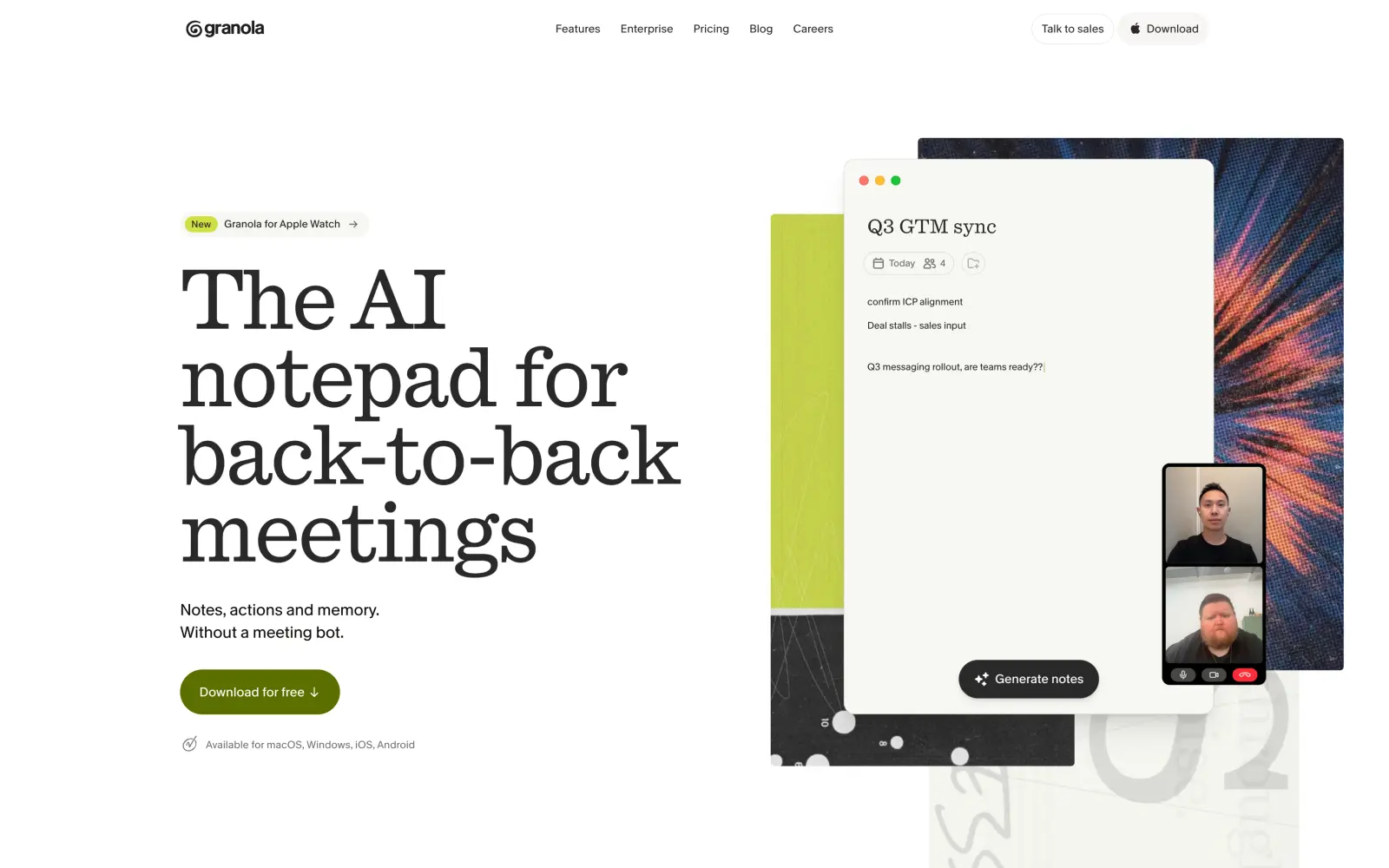
Granola is an AI notepad that transcribes your calls and turns them into structured meeting notes. Granola records audio straight from your computer or phone, so it works with Zoom, Google Meet, Microsoft Teams and phone calls without a bot joining the call.
Instead of taking full notes during a call, you can write down only the key points, and afterwards Granola combines them with the transcript into meeting notes with decisions and next steps. If you need to find something later, such as what a client asked for two weeks ago, you can ask Granola in a chat, and it searches across all of your past meetings.
Before a call with a client, it's also easy to forget what you discussed last time, so on the Business plan, Granola prepares a short brief with who's attending and what you talked about before.
In March 2026, Granola raised $125 million from investors at a $1.5 billion valuation.
Platforms: Mac, Windows, iOS, Android, Apple Watch
Price:
Plan
Billed monthly
Billed annually
Includes
Basic
Free
Free
AI notes, but only the last 30 days are visible
Business
$14 per user per month
—
Unlimited history, meeting briefs and integrations
Enterprise
—
From $35 per user per month
SSO, SCIM and admin controls
13. Wispr Flow — best for dictation
Wispr Flow is an AI dictation app that turns your speech into edited text in any app you can type in. It's the best app for dictation because it cleans up the text as you speak: it removes filler words and repetitions, applies your corrections and adds punctuation, so the text is ready to send.
Because Flow works in any app, you don't have to copy text from a separate dictation window: you hold a hotkey, talk, and the text appears right in the email, chat or document you're working in. Dictation apps often get names and jargon wrong, so Flow learns the names and terms you use. It can also write more casually in messages and more formally in emails. If you often type the same thing, like your calendar link, you can save it as a snippet and insert it with a short phrase.
Flow also helps with editing: you highlight text and say what to change, such as "make this shorter", and Flow rewrites it.
If you also need notes from your calls, Wispr Flow added a meeting notetaker for Mac and Windows in August 2026.
Platforms: Mac, Windows, iOS, Android
Price:
Plan
Billed monthly
Billed annually
Includes
Free
Free
Free
2,000 words a week on desktop
Pro
$15 per user per month
$12 per user per month ($144 per year)
Unlimited dictation and voice editing
Growth
$23 per user per month
$18 per user per month ($216 per year)
Team features such as SSO and HIPAA compliance
Enterprise
Custom pricing
Custom pricing
SCIM, audit logs and invoicing
14. Zapier — best for automation
Zapier is a no-code automation platform that connects more than 9,000 apps. With Zapier, you can link the apps on this list together without writing code: when something happens in one app, Zapier runs actions in others. For example, a starred email in Gmail can become a task in Todoist.
Automations in Zapier are called Zaps, and one Zap can have many steps, filters and branches, so you can automate a whole process from start to finish. If setting up the steps yourself sounds complicated, you can describe the automation in plain language, and Zapier's AI assistant, Copilot, will build it for you. AI steps can also handle the parts of a process that need some judgment, such as summarizing an email or sorting requests by topic.
And if you use Claude or ChatGPT, Zapier MCP lets the assistant take actions in your other apps through Zapier, such as creating a task or sending a message.
Zapier's plans are priced by tasks: every action a Zap performs counts as one task.
Platforms: Web
Price:
Plan
Billed monthly
Billed annually
Includes
Free
Free
Free
100 tasks a month, two-step Zaps with one trigger and one action
Professional
$29.99 per month
$19.99 per month ($239.88 per year)
750 tasks a month, multi-step Zaps and AI steps
Team
$103.50 per month
$69 per month ($828 per year)
2,000 tasks a month for up to 25 users
Enterprise
Custom pricing
Custom pricing
Custom task limits and unlimited users
15. ChatGPT — best AI assistant
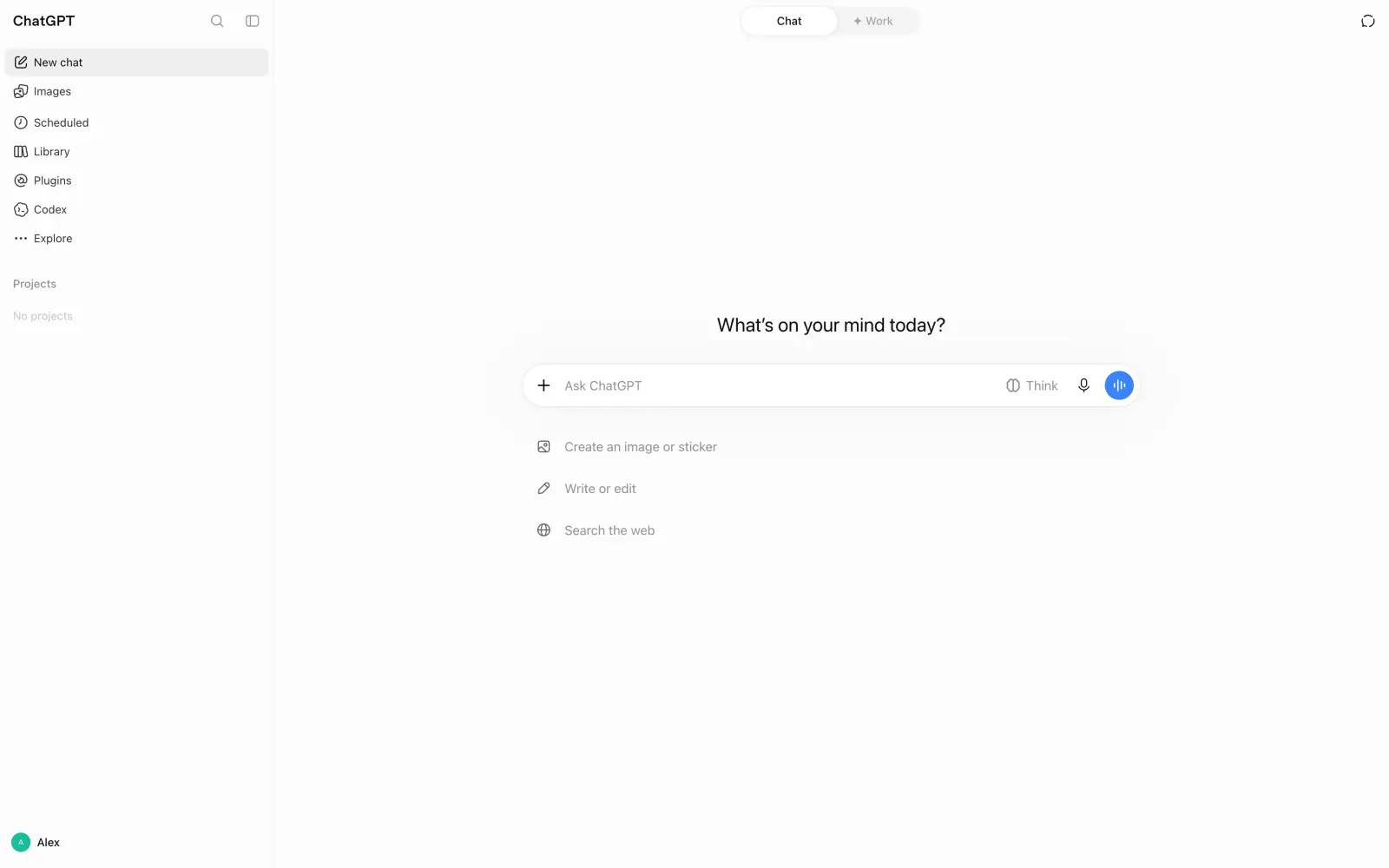
OpenAI's chatbot platform needs no introduction. With about 900 million weekly users, it gets more people every week than live in most countries. Needless to say, it's the most widely used AI assistant by far.
Besides chat, ChatGPT has the most complete set of tools for using AI in real work. Projects keep the chats and files for one piece of work together, and memory saves your preferences, so you don't have to repeat them in every new chat. ChatGPT can also create images and talk with you by voice.
On the Plus plan, ChatGPT can also connect to your email and calendar, so you can ask about your schedule or messages right in the chat. For longer tasks that involve several apps and files, Plus includes ChatGPT Work, an agent that completes them for you. If you write code, Plus also gives you Codex, OpenAI's coding agent.
ChatGPT gives access only to OpenAI's models, so even on paid plans, you'll need a separate subscription for Claude or Gemini.
Platforms: Web, Windows, Mac, iOS, Android
Price:
Plan
Billed monthly
Billed annually
Includes
Free
Free
Free
GPT-5.6 Luna with unlimited everyday chats, ads, limited files, images and voice
Go
$8 per month
—
More messages with tools and more image creation, ads
Plus
$20 per month
—
GPT-6, ChatGPT Work, Codex, no ads
Pro
$100, $200 or $500 per month
—
GPT-6 Pro and the most usage
FAQ
Below are answers to common questions about productivity apps.
What is the best productivity app?
Todoist is the best productivity app for managing tasks. Most people combine it with a calendar, such as Google Calendar, and a notes app, such as Notion or Obsidian, since no single app covers tasks, scheduling and notes equally well.
What is the best free productivity app?
Google Calendar and Obsidian are completely free, and Todoist, Notion and Trello have free plans that cover personal use. Toggl Track is free for up to 3 users, and the free plan of Freedom blocks distractions in sessions of up to 2 hours.
What are the best productivity apps for students?
Notion is the best productivity app for students, since students get the Plus plan for free with a school email. For assignments, classes and lecture notes, students can also use the free versions of Todoist, Google Calendar and Obsidian, and Brain.fm gives students 20% off.
What are the best productivity apps for work?
Notion, Trello, Toggl Track and Zapier are the best productivity apps for work, since they're built for teams. Notion keeps a team's documents and wikis in one place, Trello shows who's working on what, Toggl Track records time for client reports, and Zapier connects the tools your team already uses.
What are the best productivity apps for iPhone, iPad and Android?
Todoist, Notion, Google Calendar, Trello and Freedom all have apps for iPhone, iPad and Android. Freedom is especially useful on a phone, because it blocks distracting apps on your phone and computer at the same time. Reclaim.ai and Zapier don't have mobile apps.
What are the best productivity apps for Mac and Windows?
Most apps on this list have desktop apps for both Mac and Windows, including Todoist, Notion, Obsidian and Sunsama. Wispr Flow and Granola work especially well on a Mac, since they run in the background across all your apps and calls. Google Calendar and Zapier work in the browser.
What is the best productivity calendar app?
Google Calendar is the best productivity calendar app, since it's free and connects to almost every other productivity tool. Reclaim.ai and Sunsama work on top of Google Calendar and add automatic time blocking and daily planning.
What are the best AI productivity apps?
Overchat AI and ChatGPT are the best AI assistants for writing and research, Reclaim.ai uses AI to plan your calendar, and Granola writes meeting notes for you. Many classic productivity apps, such as Notion, Todoist and Trello, also have built-in AI features now.
What are the best productivity apps for ADHD?
Productivity apps don't treat ADHD, but some of them help people with ADHD stay focused and organized. Trello boards make tasks easier to see at a glance, Freedom removes distracting sites and apps, and Brain.fm has a music mode with a stronger effect designed for people with attention difficulties.