Monica AI vs ChatGPT in 2026: What's Right For You?
Last Updated:
2026-10-30
Monica AI vs ChatGPT in 2026: What's Right For You?
Monica AI is a popular multi-model AI platform focused on productivity and specialized tools for completing different tasks with AI. ChatGPT, the most popular AI chatbot, has also evolved far beyond a simple app for asking questions.
If you are choosing an AI assistant in 2026 and have narrowed the options to these two platforms, this comparison explains the differences that matter.
In this Monica AI vs ChatGPT comparison, you'll learn:
How their AI models and core features differ
Which platform is better for browser-based work
Which one handles research, coding, and media more effectively
How much they cost and how their subscriptions and usage limits work
Monica AI is an all-in-one assistant available as a web app, Chrome and Edge extension, Windows and macOS app, and iOS and Android app. It also connects to several messaging platforms.
Its defining feature is the browser sidebar. You can open Monica on the page you are reading, ask questions about that page, summarize several tabs, translate text in place, or rewrite selected content without moving it into a separate chatbot.
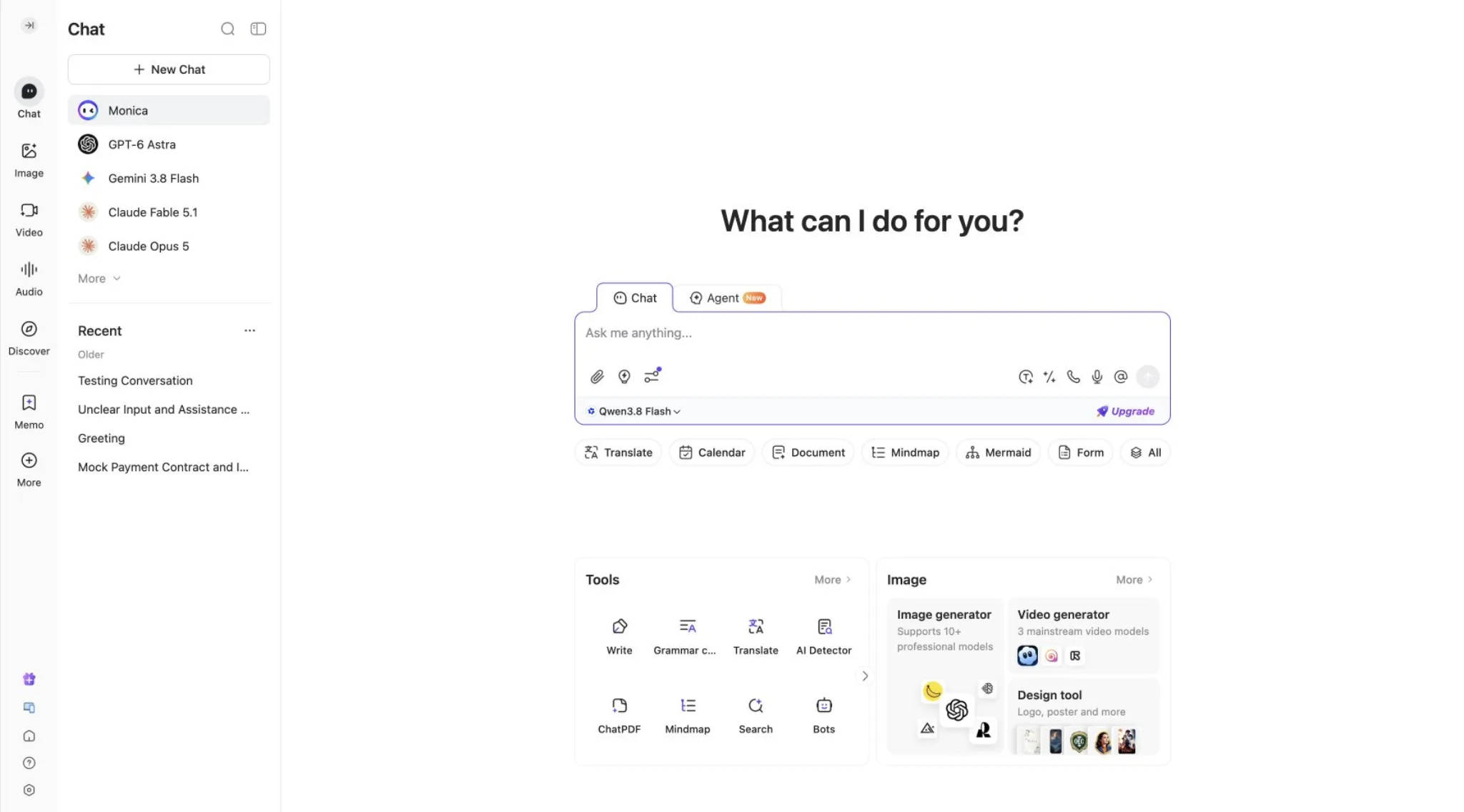
Monica also acts as a multi-model hub. Its catalog includes model families from OpenAI, Anthropic, Google, Meta, xAI, and other AI companies. A response-comparison tool can send the same prompt to several models, which is useful when you want a second opinion or a different writing style.
Beyond chat, Monica includes:
PDF tools
YouTube summaries
image and video generation
writing templates
custom bots
Artifacts
A separate coding assistant for VS Code and JetBrains IDEs.
This combination puts Monica in the broader category of AI aggregators: services that bring several models and task-specific tools into one account.
What Is ChatGPT?
ChatGPT is OpenAI's consumer AI platform and home to OpenAI's GPT models. Originally, ChatGPT started as a straightforward online AI chatbot, but evolved into a fully fledged AI platform with web search, file uploads, data analysis, image generation, voice, memory, projects, deep research, apps, and Codex — an agentic AI platform for developers that can also be used to allow ChatGPT to interact with files on your machine and run automations.
On the other hand, ChatGPT offers only OpenAI models — because it is an OpenAI product.
AI Models
Monica has the clear advantage in model variety. In Monica, you can chat with:
GPT
Claude
Gemini
Llama
Grok
And other model families.
You can use Monica's model comparison feature to generate multiple answers to the same prompt from different models and compare their tone and reasoning.
ChatGPT only provides access to OpenAI models. If you go for a paid plan, you'll have access to the latest models (GPT 6 Astra at the time of writing) while the free plan usually lets you access a model from the previous generation (GPT 5.5 at the time of writing).
Choose Monica for provider choice and comparison.
Choose ChatGPT if you want one model family connected to a consistent workspace.
Chat and Web Search
Both platforms support AI chat and can pull information from the web.
Monica's search tools can collect sources and create a referenced answer — even from the browser extension that can work with the page in front of you, selected text, or several open tabs.
ChatGPT, on the other hand, has a deep research mode that can investigate multiple sources and produce a structured report. The result can stay beside related files and earlier conversations in a Project.
For checking a webpage while you browse, Monica is faster. For research that develops over several steps, ChatGPT is more organized.
Browser Extension and Webpage Tools
This is Monica's most convincing advantage.
The Monica extension works in Chrome and Edge. It can summarize the current page or several tabs, answer follow-up questions, and link summary points back to their location in the source. This is the main reason Monica stands out among AI browser extensions.
Selecting text opens quick actions for translation, explanation, grammar correction, rewriting, and expansion. Monica can also recognize text fields, help compose a message, and suggest replies in services such as Gmail and Outlook.
Its webpage translation places translated text beside or below the original. You can switch among conventional translation engines and AI models, add a glossary, and choose professional modes for academic, technical, email, or social content.
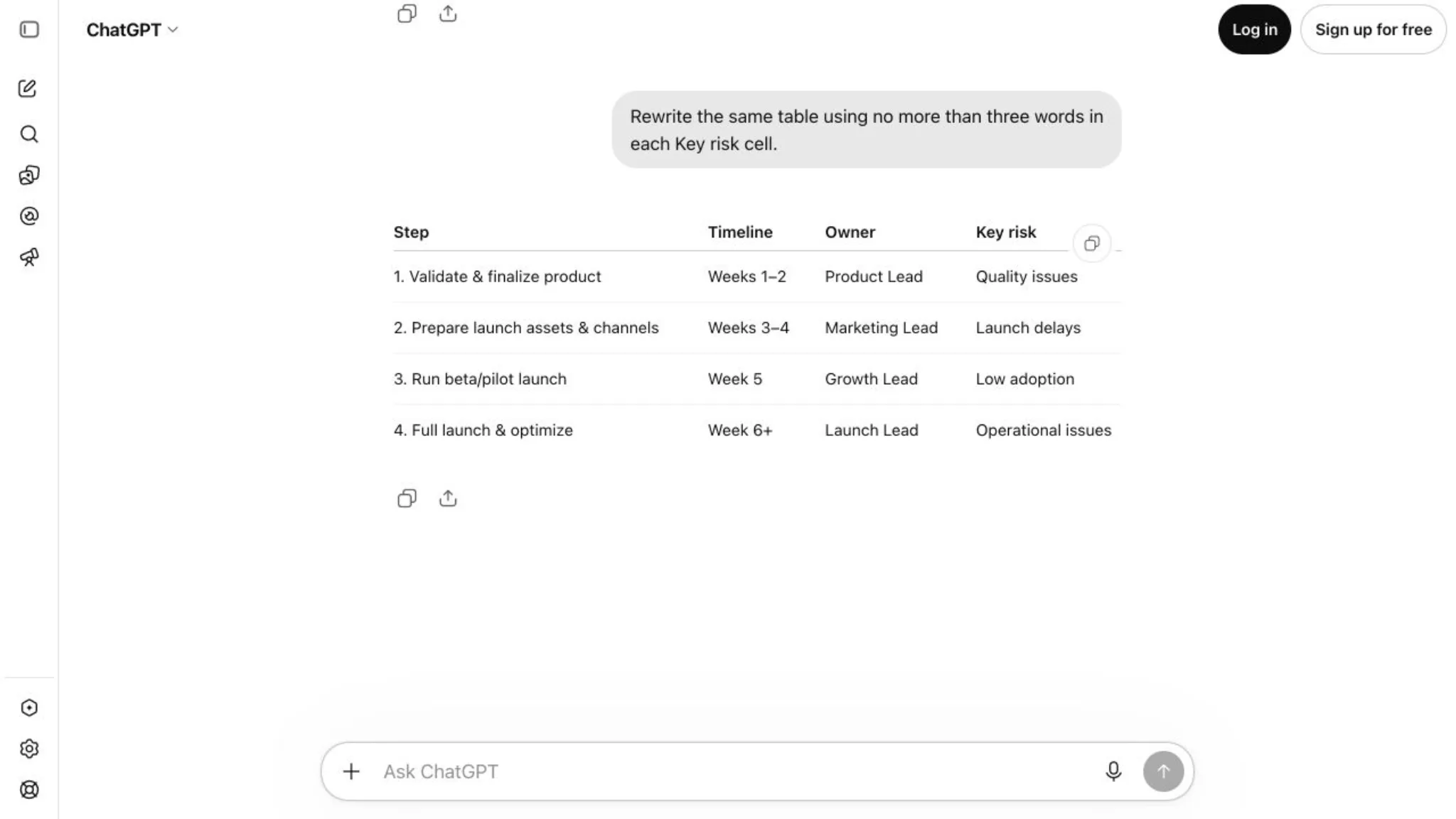
ChatGPT has browser and search capabilities, but it's designed as an online app rather than an extension.
Writing, Summarization, and Translation
Monica's writing assistant can compose, reply, adjust tone, change length, improve grammar, and rewrite selected text on a webpage through the browser extension. It can also summarize webpages, emails, YouTube videos, PDFs, and multiple browser tabs.
Translation is especially strong. Monica supports immersive webpage translation, bilingual PDF translation, more than 30 target languages, custom glossaries, and several translation engines. This makes it useful for people who regularly read foreign-language websites or technical documents.
ChatGPT is better for iterative writing, for example, when you're working on a larger project that requires iteration over time. It can keep source material, instructions, drafts, and revisions inside one Project, while Memory can preserve preferences, and Canvas or document-style editing tools provide more room for sustained drafting.
Use Monica to rewrite a paragraph, summarize a page, or translate content in place.
Use ChatGPT to plan, draft, research, revise, and maintain context across a longer project.
File Analysis and Research
Monica can process documents up to 50 MB and containing 100,000 tokens via its ChatPDF features.
ChatGPT doesn't state a specific limit for file processing, but given that the modern GPT families have up to one million tokens of context, we can safely assume that its limit is much larger, and that you can use it to summarize larger files, making ChatGPT a better option for file analysis.
We also shouldn't forget Codex, which can summarize files on your hardware without you having to separately upload them into ChatGPT.
Image and Video Generation
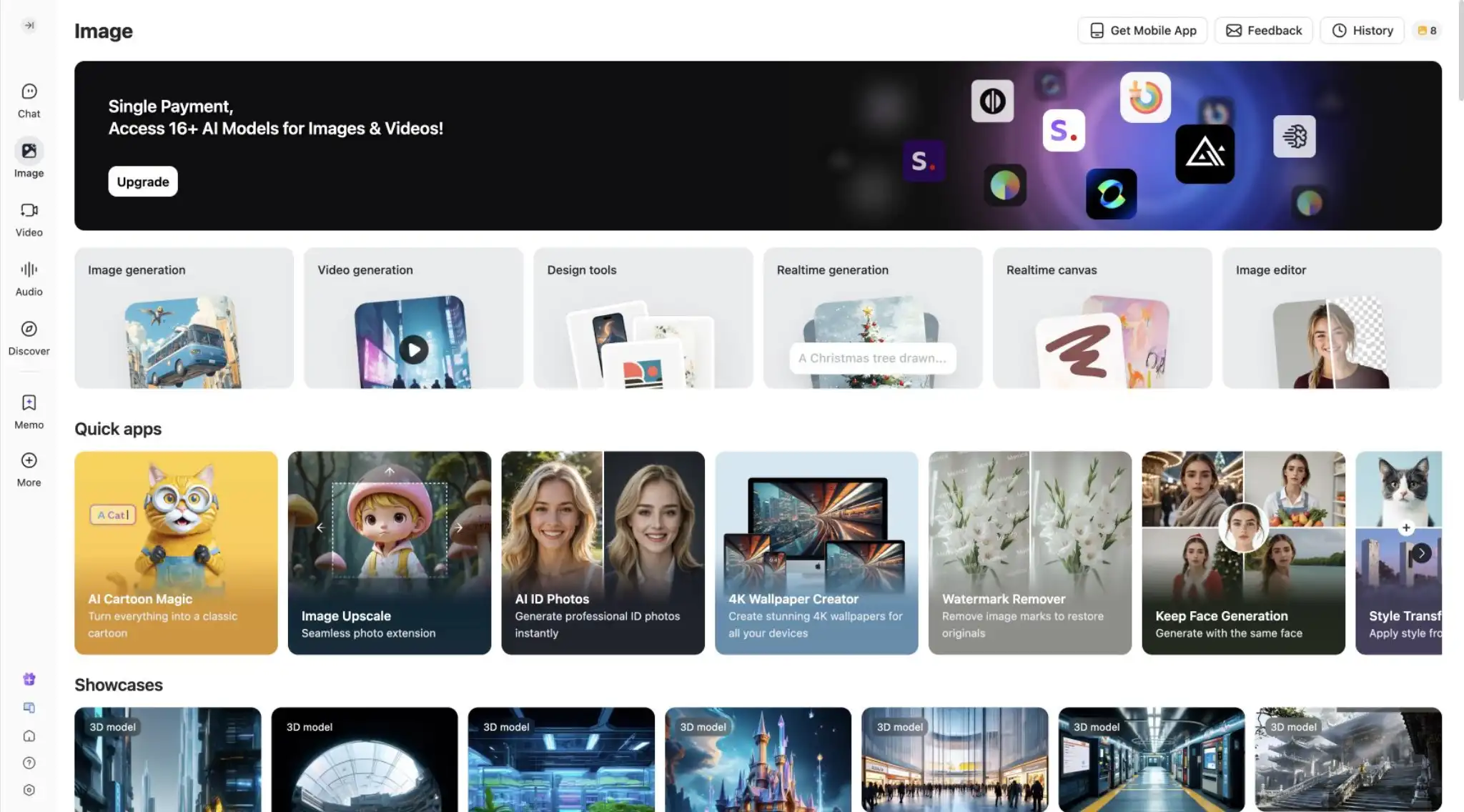
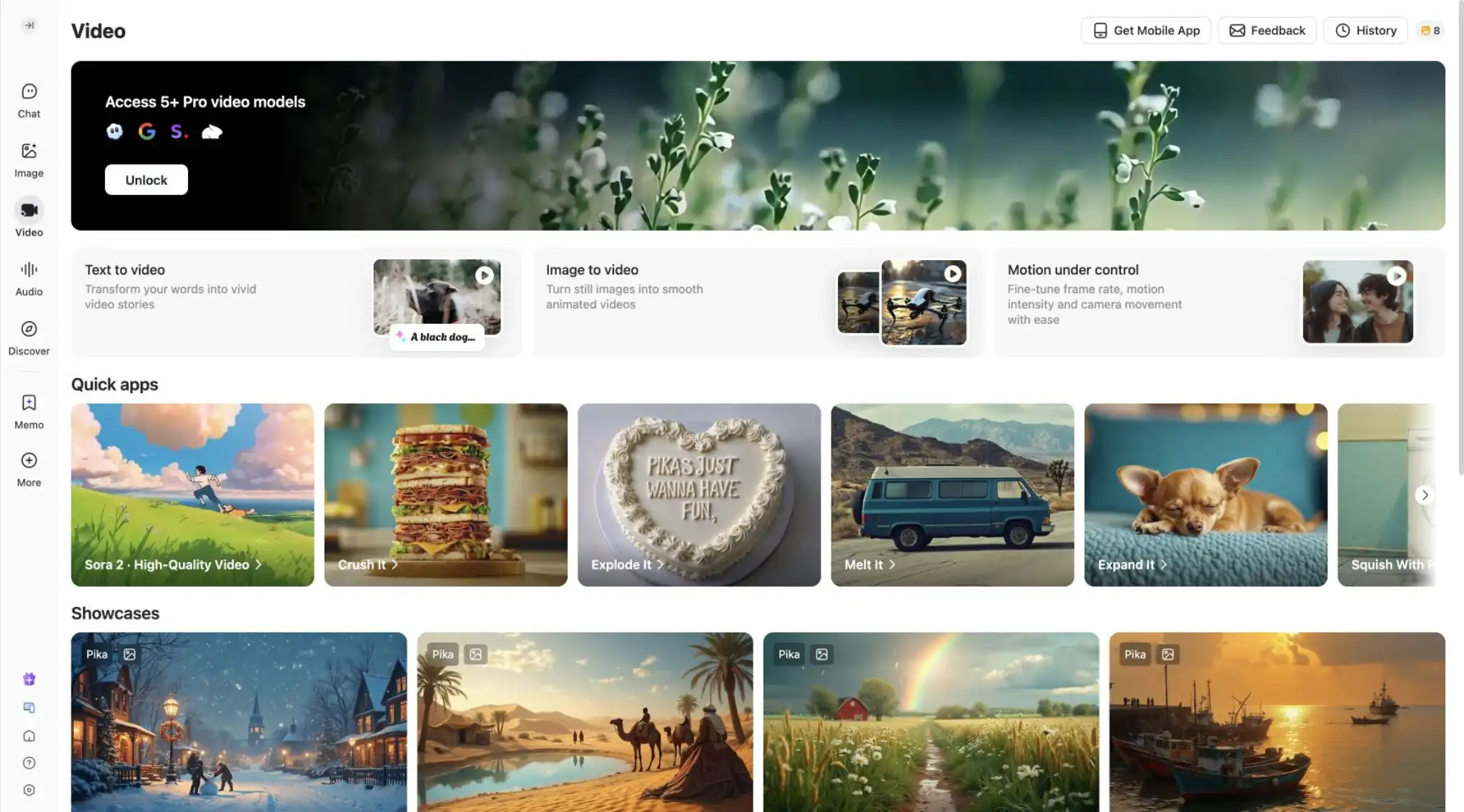
Monica features an integrated image and video editor with multiple AI image and video models, as well as a wide library of presets.
You can try different visual engines in one account, although controls, credit costs, and output quality vary by model.
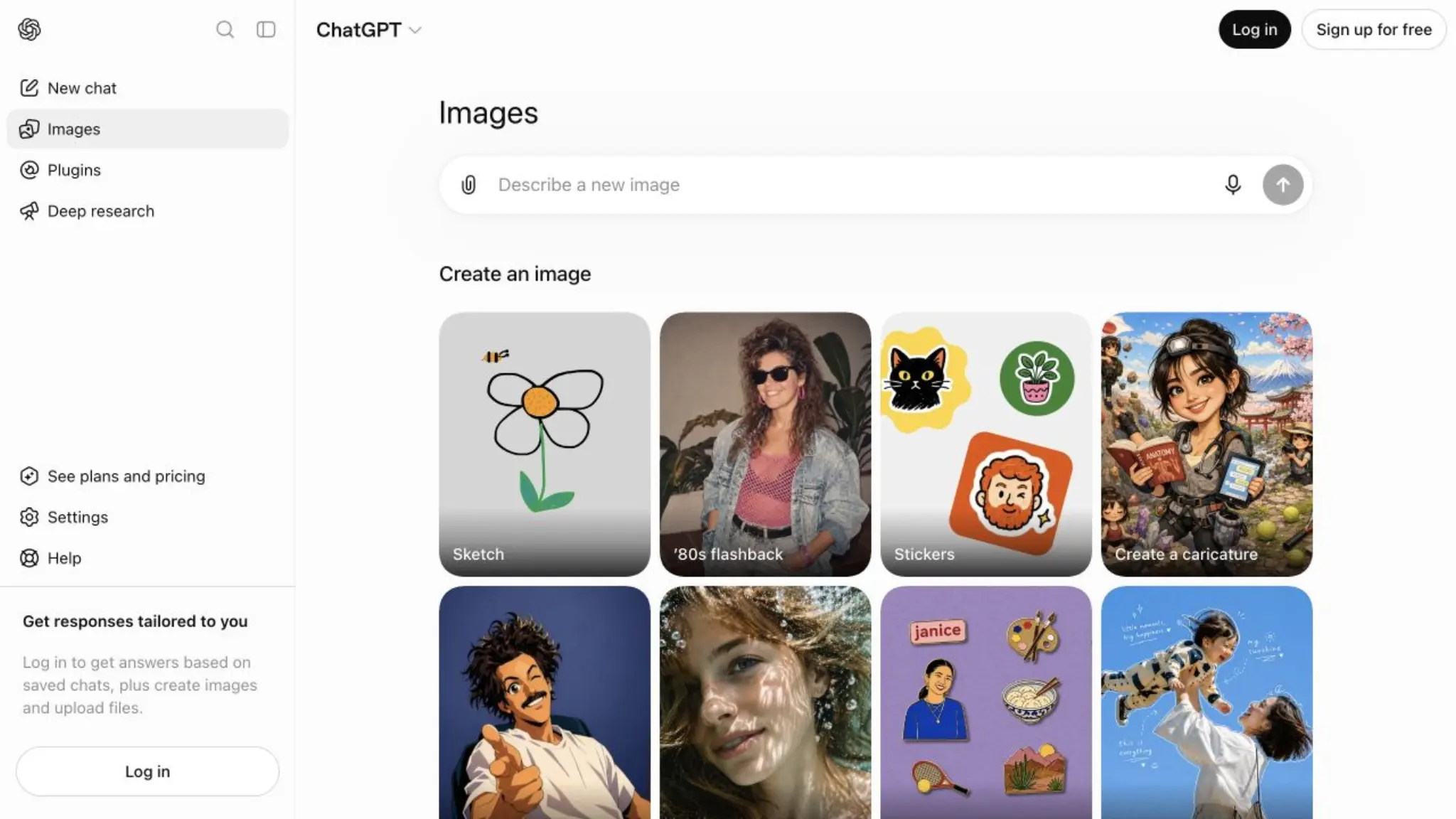
ChatGPT has always featured one of the best image generation models — at the time of writing, GPT Image 2.5 — but it started making a dedicated interface for image generation only recently. Because of this, you'll find fewer presets. Also, while GPT Image 2.5 is one of the best models, in ChatGPT you're limited to it, and won't be able to explore other image generators.
For video, ChatGPT doesn't offer anything since the Sora video generator was deprecated.
Coding Tools
For coding, ChatGPT Codex is miles ahead of Monica — it's one of the best agentic AI apps on the market, and many developers use it for production work and real-life projects.
Monica has Code — a separate assistant for VS Code and JetBrains IDEs. It supports code completion, prompt-based edits, codebase chat, screenshot-assisted debugging, and multi-file composition.
Monica Code covers many everyday IDE tasks. ChatGPT has the advantage when the job requires an agent to navigate a repository, execute a plan, and verify the result.
Apps, Integrations, and Platform Support
Monica is available across the following platforms:
A web app
Chrome and Edge extensions
Windows and macOS desktop apps with global shortcuts and screenshot analysis
iOS and Android apps
Connections for WhatsApp, Messenger, Line, and Telegram
ChatGPT is available through:
A web app
Windows and macOS desktop apps
iOS and Android apps
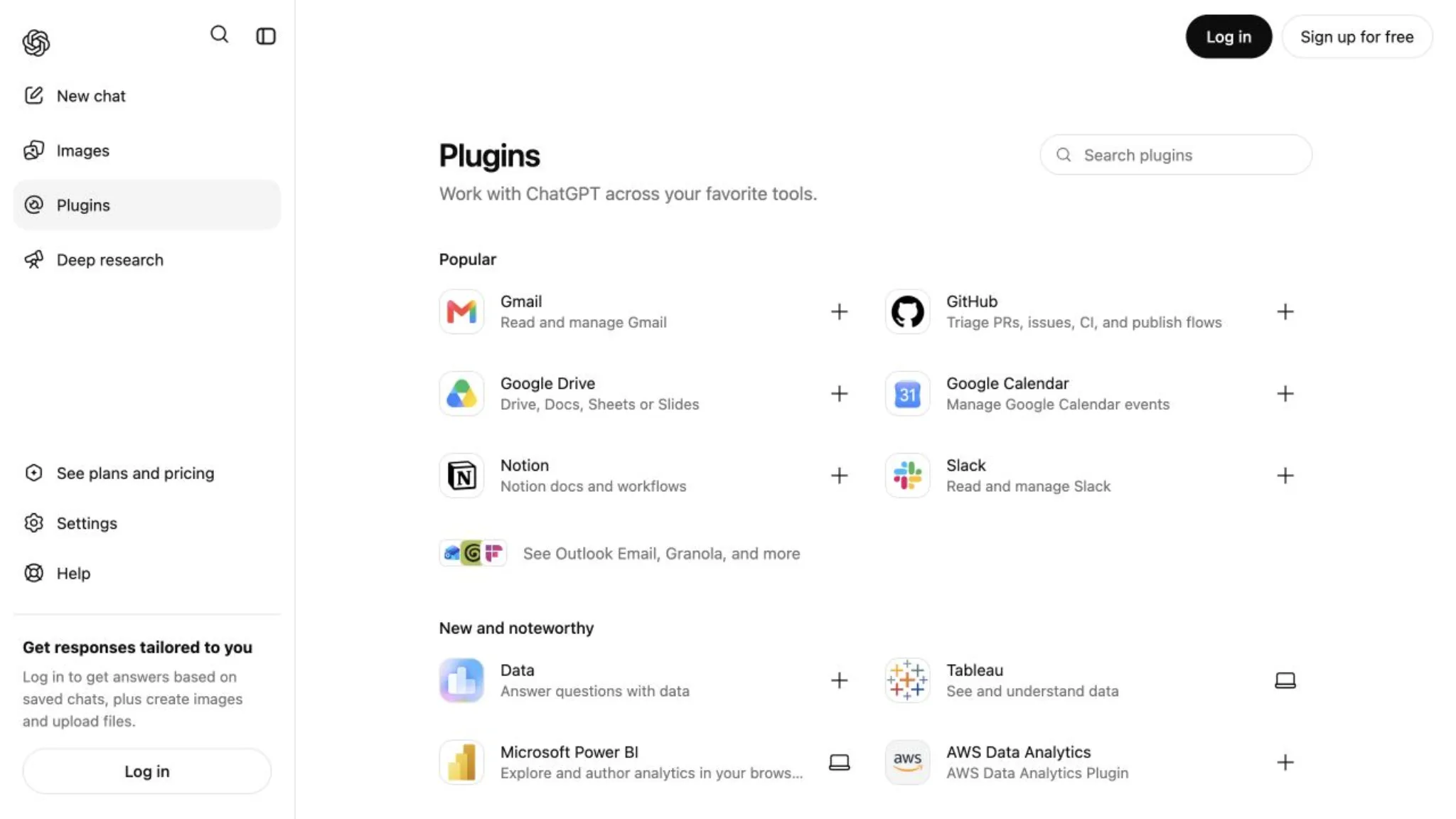
Connections to cloud storage, source control, productivity tools, and company knowledge
Supported apps that can provide external context and, in some cases, perform actions
Pricing and Usage Limits
The two platforms charge in different ways: Monica meters queries and credits, while ChatGPT sells flat subscription tiers.
Monica AI pricing
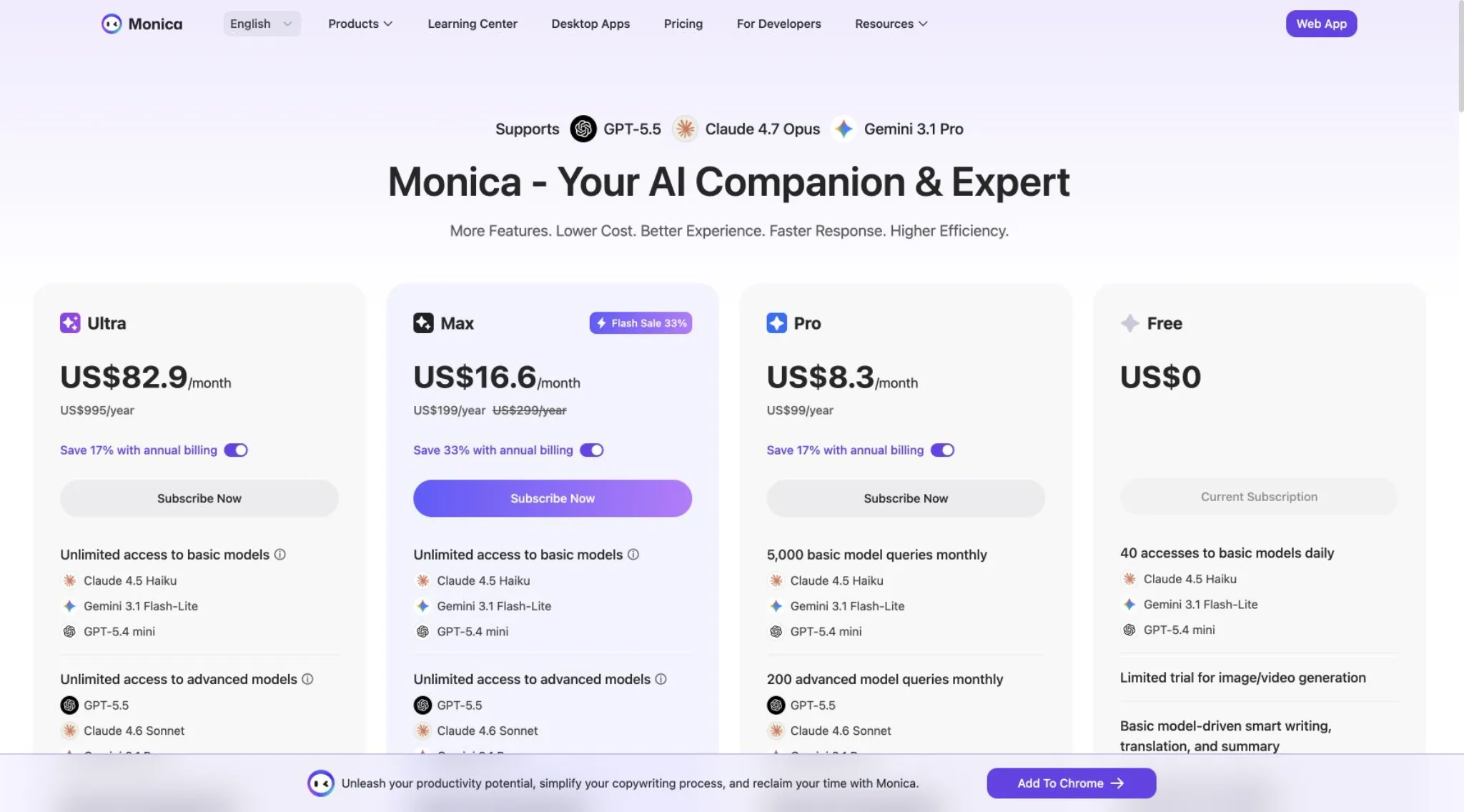
Monica has Free, Pro, Max, and Ultra tiers, which are priced as follows:
Plan
Price
Basic queries
Advanced queries
Extra advanced credits
Free
$0
40 per day
0
0
Pro
$8.30/month, billed $99/year
5,000 per month
200 per month
1,500 per month
Max
$16.60/month, billed $199/year; or $24.90 month-to-month
Unlimited under fair-use rules
Unlimited under fair-use rules
4,500 per month
Ultra
$82.90/month, billed $995/year
Unlimited under fair-use rules
Unlimited under fair-use rules
20,000 per month
Advanced credits pay for higher-cost features such as premium models and media generation. Extra credits currently start at $10 for 4,000. Monica also applies fair-use and daily-frequency controls after certain included quotas are depleted.
Everyday chat with limited uploads, images, research, memory, and Codex
Go
Varies by country
More messages, uploads, images, voice, and memory than Free
Plus
$20 per month
Advanced reasoning, expanded tools, projects, tasks, apps, and more Codex access
Pro
From $100 per month
Higher limits for demanding research, coding, and media work
Business
Per-user subscription
Shared workspace, administration, and business data controls
Monica AI vs ChatGPT for Students
ChatGPT is the better general study platform. Its Study mode can guide you through a problem, ask questions, create practice material, and work with uploaded notes or images. Projects help separate subjects, while file analysis and deep research support longer assignments. Our guide to how AI supports education covers additional study workflows and limitations.
Monica AI vs ChatGPT for Work
ChatGPT is better for work. Research, documents, data, instructions, apps, and earlier decisions can stay in one place. Codex also gives technical teams a much deeper software workflow.
The only area where Monica is better for work is browsing, since its UI for summarizing web pages is the most polished part of the platform and is extremely easy to use.
Monica AI vs ChatGPT: Final Verdict
ChatGPT is the better all-around AI platform in 2026. Despite giving you access to only one model family, its combination of features (projects, memory, files, research, apps, voice, images, data analysis, and Codex) comes together to create a powerful AI platform that is suitable both for beginners and power users alike.
The only time we'd recommend Monica AI over ChatGPT is if the AI browsing experience is the most important to you, or you need a combination of access to different AI image generators and video generation.
Overchat AI — the best all-in-one AI alternative
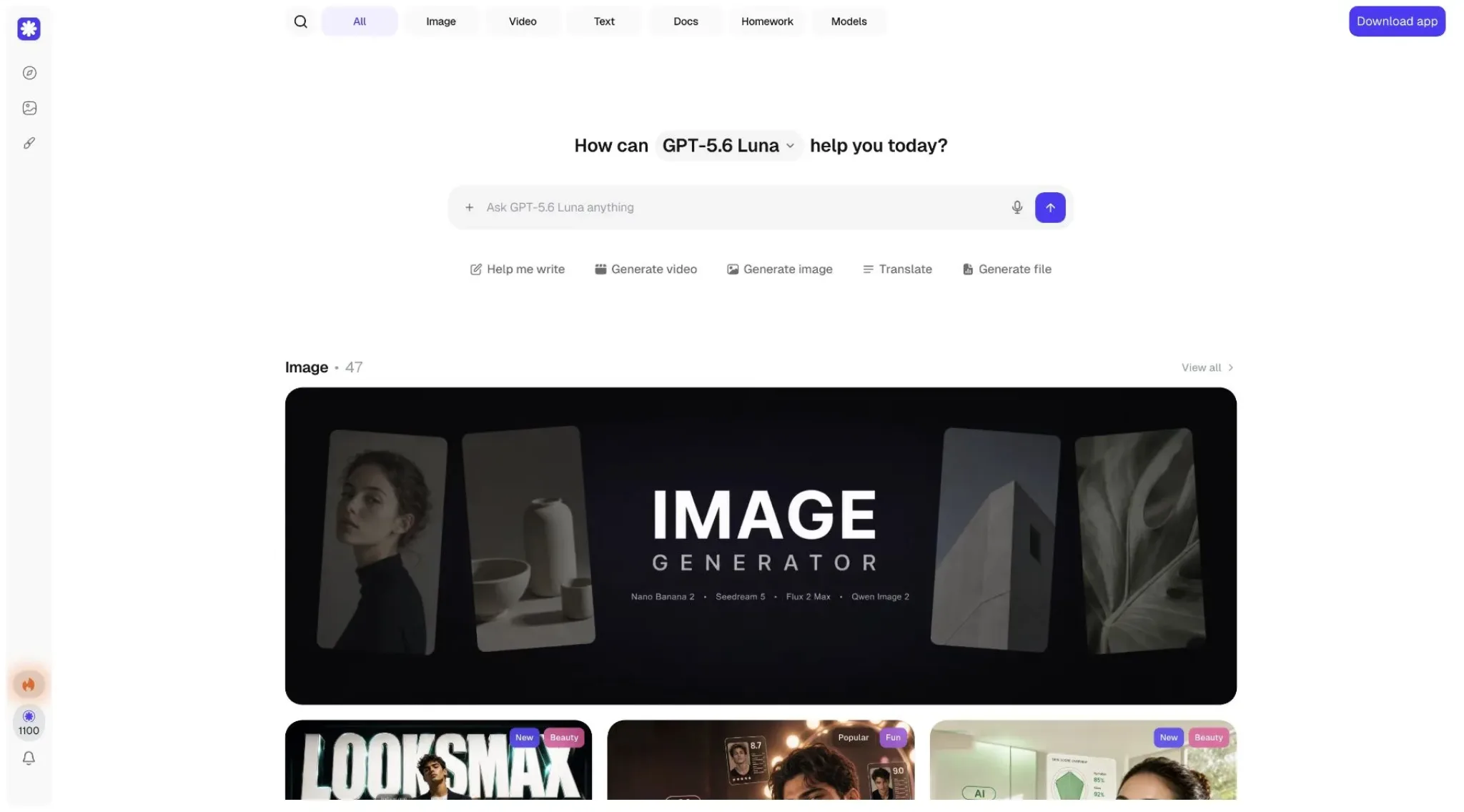
Overchat AI is an app we've built — it's an all-in-one AI platform and an alternative to Monica AI for people who want access to several leading model families.
Overchat brings GPT, Claude, Gemini, DeepSeek, Grok, Llama, Mistral, Qwen, Kimi, and other models into one chat interface. It also includes dedicated tools for image generation, video generation, AI writing, AI detection and humanization, document analysis, math, and homework, and much more.
The platform sits between Monica and ChatGPT:
Like Monica, it gives you access to models and creative engines from several providers.
Like ChatGPT, it provides a central workspace.
Its specialized tools provide direct paths for common jobs such as generating an image, analyzing a document, or solving a homework problem.
The questions below come up most often when people compare these two platforms.
Is Monica AI Better Than ChatGPT?
Generally the answer is no. Monica AI is better for browser assistance, webpage translation, multi-model access, and quick writing actions across websites. ChatGPT is better as an everyday AI platform, for productivity, research, file analysis, coding, voice, projects, and apps.
Does Monica AI Use ChatGPT?
Monica provides access to models from OpenAI, but Monica is a separate product and does not include the full ChatGPT experience. ChatGPT-specific features such as its exact memory system, Projects, apps, voice interface, and Codex workflow do not automatically come with an OpenAI model used through Monica.
Is Monica AI Free?
Yes. Monica has a free plan with 40 basic queries per day. Advanced queries and higher-cost media features are limited or require a paid subscription and advanced credits.
Is Monica AI Cheaper Than ChatGPT Plus?
Monica can be cheaper. Pro costs the equivalent of $8.30 per month when billed at $99 per year, while Max costs the equivalent of $16.60 per month when billed at $199 per year. ChatGPT Plus costs $20 per month. Monica prices can vary by region or promotion, and its credit system makes the real value depend on which models and media tools you use.
Can Monica AI Replace ChatGPT?
Monica can replace ChatGPT for general chat, browser summaries, translation, rewriting, PDF questions, and access to several AI models. It is a weaker replacement for users who depend on ChatGPT Projects, deep research, connected apps, advanced voice, data analysis, or Codex.