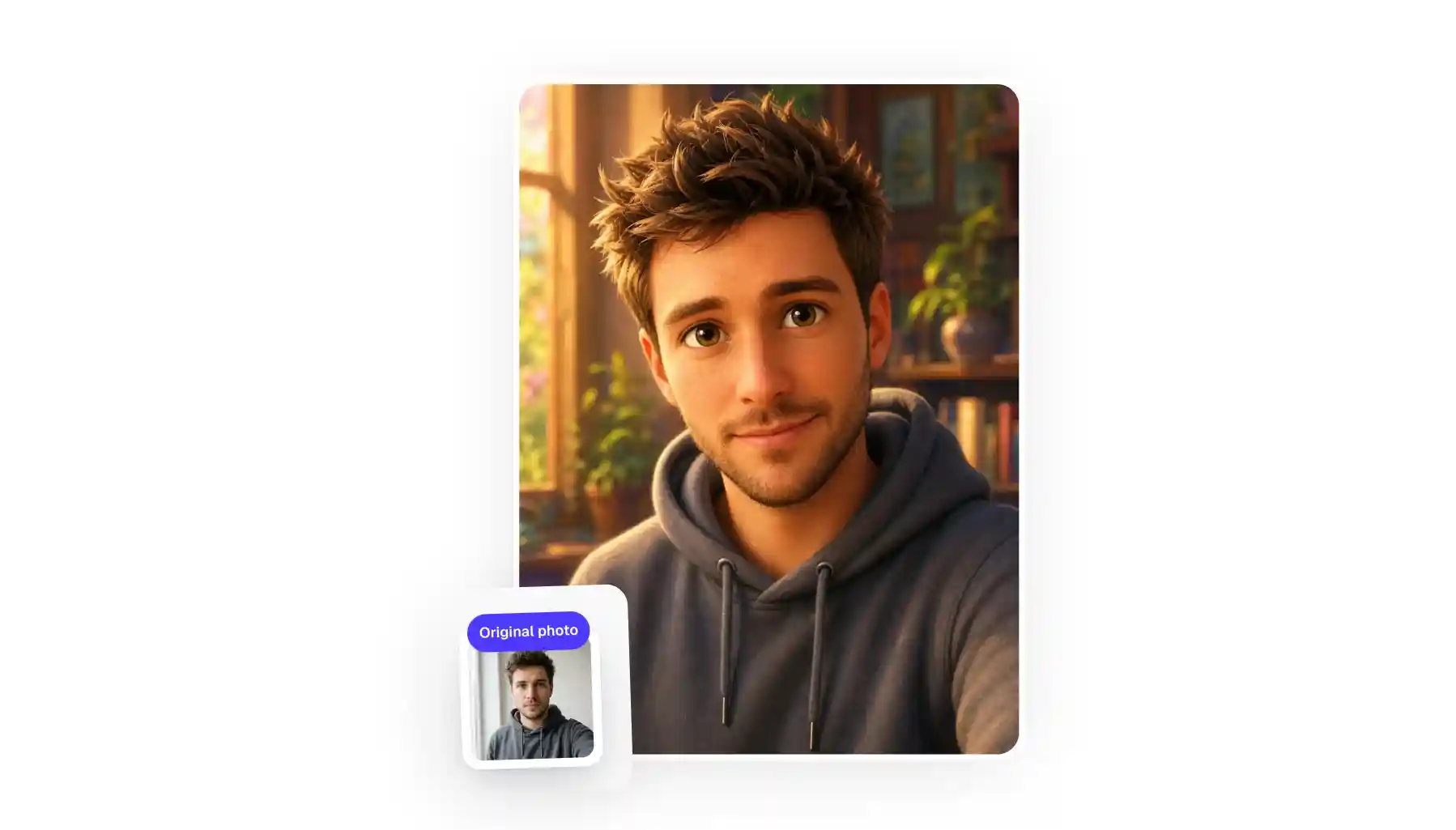
If you're wondering how to turn your photo into a cartoon online, you're in the right place. In this article, we'll show you 5 of the best online cartoonizing apps that are powered by AI, plus show you how easy it is to turn a photograph into a classic, Pixar, or Disney 3D with the Overchat AI cartoonizer.
An AI cartoonizer is an online tool that uses artificial intelligence image generation to turn a photograph into an illustration in the style of popular studios, like Ghibli, classic Japanese anime, or modern CGI like Disney and Pixar-esque style. For example, Overchat AI Cartoonizer allows you to upload a photo and turn it into anime art automatically.
Overchat AI is the best tool for cartoonizing a photo — it uses GPT Image 2, one of the most powerful AI image generation models developed by OpenAI in 2026, and is part of an all-in-one AI platform trusted by over 350,000 users.
Five of the best AI cartoon generators are Overchat AI, Adobe Firefly, Fotor, BeFunky, and ImageToCartoon.
AI cartoonizers are powered by image-to-image models — they take an image as a reference and create a new image based on that reference — sort of similar to how an artist would look at a photo and create an illustration based on it. The results are more convincing than image filters, which merely modify the old image.
AI cartoonizing can be free — for example, Fotor and ImageToCartoon have free trials, although they're limited: images are capped at low resolution or watermarked. That's because AI image generation costs money for the company, so unfortunately it's impossible to offer it for free.
But now that we have a general idea of what AI cartoonizers are, let's break down the 5 best of these tools in more detail:
What are the 5 best tools to cartoonize an image?
After testing several online options, we've landed on these five because they offer the best balance of ease of use and output quality:
Tool
What it is
Overchat AI
AI cartoonizer inside an all-in-one image platform — redraws a photo as Disney 3D, Anime, or Pixar while keeping the face, then feeds the result into upscaling, animation, and more
Adobe Firefly
Adobe's generative AI suite — cartoonizes from a photo plus a style prompt, with commercial-safe output inside Creative Cloud
Fotor
Free online photo editor whose photo-to-cartoon feature carries the widest set of free styles, exporting at up to 4K with no watermark
BeFunky
Long-running browser editor with cartoon effects in its Artsy tab — pick an effect, tune the intensity, download
ImageToCartoon
Free no-signup web tool with 80+ cartoon styles that deletes your uploads within two hours
1. Overchat AI
Overchat AI is a web-based AI cartoonizer, and our favorite tool on this list.
The Overchat AI Cartoonizer
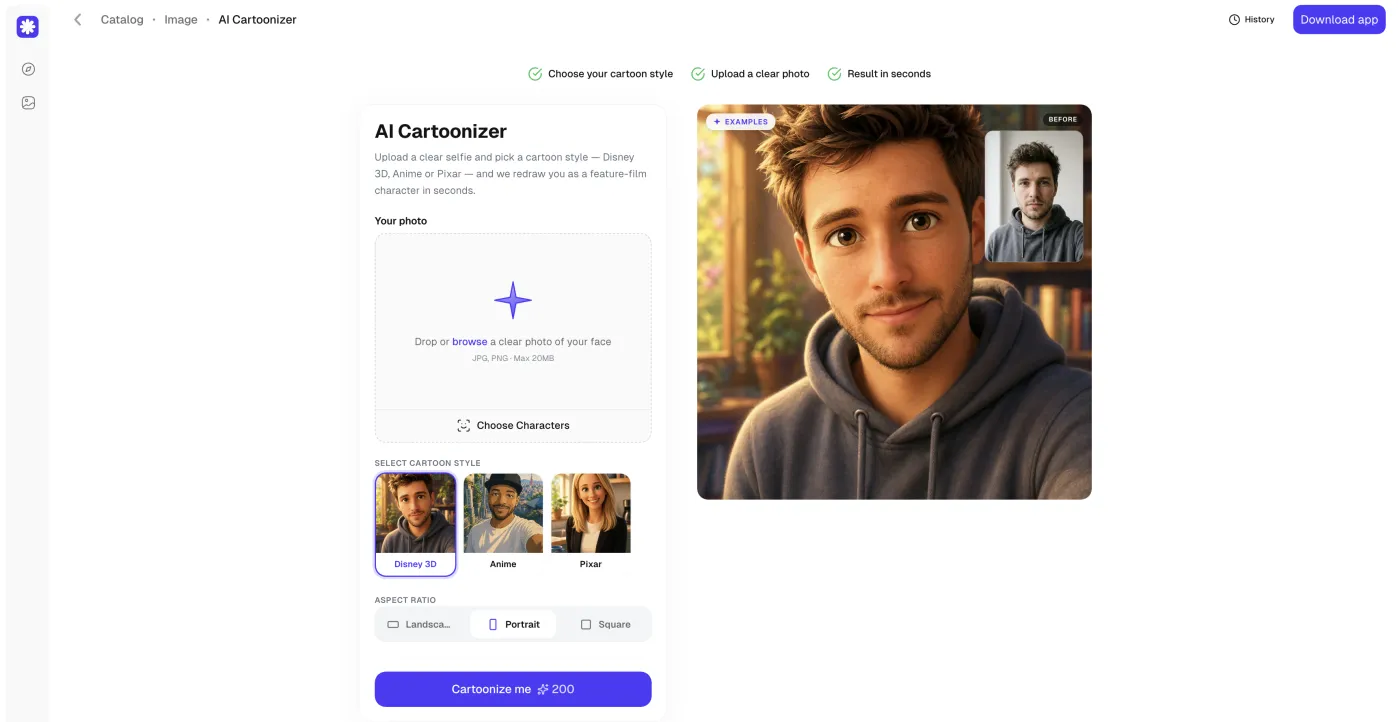
Overchat AI supports Disney 3D, Anime, or Pixar 3D styles. It is powered by GPT Image 2 — one of the most capable image generation models, and it shows because the results are highly authentic to the selected style. Overchat AI is an all-in-one AI platform that features over 150 tools and AI models, and it's trusted by over 350,000 users. As an all-in-one AI platform it offers powerful image workflows that you can do after creating a cartoonized image. For example, you can animate the image using an image to video tool without leaving Overchat AI, not only cartoonizing yourself but also making a cartoon video.
Price: $14.99/week or $49.99/year
Pros:
✅ Very high quality images
✅ Replicates different styles well
✅ Output flows into hundreds of other image and video tools
✅ No watermark and commercial use allowed
Cons:
❌ No free tier
❌ Three core styles
2. Adobe Firefly
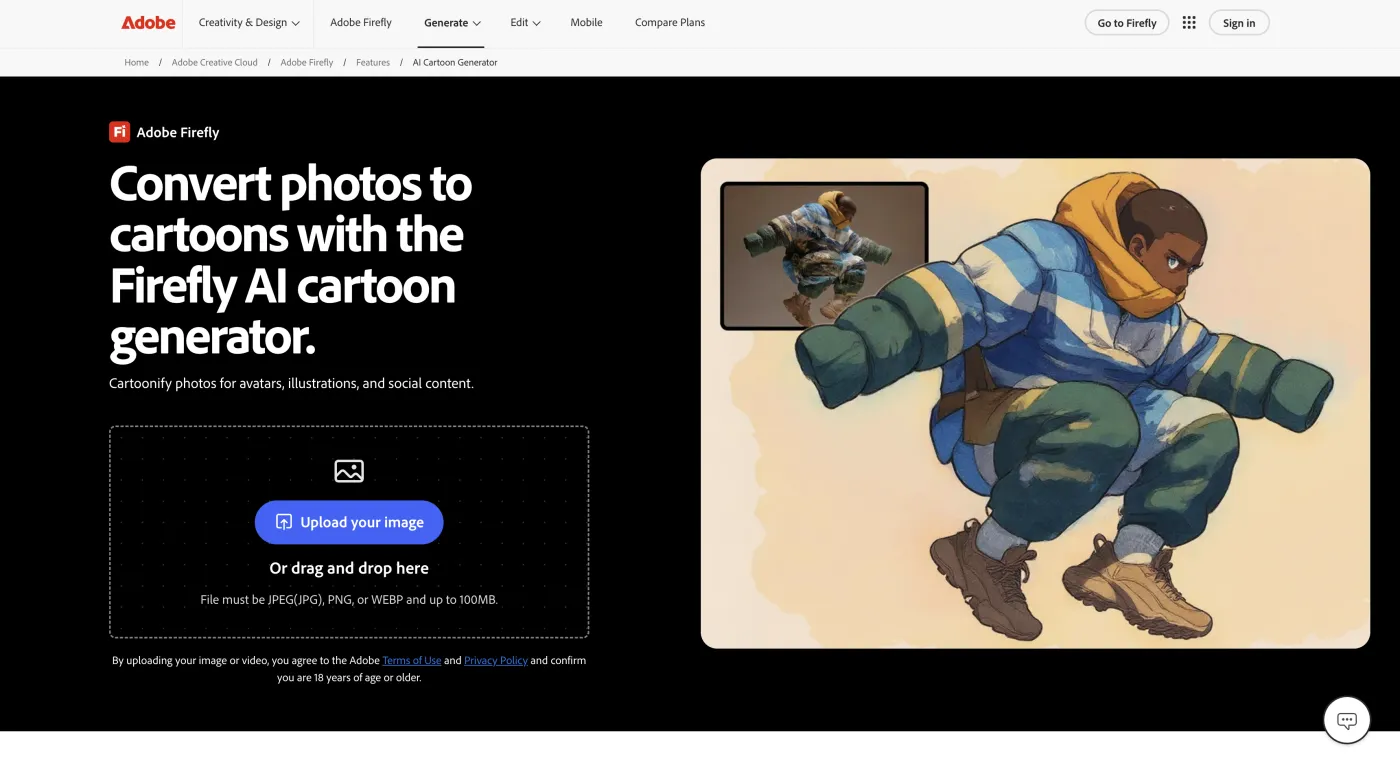
Adobe is of course known first and foremost for Photoshop, but they also have their own AI-focused product, and that is what Adobe Firefly is. It was released in March 2023, and while quality wasn't very good initially, over the last couple of years it has caught up, mainly because they started to integrate the leading image generation models like Nano Banana 2 from Google and GPT Image 2 from OpenAI into the platform.
Adobe Firefly
To use the cartoonize feature, however, instead of choosing a preset you'll have to describe the look with your own prompt, after which Firefly runs the image through the same image to image AI workflow. This is a good workflow if you want to experiment, but perhaps not the best option or the easiest way to get a professional result easily.
But what makes Firefly potentially more powerful than other options is that it was trained on Adobe's own training data — Adobe, of course, runs their own massive stock platform called Adobe Stock, which holds millions of openly licensed images, and public-domain work whose copyright has expired, giving them an ability to train the model on a massive dataset of high quality images. This applies to their own model, however, which by itself is not as powerful as Nano Banana, Seedream, GPT, or even Qwen image models.
Price:
Plan
Cost
Free
$0 (25 credits/month)
Premium
$9.99/month (2,000 credits)
Pros:
✅ Commercial-safe output
✅ Use a prompt to create any style
✅ Integrates with Creative Cloud
Cons:
❌ No presets
❌ Free credits run out fast
3. Fotor
Fotor is an online photo editor that was founded all the way back in 2012 — long before AI image generation had become this massive online phenomenon. What started as a standard, non-AI online photo editor became one of the leading AI editing platforms in the world, and Fotor is now used by hundreds of millions of people. All of that to say, the pedigree is impressive, but how does its photo-to-cartoon feature stack up against alternatives?
Fotor
We were impressed by the variety of styles here: 3D cartoon, American comic, Simpsons, Funko Pop, Rick and Morty, Japanese anime, and many more, and the faithfulness was generally good across all of them. The platform also exports at up to 4K resolution.
Price: $8.99/month or $39.99/year
Pros:
✅ Most free styles of any tool on this list
✅ 4K, watermark-free output
✅ Web, iOS, and Android apps
Cons:
❌ Style filters can flatten a face
❌ Advanced edits pushed toward the paid Pro plan
4. BeFunky
BeFunky is even older than Fotor — it was founded in Istanbul in 2007 and their Cartoonizer was actually the flagship product. Of course, at launch it ran as a filter, but they later improved it with a fully fledged AI tool, making it competitive in 2026.
BeFunky
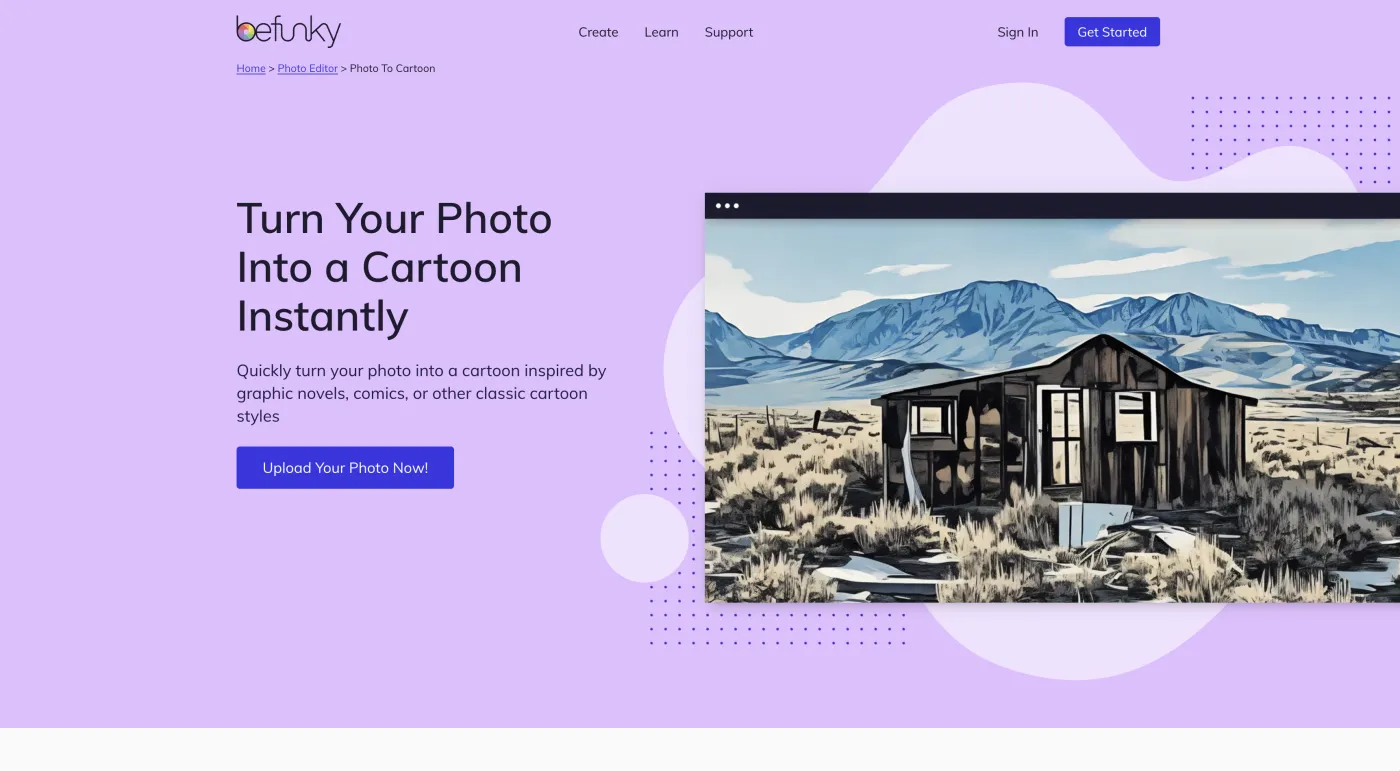
Their cartoonizer supports GFX, Graphic Novel, Pop Comic, Comic Noir, Pixel Art, and the original styles. To use the tool, all you need to do is open a photo, pick an effect, and tune its intensity with sliders, then download as JPG, PNG, or PDF.
Price: free Classic Cartoonizer; BeFunky Plus runs $6.99/month billed annually and unlocks the high-quality effects
Pros:
✅ Many different looks
✅ You can adjust how much of the effect is applied
Cons:
❌ Best effects are behind the Plus paywall
5. ImageToCartoon
ImageToCartoon is a dead simple tool, and it's free. This is a no frills AI cartoonizer that turns uploaded images into cartoons via AI regeneration, and it's good enough quality for a free tool, which is why we're including it. The style gallery is respectable: you've got 80+ styles including anime, manga, comic, watercolor, clay, and 3D-animation.
ImageToCartoon
They also claim that both the original and the generated image are deleted from their servers within two hours, which is a meaningful privacy point for a tool you use without an account.
The biggest drawback — and it's a big one — is the ads. Yes, it's a free tool, but it's perhaps not the best experience to use because the interface is filled with pretty large banners (which were all clicked closed for the purpose of taking the image above).
Still, free is free, and you can't beat that.
Price: It's free
Pros:
✅ Huge style library, completely free
✅ No sign-up and fast turnaround
✅ Auto-deletes uploads for privacy
Cons:
❌ Ads on the platform
How to cartoonize an image with Overchat AI
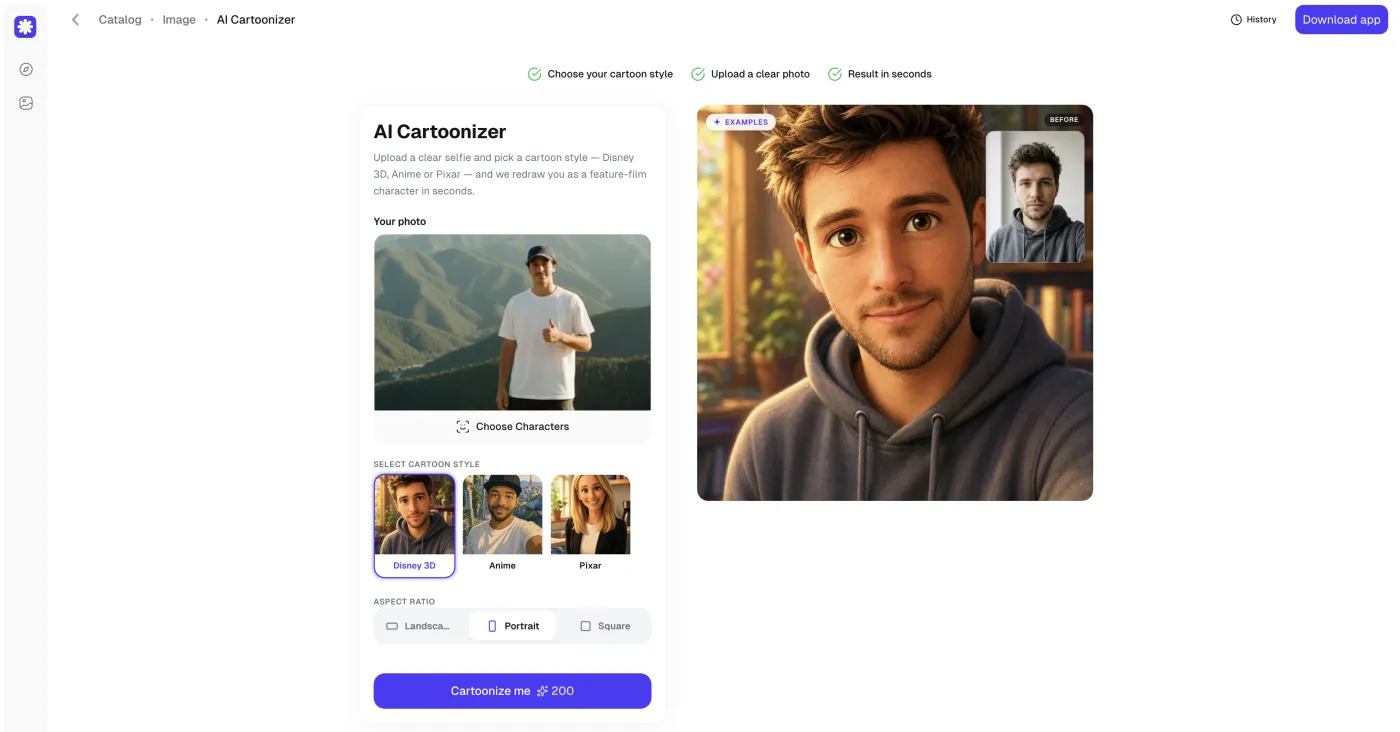
Overchat AI's AI Cartoonizer is the most reliable way to cartoonize a photo while keeping the face recognizable. The whole process is four steps and takes about a minute.
Step 1: Open the AI Cartoonizer and pick a style
Go to the AI Cartoonizer and pick one of the cartoon styles at the bottom:
Disney 3D
Pixar
Anime
Pick a cartoon style
Step 2: Upload your photo
Drag a photo into the upload box or browse for one. It accepts PNG, JPG, HEIC, and WebP files. HEIC support is a big point because it means you can take a selfie using your iPhone camera or drop a photo directly from your Photos (not all tools support HEIC conversion).
Upload your photo
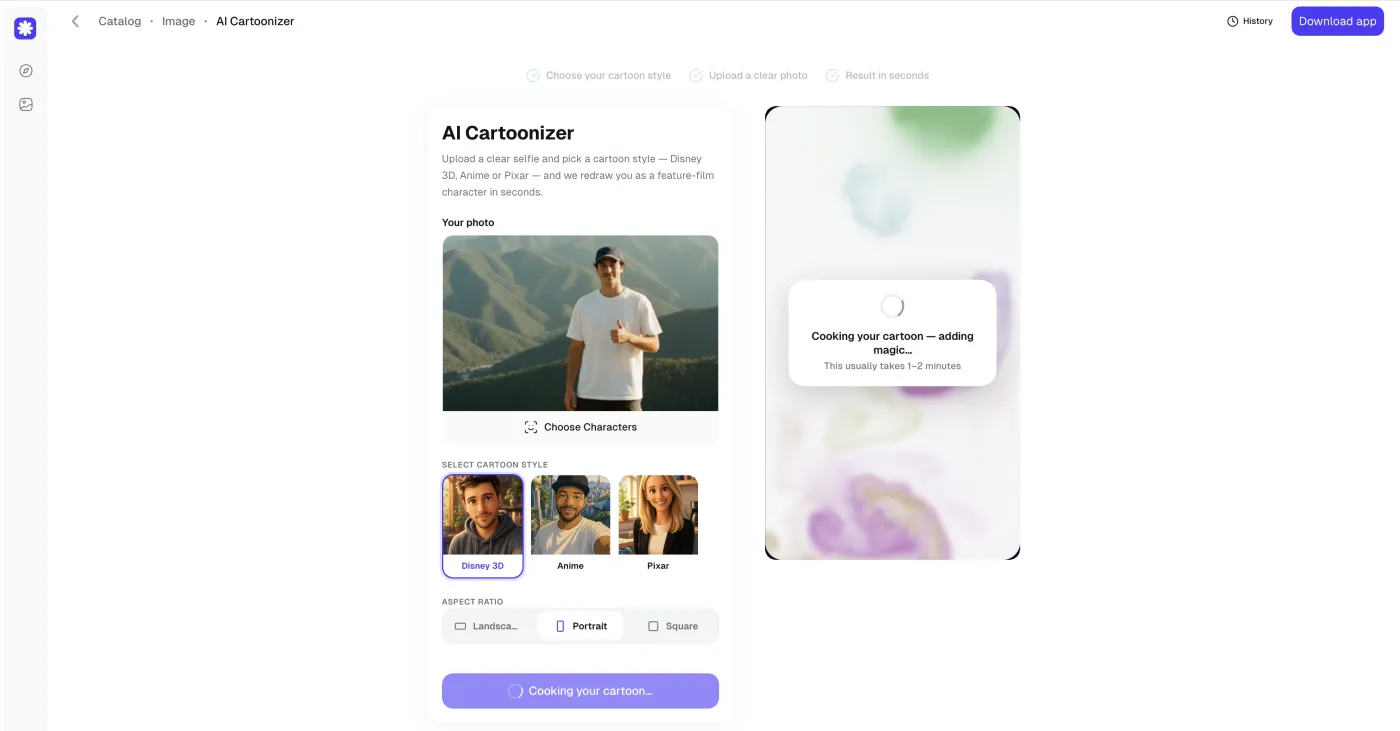
Step 3: Set the aspect ratio and cartoonize
Choose an aspect ratio — Landscape, Portrait, or Square — to match where you'll post the result, then click Cartoonize me. Wait about 30 seconds for the AI to do its magic and create a new image.
Cartoonize me
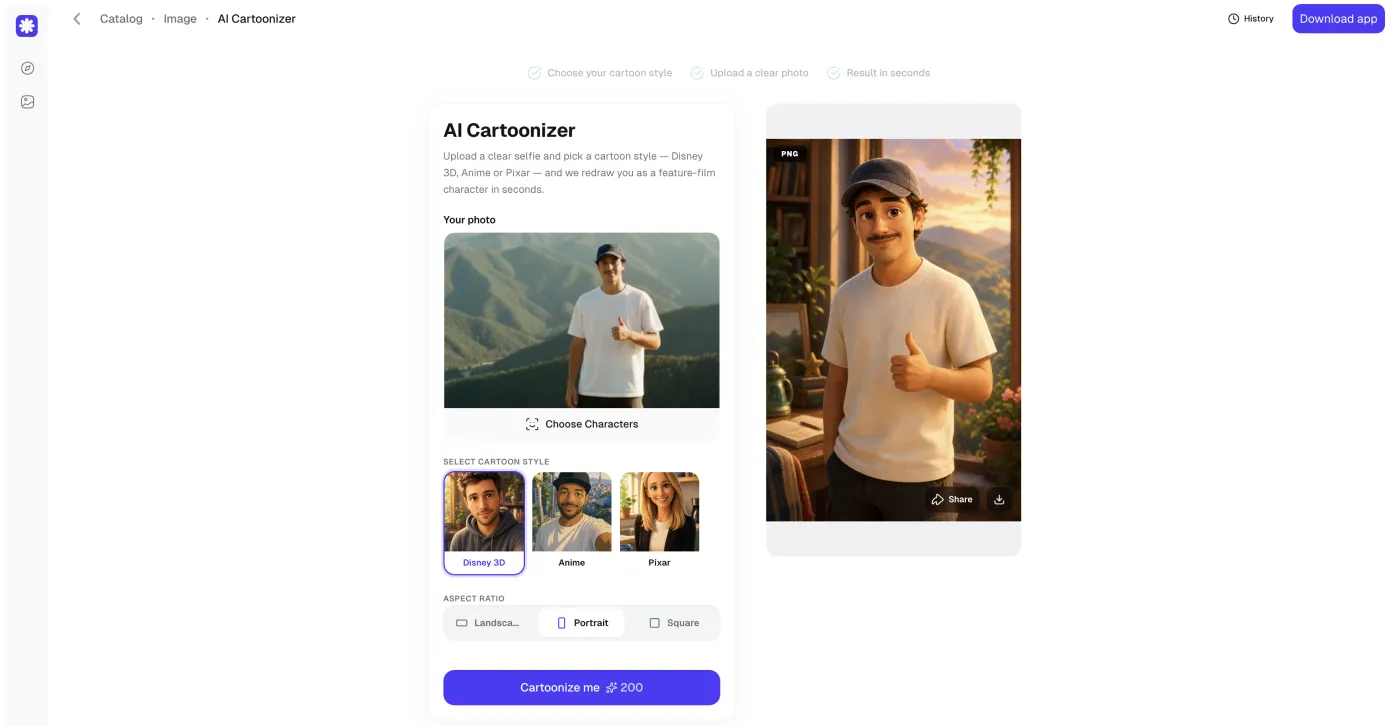
Step 4: Download or share your cartoon
When the redraw finishes, your cartoon appears on the right. Download it or share it straight to social.
Your finished cartoon
FAQ
Common questions about cartoonizing an image.
Is there a way to cartoonize a picture?
Yes. Upload the picture to an AI cartoonizer like Overchat AI, pick a cartoon style, and the tool redraws the photo as a cartoon in about a minute. No design software or manual editing is needed.
Can I cartoonify myself for free?
You can cartoonify yourself for free with tools like Fotor and ImageToCartoon, which don't charge for basic cartoon styles. Free tiers usually limit resolution, the number of styles, or how well the result preserves your likeness, so AI redraws like Overchat AI and Adobe Firefly give a more accurate result for a small cost.
Is it legal to cartoonize a photo?
Cartoonizing a photo you own or have permission to use is legal, and most tools (Overchat AI, Adobe Firefly, Fotor) clear the output for personal and commercial use. Cartoonizing someone else's photo or a copyrighted character without permission can raise rights issues, so use your own images.
Is there a free AI cartoon generator?
Yes. Fotor and ImageToCartoon are free AI cartoon generators that need no payment, and Adobe Firefly gives 25 free generative credits a month. For consistent likeness across styles, Overchat AI is the paid option to start with.
Verdict: the easiest way to cartoonize an image
For most people, Overchat AI is the one to start with. It keeps the face recognizable in Disney 3D, Anime, and Pixar because it redraws the photo with a Nano Banana–class model instead of stamping a filter on it, the four-step flow takes about a minute, and the cartoon saves into a platform where you can upscale or animate it next.