Today's best AI video generators can create videos that are virtually indistinguishable from real life — which creates a big problem: how can you tell what information is real and what has been created using AI?
Not to mention... Deepfakes. This technology isn’t new, and it can create photorealistic images of people that can be used for scams, phishing, and catfishing. An extreme example of how wrong things can go when deepfakes are involved is the case of the finance worker at a multinational firm who lost $25 million after scammers used a deepfake video to impersonate the company's CFO on a conference call.
So, how can you protect yourself against false information, avoid scammers, or maybe just stay informed about which videos are AI-generated and which are genuinely human-made? Enter AI video detectors.
Read on for everything you need to know about these tools, how to use them and which AI detectors are currently the best.
AI video detectors analyze clips or URLs and return a confidence score on whether they're AI-generated, often identifying the tool used.
They combine frame-level edge detection, audio analysis, metadata inspection, and pixel-level watermarks to hit 95–99% accuracy.
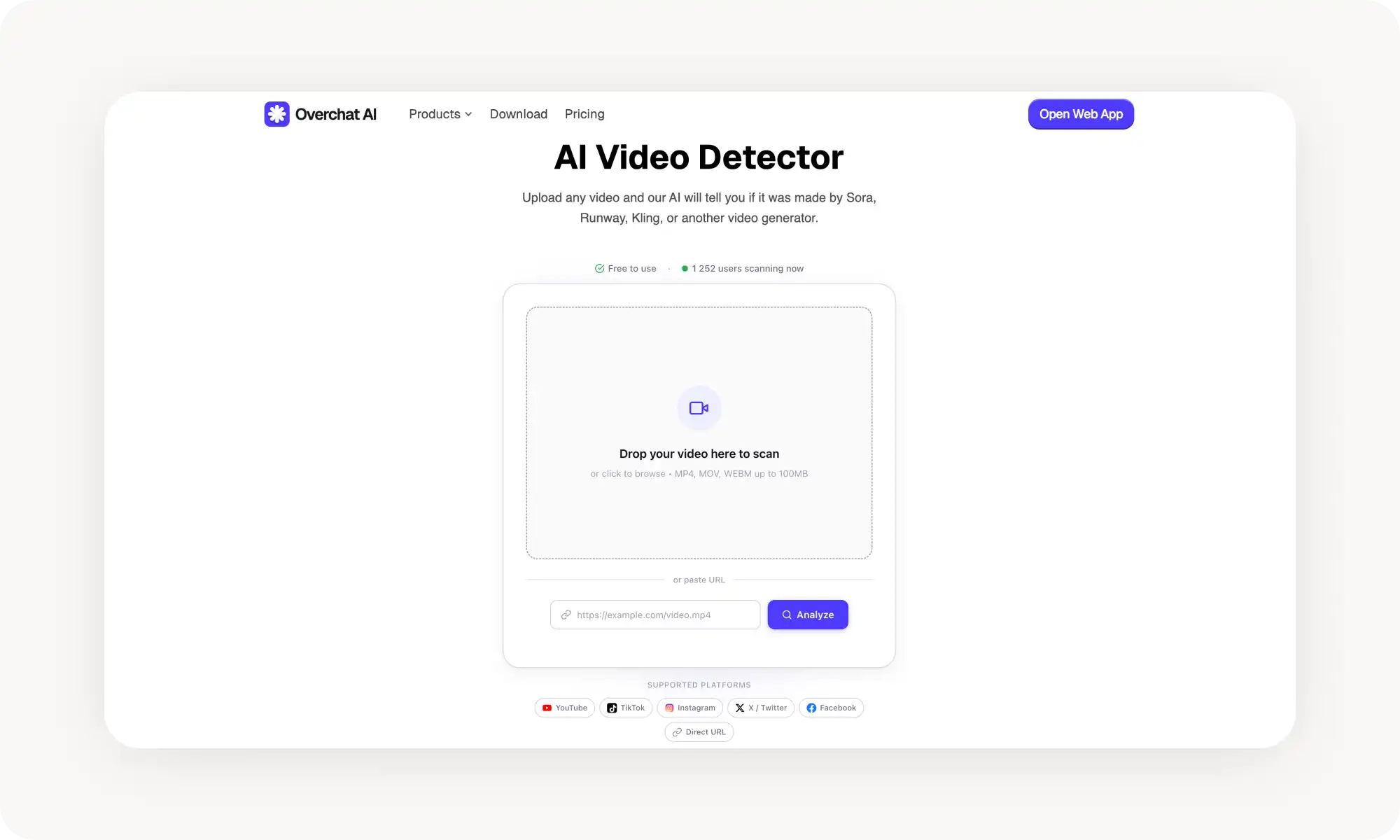
Overchat AI is free, browser-based, supports direct uploads and URLs from major platforms, and covers all major generators (Sora 2, Runway, Kling, HeyGen) with 99% accuracy.
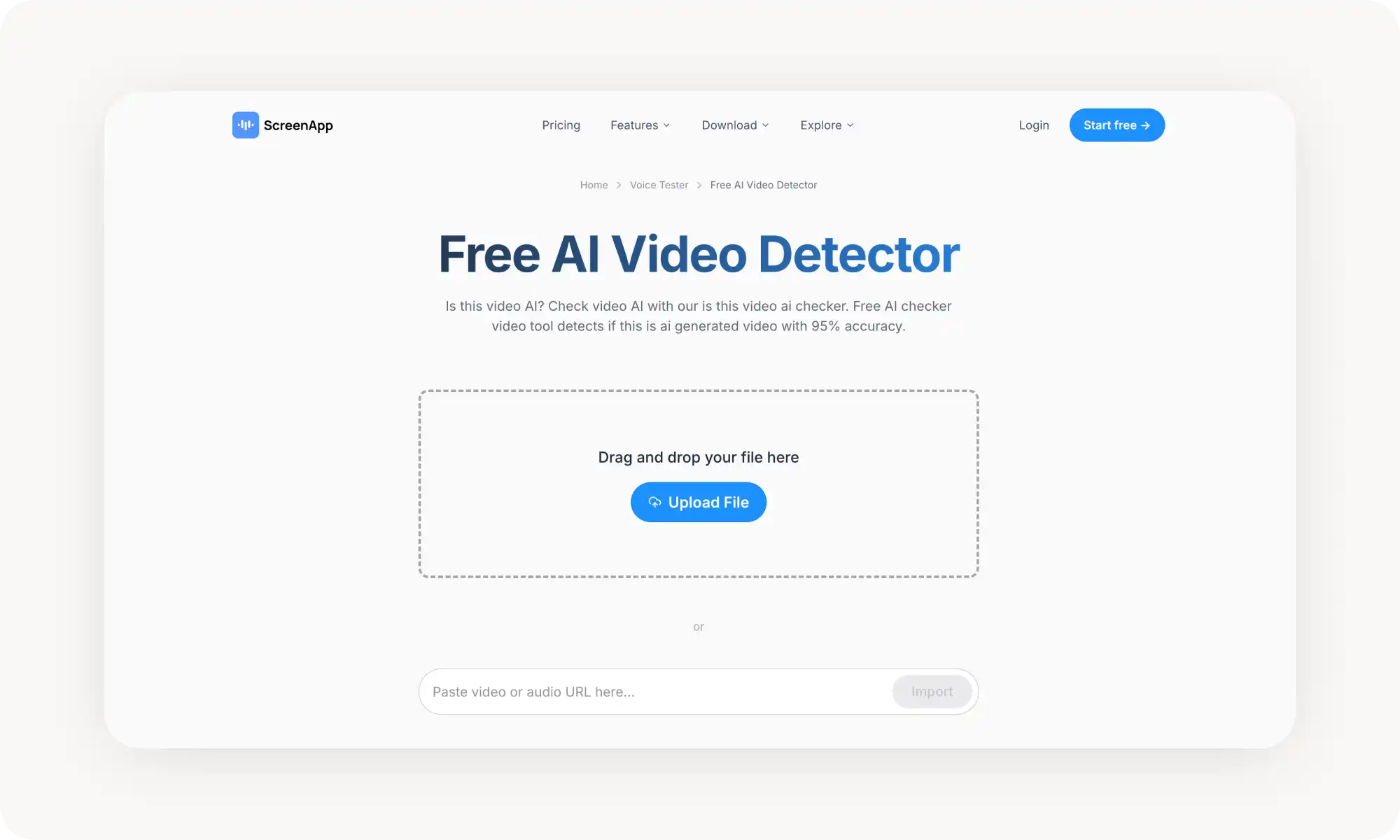
ScreenApp offers unlimited free scans with no registration and multimodal analysis, capped at 30 minutes per video.
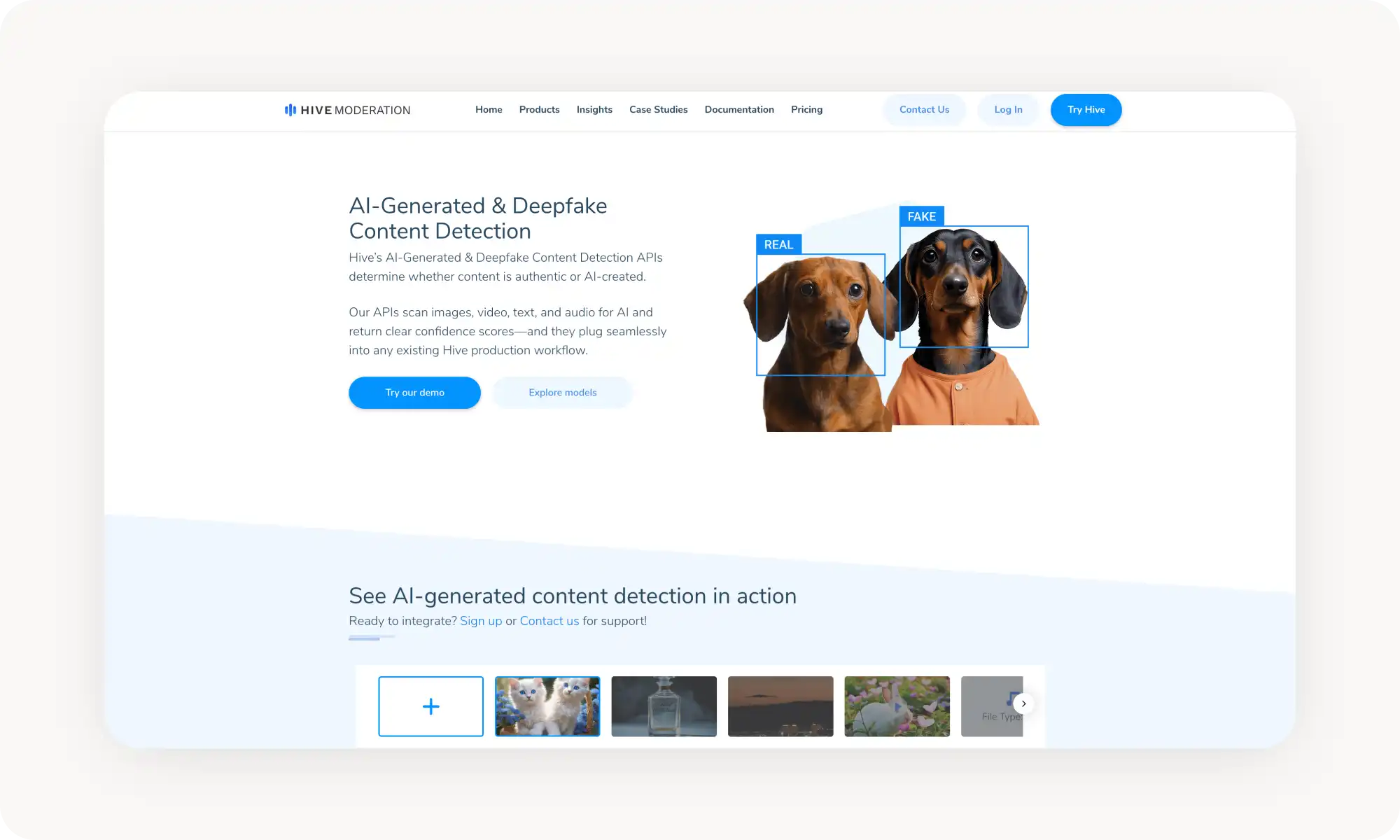
Hive Moderation is the industry standard, trusted by Reddit and BeReal, available as a free Chrome extension for right-click checks.
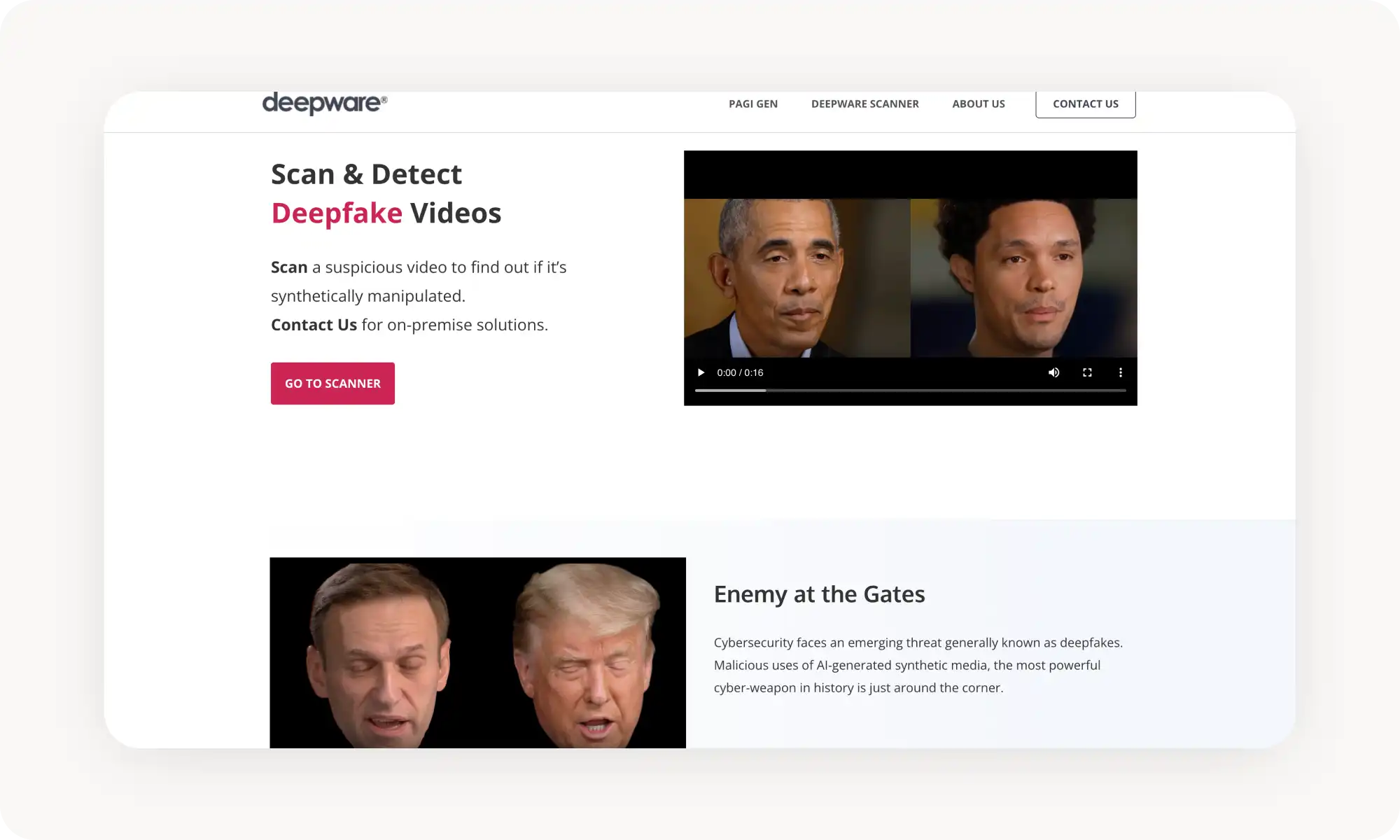
Deepware focuses specifically on deepfake face detection, but misses voice cloning and videos without people.
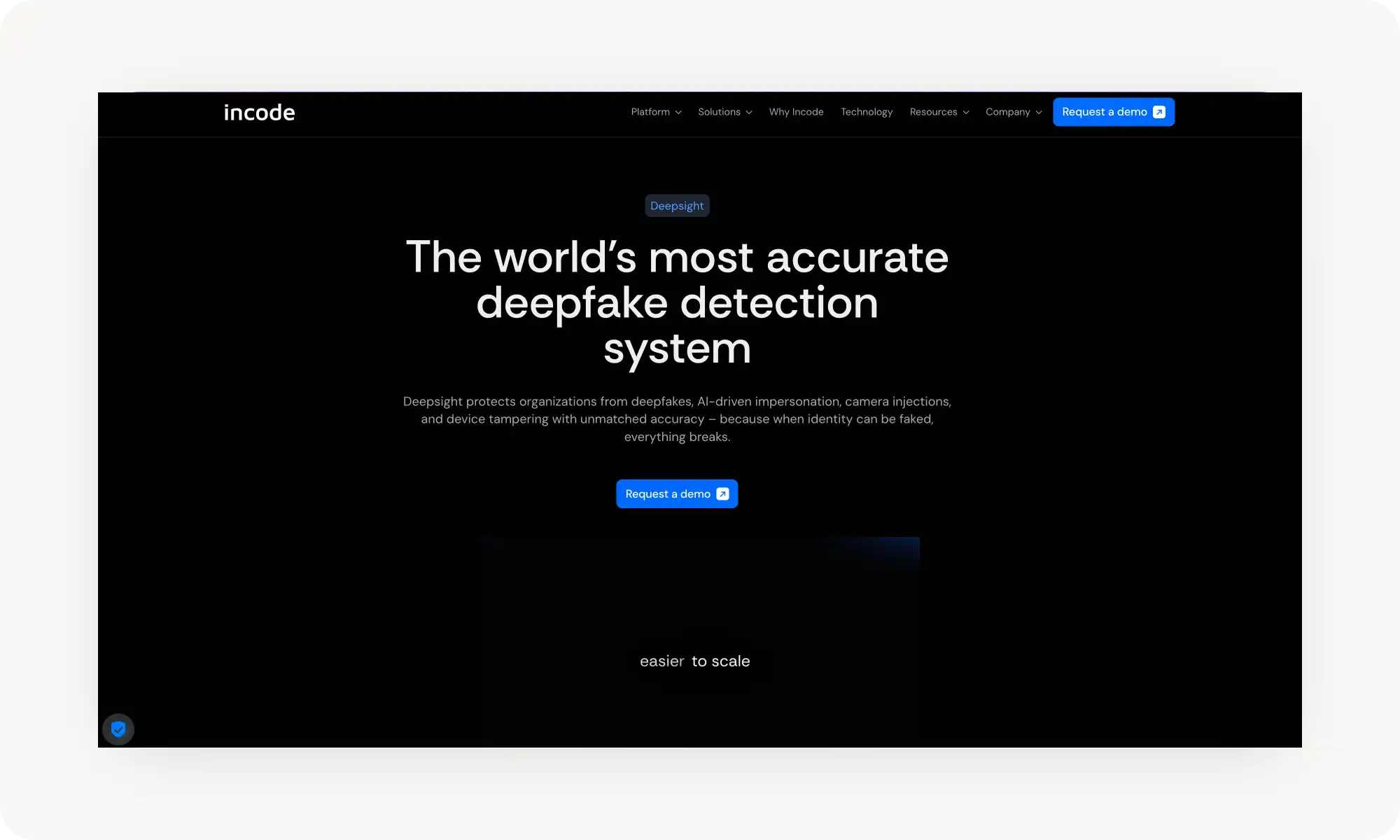
Incode Deepsight is the enterprise pick — Purdue-validated as the most accurate system tested, processing in under 100ms.
What Is an AI Video Detector?
A friend recently showed me a video of the aftermath of a snowfall in Kamchatka. It depicted snowdrifts piling up as high as seven-storey buildings, and they asked me whether it was real or AI-generated. For a moment, I was genuinely flustered and had to stop and think.
On the one hand, the video looked completely photorealistic. Also, who really knows what the weather is like in Kamchatka? But more than anything, there’s now so much borderline realistic content on the internet that’s been made by AI that I think our brains have lost some degree of natural skepticism — it’s become easier to just accept what we see.
The era of AI video production — and its proliferation across internet video archives on YouTube, Instagram, and TikTok — is only going to continue.
That makes it more important than ever to have a tool you can rely on to say, “Hey, this video is definitely AI-generated, and I can prove it with an analysis.” That’s exactly what AI video detectors are for.
An AI video detector is a tool, generally hosted online, which enables you to upload a video file or submit a video link and receive a detailed, structured analysis of whether the video was created using AI or by a human.
You are usually given a confidence score out of 100, along with a summary explaining why the video is likely to be AI-generated or human-made. Sometimes the tool will also be able to detect which software was used to create the video if it’s AI-generated.
How Do AI Video Detectors Work?
AI-generated videos may look photorealistic to the naked eye, but because of how the technology works (each frame essentially being a denoised static image created from scratch) if you look very closely at fine details on static objects while scrubbing through frames, you’ll often see them morphing.
This temporal instability between frames is one way that AI detectors can spot AI-generated content.
That said, it’s far from the only signal they rely on. If detectors depended on this alone, they’d stop working as soon as AI generators improved — and wouldn’t be much more effective than simply zooming in and eyeballing the footage.
So here are some of the other ways AI detectors distinguish AI-generated “slop” from real video:
Edge detection: Visual analysis examines video frame by frame, focusing on fine edges — especially where tiny details contrast sharply with the background — to detect flickering, warping, or unnatural blur.
Audio analysis: When a video includes sound, detectors analyze natural variations in pitch, rhythm, cadence, and breathing. These are subtle patterns that voice and sound-cloning tools still struggle to reproduce perfectly.
Metadata analysis: This technique looks at the file itself rather than its visual or audio content. Video files contain information about how they were created and processed, and AI-generated content often carries compression artifacts or encoding signatures that differ from footage captured by real cameras.
Pixel-level detection: AI companies are also working to make synthetic content more traceable. One approach involves embedding invisible, pixel-level watermarks that the human eye can’t see but AI detectors can. When detected, these act like digital signatures that point back to the model used to generate the video.
To maximize detection rates, the best AI detectors combine all of these techniques, allowing them to identify AI-generated videos with accuracy rates of 95%, 98%, or even 99% — depending on the tool.
Best AI Video Detectors
I’ve researched and tried over 20 AI video detection tools, selecting the four that I enjoyed using the most, plus one that is indispensable for businesses (although I wasn’t able to try it personally, as it is an enterprise tool). First, here’s a high-level comparison in a table:
Tool
Best For
Video Detection
Audio Detection
Free Tier
Pricing From
Overchat AI
Quick text/image AI checks
❌
❌
✅
Free
ScreenApp
Unlimited free video scanning
✅
✅
✅
Free
Hive Moderation
Multi-format detection
✅
✅
✅
Free extension
Deepware
Video-focused deepfake scanning
✅
❌
✅
Free
Incode
Enterprise identity verification
✅
✅
❌
Enterprise
1. Overchat AI
Overchat AI is a free video detector that works entirely online. It can detect AI videos made in Sora, Runway, Kling, Pika, Luma, and more. You can upload video files directly (MP4, MOV, or WEBM up to 100MB) or paste a URL from YouTube, TikTok, Instagram, X, or Facebook.
Upload a video file or paste a URL from a supported platform.
Wait for the frame extraction and analysis to complete.
Review the overall AI probability score and the individual breakdowns.
The detector covers videos from most major AI generation tools, including newer models like Sora 2 and Wan 2.6 as well as avatar-based generators like Synthesia and HeyGen with 99% accuracy based on training across thousands of AI-generated and authentic videos.
Pros:
✅ Free to use
✅ Supports direct uploads and URLs from major platforms
✅ Covers a wide range of AI video generators
✅ Works in browser — no installation needed
2. ScreenApp
ScreenApp offers a free AI video detector which identifies AI video 95% of the time. It works for deepfakes and AI-generated content. The tool uses multimodal analysis — examining facial movements, biometric patterns, audio-visual synchronisation, metadata signatures, and frame-level artefacts.
You run an unlimited number of scans for free without creating an account. While many tools heavily restrict usage, this one lets you analyse as many videos as you want, which I think is its killer feature. As with Overchat AI, you can upload video files directly or paste YouTube URLs for analysis. However, fewer platforms are supported here.
To use the tool:
Go to ScreenApp's AI Video Detector page
Upload your video file or paste a URL
Wait for multimodal analysis to complete
Review the verdict and supporting indicators
The tool works directly in your browser without downloads. It supports common video formats like MP4 and MOV, and the free tier handles videos up to 30 minutes.
Pros:
✅ Unlimited free detection with no registration
✅ 95% claimed accuracy
✅ Multimodal analysis (video + audio + metadata)
✅ Supports YouTube URLs
✅ Browser-based — no installation
Cons:
❌ 30-minute video limit on free tier
❌ Results require interpretation
❌ Less suitable for high-stakes forensic work
3. Hive Moderation
Hive Moderation specialises in detecting AI-generated content in text, images, audio and video.
This company offers an enterprise-grade detection solution used by platforms such as Reddit, Giphy and BeReal. In other words, it has been tested and trusted by industry giants. You could say that this is the gold standard of AI video detection.
This is also one of the most user-friendly AI detectors, as it comes in the form of a free Chrome extension that lets you right-click any web content to check if it's AI-generated. I found this very convenient because I could check whether a piece of content was AI-generated without stopping my browsing to switch to another platform and run the detection there.
However, installing an extension and giving it access to everything I see felt like a worse privacy option than opening a dedicated platform on demand — but it’s up to you which option you prefer, as both are valid.
To use the tool:
Install the Hive AI Detector Chrome extension
Right-click any video on a webpage
Or paste content directly into the extension
View the AI probability score and source prediction
The process is completely different for enterprises and businesses, as they can run video detection at scale via API access.
Pros:
✅ Free Chrome extension for quick checks
✅ Detects text, images, audio, and video
✅ Predicts which AI tool generated the content
✅ Trusted by major platforms
✅ Regular model updates
Cons:
❌ Extension-based workflow might be a con for some
❌ Some accuracy concerns with heavily edited content
4. Deepware
Deepware is a deepfake video scanner built specifically to detect face manipulation in videos. As such, it focuses entirely on the visual patterns that reveal AI face swaps.
The tool accepts direct video uploads or URLs from YouTube, Facebook, and Twitter and shows which faces in the video were flagged and the confidence level for each detection. It processes videos up to 10 minutes long.
To use the tool:
Go to scanner[.]deepware[.]ai
Upload a video file or paste a URL
Wait for the AI to scan all faces in the video
Review the report showing flagged faces and confidence scores
Fun fact: the team behind Deepware also creates deepfakes themselves — they believe that building better fakes helps train better detectors.
Pros:
✅ Free and web-based
✅ Scans videos via URL
✅ Uses multiple detection models for accuracy
✅ Offers and API and SDK for developers
Cons:
❌ 10-minute video limit
❌ Doesn't detect voice cloning
❌ Doesn't detect AI videos without people in them
❌ Results aren’t always easy to read
❌ Works worse with resolution under 1080p
5. Incode
Incode's Deepsight is the most sophisticated deepfake detection system in this list — and the most expensive.
It was validated by Purdue University, whose independent research showed that it is the most accurate of the 24 commercial detection systems they have tested. We’re including it on this list because it’s the most powerful, but bear in mind that it’s intended for use by businesses and enterprises, such as security and content moderation teams, rather than for casual use.
For these use cases, speed is often crucial, as they will typically be processing more than one video at a time or working with live feeds. As such, this tool can detect AI in under 100 milliseconds, and internal tests showed that it was ten times more accurate than trained human reviewers at identifying deepfake videos.
The tool is already being used by the security teams of TikTok's parent company ByteDance, PNC Bank, Scotiabank and Nubank to detect deepfake videos as an anti-scam security measure.
Deepsight is available through the Incode Identity Platform, which also handles KYC onboarding, authentication, step-up verification, and age verification.
Pros:
✅ Highest independently-verified accuracy (Purdue University study)
✅ Identifies the specific AI model used
✅ Under 100ms processing time
✅ Enterprise-level security
Cons:
❌ No free tier
❌ Requires integration with Incode platform
❌ Not for casual use
❌ Not available as a standalone consumer tool
Frequently Asked Questions (FAQs)
How accurate are AI video detectors?
Depending on the tool used, detection accuracy can be as high as 99%+. That being said, these scores are usually achieved under ideal conditions, and in real life they’re likely to be slightly lower, especially if video creators use techniques to disguise the content of the video. Nevertheless, in my testing, I was able to detect AI slop in 95–98% of cases.
Do AI video detectors work on compressed social media videos?
Yes, for example, with Overchat AI, you can give the tool a direct link to a YouTube video or Instagram Reel and run the detection algorithm on it. However, these are among the least reliable sources for detection due to heavy online compression. For the best results, upload videos at 1080p or a higher resolution where possible.
What should I do if a video is flagged as a deepfake?
This depends on the type of video. If it’s a meme, the method of creation doesn't really matter, as long as it's made with good intentions. However, not many people will be fooled by Stephen Hawking in the X Games. However, if the video poses as a news story with the intention of spreading misinformation, the best thing to do is avoid sharing it and flag it on the platform where you find it.
Bottom Line
Here's what you need to remember:
AI-generated video has become sophisticated enough to fool us
DeepFakes and AI videos are parts of online scams and spread misinformation
The amount of AI slop on the internet will only continue to grow
AI video detectors can tell you which videos were AI-generated
Consumer AI video detectors come as free online tools or browser extensions
Enterprise tools let you analyze videos in bulk and integrate programmatically
AI video detectors aren’t perfect, so use your best judgement when using them.
In 2026, AI-generated video footage has become so realistic that it is often impossible to tell whether you are looking at real or synthetic footage. Thankfully, AI detection capabilities are also evolving and constantly improving at identifying AI-generated content. Next time you watch a video and want to know if the creator used AI, select any free tool from this list to run a quick check.