AI Skin Enhancer Apps: 5 Best Tools to Perfect Skin
Last Updated:
2026-09-08
AI Skin Enhancer Apps: 5 Best Tools to Perfect Skin
Looking for the best AI skin enhancer app? You’re in the right place.
AI photo enhancement has exploded recently, and skin enhancement is one of the most popular uses. It saves time and helps you — or, indeed, your AI avatars — look polished and natural in every shot.
Maybe you have an important photoshoot and a rash shows up at the worst possible moment. Or you’re editing photos for clients and spending 30 minutes per image trying to get skin that looks realistic — not overly smooth or harshly sharp.
Another popular use case for skin enhancement apps is adding realistic texture to AI-generated avatars and AI influencers — something that has recently exploded in popularity. The best AI skin enhancing apps are built exactly for this.
AI skin enhancers beat built-in filters because they preserve natural skin texture instead of creating that waxy look — they target actual imperfections selectively and correct tone without changing skin color.
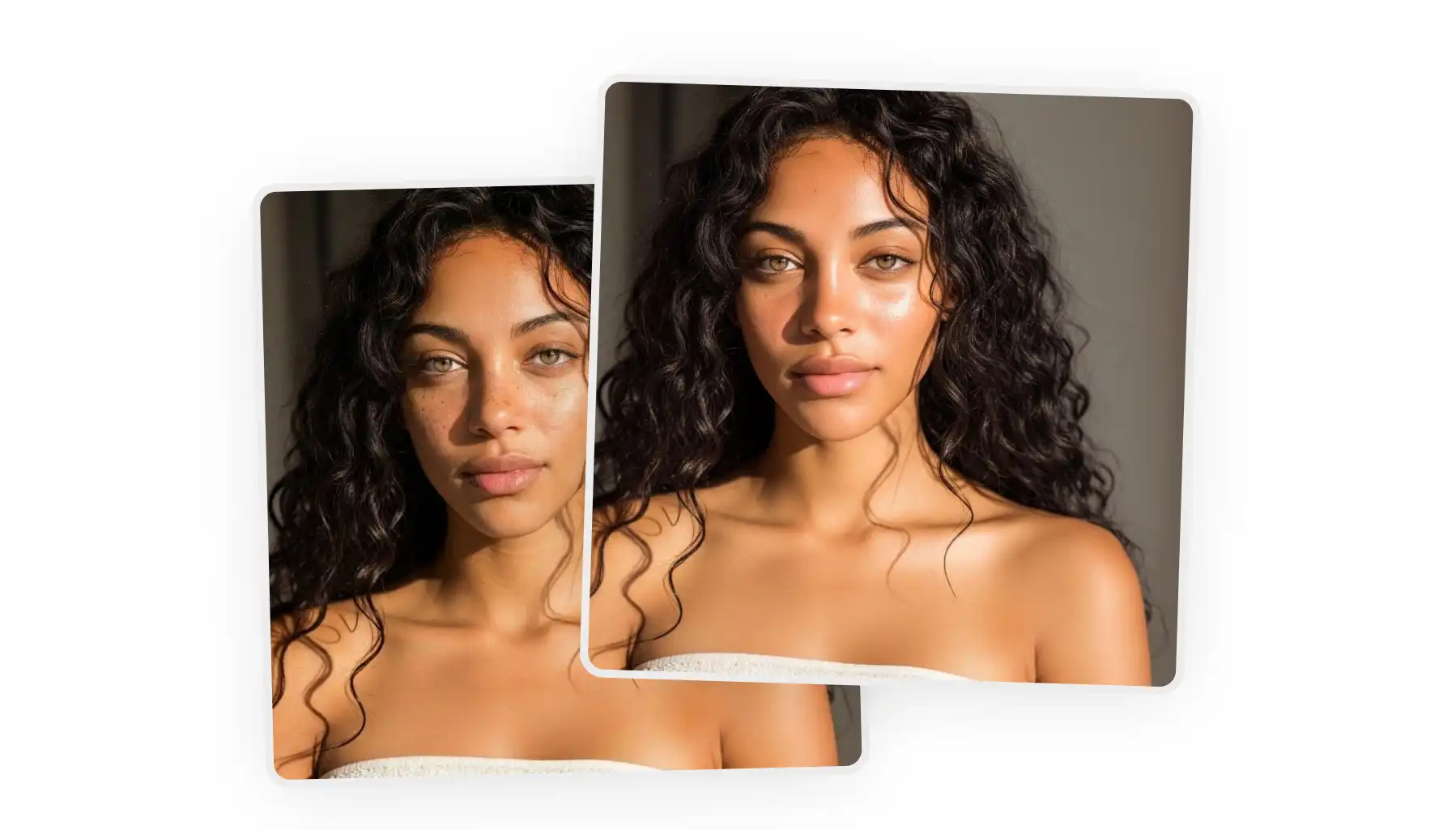
Overchat AI runs on Seedream 4.5 and handles smoothing, blemish removal, and tone correction in one click — free, no watermarks, and bundled with background removal and upscaling in the same platform.
Enhancor specializes in retouching AI-generated portraits — reintroduces pores and micro-textures that generative models smooth out, with targeted area controls and 4K output on paid plans.
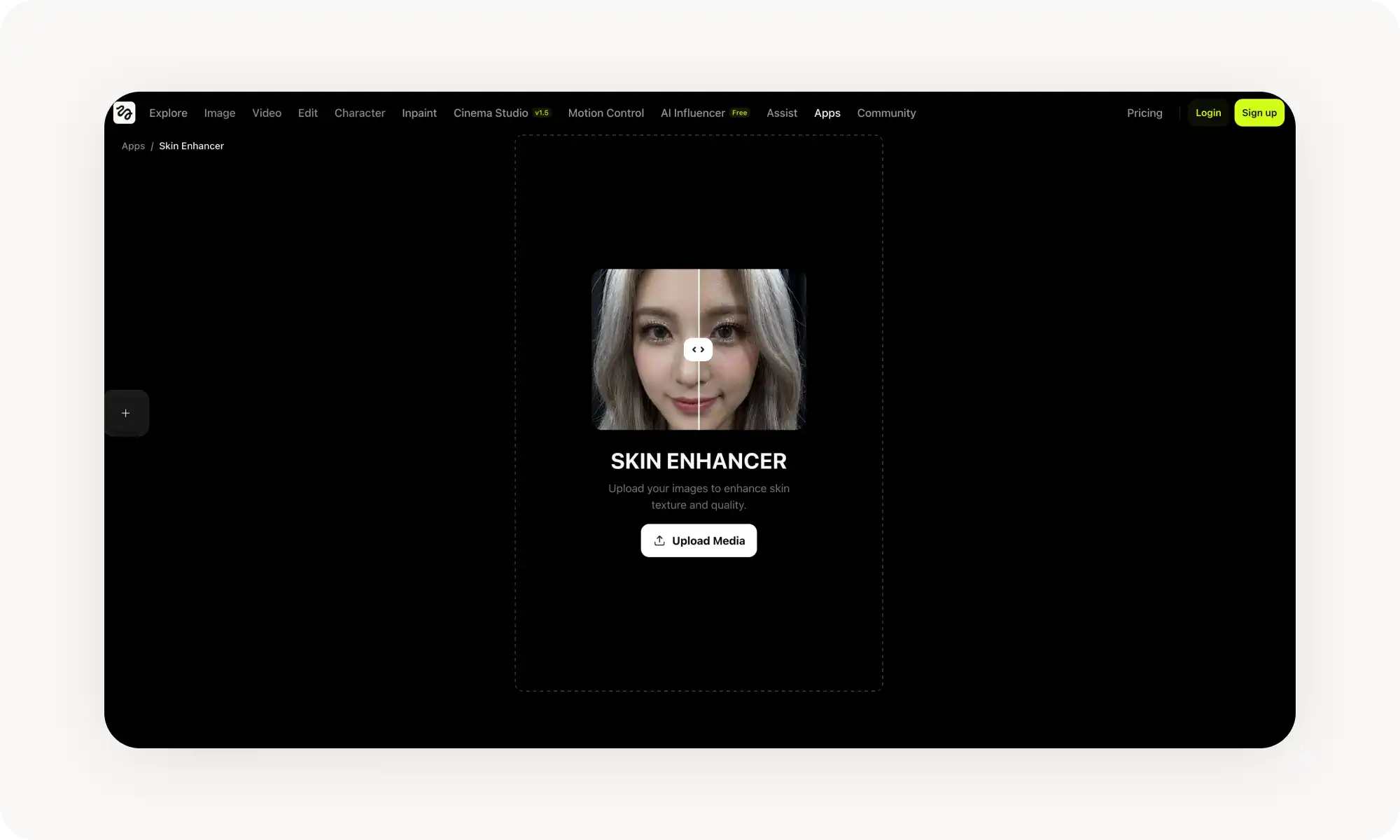
Higgsfield offers one-click retouching for both selfies and AI-generated influencers, with built-in 4K upscaling — but less manual control and web-only.
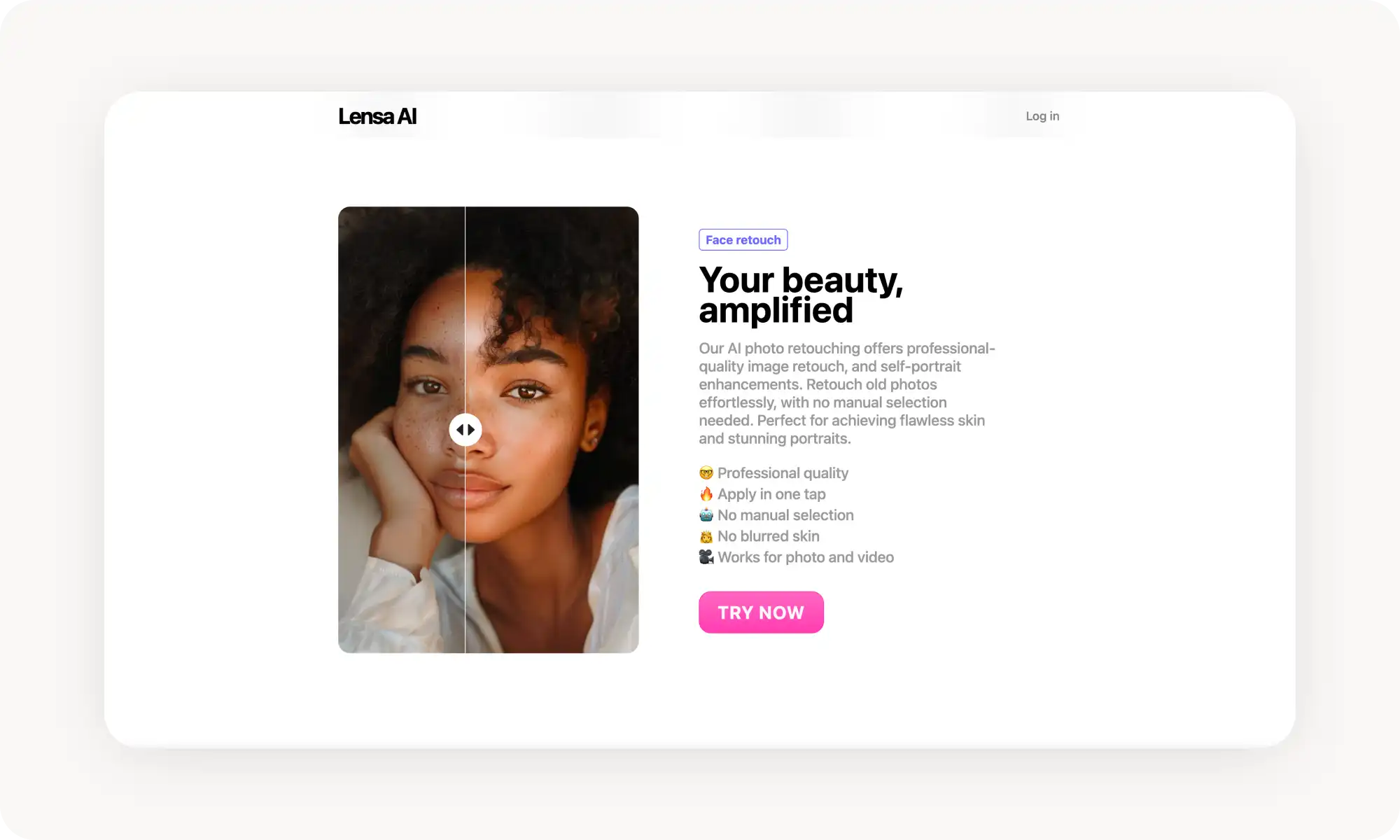
Lensa's Magic Retouch is mobile-only and built for selfies — one-tap smoothing plus eye enhancement, eyebrow reshaping, and teeth whitening.
Evoto targets professional photographers with dodge/burn, frequency separation, and spot removal via sliders — plus batch editing that syncs settings across an entire shoot.
The real goal isn't perfectly smooth skin — it's removing distractions while keeping pores and micro-details that make a portrait feel natural. Good AI tools actually prevent over-retouching.
Introduction
In the past, unless you were one of the few people with naturally perfect skin, getting great-looking skin in photos meant hours of Photoshop work and a high level of skill. It was so time-consuming that even many professional photographers outsourced retouching to specialists who worked exclusively on skin.
Today, AI skin enhancers can deliver the same results in seconds.
We tested over 20 tools, and five consistently stood out. Any option on this list will get the job done, but each has its own strengths. Let’s dive in.
What is an AI Skin Enhancer?
A skin enhancer is an automated photo editing app powered by artificial intelligence.
It’s similar in concept to the skin-smoothing filters you see on Instagram or TikTok. The difference is that AI skin enhancers use machine learning to intelligently reconstruct parts of the image, rather than simply blurring or smoothing the skin.
The result looks far more realistic. Skin keeps its natural texture instead of appearing flat or overly polished, which is a common issue with basic filters found in non-specialized apps.
Skin enhancers are part of a broader wave of AI photo editing tools that let you achieve professional results with a single click.
Why Are AI Skin Enhancer Apps Better than Filters?
If you’ve ever used a built-in photo editing app like Instagram, you’ve probably noticed the skin-smoothing filters that promise to make your skin look better. In practice, though, they often create that unmistakable waxy, plastic look.
AI skin enhancers are a much better alternative. The difference comes down to three key factors:
Better skin texture
AI enhancers preserve pores and natural skin detail — which is exactly what you want. When all texture disappears, skin looks artificial. In this respect, AI tools are far closer to professional retouching than to basic filters.
Selective enhancement
Instead of applying changes evenly across the face, AI skin enhancers target only actual imperfections. They automatically detect and reduce pimples, redness, rashes, and uneven tones, while leaving healthy skin untouched.
Color correction
Uneven skin tone, redness, and dark circles are blended smoothly without altering your natural skin color. The result looks balanced, not filtered.
5 Best AI Skin Enhancer Apps Ranked
We tested over 20 AI skin retouching tools and selected 5 that deliver the best results. Here's how they compare:
Tool
Best For
Platforms
Free Tier
Professional Features
Overchat AI
Quick chat-based retouching
Web, iOS, Android
✓
✓
Enhancor
Fixing AI-generated skin
Web
✓
✓
Higgsfield
One-click portrait enhancement
Web
✓
✓
Lensa
Mobile selfie editing
iOS, Android
✓ (limited)
✓
Evoto
Professional batch retouching
Windows, Mac, iPad
✓
✓
1. Overchat AI
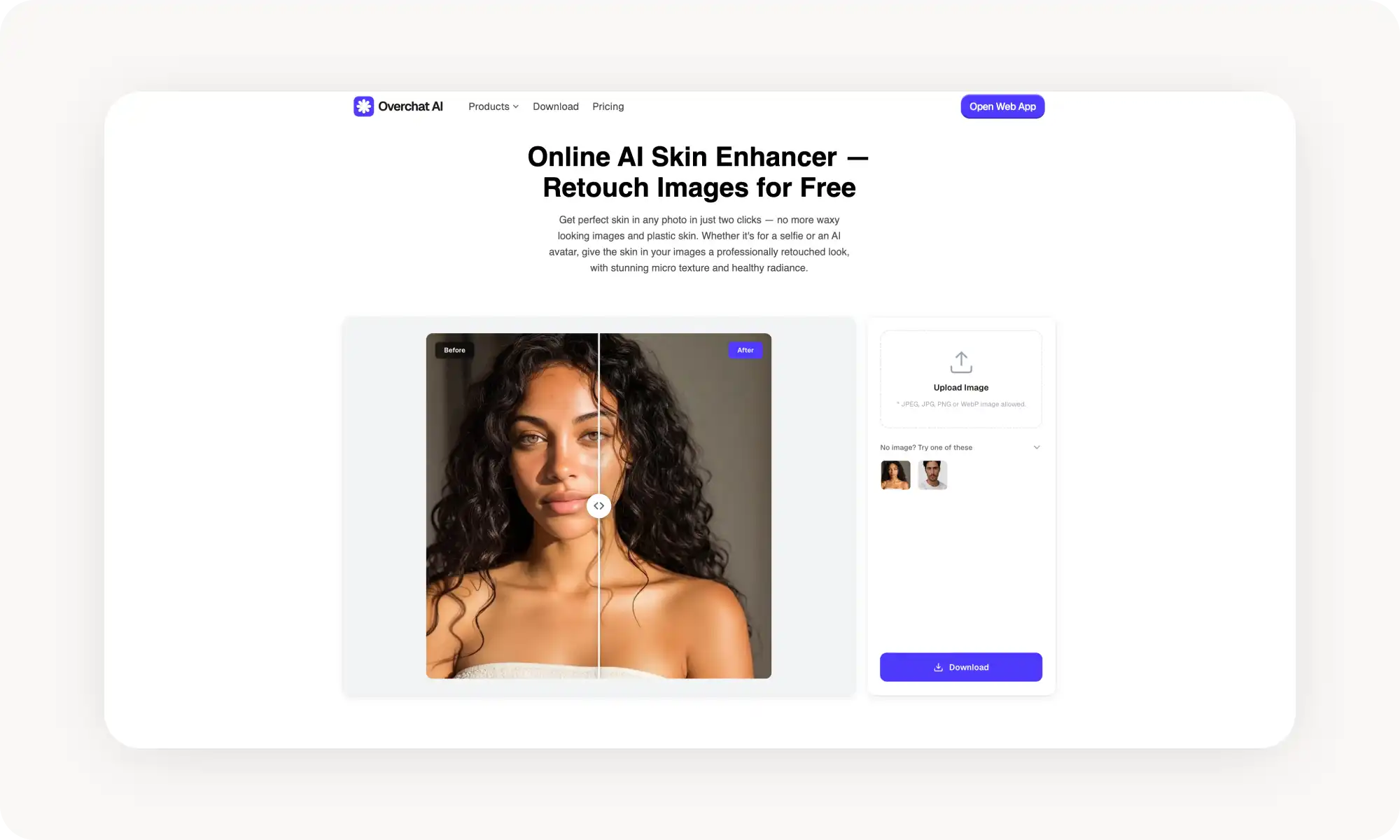
Powered by Seedream 4.5, Overchat AI skin enhancer uses one of the most advanced AI image generation models to apply targeted skin edits.
It handles skin smoothing, blemish removal, colour correction, and texture enhancement — all through a simple online interface, making skin enhancement accessible for users who find traditional editing software overwhelming.
To use the tool:
Upload your portrait to the chat
Click Enhance
Download the retouched result
Another advantage of Overchat AI is that it’s an all-in-one platform. This means that alongside skin enhancement, you’ll also find tools for background removal, image upscaling, and style transfer, making it easy to complete an entire photo edit with just a few clicks.
Pros:
✅ Simple UI without a learning curve
✅ Completely free ot use
✅ Works on web and mobile apps
✅ Part of a larger editing toolkit
✅ High-resolution output
Cons:
❌ Less granular control than some tools
2. Enhancor
Enhancor stands out from the other tools on this list because it isn’t designed to improve your own photos. Instead, it’s built to refine the skin of AI-generated portraits.
Even the best AI image generators can produce faces that look slightly off. Skin often ends up too smooth, plastic, or waxy, especially in otherwise realistic portraits.
Enhancor fixes this by reintroducing pores, tonal variation, and micro-textures that we subconsciously associate with real skin — details that generative models tend to smooth out.
You can target specific areas such as the face, skin, eyes, nose, or mouth, while leaving the rest of the image untouched. Sliders let you control texture, detail, and smoothness for consistent results. Paid plans support exports up to 4K resolution.
Pros:
✅ Built to enhance AI-generated images
✅ 4K output on premium tiers
Cons:
❌ Less useful for real photographs
❌ Advanced features require paid plans
3. Higgsfield Skin Enhancer
Higgsfield is one of the most viral AI image apps, so it’s no surprise that it includes a dedicated skin retouching tool. It works both for selfies and for polishing the look of AI-generated influencers.
Using it is straightforward. Upload a portrait and the AI handles the retouching automatically. The results are subtle and professional, with natural-looking skin texture preserved.
Higgsfield also includes a 4K upscaler, which is especially useful for AI-generated images that sometimes come out slightly soft or low-resolution on the first pass.
Pros:
✅ One-click enhancement
✅ Preserves natural skin texture
✅ 4K upscaling included
Cons:
❌ Less manual control than competitors
❌ Full-body images may reduce accuracy
❌ Web-only platform
4. Lensa
Lensa is a mobile-only photo editor built for selfies. It has many features, but we’re specifically talking about The Magic Retouch — it smooths skin, removes blemishes, and evens out tone with a single tap.
Beyond that, you can also adjust dark circles, enhance eyes, reshape eyebrows, and whiten teeth. This tool is only for selfies — it doesn’t handle AI avatars as well as some others on this list, in our experience.
Pros:
✅ Designed specifically for selfies
✅ One-tap automatic retouching
✅ Eye and facial feature enhancement
✅ Magic Avatars for creative portraits
Cons:
❌ Mobile-only — no desktop version
❌ Free version limits daily uploads
❌ Some users report inconsistent AI results
❌ Subscription required for full access
5. Evoto
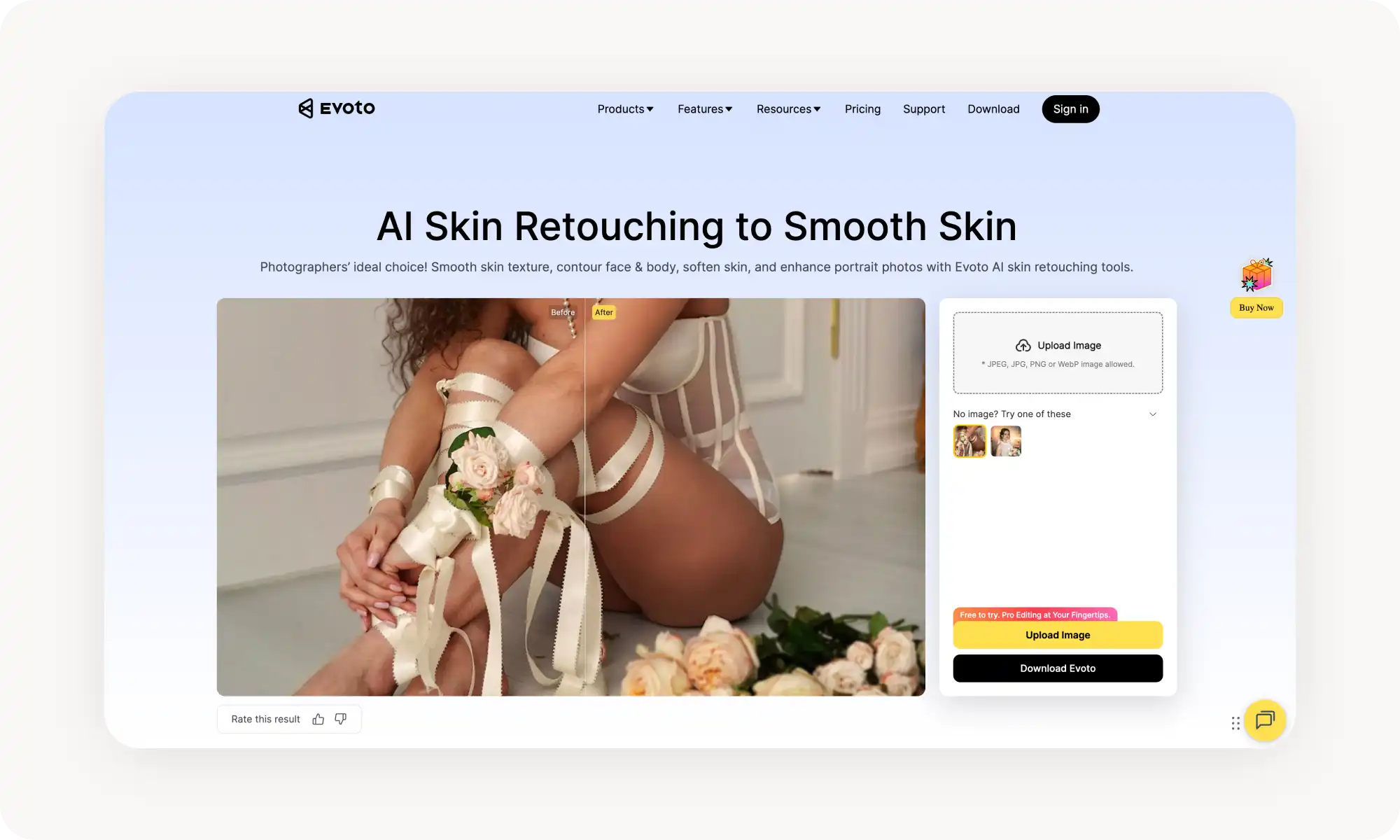
Evoto is built for professional photographers. Because of this, the software offers tools that pros are likely very familiar with: dodge and burn, frequency separation, spot removal — but all are controlled by simple sliders.
Pro photographers often need to retouch hundreds of images, and Evoto makes this easy with editing. You can dial in skin retouching settings on one image, save them as a preset, and apply those adjustments across an entire photoshoot.
This is something that wouldn’t have been possible in Photoshop, where every image would need a unique approach. But with AI, it can smartly adapt the present to different perspectives and lighting conditions.
To use the tool:
Import portraits into Evoto
Navigate to Portrait Retouching
Adjust sliders for skin smoothing, blemishes, and tone
Sync settings across multiple photos
Export in JPG, TIFF, or RAW
Pros:
✅ Suitable for pros
✅ Batch editing
✅ Frequency separation and dodge/burn
✅ Even supports tethered shooting
Cons:
❌ Pay-per-export pricing model
❌ Steeper learning curve than simpler apps
❌ Desktop/tablet only — no mobile version
Frequently Asked Questions (FAQs)
What is the best free app to smooth skin in photos?
Overchat AI is one of the best online skin enhancers. It's free, uses an advanced AI model that produces natural-looking results, and is super easy to use. It's basically a one-button process that gives you a professional-level retouch. You can download the results for free without watermarks.
How can I enhance skin in photos?
It's very easy! Just pick an AI skin enhancer tool, like Overchat AI, upload your image, and generate a retouched version. Done! You won't need to manually edit or retouch your images anymore because the AI handles it completely automatically.
How do AI skin enhancers work?
Most AI skin enhancers rely on fine-tuned image-to-image models. For example, Overchat AI uses Seedream 4.5 to generate an improved version of the original image, where only specific areas are re-created by the AI.
Those regenerated areas are then merged back into the original photo using a process called inpainting.
In practice, this means that if you upload a portrait with a visible blemish, the AI isolates that exact area, regenerates the skin to match the surrounding healthy texture, and blends it seamlessly into the image.
Key takeaways
AI skin enhancers make it possible to retouch skin professionally in seconds without any photoshop skills
There are two kinds of skin enhancers: those designed to retouch selfies, and those designed to retouch skin of AI avatars
Apps Lensa work well for selfies
Apps like Overchat AI, Higgsfield, and Evoto are more universal
When retouching skin with AI, the key goal isn’t perfectly smooth skin — it’s removing distractions. Real skin has pores and micro-details, and those are what make a portrait feel natural.
The best AI skin retouchers actually act as a safeguard, limiting how far you can push edits. Over-retouching is easy, even in Photoshop, especially once your eyes adjust and stop noticing subtle issues.
Being able to retouch portraits professionally in 10 seconds is a genuine shift in how photo editing works.