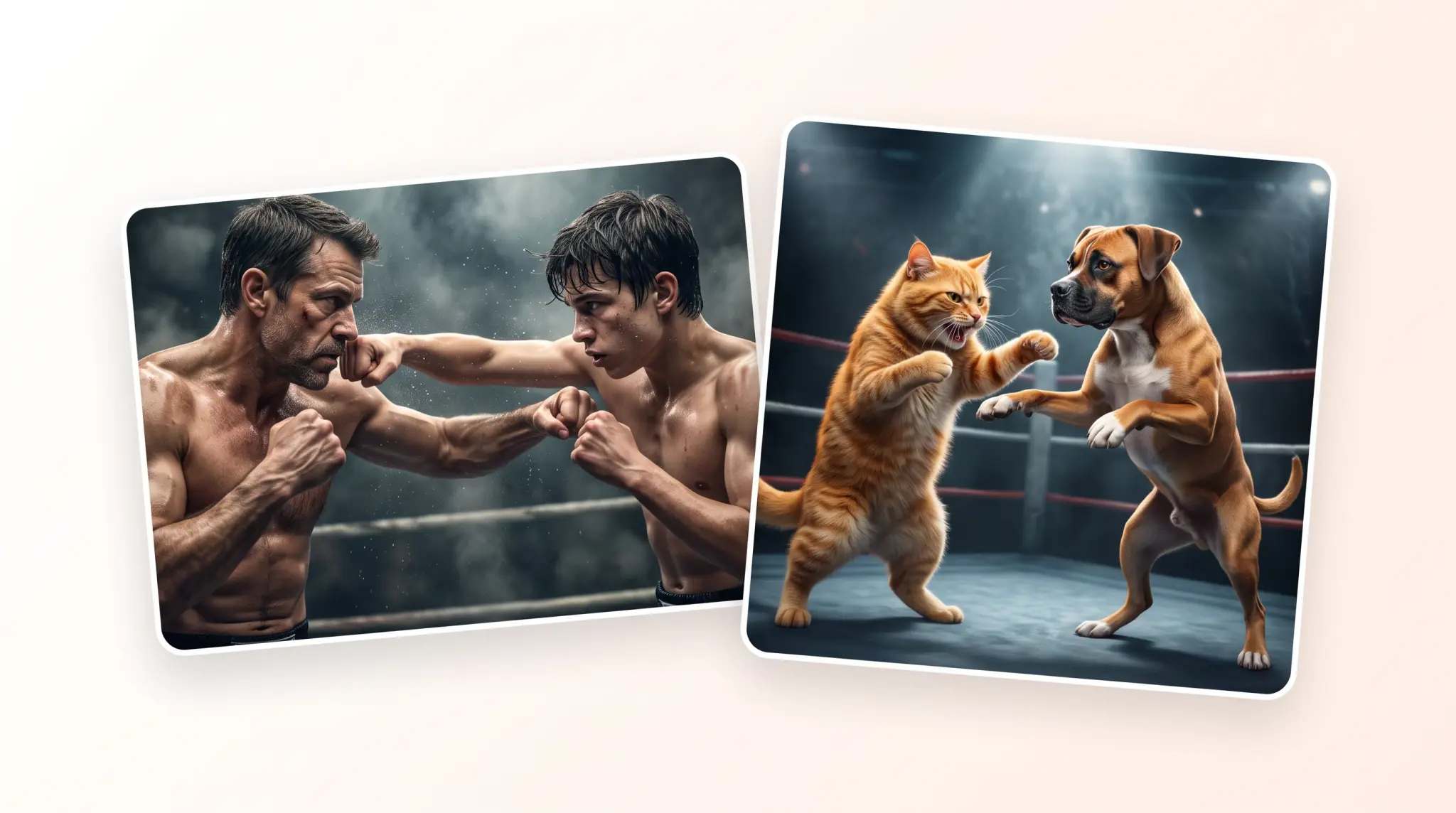
An AI fight generator is an online tool that takes a photo of two people and turns it into a short video of them fighting. If you've ever seen videos of a dad boxing with a toddler — that's how they're made.
In this article we'll look at the five best AI fight generators you can use in 2026.
Overchat AI is the best AI fight generator in 2026 — it is powered by the best AI video generation models (you can choose from Seedance 2.0 and Kling 3, among other options), supports image to video and text to video, and generates fight scenes with realistic choreography, motion and camera cuts.
AI fight generators are usually image-to-video tools that animate a picture of two people (or even animals) into a fight scene.
The most important aspect when choosing any AI fight generator is what model it uses — that's because the model determines the quality. The best models for fight scenes currently are Seedance 2.0 and Kling V3.
You can customize fights via a text prompt allowing you to describe what should be happening in plain English, and the AI animates your scene.
Don't confuse AI fight generators with "Who would win in a fight" generators — these are text-based tools that describe what would happen in a fight, but they don't produce videos.
What is an AI fight generator?
An AI fight generator is an image-to-video tool that animates the people in your photo into a fight scene. AI fight generators generally work as follows:
Upload one or two photos
Select a fight template or describe the scene in a text prompt (this depends on the tool)
Click Generate and wait up to a couple of minutes
Receive a fight scene video that you can download
Clips are usually 5 to 10 seconds long, though some models support longer output up to 20–30 seconds in a single generation.
Newer models like Seedance 2.0 and Kling V3 can add multiple camera cuts, making the video more dynamic. They also handle fast motion and body contact far better than the older models many sites still use, so check that before making your choice.
The 5 best AI fight generators in 2026
Here's how the five best AI fight generators compare at a glance, then a closer look at each one.
Tool
Fight input
Cheapest paid option
Overchat AI
Photo + text prompt
$15/month or $90/year
Media.io
Photo + template
$6.99/month
JoggAI
Photo + template
$24/month
Remaker AI
Photo + template
$5.99 one-time
Dzine
Photo + editor + prompt
$8.99/month
1. Overchat AI
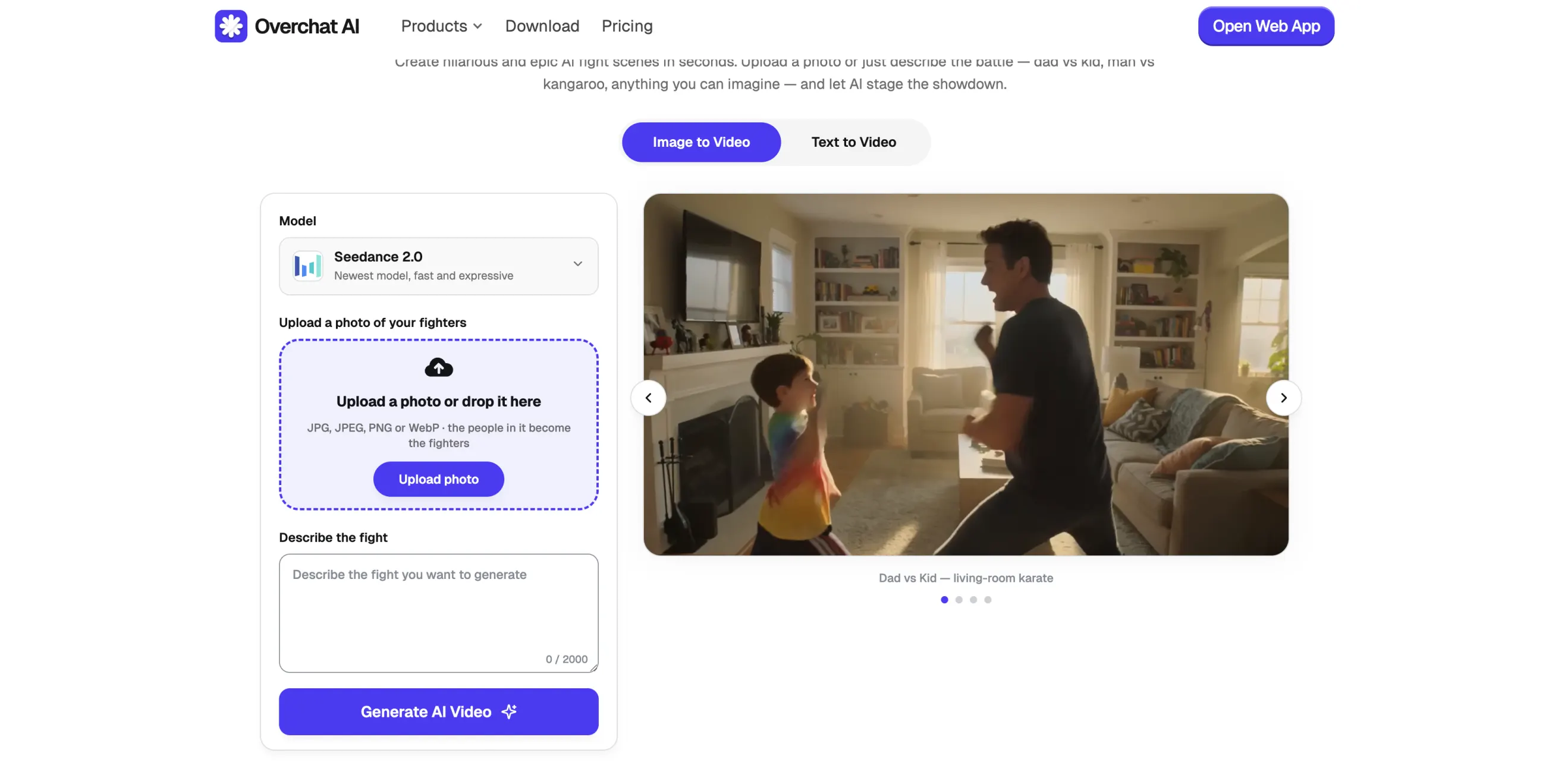
Overchat AI is an all-in-one AI platform we've built that also features a dedicated AI fight generator.
The Overchat AI fight generator
To use it, upload a photo of two people, optionally describe what should happen in the fight and select the video model. Overchat AI runs the current flagship video models:
Seedance 2.0
Kling 3
Wan video models
LTX 2.3
and more
Overchat AI is an all-in-one AI platform trusted by over 350,000 users, that focuses on creating AI apps like the fight generator, baby video generator, AI image combiner, AI image editor, and more — both designed for entertainment and work. Overall, it offers over 150 tools and models.
Price: $15/month or $90/year.
Pros:
✅ Powered by the best video models
✅ Realistic motion and physics
✅ Customize the fight with a prompt
✅ Part of an all-in-one AI platform with over 150 tools
Cons:
❌ No one-click fight templates
2. Media.io AI Fight Generator
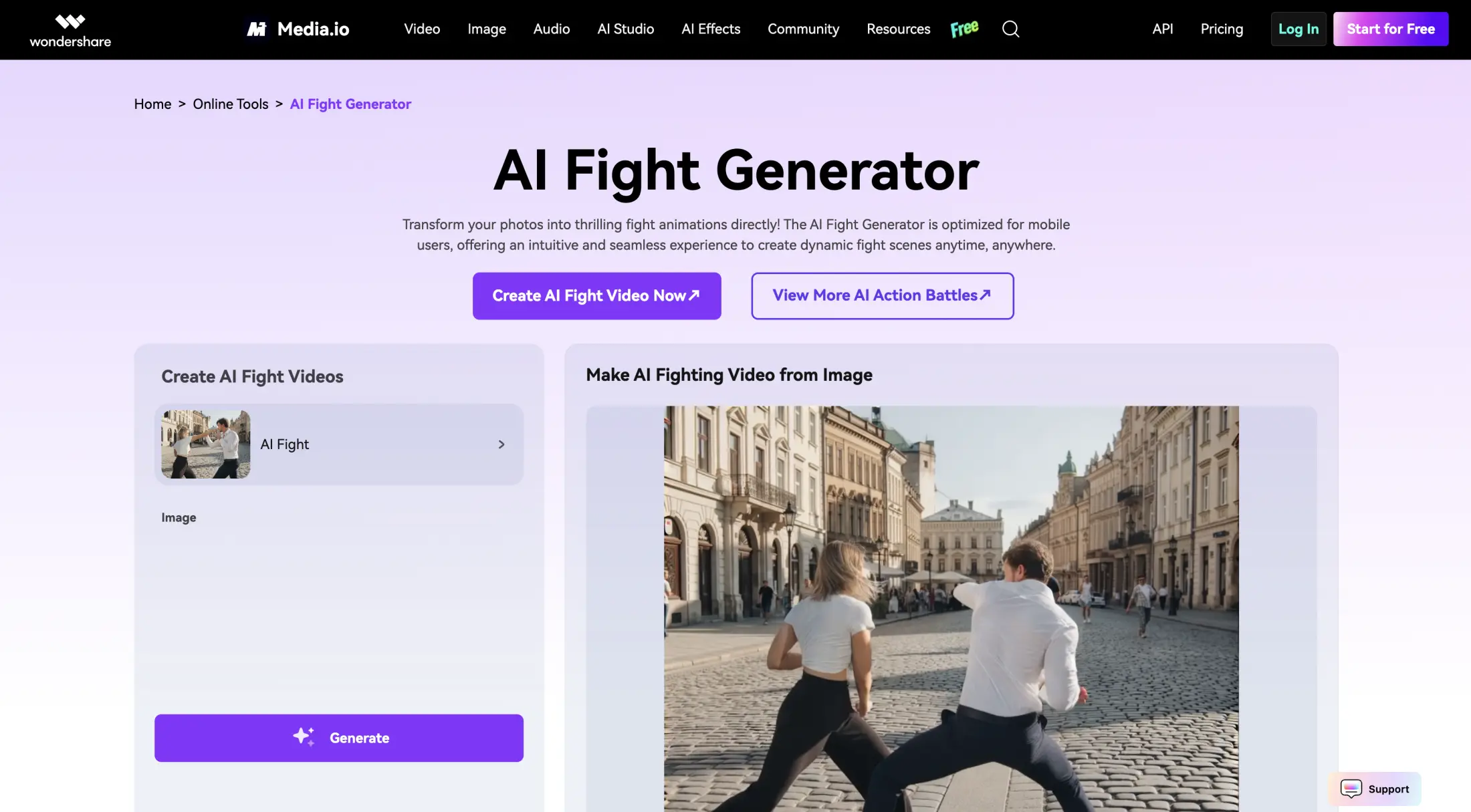
Media.io is a browser-based media suite developed by the same company that made Filmora. It offers an AI Fight Generator based on templates.
Media.io AI Fight Generator
Here's how it works:
Upload a photo with two people
Pick a fight effect from the preset list
Get a short clip
Here, you don't write a prompt, but rather use templates, which is fine, but not as customizable as Overchat AI, for example.
Price: the Standard plan is listed at $14.99/month and Premium at $24.99/month, but the platform sometimes runs 50% off promos making them $6.99 and $12.99 respectively.
Pros:
✅ Fight templates
✅ Part of a broader editing suite
Cons:
❌ Watermarked, limited free tier
❌ Less customizable than some other options on the list
3. JoggAI
JoggAI is a Singapore-based AI video platform founded in June 2024 by Parsons Wu and Anbang Xu. They have over 95,000 users.
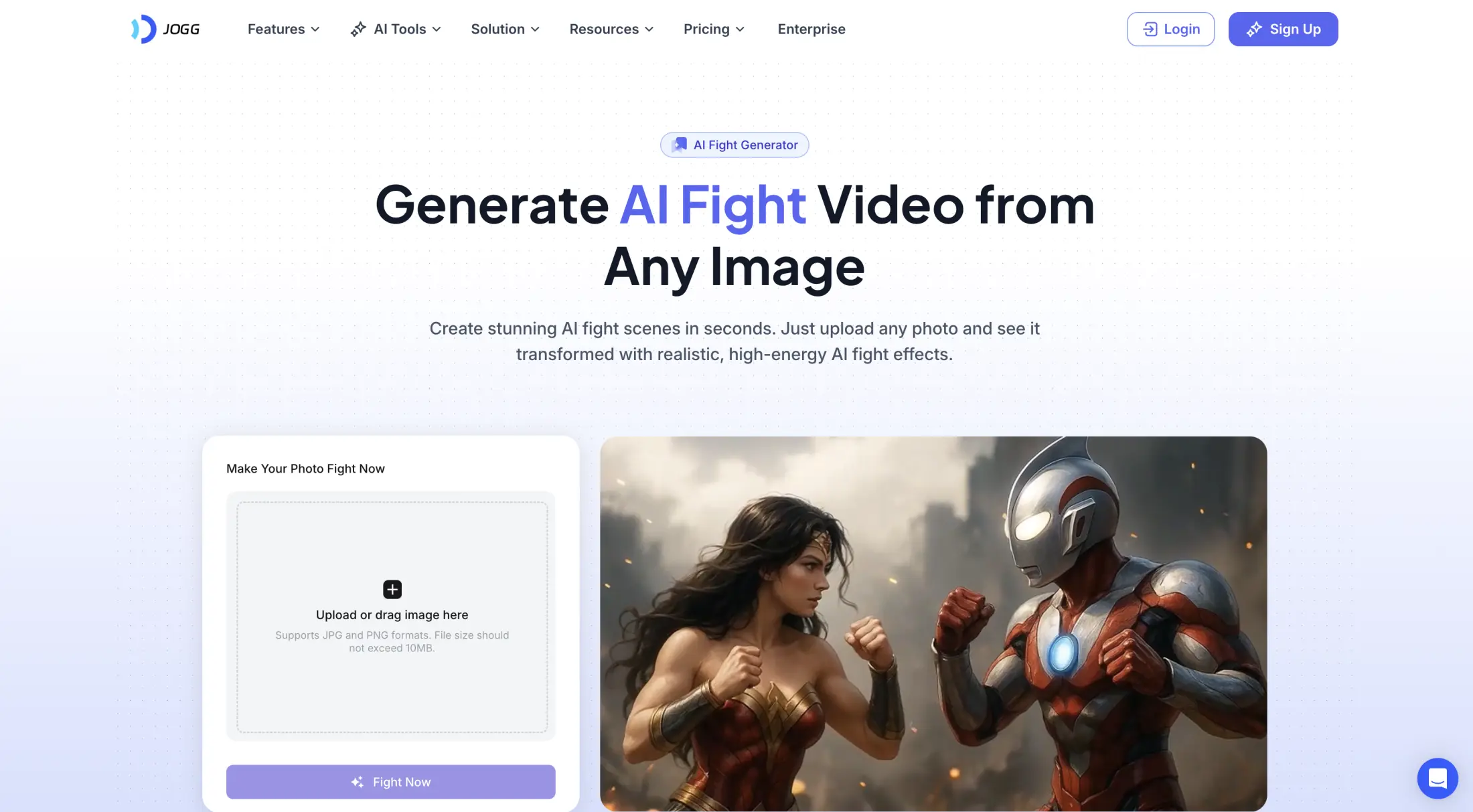
JoggAI AI Fight Generator
JoggAI mostly focuses on AI avatar videos for marketing, but they also include some entertainment tools, including a dedicated AI Fight Generator, and like Overchat AI it renders with licensed third-party models such as Seedance.
We liked JoggAI for their polished interface and high generation quality, but we wouldn't suggest it unless you also plan to use the core product — talking avatars and URL-to-video ads. As a pure fight generator it's harder to recommend, because it's expensive if you use it for entertainment.
Price: free plan with 3 credits; paid plans from $29/month, or $24/month billed annually.
Pros:
✅ Great support for powerful video models
✅ Polished UI
Cons:
❌ Only 3 free credits to test with
❌ Expensive
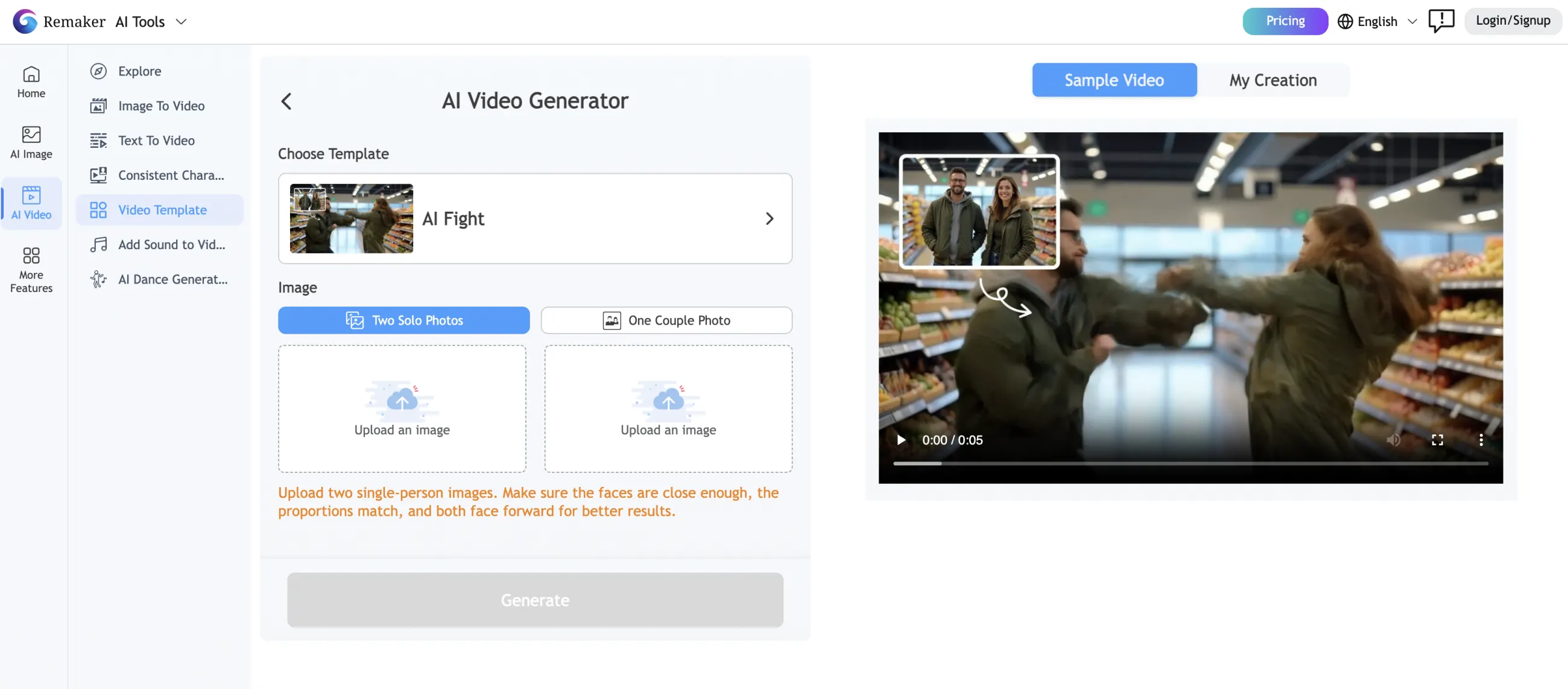
4. Remaker AI
Remaker AI is an image and video editing site best known for their free face swap tool. Its AI Fight template animates two people from your photos into a battle clip. Free accounts get 30 credits to test with, but free outputs are capped at 720p and watermarked, so a clean clip requires a paid pack.
Remaker AI Fight template
Price: credit packs from $5.99 for 200 credits up to $299 for 20,000. 30 free credits at signup.
Pros:
✅ Cheap entry at $5.99
Cons:
❌ Free outputs are 720p and watermarked
❌ Little control beyond the preset template
5. Dzine
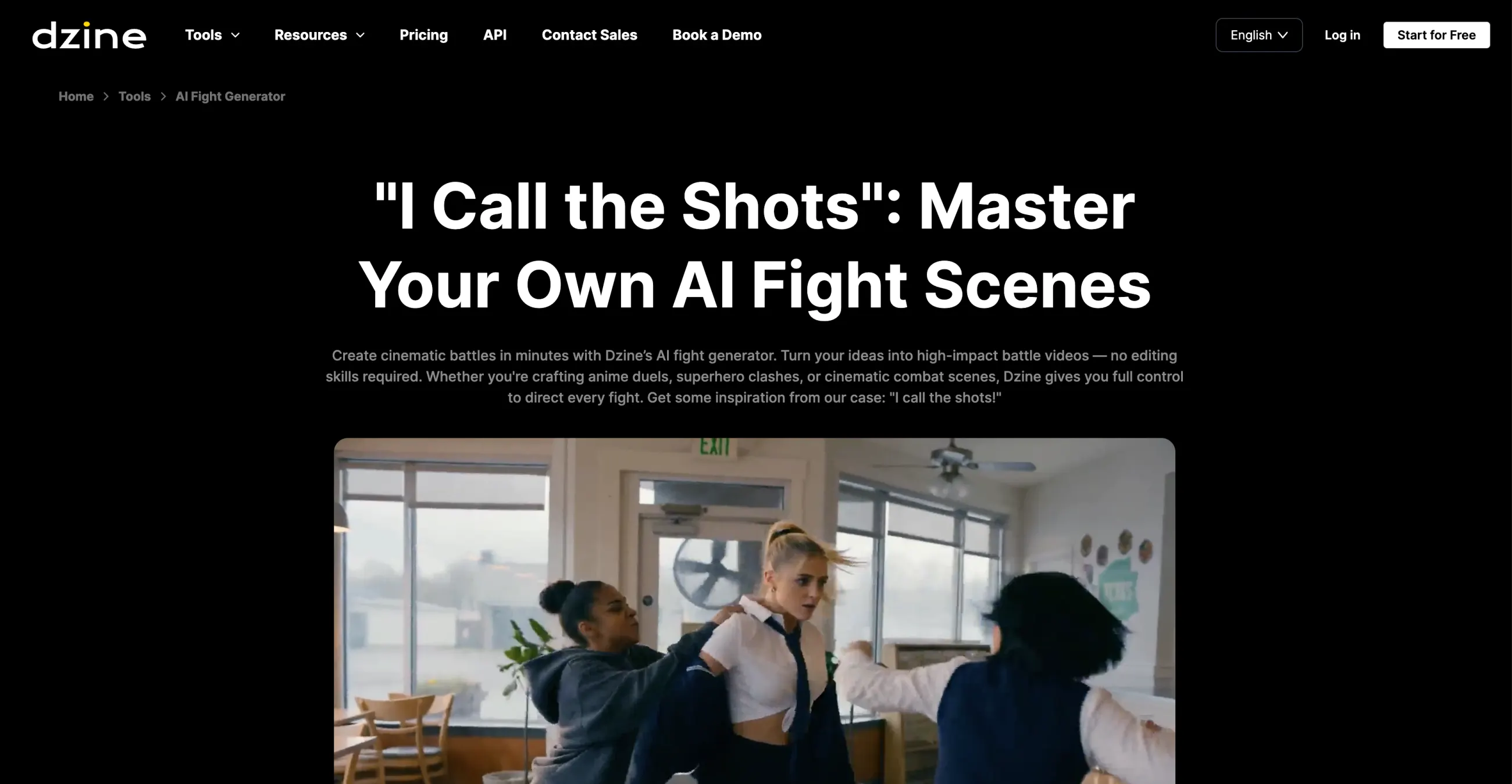
Dzine is a browser-based AI design platform that rebranded from Stylar AI.
Dzine AI design editor
We'd recommend trying Dzine for its unique workflow where you can first design the two characters that will fight in a text or image-to-image AI editor. Their editor is powerful, allowing you to play with layers, generate consistent characters, and use things like generative fill with AI — you can create a new photo like this or modify an existing one and use that as a starting frame for the fight scene.
To use the video generation on Dzine, you'll need their Creator plan, though. Pricing is as follows:
Price:
Plan
Monthly price
Free
$0
Beginner
$8.99/month
Creator
$19.99/month
Master
$59.99/month
Pros:
✅ Full design editor for staging the scene before animating
✅ Generous free tier for image work (32 credits/day)
Cons:
❌ Video generation requires the $19.99/month Creator plan
❌ Image-first platform — video is a secondary feature
Bottom Line
We've looked at the top 5 AI fight video generators — these tools are behind most viral AI videos you've probably seen on TikTok or YouTube Shorts that show two unlikely people fighting, like a dad vs son, mom vs daughter, or toddler vs cat. So if you've ever been wondering how people create these videos or what software to use to make them — now you know where to start.