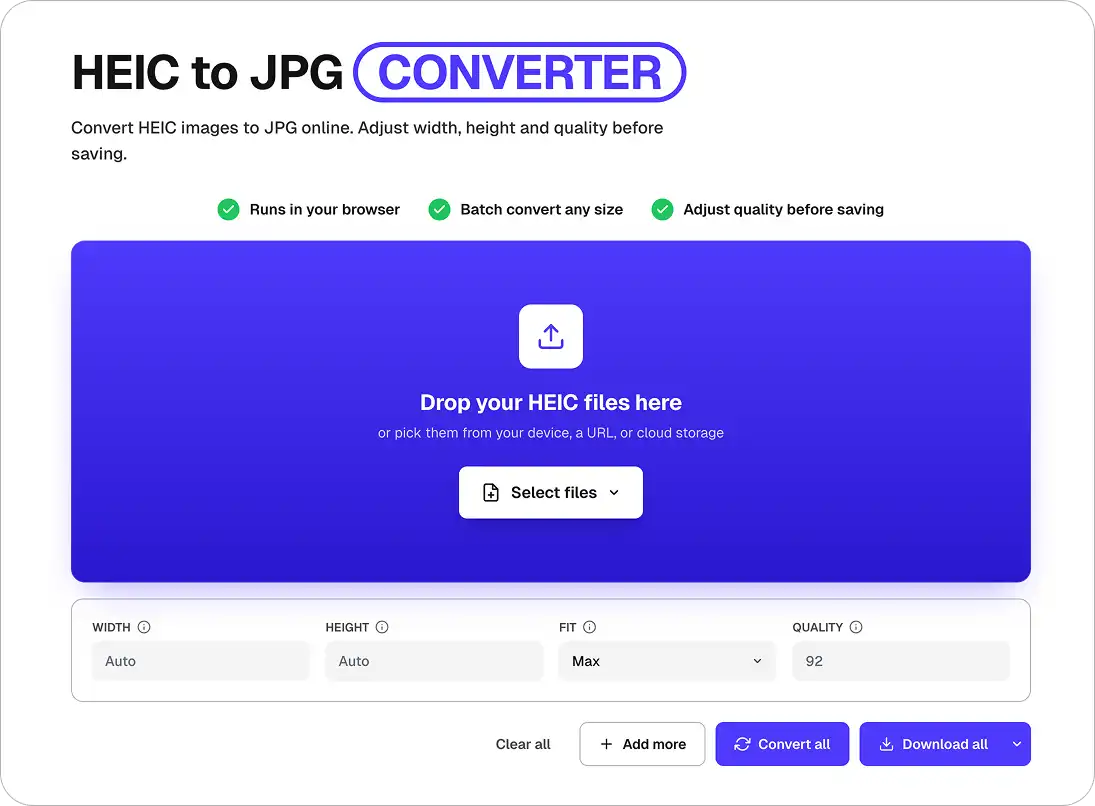
Convert HEIC images to JPG online. Adjust width, height and quality before saving.
Drop your HEIC files here
or pick them from your device, a URL, or cloud storage
HEIF/HEIC is an image file format which encapsulates HEVC (High Efficiency Video Codec) encoded images. In comparison to JPG, it reduces the file size by up to 50%. Starting with iOS 11, HEIC is the new standard format for storing images on Apple's mobile devices.
JPG (JPEG) is the most widely supported image format on the web — every browser, OS, and image viewer handles it natively. It uses lossy compression that's great for photos, making files small enough to share by email or upload anywhere without compatibility issues.
Overchat AI HEIC to JPG batch convert works on iPhone, Mac, Windows, and Android.
A 100% free HEIC to JPG converter. Convert HEIC to JPG free, online, with no limits on file count and no daily cap — bulk convert HEIC to JPG from a whole iPhone album in one go.
Drop 500+ HEIC files and the converter will change every HEIC to JPG at the highest quality, preserving the original pixel size. Also works as a HEIC to JPEG converter and HEIC to PNG converter.
Files are uploaded over HTTPS and auto-deleted after conversion. Convert HEIC to JPG online in seconds — download your JPGs instantly, no account required.
Drag and drop a single .heic file or a folder of iPhone photos into the HEIC to JPG converter above. You can also pick files directly from your iPhone, Mac, or Windows PC.
Click Convert and our HEIC converter will change HEIC to JPG at the highest quality. Want another output? The same tool can convert HEIC to PNG, convert HEIC to PDF, or act as a free HEIC to JPG converter free of charge for every format.
Download every converted JPG individually or as a single ZIP. Your HEIC to JPG conversion is free, unlimited, and finished in seconds — no app, no sign-up, no watermarks.
CASOS DE USO
Convert HEIC to JPG on iPhone straight from Safari — no extra app needed. Select your iCloud photos, tap Convert, and share the JPGs anywhere.
Drag a batch of HEIC files from Finder or Photos and convert HEIC to JPG on Mac in seconds — a faster alternative to Preview or Automator workflows.
Windows 10 and 11 users can finally open iPhone HEIC photos. Convert HEIC to JPG on Windows online — no HEIF extension, no Microsoft Store downloads.
Bulk convert HEIC to JPG or mass convert HEIC to JPG — upload hundreds of iPhone photos at once and download them as a ZIP. The fastest batch HEIC to JPG converter online.
Got an iPhone HEIC file on your Android phone? Convert HEIC to JPG on Android in the browser — no root, no Play Store apps, just open the page and upload.
All HEIC to JPG conversions use SSL/HTTPS encryption and files are deleted from our servers after processing. Convert HEIC to JPG free, online, and privately — no account, no tracking.
Join thousands who use Overchat AI’s free HEIC to JPG converter every day — no watermarks, no sign-up, unlimited conversions.
The HEIC format (High Efficiency Image Container) is the iPhone photo format introduced with iOS 11. A HEIC file is about 50% smaller than a JPG, but the HEIC format isn’t supported by Windows, older Android devices, Google Docs, Facebook, or many web apps. Converting HEIC to JPG gives you a universal JPEG that opens everywhere.
Open this page in Safari on your iPhone, tap the uploader, select your HEIC photos from the Photos app, and tap Convert. Our HEIC to JPG converter will handle how to convert HEIC to JPG on iPhone for you — it processes your photos in seconds and lets you save each JPG back to Photos or Files, no app install needed.
On Windows 10, Windows 11, or Mac, just drag your HEIC files onto the uploader above. The browser-based HEIC to JPG converter works without the Windows HEIF extension, without Preview, and without any third-party software — you can convert HEIC to JPG Windows or convert HEIC to JPG Mac right in the browser. It also works on Chromebook, Linux, and Android.
Yes. You can bulk convert HEIC to JPG or mass convert HEIC to JPG by selecting multiple files or an entire folder at once. The converter handles 500+ HEIC images in a single batch and returns them as a downloadable ZIP.
Yes. This HEIC to JPG converter is 100% free, online, and unlimited — no watermarks, no sign-up, no paid tier. Overchat AI also offers free HEIC to PNG, HEIC to PDF, and HEIC to JPEG conversion in the same tool.
A IA do Overchat traz para você o poder dos principais modelos de IA do mundo: ChatGPT, Claude, Gemini, Mistral e muito mais.


A empresa chinesa Baidu lançou discretamente um modelo tão bom quanto o DeepSeek e o ChatGPT — o ERNIE 4.5 oferece desempenho excepcional por uma fração do custo — e a maioria das pessoas fora da China nunca ouviu falar dele.

Se você está se perguntando: o que é o DeepSeek AI, a resposta é bem simples. O DeepSeek AI é um laboratório chinês de pesquisa de IA que cria grandes modelos linguísticos. A empresa lançou vários modelos no final de 2024 e início de 2025 que competem diretamente com o GPT-4 da OpenAI e o Claude da Anthropic, mas com uma fração do custo operacional.

O ChatGPT Plus custa $20 por mês mais impostos, enquanto o plano Pro custa $200 por mês mais impostos. Compreensivelmente, nem todo mundo está disposto a pagar tanto por um chatbot, especialmente se os recursos premium não valerem a pena para eles. Isso levanta uma questão óbvia: como posso usar o ChatGPT gratuitamente?
Disponível na Web, iOS e Android. Acesse seu assistente de IA em qualquer lugar, a qualquer hora.



.svg)
