Are you looking for a way to upscale your video to 4K and beyond? Look no further. In this article, we'll show you how to use AI video enhancers to improve the quality of your footage from 720p to 4K.
But with so many AI tools on the market today, which ones deliver really crisp results? Keep reading to find out.
AI video upscalers use neural networks to reconstruct detail in each frame, producing sharper results than traditional bicubic or bilinear scaling (which just stretches pixels).
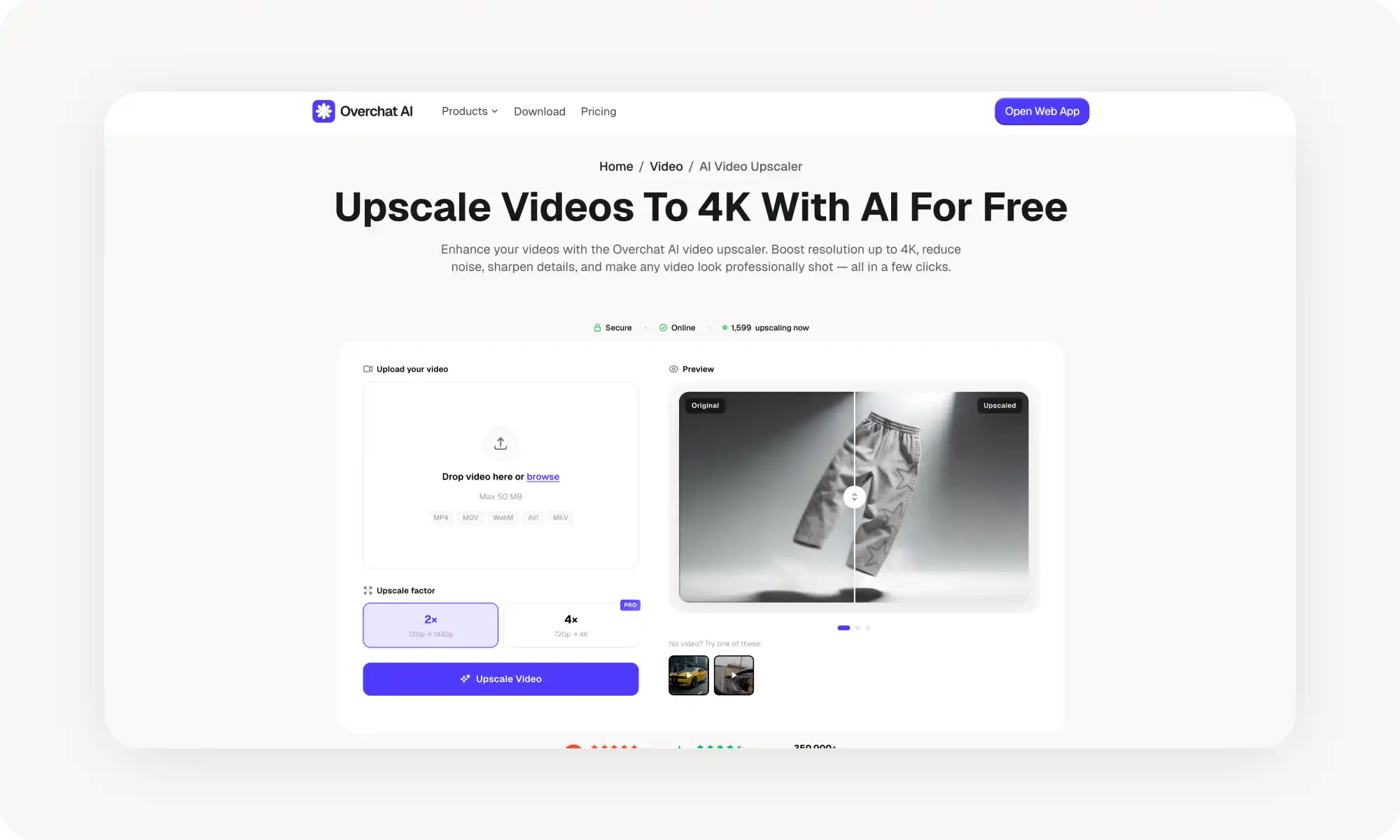
Overchat AI is the easiest to start with — drag-and-drop cloud interface, trusted by 350,000+ users, $4.99/week. 4x upscaling requires Pro.
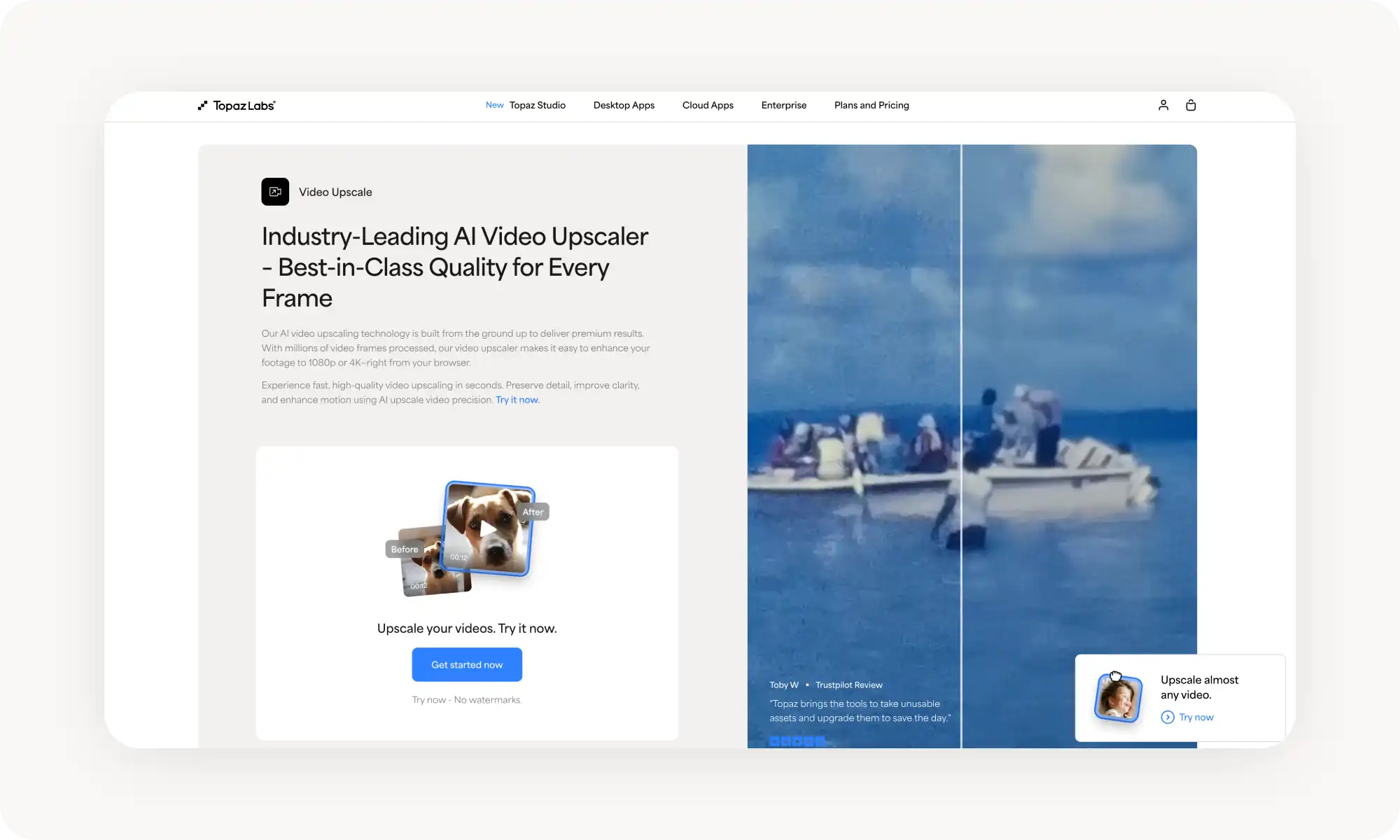
Topaz Video AI is the professional gold standard — 13+ specialized models, up to 8K, local processing for privacy, but subscription-only from $25/month and needs a powerful GPU.
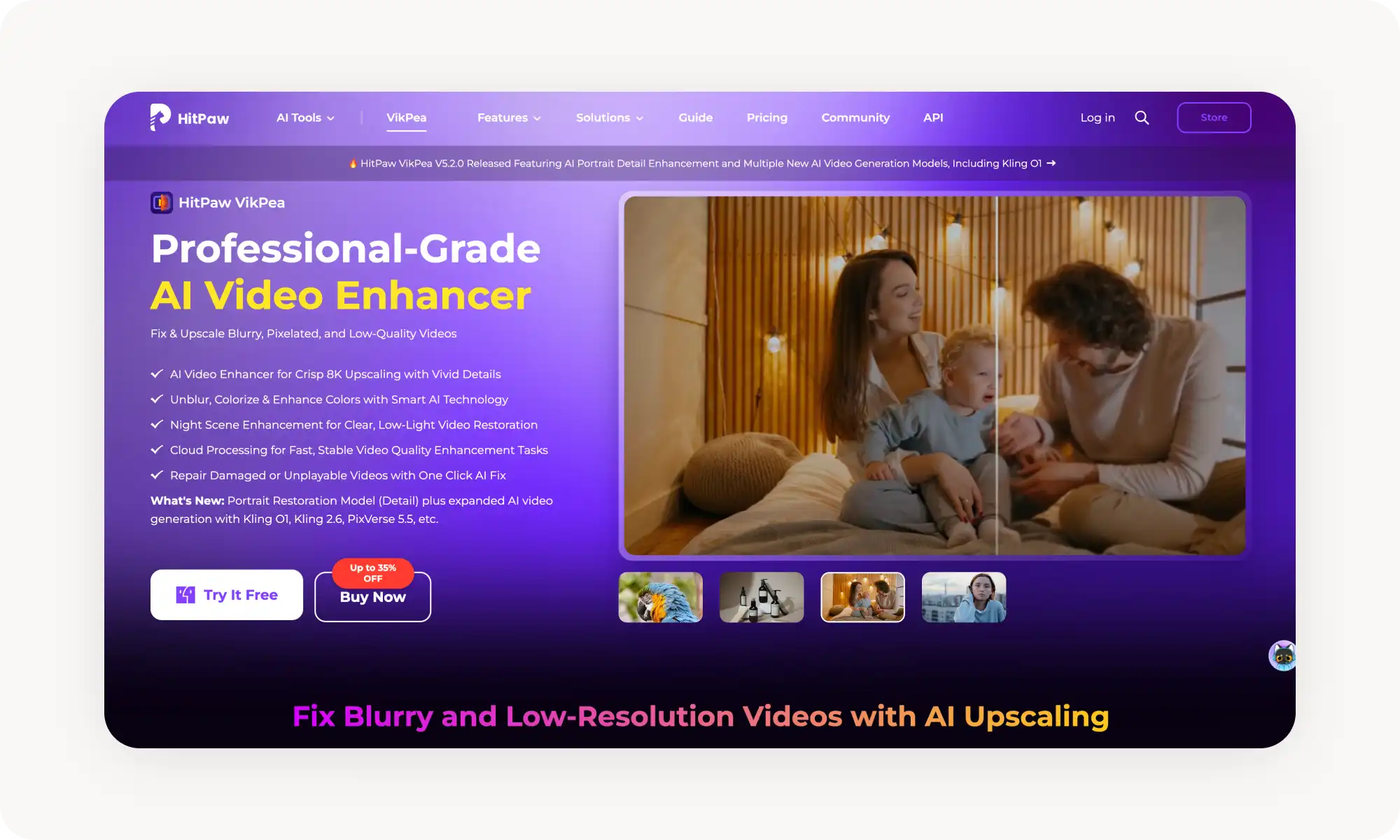
HitPaw VikPea goes up to 8K with specialized models for animation, faces, and colorization, plus stabilization and frame interpolation — but pricey at $42.99/month and needs strong hardware.
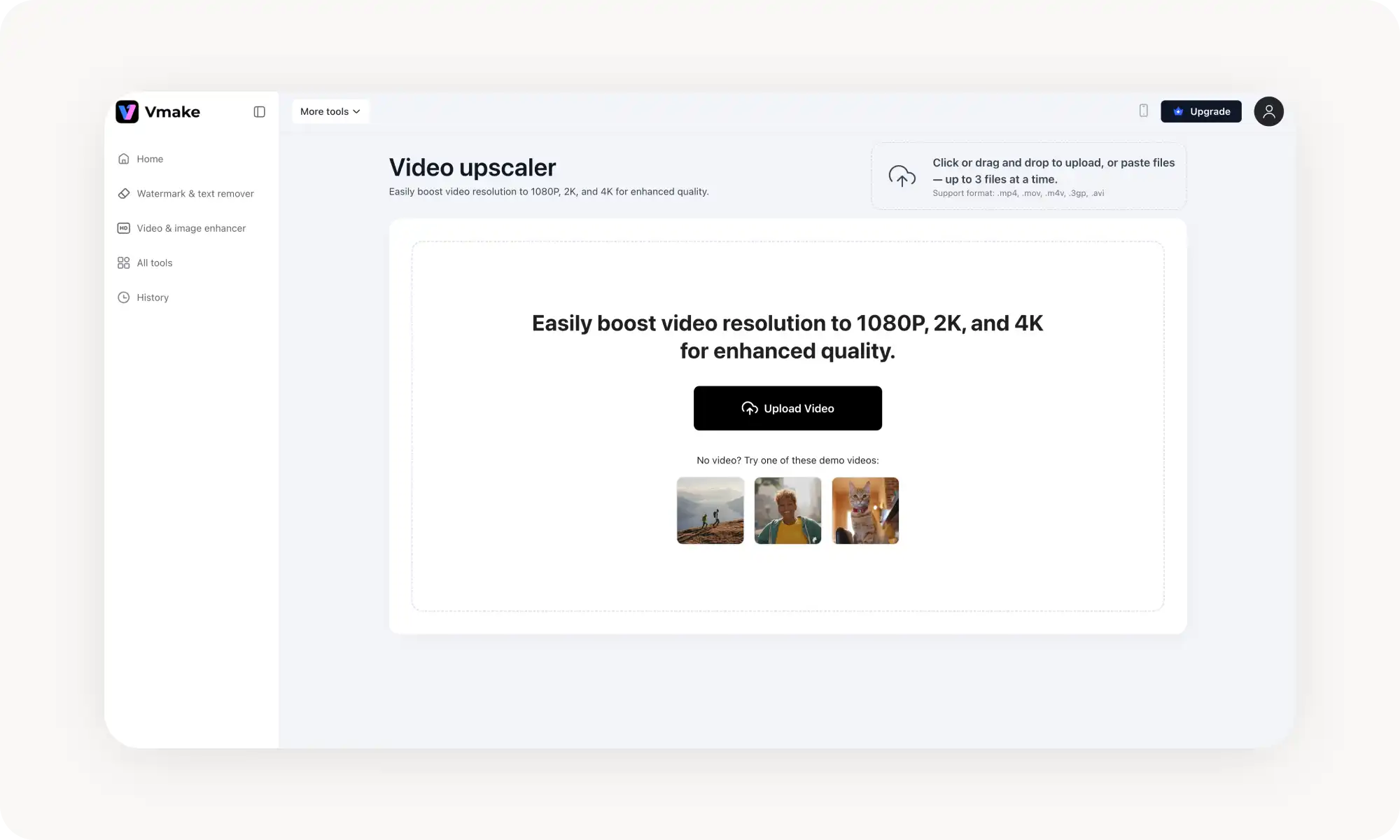
Vmake is the budget cloud option with batch processing (up to 5 files), face refinement, and noise reduction — free plan only offers SD previews.
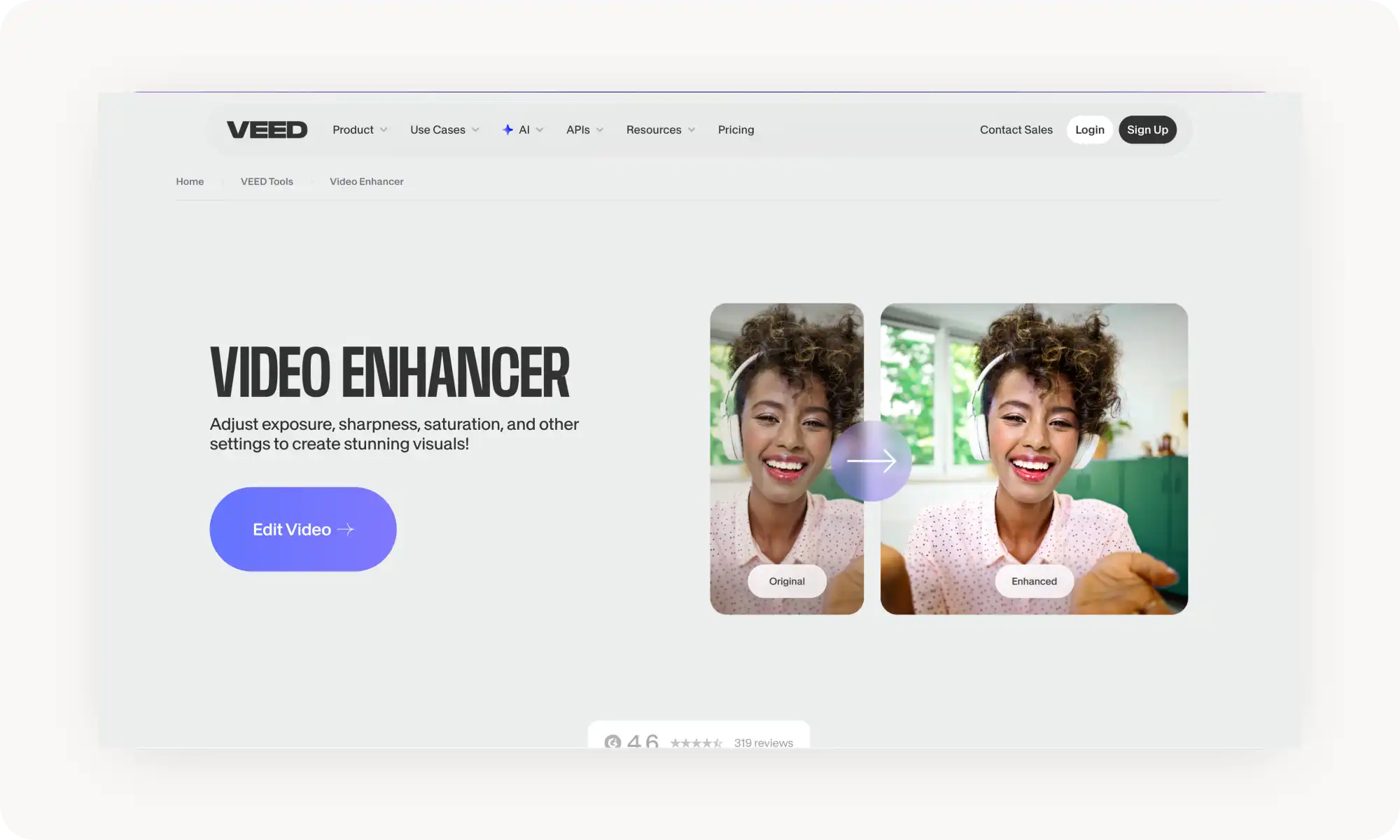
VEED works best if you need upscaling inside a full editing workflow — subtitles, trimming, and social-media resizing in one tool. Free plan caps at 720p with watermarks.
What is an AI Video Upscaler?
An AI video upscaler is an online tool that increases the resolution of the video by adding new pixels around existing ones, essentially adding detail that wasn’t there to every single frame on the video.
As a result, you can double, triple, quadruple or sometimes even quintuple the resolution of a video clip.
Examples of AI video upscalers include Overchat AI, Vmake, HitPaw VikPea, VEED, and Topaz Video AI, though there are many others.
How Do AI Video Upscalers Work?
This depends on the type of upscaler. There are two main approaches: traditional and AI-powered. Let's see how each works:
1️⃣ How do traditional video upscalers work? Traditional upscalers increase resolution by interpolating between existing pixels using basic algorithms like bicubic or bilinear scaling. This makes the canvas of the video larger, but also results in blurry, soft footage that lacks detail.
2️⃣ How do AI video upscalers work? AI-powered tools analyze each frame using neural networks trained on millions of video clips. They generate new pixel data and reconstruct missing detail — textures, edges, faces — resulting in a sharper, more natural-looking output.
What is the Best AI Video Upscaler?
Here's how the top 5 AI video upscalers compare across key features and pricing:
Tool
Max Upscaling
Output Quality
File Formats
Batch Processing
Processing Type
Price
Overchat AI
4x
Up to 4K
MP4, MOV, WebM, AVI, MKV
No
Cloud
From $4.99/week
Vmake
4x
Up to 4K
MP4, MOV
Yes (up to 5 files)
Cloud
Free trial, from $4.99/month
HitPaw VikPea
8x
Up to 8K
MP4, MOV, AVI, MKV + more
Yes
Local + Cloud
From $42.99/month
VEED
2x
Up to 4K (export)
MP4, MOV, AVI, WEBM + more
No
Cloud
Free with watermark, from $19/month
Topaz Video AI
4x
Up to 8K
MP4, MOV, MKV, AVI + RAW
Yes
Local
From $25/month subscription
Quick takeaways:
Overchat AI is the easiest to start with — it features an easy-to-use drag-and-drop interface, and works fully online. The tool is trusted by 350,000+ users
Topaz Video AI delivers the highest professional quality
Vmake is a solid budget-friendly cloud option for quick upscaling jobs
HitPaw offers the widest range of enhancement features beyond just upscaling
VEED is best if you need upscaling as part of a broader video editing workflow
Top AI Upscale Video Tools in 2026: a Closer Look
Now that you understand the technology and pricing, let's examine each tool in detail. We'll cover features, usage steps, and performance.
Overchat AI
Overchat AI is a cloud-based AI video upscaler. With over 350,000 active users and strong ratings on both G2 (4.8/5) and Trustpilot (4.4/5), it's a trusted name in the world of AI-powered media enhancement.
The interface is straightforward: upload your video (up to 50 MB), select your upscale factor, and let the AI handle the rest.
Overchat AI Pros:
✅ Extremely easy drag-and-drop interface
✅ Supports all popular video formats
✅ Trusted by 350,000+ users with excellent reviews
✅ Secure online processing
Overchat AI Cons:
❌ No batch processing
❌ 4x upscaling requires Pro plan
Pricing: 4.99/week.
Vmake
Vmake is a cloud-based AI video enhancer that’s extremely easy to use. The platform offers upscaling to 1080p, 2K, or 4K with one click, and supports batch processing of up to 5 files at once.
Pricing: Free plan with 5 credits on signup (SD preview only). Pro plans start at $4.99/month for 20 credits.
HitPaw VikPea
HitPaw VikPea (formerly HitPaw Video Enhancer) is a desktop-based AI video enhancement suite that goes beyond upscaling. It can increase video resolution up to 8K and includes specialized AI models for different content types:
General Denoise model for cleaning up noisy footage
Animation model optimized for anime and cartoons
Face model for refining portrait details Colorize model for adding color to black-and-white videos.
It also offers video stabilization, frame interpolation for smooth slow-motion, and SDR-to-HDR conversion. HitPaw VikPea is available on Windows, macOS, iOS, Android, and as a web-based tool, making it one of the most versatile options on the market.
Pricing: Standard plan from $42.99/month (Windows) or $69.99/month (Mac). Annual plans: $99.99/year (Windows Standard). Perpetual license: $349.99 one-time. Free trial available with watermarked preview.
VEED
VEED is an all-in-one browser-based video editing platform that includes video enhancement as part of its broader toolkit. While it's not a dedicated upscaler, it offers a convenient way to improve video quality within a full editing workflow.
Where VEED shines is convenience: if you need to enhance a video and then immediately add subtitles, trim footage, apply filters, or resize for social media — you can do it all without switching tools.
Pricing: Free plan lets you upscale to 720p and export with watermarks. Upgrade to lite for $19/month and upscale to 1080p without watermarks Pro costs $49/month and comes with 4K export, and advanced AI tools.
Topaz Video AI
Topaz Video AI is the industry gold standard for professional video upscaling. Developed by Topaz Labs, this desktop software uses over 13 specialized AI models — each trained exclusively on video clips — to deliver cinema-grade enhancement results.
The software includes dedicated models for different tasks: Proteus for general enhancement, Nyx for noise reduction, Artemis for fast processing, Gaia for CG content, Iris for face recovery, and several others. It also features frame interpolation (via Chronos and Apollo models) for creating smooth slow motion, video stabilization, deinterlacing for legacy footage, and SDR-to-HDR conversion.
Topaz Video AI processes everything locally on your computer, so your files never leave your machine — a critical advantage for privacy-conscious professionals. However, this requires a powerful GPU for reasonable processing speeds.
Topaz Video AI Pros:
✅ Best-in-class output quality
✅ Complete privacy — local processing only
✅ Up to 8K upscaling
✅ Frame interpolation for smooth slow motion
✅ Plugin support for Premiere Pro, DaVinci Resolve
✅ Batch processing
Topaz Video AI Cons:
❌ Subscription-only since October 2025 (from $25/month)
❌ Requires powerful GPU (16GB+ RAM recommended)
❌ Steep learning curve
Pricing: This app switched to a subscription model in October 2025. Here’s how much it costs:
Personal plan ~$25/month ($299/year)
Pro plan: ~$58/month ($699/year)
Topaz Studio bundle starts at $33/month.
There’s a free trial available with watermarked output.
Frequently Asked Questions (FAQs)
What is an AI video upscaler?
An AI video upscaler is software that uses artificial intelligence to make videos look better. In short, the tool looks at each frame and adds pixels where they would have gone in a video of a target resolution — which, essentially, adds new details.
How does AI video upscaling work?
AI video upscaling uses neural networks trained on millions of video clips. The AI looks at patterns across images, identifies different types of content (like faces, textures, and motion), and creates new pixels that match the style and detail of the existing images — while maintaining temporal consistency between frames to avoid flickering.
What's the difference between video upscaling and video enhancement?
Video upscaling specifically increases resolution (for example, turning 720p input into a 4K output) by generating new pixel data. Video enhancement is a more general term. It refers to improving the overall quality of a video by making adjustments such as brightness, contrast, color correction, noise reduction, and sharpening. These adjustments don't necessarily involve changing the resolution.