
We compared the best TikTok watermark removers in 2026 by input method, how well they are able to auto-detect and remove TikTok’s moving logo and username, export restrictions, ease of use, and the situations in which each tool makes the most sense.
We compared the best TikTok watermark removers in 2026 by input method, how well they are able to auto-detect and remove TikTok’s moving logo and username, export restrictions, ease of use, and the situations in which each tool makes the most sense.

Here is how the seven tools compare on the input they accept, what they cost, and where each one runs out of road.
| Rank | Tool | Best for | Input | Cost model | Main limitation |
|---|---|---|---|---|---|
| 1 | SnapTik | Downloading a public TikTok without a watermark | TikTok URL | Free, ad-supported | Cannot clean a saved file or private draft |
| 2 | Vmake | Batch jobs and a choice of URL or upload | TikTok URL or video file | Free preview; paid plans from $9.99/month | Free export is limited to 5 seconds |
| 3 | Overchat AI | Short saved clips and drafts with a moving watermark | MP4, MOV, WebM, or direct file URL | Free during the promotion; then from $49.99/year | About 16 seconds and 60 MB maximum |
| 4 | Airbrush | Automatic browser cleanup with no installation | MP4 or MOV upload | Free 5-second export; credits from $9 | Full-length download requires credits |
| 5 | SSSTik | A simple SnapTik alternative for public posts | TikTok URL | Free, ad-supported | No help for an already-watermarked local file |
| 6 | SorryWatermark | Free full-length removal on a saved file | MP4, MOV, WebM, or AVI upload | Free, no sign-up | You mark each watermark position by hand |
| 7 | Kdenlive | Free frame-level control on your own machine | Local video file | Free and open source | Covers the mark instead of reconstructing it |
There are two paths that allow you to remove watermarks from a TikTok video:
Some watermark removers take a URL pointing to a public TikTok post and retrieve a clean video stream. When this route works, it is usually faster and less destructive because there is no missing area for AI to reconstruct.
However, a URL downloader cannot process a private draft, a deleted post, a screen recording, or a watermarked file already saved on your phone. It also depends on TikTok’s delivery system, so occasional outages are possible when TikTok changes how videos are served.
Overchat AI, Vmake, Airbrush, and SorryWatermark are "true" watermark removers in a sense that they take a video file, automatically detect the TikTok logo and @username across frames, remove the covered pixels, and fill the area from surrounding visual information.
AI removal is generally a more complex operation, technically speaking. TikTok’s mark changes position, and the background behind it may contain complex textures, so the quality of the result heavily depends on how well the tool can reconstruct the background and keep temporal stability between frames. Overchat AI, a tool we developed, for example, uses generative AI fill together with inpainting on a shot-by-shot basis to recreate the background without artifacts.
We reviewed each live product workflow and its capabilities as of August 31, 2026. We prioritized:
Where a tool claims a free export, we tested that claim by uploading the same 6-second watermarked TikTok clip and checking what actually came back: whether the download appeared without an account or credit purchase, whether the file kept its original resolution and audio, and whether the tool added a watermark of its own. Several tools marketed as "100% free, no sign-up" asked for a login or charged credits at the download step, and those are not in this list.
SnapTik is the best TikTok watermark remover when the video is still available as a public TikTok post.
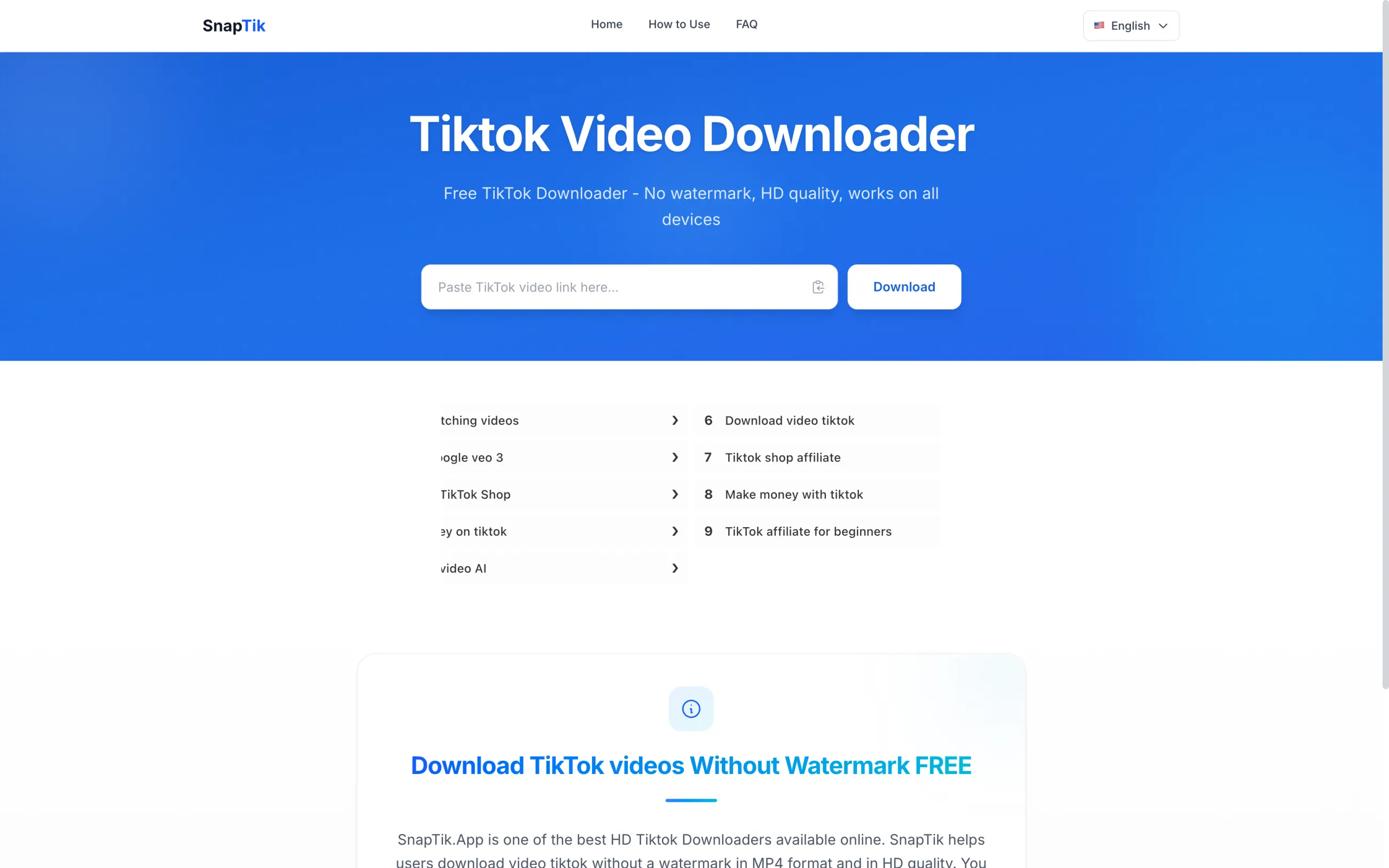
To use it:
SnapTik avoids the most difficult part of watermark removal: inventing the pixels behind the logo. It’s free, works online on any device, supports HD downloads when available. It can also turn TikTok photo slideshows into MP4 files with their music.
This makes it faster than uploading a saved file and waiting for AI processing. It is also the most sensible quality-first workflow for your own public post when you no longer have the clean source export.
On the downside, SnapTik only works when you can provide a valid TikTok link, processes videos one at a time, and displays ads to fund the service.
SnapTik pricing: Free. There is no subscription or stated download limit; the site is supported by ads.
Best for: creators downloading their own public TikToks for Reels, Shorts, backups, or later editing.
Vmake’s TikTok Watermark Remover is the strongest option here for batch work. You can paste a public TikTok link or upload a file that already has the watermark baked in, and the tool supports up to 30 files in one batch.
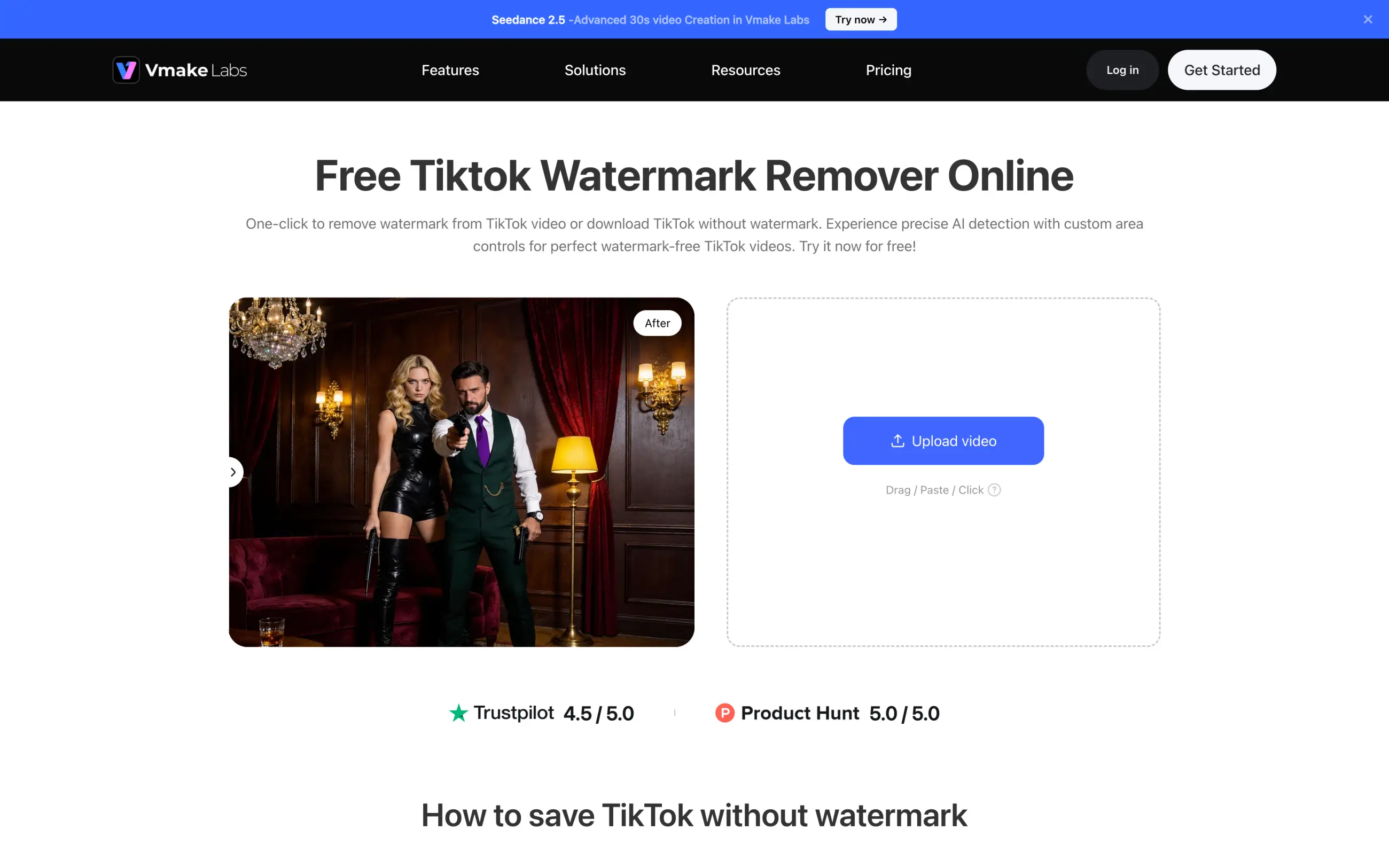
Vmake automatically tracks moving watermarks, so you don't have to mark each position on a timeline. It can also remove captions and livestream comments. That makes it more useful for agencies and UGC teams than a TikTok-only downloader, especially when a folder contains a mix of links, old exports, and screen recordings.
The free version is only enough to test the result: it lets you export the first five seconds. To clean complete videos, you need Plus or Pro. Vmake also says uploaded files are encrypted and deleted after processing.
Vmake pricing:
| Plan | Price | What it includes |
|---|---|---|
| Free | $0 | Five-second AI Eraser preview; no complete watermark-remover export |
| Plus | $9.99/month | 1,000 monthly credits, up to 10 watermark-remover files per day, exports up to 1080p |
| Pro | $29.99/month | 4,500 monthly credits, up to 50 watermark-remover files per day, higher-resolution export options |
These are the US monthly prices shown by Vmake at the time of writing. The final price may vary by country or promotion.
Best for: teams cleaning several files, creators who switch between links and uploads, and videos with extra on-screen text.
Overchat’s TikTok Watermark Remover allows you to easily remove TikTok watermarks when you already have the watermarked file.
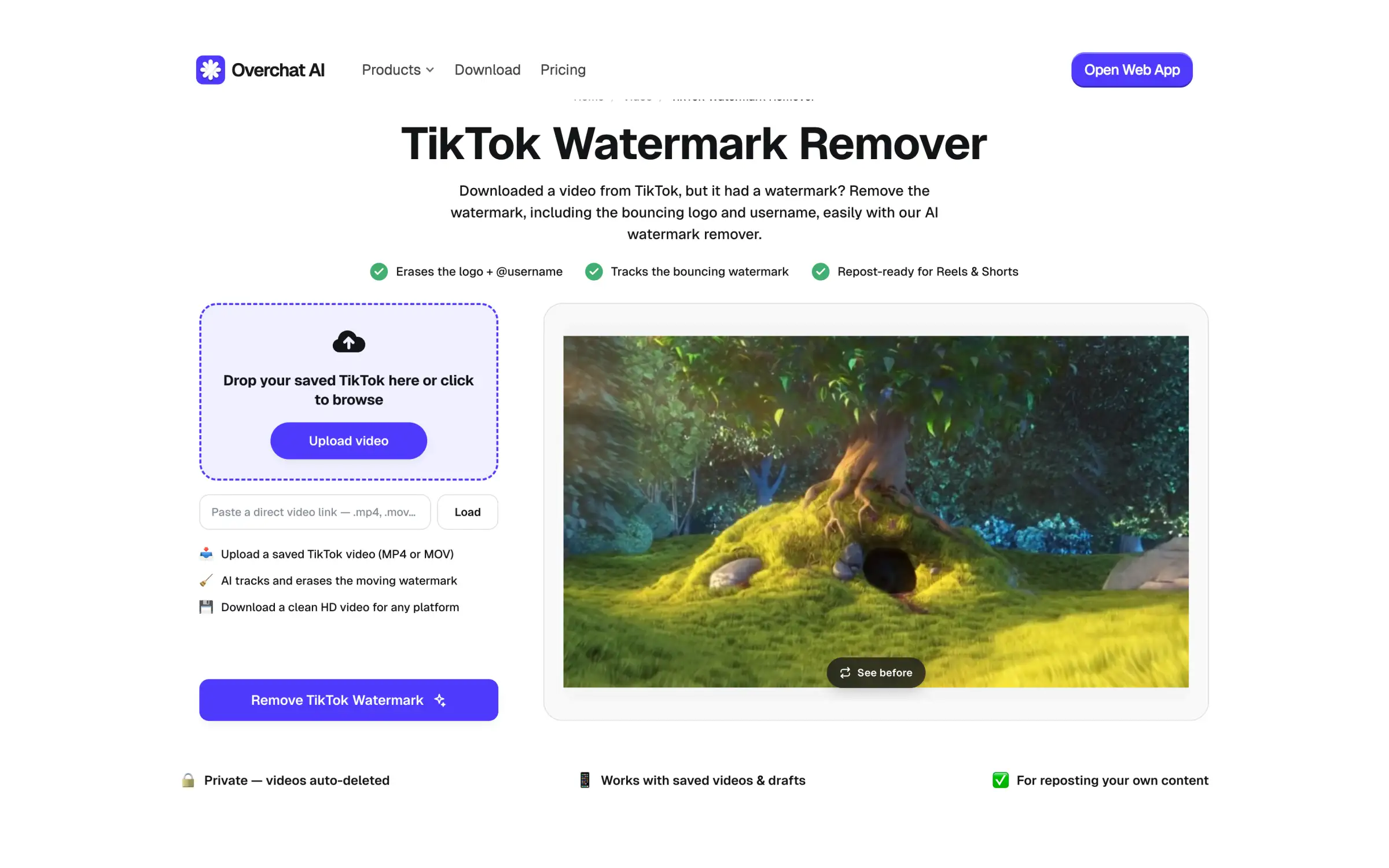
The tool accepts MP4, MOV, and WebM videos, detects the bouncing TikTok logo and username automatically, and removes them.
Overchat AI tracks the watermark frame by frame, reconstructs the covered area, preserves the original audio, and lets you preview the result before downloading an MP4.
It is particularly useful for drafts, deleted posts, camera-roll copies, and files supplied by a creator with permission. Those files may have no working TikTok URL, so SnapTik or SSSTik cannot process them.
To use it:
Overchat AI pricing:
Pro includes the watermark remover and access to the rest of the Overchat platform, with more than 150 AI tools and models under the same subscription.
Best for: Saved TikToks, private drafts, deleted posts, and quick browser-based cleanup without manual masking.
Airbrush’s AI Video Watermark Remover is a polished general-purpose remover for logos, text, and watermarks. It runs in a browser, and requires no installation.

To use it upload an MP4 or MOV, wait for automatic processing, and inspect the preview. Since Airbrush is not limited to TikTok branding, it can also remove an old company logo, creator tag, or other text from footage you have the right to edit.
Only the first five seconds can be downloaded for free. A complete video uses credits, so the free version is best treated as a quality test. Airbrush is also an upload-based remover rather than a TikTok downloader; you need the video file on your device before you begin.
Airbrush pricing:
| Option | Price | What it includes |
|---|---|---|
| Free preview | $0 | Automatic preview and the first five seconds of the processed video |
| Credit pack | $9 | 10 credits, valid for one year |
| Web Plus monthly | $15.95/month | 80 credits per month, 10 GB upload space, unlimited exports when you have enough credits |
| Web Plus annual | $95.95/year | 80 credits per month and the same web features; currently discounted from $159.95/year |
Airbrush charges 2 credits for a video up to one minute, then 1 additional credit for every extra minute or partial minute. Prices and promotions may change.
Best for: users who want a general-purpose watermark remover that also works for TikTok.
SSSTik works like SnapTik, allowing you to paste a public TikTok link, choose an available MP4 or audio option, and save the file through a desktop or mobile browser.
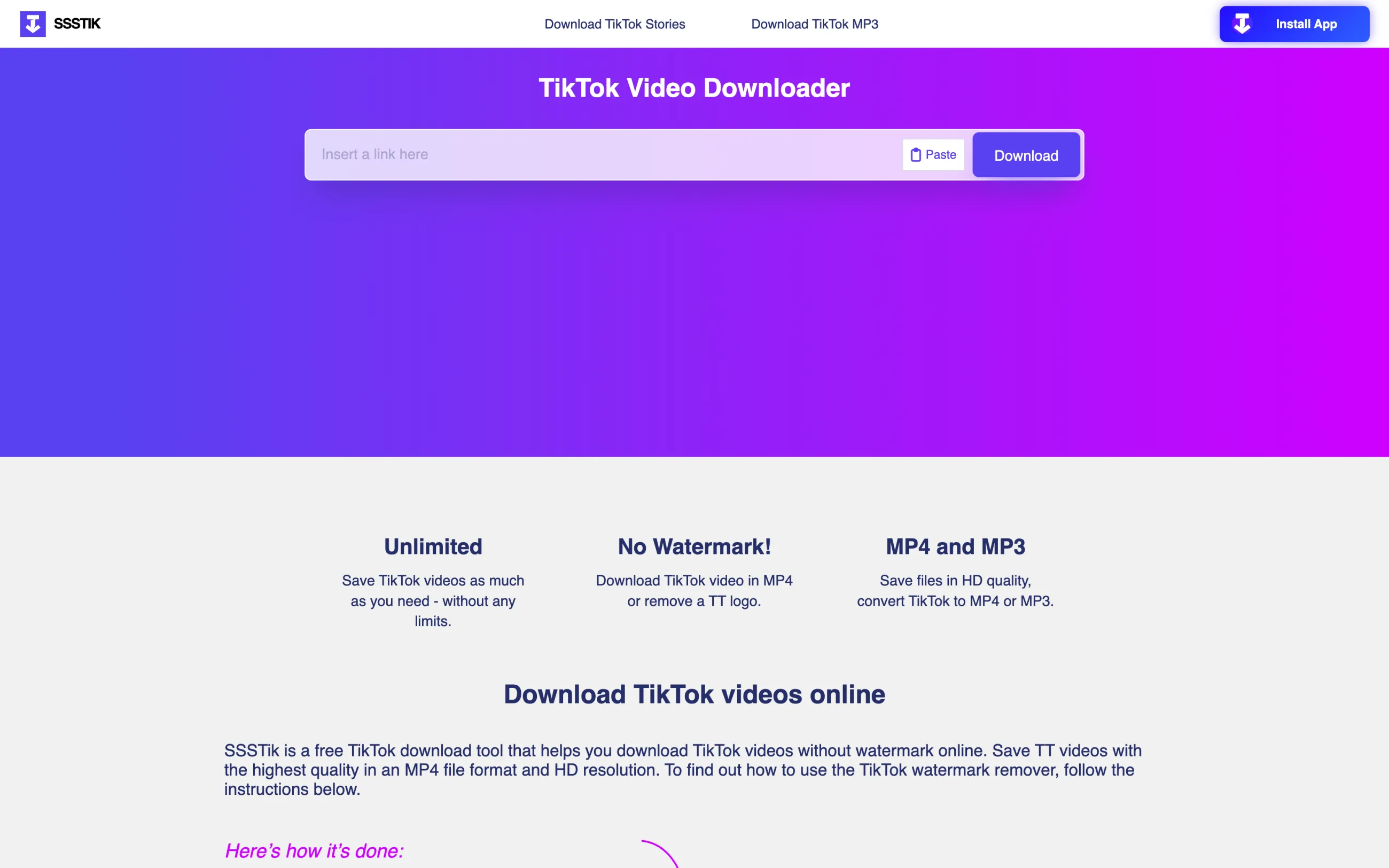
Link-based tools occasionally stop working while they adapt to a TikTok change, so having a second downloader bookmarked is practical. SSSTik requires no extension or TikTok account, supports HD when available, and works in modern desktop and mobile browsers.
It has the same limitation where it cannot access private accounts or repair a file that is already watermarked. The site is also ad-supported, so check the destination of a button before clicking it and never enter TikTok credentials into a third-party downloader.
SSSTik pricing: Free.
Best for: public TikTok links when SnapTik is unavailable or does not return the desired file.
SorryWatermark’s free video watermark remover is the rare browser tool where the free tier ends in a real download rather than a five-second sample. There is no account, no credit counter, and no stated limit on video length.
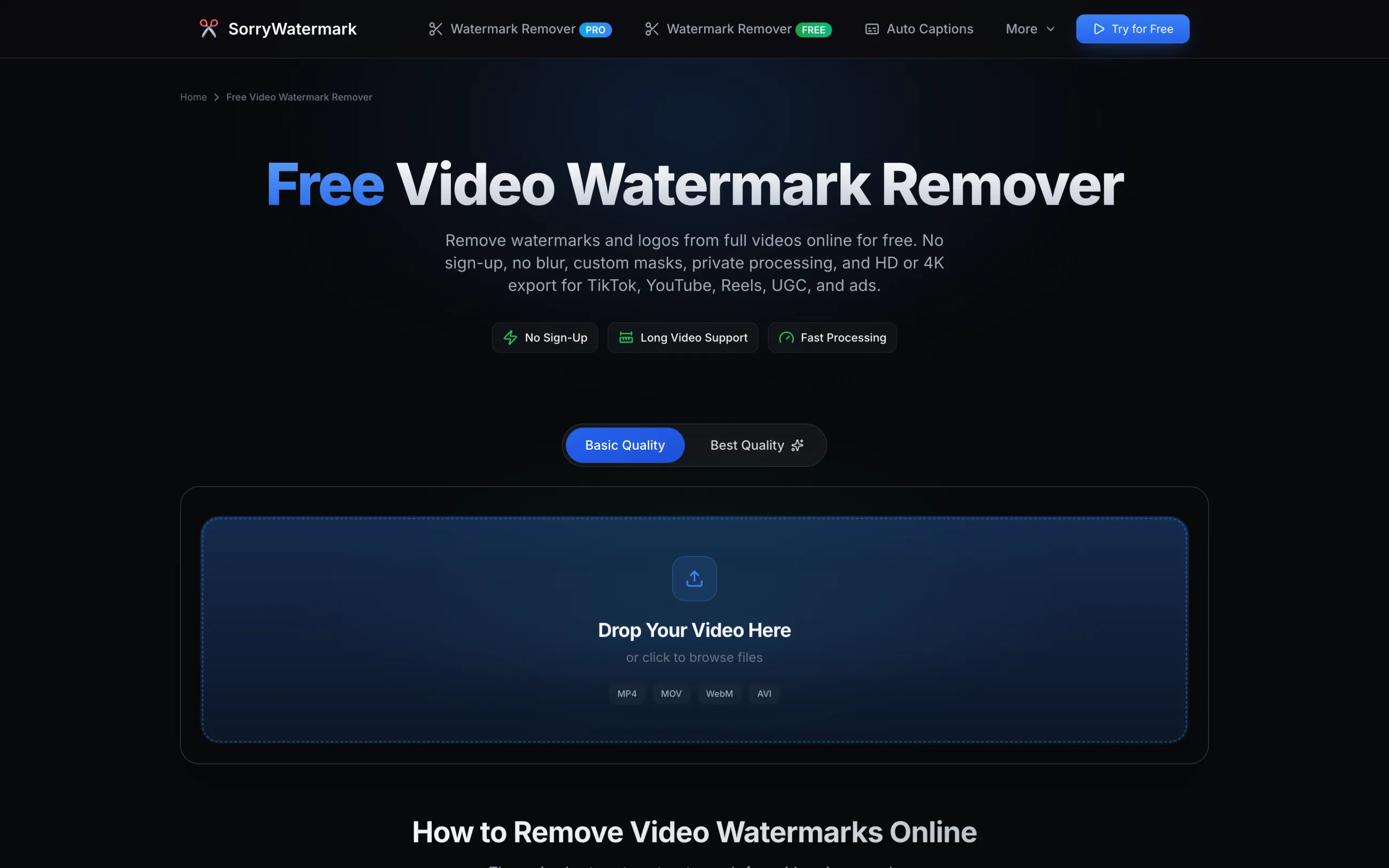
You upload an MP4, MOV, WebM, or AVI file, add a mask over each place the TikTok logo and username appear, and process. Masks are boxes you drag on the preview or type in as X, Y, width, and height values, and you can save a set as a preset for the next video with the same layout.
We ran a 6-second 576×1024 TikTok clip through it. With a mask on each of the two watermark positions, the export came back at the original 576×1024 with the audio intact, no added watermark, and no visible smear where the logo had been. Processing took under a minute, and a second clip in the same session went through the same way.
The catch is the manual part. Automatic detection, batch processing, and 4K upscaling belong to the PRO plan at $5.99 per month. In the free tier a position you forget to mask stays watermarked — in our first pass we masked only the opening position, and the logo reappeared untouched the moment it bounced to the other side of the frame. Scrub the whole clip before you process.
SorryWatermark pricing: Free, no sign-up. PRO from $5.99/month for automatic detection, batch jobs, and 4K export.
Best for: a saved clip that is too long for the free tiers elsewhere, when you are willing to mark the watermark positions yourself.
Kdenlive is a free, open-source video editor from the KDE project, available for Windows 10 and newer, macOS 13 and newer, and Linux as an AppImage or Flatpak.
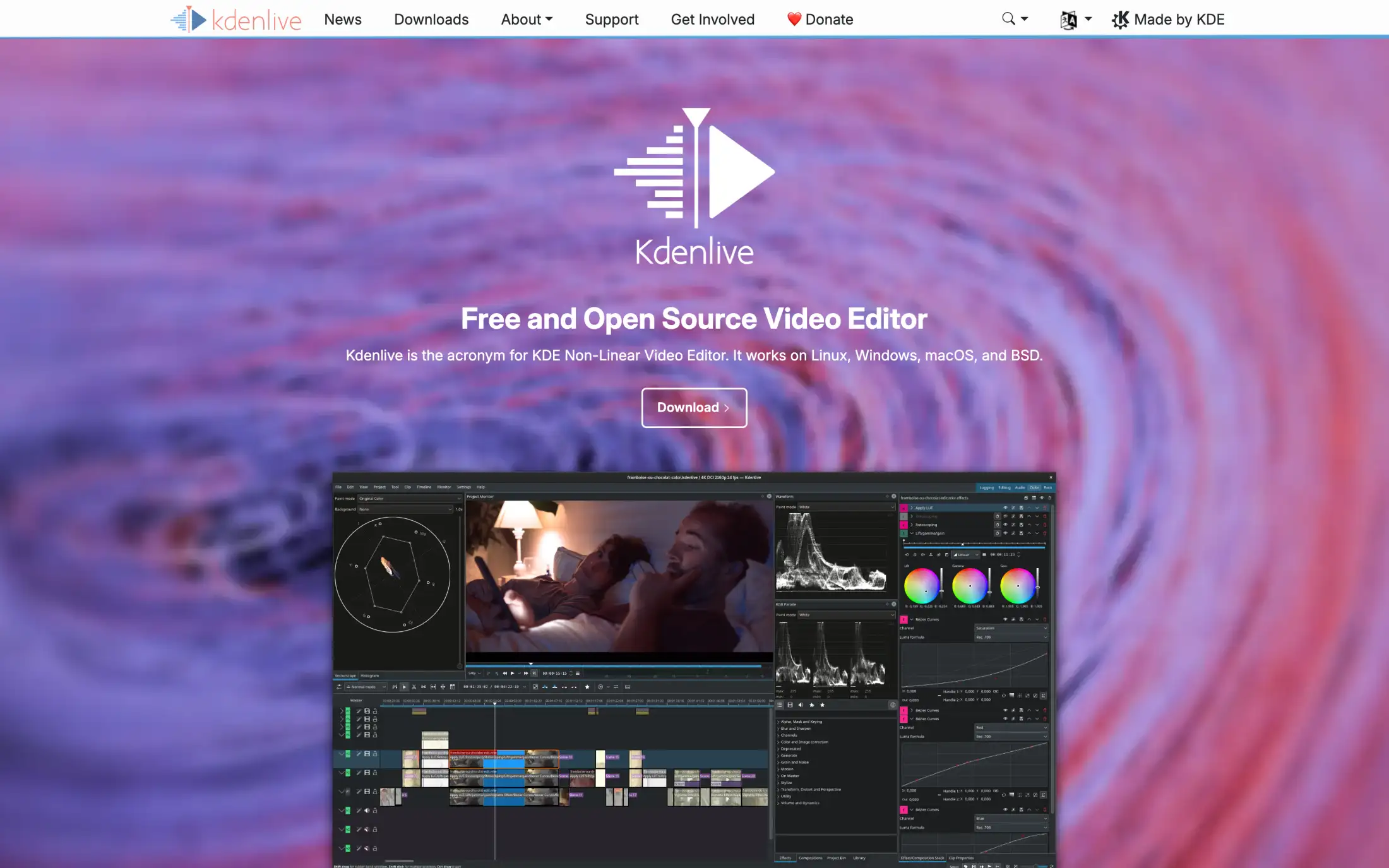
Kdenlive allows you to remove watermarks by using their Motion Tracker effect. Draw a box around the TikTok logo on one frame, pick a tracking algorithm, and Kdenlive follows the mark across the clip with OpenCV, generating the keyframes for you. The effect then fills the tracked region with a Gaussian blur, median blur, pixelation, or an opaque block. Because the tracker moves with the mark, one setup covers a watermark that jumps between corners.
This is very easy and quick to do, but the result covers the watermark with something instead of rebuilding the area behind it. A blurred or pixelated patch then remains visible.
Kdenlive pricing: Free and open source.
Best for: offline work, and anyone who would rather cover a mark predictably than trust an upload.
Here are 7 things you can do to ensure a clean removal:
Removing a TikTok watermark doesn't give you ownership of the video or permission to reuse it. If the video is yours, you can generally remove the watermark from your own copy. If it belongs to someone else, make sure you have permission or a license that allows you to edit and repost the footage.
This is especially important for UGC and branded content. If a creator has provided a video for a campaign, check that your agreement covers the platforms where you plan to publish it and allows you to make edits such as watermark removal. TikTok's Terms of Service may also apply, along with copyright and other applicable laws.
Only upload videos you're comfortable sending to the service. You should never need to provide a TikTok password, authentication code, or browser session to remove a watermark.
If you're uploading unpublished or confidential footage, check how the service handles uploaded files, including how long they are stored and when they are deleted. For sensitive content, choose a tool with a clear file-retention and privacy policy.
Common questions about removing a TikTok watermark, and short answers to each.
Yes. TikTok can move its logo and username between different parts of the video, and Overchat AI is designed to remove the watermark as it changes position. For the best result, check the entire video after processing, particularly if the watermark passes over detailed or moving parts of the scene.
It can, depending on the video. Watermark removal requires the software to reconstruct the area that was covered by the logo or username, so results can vary with the background and amount of detail underneath it. Exporting the processed video can also introduce some compression.
Yes. Overchat AI runs in a web browser, so you can upload a video directly from your phone without installing desktop software. Select the saved video from your camera roll or device storage and upload it through the tool.
If you already have the video saved on your device, you can upload the file directly to Overchat AI. A TikTok downloader, on the other hand, generally can't retrieve a post that is private or has been deleted.
It depends on the video. Cropping is quick and doesn't require reconstructing any part of the image, but it also removes part of the frame. AI removal keeps the original framing and is a better option when the watermark sits over an area you don't want to crop out.
If you're reusing your own video on another platform, a watermark-free version gives you a cleaner file without TikTok branding or a username in the frame. It also gives you more flexibility to add your own captions or branding.
Removing the watermark alone doesn't guarantee better reach on Instagram, YouTube, or any other platform. It simply gives you a clean version of the video to work with.
A TikTok downloader starts with a TikTok post or URL and attempts to save a copy without the platform's watermark. A watermark remover works with a video file you already have and removes the watermark from the footage itself.
If you've already saved the video to your phone or computer, you don't need to give a watermark-removal tool access to your TikTok account or credentials.
In summary, if you still have the original file, use that version — it's better than removing a watermark from an exported copy. If you only have a public TikTok link, using a no-watermark downloader is usually the simplest option. Whatever method you use, select a tool from this list and you will easily be able to remove TikTok watermarks online.


