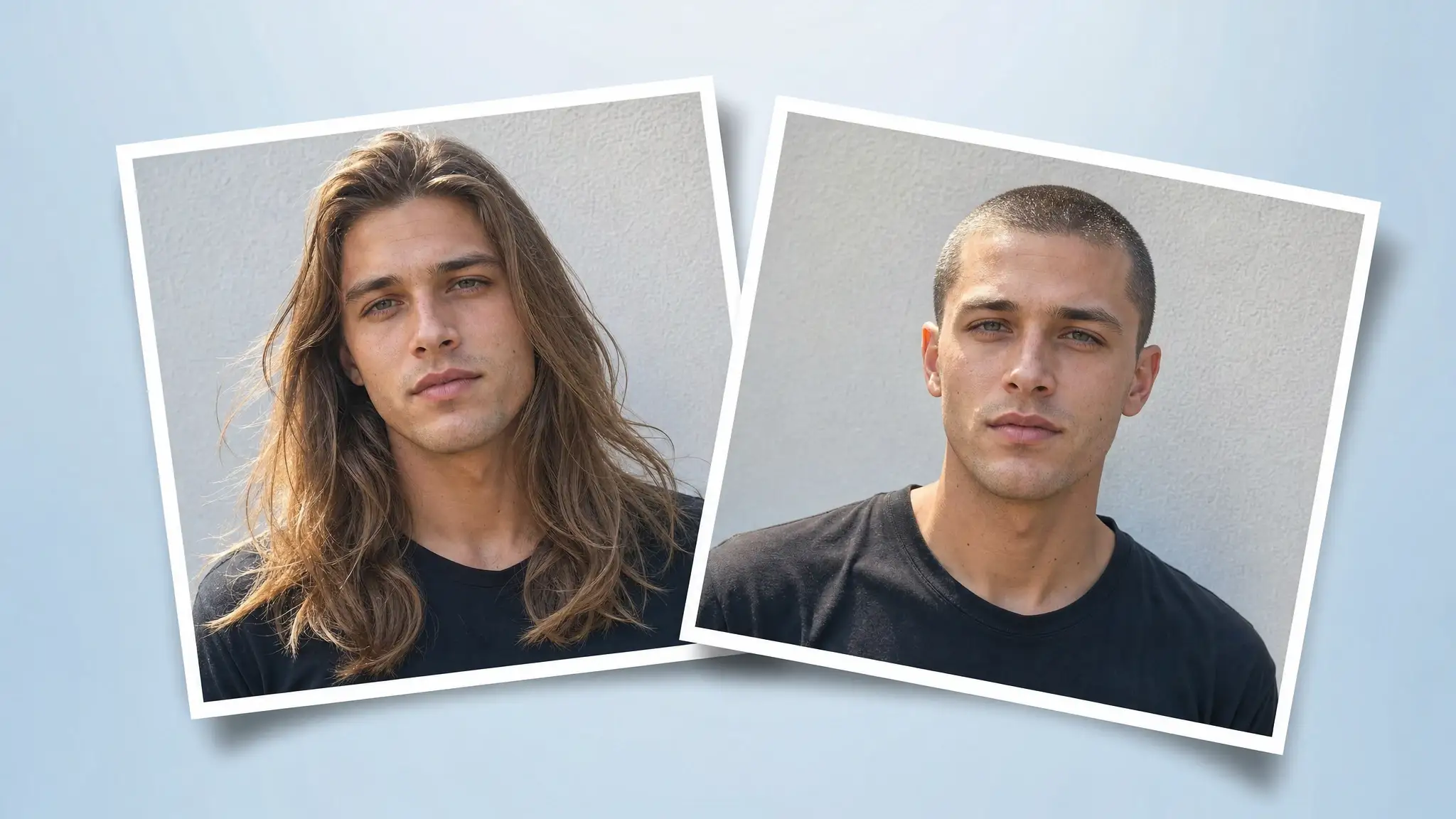
What would you or your friend look like with a buzz cut? If you're too apprehensive to find out by getting one in real life (understandably), you can preview that with an AI filter in seconds. In this article, then, we've put together a list of top buzz cut filters on the internet that help you do just that.
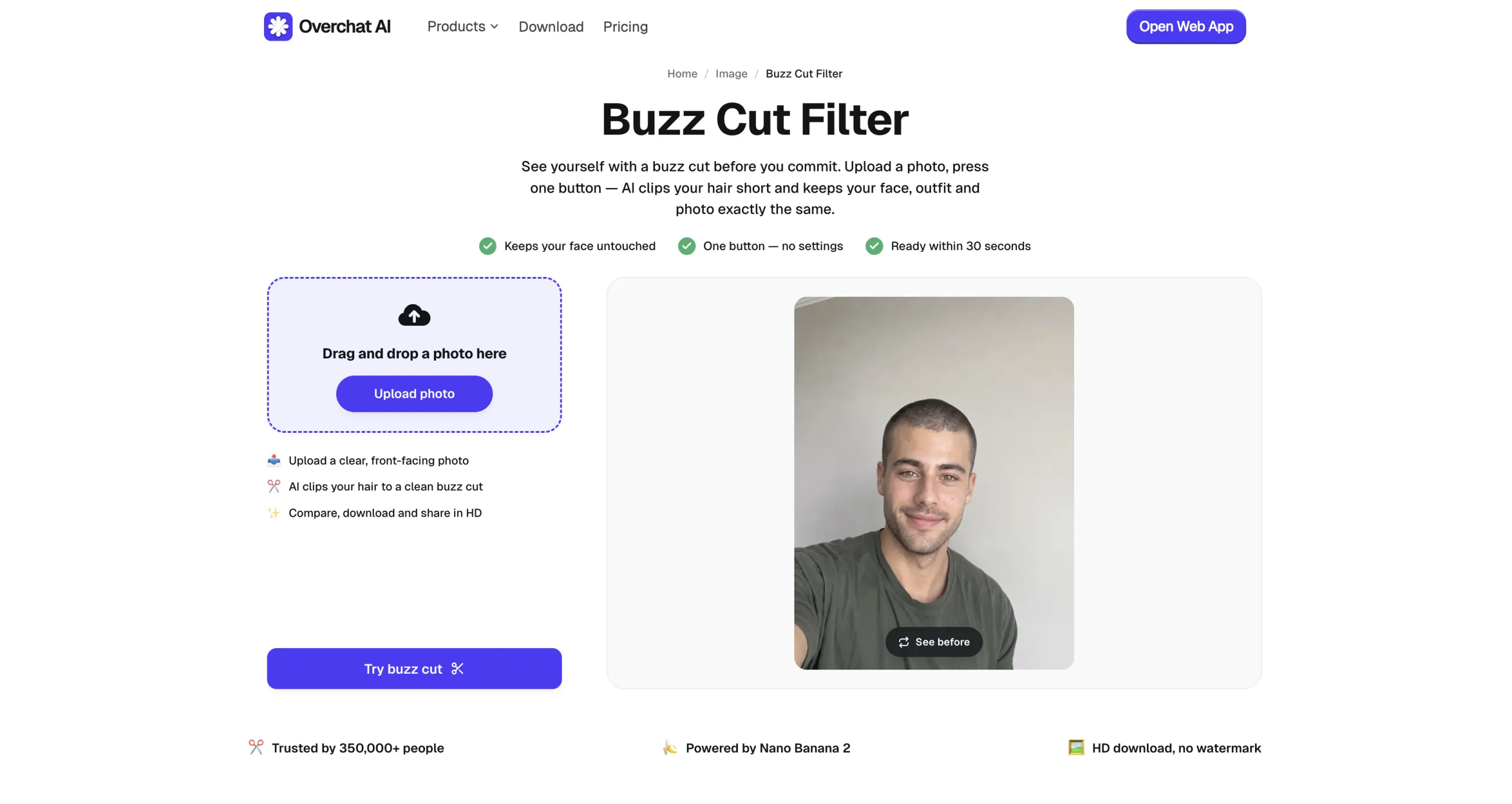
For the easiest way to see what you'd look like with a buzz cut, head on over to the Overchat AI buzz cut filter — it's powered by an advanced AI image model, and returns a highly realistic buzz cut image in about 30 seconds.
We've picked tools that either allow you to select, or are powered by, a high-quality image generation model. That's important because that's the aspect that determines the quality of the end result. GPT Image 2, Nano Banana 2, and variants of Seedream are preferred.
We've also prioritized tools that are tuned for realism — the AI needed to convincingly render stubble showing through skin, darker at the crown, lighter where the hairline recedes.
Finally, a buzz cut has variations depending on how it was cut (for example, different guards give different results), so we've preferred tools that allow you to customize the look.
Best AI Buzz Cut Generators
Here's how the six tools compare on platform, free allowance, and price before we get into each one.
Tool
Platform
Account required
Free allowance
Paid price
Watermark on free output
Overchat AI
Web
No
Free, no stated cap
—
No
Fotor
Web, mobile
No
Limited free credits
—
Yes on the free plan
Hairstyle AI
Web
No
5 generations/day
—
—
YouCam Perfect
iOS, Android, web
—
Limited
$5.99/month
—
BeautyPlus
Web, iOS, Android
No
Free, no stated cap
—
No
Pixelbin
Web
Optional
3 buzz cut images/month
—
No
1. Overchat AI
The Overchat AI buzz cut filter is a tool we developed — it's part of the Overchat AI all-in-one AI platform that includes over 150 specialized tools and AI models for text, image, and video editing.
The Overchat AI buzz cut filter
We focused on two things when creating our filter: ease of use and realism.
Our app is extremely easy to use — you can drop in a photo from your camera roll or hard drive, or take a new image, and get a realistic buzz cut preview in about 30 seconds.
We used the Nano Banana 2 AI image editing model, known for its realism and image editing accuracy.
For a limited time, we're making the tool accessible without an account and entirely free to use without limits.
Pros:
✅ No account or signup required
✅ HD download without a watermark
✅ Result in roughly 30 seconds, powered by Nano Banana 2
✅ Keeps the original face, clothing, and background intact
2. Fotor
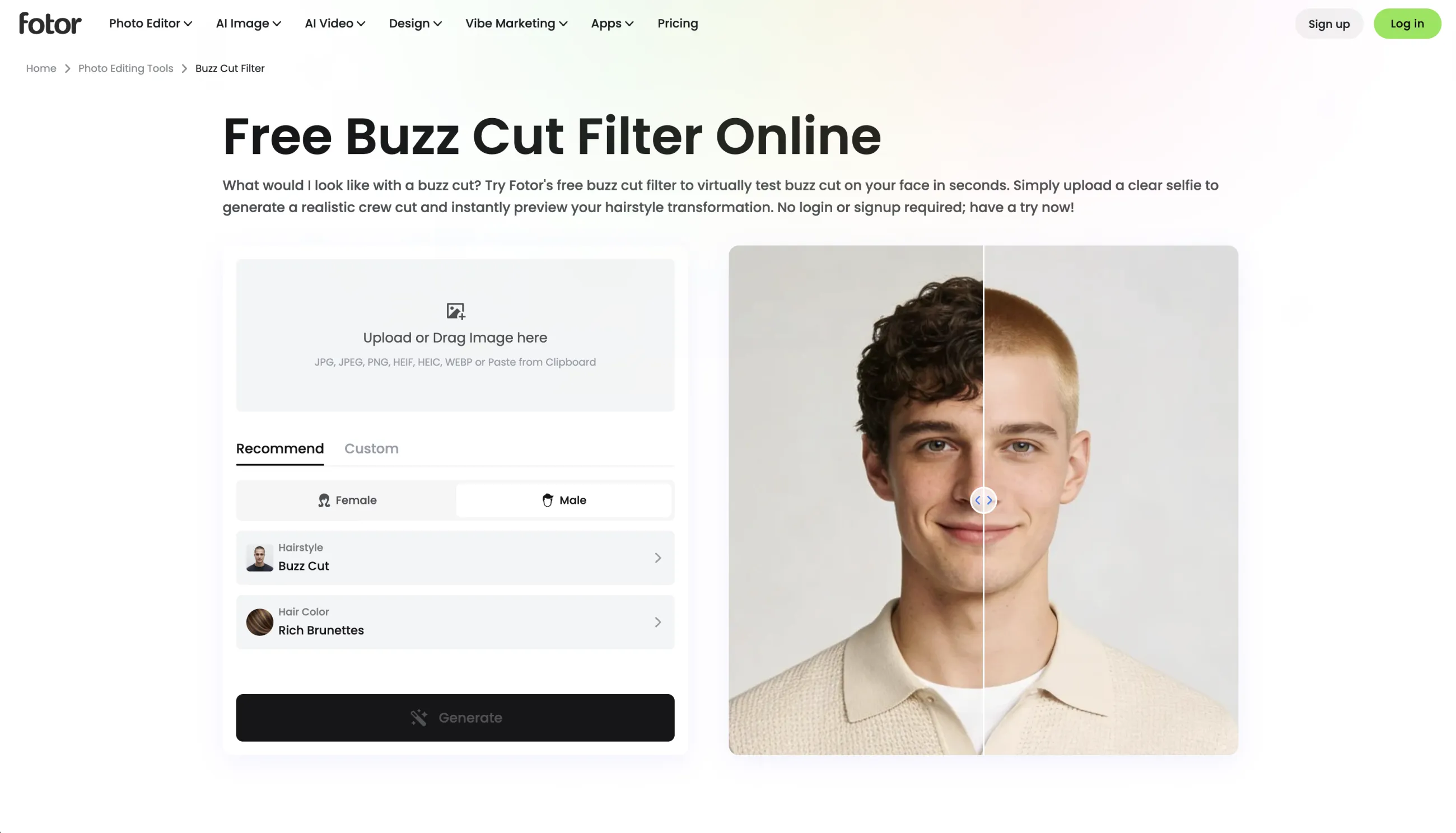
Fotor is a popular online image editing platform launched in 2012, used by over 800 million users across 200+ countries — they have a huge library of image filters, some of which are AI-powered — and this includes their buzz cut filter.
Fotor’s buzz cut filter
We liked that the app returns a nine-image grid covering different lengths and colors at once, along with specific names for each style — a brown buzz cut, a bleached crew cut, a textured crop, a jarhead cut, a platinum buzz, and a female jarhead among them.
This is less of a prank or a joke tool, and more of a useful way to preview what this hairstyle looks like on your face.
Pros:
✅ Nine-image grid across multiple lengths and colors
✅ Named, documented buzz cut variants including crew cut and jarhead
✅ Works in a browser and on mobile
Cons:
❌ The free tier is credit-limited, and the free plan lists watermarked exports
3. Hairstyle AI
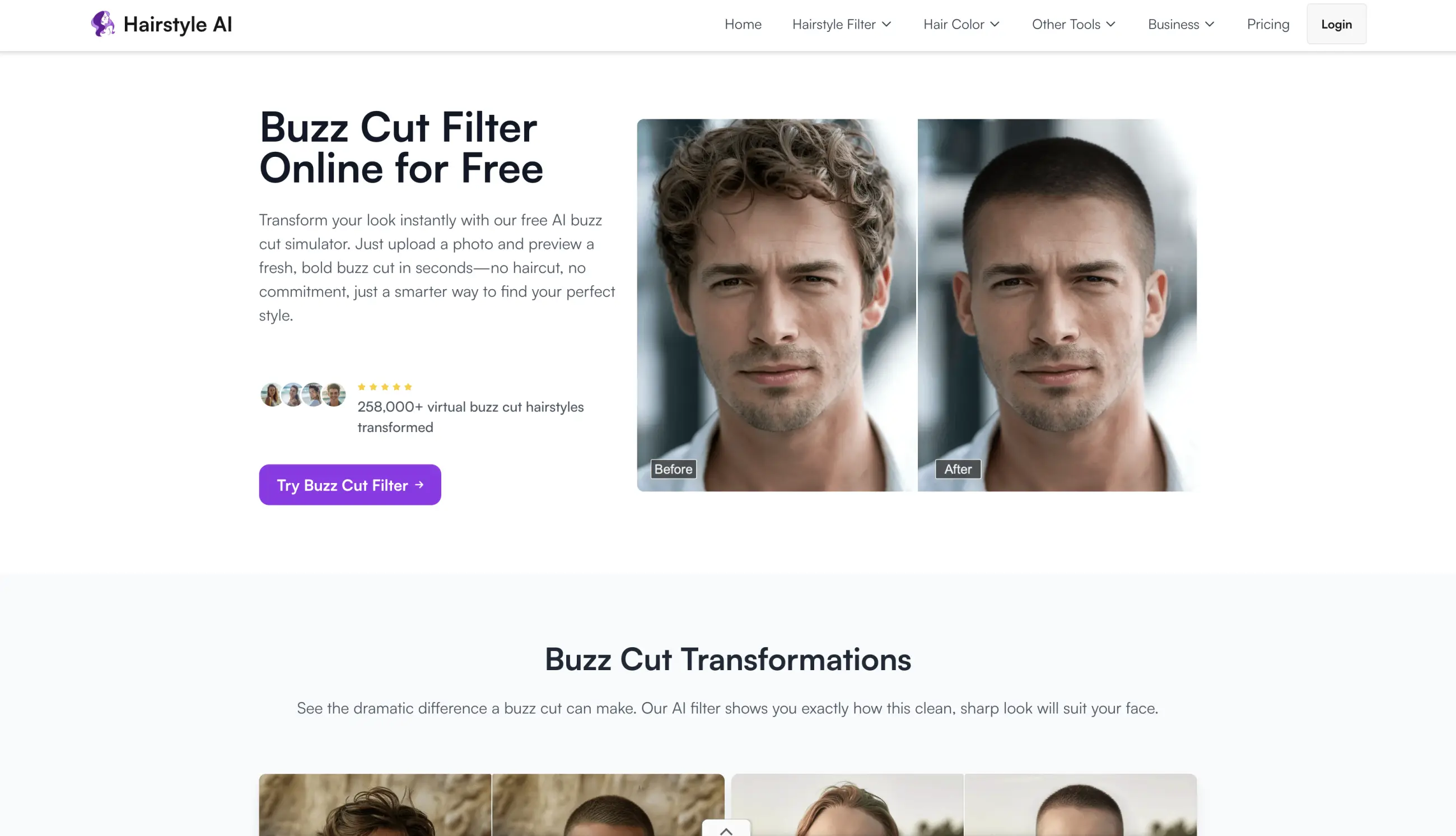
Hairstyle AI is a single-purpose site that focuses entirely on hair filters. And when you do only one thing — you better do it well.
Hairstyle AI’s buzz cut filter
Thankfully, you can try the platform without committing anything. It gives you five hairstyle generations a day for free. The catalogue behind it is large — 60-plus hairstyles and 19 hair colors — and the buzz cut is one of them.
We also liked that the site states it never saves your photos and deletes them right after processing.
Generation takes around 60 seconds and uploads are capped at 3 MB. Strangely, the tool asks that your hair isn't covering your forehead, which automatically excludes a lot of long-hair photos, but in our testing hair falling on model faces didn't really faze the tool, so perhaps the creators were overly cautious.
Pros:
✅ Five free generations every day, no account
✅ 60+ hairstyles and 19 colors if you want alternatives
✅ States that uploads are deleted immediately after processing
Cons:
❌ 3 MB upload limit and roughly 60 seconds per result
❌ Wants your forehead uncovered, which rules out many long-hair photos
4. YouCam Perfect
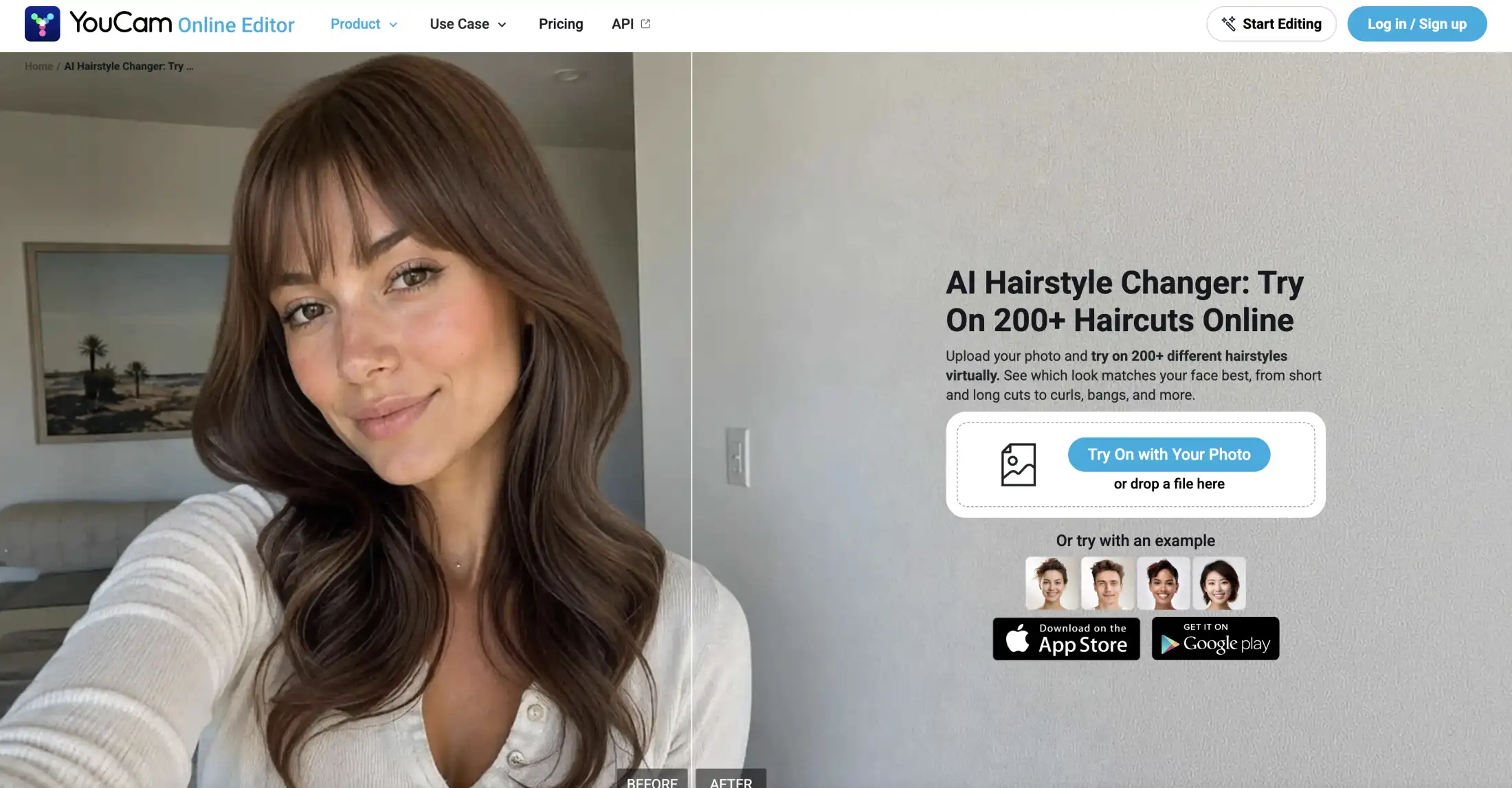
YouCam Perfect is an app by Perfect Corp — a huge Taiwanese IT developer that, interestingly, focuses more on the corporate market, developing AR try-on solutions for beauty brands. They're really well known for their virtual lipstick sliders that are frequently used on various cosmetics sites.
Perfect Corp’s YouCam AI hairstyle generator
However, they also develop a really popular consumer YouCam app that's been downloaded over 1.1 billion times.
You'll find the buzz cut under Beautify → AI Hairstyle, among more than 100 haircuts. We especially liked the AI Replace field, which takes a written instruction — for example, you can write "buzz cut on top with a fade on the sides" and give the AI really precise instructions.
Premium runs $5.99 per month on iOS. We'd check the annual options carefully before tapping — the same listing carries yearly offers at $39.99, $42.99, and a Pro tier at $79.99.
Pros:
✅ Mature, actively maintained app on iOS and Android
✅ 100+ hairstyles plus a text prompt for custom cuts
✅ Clear $5.99/month price
Cons:
❌ The buzz cut is buried inside a full photo-editing suite
❌ Side-by-side grid comparison is premium-only
❌ Overlapping annual offers between $39.99 and $79.99 make the real cost hard to read
5. BeautyPlus
BeautyPlus is part of a huge family of beauty apps — BeautyCam, AirBrush, MakeupPlus and others — that has been installed on more than a billion unique devices, so apparently 1/7th of the planet uses their apps. BeautyPlus itself has been running since 2013 with over 800 million installs.
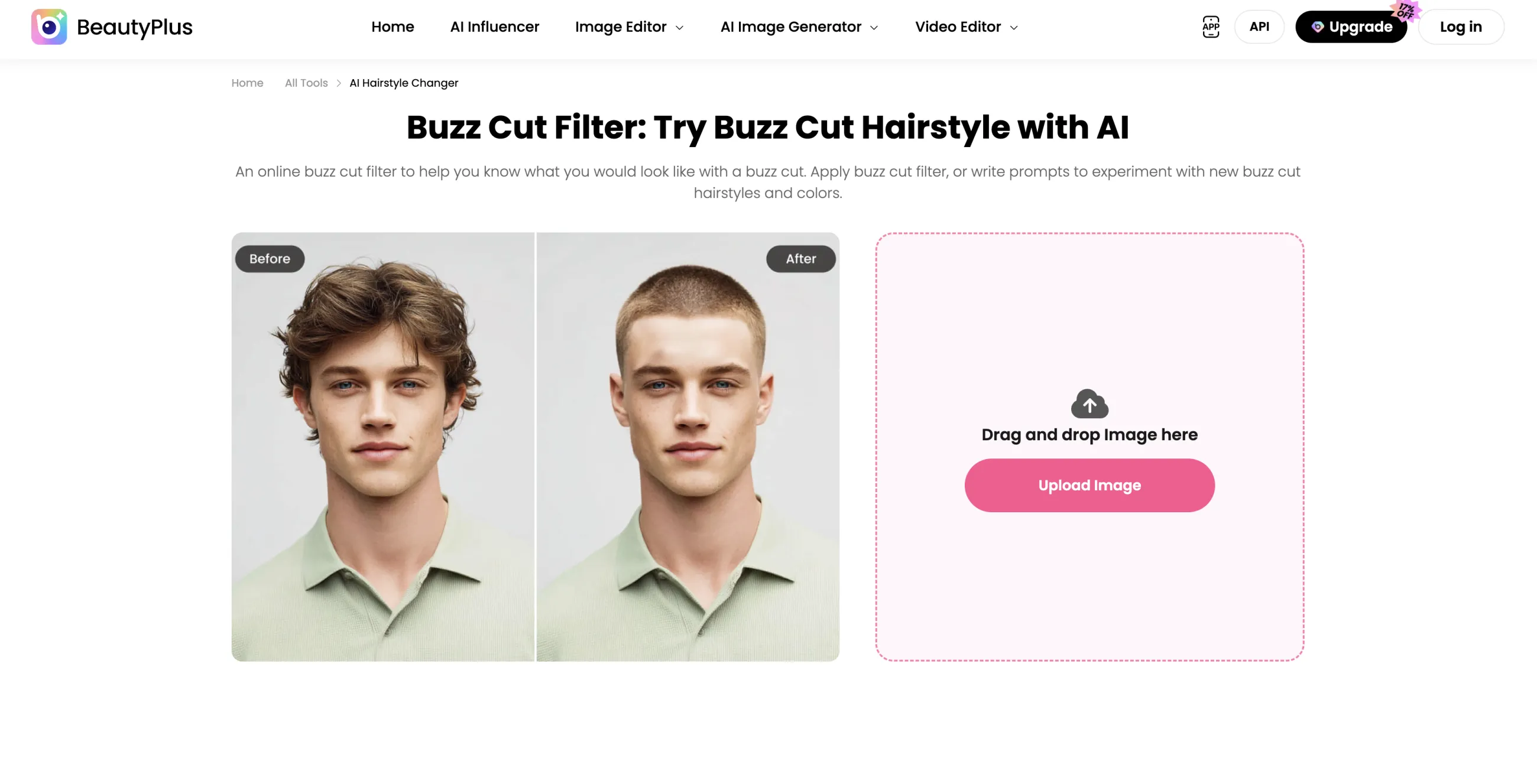
The BeautyPlus buzz cut filter
They have a powerful hairstyle changer app that lets you type the cut you want and the AI renders exactly that on an image you upload to the tool.
It's free across the web tool and the iOS and Android apps, with no watermark or credit ceiling mentioned anywhere on the page. The flip side of that is planning: BeautyPlus publishes no limits at all, so there's no documented allowance to rely on if it changes.
Pros:
✅ Accepts written style requests using real guard numbers
✅ Free on web, iOS, and Android
✅ No watermark mentioned
Cons:
❌ No published limits, so nothing to plan around
❌ Output quality depends on how you word the prompt
6. Pixelbin
Pixelbin, developed by Shopsense Retail Technologies — the company behind Fynd, the Indian omnichannel retail platform — began life as Fynd's internal pipeline for processing enormous volumes of product photography before being spun out as a standalone product in December 2022. Underneath the buzz cut filter sits a CDN, a digital-asset manager and an image API, which we think explains both the clean HD output and the stingy free tier: you are a rounding error next to its e-commerce customers.
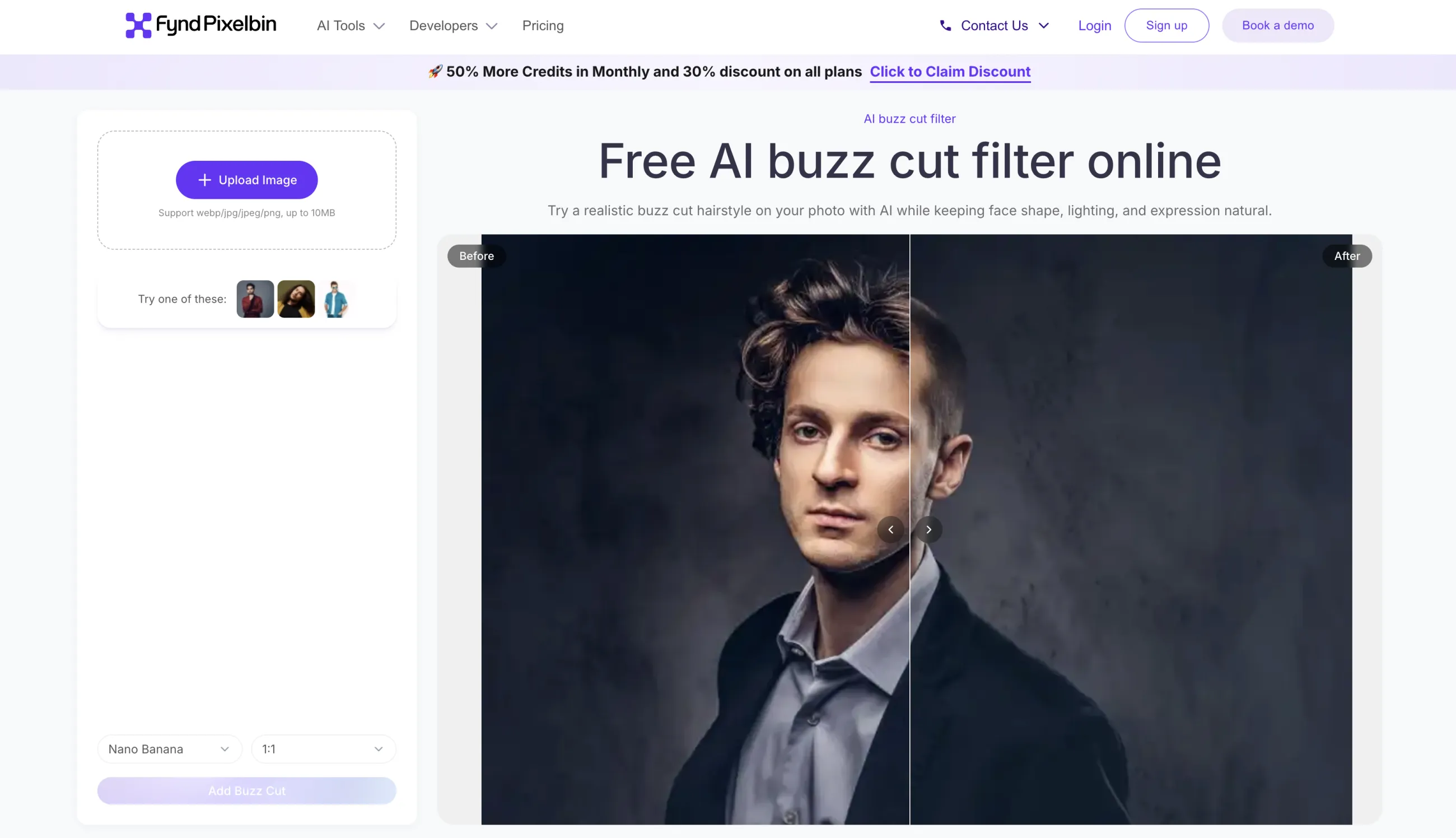
Pixelbin’s buzz cut filter
You get three buzz cut images a month free and can download them in HD without a watermark; signing up adds ten credits across its other AI tools. We liked that it shows the result beside your original, which makes small changes to your face easier to catch than a single output would.
❌ In our testing, a buzz cut request produced a cropped fade instead
Frequently asked questions
Here are the questions people most often ask before running their photo through one of these tools.
What is a buzz cut filter?
A buzz cut filter is an AI tool that edits a photo of you so your hair appears clipped short, while keeping your face, expression, and background unchanged. It's a preview, not a photo editor you operate manually — you upload an image and the model regenerates the hair region.
Are buzz cut filters accurate?
They're dependable for the broad shape of your head and much looser about length. In our testing for the best AI hairstyle changers, Pixelbin returned a cropped fade when we asked for a buzz cut. Running the same photo through a second tool is the practical check, since the two will agree on your head and disagree wherever the model is guessing.
Is there a completely free buzz cut filter?
Yes. The Overchat AI buzz cut filter and BeautyPlus are free with no stated cap, and Hairstyle AI gives five generations a day without an account. Fotor and Pixelbin are free only up to a credit limit.
Do these work on women's photos?
Yes. Fotor documents a female jarhead variant specifically, and Hairstyle AI and BeautyPlus both apply their buzz cut styles regardless of the subject.
Is there a buzz cut filter on TikTok?
TikTok and Instagram carry AR filters that approximate a shaved head in real time. They're made by individual creators, so any particular one can disappear without notice, and they're built to track a moving face rather than produce a still image you can download and study.
Bottom line
If you're looking for the easiest way to try on a buzz cut, start with the Overchat AI buzz cut filter. It's free, needs no account, and returns an HD file in about half a minute, so there's nothing to weigh up before trying it. Or, if you want to try other cuts before committing to this one, see our roundup of the best AI hairstyle changers.