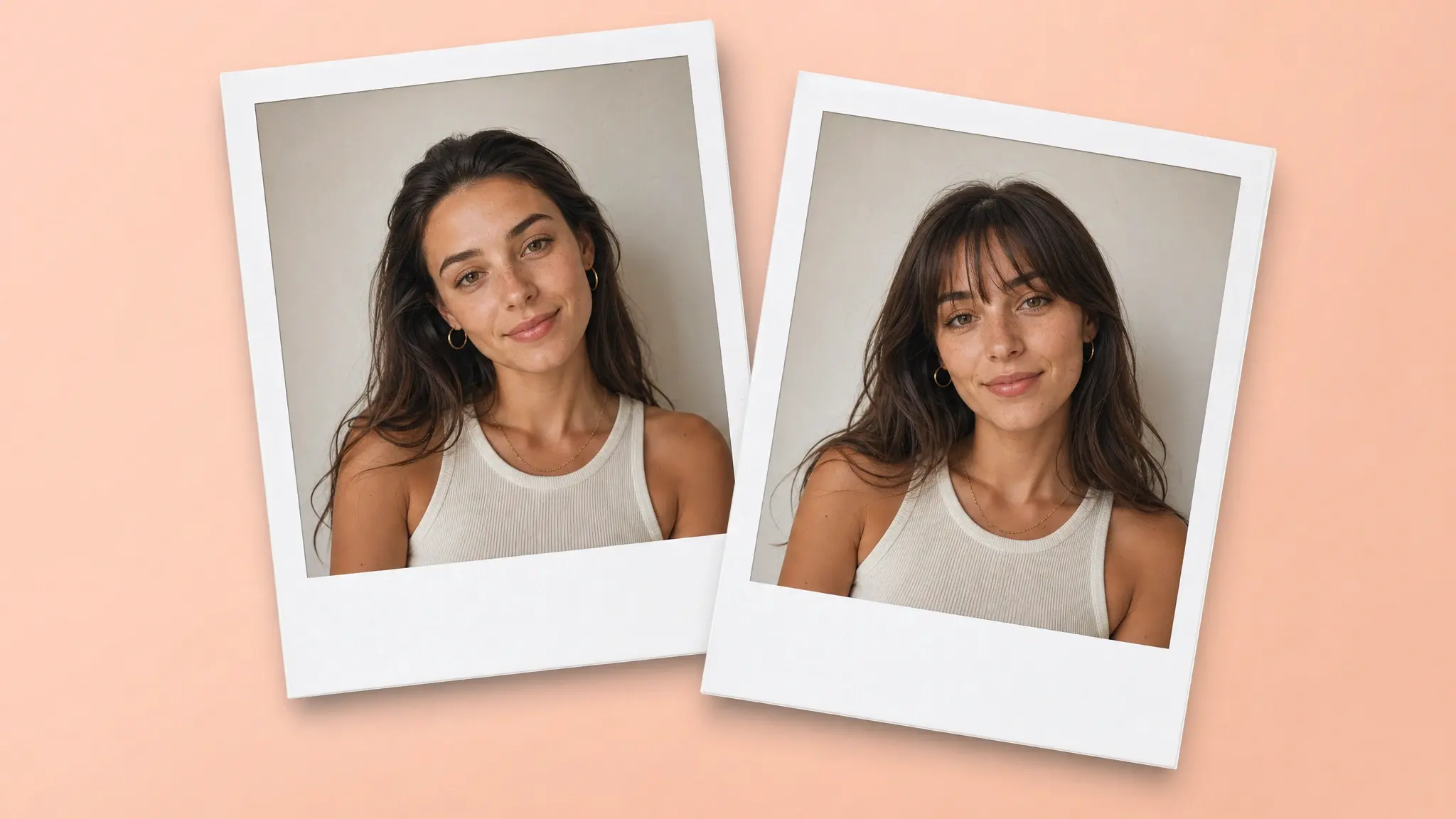
Bangs, or, as they're called in Britain, fringes, are among those haircuts that are hard to undo — and they don't suit everyone. Thankfully, there's an easy way to try on bangs without committing to a cut in real life — and that's with an AI-powered bangs filter.
Unlike the augmented-reality tools of old, such as TikTok or Snapchat filters, generative AI bangs try-on tools create a photorealistic image that reconstructs the hair around your forehead on a photo you upload, which gives you an accurate preview of how bangs would look on you.
In this article, we've made a list of the best bangs try-on tools. We're specifically focusing on generative AI-powered tools that generate the fringe over a provided photograph, as they deliver much more realistic results than AR filters.
We've tested each of the tools on this list, plus over 10 other services that we decided to omit from this compilation, making sure they're easy to use and high-quality.
The table below summarizes our picks at a glance:
Tool
Platform
Account required
Free allowance
Style control
Free export
Overchat AI
Web
No
Free; no stated cap
One automatic natural fringe
HD, no watermark
BeautyPlus
Web, iOS, Android
No on web
Free web tool
Presets plus brush-and-prompt mode
Download; watermark policy not stated
YouCam Online Editor
Web, iOS, Android
Not stated before upload
Free to try; exact limit not published
10+ presets; length and color controls
Download; resolution and watermark policy not stated
Pixelbin
Web
Optional at upload
Free credits; exact limit not published
Automatic filter followed by editing tools
HD, no watermark
Media.io
Web, mobile app
Yes for free credits
Free signup credits; exact limit not published
Presets, prompt, length, color, texture, and layering
Download; watermark policy not stated
1. Overchat AI
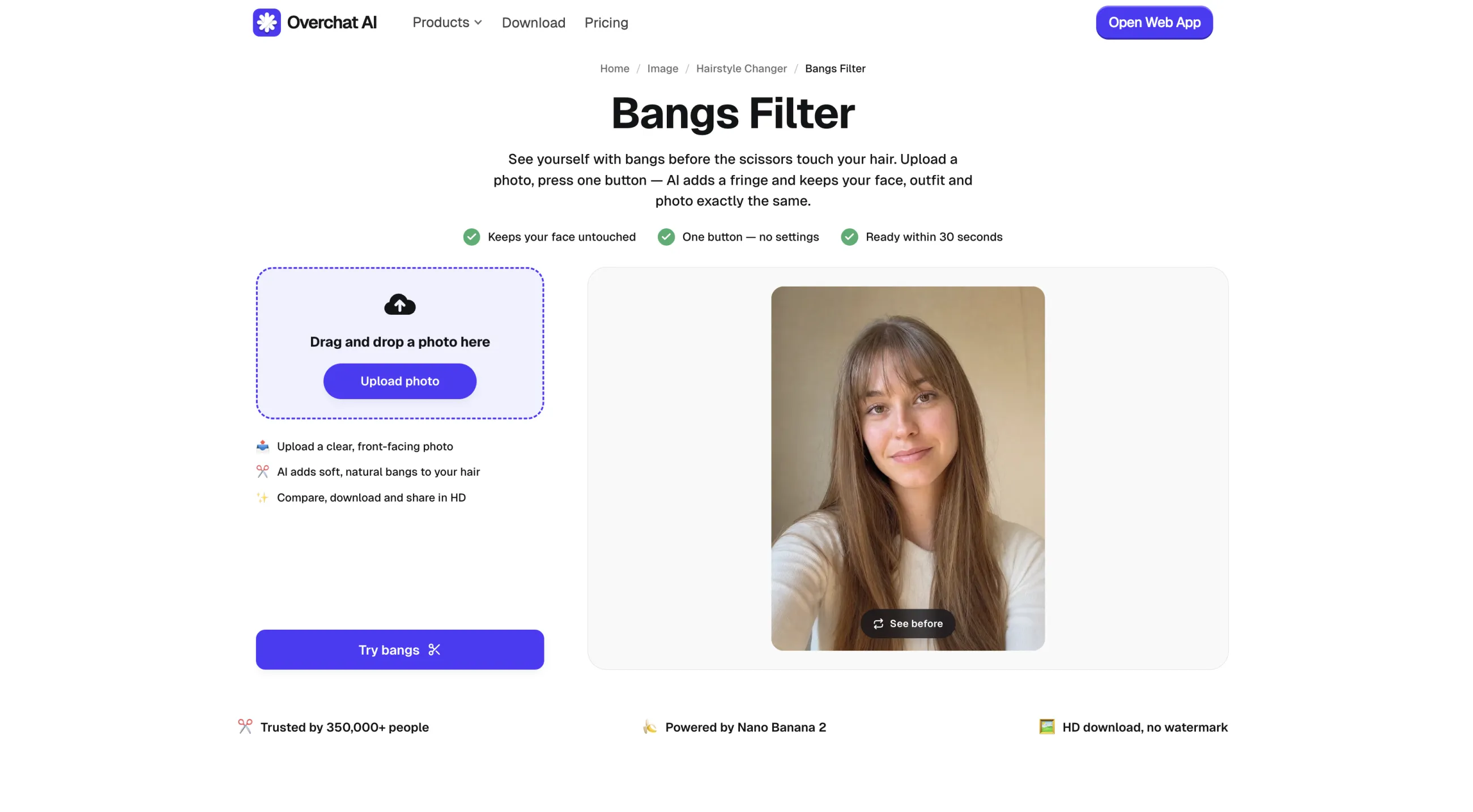
The Overchat AI bangs filter is the easiest to use among all fringe try-on services — to use it, just upload a photo from the camera roll or take a selfie and click Try bangs — the tool does the rest automatically.
The Overchat AI bangs filter
Overchat AI uses Nano Banana 2, an image-editing model that selectively regenerates one region of an image — this allows the preview to be 100% photoreal and, apart from the added bangs, completely indistinguishable from the original photo. Nano Banana 2 offers a great balance of quality and speed.
After processing, the filter shows you the original and edited image in a before-and-after view, so you can quickly compare the bangs and no-bangs looks.
✅ Accepts HEIC and HEIF photos in addition to common image formats
✅ Before-and-after comparison on the result page
✅ HD download without a watermark
✅ Uses Nano Banana 2 and instructs the model to preserve the face and background
Cons:
❌ Generates one automatic fringe rather than a menu of named styles
❌ Does not provide length, density, color, or texture controls
2. BeautyPlus
BeautyPlus is a broad photo editor available on the web, iOS, and Android. Its Bangs Filter is part of their hairstyle toolset alongside hair-color, pixie-cut, wolf-cut, short-hair, long-hair, and perm filters.
The BeautyPlus bangs filter
The tool provides preset and manual modes. Preset mode includes blunt, curtain, wispy, and parted bangs. BeautyPlus analyzes the visible face, hairline, texture, and color, then places the selected fringe over the existing hairstyle.
Manual mode lets you brush over the area where the new hair should appear and describe the result in a text prompt.
BeautyPlus's web hairstyle changer is free and available without registration to try. In the mobile app, you'll find both free filters and those locked behind a paywall.
Pros:
✅ Presets for blunt, curtain, wispy, and parted bangs
✅ Manual brush-and-prompt mode for custom placement
✅ Can match the generated fringe to the existing hair color and texture
✅ Free browser version without registration
✅ Web, iOS, and Android access
Cons:
❌ Manual mode requires an accurate mask and a specific prompt
❌ The mobile app mixes free and premium styles
❌ The bangs page does not state the export resolution or watermark policy
3. YouCam Online Editor
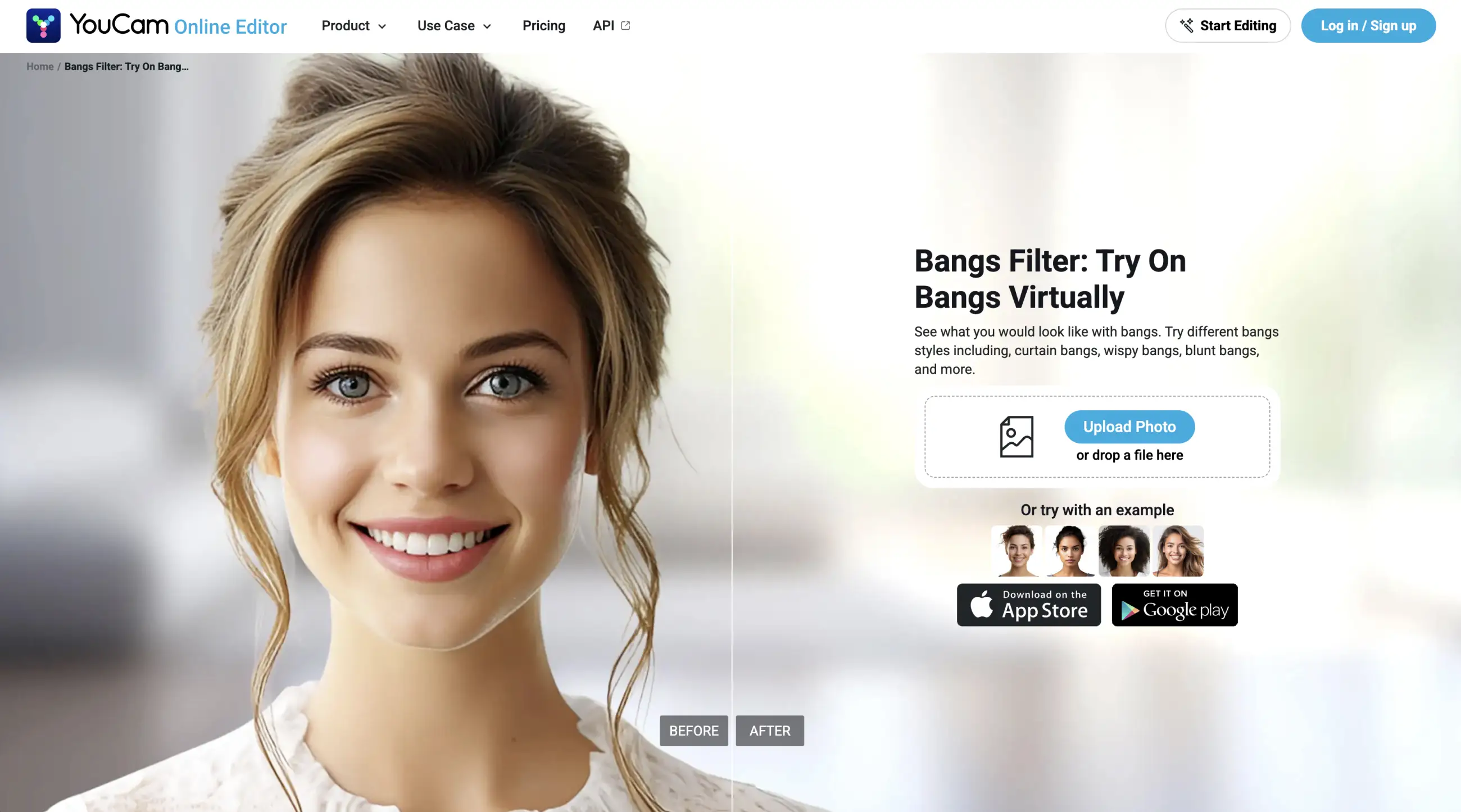
YouCam bangs filter is a tool created by Perfect Corp — they specialize in virtual try-on technology for hair color, makeup, skincare, jewelry, and clothing brands, and also incorporate their technology into a consumer app.
The YouCam bangs filter
What we liked the most about YouCam is their comprehensive catalogue that spans the following bangs styles:
Left side swept
Right side swept
Mini fringe
Split mini fringe
Sleek bangs
Thin bangs
Split bangs
Wispy bangs
A second wispy variation
You can test different styles without writing custom prompts, which is very convenient.
To use the filter:
Upload a JPEG or PNG image
Review the generated preview
Customize the result
Download the image
The customization stage allows you to change length and color and to move from bangs to hair extensions or other hairstyle treatments. The related hair-color editor includes options such as blonde balayage, honey highlights, burgundy red, and calico hair.
YouCam offers a web version that works online plus dedicated Android and iPhone apps.
Pros:
✅ More than 10 bangs presets with nine styles named on the product page
✅ Adjustments for length and color after the first preview
✅ Related tools for hair color and extensions in the same editor
✅ Supports JPEG and PNG on desktop and mobile browsers
✅ Does not require a mobile-app installation
Cons:
❌ Supports fewer upload formats than Pixelbin or Media.io
❌ The product page does not publish the exact free allowance
❌ Export resolution and watermark policy are not stated
4. Pixelbin
Pixelbin is an image-processing platform aimed at developers and businesses — they have very strong API support and let you integrate their tools into other apps.
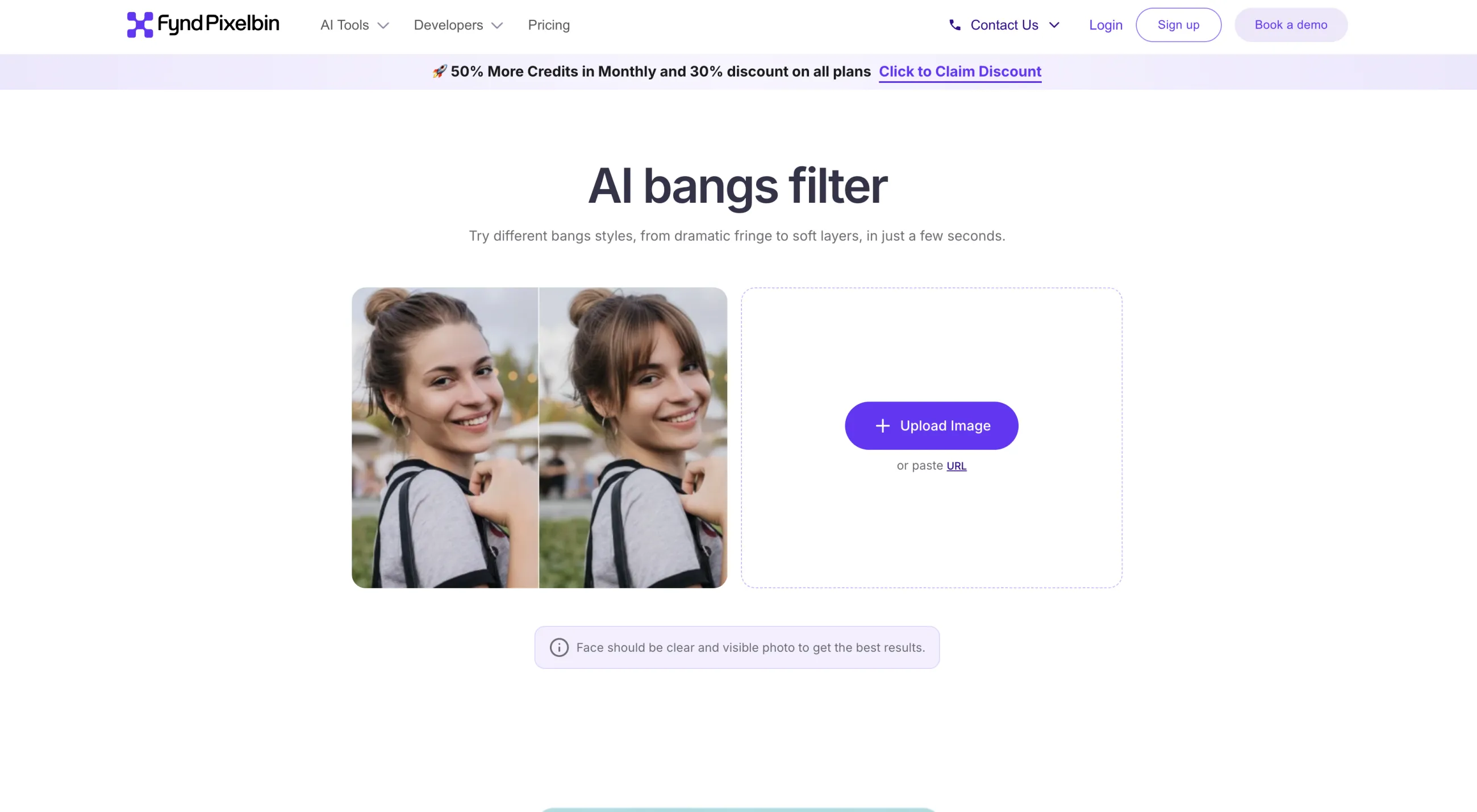
The Pixelbin bangs filter
But people have found a cool hack — using their free previews on the web to generate AI images. As you've already guessed, they've also created an AI bangs preview filter you can try for free.
In Pixelbin, you can upload JPEG, JPG, PNG, and WebP files up to 10 MB, or add a direct link to an image, which is useful if, for example, you want to quickly try adding bangs to a photo that you've already posted to your feed. You don't need to download it before you do so.
After processing, export the result in HD without a watermark. Pixelbin also has a powerful AI image editor where you can take the file after creating it — open it in their editor, turn it into a video with their image-to-video tool, or increase the resolution by 2×, 4×, or 8× with their AI upscaler.
As a business-focused platform, privacy is another strong point. Pixelbin, according to their claims at least, processes images on secure servers and doesn't share or reuse them.
Pros:
✅ Accepts JPEG, JPG, PNG, and WebP files up to 10 MB
✅ Can process a direct image URL
✅ HD export without a watermark
✅ Download, copy-image, and copy-link actions
✅ Additional AI editing, image-to-video, and upscaling tools
✅ Pixelbin states that it does not share or reuse uploaded images
Cons:
❌ The first screen provides one general filter instead of named presets
❌ Length and thickness controls sit beyond the initial generation flow
❌ The bangs page does not state the exact free-credit allowance
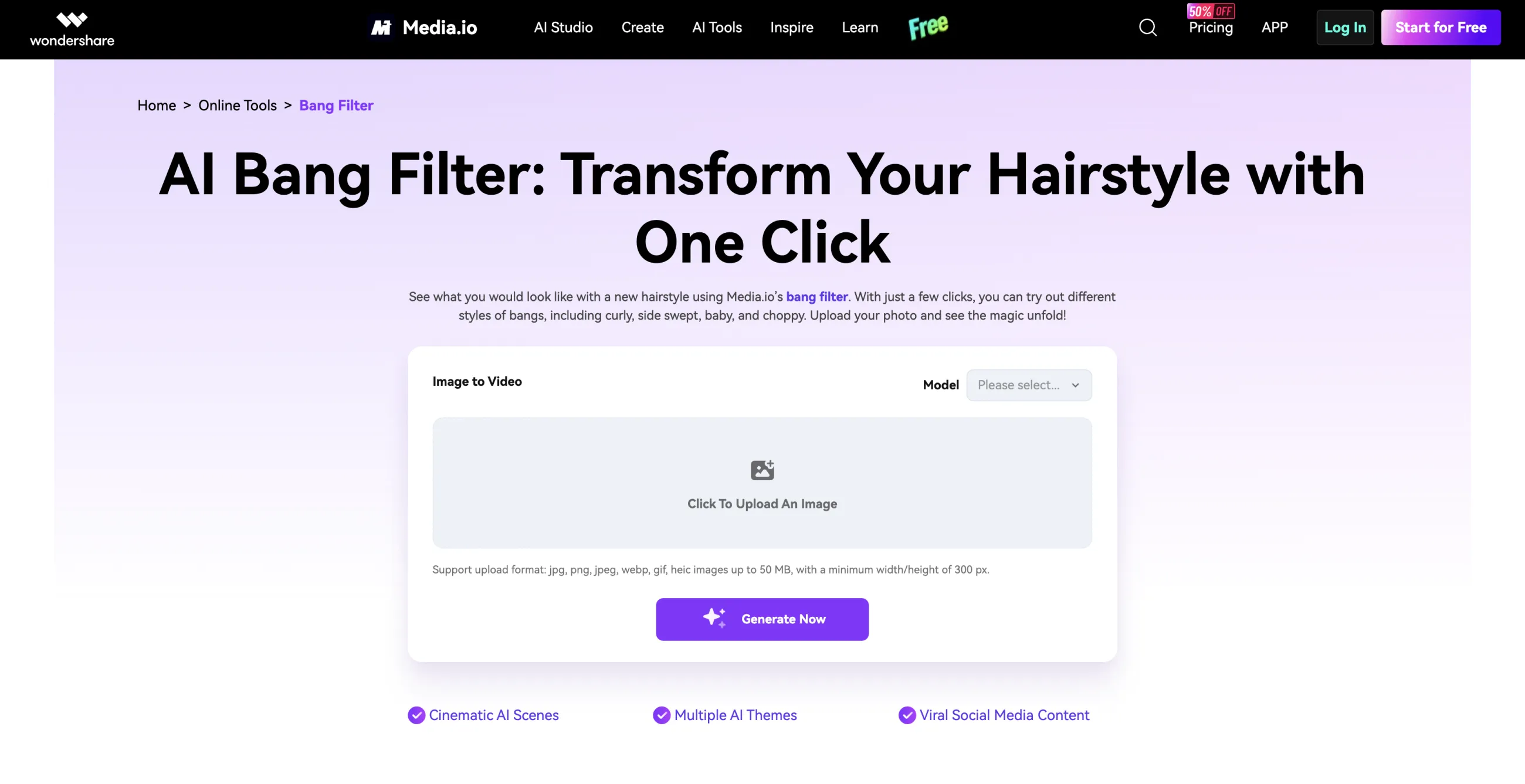
5. Media.io
Media.io is a popular AI image and video editing tool that includes the AI Bang Filter alongside hundreds of other viral presets. In this tool you can both:
The Media.io AI Bang Filter
Choose bangs from a gallery of styles
Describe the look via a text prompt
The gallery has the following styles:
Curly
Side-swept
Baby
Choppy
Curtain
Wispy
Micro bangs
We were impressed by the amount of control included in their filter, as you can adjust the length, color, texture, and layering of the effect.
Length controls where the new hair ends relative to the eyebrows or cheekbones.
Texture and layering determine whether the fringe appears blunt, wispy, curly, or blended into the sides of the existing hairstyle.
According to their website, they also never store, share, or reuse uploaded photos, which is important for an app where you upload a picture of your face.
They also offer a free trial. To unlock it, you'll need to sign up with your email. This is a bit more restrictive than some other tools on the list where you can test the result without creating an account, but it's still great to have that option.
To summarize, Media.io has a very customizable bangs filter, although the amount of customization means you can end up with results that don't look that flattering — unlike Overchat AI, for example, where the AI automatically selects the bangs that will suit you the most based on your hair type.
Pros:
✅ Presets for curly, side-swept, baby, choppy, curtain, wispy, and micro bangs
✅ Accepts a custom text description
✅ Controls for length, color, texture, and layering
✅ Supports JPG, JPEG, PNG, and BMP
✅ Works in a mobile browser and has a mobile app
✅ Media.io states that it does not store, share, or reuse uploaded photos
Cons:
❌ Requires email signup to receive free credits
❌ Does not publish the free-credit count or per-image cost on the bangs page
❌ More controls create more opportunities for the AI to alter details outside the hair
Frequently asked questions
Quick answers to the most common questions about AI bangs filters.
What is an AI bangs filter?
An AI bangs filter is an image-editing tool that generates a fringe on a portrait. These tools typically work online, take an image as input, and use an AI image-editing model to selectively modify part of the image, giving you a fringe.
What is the difference between bangs and a fringe?
Bangs is an American term and fringe is a British term for the same haircut, where a section of hair is cut to fall over or around the forehead. You'll sometimes see both of those variants in the same app, but they mean the same thing.
Are bangs filters accurate?
Yes — AI-powered bangs filters are exceptionally accurate. Modern image-editing models such as Nano Banana 2 are extremely sophisticated. Not only do they create images that look photoreal, but they also take into account your hair type, length, and color. They're especially accurate compared to AR tools and Instagram filters. That being said, of course it doesn't mean that after going to a salon you'll end up with exactly the same bangs — that's up to your hairdresser.
Can I try on bangs for free virtually?
To try on bangs for free virtually, visit the Overchat AI bangs filter — it's a tool we've developed, and at the time of writing we've made it completely free and unlimited, so you can use it without an account. It's a limited-time promotion, so try it while the promo lasts.
Can an AI bangs filter tell me which bangs suit my face shape?
Yes — Overchat AI, for example, automatically gives you bangs that look flattering on your face. We've specifically configured the AI image editor to add bangs in a way that looks aesthetically pleasing and complements your face shape and hair type.
Can I take an AI bangs image to a stylist?
We'd highly recommend taking your bangs image to your stylist — bangs are not easy to undo, and a photorealistic preview of the type of bangs you want is the best reference material for any hairdresser. They'll be glad to have that reference, will be able to give you input after seeing both your hair and your reference in real life if something's worth changing, and will ultimately give you a better haircut that way.
Bottom line
We've created the Overchat AI bangs filter so that you can quickly and accurately preview how bangs would look on you without creating an account, but it's not the only virtual fringe preview tool on the market — in this article, we went over the top 5 bangs filters, all of which will give you an excellent virtual try-on of this hairstyle.
Not sure if you want bangs or another hairstyle? Use the Overchat AI hairstyle changer to virtually try on even more looks.