Your YouTube thumbnail is the single biggest factor in whether someone clicks your video or keeps scrolling — which largely determines whether the algorithm keeps recommending your videos to others or buries them in a dark corner of the platform that nobody finds.
Over time, creators found a viral formula that maximizes that CTR (click-through rate) — in large part thanks to channels like MrBeast, who run entire analytics departments built around testing and rapidly iterating on thumbnails.
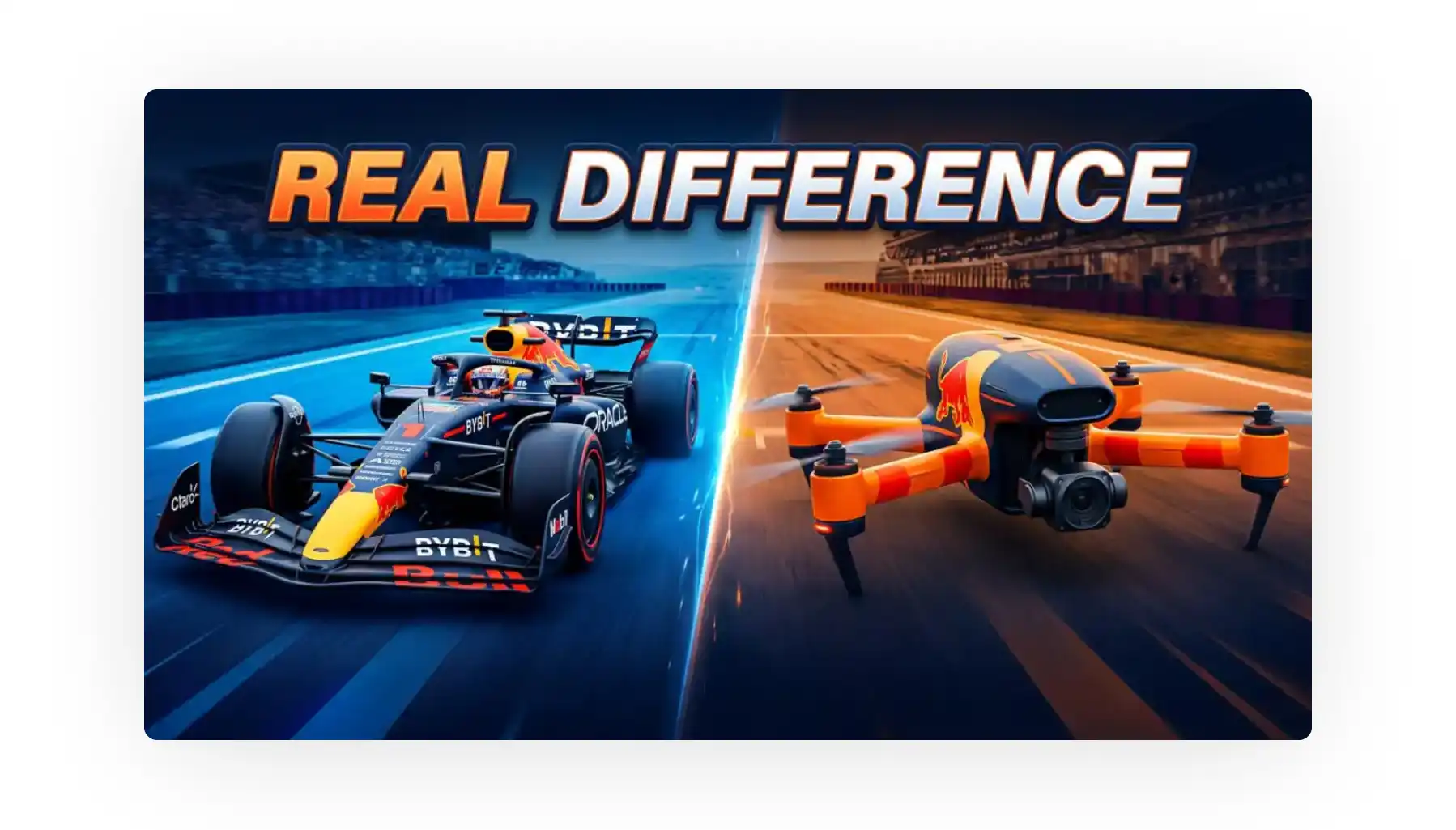
You've probably seen these videos featuring exaggerated expressions, big eyes, bright white smiles, before-and-after comparisons, big letters, emotion — that's the formula in a nutshell (though it varies slightly for different video types, and as with everything, there are nuances).
The problem is — thumbnails like that aren't easy to create, and most channels that have them pay thumbnail artists at the very least (an expense of at least $50 per video).
This is where AI YouTube thumbnail generators come in.
AI YouTube thumbnail generators create 1280×720 images in 16:9 aspect ratio from text prompts, video URLs, or reference images — with viral CTR-optimization formulas baked in.
Overchat AI is the top pick, offering YouTube URL analysis, face upload with natural scene compositing, CTR-optimized presets by video genre, no signup, and no watermarks.
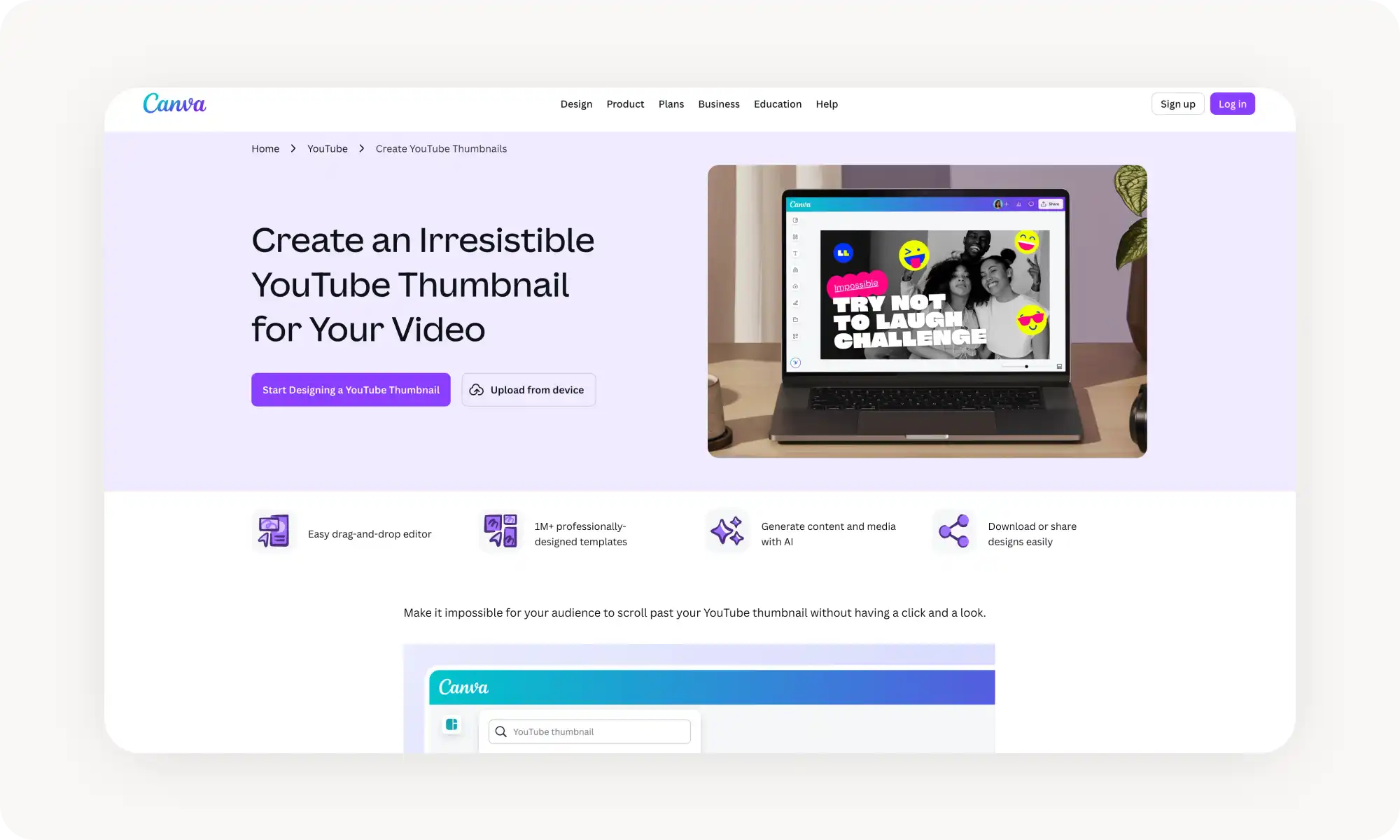
Canva's YouTube Thumbnail Maker combines Magic Media AI with a full drag-and-drop editor and thousands of templates — best for creators who want maximum manual control, though its best features are locked behind Canva Pro ($15/month).
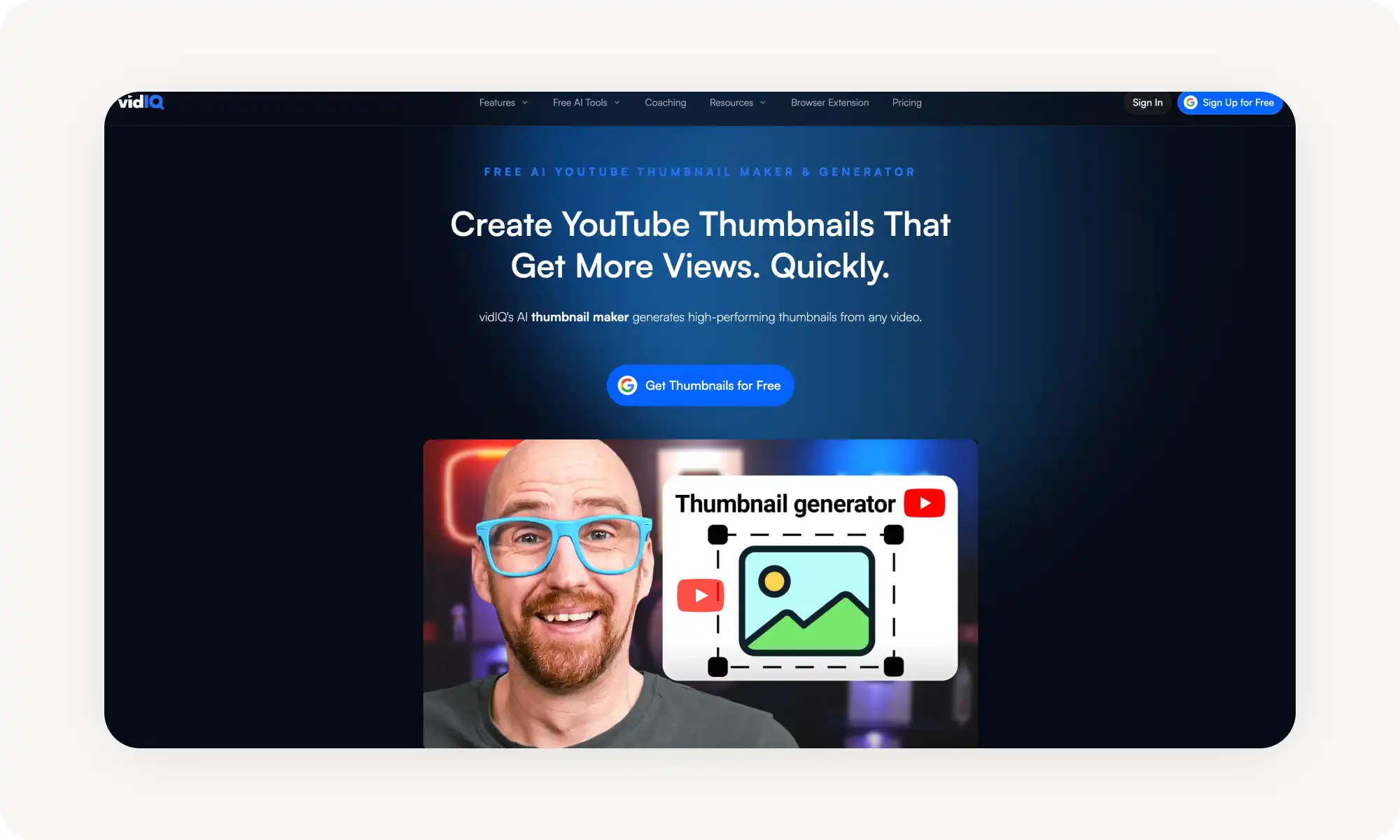
vidIQ adds thumbnail generation to its broader YouTube growth platform with keyword research and analytics, plus natural language refinement — but only makes sense if you're already using it for YouTube strategy.
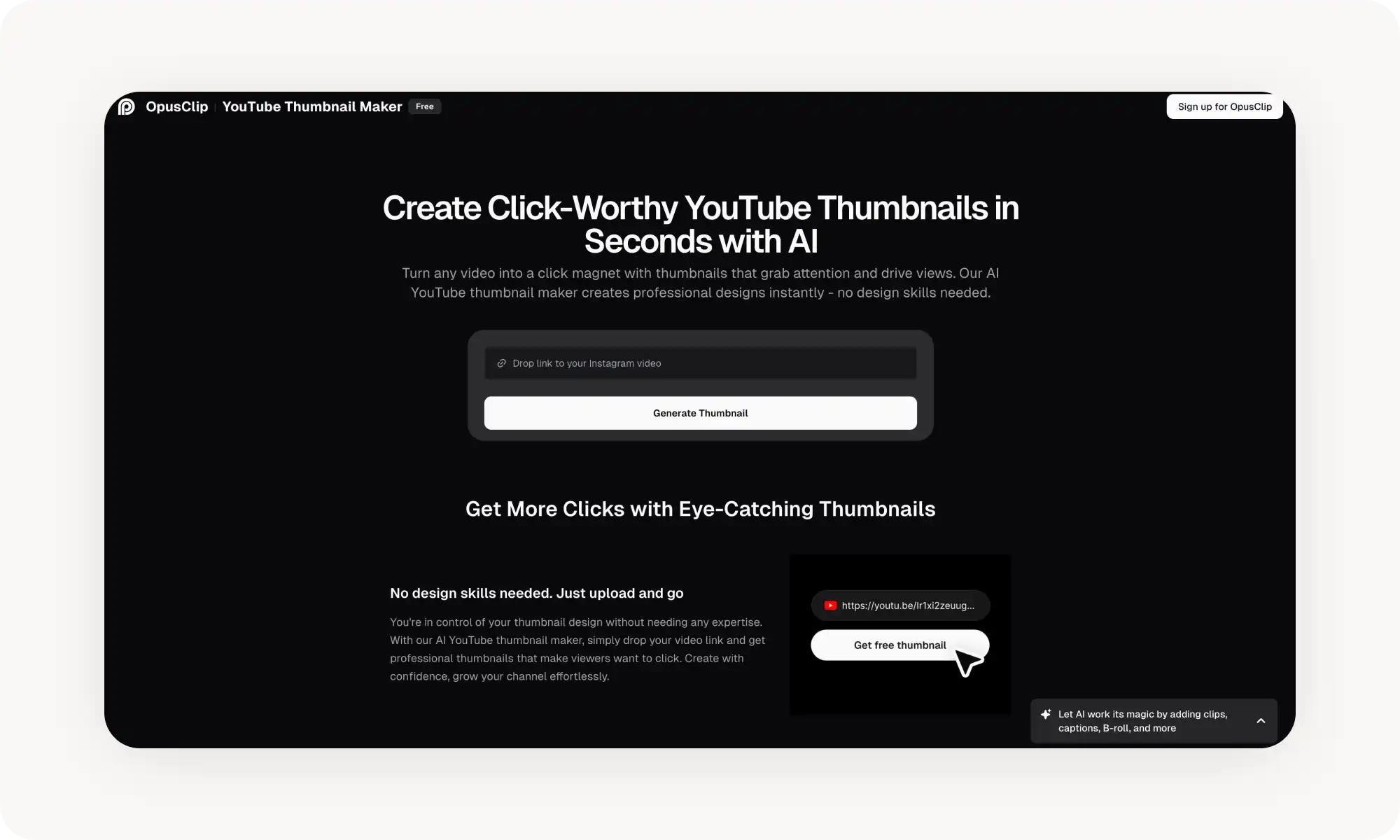
OpusClip is powered by GPT-4o and trained on successful thumbnail formats from top creators, supporting video links and face uploads with a generous free tier.
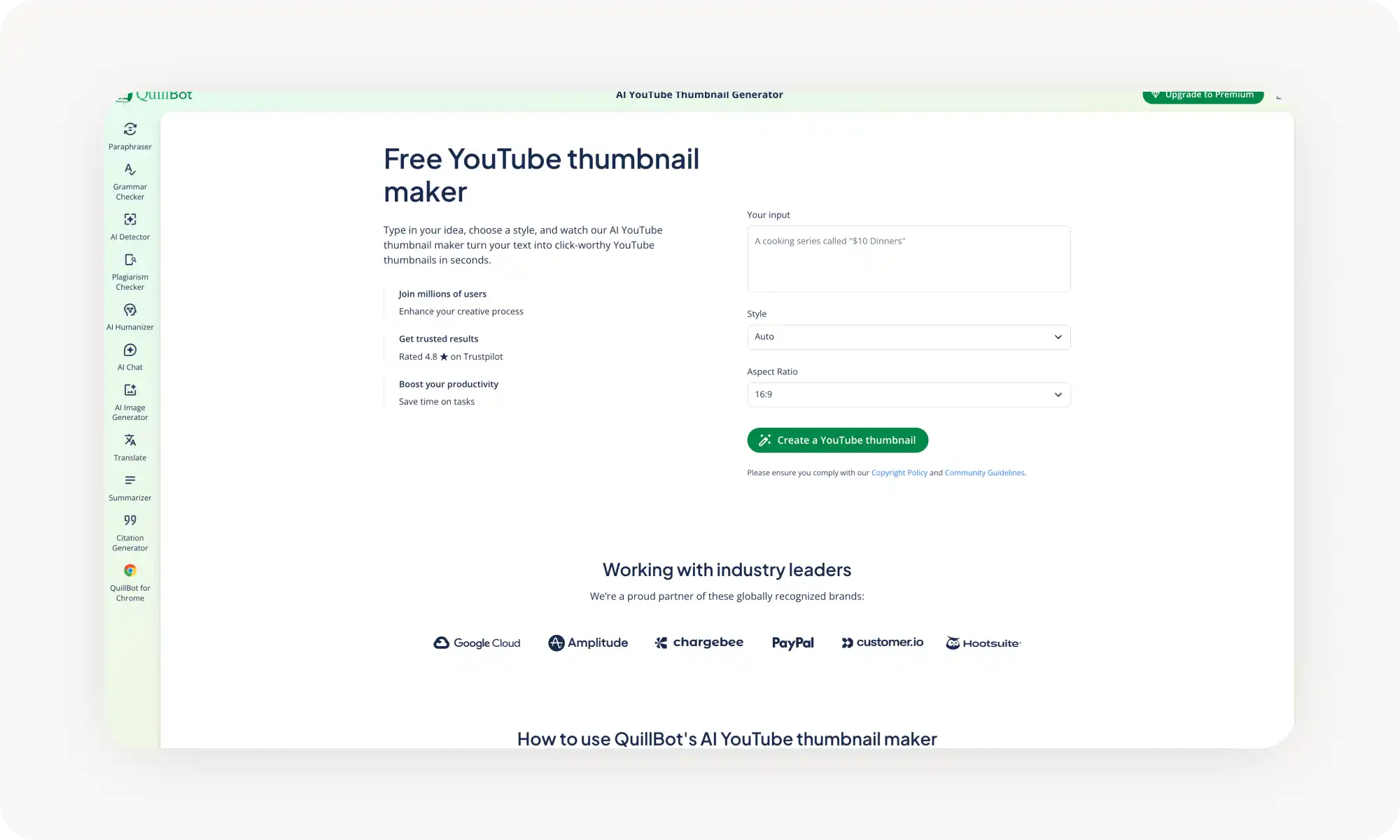
QuillBot takes the simplest approach — text description plus style preset — without video URL analysis or face compositing, making it a fit mainly for existing QuillBot users.
Modern AI models (Seedream, GPT-Image) have largely solved the text rendering problem, so thumbnails can now include bold, readable text directly in the generated image.
Face upload is the single most impactful feature, since thumbnails with faces consistently get more clicks — and tools that composite your face naturally into the scene outperform those that just paste it on.
What is an AI YouTube Thumbnail Generator?
Before we get into the comparison, let's define what we're talking about.
An AI YouTube thumbnail generator is a tool that uses an AI image generation model to create thumbnail images at the standard 1280×720 resolution in a 16:9 aspect ratio from a text description or a video reference.
The powerful thing about them is that the team behind each tool has analyzed the same viral formulas that maximize CTR and baked them into the generator — to what degree and how well that works depends on the particular tool.
In this article, we're breaking down the 5 best AI YouTube thumbnail generators — shortlisted from over 20 tools that we tested — and explaining their pros and cons.
5 of the Best AI YouTube Thumbnail Generators Compared
First, here's a comparison of the top 5 tools at a glance:
Platform
Free Plan?
Works Without Sign-up?
Price for Pro
Overchat AI
✓
✓
$4.99/week or $59.99/year
Canva
✓
✗
$15/month+
vidIQ
✓
✗
From $16.58/month
OpusClip
✓
✗
From $9/month
QuillBot
✓
✗
From $9.95/month
Now, let's look at each tool in more detail.
Overchat AI
Overchat AI's YouTube Thumbnail Generator is probably the best when it comes to capturing that viral look that maximizes CTR. It's also one of the most sophisticated under the hood when it comes to AI generation.
On the surface, it's very easy to use:
A YouTube video URL of a video whose thumbnail design you like — that's your style reference. The AI will also extract the main object from that image if the thumbnail features one.
Upload a picture of yourself — the AI will use it in the thumbnail.
Write an optional text prompt to guide the generation further.
Click Generate, wait a couple of seconds for the AI to do its magic, and get your result.
What makes this tool so powerful is that it's built specifically for CTR optimization. It has internal presets for different video categories — tech reviews, vlogs, tutorials, gaming — and selects the right one automatically when you provide a video link.
The face upload feature is also worth calling out. When you upload a headshot, the AI doesn't just paste it onto a background. It poses you with an expressive face and makes you interact with other elements in the scene.
Essentially, you get a better result than many professional thumbnail artists would deliver — in a matter of seconds.
Pros:
✅ No sign-up required, no watermarks on output
✅ Paste a YouTube URL and get a thumbnail matched to your content
✅ Upload your face to be naturally composited into the design
✅ CTR-optimized presets selected automatically by video genre
Cons:
❌ Less manual control over the design — you're relying on the AI's decisions
❌ Output quality depends on how well the AI interprets your video
Canva
Canva's YouTube Thumbnail Maker combines two things: an AI image generator (Magic Media, powered by their Dream Lab model) and Canva's full design editor with thousands of ready-made thumbnail templates.
Here, you get a full drag-and-drop editor where you can swap fonts, adjust colors, add your logo, reposition elements, and layer real text on top — that's more manual work, of course, but also more creative control over the output. If you think you can do a better job than AI, this is the tool for you.
The trade-off is that Canva is a design tool that happens to have AI, not an AI-first thumbnail generator.
The AI-generated images on their own tend to look a bit generic, and you'll almost always want to edit them manually to get something that feels custom.
Pros:
✅ Full drag-and-drop editor for fine-tuning after generation
✅ Thousands of YouTube thumbnail templates to start from
✅ Brand Kit keeps your channel's identity consistent across all thumbnails
✅ Style presets for AI generation (photography, digital art, fine art, pixel art)
Cons:
❌ Account required
❌ Best AI features are locked behind Canva Pro ($15/month)
❌ AI-only results look templated without manual editing
❌ More of a design platform than a dedicated thumbnail generator
vidIQ
vidIQ is primarily a YouTube growth platform — the kind creators use for keyword research, analytics, and competitor tracking. Their AI thumbnail maker is a newer addition, but it benefits from all that YouTube-specific context.
The workflow gives you several options:
Upload a video file
Describe what you want in text
Provide a reference thumbnail
There's also an additional refinement workspace where you can edit the image further using natural language — pretty cool.
That said, vidIQ's thumbnail feature makes the most sense if you're already using the platform for your YouTube strategy. Otherwise, you'll be overpaying for features you don't really need.
Pros:
✅ Part of a full YouTube growth platform with keyword research and analytics
✅ Natural language refinement for quick adjustments
✅ Ready-made templates and trending visual styles
✅ Trusted by over 20 million YouTube creators
Cons:
❌ Account required
❌ Full YouTube tools require the Boost plan ($16.58/month)
❌ Thumbnail generation is one feature among many, not the main focus
❌ The platform can feel overwhelming if thumbnails are all you need
OpusClip
OpusClip takes long-form videos and turns them into short-form clips for TikTok, Reels, and Shorts, but their AI thumbnail maker, powered by GPT-4o, is a more recent addition.
The workflow is similar to Overchat AI's: paste a video link or upload a file, optionally upload a face image, and the AI generates a thumbnail based on your video's content and genre.
The tool is trained on winning thumbnail formats from top creators, so the output tends to follow proven visual patterns.
Pros:
✅ Powered by GPT-4o, one of the strongest image generation models available
✅ Trained on successful thumbnail formats from top-performing creators
✅ Available on the free tier
✅ Supports face uploads for personalized thumbnails
Cons:
❌ Account required
❌ Full platform costs $9–$39/month depending on usage
❌ Limited customization compared to dedicated design tools
❌ Relatively new feature that's still being developed
QuillBot
QuillBot's AI YouTube Thumbnail Maker takes a simpler approach than the other tools on this list.
You type a description of your thumbnail, select a style, choose 16:9 as your aspect ratio, and hit generate. There's no video URL analysis or face upload — so why did we include it on the list? Well, it's very simple and very fast.
On top of that, QuillBot has a user base of over 35 million people, and if you already have an account with them, you get a convenient way to generate thumbnails without leaving a platform you already know.
Pros:
✅ Very simple to use
✅ Style presets for different visual approaches
✅ Part of a writing toolkit that's also useful for crafting YouTube titles and descriptions
Cons:
❌ Account required
❌ No video URL analysis or face compositing features
❌ Premium plan ($9.95/month) is primarily priced for writing tools, not thumbnails
Frequently Asked Questions (FAQ)
What's the best free AI YouTube thumbnail generator?
Overchat AI is the best free YouTube thumbnail generator. It works without creating an account, doesn't add watermarks to your downloads, lets you paste a YouTube URL for automatic content analysis, and supports face uploads so you can place yourself in the thumbnail. It's genuinely free with no hidden limits on the core features.
Can AI thumbnail generators add text to thumbnails?
Yes, and they've gotten much better at it. Text rendering used to be a major weakness of AI image generators — models would produce garbled letters or made-up words. The latest generation of models has largely solved this problem. Tools like Overchat AI (powered by Seedream) and OpusClip (powered by GPT-Image) can render bold, readable text directly in the generated image.
What size should a YouTube thumbnail be?
YouTube recommends 1280×720 pixels with a 16:9 aspect ratio and a minimum width of 640 pixels. The file must be under 2 MB in JPG, PNG, GIF, or BMP format.
Do I need design skills to use these tools?
No. That's exactly why these tools exist. Every generator on this list is built for creators who want professional-looking thumbnails without learning Photoshop or hiring a designer.
Bottom Line
AI YouTube thumbnail generators have reached the point where a single text prompt or video link can produce a thumbnail that holds its own against hand-designed ones.
They do it in seconds rather than hours, and most of them are free to get started with.
Key takeaways:
AI thumbnail generators create YouTube-ready images from text descriptions, video URLs, or reference images.
Look for generators with a face upload feature — it makes a real difference, since thumbnails with faces consistently get more clicks.
Overchat AI is the best YouTube thumbnail generator. You can paste a link, upload your face, and get a thumbnail that matches the style of any reference — no sign-up required, and it's completely free.