With the latest advances in AI video generation technology, today’s best face swap apps can create surprisingly convincing videos. But not all of them deliver the same level of quality.
In this article, we’ll look at the top five options out of more than 20 tools we tested, breaking down what each one does well, where it falls short, and how to use it effectively.
AI video face swap apps let you place your face onto another person’s body in a video, making it look like you’re naturally recreating their movements and expressions.
The best AI face swap tools are so realistic that it’s often impossible to tell the video was altered, while still preserving convincing photorealism.
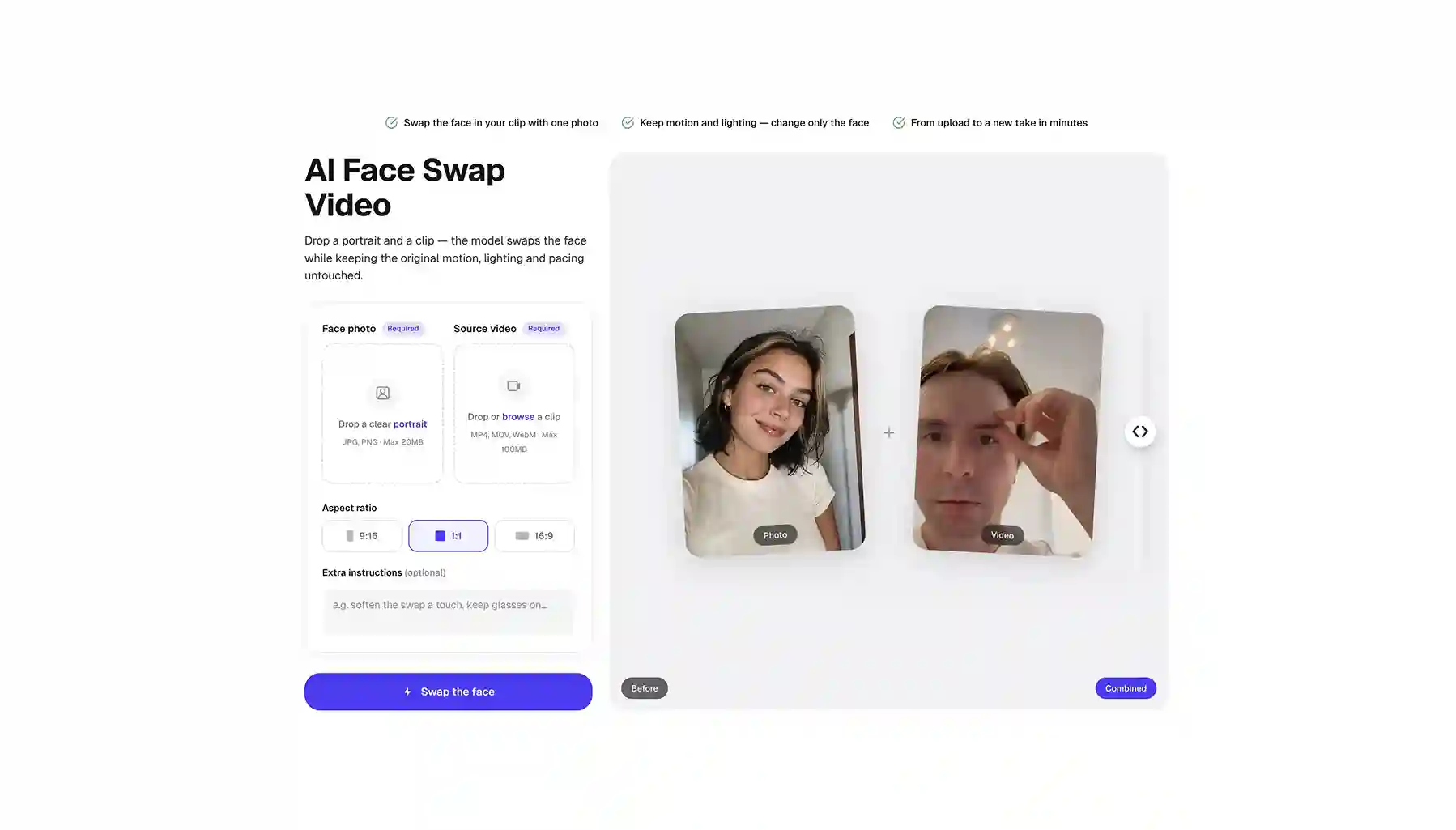
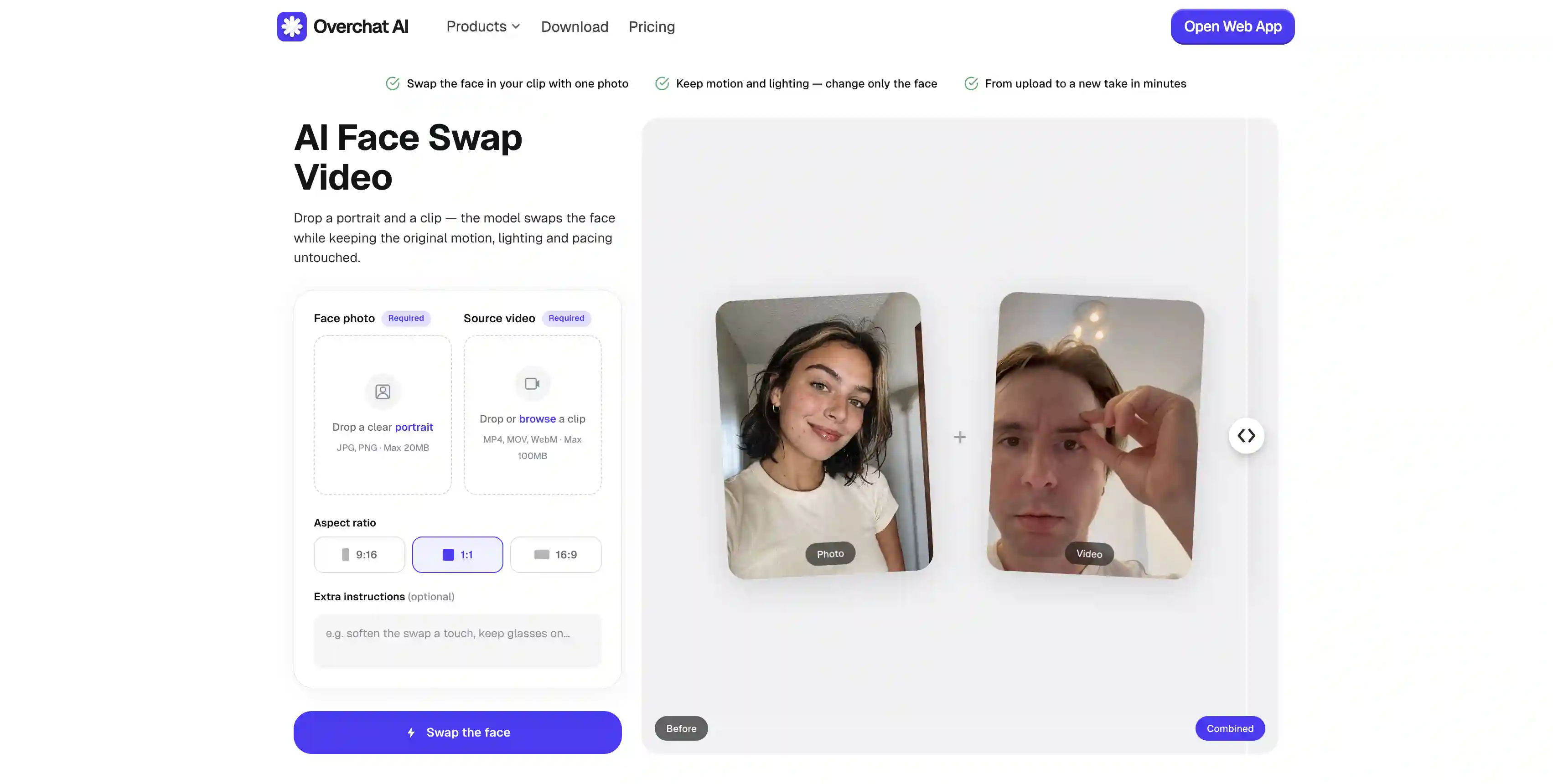
Overchat AI is one of the best AI face swap apps we’ve tested. It uses an advanced AI generation model that consistently delivers some of the most convincing results among the tools covered in this article.
What are AI Video Face Swaps?
That’s where you take a photo of someone whose face you want to swap in, along with a target video that already has some kind of movement or performance, and map the face from the photo onto the person in the video, preserving their body movements and expressions.
They’re mostly used for memes — for example, putting your face onto a movie character in a famous scene or onto a viral TikTok dance you could never quite pull off yourself.
Until recently, these tools were mostly just a novelty. But with the new generation of AI video models like Kling AI O3 and Seedance 2.0, the results have become surprisingly convincing. You can now even use them to create realistic clips that feel almost like motion capture.
The Best AI Face Swap Video Tools Compared
Platform
We dig it for
Free plan?
Overchat AI
The use of a frontier model, and the fact it comes bundled with 100+ AI tools
✅
Easemate AI
Watermark-free output and support for up to 120-second clips
Overchat AI uses a frontier video-generation model with frame-by-frame inpainting, which means it modifies every frame of the original clip individually — in our testing, it did a very good job with consistency when it came to expressions and you can’t see any motion artifacts in the result, which is impressive.
Beyond the face swap itself, Overchat AI is an all-in-one platform, which givey you access to frontier image and text generation models from Claude, GPT, Gemini, Grok, DeepSeek, and many other families. Unrelated to their face swap app, but still nice to have.
Pros:
✅ Very realistic results
✅ Frame-by-frame inpainting using a frontier video model
✅ 9:16, 1:1, and 16:9 aspect ratios
✅ Bundled with 100+ other AI tools
Easemate AI
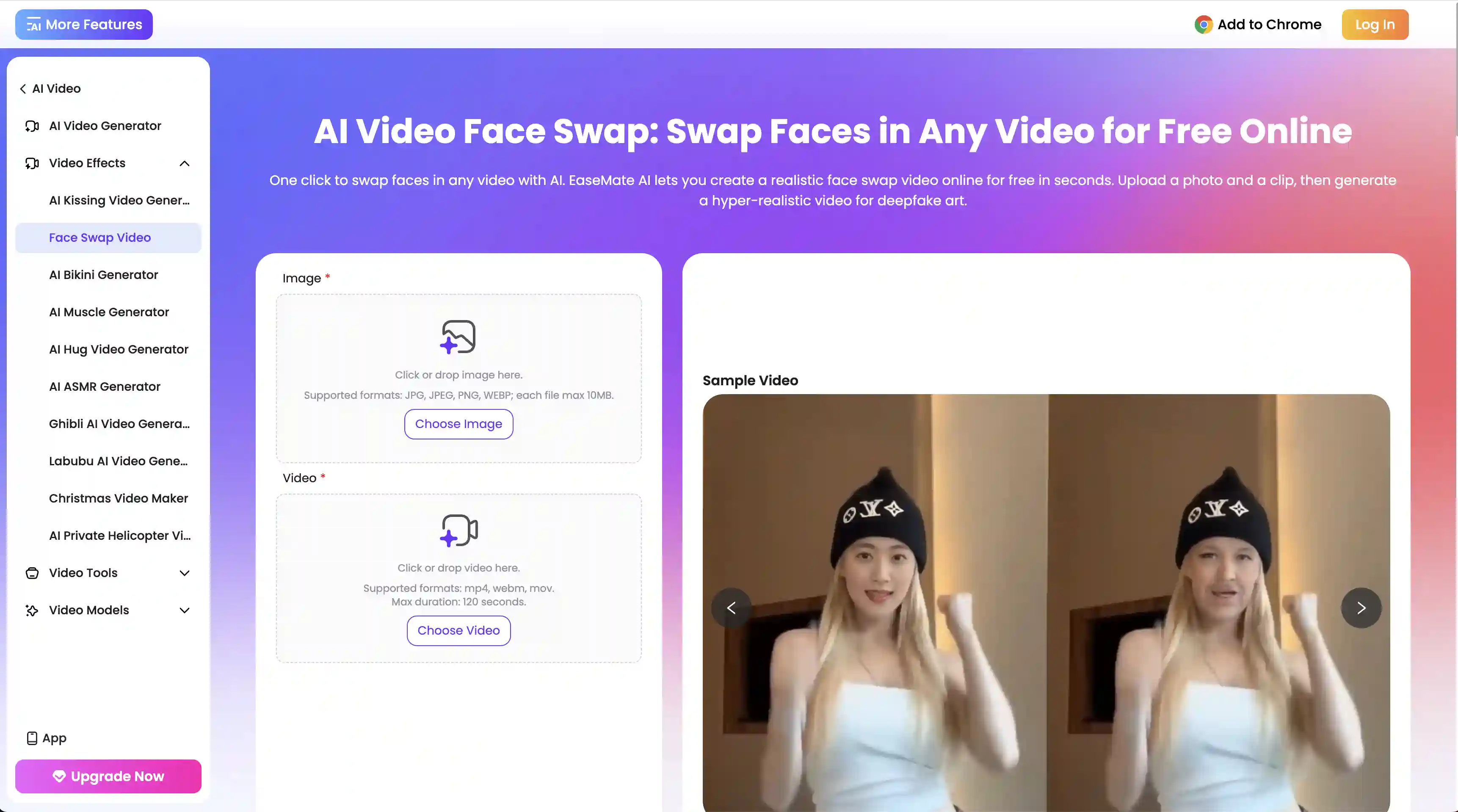
Easemate AI's face swap supports source videos up to 120 seconds,, and even free-tier exports come without watermarks — very good showing and the reason we include it on this list.
Under the hood, Easemate routes the face swap through a video generation model of your choice, picked via a model selector: Kilng, Veo 3, Sora 2, Hailuo, or Wan.
Pricing works on credits. New users get 30 free credits at signup plus a daily check-in bonus, which is enough to test the tool but quickly runs out if you're iterating. Paid plans start at $8.90 per month for the Lite tier and scale up from there.
Pros:
✅ Supports clips up to 120 seconds
✅ Watermark-free output even on the free tier
✅ Multi-model backend handles a wide range of footage
Cons:
❌ Free credits run out quickly when iterating
❌ Upload speeds are noticeably slower than competitors
❌ Face swap is bundled with a broader study and productivity suite you may not need
Magic Hour
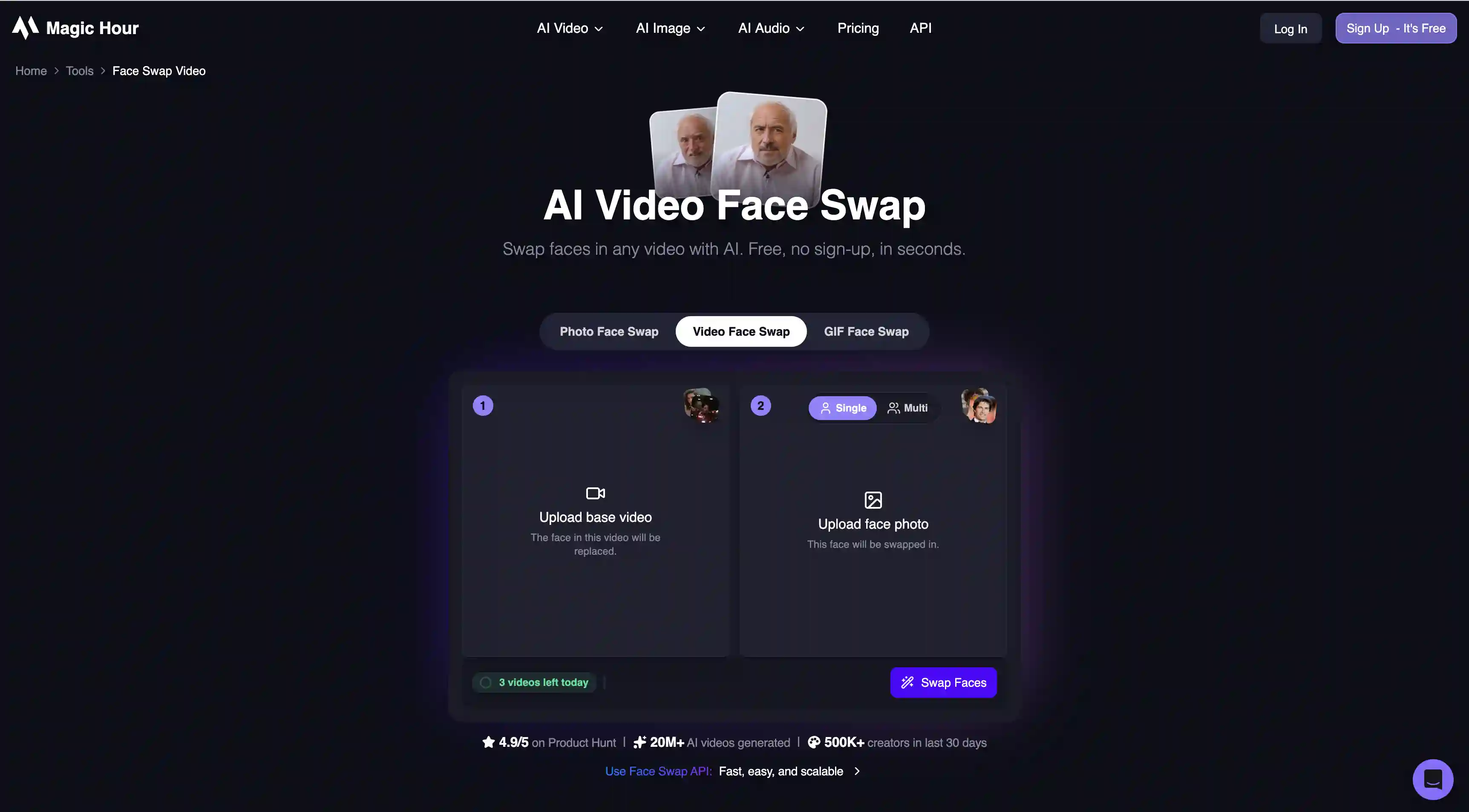
Magic Hour’s free tier offers three video face swaps per day with no signup, and the paid tiers — starting at $10 per month for the Creator plan — include 4K output, multi-face mapping, and full commercial rights.
If you’re a technical user, you might be interested to hear that Magic Hour also exposes a REST API with official SDKs for Python, Node, Go, and Rust, which allows you to integrate their face swap app into your own product. Very neat stuff.
We also liked how generous their credit system is. Credits roll over indefinitely and don't expire, so if you stop using it for a while after the initial purchase, you’ll come back to an account loaded with credits.
On the output side, Magic Hour leans toward automation rather than manual control. The model decides how to blend, match lighting, and align faces, and you don't have much say in the process.
Pros:
✅ Multi-face mapping within a single clip
✅ 4K output on paid tiers
✅ REST API with official SDKs across four languages
✅ Credits roll over indefinitely
Cons:
❌ Free-tier outputs include a watermark
❌ Limited manual control over blending and alignment
❌ Free plan capped at three swaps per day
YouCam (YCE) by Perfect Corp
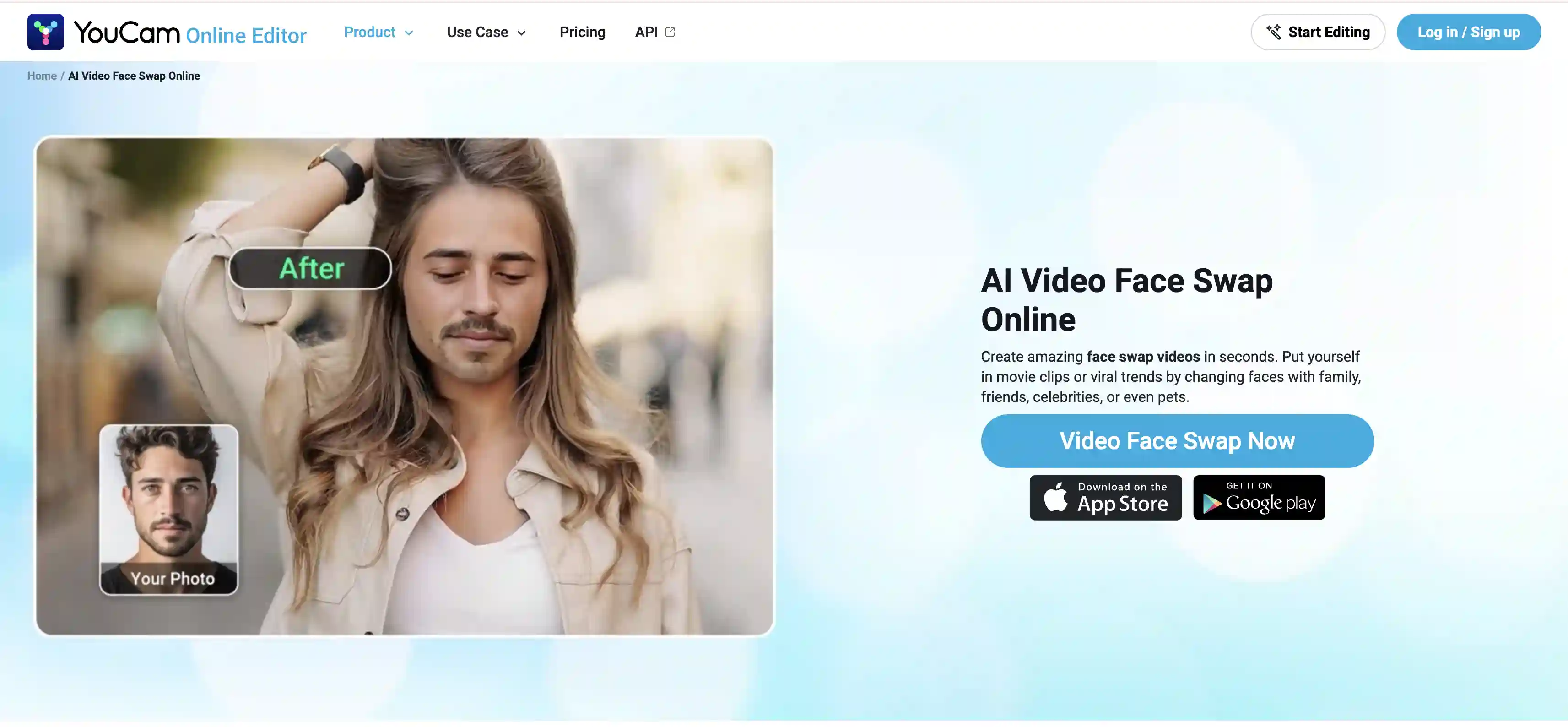
YouCam Video Face Swap is part of Perfect Corp's broader YCE platform. What we liked the most about this tool is that it offers a library of more than 40 pre-built scenarios that you can drop your face into directly, which is neat for quickly replicating viral videos.
YCE comes out of Perfect Corp's beauty and AR ecosystem, which has been refining face detection and skin-tone matching for years. That shows in the output: it feels natural even in tricky lighting.
Where it's less strong is on freeform clips. If you want to bring your own video rather than use a template, the experience is less refined than what you'd get from a tool built primarily for that workflow.
Pros:
✅ 40+ pre-built templates for instant social content
✅ Strong skin-tone and lighting matching, inherited from Perfect Corp's beauty AI
✅ Free to try without signup
Cons:
❌ Free-tier outputs include a watermark
❌ Better suited to template-based swaps than custom video
❌ Uploaded files retained on servers for up to seven days
Jogg.ai
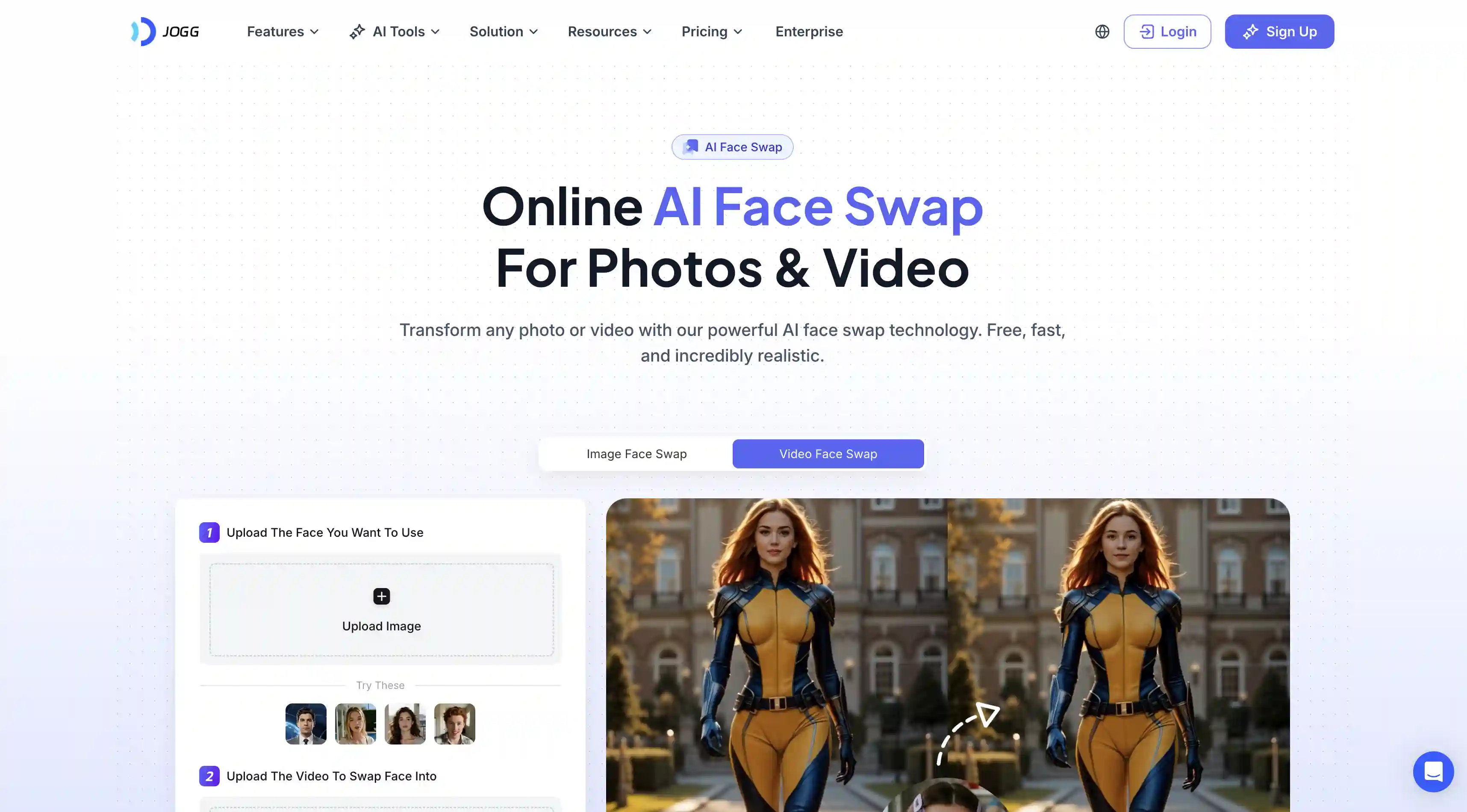
Jogg.ai is interesting, because it’s primarily an AI video and avatar platform built for marketers, and face swap is just one of the marketing-oriented features here.
If you're looking for an AI video face swapper for work, this one has the most integrations for other AI creation tools designed around the same purpose.
The face swap itself is positioned as a way to personalize ad creatives or insert your face into AI-generated UGC content, rather than a way to make memes. The output quality matches that level, which is good.
Bad, however, or, at least, what we didn’t like so much, is the fact that pricing is also set up around professional use cases. You can’t purchase access to their Face Swapp separately, and most people who just need to occasionally swap faces in a video will find the paid plans way too expensive.
Pros:
✅ Strong fit for marketing and advertising workflows
✅ Pairs naturally with Jogg.ai's talking-photo and avatar tools
✅ Used by over 800,000 marketers and creators
Cons:
❌ Pricing built around the video suite, not standalone face swap
❌ Less appropriate for casual or one-off swaps
❌ Free-tier output may include a watermark depending on plan
Frequently Asked Questions
What is the best AI video face swap app?
Overchat AI is the best AI video face swap app. It uses an advanced AI generation model that consistently delivers some of the most convincing results on the market.
Are AI face swap videos legal?
Yes, in most jurisdictions, face swaps are generally legal, but there are nuances around how the technology is used. As a general rule, face swaps are fine when you have consent from anyone whose face appears in the result and you're not using the output to deceive or impersonate.
Just keep in mind that laws around AI-generated content are evolving quickly to address misuse. Several U.S. states and EU countries have passed deepfake-specific legislation over the past two years, especially around political content and explicit material.
If you’re just using these tools for fun, you’re probably fine. But if you plan to use the results commercially, it’s worth checking your local laws and regulations first.
Can I face-swap any video?
Yes, you can. Modern face swap tools can handle even the most complicated motions and clearly animate facial deformations, such as smiling, pinching the skin and making faces.
Can I swap multiple faces in a video?
Most face swap tools target a single primary face per clip and either ignore additional faces or process them with lower priority. Magic Hour is the one tool in this list that explicitly supports multi-face mapping, letting you assign different replacement faces to different people in the same scene.
Bottom Line
We’ve just reviewed five of the best AI face swap tools currently on the market. They are all very impressive, so feel free to choose one from this list and start swapping faces with AI. But just before we sign off, a couple of the most important points to take away.
Key takeaways:
AI face swap has moved from novelty to genuinely convincing. Models like Kling AI O3 and Seedance 2.0 produce results that hold up even in motion, with realistic facial deformations and expressions.
The five tools above are all capable of high-quality results — the choice between them comes down to what you're trying to do, not which one is "best."
For most people just wanting to swap faces for fun or memes, free tiers are more than enough to get started without paying or signing up.
If you do plan to use face swap commercially, it's worth checking your local laws first. Deepfake legislation has been evolving quickly, especially around political and explicit content.