In this article, we'll break down the best AI pet portrait generators to use in 2026. An AI pet portrait generator is a tool that takes a photo of your pet and turns it into a custom illustration, painting, or stylized portrait.
In this article, we'll break down the best AI pet portrait generators to use in 2026. An AI pet portrait generator is a tool that takes a photo of your pet and turns it into a custom illustration, painting, or stylized portrait.
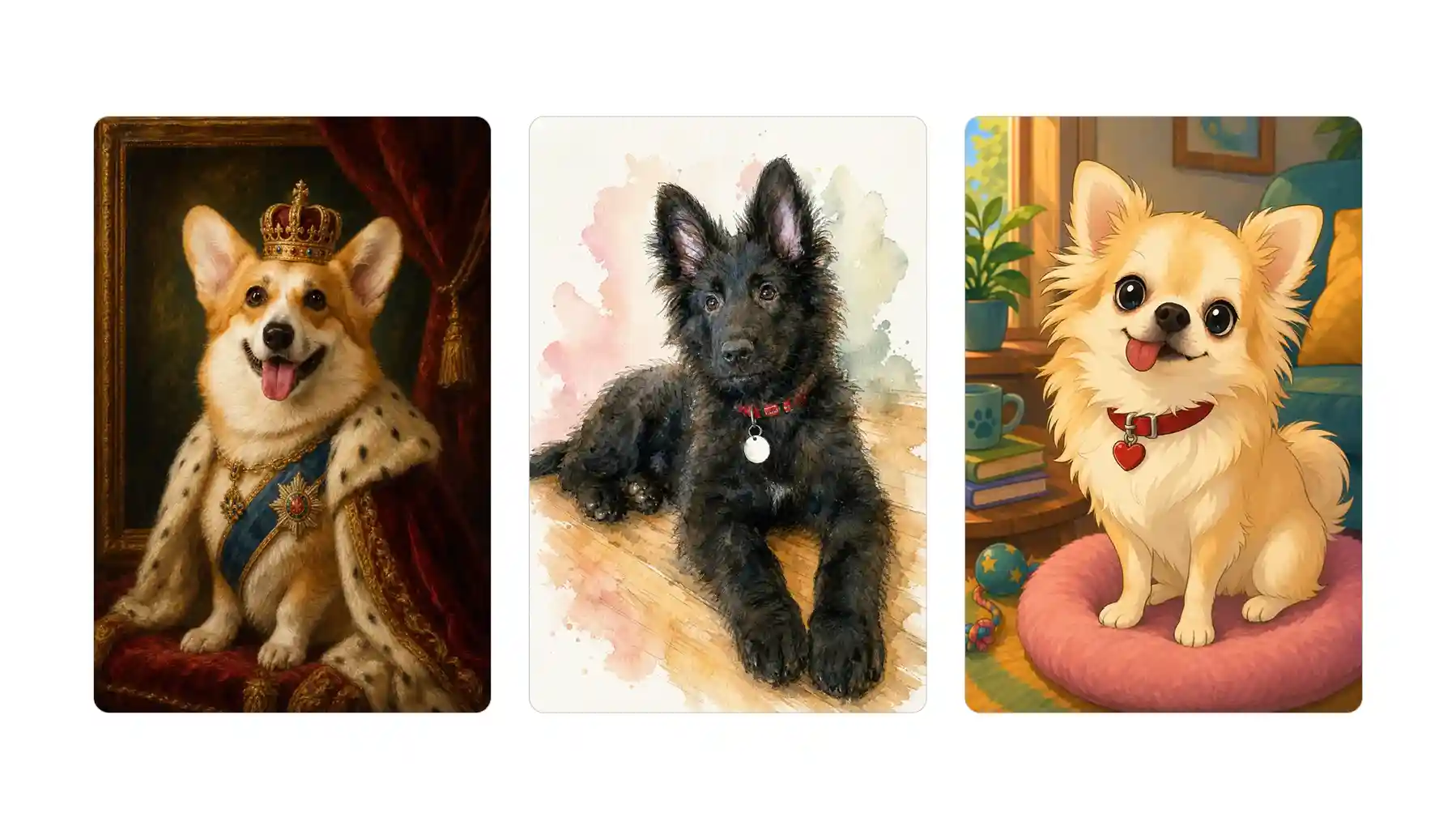
An AI pet portrait generator is a tool that turns a photo of your pet into a piece of artwork. Here’s how it works:
AI Pet Portrait Generators offer a cheaper, and faster alternative to commissioning an artist, which typically costs $60 to $300 and takes weeks. Compare this with using AI to generate the portrait of your pet:
| AI Pet Portrait Generator | Human Artist Commission | |
|---|---|---|
| Cost | Free or $1–$15 | $60–$300+ |
| Turnaround time | Within 30 seconds | Weeks or months for a good artwork |
| Style variety | Any style | The artist's style |
| Customization | Unlimited, via a text prompt | Via your brief |
| Uniqueness | One-of-a-kind | One-of-a-kind |
| Personal touch | None | Human creativity and interpretation |
| Revisions | Regenerate instantly as much as you need | May cost extra or take more time |
| Print/commercial rights | Depends on platform terms, but usually yes | You have to negotiate with the artist |
Based on the table above, pet portrait generators win on many points, especially speed and convenience.
Of course, we’re comparing them to commissioning a good-to-very-good artist on a platform like Fiverr, not a celebrity or well-known artist whose work holds archival value. On that point, it’s a whole different conversation — and a whole different price bracket.
So why do people usually use these tools? On Overchat AI, the most common applications include:
AI portrait generators use image-to-image models to create a new picture featuring your pet. Examples of great models that products use to power their apps are Nano Banana 2 and GPT Image 2.
As a rule, all of these tools take a photograph as input and re-interpret it in another style, outputting a new image. Practically, they’re very easy to use and the whole process only takes 3 steps:
The underlying AI models powering these tools were trained using large collections of images, including artworks by traditional and contemporary artists. For GPT Image 2 that Overchat AI uses, this figure is estimated to be in the ballpark of 1.5 billion to over 3 billion image-text pairs. This is how they can recreate different styles, from oil paintings to comic books and beyond.
If you’ve searched for the best AI pet portrait generator, you’ve certainly come across many websites offering to transform your pet photo into beautiful artwork. But how can you tell which ones deliver on that promise? Look out for the following indicators:
Now that we have covered the basics, let’s take a look at the five best AI pet portrait generators and analyse each tool in detail.
| Tool | We liked it for... |
|---|---|
| Overchat AI | A pet portrait generator powered by GPT Image 2, delivering the best image quality you can get out of an AI tool |
| Pawcaso Studio | A wide range of styles, plus canvas prints |
| PawToAI | A library of quirky styles you won't find anywhere else |
| Fotor | A free option for casual, share-online portraits |
| DreamPets | Dedicated pet-generator apps for iOS and Android |
Overchat AI Pet Portrait Generator is powered by GPT-Image 2, a model that arguably delivers the most artistic results of any AI tool.
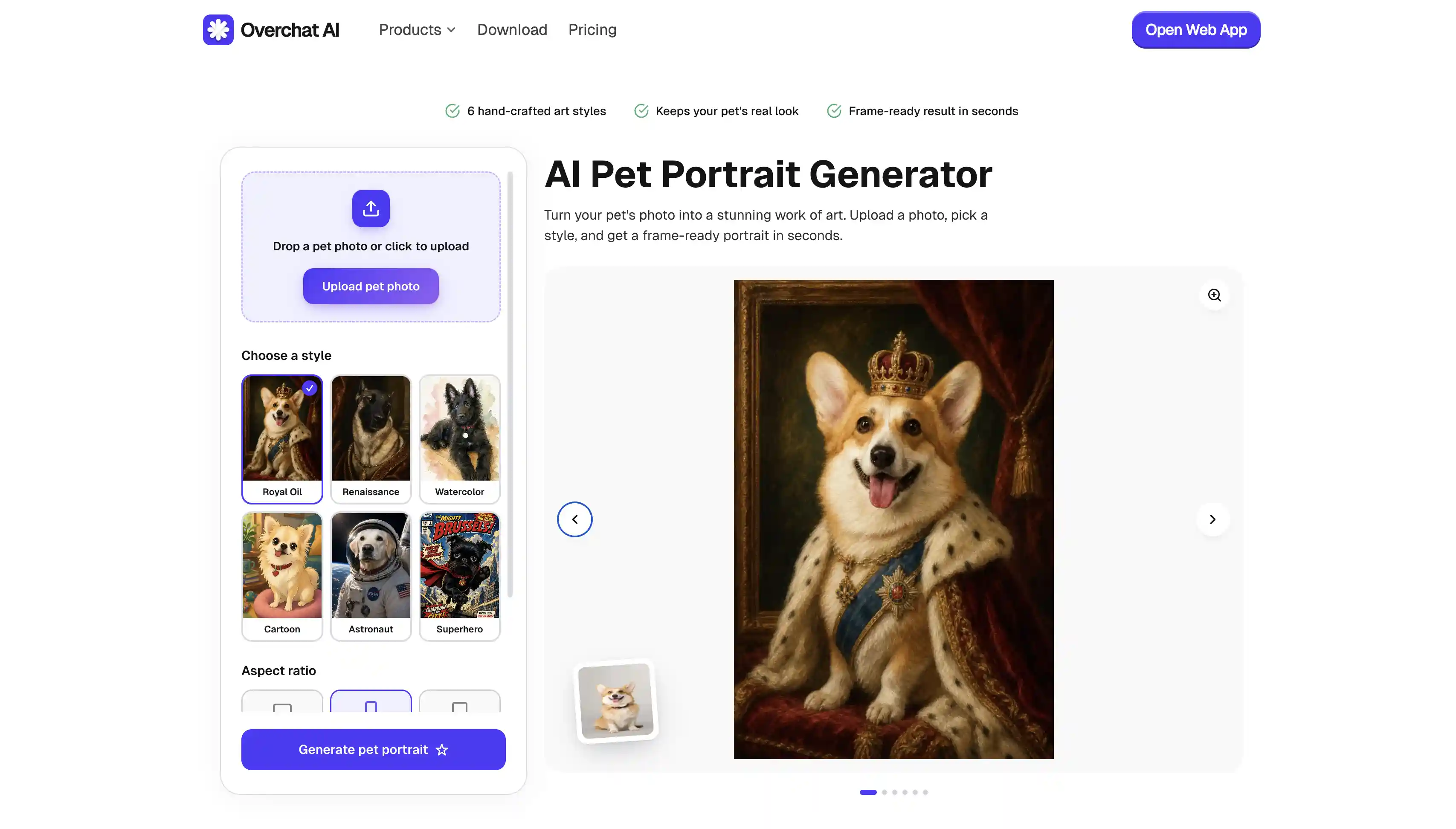
It supports multiple styles including: Royal Oil, Renaissance, Watercolor, Cartoon, Astronaut, and Superhero. You can choose landscape, portrait, or square aspect ratios.
To use it:
The Overchat AI pet generator features a sleek mobile UI, allowing you to take a photo of your pet using your phone's camera and instantly receive a pet portrait. Your uploaded photos are deleted after processing. It is part of the wider Overchat AI platform, which comprises over 150 AI tools and models for image, video and text generation, and is trusted by over 350,000 users. Overchat AI specialises in AI tools designed for specific tasks, such as generating pet portraits, and has particular expertise in image generation.
After generating a portrait, you can immediately remove the background, upscale the image, add text, or make other edits without exporting the file to another app.
Pros:
✅ Works fully online
✅ The tool is powered by GPT Image 2, a very powerful AI image model
✅ Polished experience on mobile phones
✅ Features a gallery of different styles
✅ You can choose the aspect ratio
✅ Your photos are deleted after processing
Cons:
❌ Does not ship physical prints itself
If you're a fan of Monet, Van Gogh or classical Renaissance art, you'll probably enjoy Pawcaso Studio. The platform specialises in traditional art and enables you to create pet portraits in the style of famous artists.
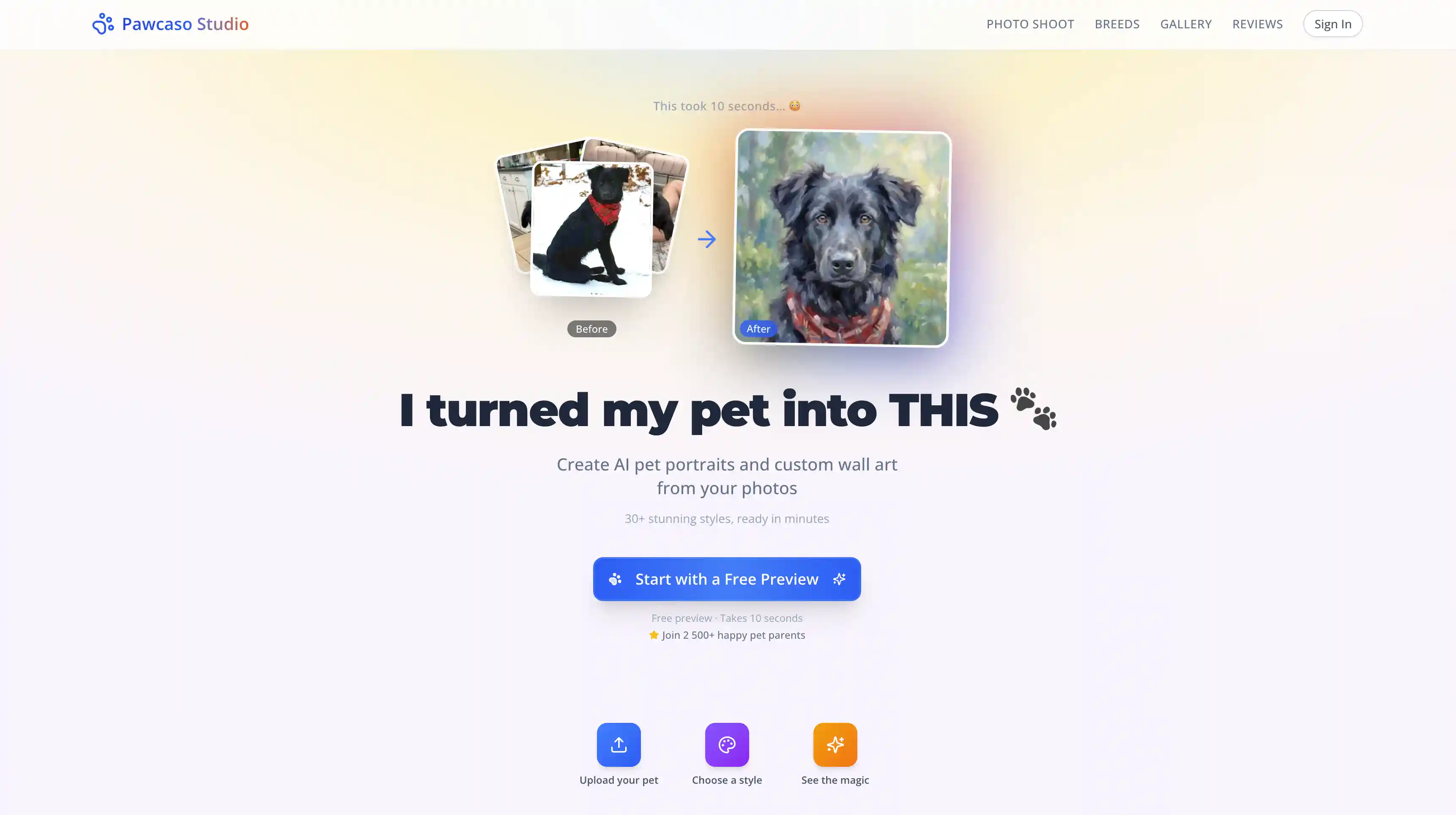
Most artists who take commissions find it difficult to create a dog portrait in the style of Monet, for example. Using an AI tool makes a lot of sense for this application.
Another notable feature is the printing service offered by Pawcaso, which allows you to obtain a physical copy of your pet portrait for an additional fee. All images are generated in full HD resolution to support this. We also like the fact that you can try the service without creating an account.
We were disappointed by the lack of a custom prompt — this is something many AI image editors support, but not this one, limiting you only to the style library that’s pre built, although, in fairness, it has over 30 options.
Pros:
✅ 30+ different art styles
✅ Free preview
✅ Full-HD output
✅ You can get real, printed wall art (starting at $59/print)
Cons:
❌ You pay for the HD download or print
❌ No custom prompt
The folks at PawToAI curate their own library of pet portrait styles that lean into quirky, fantastical shots that couldn’t happen in real life. They don’t take the AI pet portrait generation too seriously (think horror posters and having the dog wear fashion-forward puffer jackets).
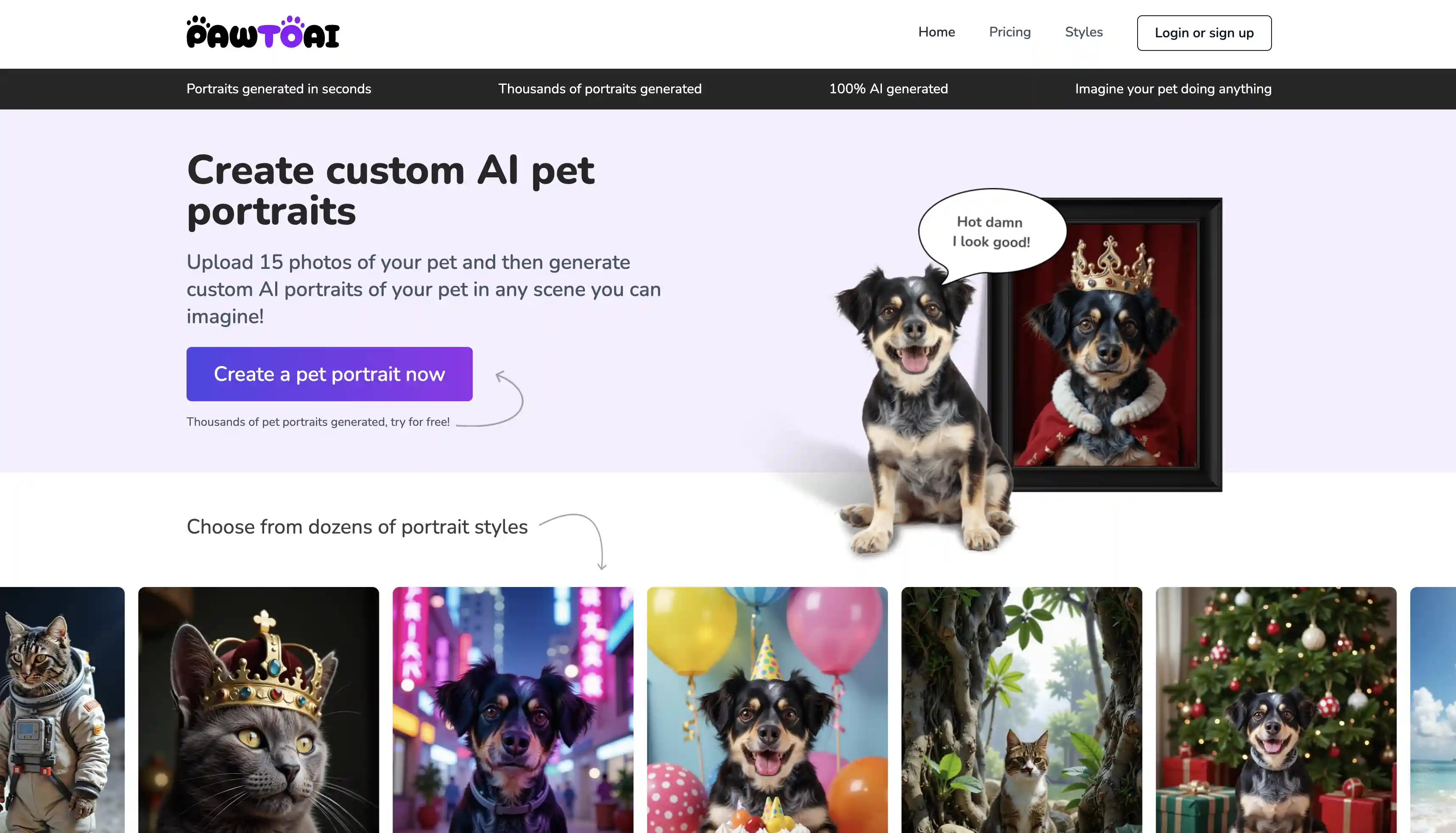
The platform promises to generate portraits within 25 seconds. There’s also a custom prompt field, so you can customize and build on the looks that the PawToAI gallery already has. The service uses a one-time payment model and includes a small free tier, making it easy to try before committing.
Pros:
✅ One-time pricing
✅ 15+ styles and 4K output
✅ Custom prompts
Cons:
❌ Free tier is watermarked and minimal
❌ Interface is a bit busy
Fotor is one of the largest AI image platforms on the market, with more than 800 million users worldwide.
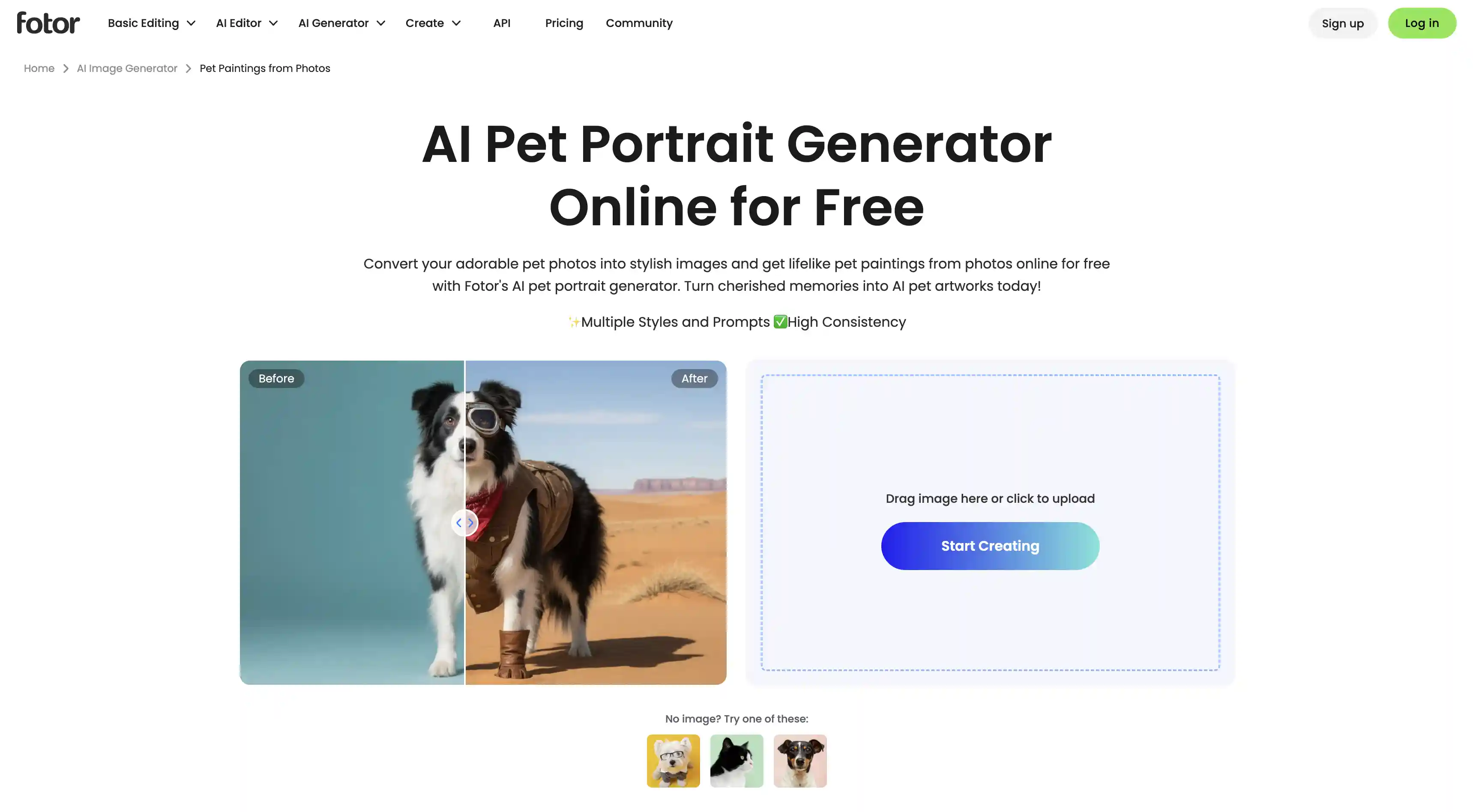
The platform originally started as an online photo editor and grew into a fully-fledged AI platform when image generation tools became popular. If you're only looking to generate a pet portrait, there are probably better options, but if you want a platform that mixes AI and traditional image editing, this one is worth a consideration.
We also appreciate that Fotor offers a genuinely usable free tier. Many "free" pet portrait generators hide downloads behind a paywall or add large watermarks. Fotor is one of the easier platforms to test without spending money.
Pros:
✅ More than 800 million users worldwide
✅ Part of a much larger AI editing platform
✅ Hundreds of AI image and editing tools in one place
✅ Usable free tier
Cons:
❌ Not specifically built for pet portraits
❌ Generation quality is not as good as Overchat AI
DreamPets is one of the most searched AI pet portrait generators, with a claimed user base of more than 400,000 pet owners, who have generated over 1 million pet portraits during the platform's lifetime, making it one of the largest dedicated platforms in this category.
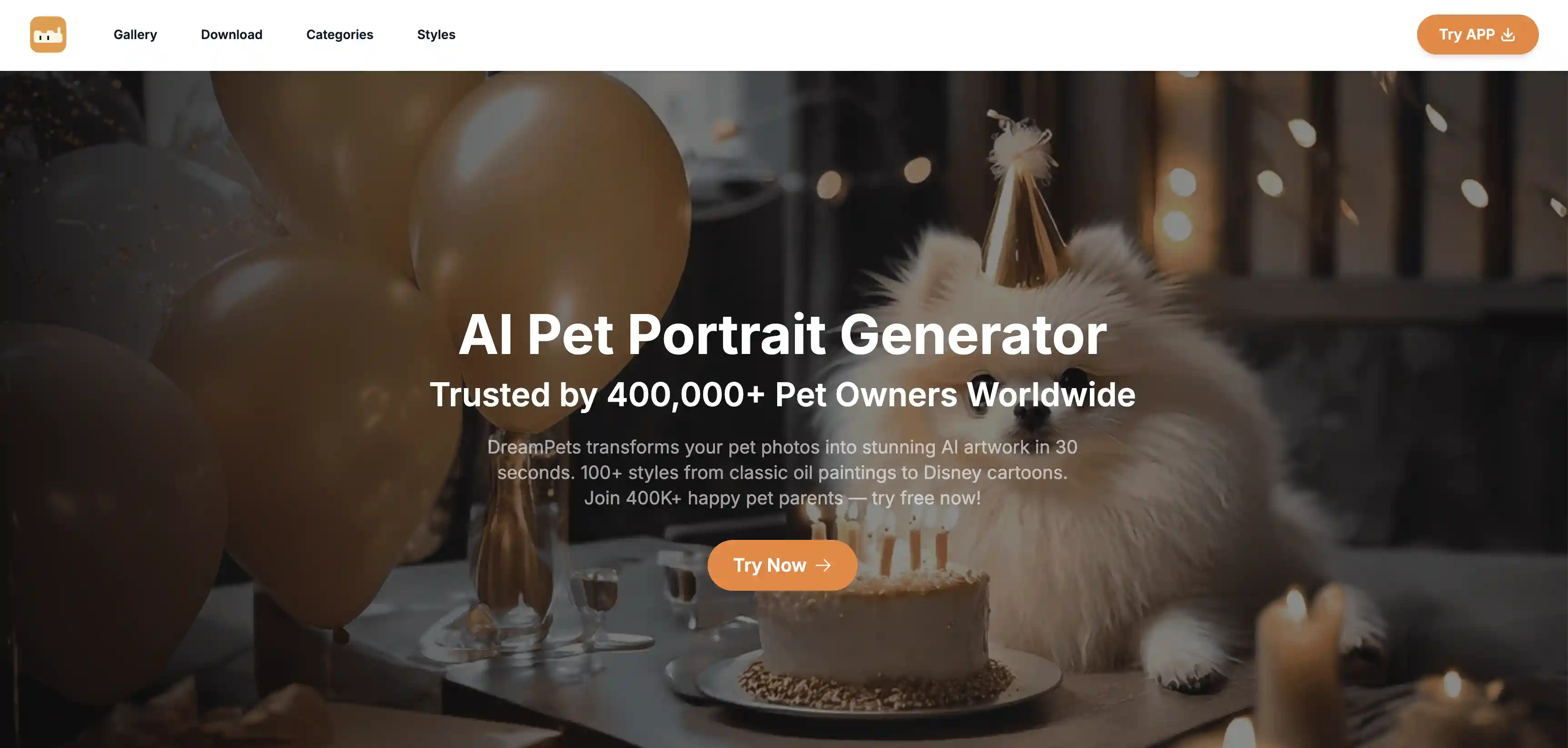
The platform offers more than 100 presets, and results are typically generated in under 30 seconds — strong overall bones and a good track record.
Our biggest criticism is the advertising. Although it’s not the only tool on this list that has a free tier, it is the only one that has ads on their website. Still, if your priority is having a large style library and getting a portrait quickly, it's easy to see why DreamPets has become one of the most searched-for options in this category.
Pros:
✅ More than 100 styles
✅ Low monthly cost
✅ Easy to use
✅ You can try it for free
Cons:
❌ Subscription rather than one-time pay
❌ Has ads
After testing over 15 pet portrait generators, the biggest difference comes down to image quality, which is determined by two factors: the underlying AI model and the tuning that a particular platform has — tools powered by the latest image-generation models generally produce more artistic and pleasing images, although they’re also slightly more costly to use, per use or per month. In this list, we’ve made a compilation of the best ones — generally, test them all as most offer either a free tier or a low cost single generation option, and see which one’s results you like the best.
Overchat AI is one of the AI pet portrait generators. It is powered by GPT Image 2, the best AI image to image model as of the time of writing.
AI pet portrait generators use image-generation models to create a new image from a photo of your pet. After you upload a photo, the model identifies key visual features and recreates them in a chosen style, such as a painting, cartoon, or fantasy scene.
Yes. It can be cats, dogs, rabbits, birds, hamsters or even fish. The species of animal doesn't matter. The only caveat is that, since AI models are trained using artworks found on the internet, there are more artworks featuring dogs and cats than exotic animals. This means that, when creating a dog portrait, for example, the tool has a larger reference pool to work with than when creating an iguana portrait. This can sometimes lead to better results.
In most cases, yes. However, privacy policies vary between providers. Before uploading images, check whether the company stores photos, uses them for model training, or deletes them after processing.
Most AI pet portrait generators cost between $1 and $5 per portrait or between $5 and $20 for a subscription. Printed products are more expensive, starting from over $50 for a single print, depending on the size and format.