
In this article we'll review the 5 best AI music video generators in 2026. Which AI tool should you use if you want to make a singing video from text or an image? Here are our picks.
In this article we'll review the 5 best AI music video generators in 2026. Which AI tool should you use if you want to make a singing video from text or an image? Here are our picks.

Before we consider each individual tool in more detail, let's first look at our top 5 picks in the following table:
| Tool | Trial | Max resolution | Starting price |
|---|---|---|---|
| Overchat AI | — | HD | $14.99/month |
| Neural Frames | Free trial | 4K | $26/month |
| Freebeat | 500 free credits | 1080p | $4.99/week |
| Kaiber | $5 for 5 days | — | $10/month |
| Plazmapunk | 200 free credits | 1080p | €9.99/month |
The Overchat AI music video generator is a web-based tool powered by an advanced video generation AI model with full lip sync. Overchat AI is trusted by over 350,000 creators, who use the tool every month to generate images, videos, and sound with AI.
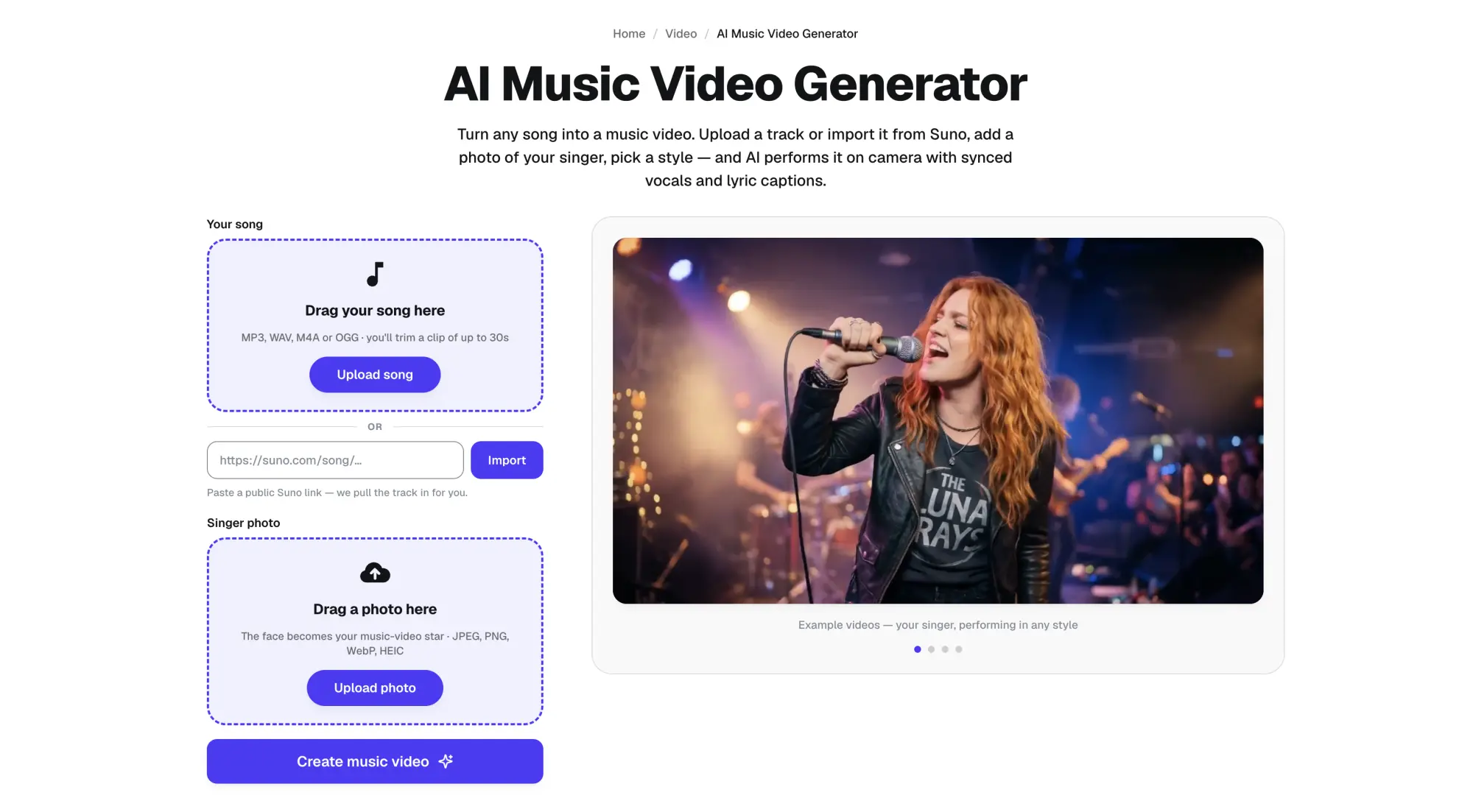
It's very easy to use: upload an MP3 or WAV file or paste a Suno link, add the lyrics for subtitles if you have them, describe what should be happening in the music video, and select one of the styles:
Wait about 90 seconds for the AI to generate the clip, and download the result in full HD.
Price: $14.99/month or $49.99/year for Pro.
Pros:
✅ One upload gets a full beat-synced video
✅ You can attach a photo of the singer
✅ Really high-fidelity videos
✅ Perfect lip sync
✅ Part of an all-in-one AI platform with over 150 tools and models
Cons:
❌ No free video generation
❌ Not 4K
Full disclosure: we've built Overchat AI, but we remain unbiased and will highlight the best features of each music video generator objectively, as well as their cons, including our own.
Neural Frames is a browser-based AI music video generator built by physicist Nicolai Klemke, who launched it as a solo project in late 2022. According to Nicolai, Neural Frames was used to create over 2 million music videos, which is mighty impressive.
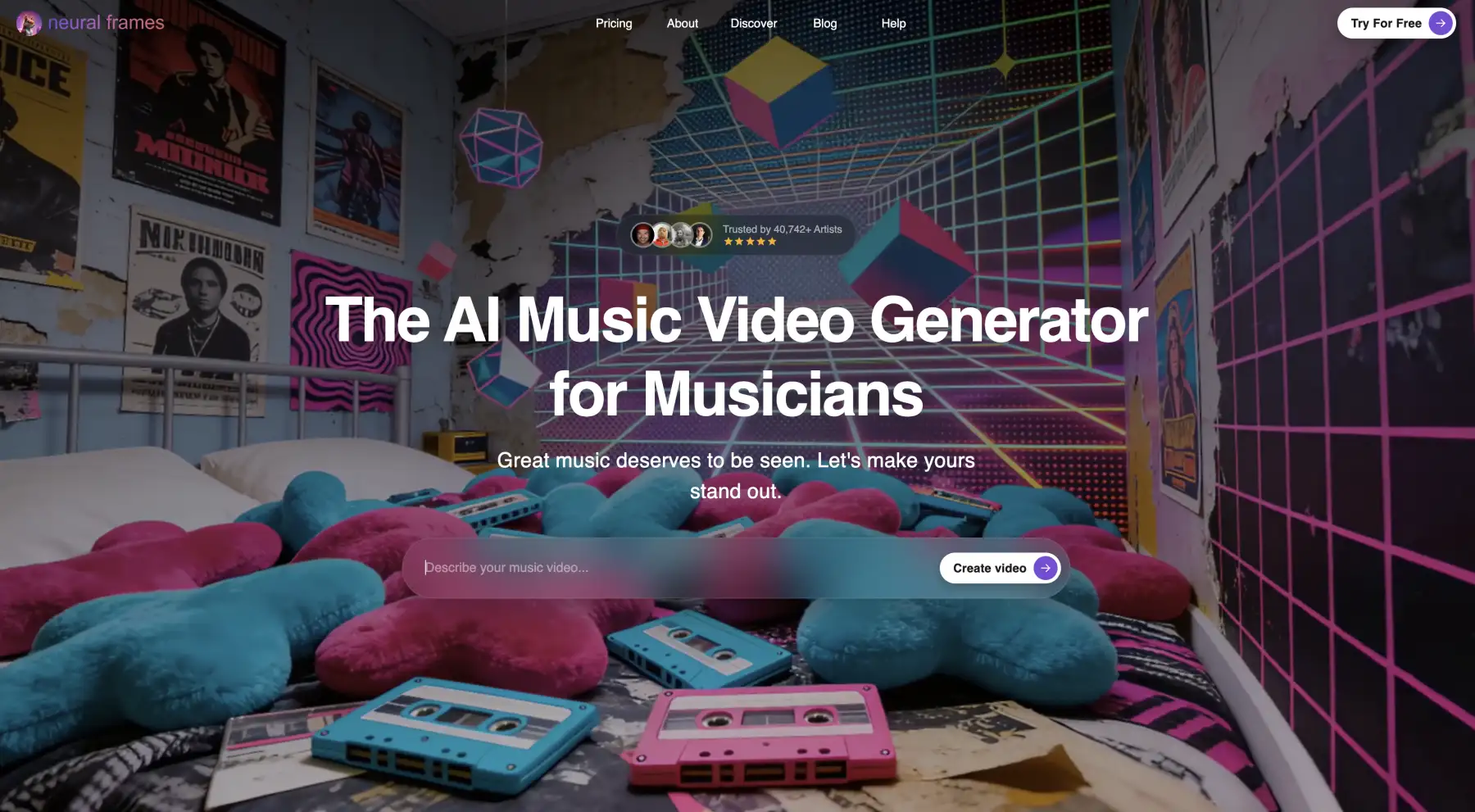
What we loved the most about Neural Frames is that it separates your track into eight stems, one for drums, bass, vocals and so on, and each stem can affect something in the video. For example, a kick can trigger a camera zoom. You get very dynamic videos that look like they were recorded for a real band music video.
The tool originally used Stable Diffusion, but over time they tried different models including Veo 3 and Kling. Video quality is up to 4K, but the entry plan caps it at 1080p.
Price:
| Plan | Monthly | Credits per month |
|---|---|---|
| Neural Knight | $26 | 2,400 |
| Neural Ninja | $66 | 7,200 |
| Neural Nirvana | $199 | 24,000 |
Pros:
✅ Stem-driven sync reacts to individual instruments
✅ Full-length videos with 4K export
✅ Free trial
Cons:
❌ Expensive at $26/month for the entry plan
❌ Rendering is very slow
❌ Sometimes edited scenes can come back not matching the rest of the video
Freebeat is an AI music video generator from Random Motion Technology, a San Francisco company run by former Baidu product lead Richie Liu as CTO.
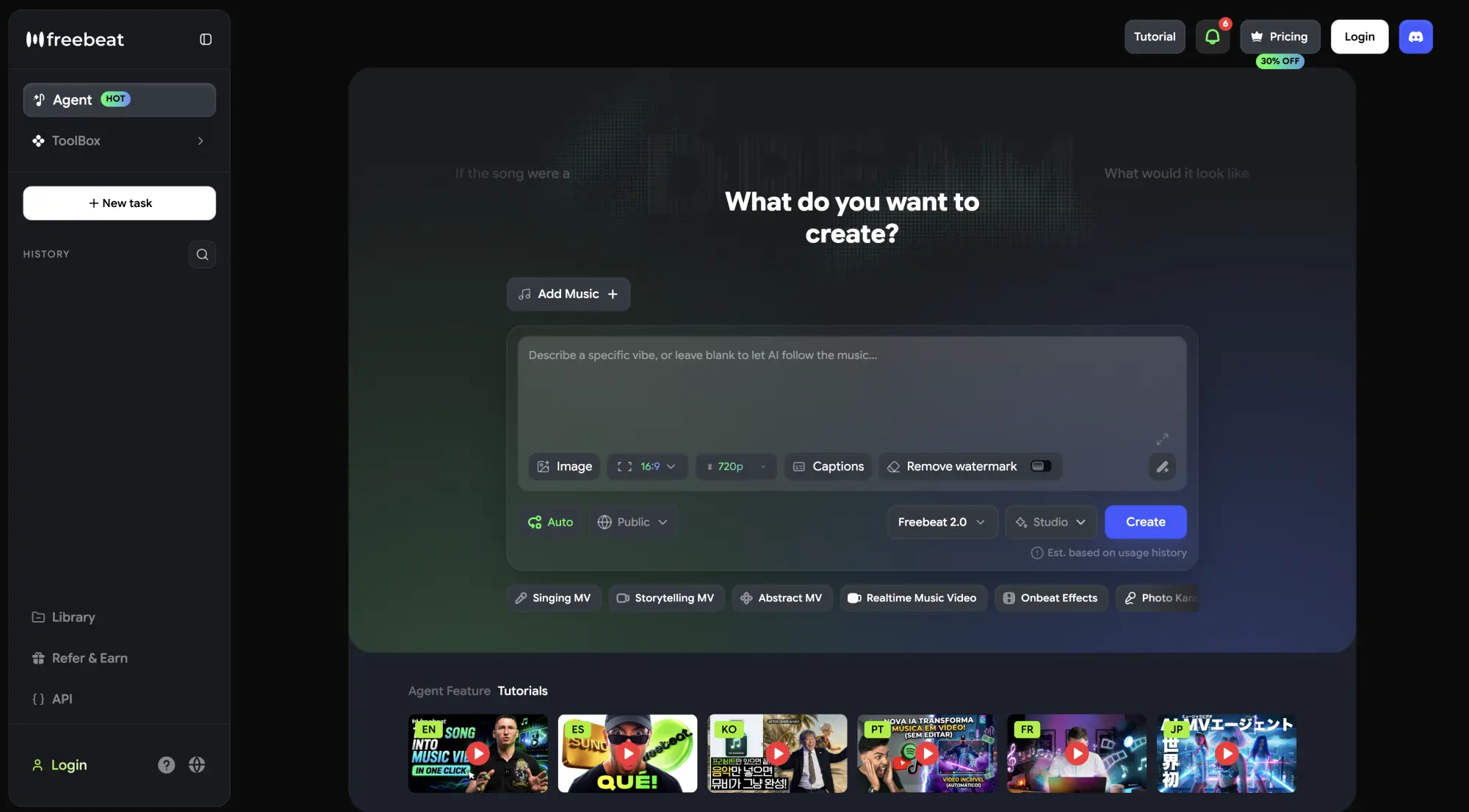
Freebeat has a very advanced music video generation pipeline:
As a result, cuts tend to land on transitions, and videos have tangible energy. It also lip-syncs a performer to the vocals with about 90% accuracy. Using this tool you can generate videos up to 6 minutes. And the tool is powered by Seedance 2.0.
However, not all is perfect as Freebeat has only 1.7/5 stars on Trustpilot. Most people are complaining about failed generations, slow generations, and difficulties getting refunds from support. This is to be expected, because up to 6-minute videos in one shot is no joke.
Price:
| Plan | Price | Credits |
|---|---|---|
| Basic | $4.99/week | 1,990/week |
| Pro | $26.99/month | 10,000/month |
| Ultimate | $39.99/month | 19,000/month |
| Creator | $199/month | 95,000/month |
Pros:
✅ Builds a storyboard from the song's structure
✅ Lip sync, dance, and lyric video modes in one tool
✅ Up to 6-minute videos
Cons:
❌ 1.7/5 on Trustpilot
❌ Lip sync burns about 406 credits per 15 seconds of video
❌ Two cheaper plans only go up to 720p
Kaiber is a creative AI video platform that did the AI production on Linkin Park's "Lost" music video, and Kid Cudi has used it for AI lyric videos.
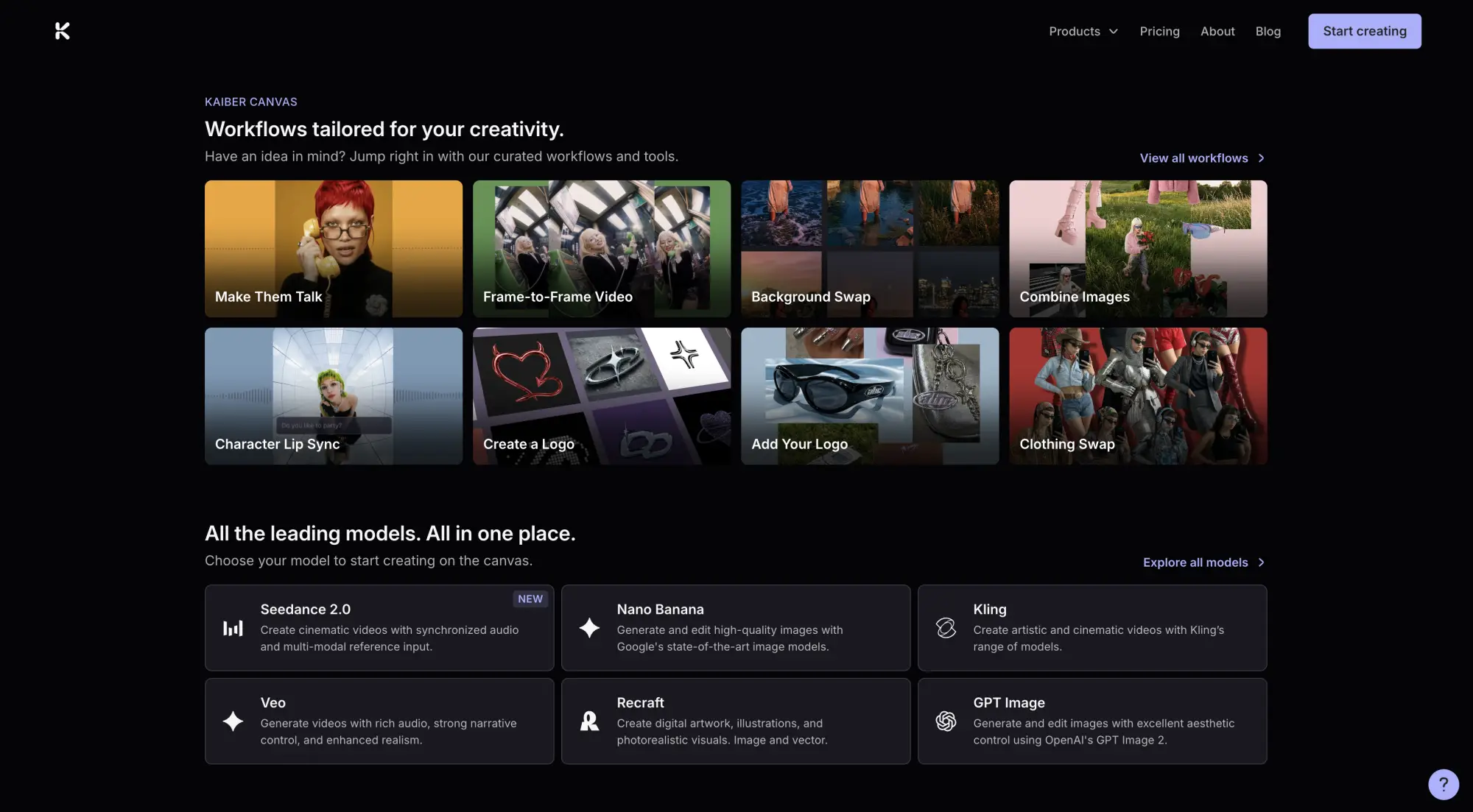
This project was founded in 2022 by childhood friends Victor Wang, a former tech IP lawyer, and music producer Eric Gao.
They have a very clever feature called Beat Sync: drop in a track and Kaiber batch-generates clips that auto-cut to the rhythm, with lyric detection and text overlays, and you then refine the result on a timeline editor.
Unfortunately, their best feature isn't available on the entry plan, so to really take advantage of Kaiber you need to pay $29 a month at least, which is expensive for an AI platform.
Price:
| Plan | Monthly | Credits per month |
|---|---|---|
| Starter | $10 | 500 |
| Creator | $29 | 1,500 |
| Pro | $99 | 5,000 |
The trial is also paid at $5.
Pros:
✅ Proven by doing AI production for major-label videos
✅ Can auto-cut videos to the rhythm
Cons:
❌ Beat Sync is locked out of the $10 plan
❌ Credits burn fast
Plazmapunk is a web app that turns an uploaded track into an AI music video. This tool basically makes AI music videos on autopilot. Here's how to use it:
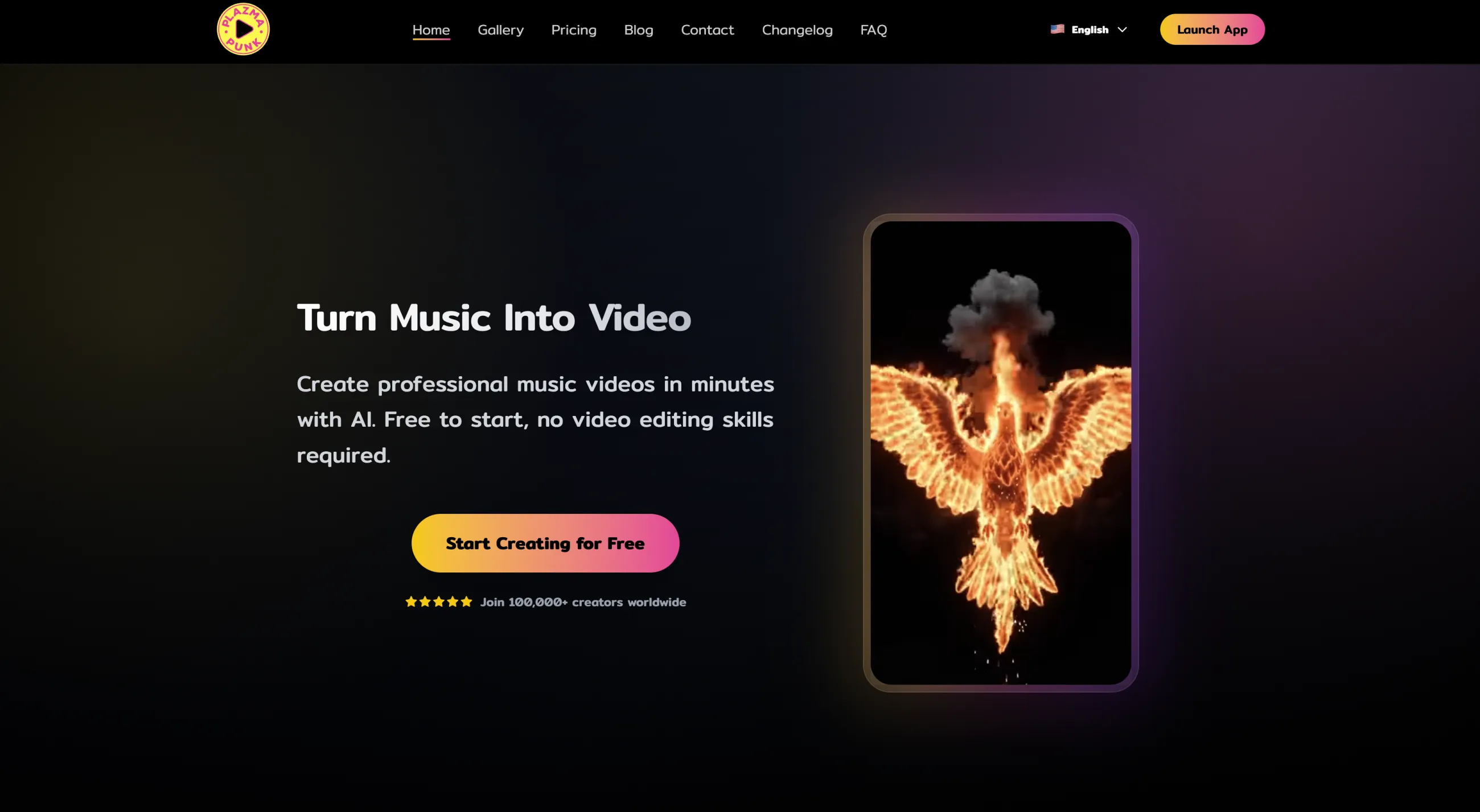
The platform is already trusted by more than 100,000 creators.
Price:
| Plan | Monthly | Credits |
|---|---|---|
| Free | €0 | 200 |
| Punk | €9.99 | 4,000 |
| Professional | €29.99 | 15,000 |
| Producer | €79.99 | 50,000 |
Pros:
✅ Cheapest entry-level paid plan
✅ Actually usable free tier
✅ Full HD upscaling
Cons:
❌ Videos cap out around 60 seconds
❌ Free output is 4:3 only with a watermark
In this article we've taken a look at what we think are the 5 best AI music video generation apps. If you want to create music videos with AI, you can safely choose any one of those, and although their workflows and strengths are different, each will deliver a great AI music video. Key takeaways:


