In this guide, we'll look at the five best AI gender-swap generators — online tools that show what someone might look like as a different gender.
In this guide, we'll look at the five best AI gender-swap generators — online tools that show what someone might look like as a different gender.
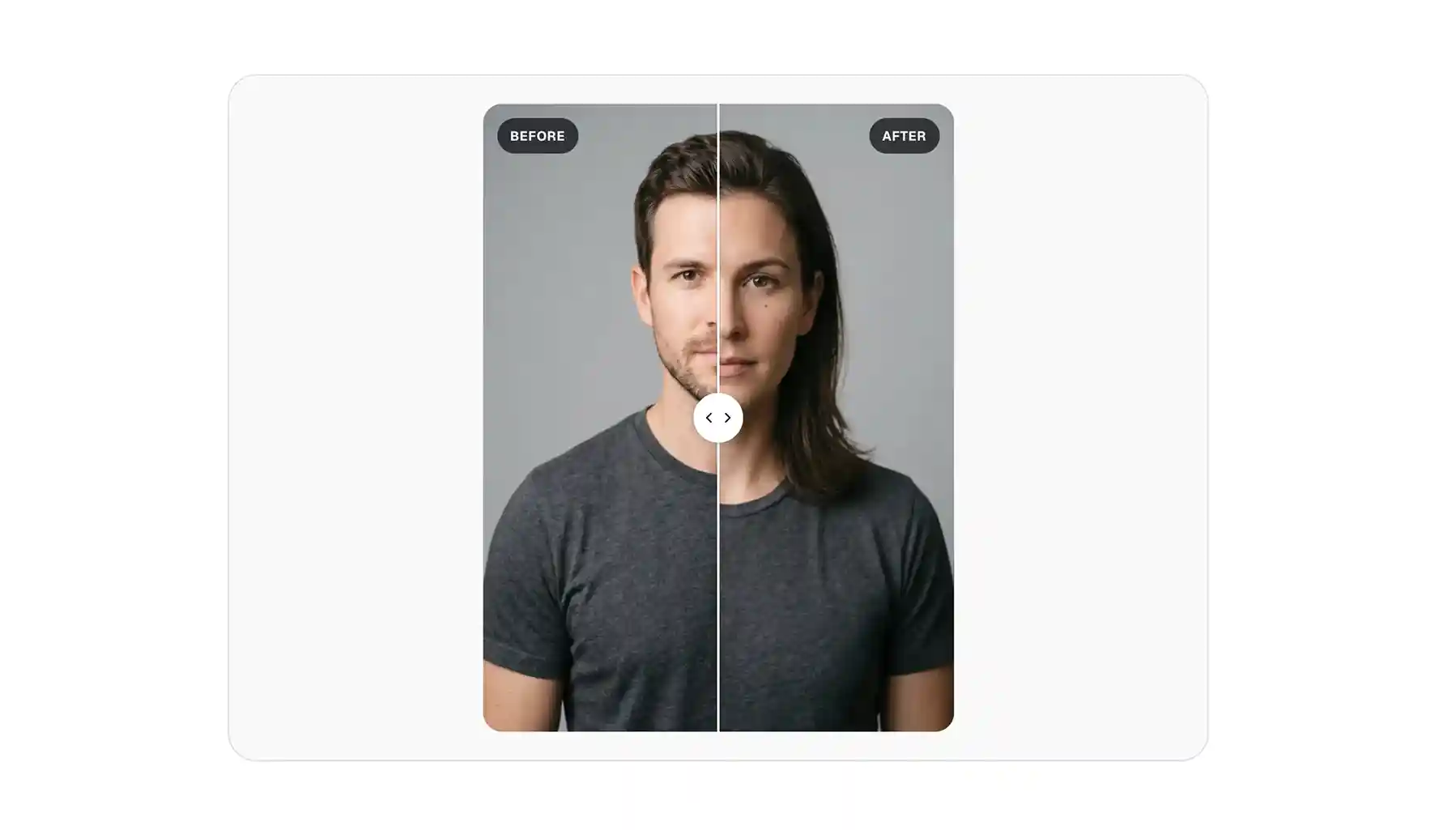
An AI gender swap app takes a photo of a person and regenerates it to show how they'd look as the opposite gender. Most of these tools:
Gender swap tools use image-to-image AI models (like Google's viral Nano Banana 2, or Seedream 5.0).
These models generate a brand-new image from scratch, using your photo as a reference for what the person looks like and a text instruction for what to change.
As such, the output is always a fresh render, which is why it looks highly realistic.
When the model regenerates you as another gender, it doesn't change the features that make you recognizable, but changes the gender-coded ones. For example, in a male-to-female swap, it gives you:
When it comes to image quality, there are two things to look out for:
While most apps output a still image, some platforms can animate a swap into a short video, which is another handy option to have.
Here's the shortlist at a glance, ranked by how well each one keeps the likeness while staying easy and affordable to use:
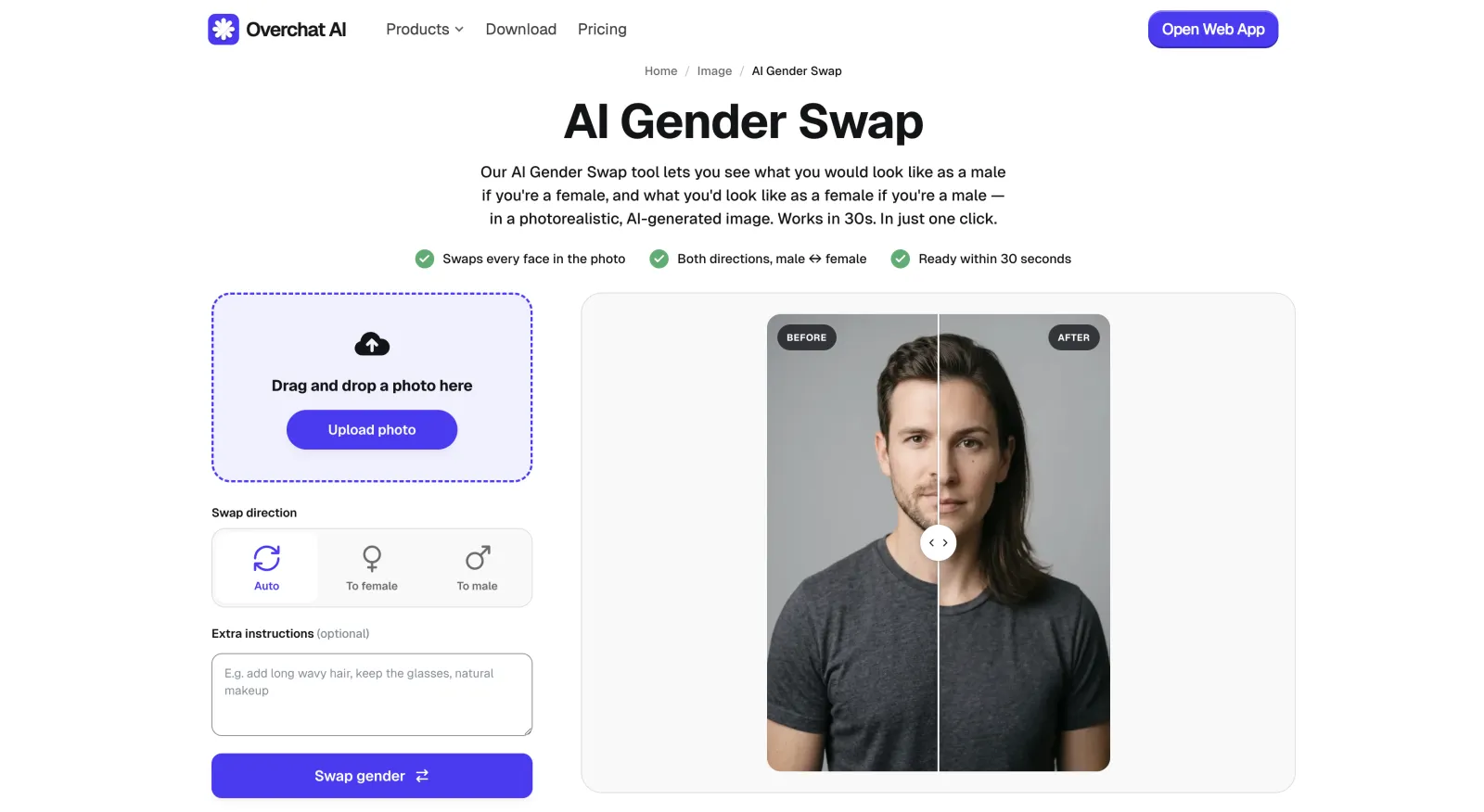
Best for: the most realistic result with the most control, for free.
Overchat AI's gender swap tool runs on Nano Banana 2, one of the strongest image-to-image generators available in 2026.
Because the model has incredibly high consistency when editing images, the swapped result keeps your likeness extremely well, which is the most important aspect.
You also get additional controls that are handy for when you want to swap gender in group photos. Pick Auto to change everyone in the image to the opposite gender, or To Female or To Male to swap in only one direction.
Because the tool is powered by Nano Banana 2, the rest of the image stays exactly the same, and the alteration is only visible in the faces.
It's also important to note that Overchat AI isn't just a gender swap platform — it's an all-in-one AI app that features over 150 different tools for image and video editing, including an AI editor, AI background remover, and AI image-to-video generator.
After swapping genders, you can, for example, make a cutout of the character and overlay text on top of it to make a meme, or upload it to the platform's video generator to create an animation with sound.
Pros:
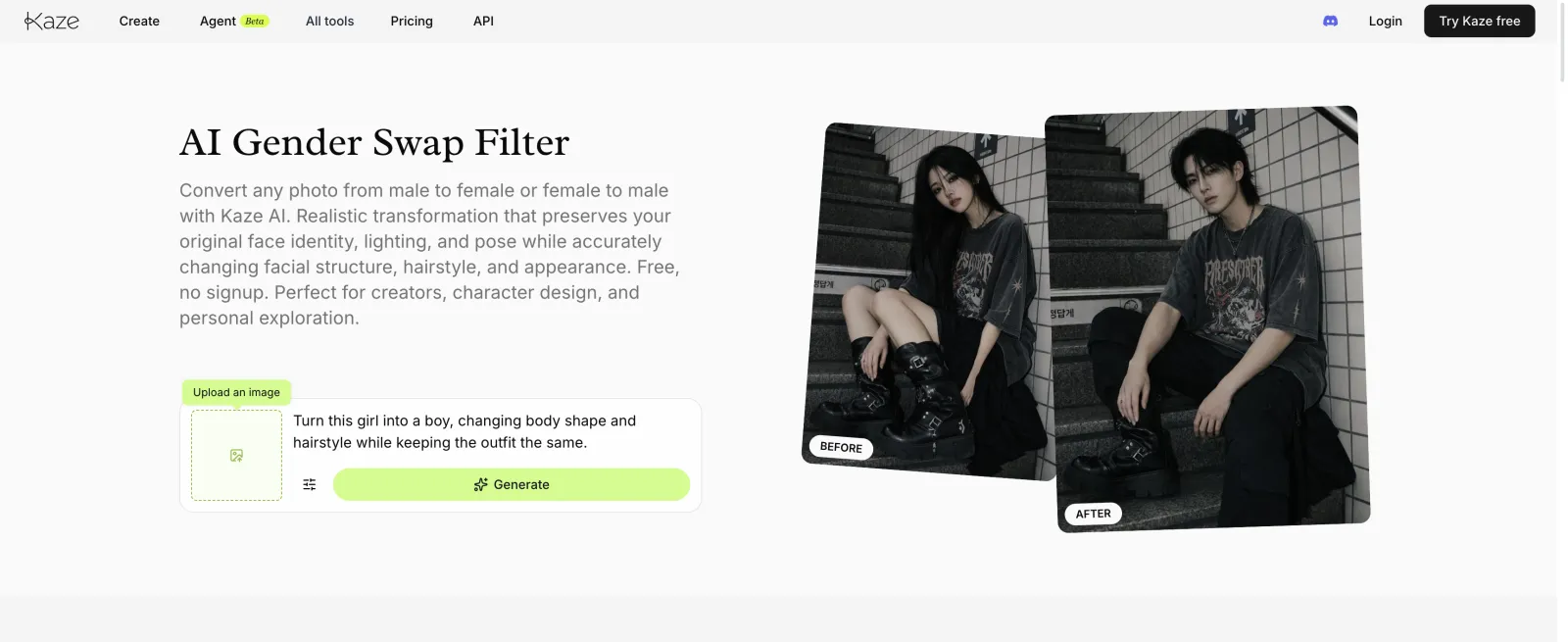
Best for: a quick, private swap.
Kaze is built around one promise, that only the gender features change, and it largely keeps it, holding your expression and skin tone steady while it reshapes the jaw and hair.
To use the tool:
Everything runs in the browser with encrypted processing and automatic deletion, so nothing stays on a server.
The trade-off is that it's a single-purpose filter, so there's no group-photo support and no wider editor behind it if you want to keep working on the image.
Pros:
Cons:
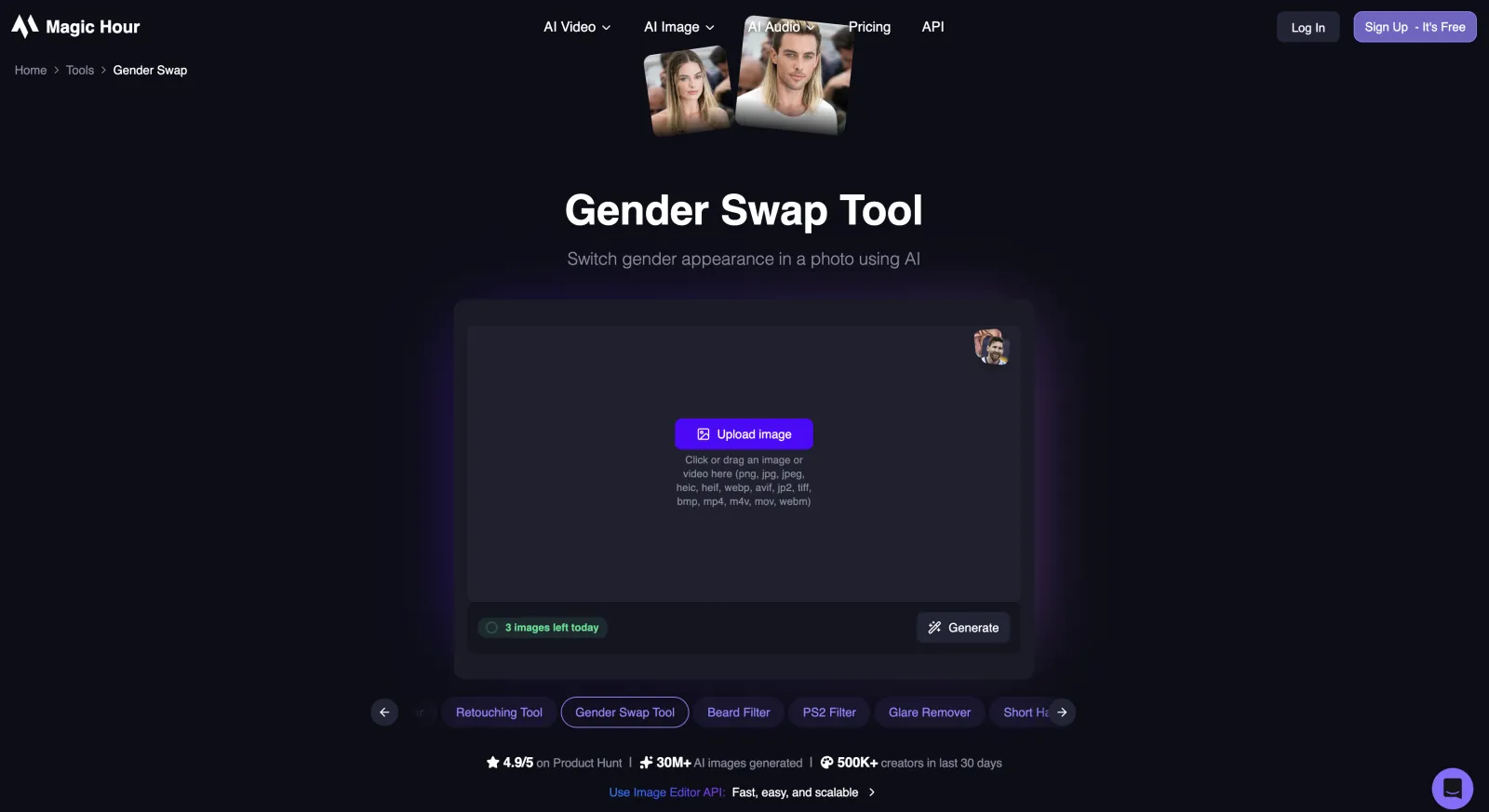
Best for: people who want to compare model outputs side by side.
Magic Hour, just like Overchat AI, has a fully fledged AI image editor, where the swap itself is just one of many AI image editing features.
The reason to use it is that you can seamlessly take the photo into the editor after swapping and use several AI image models to keep working on it in the image-to-image pipeline:
It also supports multi-image reference editing and batch generation, and you can upscale a result to 4K.
Pros:
Cons:
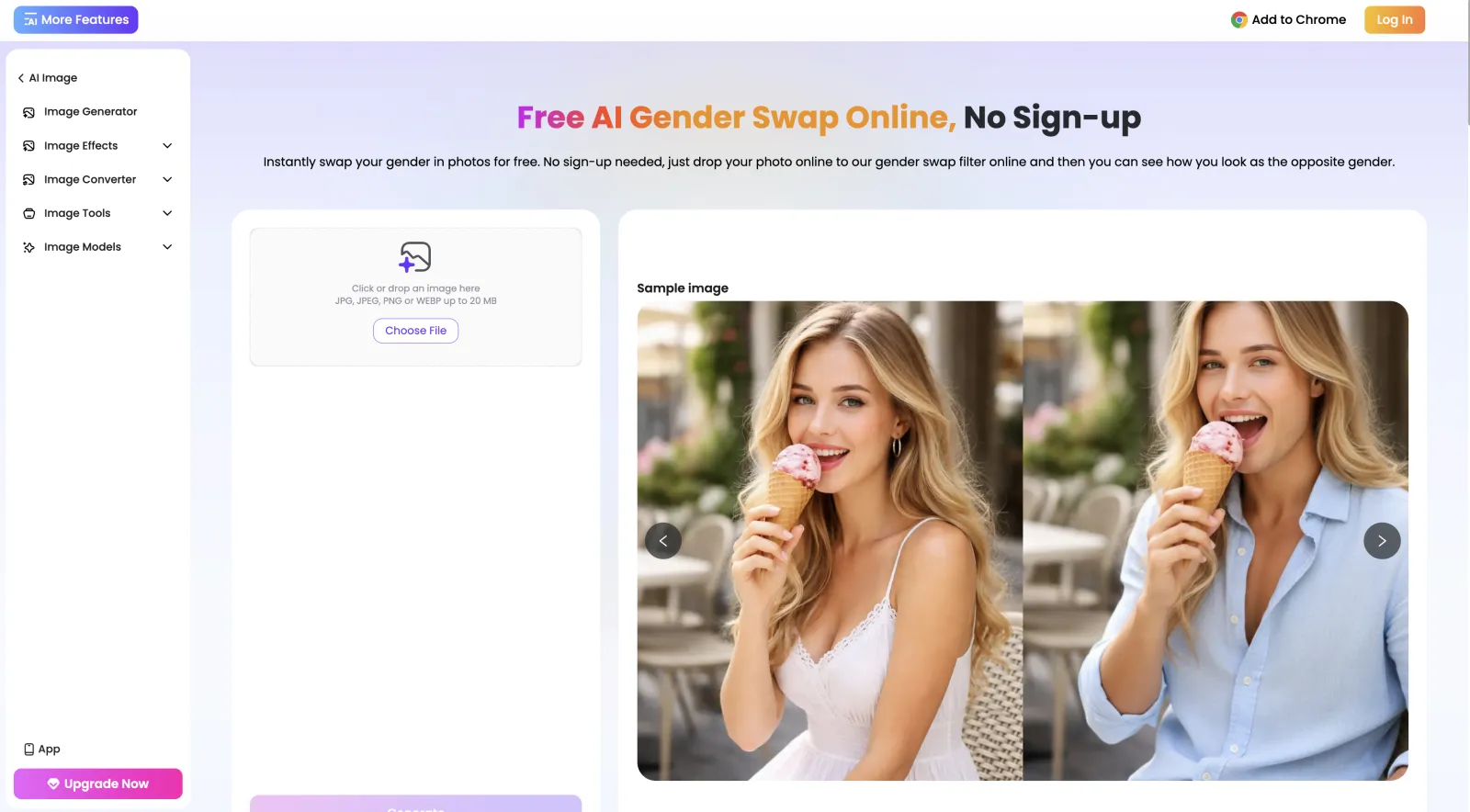
Best for: 4K results.
EaseMate returns the result in 4K HD with no watermark, which is a strong combination for a free tool. It runs several models, including Nano Banana, Seedream 4.5 (notably, this is an outdated, but still highly accurate image generation model), and GPT image.
The tool is tuned in such a way that when performing a swap it changes the entire body, too — so the figure becomes more feminine or masculine depending on the swap direction (Overchat AI does this too, notably). In EaseMate this happens automatically, and, unfortunately, you can't control whether the model does this or not — it sometimes does, and sometimes doesn't, and this inconsistency made it slightly annoying to use during our testing.
Pros:
Cons:
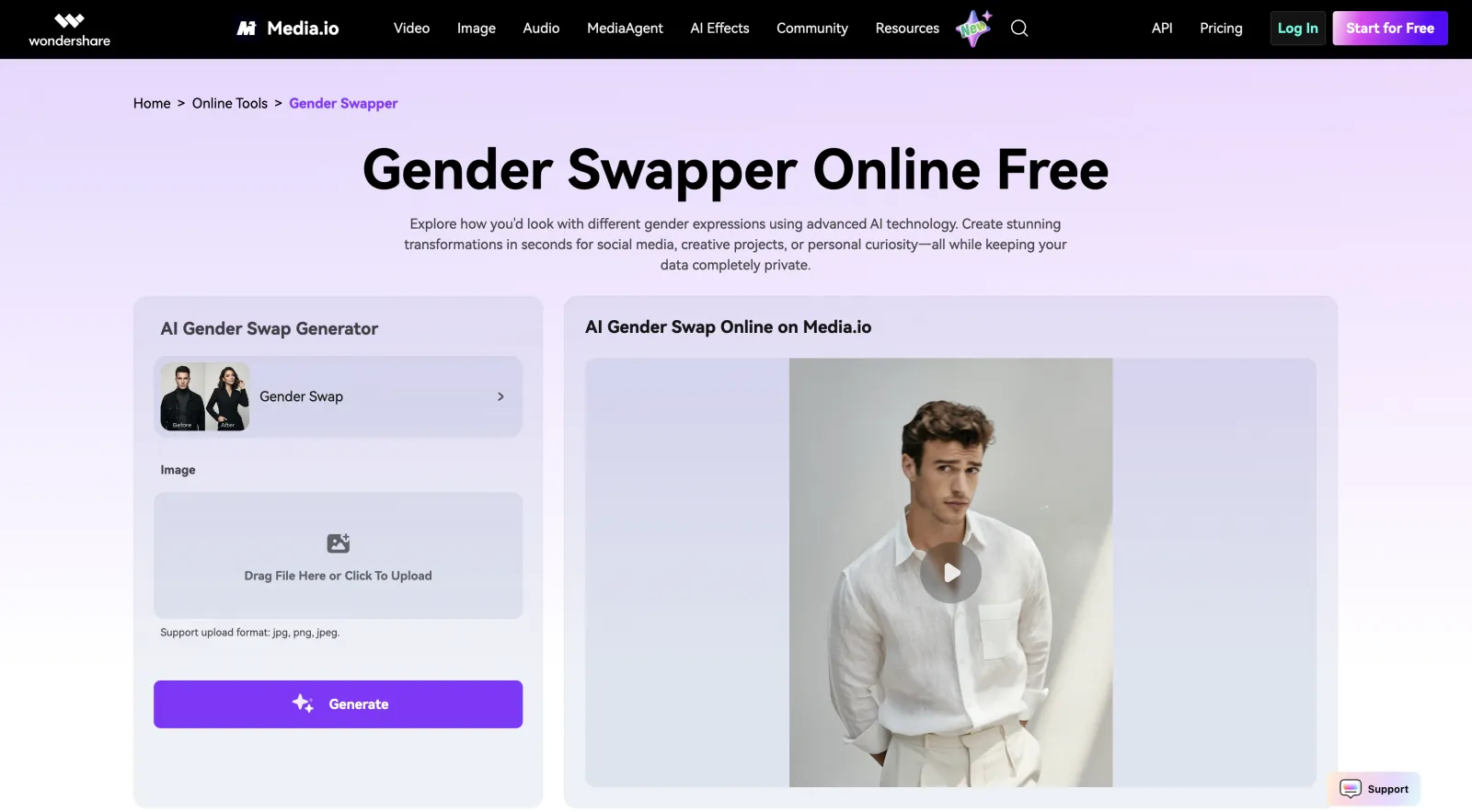
Best for: swapping inside a larger photo-editing suite.
Media.io is a general photo and video editor that includes a gender swap tool.
The reason to use it is the surrounding suite, which carries more than 2,000 effects along with age transformation, expression edits, and accessory add-ons such as beards and glasses, so you can keep editing without switching apps.
As a standalone gender swap it's the most basic of the five, offering a single Male/Female choice with no prompt box and a 5 MB upload cap that rules out larger photos.
If you already use Media.io for other edits, the swap is a convenient extra, but if the swap is all you want, the tools above produce a better result.
Pros:
Cons:
Most are free for basic use. Overchat AI and Kaze are free with no watermark, Media.io is free with a 5 MB upload cap, and Magic Hour gives you 3 swaps a day before asking you to sign up. EaseMate uses a credit system but charges 0 credits for the swap itself. The paid plans on these tools mainly raise the usage limits or unlock the wider feature set around the swap.
Realism tracks the underlying model, so the tools running the strongest image-to-image generators give the most recognizable results. Overchat AI holds the original likeness well in both directions because it runs on Nano Banana 2 and lets you correct the hair and details with a prompt, and Kaze is a strong option for single portraits. The source photo matters as much as the tool, since a sharp, well-lit, front-facing shot gives any model more to work with.
The better ones are clear about what they do. Kaze encrypts processing and auto-deletes uploads, Magic Hour says it doesn't train on your images and keeps them for one day, and both Media.io and EaseMate auto-delete uploads as well. Before you upload a face you care about, read the tool's privacy note, since any tool that won't say what it does with your photos isn't worth the risk.
A few platforms are starting to offer it, but the photo tools are more reliable in 2026, and the apps on this list are built for stills. If you want a moving result, the steadier path is to swap a single frame as an image and animate that separately.
Overchat AI is one of the best gender swap apps: it's powered by Nano Banana 2, keeps the likeness perfectly, and lets you fine-tune or control the results with text prompts. As an all-in-one AI app, Overchat AI also features hundreds of other apps inside of the platform — when you gender swap, the result is saved into the My media section, from where you can take it into any of the image-editing or image-to-video tools featured on the platform, and animate it, upscale it, recompose it, or combine it with other images using AI.