
An AI Instagram photo generator allows you to turn a short text prompt (and, optionally, an image reference) into a polished Instagram advertisement that you can use to promote your product. Here's how it works on Overchat AI, step by step.
An AI Instagram photo generator allows you to turn a short text prompt (and, optionally, an image reference) into a polished Instagram advertisement that you can use to promote your product. Here's how it works on Overchat AI, step by step.
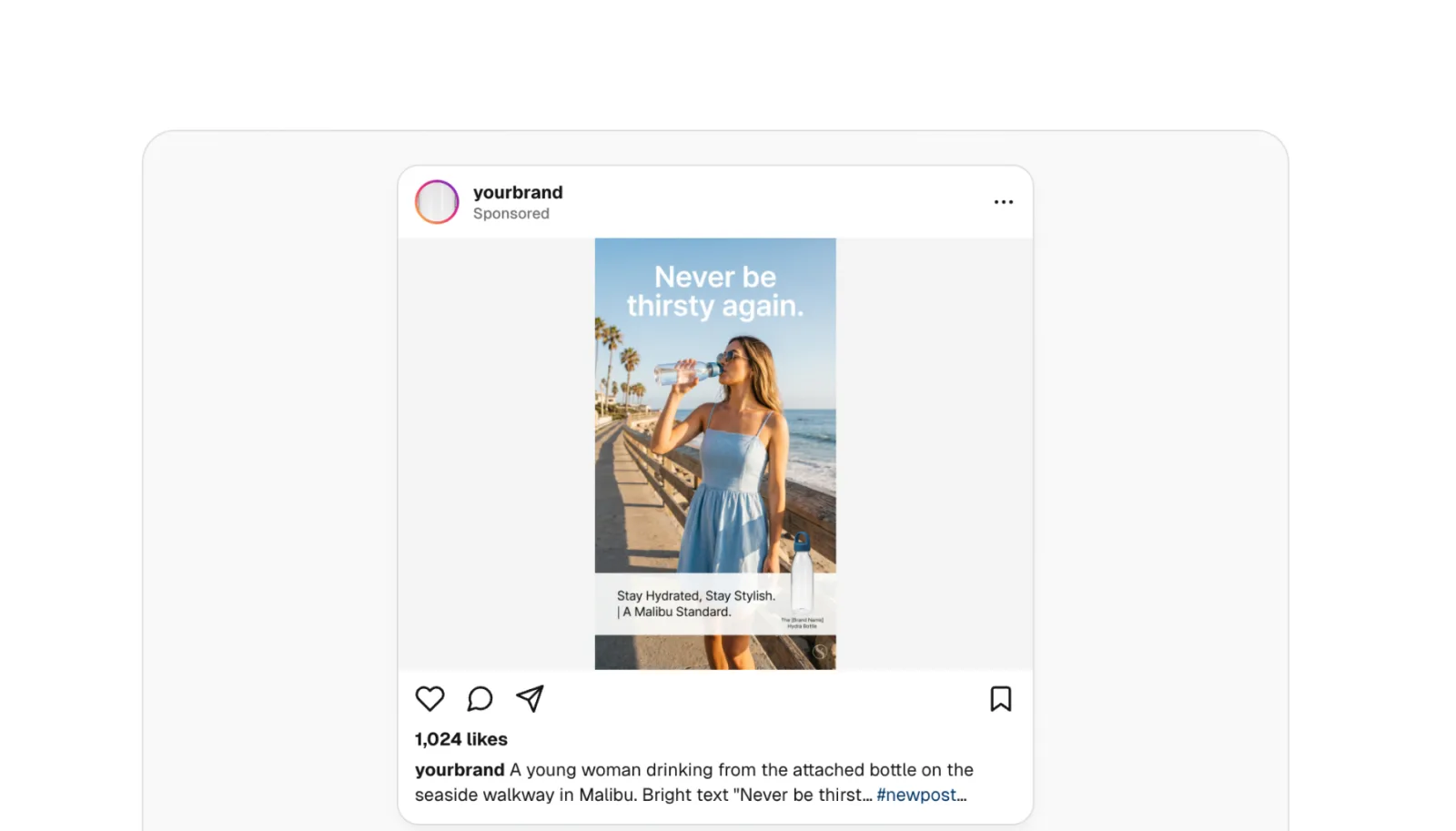
Overchat AI Instagram Post Generator is an online tool, powered by Nano Banana 2, one of the best image generation models in the world, that can turn your text prompt into an Instagram ad in 4:5, 1:1, or 9:16 aspect ratio. Here's everything you need to know:
An AI Instagram photo generator is an online tool that creates Instagram ads from a prompt (and sometimes a reference image, or multiple images as well). Here's how it works:
To use an AI Instagram generator, describe the ad that you're making, attach the photo of your product, and press the Generate button. There's not a lot more to it, as by following these steps you'll get a polished, Instagram-ready image that looks like it came from a real professional photoshoot.
Overchat AI Instagram post creator, for example, runs Nano Banana 2, the viral photo editing model from Google DeepMind, that's known in the community for high levels of realism and reliable prompt following — as in, it's unlikely to add random things to the image you didn't want or to forget small details when you give it a long instruction.
Not every tool in this space does the same job. Here are the main categories you'll come across:
It's hard to imagine that an AI tool can capture the unique vibe of your brand or realistically represent your product just from a short sentence, so rather than telling you about it, we'll show you. And now that we have a good general idea of what an AI Instagram photo generator is, let's do a quick walkthrough to see how it works on Overchat AI. You can follow along with the steps below, as the tool is currently free for a limited time, as of writing this article.
Open the AI Instagram Post Generator and give it a second to load. As of the time of writing, you don't need an account to use it.
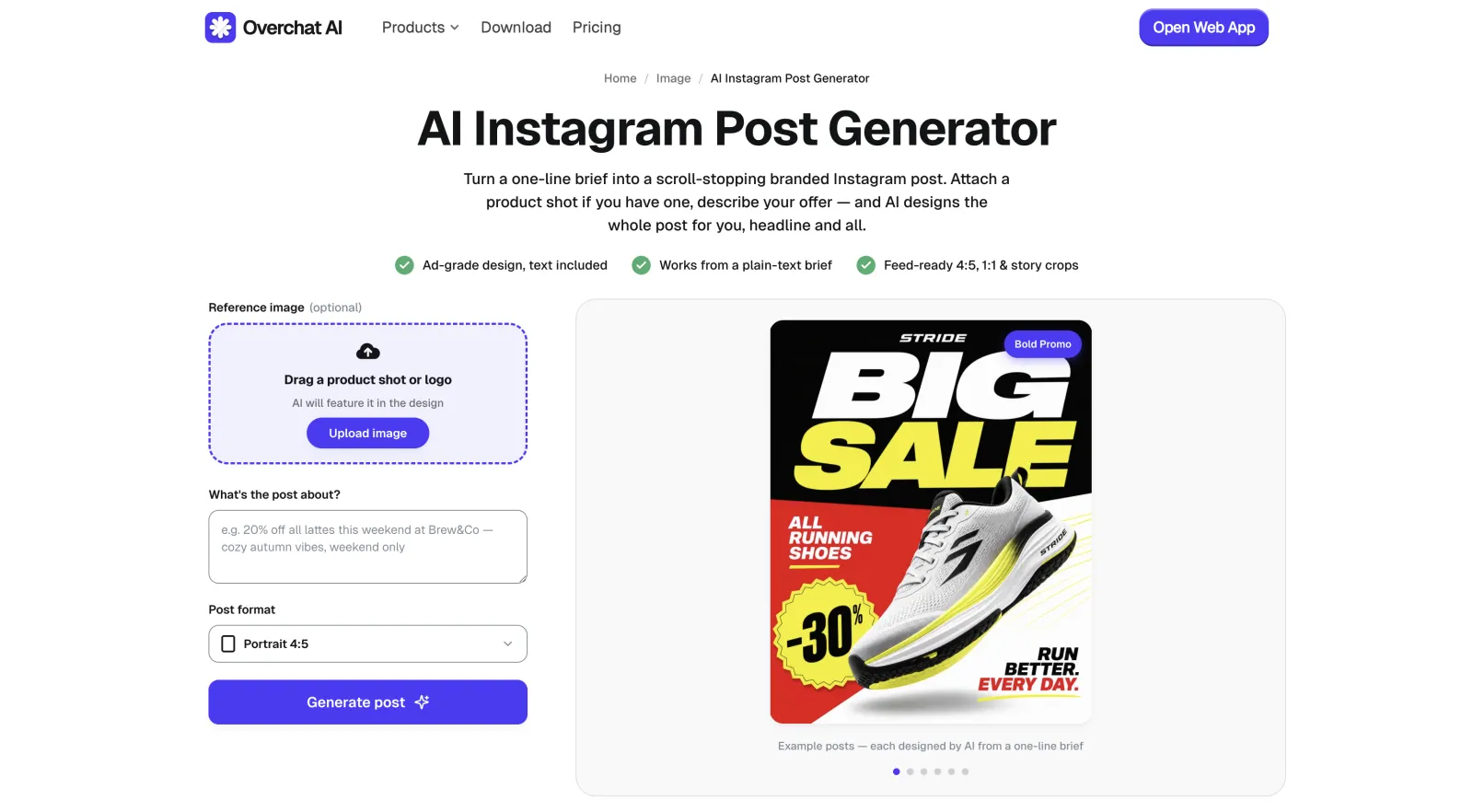
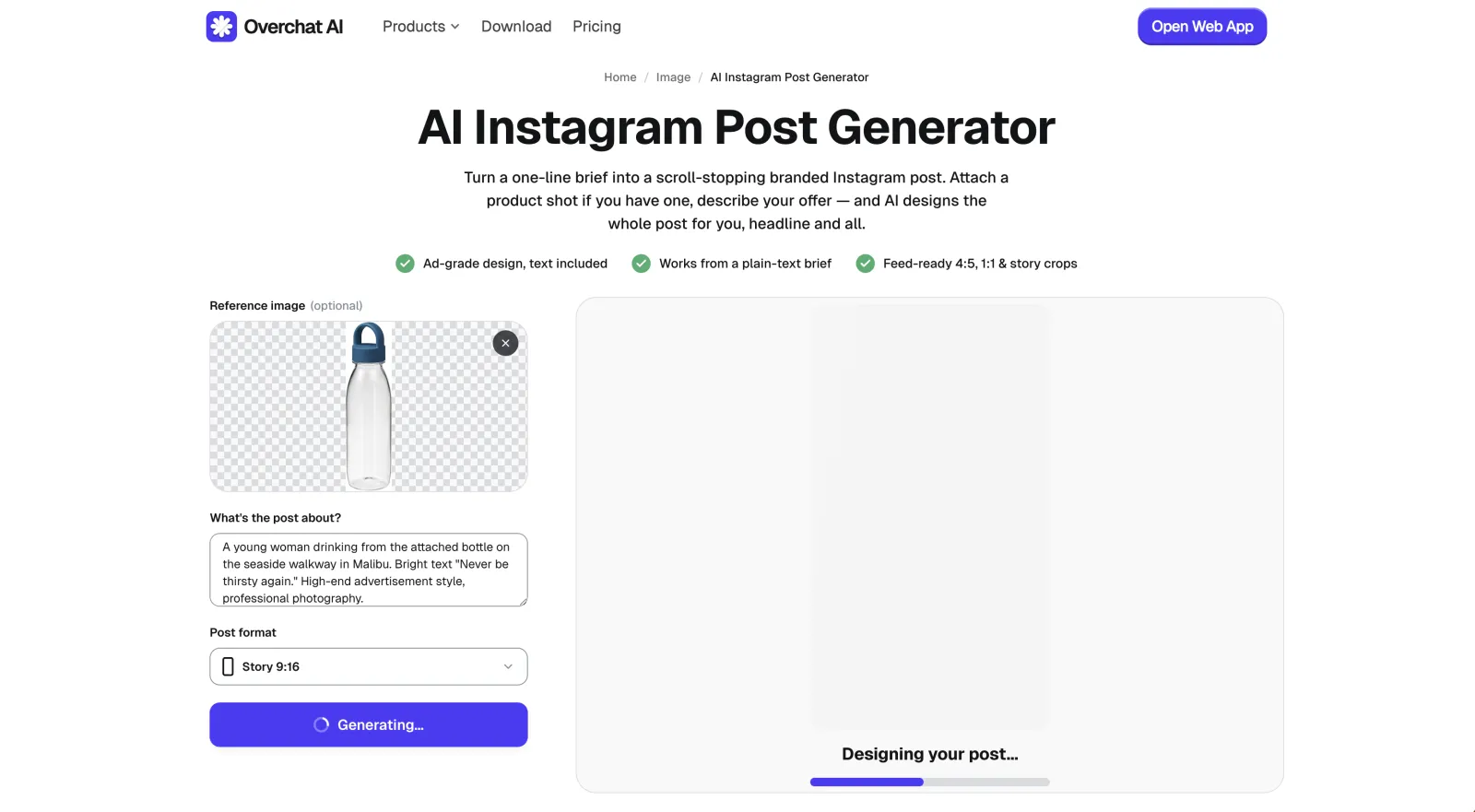
If you're making an ad about a product of yours, drop it into the image upload area (or, if you're browsing from your phone, just take a picture of it — it can be super messy and low quality, the AI will fix all of those issues in the final result). Click or tap Upload image to do this.
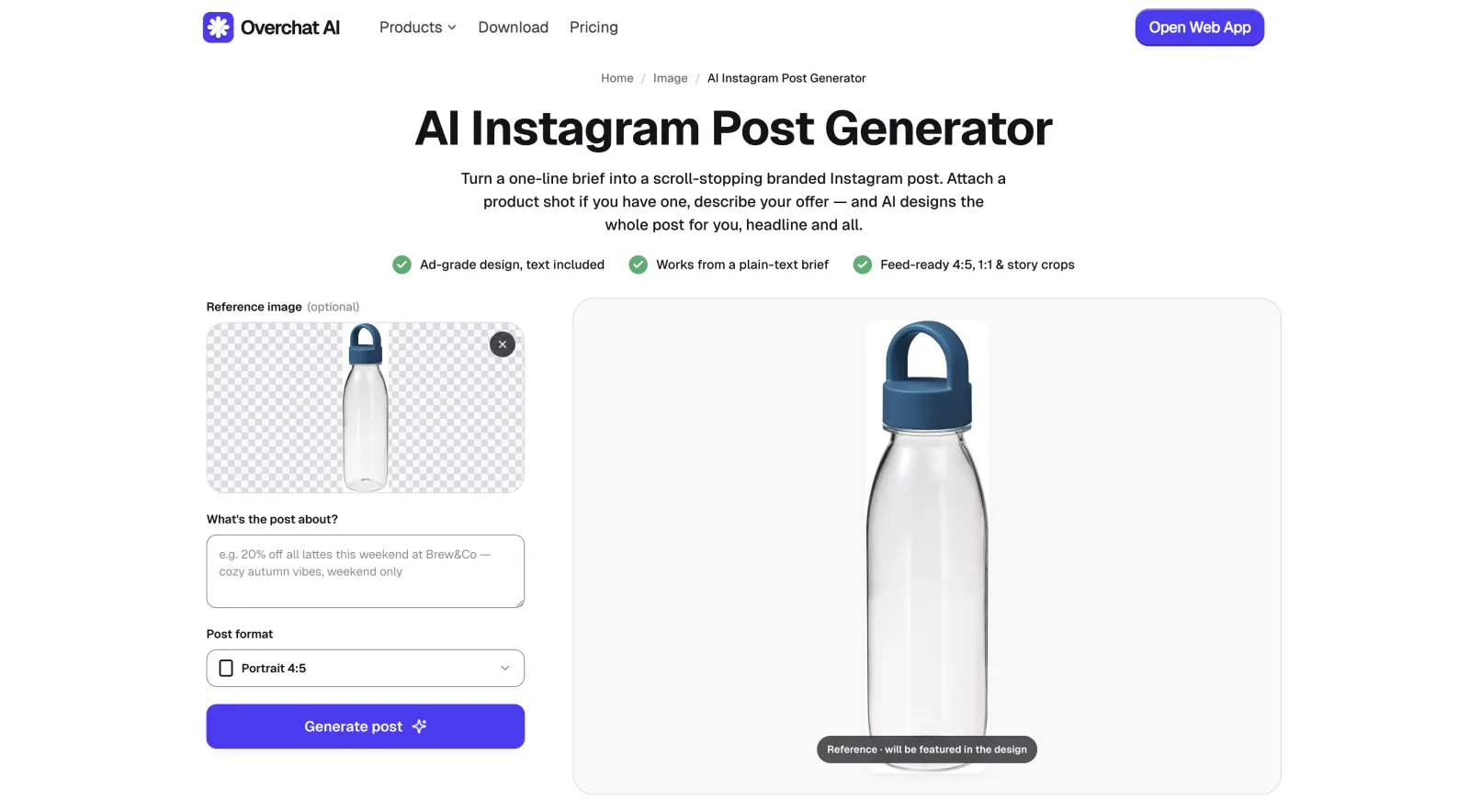
You control the final result through the "What's the post about?" field — use it to write what you want to see in as much detail as possible. Include details like textures, quality of light, the overall vibe, location, and who's in the shot (you can even add famous people, but don't use them as part of your commercial campaigns for copyright reasons), and even what not to generate (also called negative prompting).
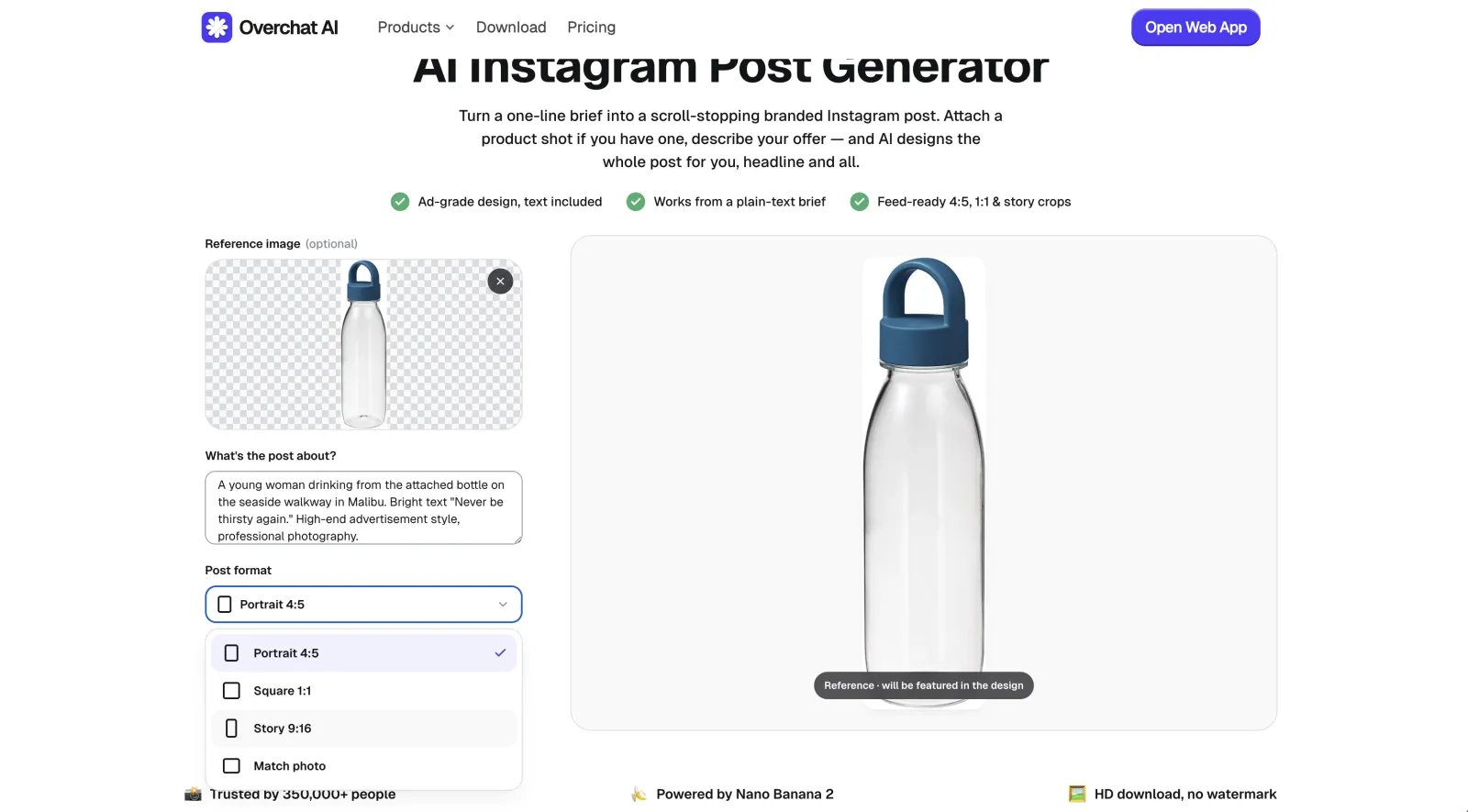
For this example we're using a short prompt, but we'd urge you to be a lot more detailed than this: "A young woman drinking from the attached bottle on the seaside walkway in Malibu. Bright text 'Never be thirsty again.' High-end advertisement style, professional photography."

Pick the crop that matches where the post is going. The Overchat AI generator offers:
Click Generate post and wait about 30 seconds for the AI to do its magic. You'll see a climbing progress indicator during this time.
Note: generations can sometimes take a little longer, or indeed a little shorter, and the time largely depends on how congested the model servers are at the moment, or, in other words, how many users are engaging with the tool at the same time that you're using it. But expect that figure to be in the 20–50 seconds range.
When it's done, you'll see the finished post in the preview, mocked up in Instagram. From here, you can click Download to save it in HD with no watermark.

If the Overchat AI Instagram generator made an error — use the regenerate button to try again with a modified prompt. For example, here it added some extra text that we didn't ask for, which the model thought would help sell the water bottle. Perhaps adding a negative prompt telling it what not to do could be a good idea in this scenario.
To improve the quality of your AI Instagram ad imagery, you can adopt the following prompting tips:
Overchat AI offers the best AI Instagram photo generator. Overchat AI is an all-in-one AI platform whose AI Instagram Post Generator builds a full post from a simple text prompt. It runs on Nano Banana 2, so a product shot drops into a photorealistic scene with the headline and caption designed in. And because it's part of a broader AI image editing platform, you can take the finished result and upscale it, or recompose it with the AI Selfie Generator, for example.
Other notable options include:
Canva. A template-based design tool with an Instagram post maker that gives you thousands of editable layouts plus AI helpers like Magic Media for backgrounds.
Adobe Express is Adobe's free template maker, similar to Canva, with clean Instagram layouts and Firefly-powered generative fill.
PhotoGPT is a personal AI photo generator, where you can upload 12–15 photos of yourself, train a model on your face, and then create portraits featuring yourself from a prompt. Overchat AI also has a feature like this, but you really aren't obligated to use it, as the model behind the tool is just that powerful and can work well with a single reference image.
A few common questions about creating AI photos for Instagram.
Open an AI Instagram photo generator like Overchat AI's, optionally upload a reference image, describe the post in the text box, choose a crop such as 4:5 or 9:16, and click generate. The tool renders a finished, feed-ready image in a few seconds.
Some are. Overchat AI's AI Instagram Post Generator is free with no account during its current promotion, and Canva and Adobe Express have free tiers. Most tools reserve their most advanced models or export options for a paid plan.
Portrait 4:5 (1080×1350 px) is the best size for a feed post because it takes up the most vertical space. Use Square 1:1 for a uniform grid and 9:16 for Stories and Reels. Good generators let you pick the ratio before you generate so the image is composed for that crop.
Yes. Brief-based generators like Overchat AI's let you upload a reference image, and the AI features that product in the final design. A clean shot on a plain or transparent background composites most cleanly into a new scene.


