Os editores de imagem com IA permitem fazer ajustes precisos nas suas fotos apenas descrevendo o que você quer ver — sem precisar abrir o Photoshop. Várias ferramentas desse tipo surgiram em 2026, à medida que os modelos de IA de imagem ficam cada vez mais impressionantes, mas nem todas têm a mesma qualidade.
Neste artigo, vamos apresentar os 6 melhores editores de imagem com IA disponíveis hoje, explicar o que diferencia cada um e ajudar você a descobrir qual é o ideal para o seu caso. Vamos lá.
Os editores de imagem com IA usam modelos de difusão e pipelines de texto-para-edição para regenerar partes de uma imagem com base em comandos em linguagem natural — uma abordagem fundamentalmente diferente das ferramentas baseadas em pixels, como o Photoshop.
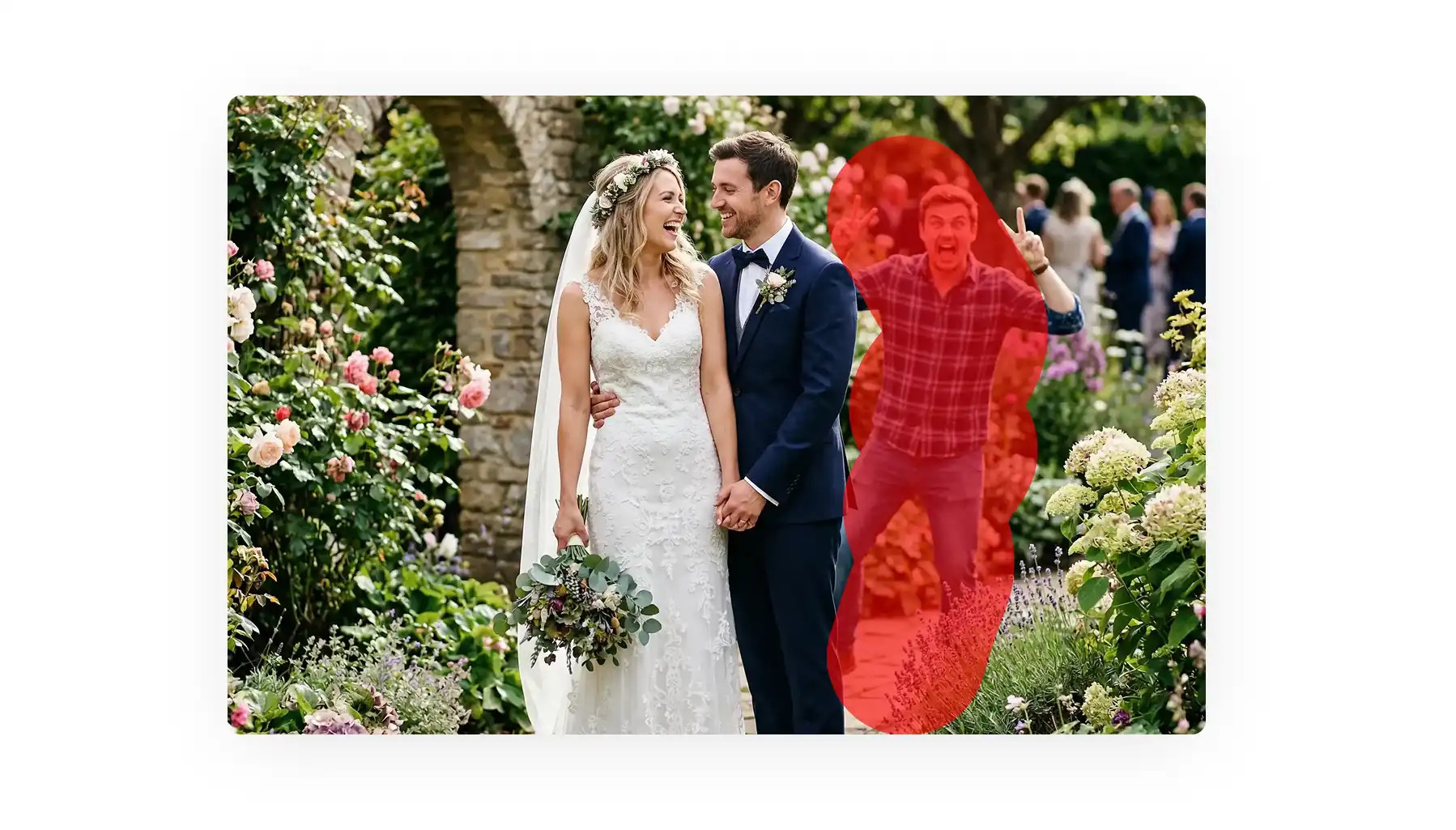
Eles se destacam em tarefas como remover objetos, trocar fundos, colorir fotos, transferir estilos e fazer ajustes seletivos em elementos difíceis de recortar, como fios de cabelo.
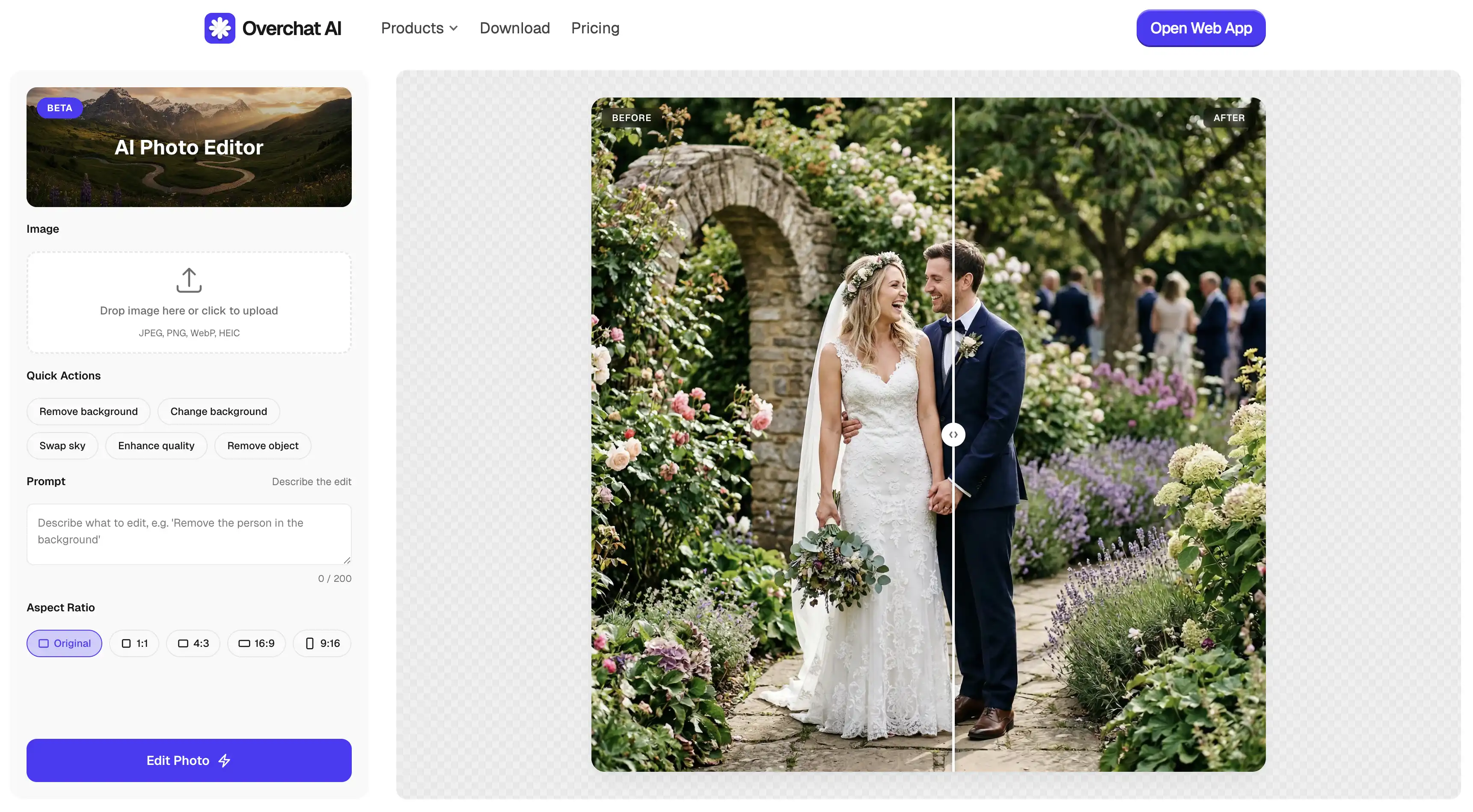
A Overchat AI é a melhor escolha geral, movida pelo Nano Banana 2, sem necessidade de cadastro, com downloads sem marca d'água e apps para web, iOS e Android.
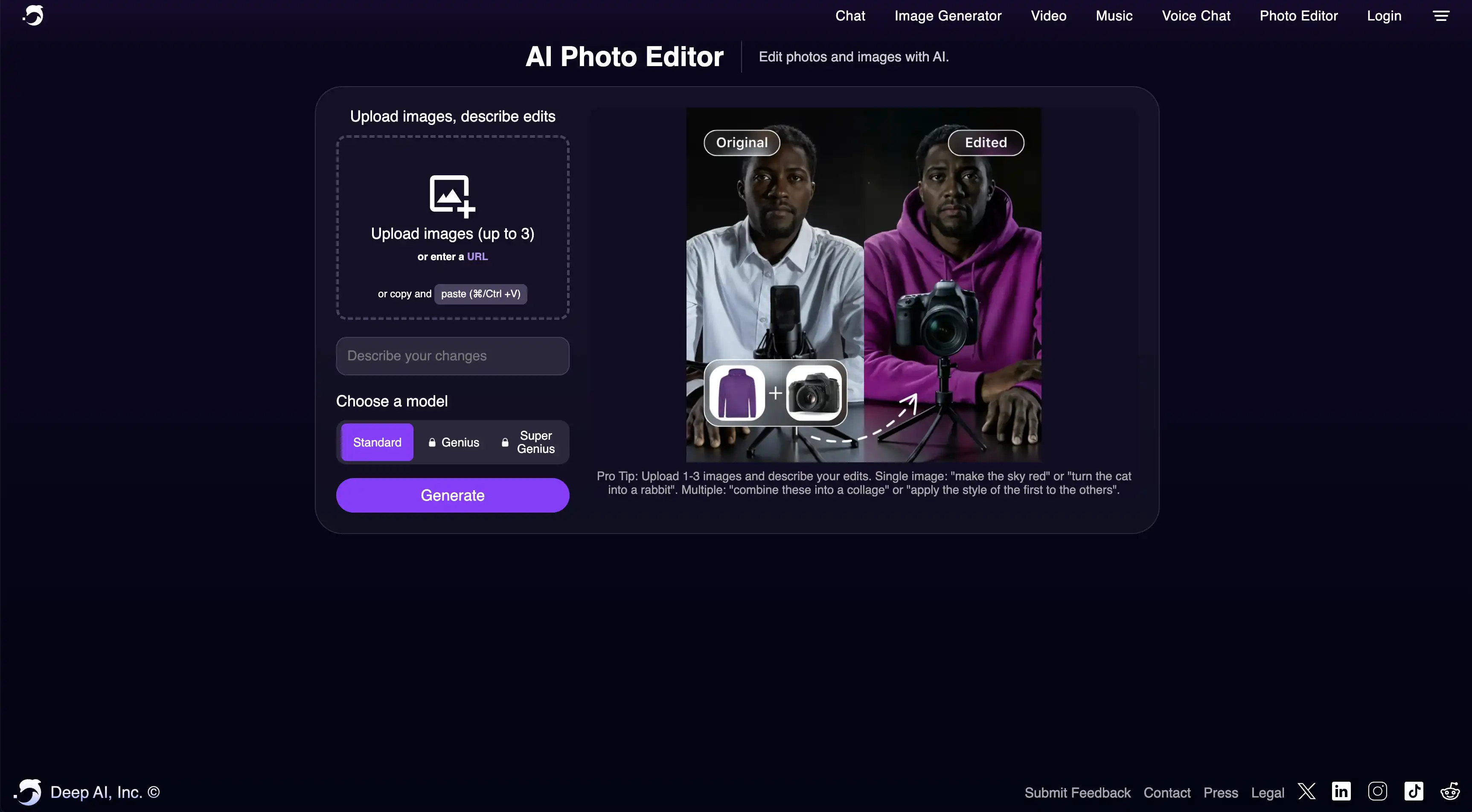
A DeepAI oferece edição flexível com várias imagens (até 3 imagens por comando) e integra-se ao Photopea, com um plano Pro a US$ 9,99/mês.
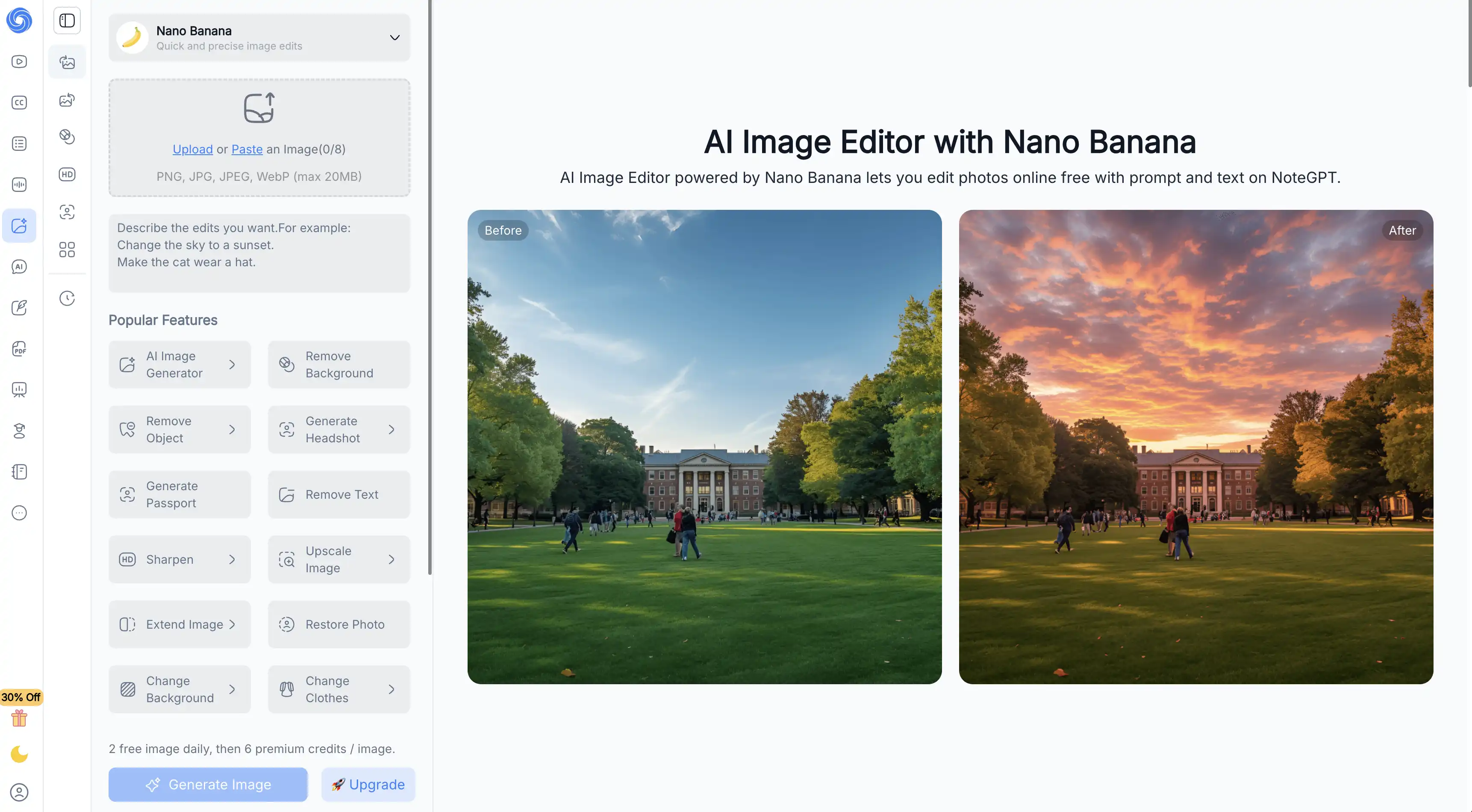
A NoteGPT roda na geração anterior do Nano Banana, oferece suporte a geração em lote e libera 2 imagens grátis por dia antes de os créditos entrarem em ação.
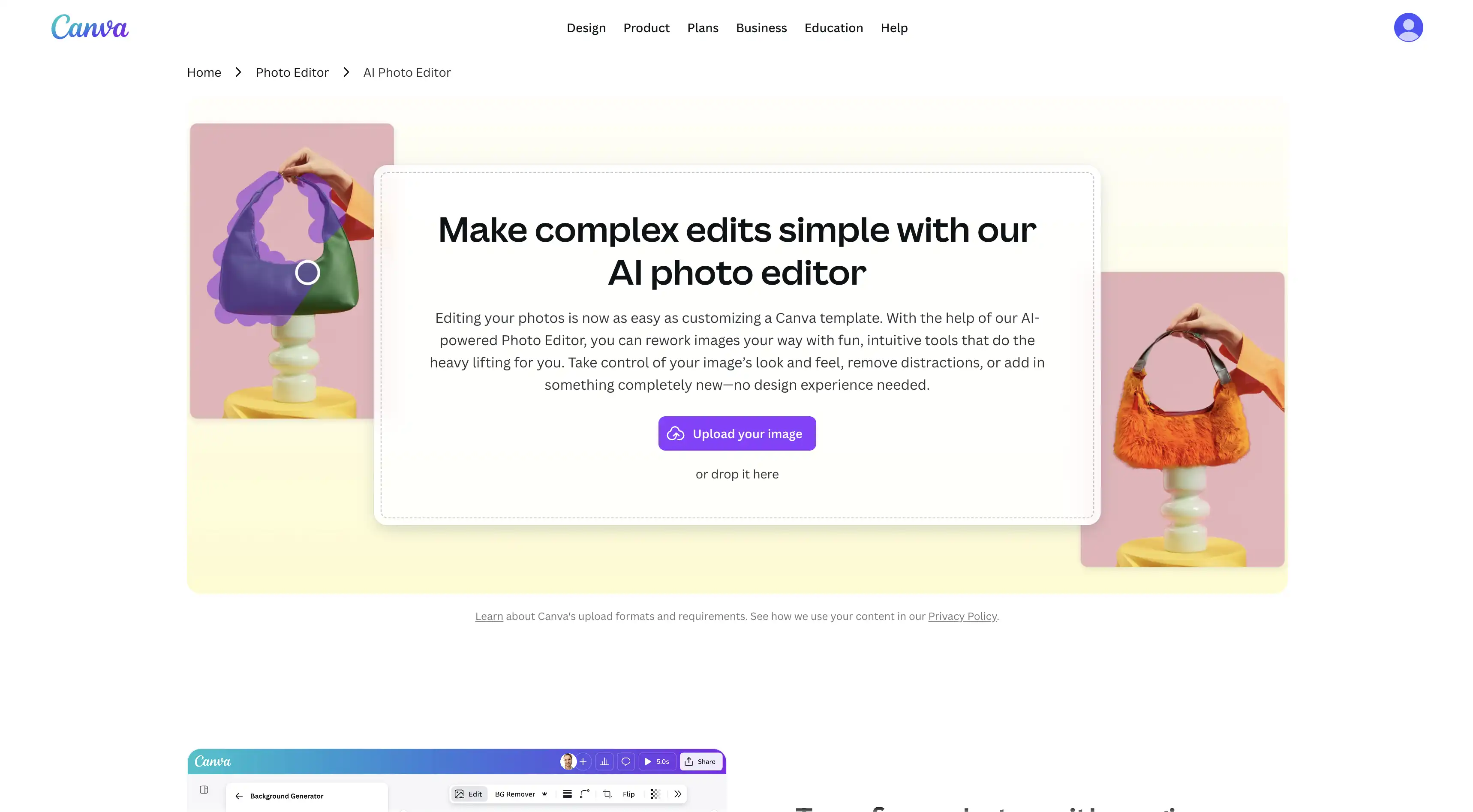
O Magic Studio da Canva (Magic Edit, Magic Eraser, Magic Grab) reúne a edição com IA dentro de uma plataforma de design completa, mas a maioria dos recursos de IA exige o Canva Pro.
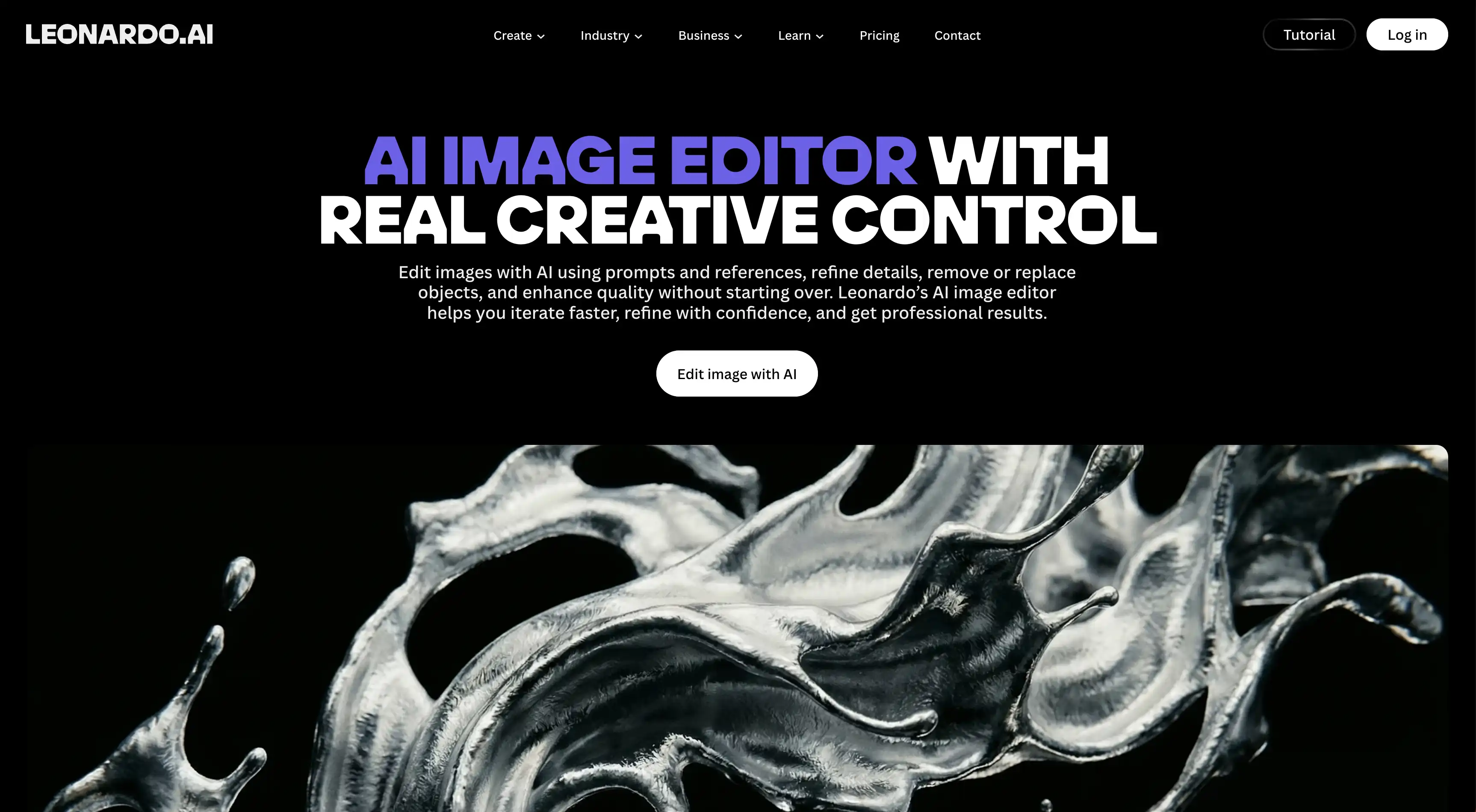
A Leonardo AI oferece a maior seleção de modelos — Nano Banana, GPT Image 1.5, Flux, Seedream, Lucid — além de um Canvas Editor com inpainting e outpainting.
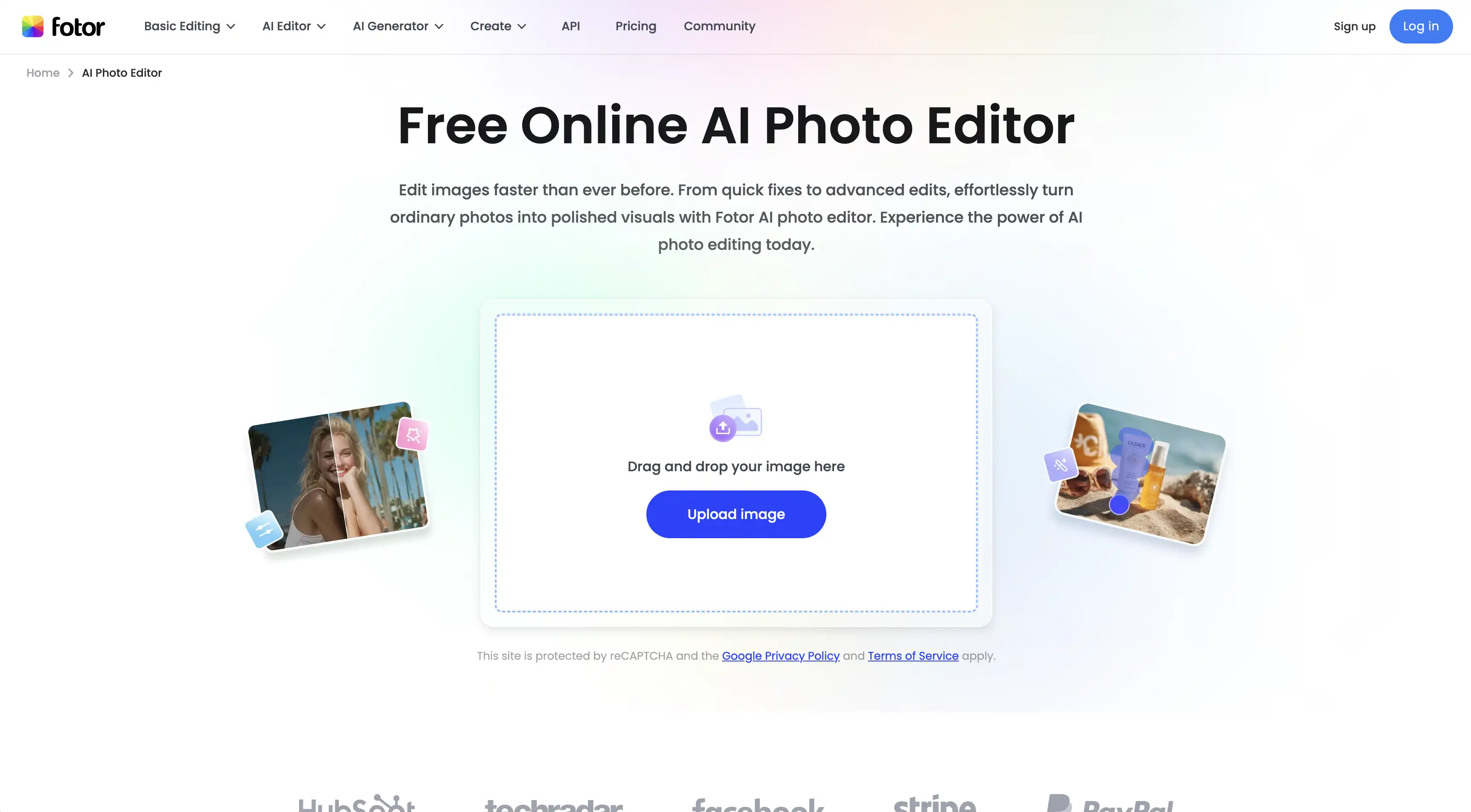
A Fotor combina ferramentas de IA (Replace, Expand, Enhancer, Object Remover) com a edição tradicional, oferece exportações gratuitas sem marca d'água e funciona em Windows, Mac, iOS e Android.
O que é um editor de imagem com IA?
Antes de partir para a comparação, vamos definir rapidamente o que de fato conta como um editor de imagem com IA.
Um editor de imagem com IA é um aplicativo online que usa um modelo de inteligência artificial para regenerar uma imagem do zero, aplicando ajustes específicos a ela. Isso é diferente dos editores tradicionais, como Photoshop ou Camera Raw, no sentido de que, em vez de ajustar os pixels existentes, a ferramenta cria algo do nada usando IA.
Por baixo dos panos, essas ferramentas se apoiam em uma combinação de tecnologias:
Modelos de difusão que geram novo conteúdo dentro de uma imagem (inpainting)
Transformação imagem-para-imagem para mudanças de estilo, reiluminação e upscaling
Pipelines de texto-para-edição que transformam comandos em mudanças visuais
Esse fluxo de trabalho permite aplicar edições bastante complexas — como remover um objeto difícil contra um fundo cheio de detalhes — em questão de segundos, e você pode fazer praticamente qualquer alteração apenas descrevendo o resultado desejado. O outro lado da moeda é que você abre mão de certo controle criativo (se você pedir para deixar a foto mais vibrante, a IA vai fazer isso — mas não é a mesma coisa que ajustar um controle deslizante e ver, em tempo real, vários graus diferentes do efeito).
Por causa disso, há certos tipos de edição que os editores de imagem com IA fazem melhor:
Remover objetos
Reposicionar o foco de uma foto
Mudar estilos
Colorir fotos em preto e branco
Adicionar objetos às imagens
Transformações criativas e colagens
Edição seletiva de objetos que normalmente são muito difíceis de recortar, como fios de cabelo balançando ao vento
6 dos melhores editores de imagem com IA comparados
Com isso resolvido, vamos a um olhar mais detalhado sobre ferramentas específicas. Testamos mais de 20 editores de imagem com IA online, mas este artigo cobre apenas os 6 que mais gostamos de usar. A tabela abaixo mostra como eles se comparam num relance:
Ferramenta
Melhor para
Plano gratuito
Marca d'água no gratuito?
Planos pagos a partir de
Overchat AI
Edição por comando de texto, movida pelo Nano Banana 2
✅
❌
US$ 14,99/mês
DeepAI
Edição com várias imagens e experimentos rápidos
✅
❌
US$ 9,99/mês
NoteGPT
Iniciantes e edições em lote consistentes
✅
❌
Baseado em créditos
Canva
Design colaborativo com edição por IA integrada
✅
❌
US$ 15/mês (Pro)
Leonardo AI
Trabalho criativo com várias opções de modelos
✅
❌
~US$ 12/mês
Fotor
Edição tradicional combinada com ferramentas de IA
✅
❌
US$ 8,99/mês
Agora vamos detalhar cada ferramenta.
Overchat AI
O editor de fotos da Overchat AI é movido pelo Nano Banana 2, um dos modelos de geração de imagem mais avançados que existem.
A ferramenta funciona com uma interface inteiramente de texto-para-edição — você descreve o que quer mudar em linguagem simples por meio de um comando de texto, a IA gera uma nova imagem e você pode continuar iterando assim, repetidamente.
As Ações Rápidas cobrem as edições mais comuns — você pode remover ou trocar o fundo, substituir o céu, melhorar a qualidade e remover objetos. Não é preciso ter uma conta para começar, e os downloads vêm sem marca d'água.
Prós:
✅ Movido pelo Nano Banana 2
✅ Sem necessidade de cadastro
✅ Edições de qualidade muito alta
✅ Funciona em qualquer lugar — desktop, tablet e celular no navegador, além dos apps para iOS e Android
DeepAI Image Editor
A DeepAI existe há anos e oferece um dos fluxos de trabalho mais flexíveis desta lista. Você pode enviar até 3 imagens de uma vez e descrever o que quer, ou combinar várias imagens em uma só.
A plataforma oferece três níveis de modelos — Standard (gratuito), Genius e Super Genius — sendo que os níveis superiores ficam liberados apenas com a assinatura DeepAI Pro.
Além da edição por comando, há também opções de um clique para melhorar a imagem, remover fundo, animar e dar zoom out/expandir.
Prós:
✅ Edição com várias imagens, até 3 por comando
✅ Integra-se ao Photopea para edições mais avançadas
✅ Plano Pro acessível, a US$ 9,99 por mês
✅ Inclui ferramentas de animação e expansão além do básico
Contras:
❌ Os melhores modelos ficam restritos ao Pro
❌ A interface parece simplória em comparação com plataformas mais novas
❌ Os resultados do nível gratuito podem ser uma loteria
NoteGPT AI Image Editor
A NoteGPT também é movida pelo modelo Nano Banana, embora rode a geração anterior da tecnologia em comparação com a Overchat AI.
Dito isso, a consistência é muito boa — quando você faz várias edições na mesma imagem, ela mantém personagens e objetos consistentes ao longo das alterações. Também oferece suporte à geração de imagens em lote, transformando um único comando ou imagem em várias variações únicas de uma vez. O nível gratuito dá 2 imagens grátis por dia, e depois disso cada edição custa 6 créditos premium.
Prós:
✅ Construída sobre o modelo Nano Banana
✅ Geração em lote a partir de um único comando
✅ Sem necessidade de cadastro para começar
✅ Faz parte de um conjunto mais amplo de ferramentas de produtividade com IA
Contras:
❌ Apenas 2 imagens grátis por dia antes de os créditos começarem a entrar em ação
❌ A edição de imagem não é o foco principal da plataforma
❌ Menos controles avançados do que os editores feitos sob medida
Canva
A Canva é mais conhecida como plataforma de design, mas vale a pena incluí-la aqui graças às suas ferramentas de edição de fotos com IA reunidas no Magic Studio:
Magic Edit
Magic Eraser
Magic Grab
O Magic Edit (movido pela Leonardo AI) permite pincelar uma parte da sua foto e digitar o que você quer adicionar ou substituir. O Magic Eraser identifica elementos individuais de uma foto para que você clique e os remova. O Magic Grab permite isolar qualquer objeto da sua foto para movê-lo, redimensioná-lo ou reposicioná-lo.
A maioria das ferramentas de IA fica restrita ao Canva Pro. O plano gratuito permite fazer edições básicas sem marca d'água, mas o Magic Edit, o Magic Eraser e o Background Remover exigem upgrade.
Prós:
✅ Ferramentas de IA dentro de uma plataforma de design completa
✅ Colaboração em tempo real com a sua equipe
✅ Amigável para iniciantes desde o início
Contras:
❌ A maioria dos recursos de IA fica restrita ao Canva Pro
❌ É, antes de tudo, uma ferramenta de design
❌ Pode ter dificuldades com rostos, mãos e texto
Leonardo AI
A Leonardo AI começou como uma plataforma de geração de imagem e cresceu até virar um conjunto criativo completo, permitindo editar, refinar e melhorar imagens sem precisar começar do zero.
O Canvas Editor é a ferramenta principal aqui, com suporte a inpainting (gerar novo conteúdo dentro de uma área mascarada) e outpainting (estender imagens para além das suas bordas originais).
Você pode alternar entre Nano Banana, Nano Banana Pro, GPT Image 1.5, Flux, Seedream e os modelos Lucid, da própria Leonardo, dependendo do tipo de edição que está fazendo. A plataforma também inclui os Blueprints — modelos prontos que reúnem várias operações de IA em fluxos de um clique para coisas como troca de fundos, transferência de estilos e restauração de fotos antigas.
Prós:
✅ Vários modelos de IA disponíveis em uma única interface
✅ O Canvas Editor oferece suporte a inpainting e outpainting
✅ Omni Editing para mesclar, mudar o estilo e transformar imagens
✅ Modelos Blueprint para fluxos de um clique
✅ Upscaling poderoso já embutido
Contras:
❌ A cota diária gratuita de tokens se esgota rapidamente nos recursos avançados
❌ Pode parecer sobrecarregada para iniciantes, dada a enorme quantidade de modelos oferecidos
❌ Lidar com vários modelos de IA tem sua própria curva de aprendizado e adiciona complexidade
Fotor
A Fotor é uma veterana do mundo da edição de fotos online — usada por mais de 800 milhões de usuários — e adicionou um conjunto completo de recursos de IA sobre suas ferramentas de edição tradicionais:
AI Replace
AI Expand
AI Enhancer
AI Object Remover.
Veja o AI Replace, por exemplo: você pincela uma área da sua foto, descreve o que gostaria de adicionar e a IA mescla os novos elementos de forma perfeita.
O AI Expand usa outpainting para esticar a sua imagem para além das bordas originais — útil para mudar proporções de tela ou revelar mais de uma cena.
O plano gratuito até exporta sem marca d'água — algo que está ficando cada vez mais raro nessa categoria.
Prós:
✅ Exportações gratuitas sem marca d'água
✅ Combina ferramentas de IA com recursos de edição tradicionais
✅ Disponível em Windows, Mac, iOS e Android
✅ A edição em lote permite processar várias fotos de uma vez
✅ Enorme biblioteca de modelos e recursos de design prontos para uso
Contras:
❌ Alguns recursos avançados de IA ficam restritos ao Fotor Pro
❌ A interface pode parecer poluída com tantas ferramentas reunidas
❌ A qualidade dos resultados da IA varia de recurso para recurso
Perguntas Frequentes (FAQ)
Qual é o melhor editor de imagem com IA?
A Overchat AI é a melhor escolha geral. Ela é movida pelo Nano Banana 2 — um dos modelos de geração de imagem mais avançados disponíveis hoje — e entrega resultados com qualidade profissional em menos de 30 segundos.
Os editores de imagem com IA são gratuitos?
Em geral, sim, mas normalmente você esbarra em limites diários de créditos ou em algum outro limite do plano gratuito — resoluções mais baixas, marcas d'água e por aí vai. Rodar modelos de IA de imagem poderosos não sai de graça para o provedor, então oferecer um editor de alta qualidade, realmente ilimitado e gratuito simplesmente não é viável.
O que é melhor: um editor de imagem com IA ou o Photoshop?
São ferramentas diferentes, feitas para propósitos diferentes. Para trabalhos profissionais, a IA ainda não substitui o Photoshop — nesse nível, o objetivo é alcançar uma visão artística bem específica, embora os profissionais costumem usar ferramentas de IA para complementar o fluxo de trabalho. Já para a maioria das tarefas do dia a dia, os editores de IA são mais do que suficientes e são muito mais fáceis de aprender do que o Photoshop. No fim das contas, depende da sua situação específica.
É seguro enviar fotos para um editor de imagem com IA?
Sim, com certeza — desde que você use um provedor confiável como a Overchat AI ou qualquer uma das outras ferramentas desta lista.
Conclusão
Os editores de imagem com IA tornaram a edição de fotos acessível para qualquer pessoa com uma ideia clara do que quer criar.
Principais conclusões:
Os editores de IA conseguem resolver em segundos o que antes levava horas de trabalho manual no Photoshop.
São ferramentas online que usam inteligência artificial para regenerar seletivamente partes de uma imagem.
Normalmente você controla as edições com linguagem natural — basta descrever a mudança desejada em texto simples.
A Overchat AI se destaca como um dos melhores editores de imagem com IA do mercado em 2026.