Kling 3.0 Image: o gerador de imagens com IA que passou despercebido
Last Updated:
2026-09-08
Kling 3.0 Image: o gerador de imagens com IA que passou despercebido
Todo mundo na internet está comentando como o gerador de vídeo Kling 3 é incrível — e com razão. Mas uma coisa que muita gente deixou passar é que, quando a Kuaishou lançou a família de modelos de IA Kling 3.0 em 4 de fevereiro de 2026, ela também atualizou seus modelos de geração de imagem.
Apresentamos o Kling Image 3.0 Omni.
Trata-se de um gerador de imagens com IA nativo em 4K que produz visuais prontos para impressão sem precisar de upscaling. Neste artigo, vamos testar o lado de imagem do Kling 3.0 para ver se ele é o gerador de imagens mais prático para criadores de conteúdo. Vamos começar.
O Kling Image 3.0 é o novo gerador de imagens da Kuaishou, com o Image 3.0 Omni como carro-chefe — gera nativamente em 2K e 4K sem upscaling, com nitidez suficiente para impressão.
Usa o raciocínio Visual Chain-of-Thought (a mesma tecnologia do Kling 3 em vídeo) para raciocinar sobre as relações entre os objetos antes de gerar, resultando em imagens visivelmente mais realistas.
Suporta 7 proporções de tela, até 3 imagens de referência e um Series Mode para gerar sequências coerentes de vários quadros a partir de um único prompt.
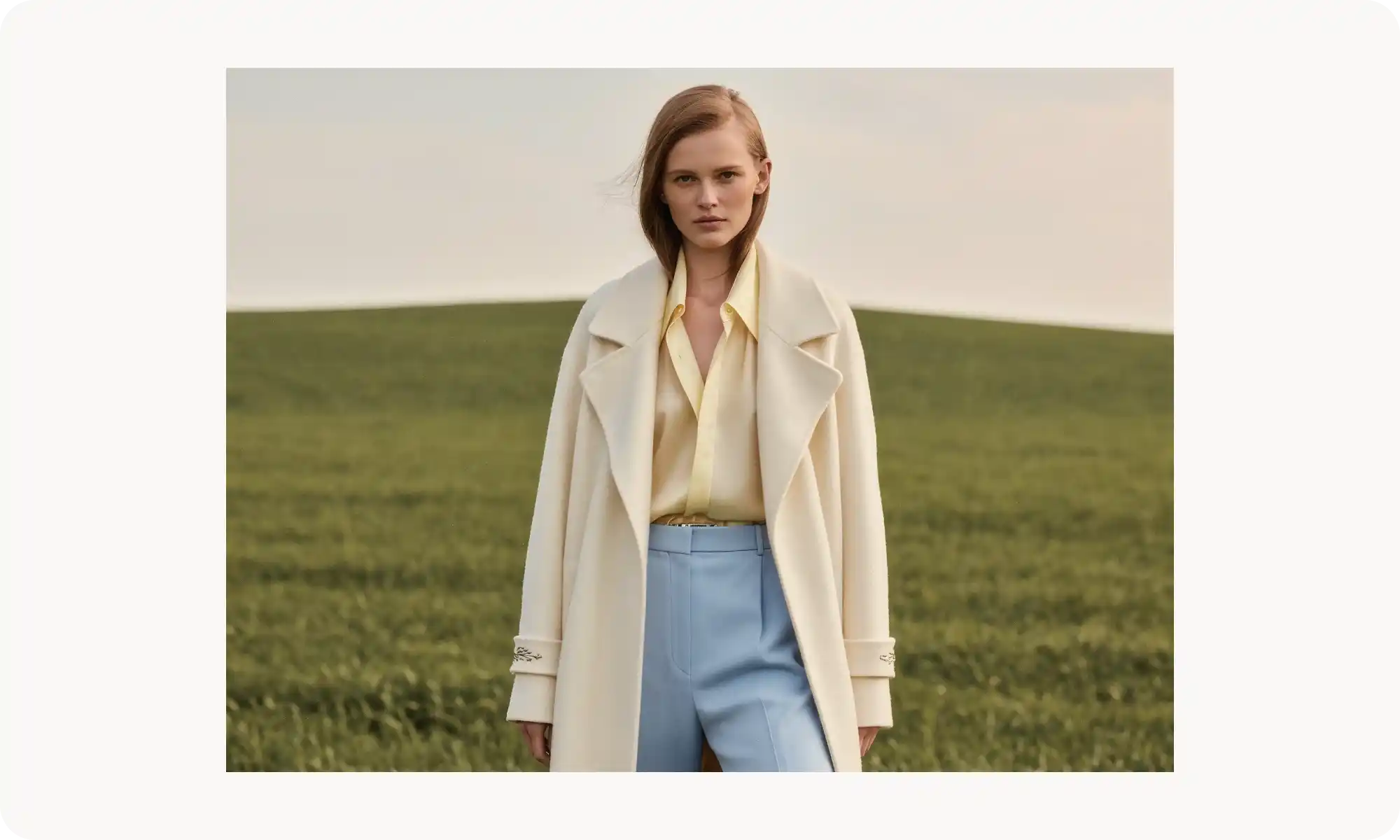
Pontos fortes: contraste marcante, composição cinematográfica, reflexos realistas e texturas bem renderizadas — lembra fotografia de iPhone feita do jeito certo.
Pontos fracos: tem dificuldade com textos mais longos (erros de digitação aparecem com frequência), então evite usá-lo em designs cheios de texto.
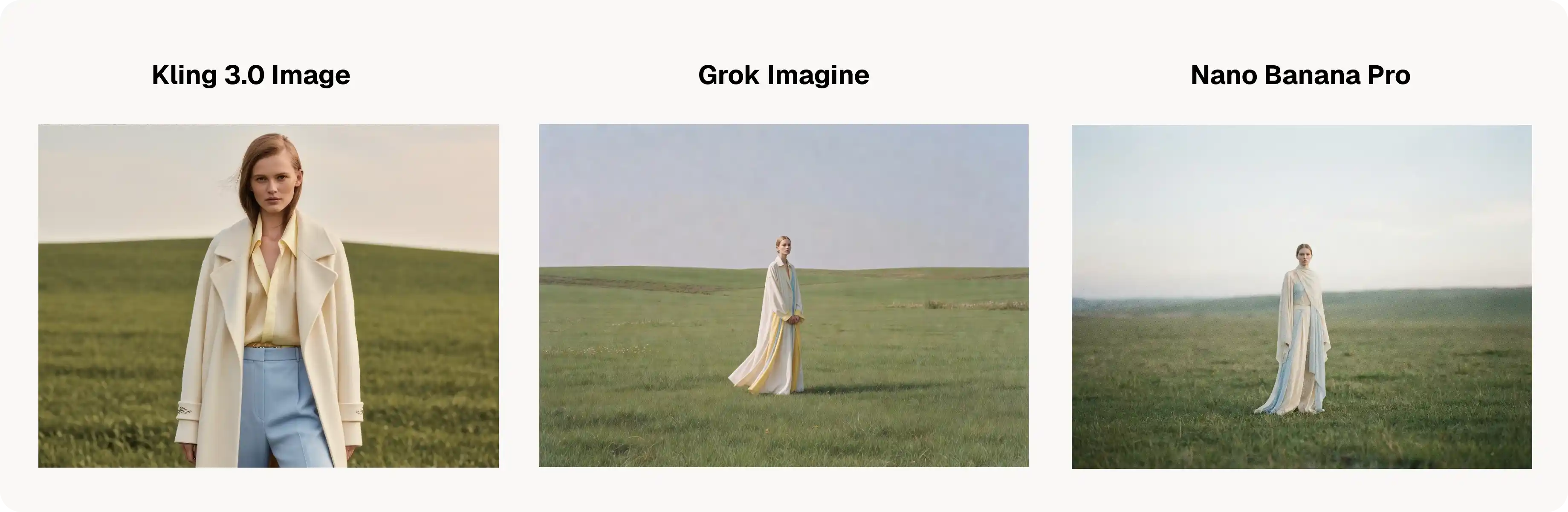
vs Nano Banana Pro: o Nano Banana ainda lidera em edição por conversa, renderização de texto quase impecável e seu visual cinematográfico natural, parecido com filme. O Kling Image 3.0 vence em resultados vibrantes e marcantes.
vs Grok Imagine: o Kling vence em resolução (4K nativo contra limites mais baixos), o que o torna melhor para trabalhos prontos para impressão.
Acesse pela Overchat AI (grátis para testar), pelo web app da Kling ou pela API.
O que é o Kling Image 3.0?
O Kling Image 3.0 é o componente de geração de imagens da família de modelos 3.0 da Kuaishou. Ele vem em duas versões:
Image 3.0
Image 3.0 Omni.
Sendo a versão Omni o carro-chefe. Esse modelo se destaca por gerar imagens diretamente em resolução 2K e 4K sem upscaling, o que deixa o resultado nítido o suficiente até para impressão.
Principais recursos do Kling Image 3.0 Omni
Vamos passar pelos principais recursos, porque, no papel, esse modelo tem capacidades fundamentais bem fortes:
Raciocínio Visual Chain-of-Thought
A mesma tecnologia usada no Kling 3 no lado do vídeo é aplicada aqui também — o modelo consegue raciocinar internamente sobre os visuais que está gerando. Durante esse processo, a IA desenvolve uma compreensão mais profunda das relações entre os objetos, seu movimento e suas interações.
Não é algo que você consegue ver acontecendo — diferente do raciocínio visível em alguns modelos de geração de texto —, mas o resultado são imagens que parecem visivelmente mais realistas do que as produzidas por modelos sem raciocínio chain-of-thought.
Resolução 4K nativa
O modelo consegue gerar imagens diretamente em 4K sem upsampling. As saídas em 4K nativo ficam muito nítidas, com ótima clareza nas bordas e nos detalhes.
Sete opções de proporção de tela
Escolha entre:
1:1
2:3
3:2
3:4
4:3
16:9
9:16
Referência com múltiplas imagens
Faça upload de até três imagens de referência de uma vez. O modelo analisa e integra as características visuais de todas elas e, em seguida, gera novas imagens que mantêm a consistência entre os elementos que você especificou.
Series Mode
Gere sequências de imagens coerentes mantendo as características das imagens de referência. Isso permite criar storyboards de vários quadros a partir de um único prompt — útil para tirinhas, sequências de produtos ou narrativas visuais.
Como o Kling 3.0 se sai no mundo real?
Dei ao modelo uma variedade de prompts para ver como ele lida com diferentes cenários — e foi isto que encontrei.
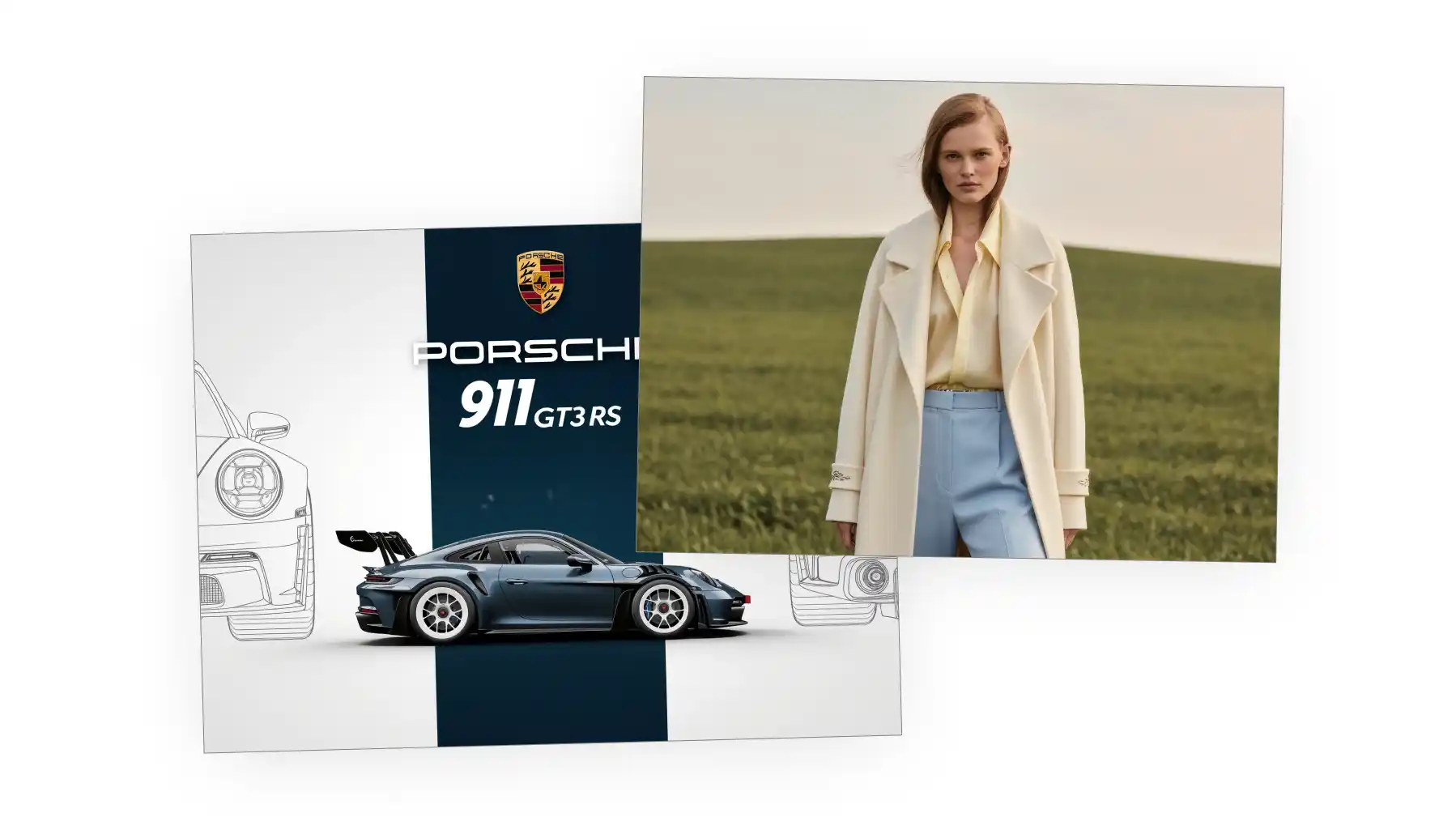
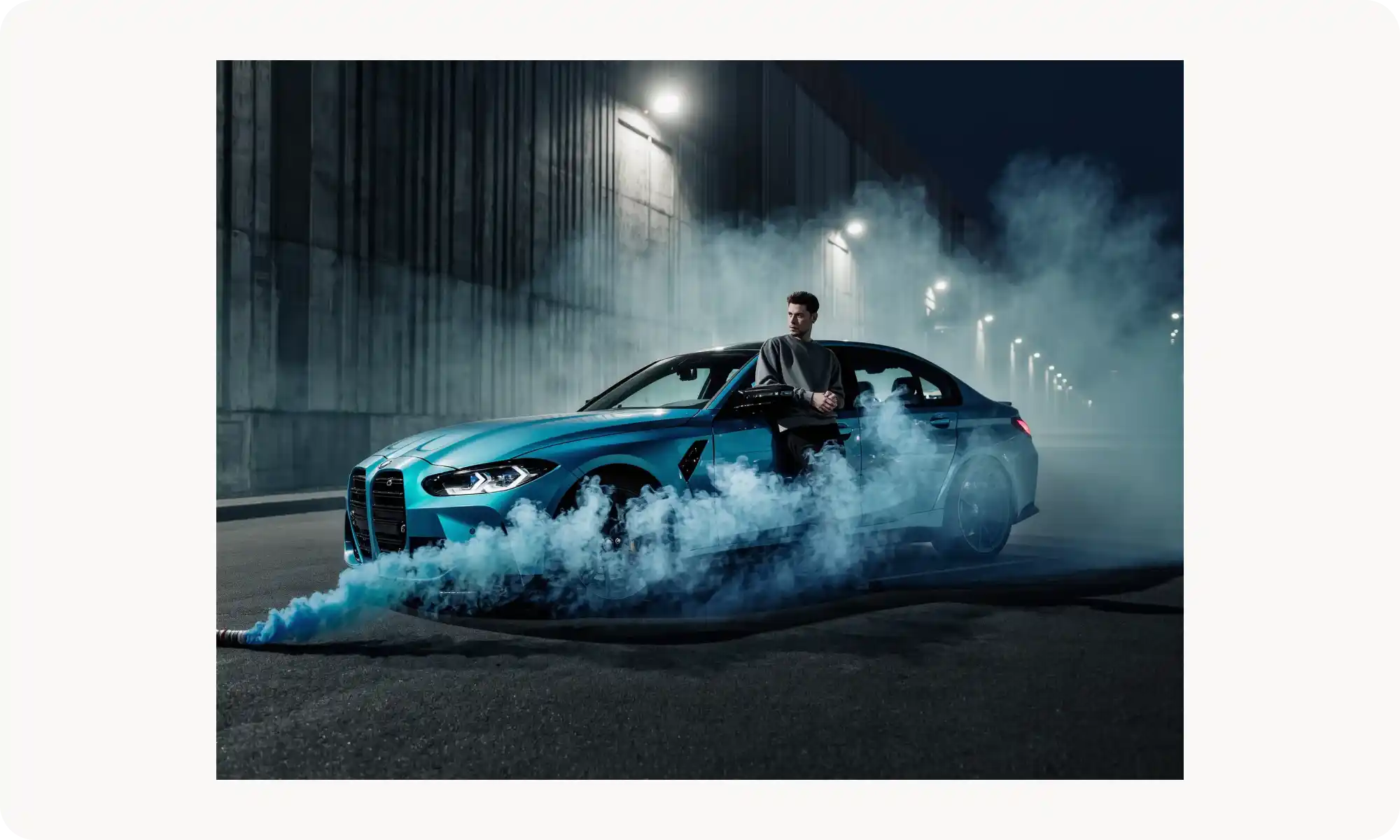
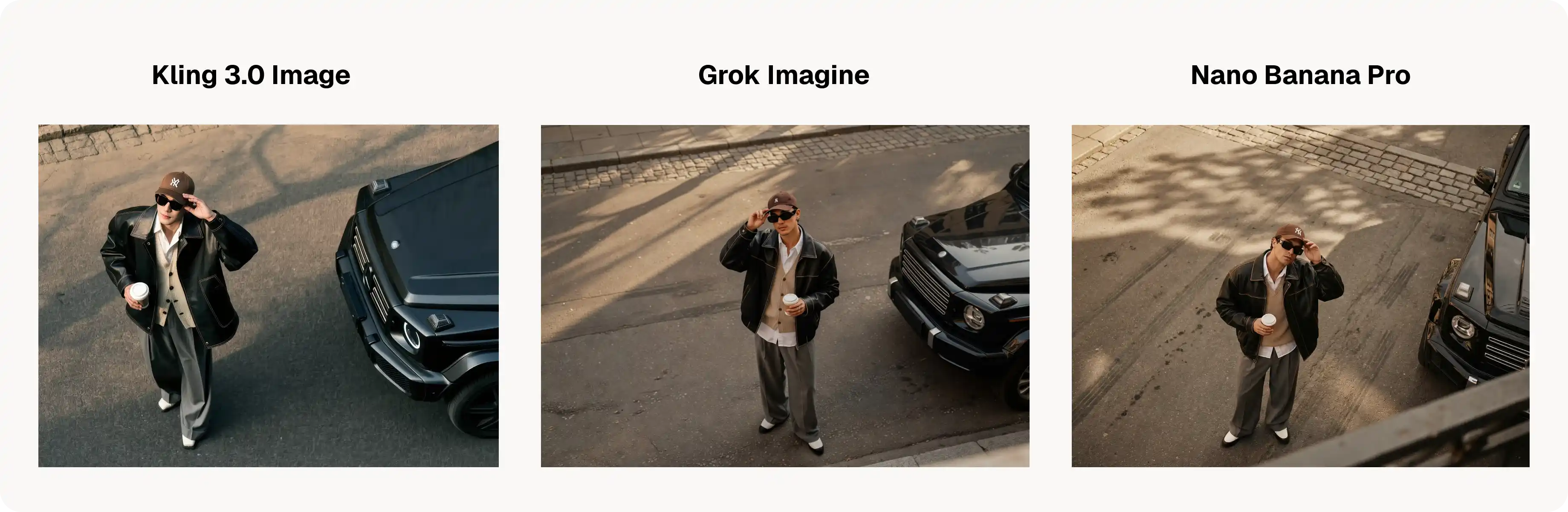
O Kling 3.0 Image tem um contraste muito bom. No pôster abaixo, o carro realmente se destaca, com reflexos lindos e realistas. A imagem parece ter passado por uma correção de cor profissional. Alguns outros modelos tendem a produzir visuais mais "chapados", a menos que você descreva a iluminação em grande detalhe.
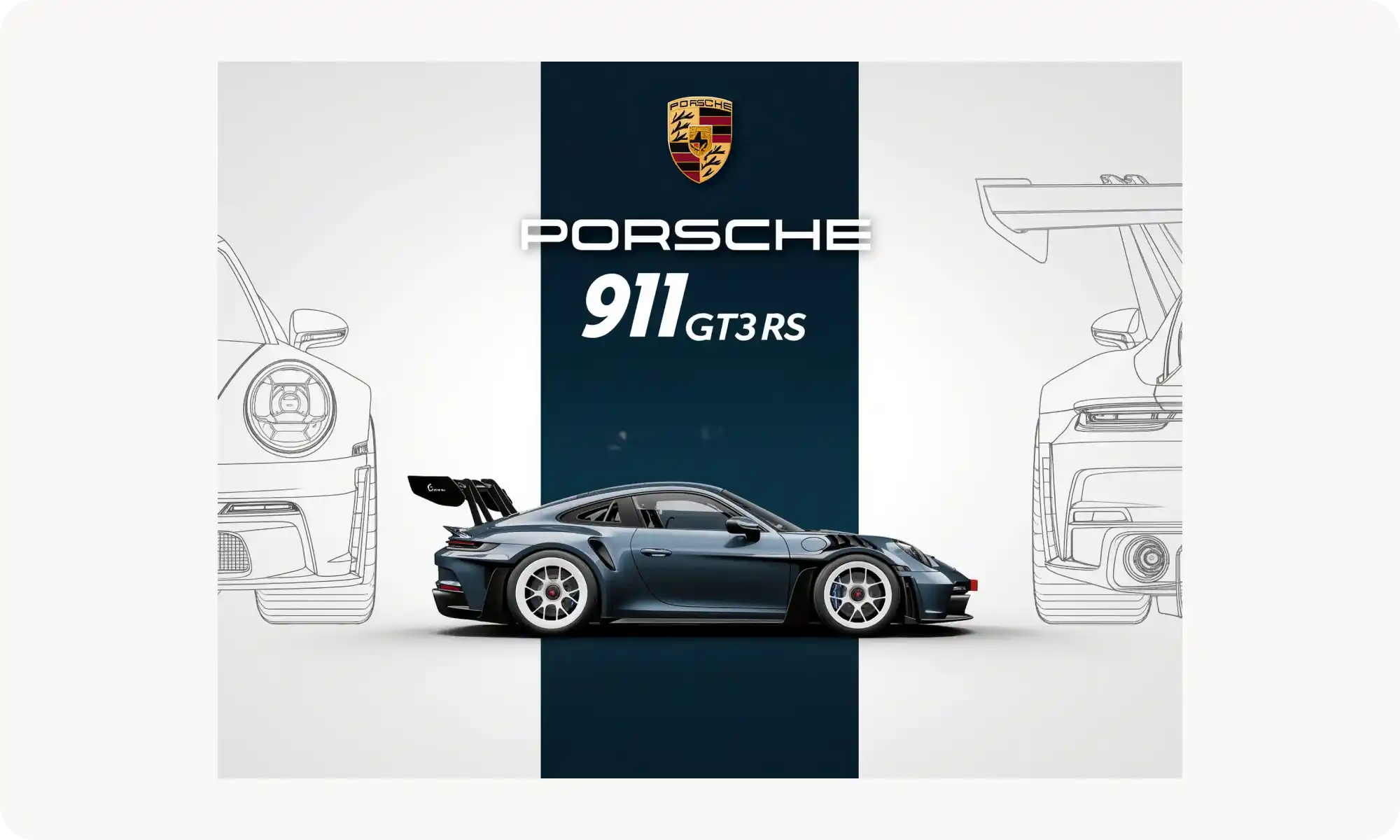
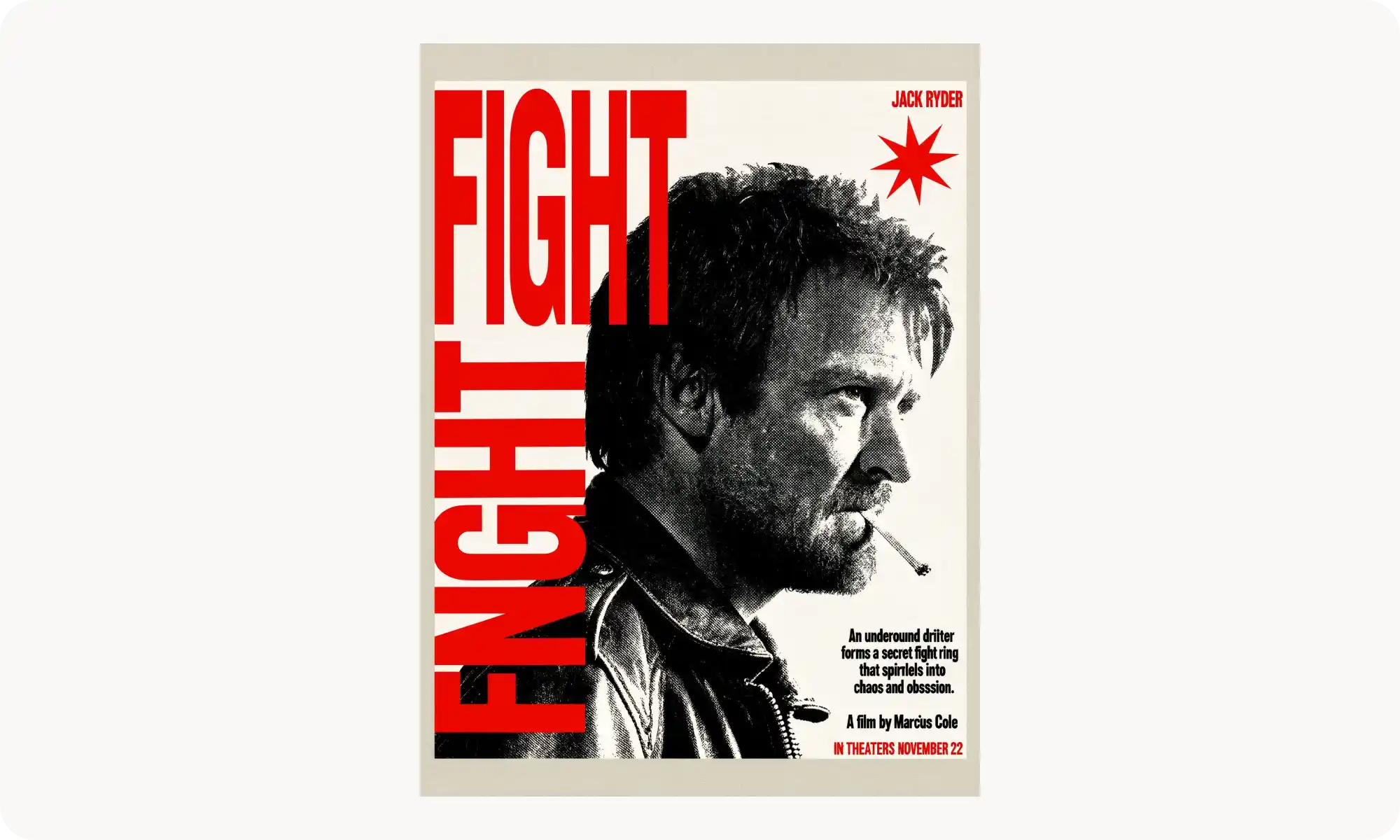
O Kling 3.0 cria composições interessantes. Pedi a ele para criar um pôster de filme, e o resultado genuinamente me surpreendeu. O layout parece ousado e intencional, com um senso dinâmico de escala. A textura no rosto do homem também ficou lindamente renderizada.
Por outro lado, ele tem dificuldade com textos mais longos — aparecem bastantes erros de digitação. Então provavelmente não é a melhor escolha para imagens cheias de texto. Dito isso, ele lida muito bem com trechos curtos de texto, como você pode ver no exemplo do cardápio abaixo.
Kling Image 3.0 vs. outros geradores de imagens com IA
Veja como o Kling 3 se compara ao Nano Banana Pro e ao Grok Imagine — um sendo o melhor gerador de imagens com IA no geral, e o outro um lançamento recente da xAI.
Kling Image 3.0 vs. Nano Banana Pro
Para os padrões da IA, o Nano Banana Pro já está começando a ficar velho — as coisas se movem na velocidade da luz nesse mercado. Mesmo assim, ele ainda é o melhor gerador de imagens com IA na minha opinião, e aqui está o porquê.
No papel, os modelos estão bastante equilibrados. O Banana Pro gera imagens em 4K nativo, por exemplo, e suporta a mesma variedade de proporções de tela.
Onde o Nano Banana Pro realmente se destaca em relação ao Kling 3 é em duas áreas:
Edição por conversa. Você pode fazer upload de uma imagem, descrever as mudanças que quer em linguagem simples e refinar o resultado ao longo de vários turnos. É algo fluido e intuitivo.\
Renderização de texto. O Nano Banana 3 consegue gerar páginas inteiras de texto quase sem falhas — algo com que a maioria dos modelos de imagem ainda tem dificuldade.
Também acho que o Nano Banana 2 tem uma qualidade cinematográfica, parecida com filme, distinta, que outros modelos têm dificuldade de replicar — incluindo o Kling 3.0.
Dito isso, curiosamente, o Kling 3.0 definitivamente tem o seu espaço. As imagens que ele produz são mais vibrantes e marcantes — me lembram fotografia de iPhone, mas feita do jeito certo. Com o Nano Banana, essa estética é, na verdade, mais difícil de alcançar de imediato. Todo modelo tem uma direção visual para a qual gravita naturalmente, e, no caso do Nano Banana, ela tende a ser uma vibe mais analógica, inspirada em filme.
Kling Image 3.0 vs. Grok Imagine Image
O Grok Imagine foi lançado em fevereiro de 2026, com a tecnologia Aurora, da xAI. Ele se destaca pela renderização fotorrealista e pela aderência precisa ao prompt, graças ao treinamento com bilhões de exemplos de imagem e texto de toda a web.
Dito isso, o Grok Imagine atualmente chega no máximo a resoluções mais baixas em comparação com a saída em 4K nativo do Kling. Se você precisa de materiais prontos para impressão ou de imagens estáticas com qualidade de produção, o Kling Image 3.0 Omni entrega mais fidelidade de imediato — sem precisar de upscaling.
Como acessar o Kling Image 3.0
Você pode acessar o Kling 3.0 na Overchat AI clicando neste link. O modelo é gratuito para testar, então você pode começar a gerar imagens na hora, simplesmente criando uma conta.
Você também pode acessar o Kling Image 3.0 por meio de:
Web app oficial da Kling, no klingai
API — para desenvolvedores que criam aplicações personalizadas
Conclusão
O Kling 3.0 Image é interessante. Diferente do Kling 3 no lado do vídeo, ele não é um modelo revolucionário — mas tem qualidades que valem a pena usá-lo ao lado de modelos como o Nano Banana Pro, por exemplo. Em especial, ele produz imagens com muito contraste, mas ainda assim de bom gosto.
Por outro lado, ele não lida com texto tão bem quanto alguns outros modelos (vimos erros de digitação até em prompts relativamente curtos) e, quando o assunto são certos estilos, ele pode errar mais vezes do que o modelo de ponta do Google.
Dito isso, ele é mais rápido, mais barato e — o que é importante — diferente. Ele definitivamente merece um lugar no seu kit de ferramentas de geração de imagens. Não subestime o Kling Image 3.0 Omni.