Removedor de Objetos de Fotos com IA: As 5 Melhores Ferramentas em 2026
Last Updated:
2026-09-08
Removedor de Objetos de Fotos com IA: As 5 Melhores Ferramentas em 2026
Cerca de 40% das imagens no meu iPhone são fotos que eu nunca compartilho, olho ou aproveito, porque foram estragadas por coisas aleatórias como sacolas plásticas, pessoas passando ou intrusos que aparecem no enquadramento. Imagino que seja assim para a maioria de nós.
Mas e se eu te dissesse que existe uma ferramenta de IA capaz de remover objetos indesejados das suas fotos com um único clique? Conheça os removedores de objetos de fotos com IA.
Eu testei mais de 15 dessas ferramentas e selecionei as cinco melhores, aquelas que mais gostei de usar e que entregaram os resultados mais consistentes.
Neste artigo, vou avaliar minhas cinco escolhas favoritas, explicar suas vantagens e desvantagens e mostrar como usar essas ferramentas para remover objetos das fotos em segundos — muitas vezes com resultados bem melhores do que no Photoshop.
Os removedores de objetos de fotos com IA usam modelos de geração de imagens e uma técnica chamada inpainting para apagar objetos indesejados e regenerar o fundo do zero, com base no contexto visual ao redor.
Eles são fundamentalmente diferentes das ferramentas tradicionais de carimbo de clonagem — em vez de copiar pixels vizinhos, eles entendem o que está na imagem (um gato, uma sacola de lixo, um rosto) e reconstroem as áreas ocultas de forma fotorrealista, preservando até o grão e a textura naturais.
Principais vantagens: lidam com objetos de praticamente qualquer complexidade, processam imagens em 30 a 40 segundos e não exigem habilidades de edição — agora qualquer pessoa com um smartphone consegue resultados que antes exigiam um retocador profissional.
A Overchat AI é a melhor escolha, com remoção de objetos por pincel, sem cadastro, sem marca d'água, gerações gratuitas ilimitadas e uma precisão impressionante mesmo em rostos e mãos parcialmente encobertos.
O Cleanup[.]pictures oferece uma interface simples e focada, com remoções gratuitas ilimitadas, embora as exportações gratuitas fiquem limitadas a 720px e o plano Pro custe US$ 5/mês para resolução completa.
O Photoroom foi feito para e-commerce, com processamento em lote, modelos para Amazon e eBay e ótima preservação dos detalhes do produto — a melhor opção para fluxos de trabalho comerciais.
O Magic Eraser do Canva é integrado a todo o conjunto de design do Canva, permitindo remover objetos e usar o resultado imediatamente nos seus projetos, mas exige o Canva Pro a US$ 15/mês para uso ilimitado.
O Airbrush adota uma abordagem mobile-first que combina remoção de objetos com retoque de retratos, embora a qualidade do modelo de IA fique atrás dos concorrentes e o plano Studio Pro exija um compromisso anual de US$ 99.
O que é um removedor de objetos de fotos com IA?
Primeiro, vamos esclarecer o que os removedores de objetos de fotos com IA realmente fazem. São ferramentas online que usam modelos de geração de imagens por IA para remover objetos indesejados das fotos.
Eles funcionam de forma diferente dos editores de imagem tradicionais. Em vez de clonar pixels de uma parte da imagem e mesclá-los em outra área — como fazem as ferramentas de edição convencionais —, os removedores de IA regeneram do zero tudo o que estava por trás do objeto, usando o contexto visual ao redor como guia.
E quando eu falo em contexto, é contexto de verdade. Por exemplo, se você remover uma sacola de lixo que cobre parte de um gato, a IA entende o que é uma sacola de lixo, o que é um gato e como aquele gato específico se parece, a partir das partes visíveis.
Usando uma técnica chamada inpainting, a ferramenta apaga o objeto selecionado e reconstrói a área que faltava de um jeito que fica totalmente fotorrealista.
Quando conheci essas ferramentas, eu tinha certeza de que conseguiria distinguir a parte original da parte gerada da imagem. Mas você realmente não consegue — nem dando zoom. A ferramenta ainda preserva o grão e a textura naturais.
Por que usar um removedor de objetos com IA?
A maior vantagem do fluxo de trabalho que descrevi acima é que ele funciona com objetos de praticamente qualquer complexidade.
É o seguinte: com ferramentas tradicionais como o Clone Stamp ou o Magic Eraser do Photoshop, é relativamente fácil remover algo como uma sacola plástica sobre a grama, porque a grama é um padrão simples e repetitivo.
Mas e se essa sacola plástica estiver cobrindo um objeto feito pelo homem, uma borda reta e definida ou parte de um animal? Aí você teria, basicamente, que recriar a área escondida à mão — e isso é muito mais fácil de falar do que de fazer.
A segunda grande vantagem é a velocidade. As ferramentas que testei e incluí aqui costumam levar cerca de 30 a 40 segundos do upload ao resultado final. Pode parecer um pouco lento enquanto você espera, mas, comparado a um fluxo totalmente manual, isso economiza facilmente horas de trabalho.
Por último, mas não menos importante, há a facilidade de uso. Muitos removedores de objetos com IA são altamente especializados e vêm com interfaces limpas e intuitivas. É um contraste enorme com programas de edição tradicionais como o Photoshop, em que só descobrir quais ferramentas e pincéis usar pode levar meia hora se você for iniciante. Com os removedores de objetos com IA, qualquer pessoa com um smartphone consegue hoje resultados que antes exigiam a contratação de um retocador profissional.
Os 5 melhores removedores de objetos com IA comparados
Depois de testar 15 ferramentas populares de remoção de objetos, aqui estão as que se destacaram em precisão, facilidade de uso e recursos:
Plataforma
Recurso de destaque
Plano gratuito?
Funciona sem cadastro?
Preço
Overchat AI
Uso ilimitado no plano gratuito e excelente qualidade de imagem
✅
✅
US$ 5,99/semana ou US$ 59,99/ano
Cleanup.pictures
Qualidade de imagem e facilidade de uso
✅
✅
US$ 5/mês ou US$ 36/ano
Photoroom
Otimização para e-commerce
✅
❌
US$ 9/mês
Canva Magic Eraser
Fluxo de trabalho de design
✅
❌
US$ 15/mês
Airbrush
Design mobile-first
✅
❌
US$ 99/ano
A tabela acima mostra um resumo das minhas ferramentas favoritas, e abaixo está uma lista mais detalhada de cada uma.
Overchat AI
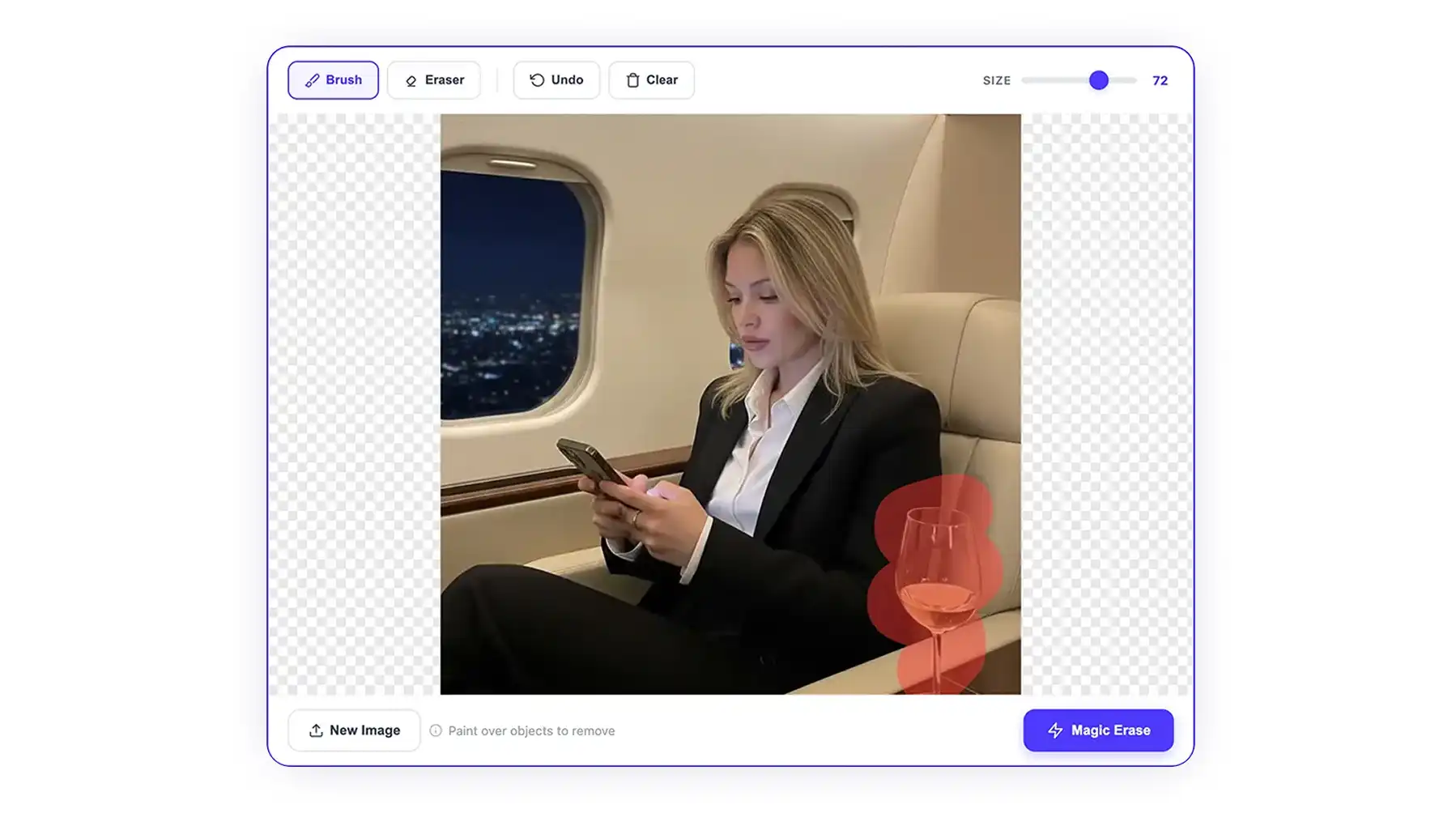
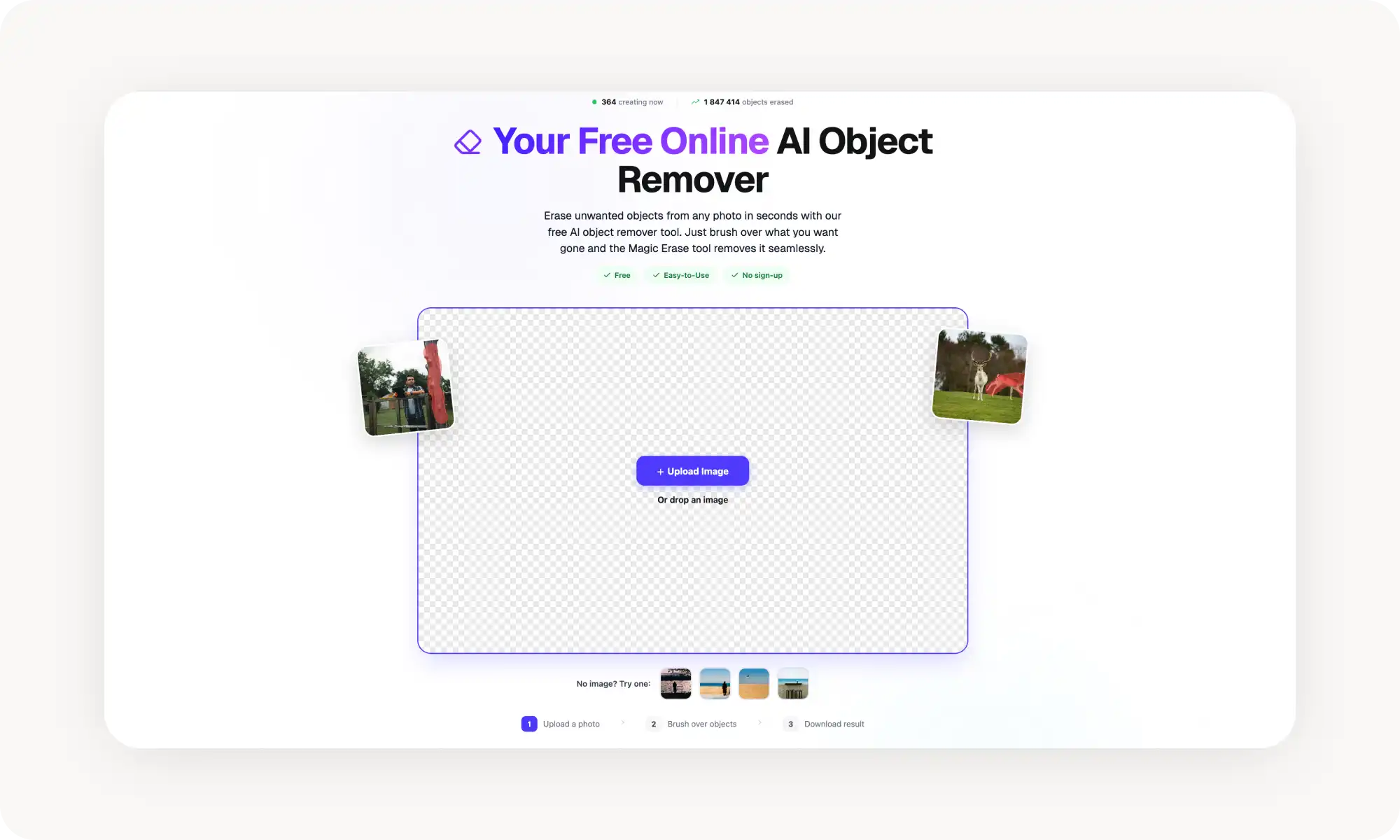
O removedor de objetos de fotos da Overchat AI funciona totalmente online, é gratuito e é extremamente fácil de usar, oferecendo uma interface especializada para apagar objetos das imagens.
Para usar a ferramenta, bastam três passos:
Faça o upload da sua foto
Pinte com o pincel o que você quer remover
baixe o resultado.
A Overchat AI usa inpainting avançado por IA para reconstruir o fundo automaticamente. Para usá-la, você não precisa criar uma conta nem fazer login. O processamento leva menos de 30 segundos para a maioria das imagens.
Fiquei especialmente impressionado com a precisão. A IA conseguiu recriar perfeitamente rostos e mãos parcialmente encobertos — algo nada fácil para qualquer gerador de imagens.
Prós:
✅ Não precisa de cadastro
✅ Totalmente gratuito, sem marca d'água
✅ Processamento rápido em menos de 30 segundos
✅ Lida bem com fundos complexos
Contras:
❌ Sem processamento em lote
Cleanup[.]pictures
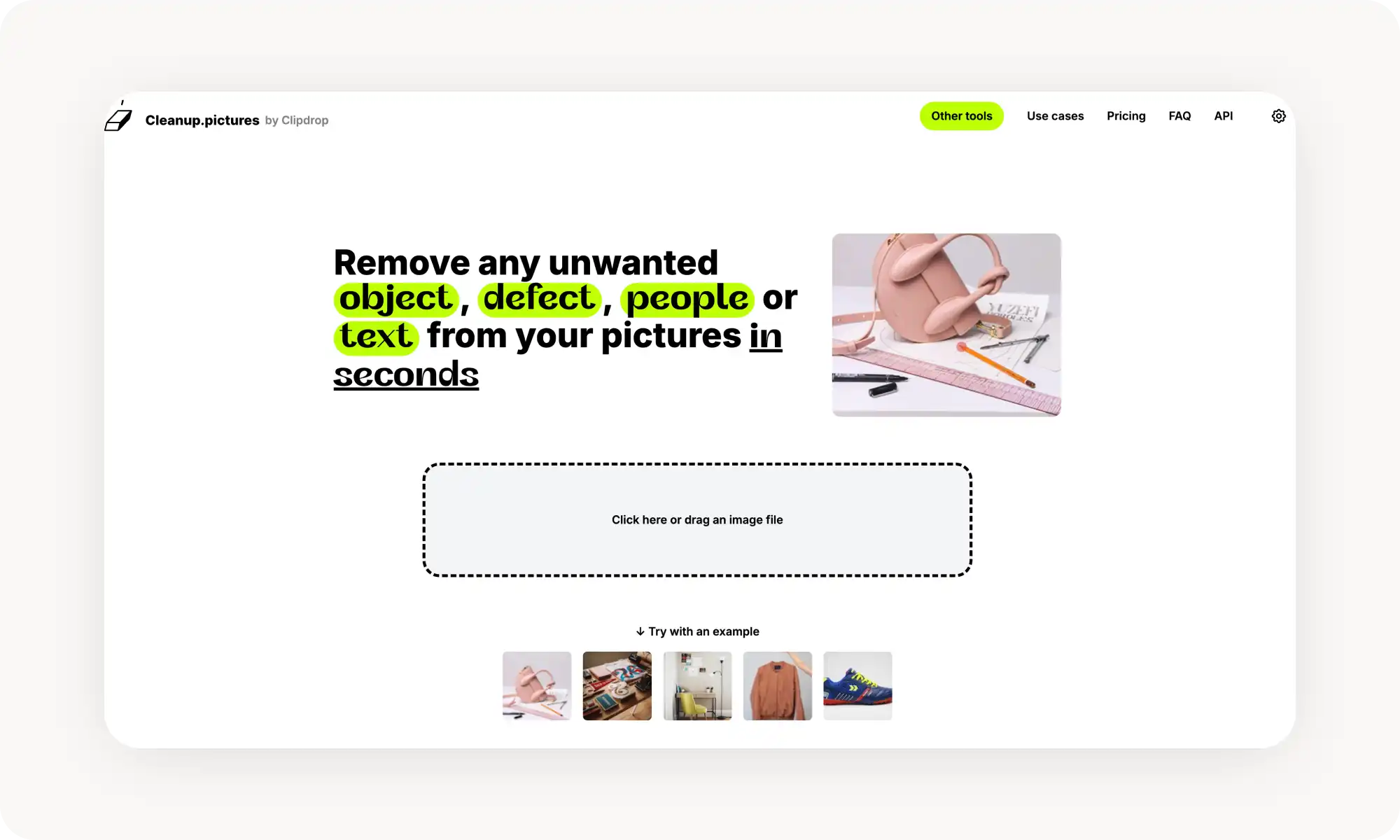
O Cleanup[.]pictures é um aplicativo simples. Serve para remover objetos, sem recursos extras, sem firulas. Mas é justamente isso que o torna tão fácil de usar.
Além da interface simples, essa ferramenta baseada na web entrega resultados consistentemente limpos em diferentes tipos de imagem, desde a remoção de pessoas até textos e marcas d'água.
Usuários gratuitos têm remoções ilimitadas, mas as exportações ficam limitadas à resolução de 720px. Assinantes Pro (US$ 5/mês) liberam exportações em resolução total e processamento prioritário. A interface simples torna a ferramenta rápida de aprender e usar.
Prós:
✅ Excelente precisão
✅ Gerações gratuitas ilimitadas
✅ Interface simples
✅ Não precisa de conta para começar
Contras:
❌ Você não consegue exportar em alta resolução no plano gratuito
❌ Arquivos grandes demoram para processar
❌ Sem aplicativo móvel
Photoroom
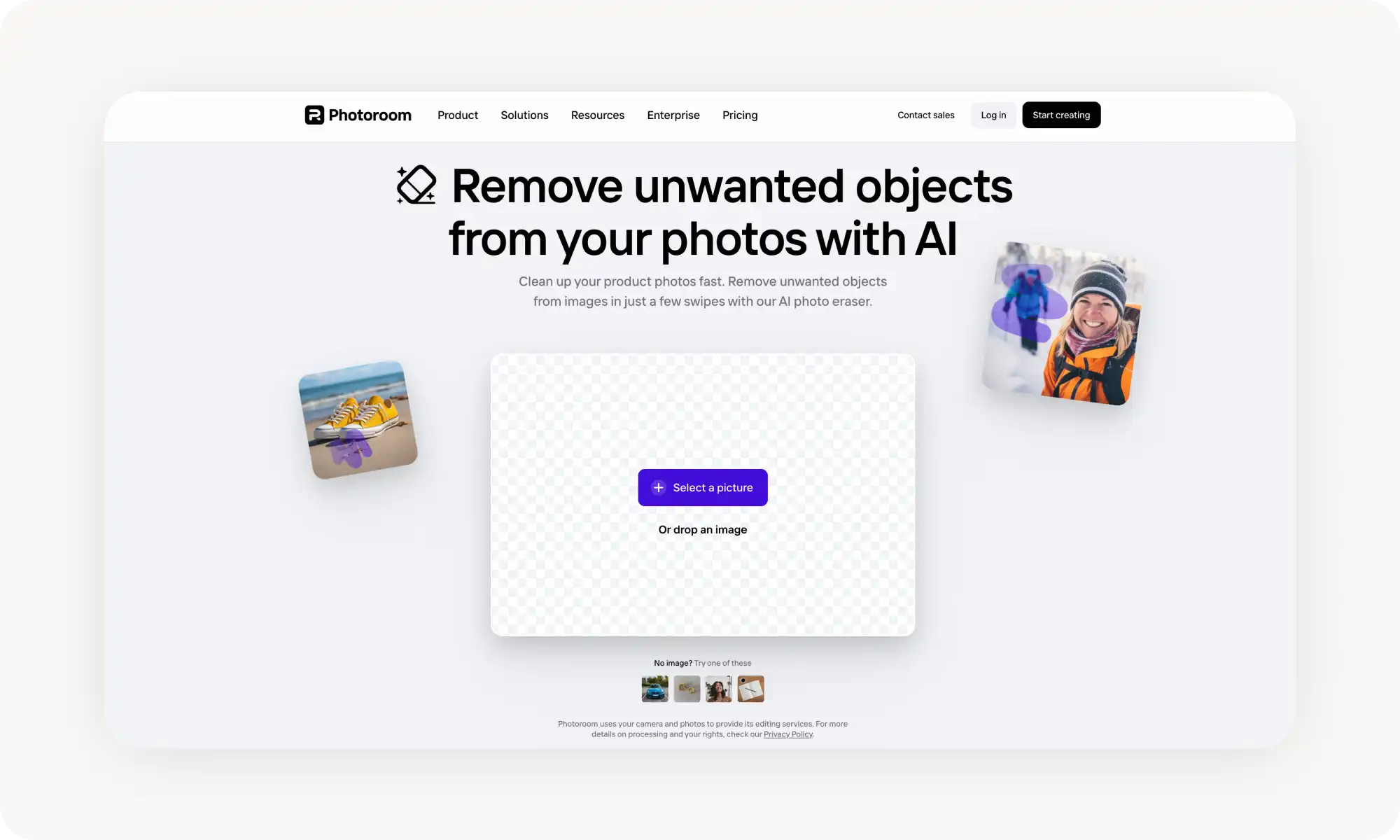
O Photoroom foi projetado para fotografia de e-commerce. A ferramenta remove rapidamente elementos que distraem nas fotos de produtos e depois permite substituir fundos ou adicionar elementos de cenário.
A IA detecta e apaga objetos mantendo os detalhes e as cores do produto. Isso é importante se você quer que seu produto pareça real.
O melhor recurso é o processamento em lote, que permite limpar catálogos inteiros de produtos rapidamente. Há também modelos para Amazon, eBay e redes sociais, que agilizam as exportações.
Se você precisa de uma ferramenta comercial, esta é a melhor que encontrei.
Prós:
✅ Feito para e-commerce
✅ Processamento em lote
✅ Aplicativos para celular e desktop
✅ Modelos prontos
Contras:
❌ Você precisa de uma conta para usar
❌ Marca d'água no plano gratuito
❌ Caro
Canva Magic Eraser
O Magic Eraser é uma das ferramentas de remoção de objetos mais populares — e com razão. Ele é integrado ao Canva, uma plataforma que oferece uma ampla gama de ferramentas para designers e profissionais de marketing. O que eu realmente gostei é que você pode remover um objeto e usar a imagem limpa no seu projeto na hora, sem trocar de ferramenta.
Na prática, ele funciona com um pincel simples. Você pinta sobre o objeto que quer remover, clica em "Apagar" e deixa a IA cuidar do resto.
Usuários gratuitos do Canva têm um número limitado de usos do Magic Eraser. Para acesso ilimitado, você vai precisar do Canva Pro, que custa US$ 15 por mês. Não é barato, mas libera todos os recursos premium do Canva.
A única ressalva que eu faria é que a ferramenta está um tanto presa ao ecossistema do Canva. Se você não pretende criar projetos dentro da plataforma, talvez seja mais do que você precisa. Nesse caso, vale explorar algumas das outras opções desta lista.
Prós:
✅ Integrado às outras ferramentas do Canva
✅ Também pode substituir objetos depois de removê-los
✅ Funciona no celular e no desktop
✅ Modelos para todos os formatos
Contras:
❌ Você precisa de uma conta nas plataformas do Canva
❌ Os usos no plano gratuito são limitados
❌ A interface não é especializada, o que cria uma curva de aprendizado
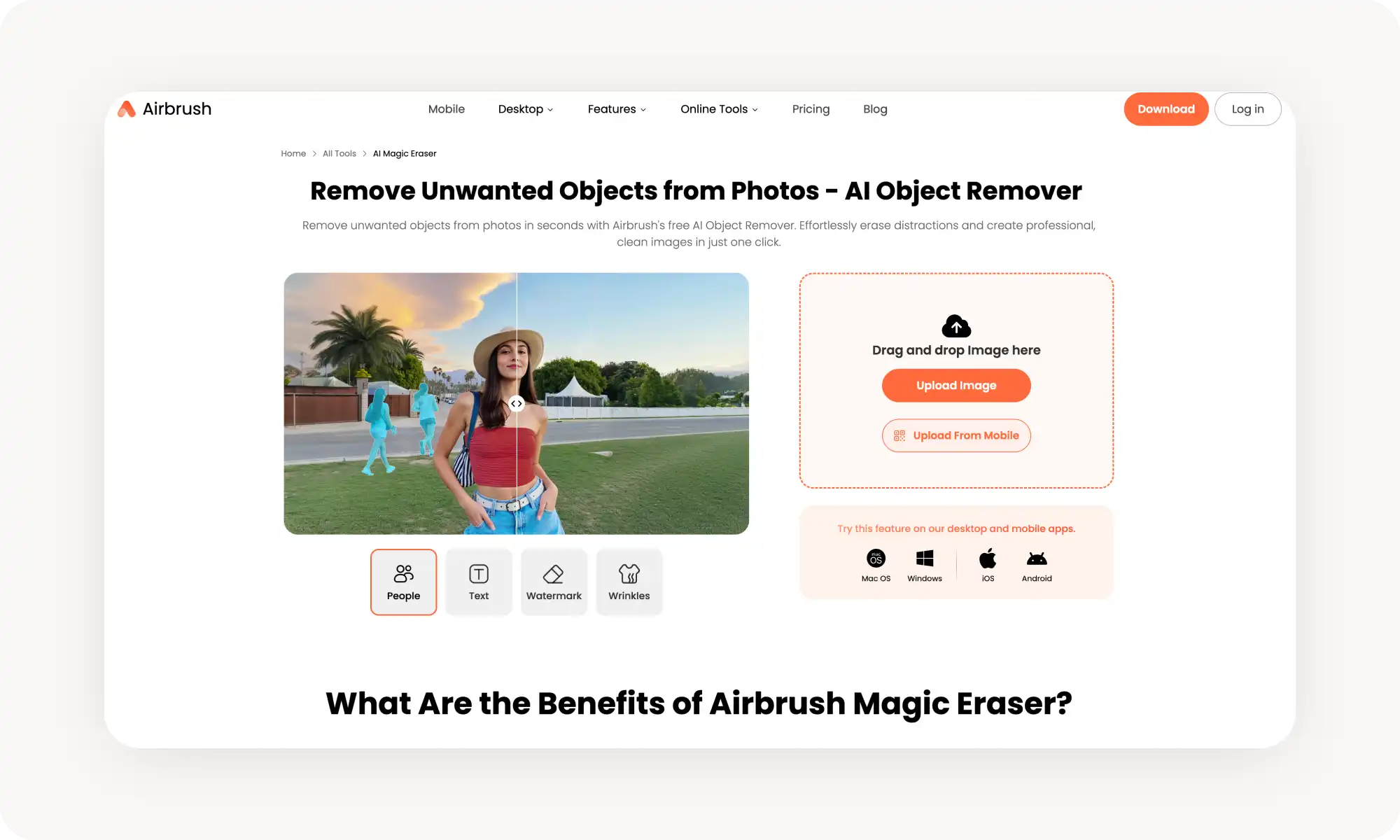
Airbrush
O Airbrush combina a remoção de objetos com ferramentas de retoque e aprimoramento de retratos. A plataforma mobile-first é voltada para criadores de redes sociais que precisam de edições rápidas em qualquer lugar.
O apagador de IA remove pessoas, textos, marcas d'água e bagunça no fundo, e lidou facilmente com vários objetos em uma única geração quando eu testei.
O Airbrush oferece um nível gratuito com recursos básicos e acesso limitado às ferramentas de IA. O plano Studio Pro (US$ 99/ano) libera a remoção ilimitada de objetos por IA e o processamento em lote.
Prós:
✅ Funciona em fotos e vídeos
✅ A filosofia mobile-first é um ponto positivo para muita gente
✅ Inclui retoque de retratos
Contras
❌ A qualidade dos modelos de IA fica atrás da concorrência
❌ A interface é um pouco poluída para o meu gosto
❌ É preciso comprar a assinatura anual para liberar tudo
Perguntas frequentes (FAQ)
Qual é o melhor removedor de objetos com IA gratuito?
A Overchat AI é o melhor removedor de objetos de fotos gratuito. Não exige cadastro, processa imagens em menos de 30 segundos e permite gerações ilimitadas no plano gratuito. Você pode baixar resultados em alta resolução sem marca d'água.
Como funcionam os removedores de objetos com IA?
Os removedores de objetos com IA usam aprendizado de máquina e inteligência artificial para reconstruir do zero a área-alvo da sua imagem. Eles fazem isso combinando, de forma contextual, o que está ao redor por meio de inpainting e difusão. Diferente das ferramentas simples de clonagem, esses modelos de IA conseguem raciocinar sobre as imagens do mesmo jeito que você. Eles entendem conceitos como perspectiva e perspectiva atmosférica. Também entendem como os objetos se relacionam entre si no espaço tridimensional. Isso permite que eles trabalhem em cenas muito complexas.
Na prática, você geralmente pinta com o pincel sobre o objeto que quer remover e clica no botão Remover ou Apagar. Em seguida, a IA remove o objeto automaticamente. Esse processo é chamado de inpainting.
É legal remover marcas d'água das fotos?
A resposta é sim, mais ou menos. É legal se você é o detentor dos direitos autorais da imagem ou tem permissão para editá-la. Mas, em geral, a marca d'água indica que a imagem tem direitos autorais, então removê-la de uma imagem que você baixou online provavelmente viola a lei de direitos autorais, a menos que você tenha permissão específica para isso. Alguns removedores de marca d'água têm proteções embutidas e não funcionam com marcas d'água. Teste-os para ver com seus próprios olhos.
É possível remover objetos das fotos sem o Photoshop?
Com certeza. Os removedores de objetos com IA são muito mais fáceis de usar do que o Photoshop e, em geral, entregam resultados melhores. Os melhores removedores de objetos com IA usam modelos de geração de imagens mais avançados do que o Photoshop. Esses modelos produzem resultados melhores do que a edição manual, a menos que você seja um especialista. Se você está lendo isto, provavelmente não tem grande experiência com edição de imagens e mascaramento avançado no Photoshop.
Conclusão
Os removedores de objetos com IA usam inteligência artificial para detectar e apagar itens indesejados no enquadramento, ao mesmo tempo em que reconstroem naturalmente o fundo e o primeiro plano.
Principais conclusões:
Os removedores de objetos de fotos com IA são ferramentas online que podem clonar, apagar ou substituir áreas nas fotos.
Eles funcionam com objetos, ambientes e texturas muito complexos.
Costumam ser acessíveis online e podem economizar muito tempo em comparação com a edição manual. Os resultados são equivalentes ou melhores do que o que a maioria das pessoas consegue no Photoshop.
A Overchat AI é um dos melhores removedores de objetos de fotos com IA
Eu testei cada uma das ferramentas listadas neste artigo em várias imagens, e todas são eficazes. A ferramenta que você vai escolher depende muito da sua preferência e de qual delas se encaixa melhor no seu caso de uso. Todas oferecem testes gratuitos, então recomendo que você experimente todas. Agora, vá consertar aqueles fotobombs que você acumulou ao longo dos anos.