Colorizar Fotos com IA: Converta Imagens em Preto e Branco para Cores
Last Updated:
2026-09-08
Colorizar Fotos com IA: Converta Imagens em Preto e Branco para Cores
Você tem uma imagem antiga em preto e branco, quer colorizá-la e não tem a menor habilidade com pintura digital — o que fazer?
Se você já tentou colorizar uma foto na mão, provavelmente já sabe o quanto isso é absurdamente difícil.
E se você usou filtros, provavelmente teve um resultado sem graça.
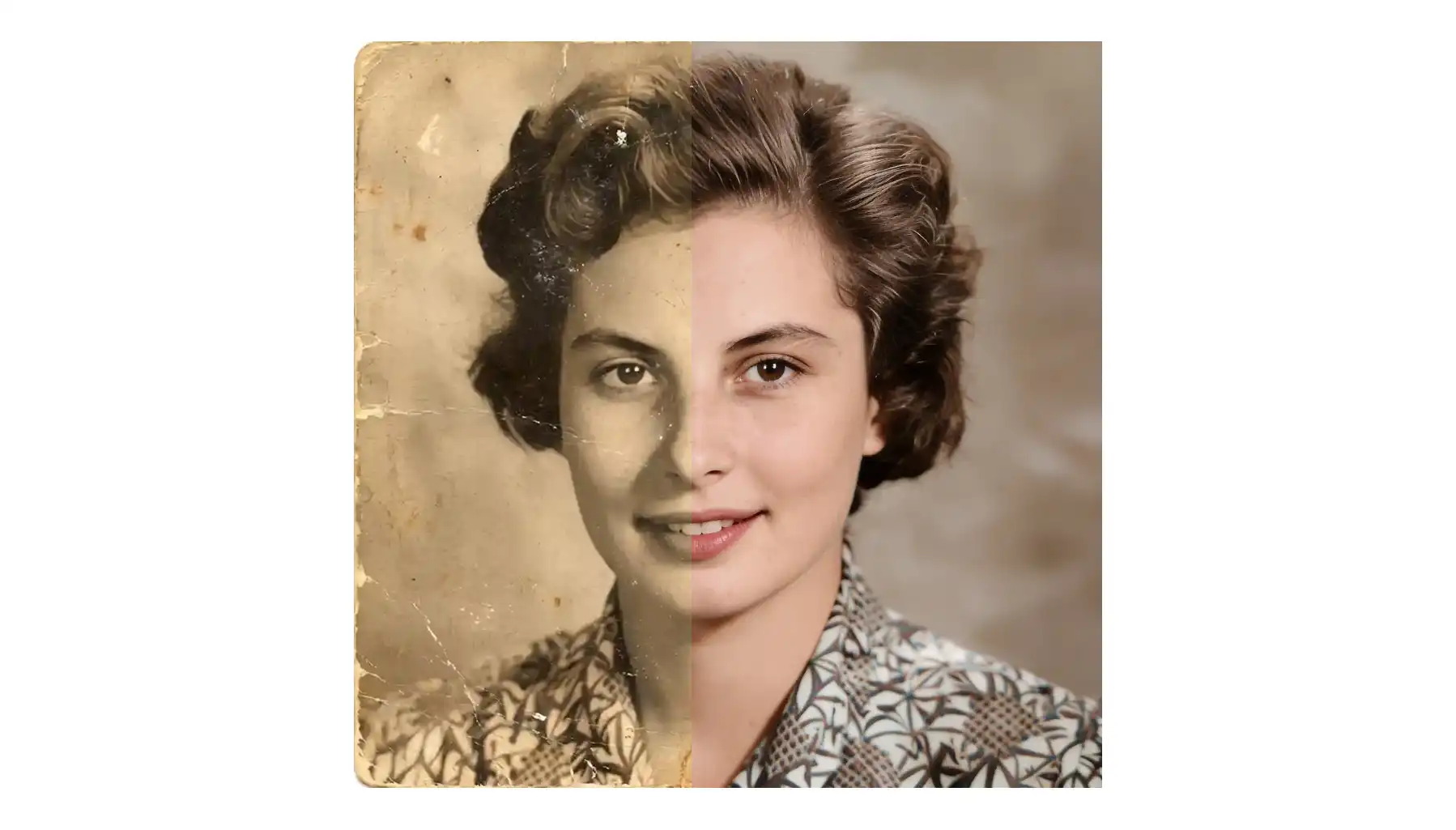
É aí que entra um colorizador de fotos com IA — uma ferramenta especializada, movida por inteligência artificial, que adiciona cores realistas à imagem usando IA generativa, reconstruindo como a cena provavelmente era em cores reais.
Aliás, uma das maiores tendências na criação de imagens com IA é justamente colorir fotos. Muitas plataformas que oferecem serviços de criação de imagens com IA afirmam que conseguem fazer isso. Infelizmente, nem todas fazem bem. Por isso, aqui na Overchat AI, testamos uma série dessas ferramentas — mais de 20, para ser mais preciso — para encontrar as que entregam os melhores resultados.
Aqui estão as cinco que conquistaram um lugar nesta lista, junto com uma análise honesta de onde cada uma brilha e onde deixa a desejar.
Os colorizadores de fotos com IA usam edição com reconhecimento de contexto — analisando objetos, texturas e iluminação em imagens em tons de cinza — para gerar valores de cor plausíveis com base em padrões aprendidos a partir de milhões de fotos.
Isso é fundamentalmente diferente dos filtros tradicionais ou da colorização manual no Photoshop, produzindo resultados com aparência natural em menos de 30 segundos, em vez de horas pintando região por região.
A Overchat AI é a melhor escolha: sem cadastro, sem marca d'água, com 4 estilos predefinidos (Realista, Vintage Quente, Tons Frios e Vívido) e um suporte exclusivo a prompts de texto para orientar as cores de forma personalizada.
A DeepAI oferece um ecossistema criativo completo, no qual você pode colorizar e depois melhorar, animar ou remover o fundo sem sair da plataforma, mas cobra US$ 1,00 por uso no modelo pré-pago.
A Krea AI integra a colorização a uma suíte criativa com mais de 12 ferramentas, com cinco opções de estilo, acesso básico gratuito e uma assinatura Krea Max para uso mais intenso.
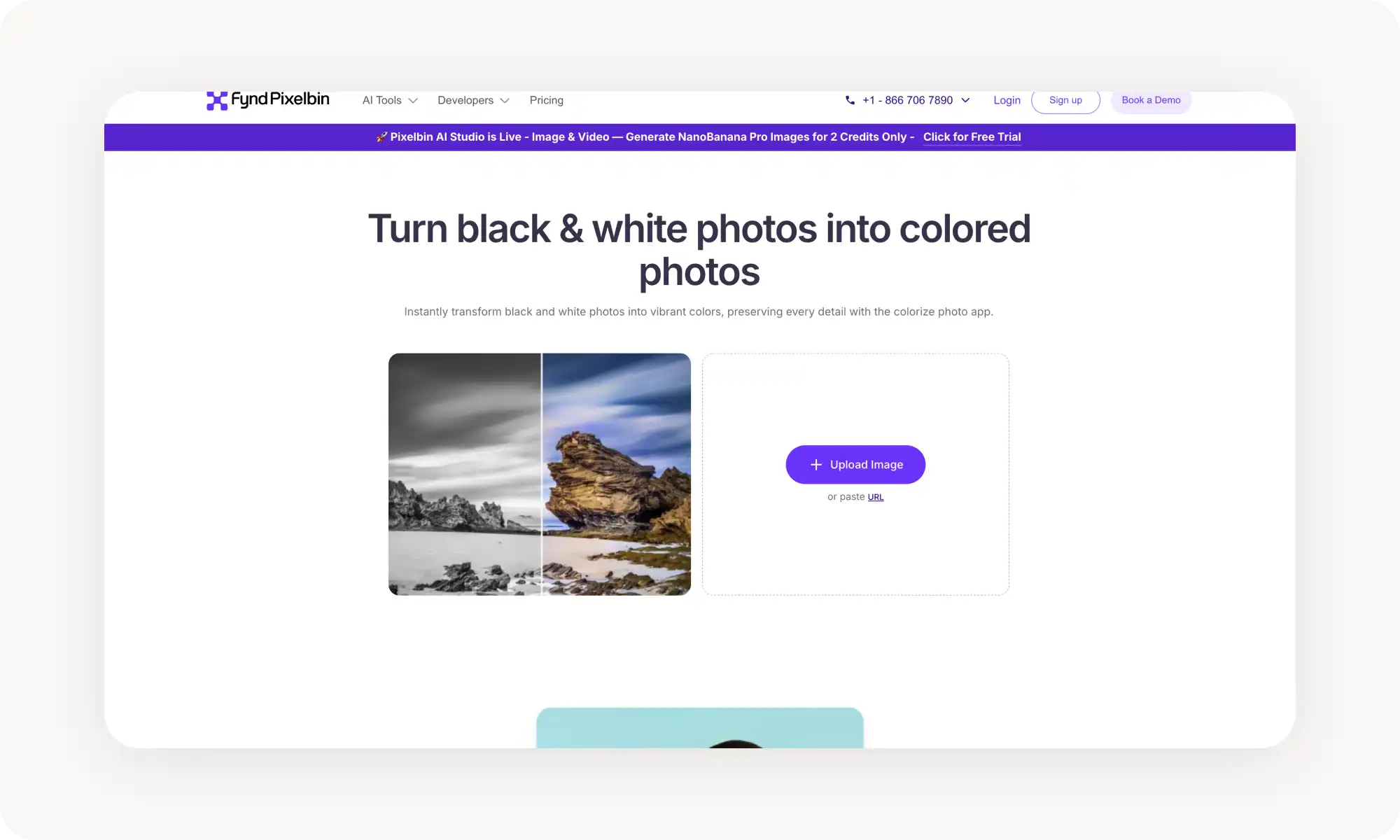
A PixelBin foca em preservar os traços faciais e os tons de pele originais, com orientação por IA baseada em prompts para evitar saturação excessiva, a partir de US$ 9/mês por 150 créditos.
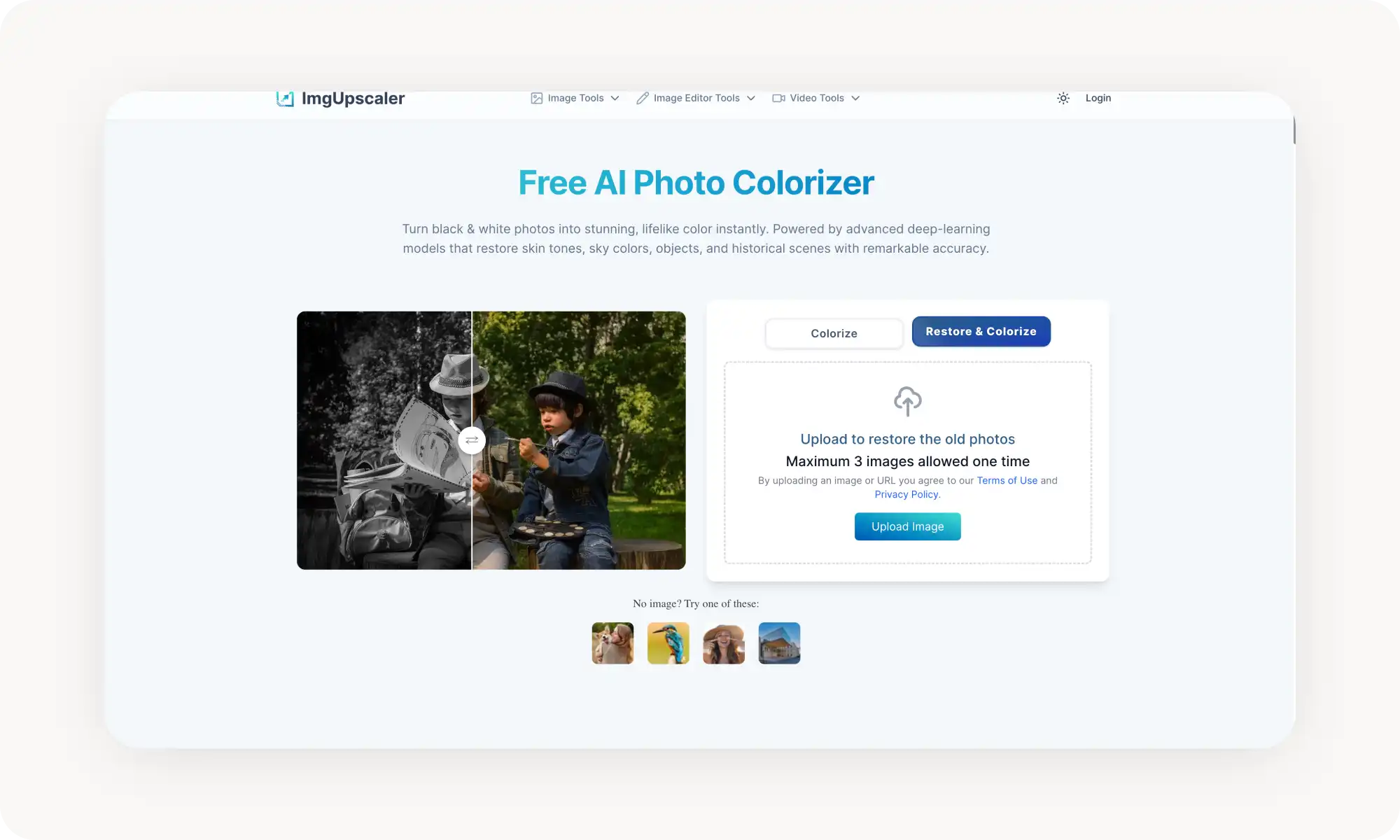
A ImgUpscaler AI se especializa em precisão histórica em vez de vivacidade, o que a torna a melhor escolha para projetos de genealogia, fotos antigas de família e preservação histórica, com processamento em lote de até 3 imagens.
Os casos de uso mais comuns incluem retratos antigos, fotos vintage de família, cenas históricas de cidades, fotos militares, fotografia de natureza e selfies modernas em preto e branco — um bom colorizador lida com todos eles automaticamente.
O que é um colorizador de fotos com IA?
Um colorizador de fotos (ou imagens) com IA é uma ferramenta online que adiciona cores realistas a imagens em preto e branco ou em tons de cinza, gerando novos valores de cor com base no conteúdo da imagem.
Pode parecer semelhante aos filtros tradicionais de edição de fotos, mas, na verdade, é um tipo de colorização completamente diferente.
Isso porque os colorizadores de fotos com IA usam uma técnica chamada edição com reconhecimento de contexto. A IA analisa os objetos, as texturas e a iluminação da imagem e, em seguida, gera valores de cor plausíveis para cada região com base em padrões aprendidos a partir de milhões de fotografias.
Como escolher um colorizador de fotos com IA?
A qualidade da colorização pode variar bastante de uma ferramenta para outra, porque o processo é bem exigente para os modelos de IA.
Como seres humanos, percebemos instintivamente quando os tons de pele ficam estranhos ou quando as cores parecem anacrônicas — o que cria o famoso efeito do vale da estranheza.
Felizmente, os melhores colorizadores de fotos com IA desta lista evitam esses problemas e produzem resultados que parecem naturais e convincentes.
Os 5 melhores colorizadores de imagens comparados
Depois de testar mais de 20 ferramentas de colorização de fotos com IA, aqui estão as que produziram os resultados mais confiáveis e com aparência mais natural:
Plataforma
Plano Gratuito
Funciona Sem Cadastro
Preço Inicial do Plano Pro
Overchat AI
✓
✓
US$ 15/mês ou US$ 49,99/ano
DeepAI
✗
✗
US$ 1 por uso ou US$ 9,99/mês no Pro
Krea
✓
✓
US$ 9/mês+
PixelBin
~ (1 crédito grátis)
✗
US$ 9/mês
ImgUpscaler AI
✓
✗
US$ 9/mês+
Abaixo, uma análise detalhada de cada ferramenta.
1. Overchat AI
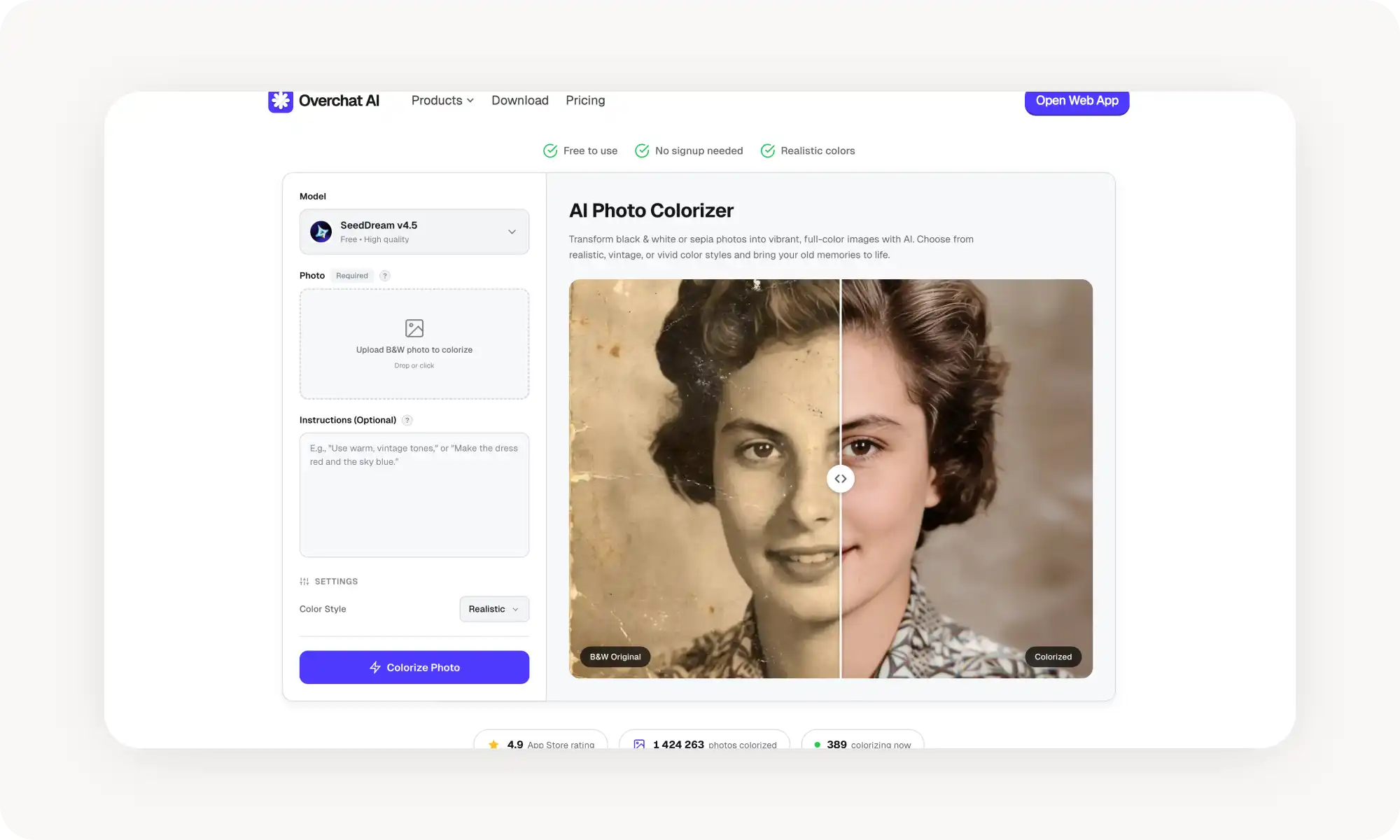
O Colorizador de Fotos com IA da Overchat AI é um app online criado em torno de uma única coisa — colorizar fotos em preto e branco usando IA — e faz isso excepcionalmente bem.
A interface é enxuta e objetiva. Para usar a ferramenta, basta seguir estes passos:
Envie uma foto
Escolha um estilo de cor (ou adicione um prompt de texto para uma orientação personalizada)
Espere a IA fazer a mágica
Baixe a versão colorizada da sua foto
A ferramenta oferece 4 estilos de cor predefinidos — Realista, Vintage Quente, Tons Frios e Vívido — e, de forma exclusiva, permite que você adicione uma instrução em texto para orientar cores específicas (por exemplo, "vestido azul, carro vermelho").
A plataforma não exige cadastro e entrega as imagens sem marca d'água. O processamento leva menos de 30 segundos para a maioria das imagens. Ela aceita os formatos JPG, PNG, WebP e HEIC, com até 20MB.
Prós:
✅ Sem cadastro, sem marca d'água
✅ Vários modelos de IA para escolher (gratuitos e Pro)
✅ 4 estilos de cor predefinidos: Realista, Vintage Quente, Tons Frios e Vívido
✅ Suporte a prompt de texto para orientação de cor personalizada
Contras:
❌ Sem processamento em lote para várias imagens
2. DeepAI
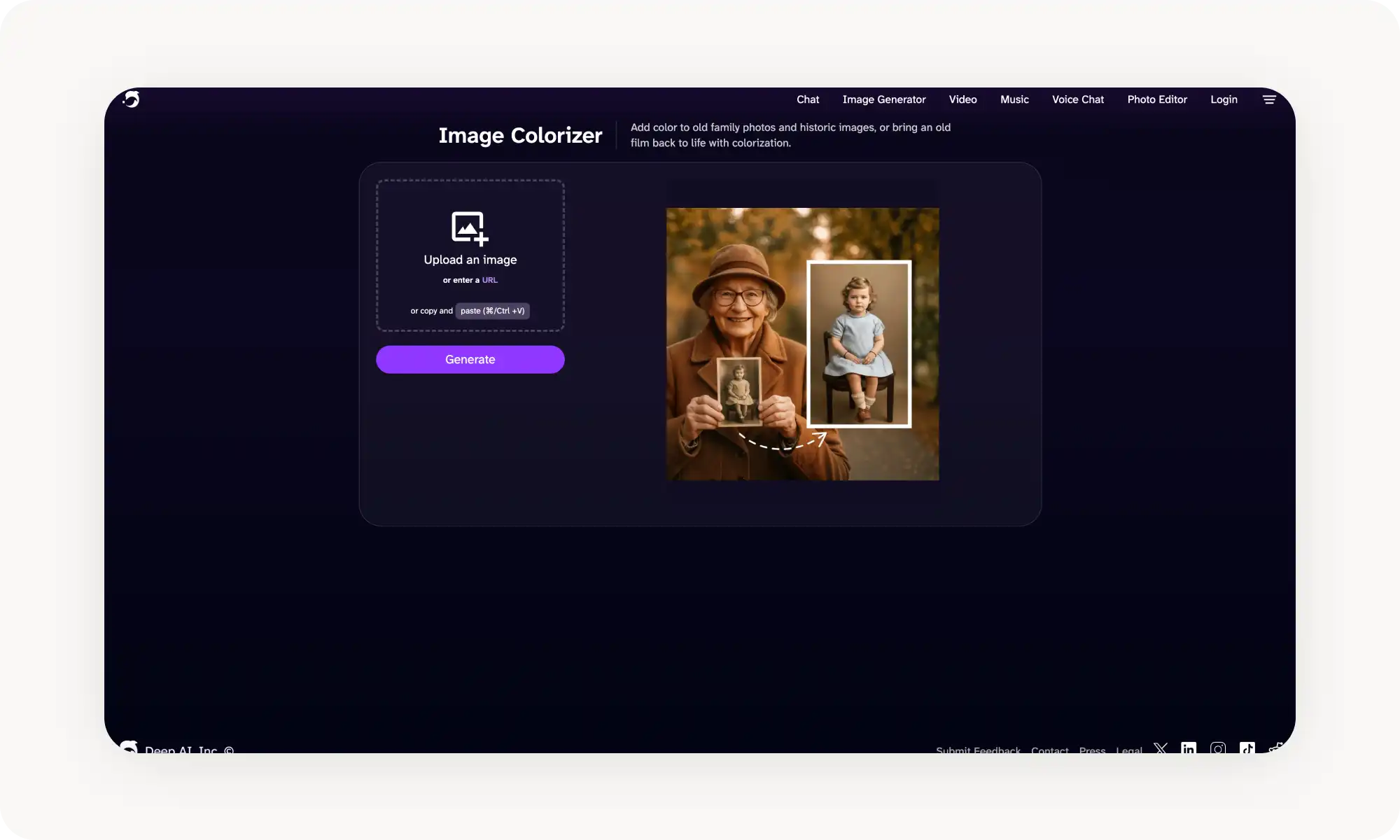
O Image Colorizer da DeepAI faz parte de um ecossistema criativo completo de IA, que abrange geração de imagens, vídeo e música — mas o colorizador em si é uma ferramenta focada que faz uma coisa: adicionar cor a fotos em preto e branco e a imagens históricas.
A ferramenta aceita envios por arquivo, URL ou copiar e colar — bastante prático.
Um recurso poderoso — depois de colorizar, você pode melhorar a imagem, remover o fundo, animá-la ou aplicar zoom out — tudo sem sair da plataforma.
O DeepAI Pro custa US$ 9,99/mês e remove os anúncios; colorizações individuais custam US$ 1,00 por uso no modelo pré-pago.
Prós:
✅ Conjunto de pós-processamento integrado (melhorar, animar, remover fundo)
✅ Vários métodos de envio (arquivo, URL, colar)
Contras:
❌ US$ 1,00 por uso no modelo pré-pago
❌ Exige conta
3. Krea
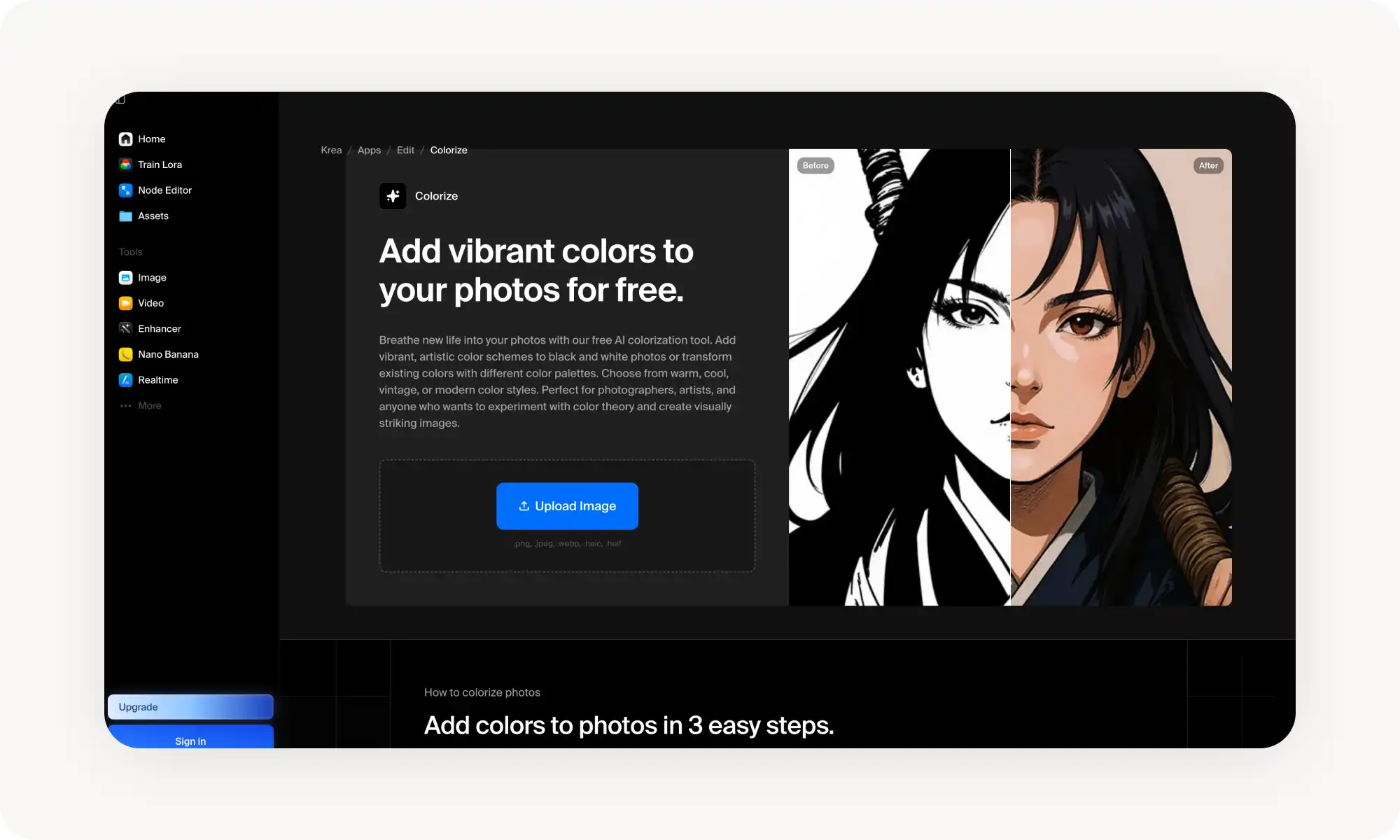
A ferramenta Colorize da Krea AI aplica cor gerada por IA a fotos em preto e branco com cinco opções de estilo — Quente, Frio, Vintage, Moderno e Artístico — dando a você certo controle criativo.
E há também a integração com a suíte criativa mais ampla da Krea — outro grande diferencial. A plataforma reúne mais de 12 ferramentas, incluindo geração de imagens, vídeo e edição, então, depois de colorizar, você pode continuar trabalhando sem trocar de app.
O plano gratuito oferece um número limitado de gerações sem cadastro. Para uso mais intenso, o Krea Max libera acesso ampliado e prioridade nos modelos de IA recém-lançados.
Prós:
✅ Sem necessidade de cadastro para uso básico
✅ 5 opções de estilo artístico (Quente, Frio, Vintage, Moderno, Artístico)
✅ Faz parte de uma suíte criativa com mais de 12 ferramentas e mais de 30 milhões de usuários
✅ Funciona no celular e no computador
Contras:
❌ Assinatura Krea Max necessária para uso mais intenso
❌ Sem prompt de texto — controle da colorização apenas por estilo
❌ O realismo das cores varia conforme a complexidade da imagem
4. PixelBin
O AI Image Colorizer da PixelBin é construído sobre a plataforma de transformação da PixelBin e se posiciona explicitamente em torno da qualidade — preservando os traços faciais, os tons de pele e a composição geral originais durante a colorização.
A ferramenta oferece uma interface limpa de arrastar e soltar, com uma comparação lado a lado de antes e depois, além de compartilhamento fácil para LinkedIn, Twitter, Facebook e WhatsApp direto da página de resultados.
Por baixo dos panos, a plataforma usa orientação por IA baseada em prompts para evitar a saturação excessiva — uma falha comum em colorizadores mais baratos, que costumam deixar tudo com um aspecto artificialmente vívido.
Os preços começam em US$ 9/mês por 150 créditos, e os planos anuais reduzem esse valor para o equivalente a US$ 4,17/mês.
Prós:
✅ Resultado de alta qualidade que preserva os tons de pele e a composição
✅ Comparação lado a lado de antes e depois
✅ Faz parte de uma plataforma criativa mais ampla (editor de imagens, gerador de vídeo)
Contras:
❌ Apenas 1 crédito grátis — bem limitado sem um plano pago
❌ Limite de 10MB por arquivo
5. ImgUpscaler AI
A ferramenta Colorize Photo da ImgUpscaler AI é um colorizador construído sobre modelos de aprendizado profundo treinados com milhões de imagens.
O que faz a ImgUpscaler se destacar é o foco na precisão histórica em vez da vivacidade. A ferramenta foi projetada especificamente para projetos de genealogia, restauração de fotos antigas de família e preservação histórica — casos de uso em que acertar os tons de pele e as cores fiéis à época importa mais do que deixar a imagem com cara de cinema.
Prós:
✅ Projetada especificamente para preservação histórica e genealogia
✅ Processamento em lote — até 3 imagens de uma vez
Contras:
❌ Lote limitado a 3 imagens de uma vez
❌ Sem controles manuais de ajuste de cor
Perguntas frequentes (FAQ)
Qual é o melhor colorizador de fotos com IA gratuito?
A Overchat AI é a melhor opção gratuita. Ela não exige cadastro, não adiciona marca d'água, oferece 4 estilos de cor predefinidos e ainda deixa você escolher entre diferentes modelos de IA — incluindo o gratuito SeedDream v4.5, que produz uma colorização limpa e convincente para a maioria dos tipos de imagem.
Em que a colorização com IA é diferente dos filtros do Photoshop?
A colorização manual no Photoshop exige selecionar regiões, escolher cores e pintar camada por camada — um processo que pode levar horas mesmo para uma única foto. A colorização de fotos com IA faz tudo isso automaticamente em segundos. A IA analisa os tons de cinza, reconhece objetos como pele, céu, vegetação e tecido, e atribui cores plausíveis com base em padrões aprendidos a partir de milhões de imagens. O resultado nem sempre é perfeito, mas, para a maioria das fotos, é muito mais rápido e surpreendentemente convincente.
De quais proporções de imagem preciso para as redes sociais?
Os casos de uso mais comuns em que a colorização com IA se destaca:
Retratos antigos e fotos de perfil
Fotos vintage de família e de casamento
Cenas históricas de cidades e arquitetura
Fotos militares e de guerra
Fotografia de natureza e paisagens
Fotografia de rua e imagens documentais
Selfies e retratos modernos feitos em preto e branco
Um bom colorizador de fotos com IA lida com todos esses casos automaticamente — tons de pele, céu, vegetação, roupas — sem que você precise especificar cada detalhe.
Conclusão
Os colorizadores de fotos com IA usam IA generativa para dar vida a imagens em preto e branco — adicionando cores realistas e sensíveis ao contexto, em vez de tinturas chapadas ou suposições manuais. Eles resolvem um problema com que fotógrafos, historiadores, genealogistas e criadores de conteúdo lidam o tempo todo.
Principais conclusões:
Os colorizadores de fotos com IA funcionam analisando os tons de cinza e gerando valores de cor realistas usando modelos de aprendizado profundo treinados com milhões de imagens.
Eles eliminam a necessidade de dessaturar, pintar à mão ou adivinhar as cores históricas — tudo isso degrada a qualidade ou a precisão da imagem.
A Overchat AI é um dos melhores colorizadores de fotos com IA gratuitos, com vários modelos de IA, 4 estilos de cor predefinidos e resultados limpos — sem exigir cadastro nem marca d'água.
Então, como escolher o melhor colorizador de fotos com IA? Nossa sugestão é começar com algumas ferramentas desta lista, testar os planos gratuitos, jogar a mesma foto em preto e branco em algumas delas e ver qual fica mais natural para você.