Melhores Apps de IA Offline em 2026: Use IA Sem Internet
Last Updated:
2026-09-08
Melhores Apps de IA Offline em 2026: Use IA Sem Internet
Se você está lendo este artigo, provavelmente já ouviu falar dos chatbots de IA locais e agora está atrás do melhor app de IA offline. A boa notícia é que existe um número cada vez maior de apps de IA offline que permitem rodar chatbots de inteligência artificial diretamente no seu dispositivo, com total privacidade.
O problema é que muitas dessas plataformas são voltadas para desenvolvedores e não são lá muito amigáveis. Neste artigo, porém, vamos explicar quais apps realmente valem a pena instalar para o usuário comum.
Importante: todos os apps desta lista funcionam 100% offline depois que o modelo inicial é baixado. Seus prompts, respostas e dados ficam na sua máquina.
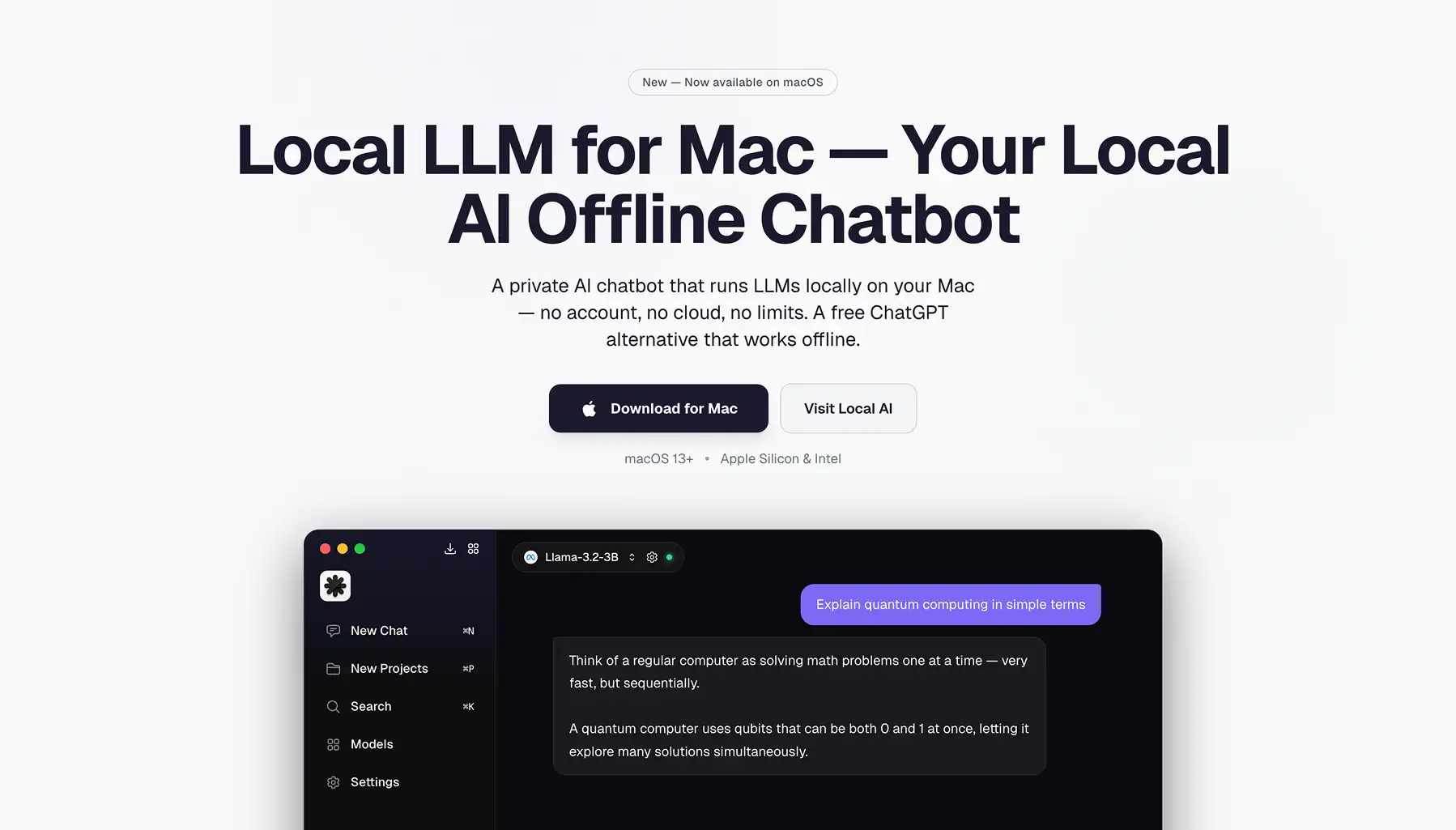
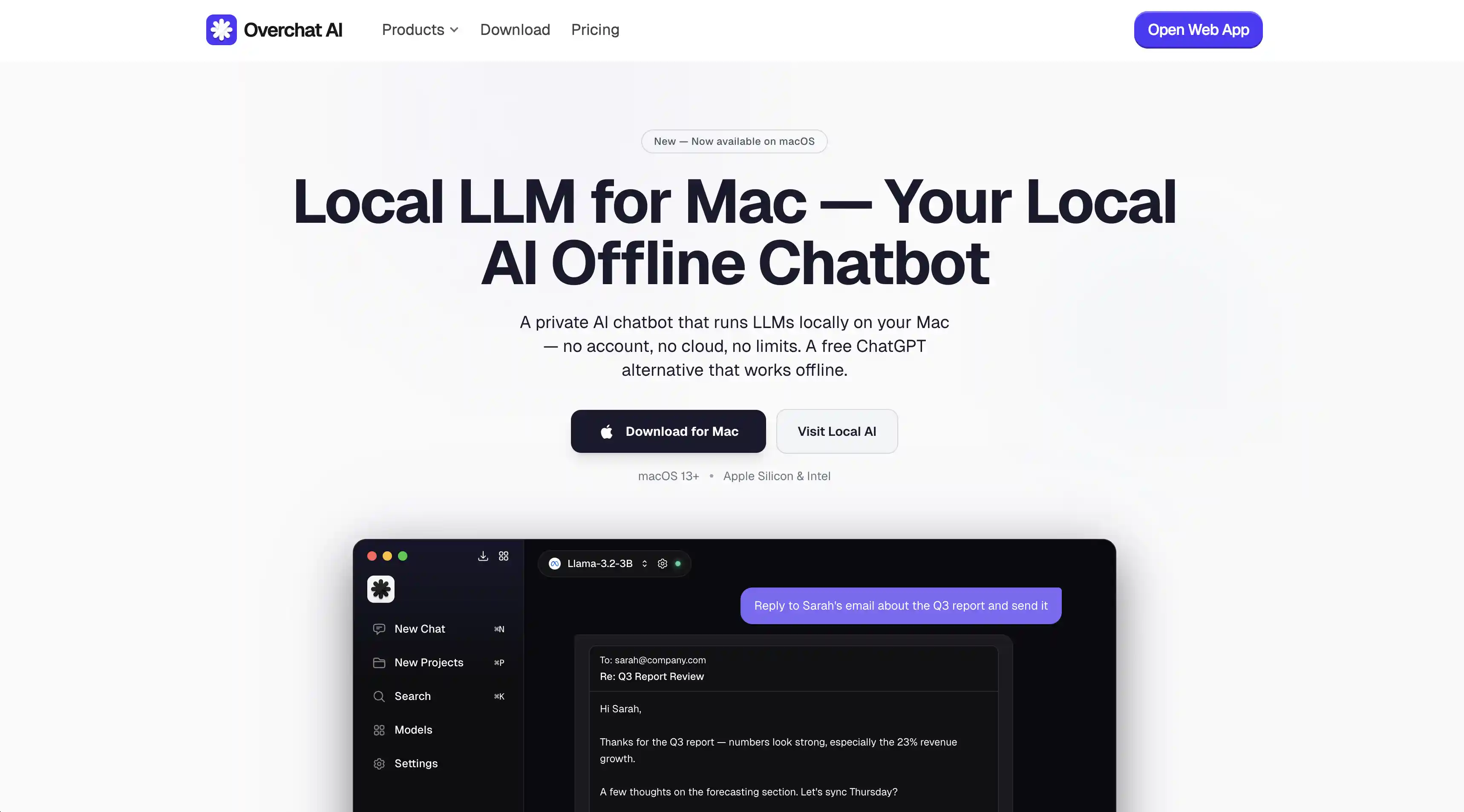
O Atomic Chat é a forma mais fácil de começar com IA offline — instale, escolha um modelo e comece a conversar em menos de 2 minutos, com memória integrada e integrações com Gmail e Google Drive.
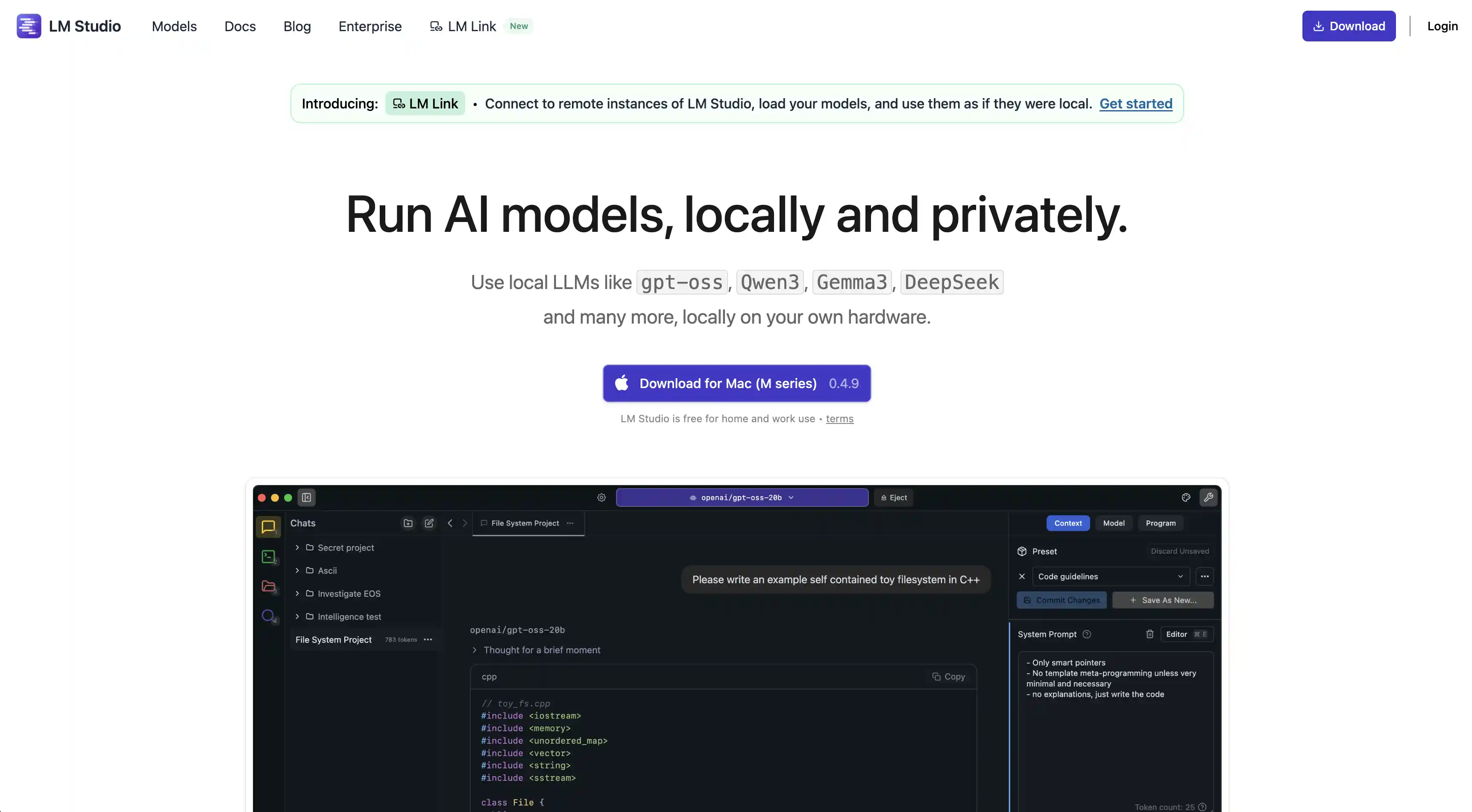
O LM Studio oferece uma interface gráfica caprichada, com descoberta de modelos via Hugging Face e um servidor de API local compatível com o formato da OpenAI, mas a enorme quantidade de opções pode confundir iniciantes.
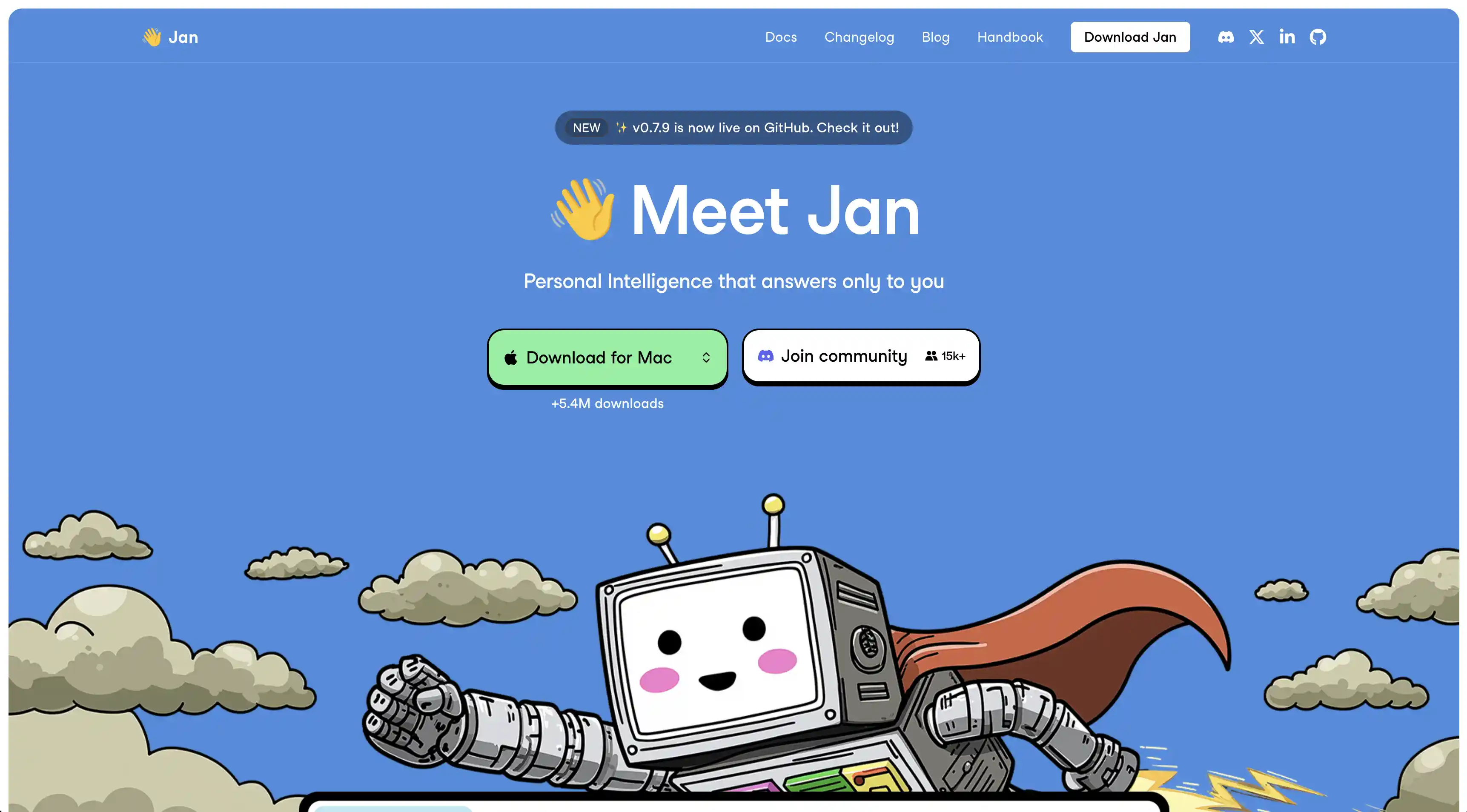
O Jan AI é um app de desktop totalmente de código aberto e com foco em privacidade, com código auditável, hub de modelos integrado e um sistema de extensões.
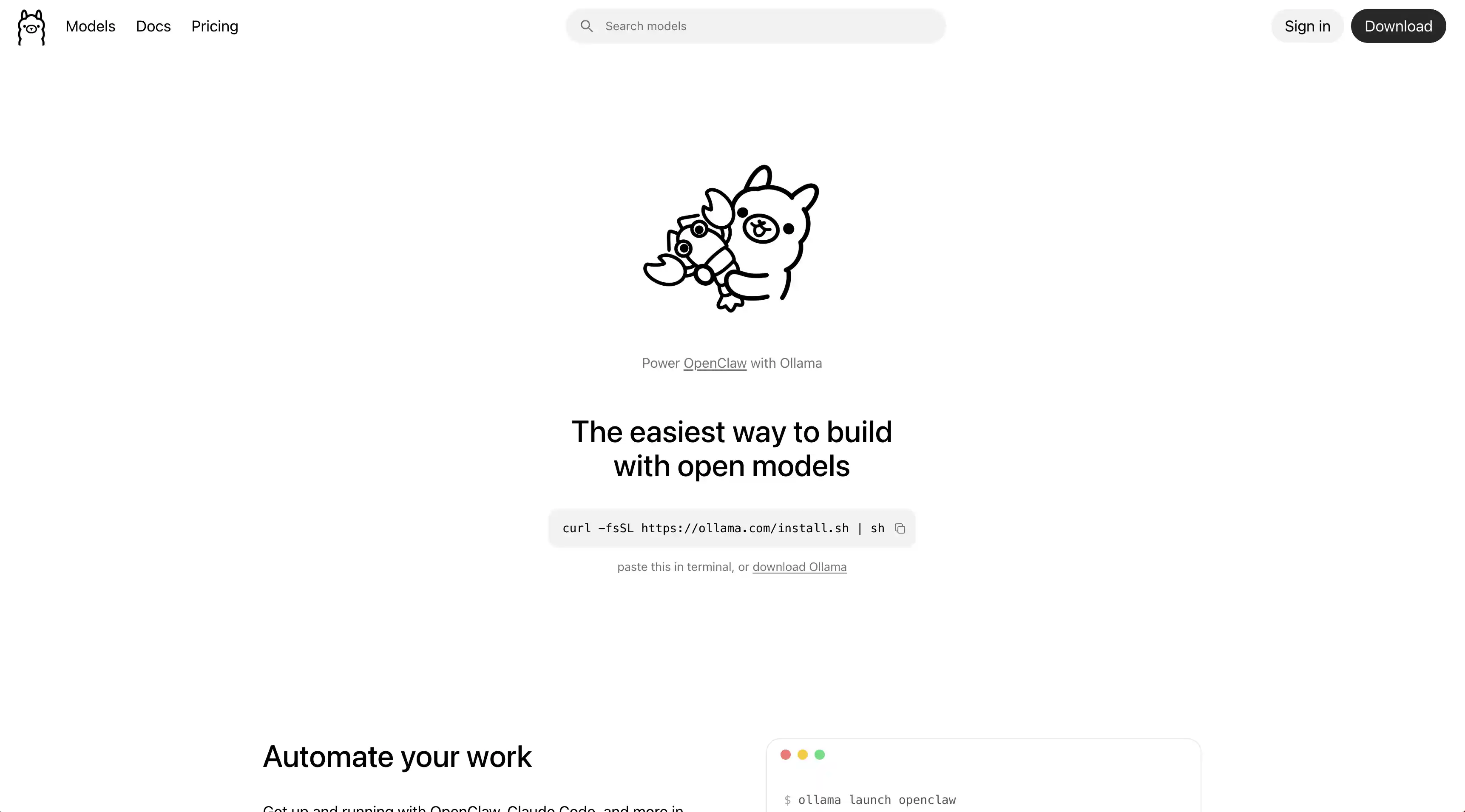
O Ollama é uma ferramenta de terminal ideal para desenvolvedores — pode ser usada em scripts, encaixa-se nos fluxos de trabalho existentes e roda um servidor de API local, mas exige um frontend separado para ter interface gráfica.
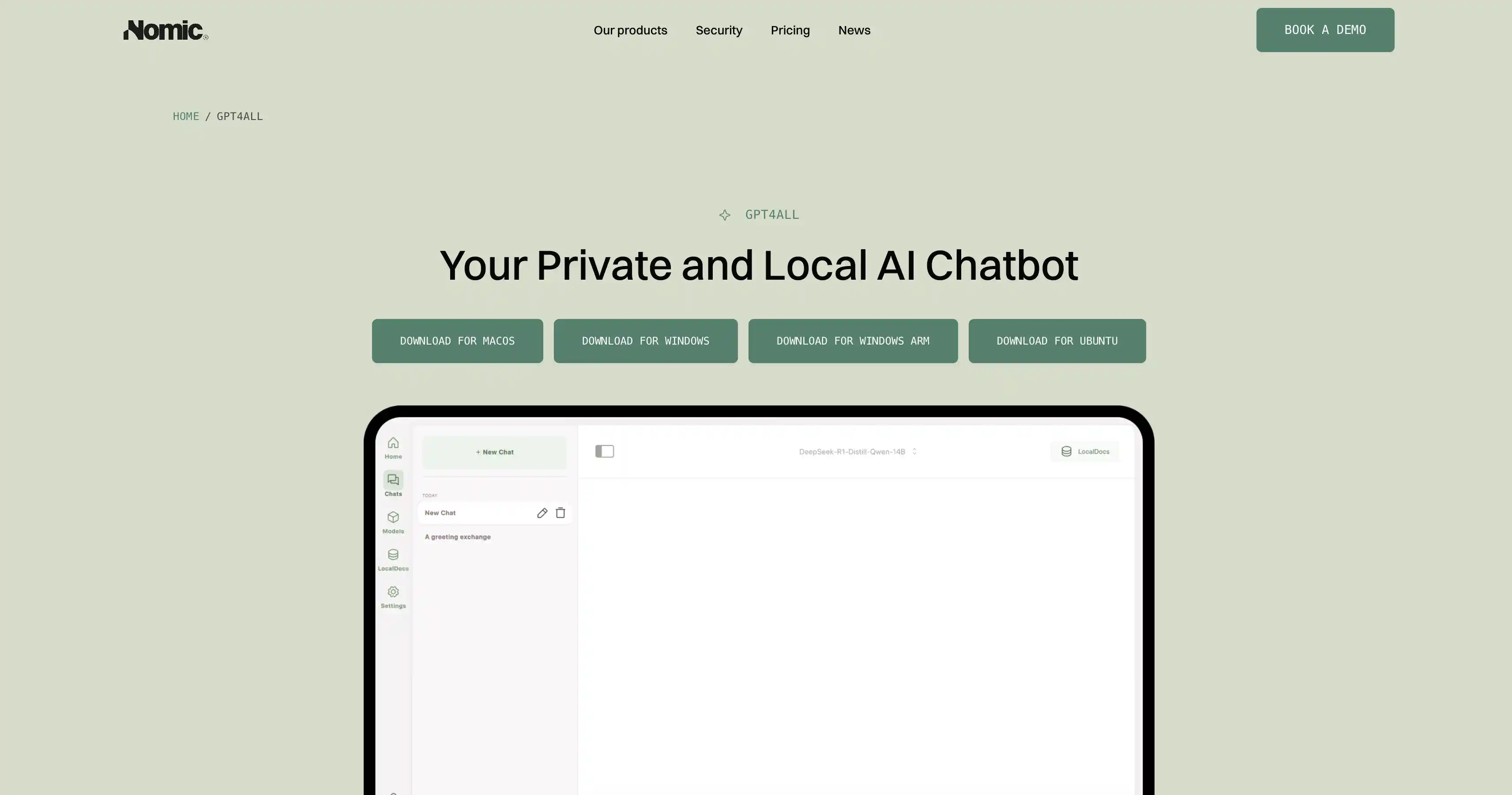
O GPT4All foca em inferência usando só a CPU, o que o torna uma boa escolha para hardware mais antigo sem placa de vídeo, com uma biblioteca de modelos selecionada e busca local em documentos.
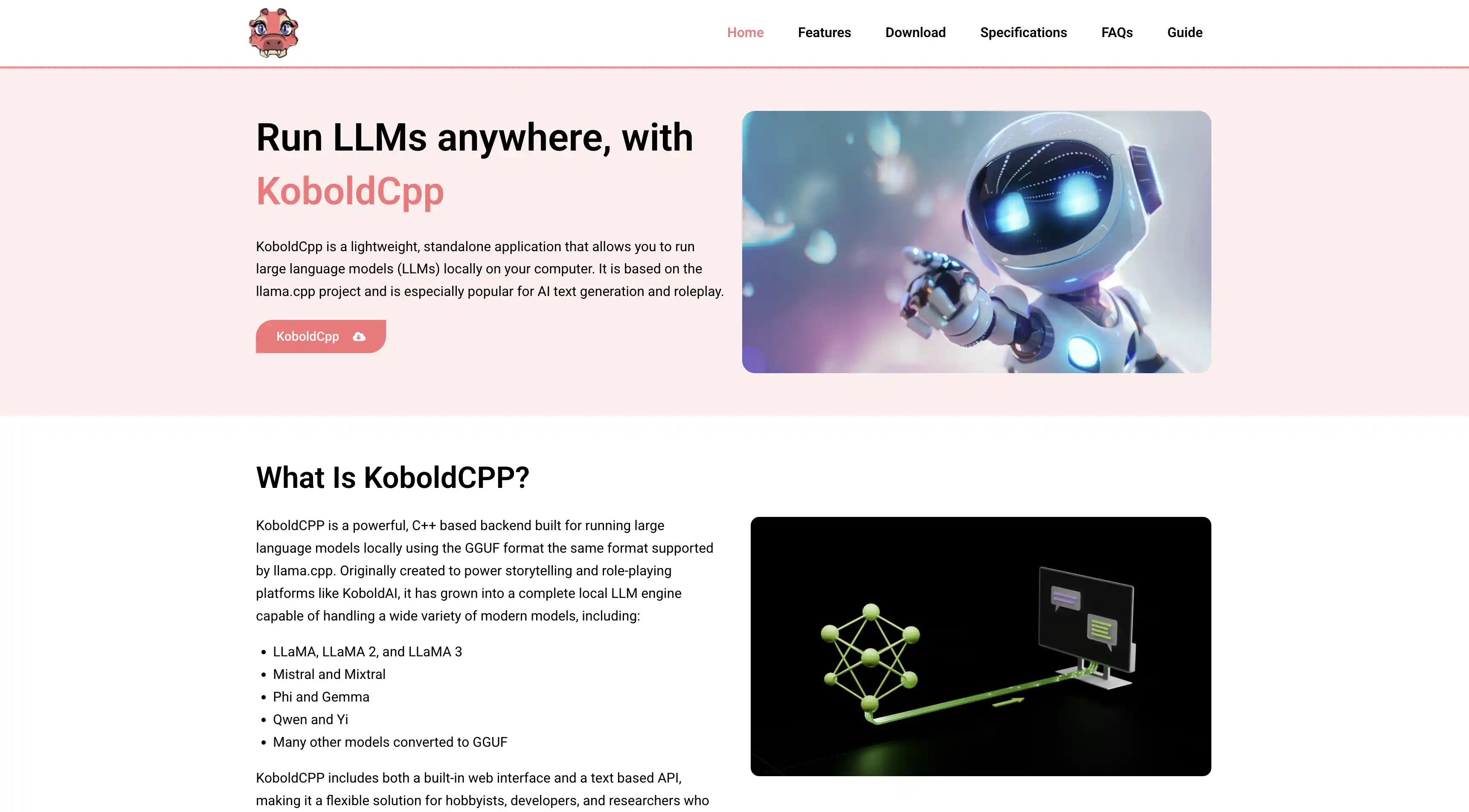
O KoboldCpp foi feito sob medida para escrita criativa e roleplay, com memória de história, modos de instrução e chat, e controles detalhados de geração.
O Open WebUI é um frontend web no estilo do ChatGPT que roda em cima do Ollama, com suporte a múltiplos usuários, upload de documentos e busca na web — mas exige uma instalação em duas etapas via Docker.
O Llama.cpp é o motor por trás da maioria dos apps da lista, oferecendo o máximo de desempenho e controle para desenvolvedores dispostos a trabalhar pela linha de comando.
O que procurar em um app de IA offline
Antes de irmos para a lista, veja o que faz um bom assistente de IA offline:
Facilidade de instalação — você consegue ir do download ao primeiro chat em menos de 5 minutos?
Biblioteca de modelos — o app ajuda você a encontrar e baixar modelos com facilidade?
Desempenho — ele aproveita bem o seu hardware (GPU, Apple Silicon) para respostas rápidas?
Interface — ele oferece uma interface gráfica ou só o modo de linha de comando?
Os melhores apps de IA offline, ranqueados
Testamos mais de 20 apps de IA local, mas só estes 8 foram bons o suficiente para entrar nesta lista.
1. Atomic Chat
Melhor para: começar com IA offline em menos de 2 minutos
O Atomic Chat é a maneira mais simples de rodar IA offline. Para começar, basta:
Instalar o app
Escolher um modelo de uma lista selecionada
Começar a conversar — como um ChatGPT offline
O que o torna especial é justamente a facilidade de rodar os modelos de IA. Ele também conta com gerenciamento de modelos integrado, uma interface moderna e limpa, e contexto de memória compartilhado entre os modelos — ou seja, o seu assistente de IA aprende os seus hábitos com o tempo.
Além disso, o Atomic Chat se integra a ferramentas como Gmail e Google Drive, deixando de ser um simples chatbot offline para virar uma ferramenta de produtividade de verdade.
Plataformas: Mac (Windows, iOS e Android em breve)
Escolha se: você quer o caminho mais fácil possível entre o zero e um chatbot de IA offline funcionando.
2. LM Studio
Melhor para: explorar e experimentar diferentes modelos
O LM Studio é um dos apps de IA offline mais populares na comunidade de LLMs locais. Ele oferece uma interface de desktop caprichada, com um recurso de descoberta de modelos integrado — busque, filtre e baixe modelos compatíveis direto do Hugging Face.
Ele também roda um servidor de API local compatível com o formato da OpenAI, o que facilita conectá-lo a outras ferramentas e fluxos de trabalho. A detecção automática de hardware garante um desempenho razoável já de cara.
A desvantagem: a enorme quantidade de opções pode ser intimidante para iniciantes.
Plataformas: Mac, Windows, Linux
Escolha se: você quer uma interface gráfica poderosa com acesso a todos os modelos do Hugging Face
3. Jan AI
Melhor para: entusiastas de código aberto que valorizam transparência
O Jan AI é um app de desktop totalmente de código aberto, construído tendo a privacidade como princípio central. Ele vem com uma interface de chat limpa, um hub de modelos integrado e suporte a extensões. Tudo roda localmente e o código está disponível para qualquer pessoa auditar.
O Jan oferece suporte a vários formatos de modelo e permite alternar entre eles com facilidade. O sistema de extensões traz flexibilidade — você pode adicionar recursos sem esperar que os desenvolvedores os lancem.
É uma opção sólida e versátil, embora a interface pareça um pouco menos caprichada que a do Atomic Chat ou a do LM Studio.
Plataformas: Mac, Windows, Linux
Escolha se: código aberto é importante para você e você quer um app que coloca a privacidade em primeiro lugar
4. Ollama
Melhor para: desenvolvedores e usuários de linha de comando
O Ollama não tem interface gráfica — em vez disso, você interage com os modelos pelo terminal, como se estivesse usando um gerenciador de pacotes.
Rode ollama pull llama3.3 para baixar um modelo e depois ollama run llama3.3 para começar a conversar.
Para desenvolvedores, isso é incrivelmente prático. O Ollama roda um servidor de API local, é fácil de usar em scripts e se encaixa naturalmente nos fluxos de trabalho existentes.
Mas, se você não tem familiaridade com o terminal, o Ollama não é para você. Para ter uma interface visual, será preciso combiná-lo com um frontend separado, como o Open WebUI.
Plataformas: Mac, Windows, Linux
Escolha se: você vive no terminal, quer uma ferramenta de IA que funcione em scripts ou precisa de um servidor de API local para desenvolvimento.
5. GPT4All
Melhor para: usuários não técnicos com hardware mais antigo
O GPT4All foi um dos primeiros apps a tornar a IA offline acessível para pessoas comuns. Ele é desenvolvido pela Nomic AI, vem com uma interface de desktop simples e tem forte foco em inferência usando só a CPU — ou seja, funciona razoavelmente bem mesmo em máquinas sem uma placa de vídeo dedicada.
A biblioteca de modelos é selecionada e pequena, o que na verdade é um ponto positivo para iniciantes: menos opções, menos confusão. O GPT4All também inclui um recurso de busca local em documentos, que permite conversar com os seus próprios arquivos.
O desempenho não é o seu ponto forte. Outros apps desta lista vão ser visivelmente mais rápidos.
Plataformas: Mac, Windows, Linux
Escolha se: você tem um computador mais antigo sem placa de vídeo e quer algo que simplesmente funcione.
6. KoboldCpp
Melhor para: roleplay
O KoboldCpp começou como uma ferramenta para escrita de ficção e roleplay assistidos por IA. Ele oferece recursos que você não encontra em apps de uso geral: memória de história, modos de instrução e chat, e controle detalhado sobre parâmetros de geração, como temperatura e penalidade de repetição.
Por baixo dos panos, ele é construído sobre o llama.cpp e roda modelos GGUF de forma eficiente tanto na CPU quanto na GPU. A interface, baseada na web, é funcional, ainda que não seja bonita.
O KoboldCpp é poderoso, mas tem personalidade própria — foi feito para um caso de uso específico e o cumpre muito bem.
Plataformas: Mac, Windows, Linux
Escolha se: você quer IA para escrita criativa, contar histórias ou roleplay
7. Open WebUI
Melhor para: quem hospeda o próprio sistema e quer uma interface web parecida com a do ChatGPT
O Open WebUI não é um app de IA offline independente — é um frontend baseado na web que se conecta ao Ollama (ou a qualquer API compatível com a da OpenAI) e te dá uma experiência no estilo do ChatGPT. Pense nele como a camada de interface que falta no Ollama.
Ele dá suporte a múltiplos usuários, histórico de conversas, upload de documentos, busca na web e até geração de imagens. A interface é limpa e familiar para qualquer pessoa que já usou o ChatGPT.
O detalhe: você precisa configurar o Ollama primeiro e depois rodar o Open WebUI em cima dele. É uma instalação em duas etapas, que envolve Docker ou pip install.
Plataformas: qualquer uma (baseado na web, roda via Docker)
Escolha se: você já usa o Ollama e quer uma interface web caprichada por cima dele, ou está configurando IA offline para vários usuários.
8. Llama.cpp
Melhor para: usuários avançados que querem o máximo de controle e desempenho
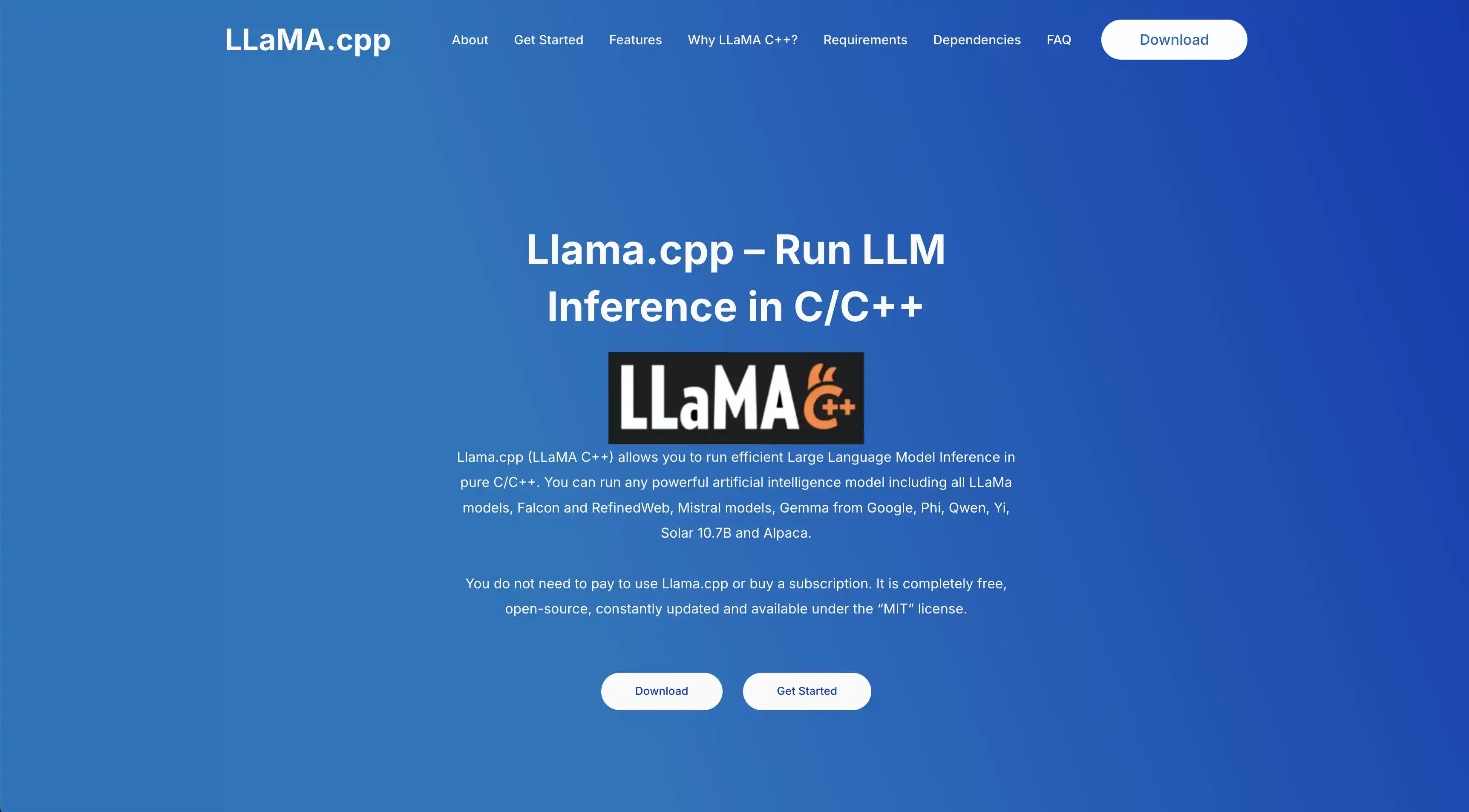
O Llama.cpp é o motor que alimenta a maioria dos apps desta lista. É uma implementação em C/C++ da arquitetura Llama, da Meta, expandida para dar suporte a dezenas de famílias de modelos. Ele é extremamente eficiente, oferece suporte a inferência na CPU e na GPU, lida nativamente com modelos quantizados e roda em praticamente qualquer coisa.
A maioria das pessoas não usa o llama.cpp diretamente — é uma biblioteca e ferramenta de linha de comando, não um app amigável. Mas, se você quer extrair cada token por segundo do seu hardware, compilar a partir do código-fonte e rodar o llama-cli te dá acesso a todas as otimizações possíveis.
Plataformas: Mac, Windows, Linux (e Raspberry Pi)
Escolha se: você é desenvolvedor ou gosta de mexer nas coisas, quer desempenho bruto e não precisa de uma interface bonita.
Comparação rápida
Veja como os oito apps se comparam num relance:
Ferramenta
Interface gráfica
Facilidade
Plataformas
Atomic Chat
Sim
Muito fácil
Mac
LM Studio
Sim
Fácil
Mac, Win, Linux
Jan AI
Sim
Fácil
Mac, Win, Linux
Ollama
Não (CLI)
Médio
Mac, Win, Linux
GPT4All
Sim
Fácil
Mac, Win, Linux
KoboldCpp
Web
Médio
Mac, Win, Linux
Open WebUI
Web
Médio
Qualquer
Llama.cpp
Não (CLI)
Difícil
Qualquer
Perguntas frequentes
Dá para usar IA offline?
Sim. Todos os apps desta lista funcionam 100% offline depois que você baixa o app e um modelo. O download inicial exige internet, mas, a partir daí, você nunca mais precisa ficar online.
Os apps de IA offline são gratuitos?
Sim. Todos os oito apps listados aqui são gratuitos. Os modelos são de código aberto. O único custo é o seu próprio hardware, que você já tem.
Preciso de um computador potente para rodar IA local?
Não necessariamente. Uma máquina com 8 GB de RAM roda modelos menores como o Phi-4 Mini tranquilamente. Para a melhor experiência, 16 GB de RAM é o ideal. Os Macs com Apple Silicon são especialmente bons para IA local graças à arquitetura de memória unificada.
Por qual app de IA offline devo começar?
Se você quer o caminho mais rápido entre o zero e um chatbot de IA funcionando, comece pelo Atomic Chat.
Comece a usar IA offline hoje
Começar a usar IA offline em 2026 leva só alguns minutos. Baixe o Atomic Chat, escolha um modelo e comece a fazer perguntas — seus dados nunca saem do seu dispositivo.