Melhorar Qualidade de Imagem com IA: As 5 Melhores Ferramentas
Last Updated:
2026-09-08
Melhorar Qualidade de Imagem com IA: As 5 Melhores Ferramentas
Alguns anos atrás, melhorar a qualidade de uma imagem borrada ou de baixa resolução geralmente significava abri-la em um programa como o Photoshop e ajustar manualmente recursos como curvas, máscaras e filtros de nitidez.
O processo podia levar de 30 minutos a várias horas, e o resultado nem sempre era bom — em grande parte porque dependia muito da habilidade de quem editava.
Os aprimoradores de imagem com IA mudaram esse cenário.
Mas afinal, o que são os aprimoradores de imagem com IA? São ferramentas on-line movidas por inteligência artificial capazes de gerar uma versão da sua imagem em resolução mais alta, com bordas mais nítidas e menos ruído — muitas vezes com um único clique e sem exigir nenhuma habilidade de edição.
Testamos mais de uma dúzia de aprimoradores de imagem com IA e reduzimos a lista às cinco ferramentas que entregaram os melhores resultados de forma consistente. Neste guia, vamos mostrar no que cada ferramenta se destaca, onde ela deixa a desejar e como decidir qual é a ideal para você. Vamos começar.
Os aprimoradores de imagem com IA usam aprendizado de máquina para analisar o conteúdo da foto e gerar versões melhoradas — aumentando a nitidez dos detalhes, elevando a resolução, reduzindo o ruído e corrigindo a exposição — em vez de apenas ajustar os pixels existentes, como fazem os editores tradicionais.
Eles conseguem ampliar uma foto de 500×500 para 2000×2000 acrescentando detalhes que não existiam no original, ao prever como os pixels ausentes deveriam ser com base em padrões aprendidos.
O Overchat AI é a melhor escolha — aprimoramento totalmente automático em um clique, prompts de texto opcionais para ajustes específicos, sem cadastro, sem marca d'água e com vários modelos de IA, incluindo o GPT Image 1.5 gratuito.
O Canva integra o aprimoramento diretamente ao seu editor de design, com controles deslizantes manuais e aumento de resolução com IA de até 8x, mas recursos avançados como o Magic Edit exigem o Canva Pro a partir de US$ 5/mês.
O NoteGPT oferece ampliação de 2x/4x/6x até resolução 8K com envios em lote, apoiado por uma plataforma com mais de 80 milhões de usuários — mas limita os usuários gratuitos a 2 aprimoramentos por dia.
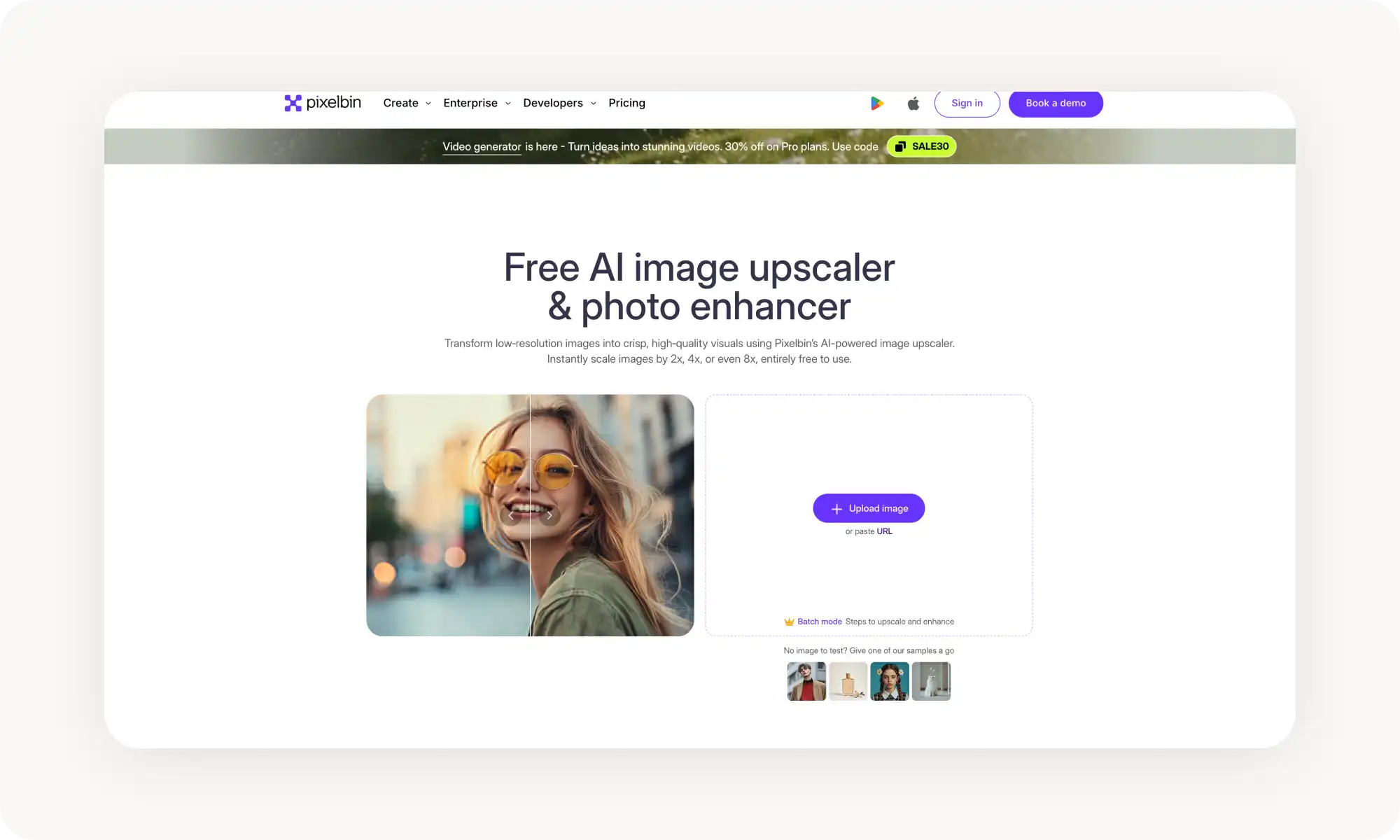
O PixelBin foi feito para desenvolvedores e e-commerce, com processamento em lote de até 50 imagens e integração completa via API/SDK, o que o torna exagerado para usuários casuais e com uma estrutura de preços por créditos confusa.
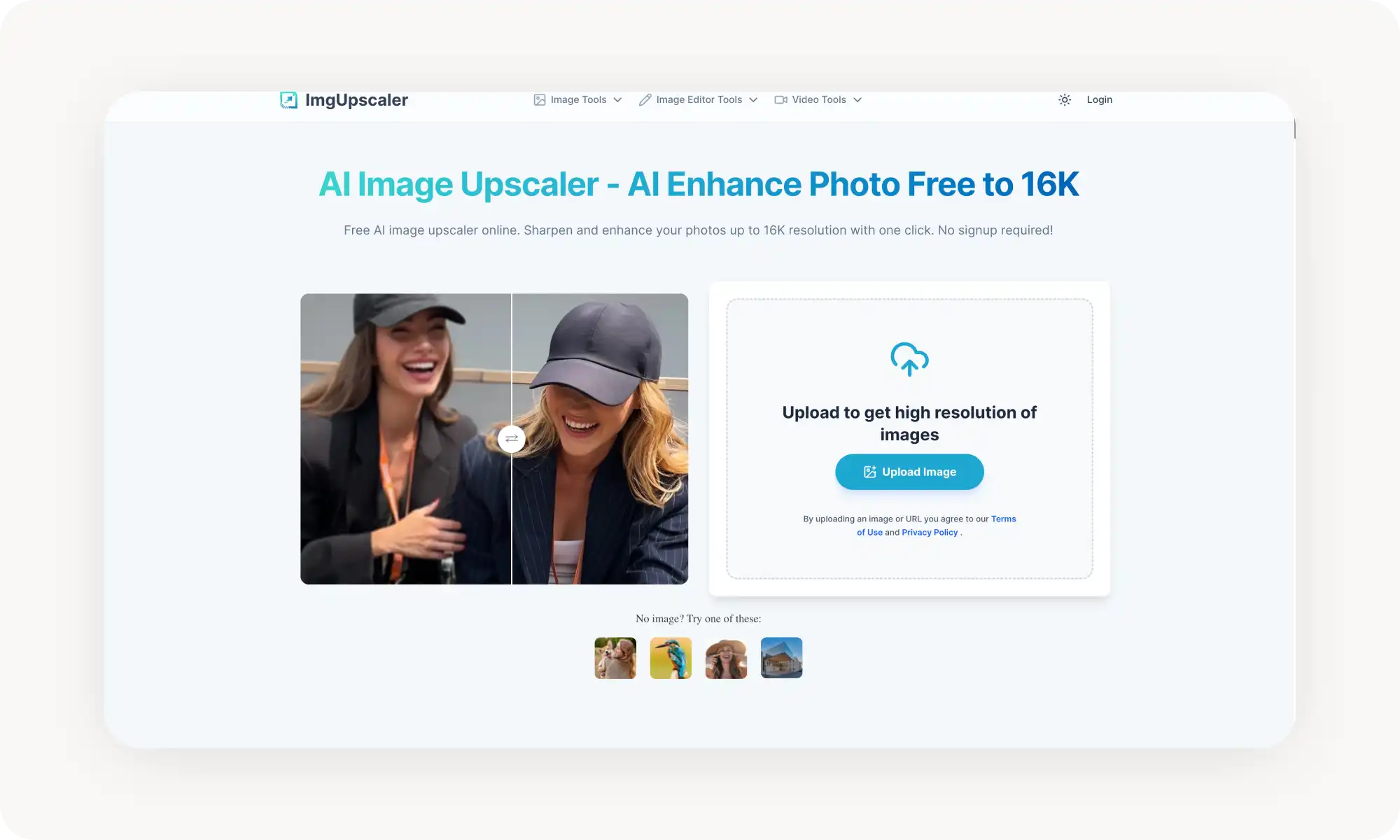
O ImgUpscaler AI se destaca por suportar resolução de até 16K — bem acima do teto de 4K/8K dos concorrentes —, o que o torna ideal para trabalhos de impressão em grande formato.
Diferença essencial: o aumento de resolução eleva especificamente a resolução, enquanto o aprimoramento é o termo mais amplo, que abrange o aumento de resolução somado à nitidez, à redução de ruído, à correção de iluminação e à melhoria das cores.
O que é um aprimorador de imagem com IA?
Um aprimorador de imagem com IA é uma ferramenta on-line que usa aprendizado de máquina e inteligência artificial para melhorar automaticamente a qualidade de uma foto. Ela consegue dar nitidez a detalhes borrados, aumentar a resolução (ampliar a imagem), corrigir a exposição e a iluminação, reduzir grão e ruído e realçar a vivacidade das cores — às vezes tudo de uma vez.
Em muitos casos, todo o processo acontece automaticamente com um único clique, quase como aplicar um filtro superpotente.
Como funcionam os aprimoradores de imagem com IA?
Para entender de verdade como os aprimoradores de imagem com IA funcionam, vale compará-los com os editores de foto tradicionais. Em um editor comum, quando você arrasta para cima o controle deslizante de brilho, o software simplesmente aplica um ajuste uniforme aos pixels existentes em toda a imagem.
Os aprimoradores com IA funcionam de outra forma. Em vez de apenas modificar os pixels existentes, a IA primeiro analisa o conteúdo da imagem, identifica as áreas que precisam de melhoria e então gera uma versão aprimorada da foto. O resultado fica quase idêntico ao original — mas com detalhes mais claros, bordas mais nítidas e melhor qualidade geral.
Na prática, isso significa que você pode pegar uma foto de 500×500 pixels e ampliá-la para algo como 2000×2000, acrescentando detalhes que não estavam presentes nos dados de pixel originais. A diferença essencial é que a IA prevê como esses detalhes ausentes deveriam ser com base nos padrões que ela aprendeu e nos pixels ao redor, e é por isso que o resultado costuma ficar surpreendentemente natural.
Como usar um aprimorador de imagem com IA?
A maioria dos aprimoradores com IA segue uma de duas abordagens:
Totalmente automático. Você envia uma foto, clica em um botão e a IA faz o resto nos bastidores. Alguns segundos depois, você recebe uma imagem aprimorada, pronta para baixar e usar. Mais fácil que isso é difícil.
Ajuste manual com assistência de IA. Nessa abordagem, você ainda conta com recursos baseados em IA, mas controla quais ajustes são aplicados e com que intensidade. Em geral, isso envolve controles deslizantes de brilho, contraste, saturação e nitidez, além de opções mais avançadas, como a intensidade da redução de ruído ou o fator de ampliação.
Por exemplo, o Image Enhancer do Overchat AI funciona quase sempre de forma automática, mas também inclui um campo opcional de prompt de texto, em que você pode dar instruções específicas. Em vez de mexer nos controles deslizantes, basta descrever a edição que deseja em linguagem simples e deixar a IA cuidar do resto.
As 5 melhores ferramentas para aprimorar imagens com IA, lado a lado
Depois de testar mais de 15 aprimoradores de foto, estas são as cinco que entregaram os resultados mais consistentes e de alta qualidade:
Ferramenta
Abordagem
Plano gratuito
Preço
Overchat AI
Automático em um clique + prompt de texto opcional
✓
US$ 5,99/semana ou US$ 49,99/ano
Canva
Controles deslizantes manuais + ajuste automático, aumento de até 8x
✗
A partir de US$ 5/mês (Pro)
NoteGPT
Ampliação em um clique com fator de escala selecionável
✓
A partir de US$ 9,99/mês
PixelBin
Upscaler com IA, processamento em lote e API
✓
A partir de US$ 5/pacote de créditos
ImgUpscaler.ai
Aumento de resolução com IA em um clique + conjunto de ferramentas
✓
A partir de US$ 2,99/pacote de créditos
A seguir, um olhar mais detalhado sobre cada ferramenta.
Overchat AI
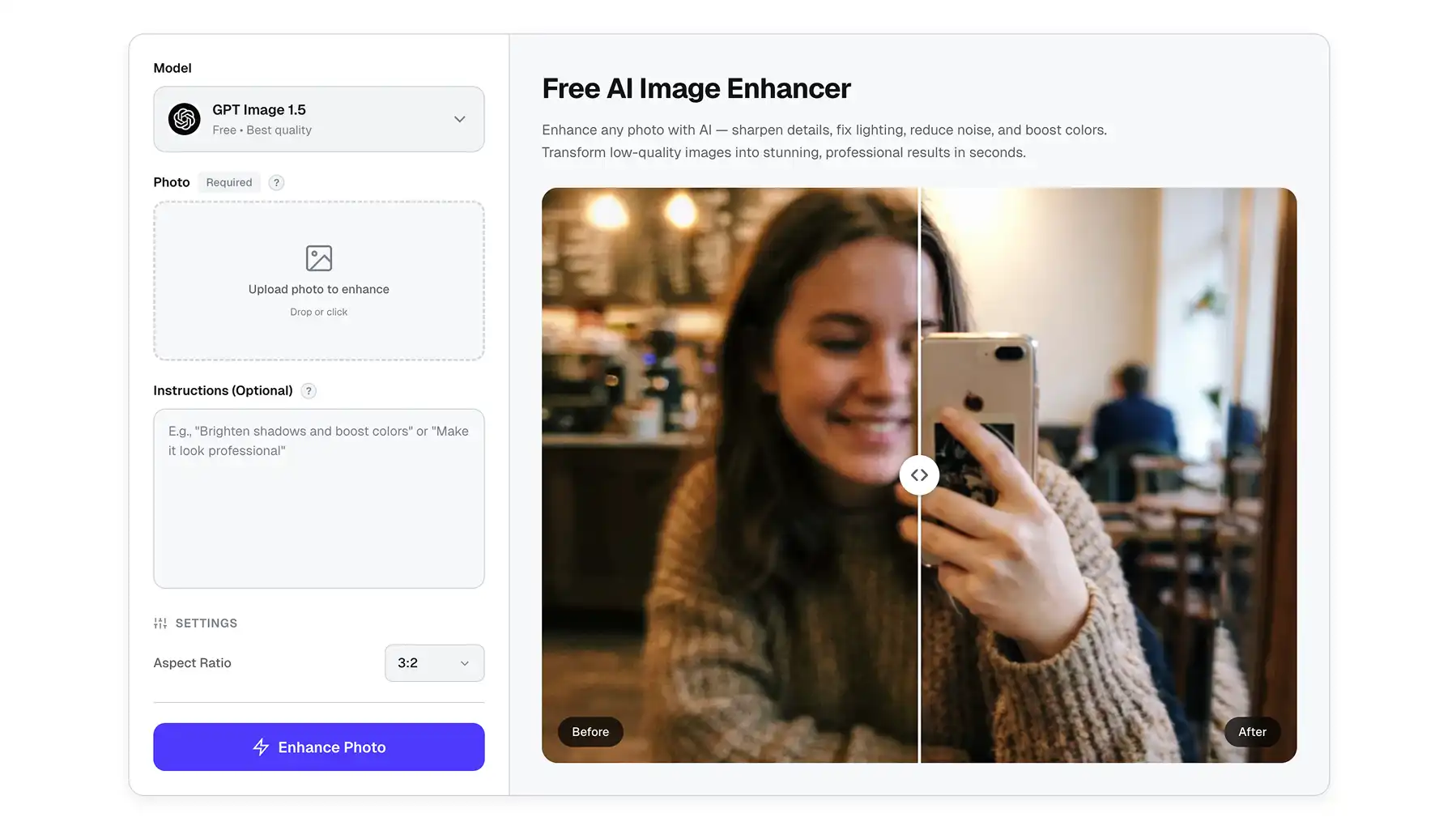
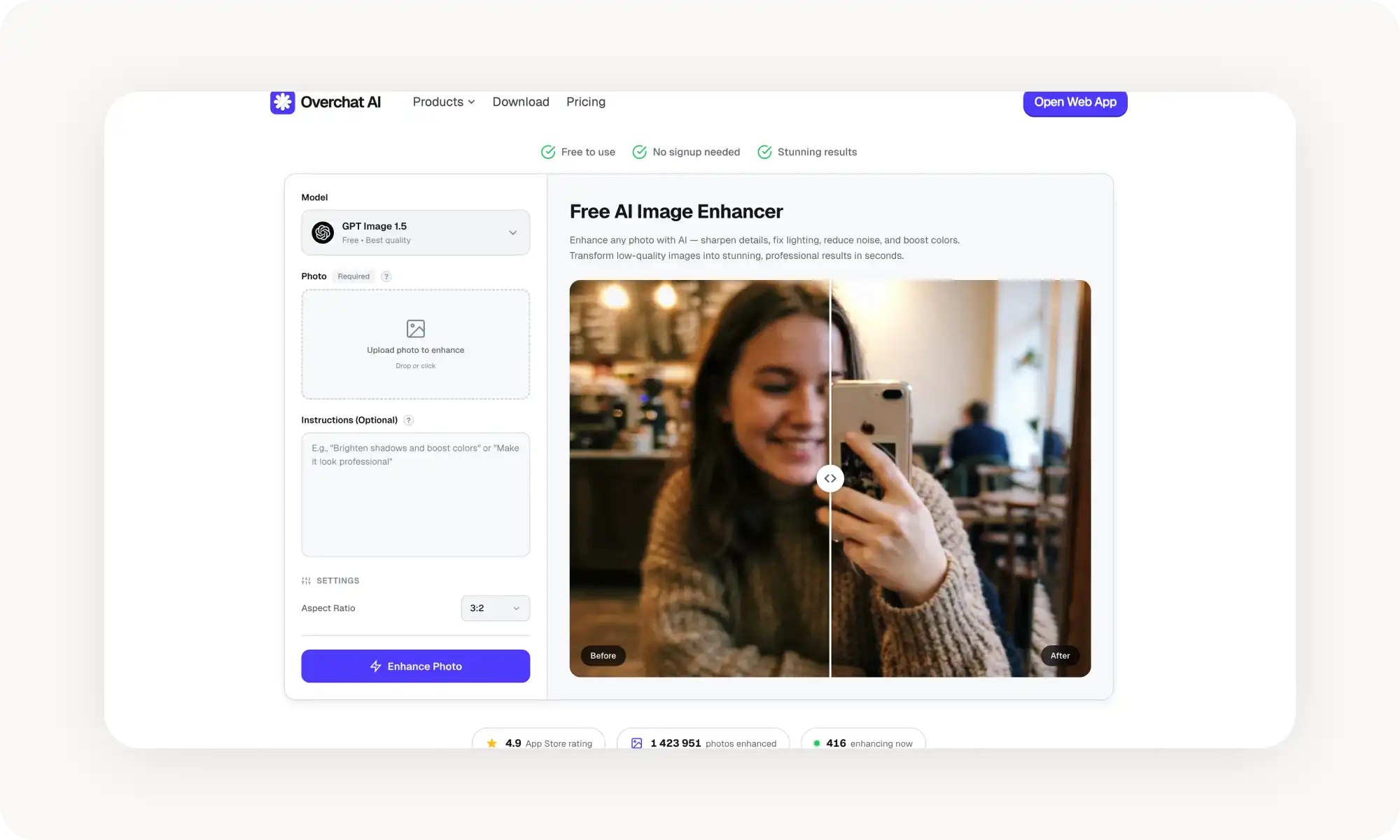
O Image Enhancer do Overchat AI é a ferramenta mais simples de usar desta lista. Você envia uma foto e a IA automaticamente dá nitidez aos detalhes, reduz o ruído e realça as cores — tudo sem que você precise mexer em um único controle deslizante. Não exige conta e não deixa marca d'água no resultado.
O modelo padrão é o GPT Image 1.5, que está disponível de graça. Mas o que diferencia o Overchat da maioria dos aprimoradores é o campo opcional de instruções. Se o resultado automático não for exatamente o que você precisa, basta digitar uma instrução em linguagem simples, como clarear as sombras, e a IA fará o ajuste de acordo.
A ferramenta é compatível com os formatos JPG, PNG, WebP e HEIC e inclui opções de proporção (1:1, 3:2, 4:3, 16:9, 9:16) para redimensionar durante o aprimoramento.
Prós:
✅ Totalmente automático — envie e aprimore em um clique
✅ Prompts de texto opcionais para ajustes específicos
✅ Sem necessidade de cadastro, sem marca d'água
✅ Vários modelos de IA disponíveis (gratuitos e Pro)
Canva
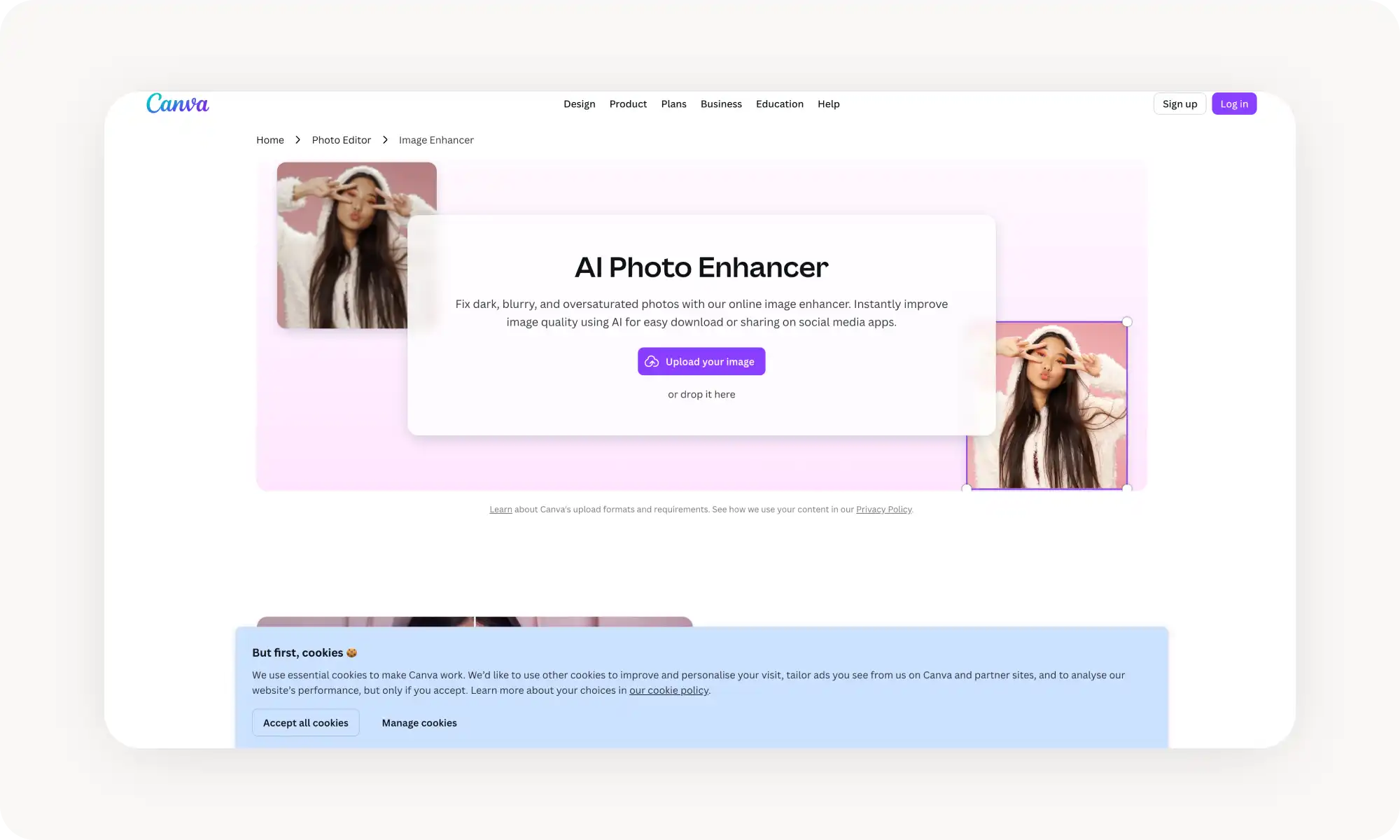
O aprimorador de imagem do Canva fica integrado diretamente ao seu editor de design, o que o torna uma escolha natural se você já usa o Canva para redes sociais, apresentações ou materiais de marketing. Você pode aprimorar uma foto e colocá-la na hora em um modelo, sem trocar de ferramenta.
As ferramentas de aprimoramento incluem controles deslizantes manuais de brilho, contraste, saturação, nitidez, vivacidade, realces, sombras e temperatura. Há também uma opção de ajuste automático que aplica uma melhoria equilibrada com um clique.
O problema é que os recursos mais poderosos — aumento de resolução com IA, Magic Edit, Magic Expand e Background Remover — todos exigem o Canva Pro, a partir de US$ 5/mês.
Prós:
✅ As ferramentas de aprimoramento ficam dentro de um pacote completo de design — edite e crie em um só lugar
✅ Os controles deslizantes manuais dão controle preciso sobre iluminação, cor e nitidez
✅ O upscaler com IA suporta ampliação de até 8x
✅ Funciona no desktop, no iOS e no Android
Contras:
❌ O aumento de resolução com IA e os recursos avançados exigem o Canva Pro
NoteGPT
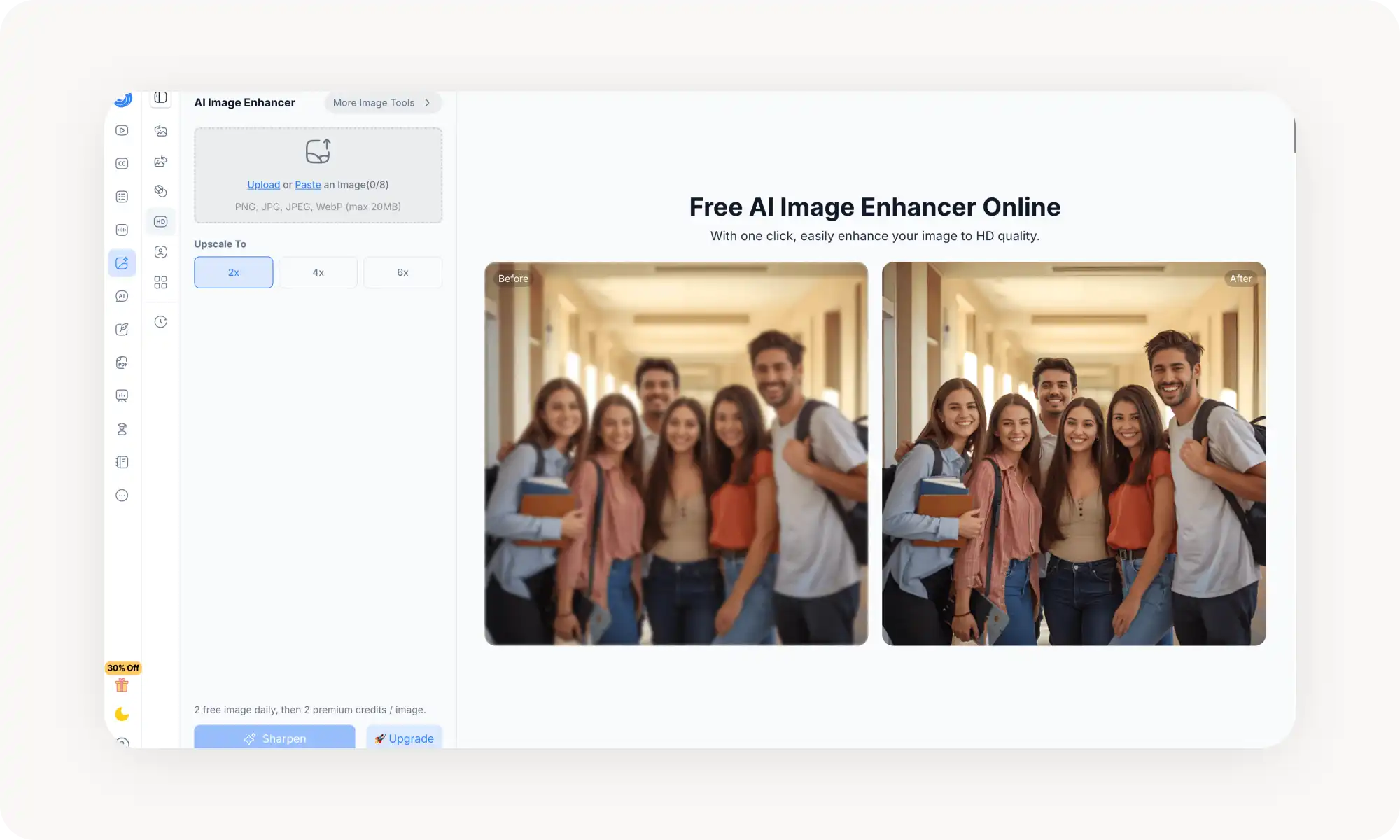
O NoteGPT é conhecido principalmente como uma plataforma de anotações e resumos com IA, mas suas ferramentas de edição de imagem — incluindo o aprimorador de imagem com IA — são surpreendentemente capazes.
O aprimorador permite ampliar fotos com a opção de 2x, 4x ou 6x, com resultados que chegam a resolução de até 8K.
A plataforma do NoteGPT tem mais de 80 milhões de usuários e conta com a confiança de mais de 12.000 escolas e equipes, o que demonstra sua confiabilidade, mesmo que o aprimoramento de imagem não seja seu produto principal. O aprimorador faz parte de um conjunto mais amplo de edição de imagem com IA, que também inclui um removedor de fundo, um gerador de retratos profissionais e ferramentas de imagem para imagem.
Prós:
✅ Saída de até 8K
✅ Envios em lote
✅ Faz parte de um kit maior de edição de imagem com IA
Contras:
❌ Apenas 2 aprimoramentos gratuitos por dia
❌ Interface poluída
PixelBin
O PixelBin é uma plataforma de transformação de imagem baseada em IA, criada originalmente para desenvolvedores e empresas de e-commerce. Sua ferramenta Image Upscaler usa IA para aumentar a resolução em até 8x preservando os detalhes, e faz parte de um kit muito mais amplo, que inclui remoção de fundo, remoção de objetos, redução de ruído, colorização de fotos e restauração de fotos antigas.
Onde o PixelBin se destaca é nos recursos de processamento em lote e de API. Você pode editar até 50 imagens de uma só vez pelo editor em lote, e os desenvolvedores podem integrar as transformações do PixelBin diretamente em seus aplicativos e sites por meio de API e SDKs para Node.js e React.
O preço é baseado em créditos. O plano gratuito inclui um pequeno número de créditos, com créditos pré-pagos disponíveis por cerca de US$ 0,28 cada.
Prós:
✅ Até 50 imagens de uma só vez
✅ API e SDK para desenvolvedores
✅ Plataforma completa de gestão de imagens
Contras:
❌ Exagerado para usuários casuais
❌ O plano gratuito é muito limitado
❌ A estrutura de preços pode confundir (créditos, assinaturas, pagamento por uso)
ImgUpscaler AI
O ImgUpscaler AI é uma ferramenta dedicada de aumento de resolução com IA que foca em uma única coisa e a faz bem: deixar as imagens maiores e mais nítidas. O grande destaque é o suporte a resolução de até 16K — bem acima do teto de 4K ou 8K oferecido pela maioria dos concorrentes —, o que o torna indispensável para trabalhos de impressão em grande formato.
O fluxo de trabalho é direto. Você envia um arquivo JPG, PNG ou HEIC e a IA aumenta automaticamente para a resolução 2x. Depois, se quiser, você pode ajustar o nível de clareza. Não é preciso conta para usar os recursos básicos, e a interface é limpa e sem distrações.
Prós:
✅ Suporta aumento de resolução de até 16K
✅ Não exige cadastro
✅ Preço de entrada acessível
Contras:
❌ O processamento em lote só está disponível nos planos pagos
❌ Apenas na web — sem aplicativo para desktop ou celular
Perguntas frequentes (FAQ)
Como posso melhorar a qualidade de uma imagem de graça?
Envie sua foto para um aprimorador de imagem com IA gratuito, como o Overchat AI, que automaticamente dá nitidez aos detalhes, corrige a iluminação, reduz o ruído e realça as cores, sem precisar de conta nem deixar marca d'água. A maioria das ferramentas gratuitas dá conta de todo o processo com um clique — sem exigir nenhuma habilidade de edição.
Dá para aumentar uma imagem sem perder qualidade?
Com certeza! Os upscalers com IA geram novos dados de pixel com base nas texturas e nos padrões da imagem original, em vez de esticar os pixels existentes. Isso resulta em uma imagem maior e mais nítida, sem os artefatos quadriculados e pixelados que aparecem no redimensionamento tradicional.
Qual é o melhor aprimorador de imagem com IA em 2026?
O Overchat AI é a melhor opção geral para a maioria dos usuários: é gratuito, totalmente automático, não exige conta, não deixa marca d'água e inclui um prompt de texto opcional para ajustes específicos.
Aprimorar imagem com IA é a mesma coisa que aumentar a resolução com IA?
Não exatamente. O aumento de resolução eleva especificamente a resolução — deixando a imagem fisicamente maior e acrescentando detalhes. O aprimoramento é um termo mais amplo, que abrange o aumento de resolução somado à nitidez, à redução de ruído, à correção de iluminação e à melhoria das cores.
Conclusão
Os aprimoradores de imagem com IA usam aprendizado de máquina para dar nitidez, ampliar e corrigir fotos de formas que antes exigiriam um bom domínio do Photoshop ou um software de edição profissional. Seja para resgatar uma foto escura tirada com o celular, ampliar uma imagem de baixa resolução para impressão ou processar fotos de produtos em lote para uma loja on-line, há uma ferramenta nesta lista que serve para você.
Principais conclusões:
Os aprimoradores de imagem com IA usam superresolução para gerar novos dados de pixel, em vez de simplesmente esticar os pixels existentes, entregando resultados mais nítidos e detalhados do que a edição tradicional.
Algumas ferramentas, como o Overchat AI, funcionam de forma totalmente automática — você envia uma foto e a IA cuida da nitidez, da iluminação, do ruído e do aumento de resolução com um clique.
O Overchat AI é um dos melhores aprimoradores de imagem com IA gratuitos, oferecendo aprimoramento automático com prompts de texto opcionais, sem cadastro e sem marca d'água no resultado.